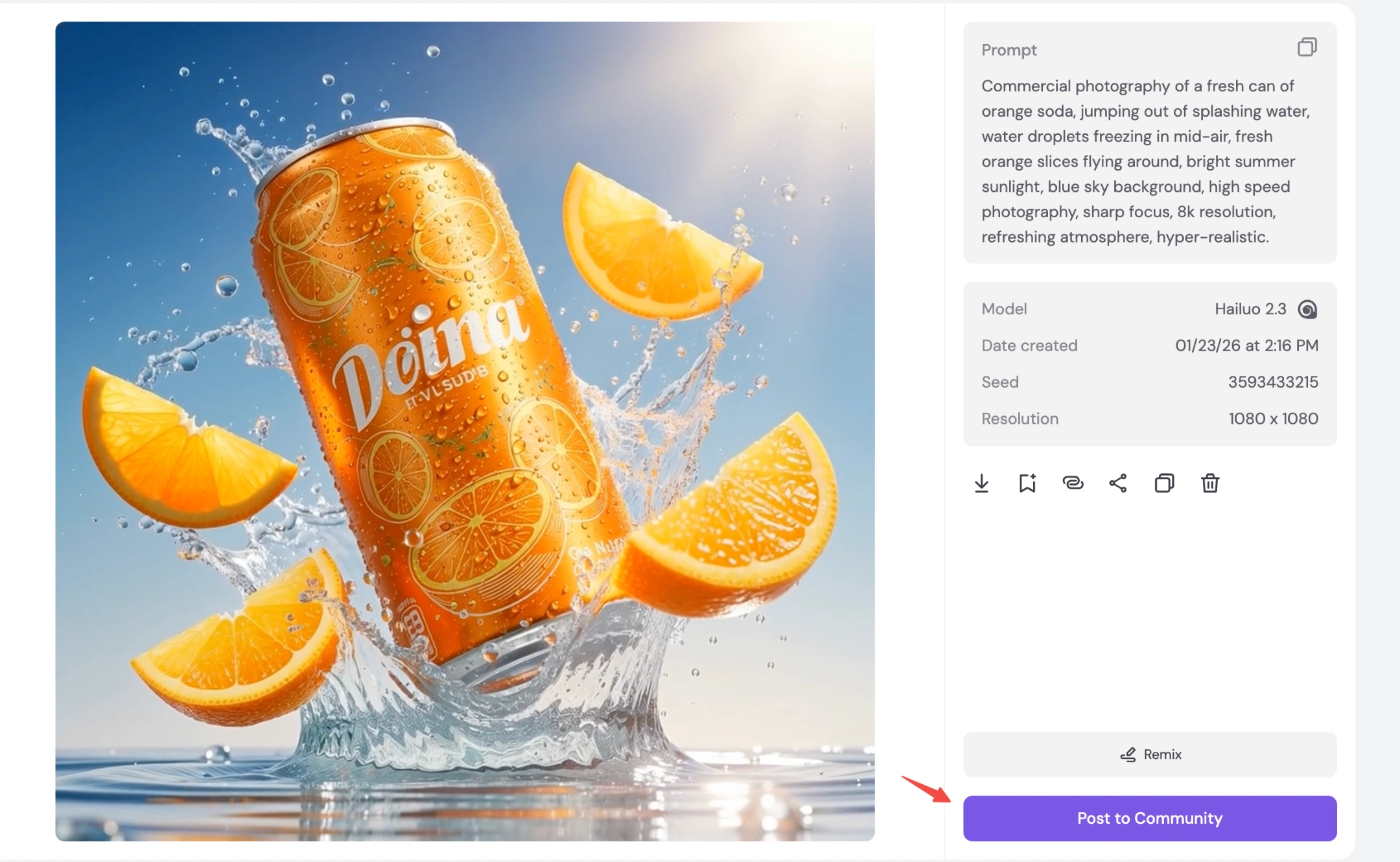
Want professional product ads but have zero budget for a studio? 💸
Don't worry. With Piclumen, you can turn a simple text idea into a dynamic 4K commercial in minutes!
Here is the secret recipe. 👇
📸 Step 1: Generate the Perfect Shot (Text-to-Image)
First, we need a high-quality "Key Visual." We will use FLUX.2 Pro because it handles textures (like water and metal) better than any other model.
1. Recommended Settings
Model: FLUX.2 Pro (🌟 Best for Photorealism)
Aspect Ratio: 9:16 (Perfect for TikTok/Reels)
Resolution: 1K (Fast & Clean)
2. The Magic Prompt (Copy & Paste)
Copy this text into the prompt box:
Commercial photography of a fresh can of orange soda, jumping out of splashing water, water droplets freezing in mid-air, fresh orange slices flying around, bright summer sunlight, blue sky background, high speed photography, sharp focus, 8k resolution, refreshing atmosphere, hyper-realistic.
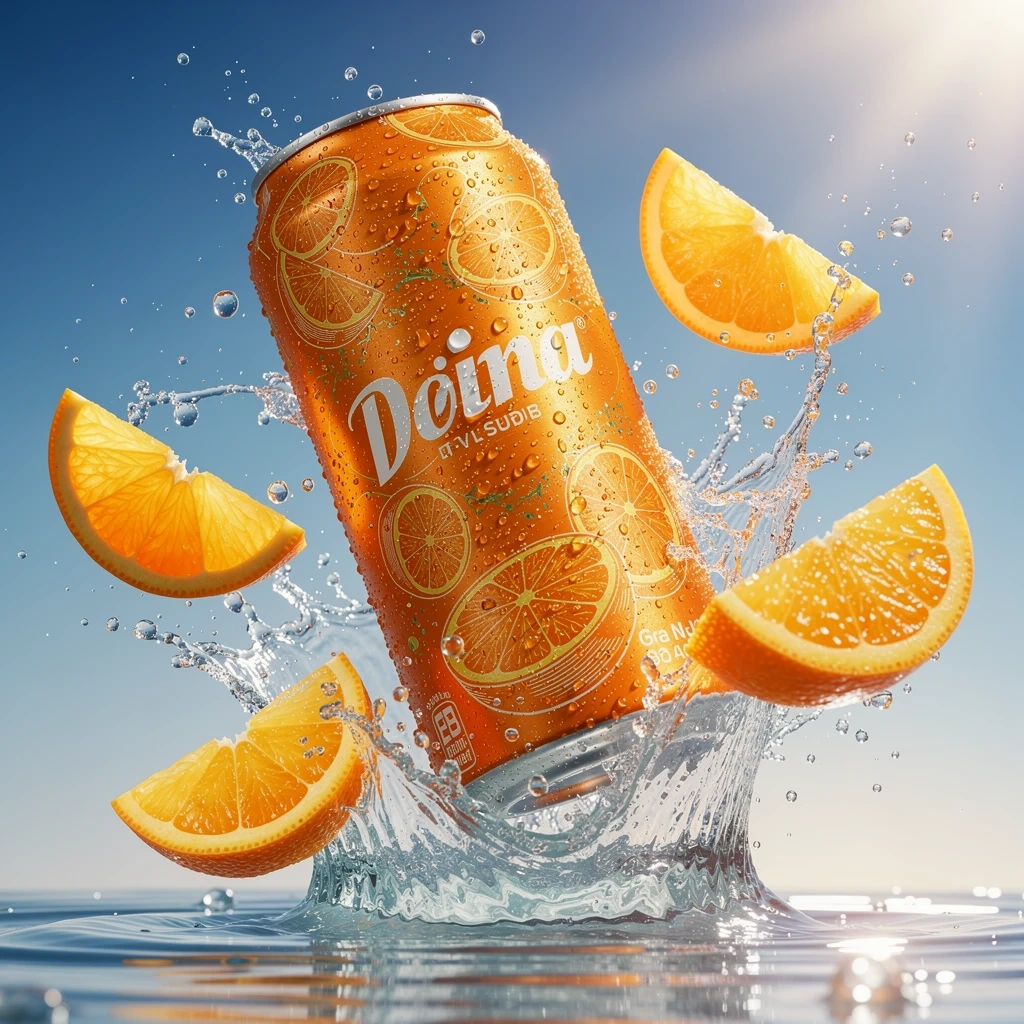
🎬 Step 2: Make It Move (Image-to-Video)
Static ads are good, but video ads get 3x more clicks. 📈
Now, let's bring your soda can to life using Hailuo 2.3!
1. Recommended Settings
Feature: Select 「Video」(Upload the image you just made)
Model: Hailuo 2.3 (🌟 Best for Fluid Motion)
Why? It understands physics. It keeps the can stable while making the water splash naturally.
Duration: 5s
2. The Video Prompt
Tell the AI how to move the water:
Slow motion heavy water splash, water droplets freezing and floating in mid-air, fresh bubbles rising up around the can, dynamic camera zoom out, cinematic commercial lighting, 4k high quality.
🎉 Tips
Infinite Loop: Import your video into an editor and add a "Reverse" effect at the end. This creates a seamless, bouncing loop perfect for Instagram Stories!
Showcase It: Click [Post to Community] to publish your first AI commercial and inspire others!