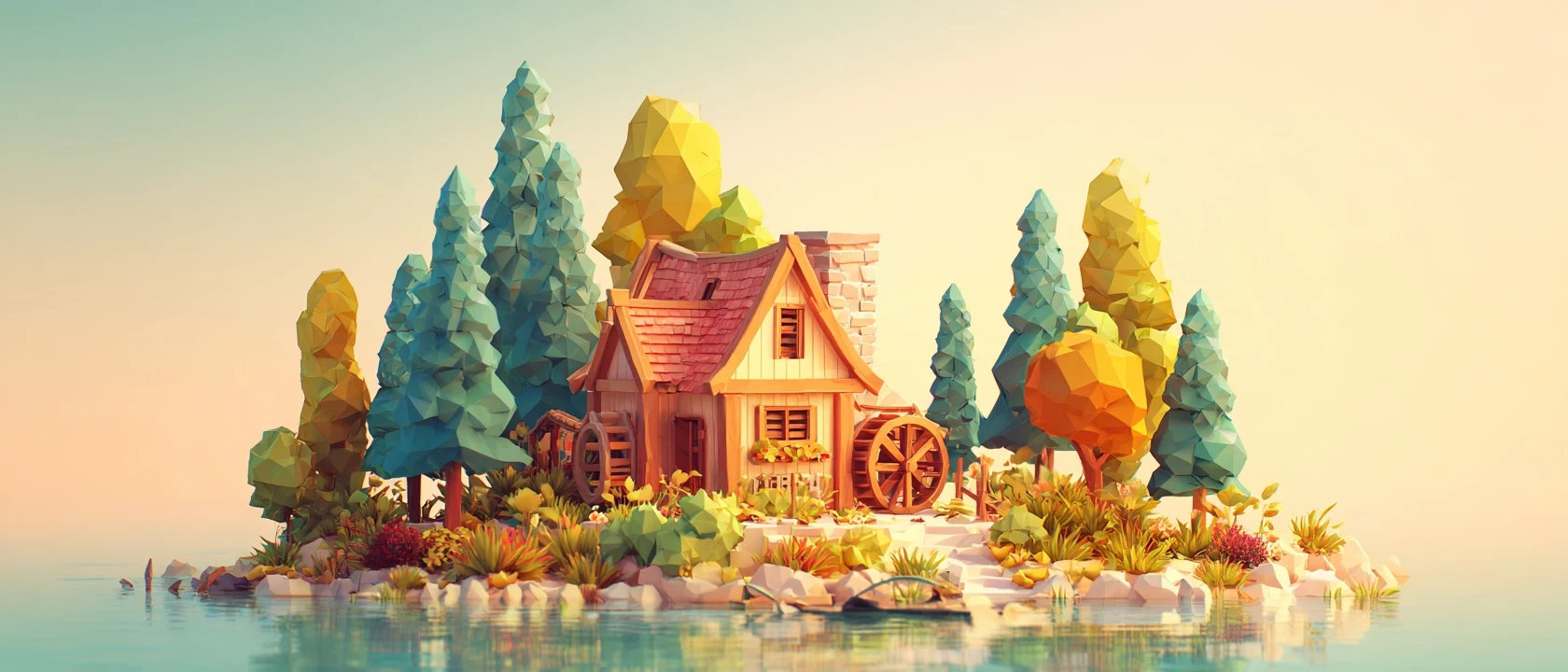
🎮 Indie Game Devs: How to Generate a Complete Isometric Asset Pack with AI
The biggest bottleneck in indie game development isn't coding—it's assets.
Buying generic asset packs often leads to the dreaded "asset flip" look, while hiring a dedicated 2D artist can drain your entire budget. If you are building a simulation, tower defense, or strategy game, Isometric Art (2.5D) is the industry standard.
Today, we move beyond random generation. We will simulate a real-world project: creating a complete "Fantasy Island" asset pack—from map biomes to UI icons—using Piclumen.
Step 1: The "Clean Code" Formula
To build a usable game kit, you need consistency. Avoid long, messy prompts that confuse the AI.
Here is the simplified formula for consistent game assets:
[Isometric View] + [Subject & Biome] + [Style & Engine] + [Background]
✅ Why short is better:
Less Conflict: Fewer adjectives mean the model focuses on the main object.
Harder Constraints: Short prompts enforce the style (e.g., "Low Poly") more strictly.
Step 2: Building the World Map (The Biomes)
We will use the same sentence structure for every level, changing only the subject. This guarantees that your Forest level looks like it belongs in the same game as your Ice level.
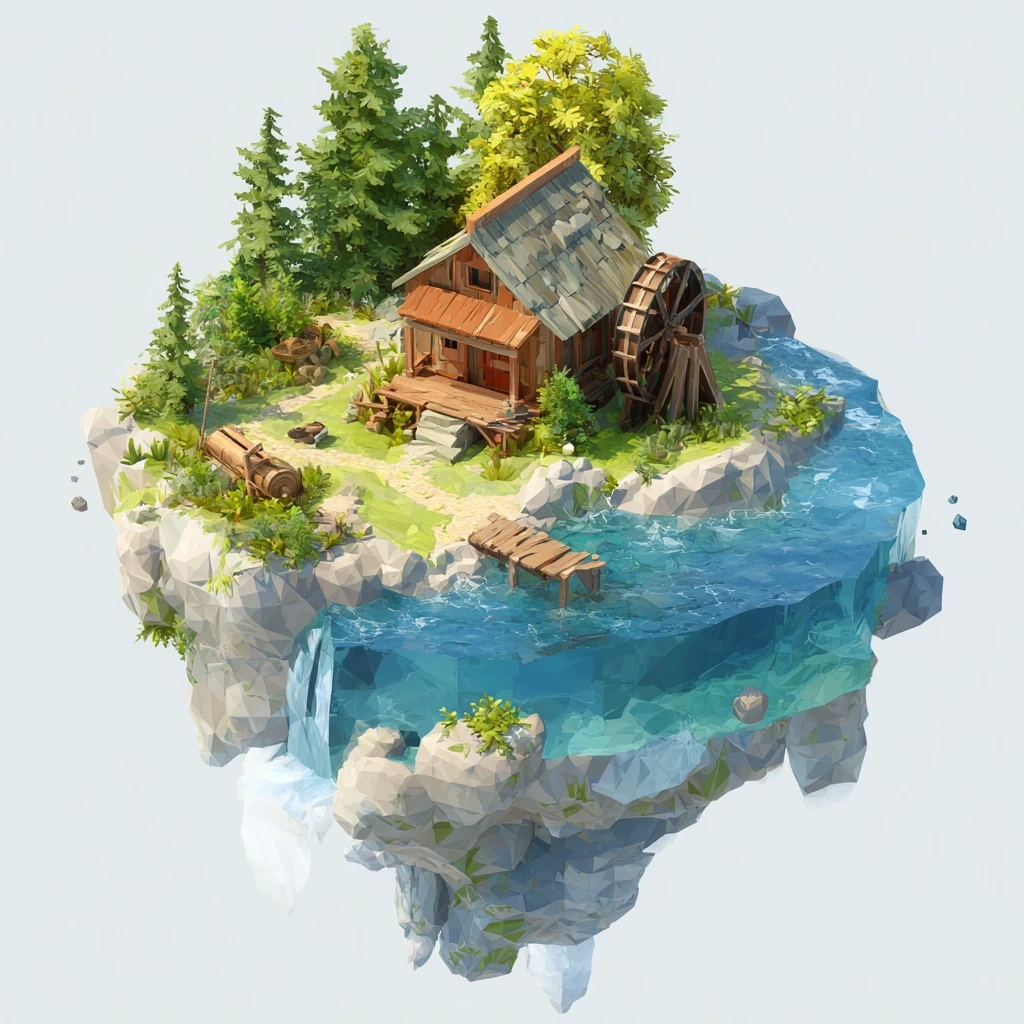
🌿 Level 1: The Starting Village (Forest)
Prompt: Isometric floating island, grassy forest biome with a cozy cottage and water mill. Low poly 3D game asset, vibrant Unity engine style. Pure white background.
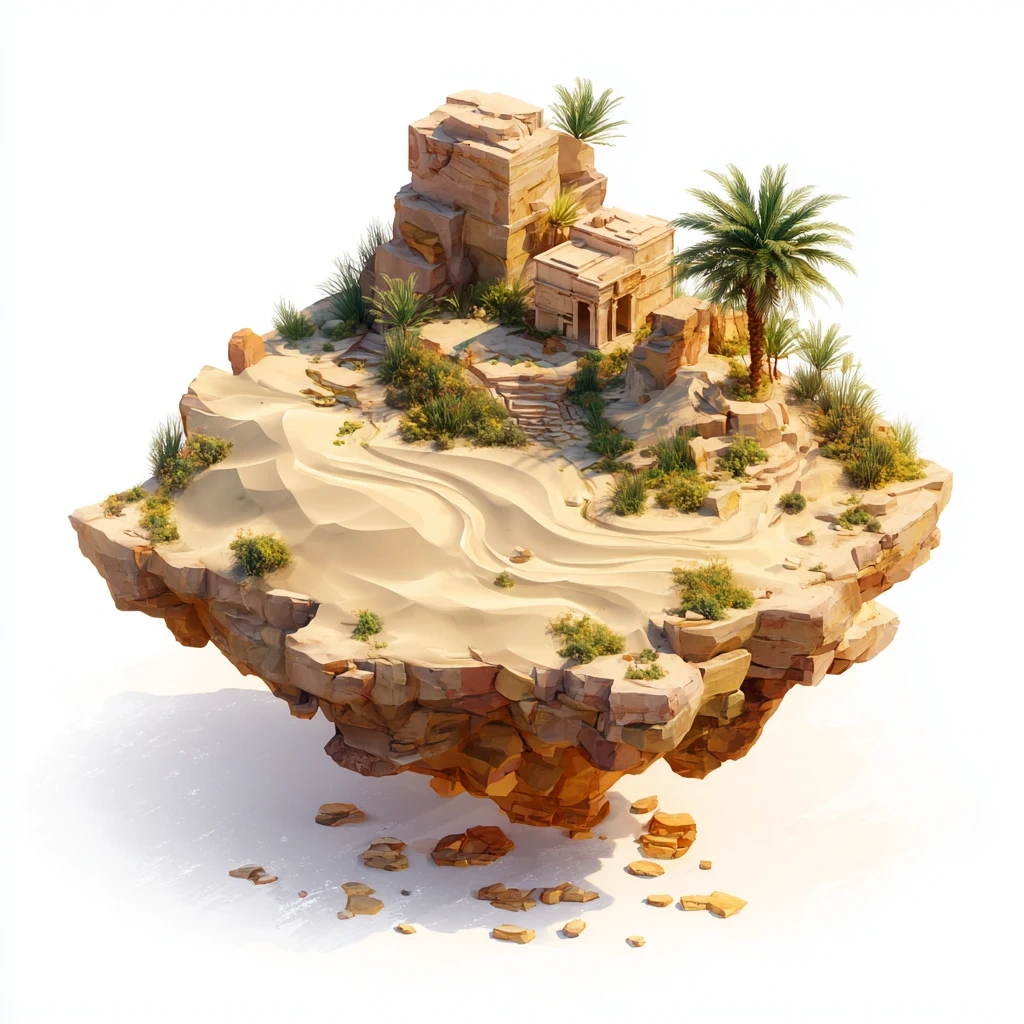
🌵 Level 2: The Ancient Ruins (Desert)
Prompt: Isometric floating desert island, golden sand dunes with ancient sandstone ruins and a palm tree oasis. Low poly 3D game asset, warm lighting, Unity engine style. Pure white background.
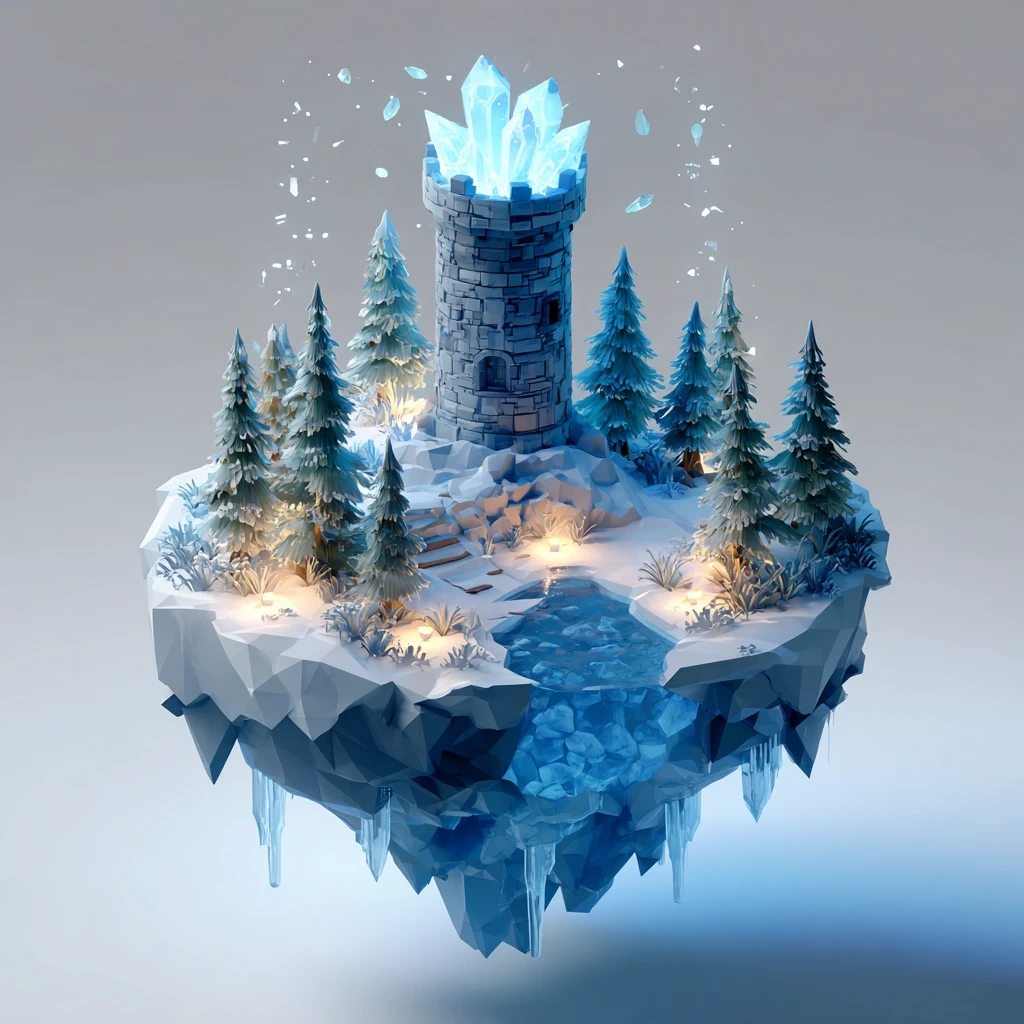
❄️ Level 3: The Frozen Fortress (Ice)
Prompt: Isometric floating ice island, snowy biome with a blue crystal fortress and frozen pine trees. Low poly 3D game asset, cool blue lighting, Unity engine style. Pure white background.
Step 3: Generating Props & UI Icons
For inventory items, we zoom in. We remove the "floating island" keyword to focus purely on the object icon.
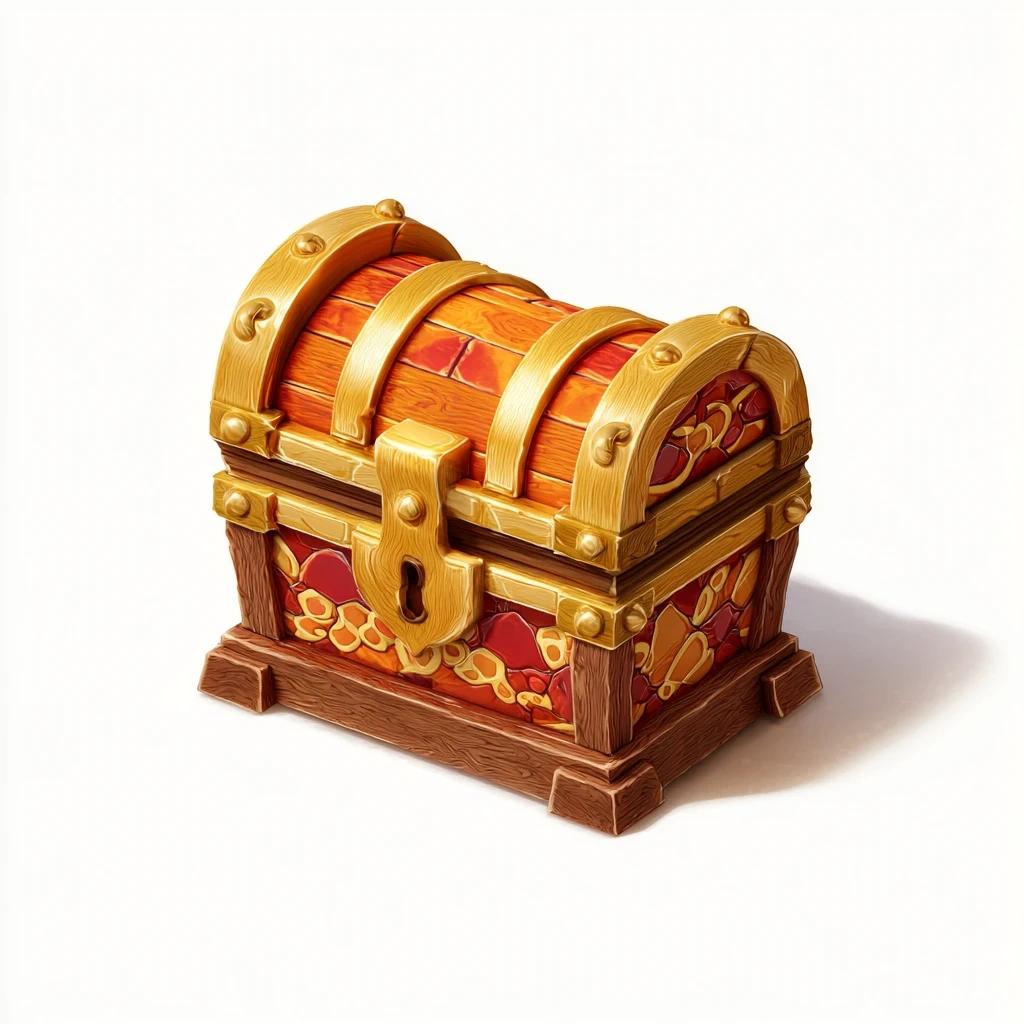
💰 The Loot: Treasure Chest
Prompt: Isometric game icon of a wooden treasure chest with gold trim. Low poly 3D asset, vibrant hand-painted texture, commercial game art. Pure white background.
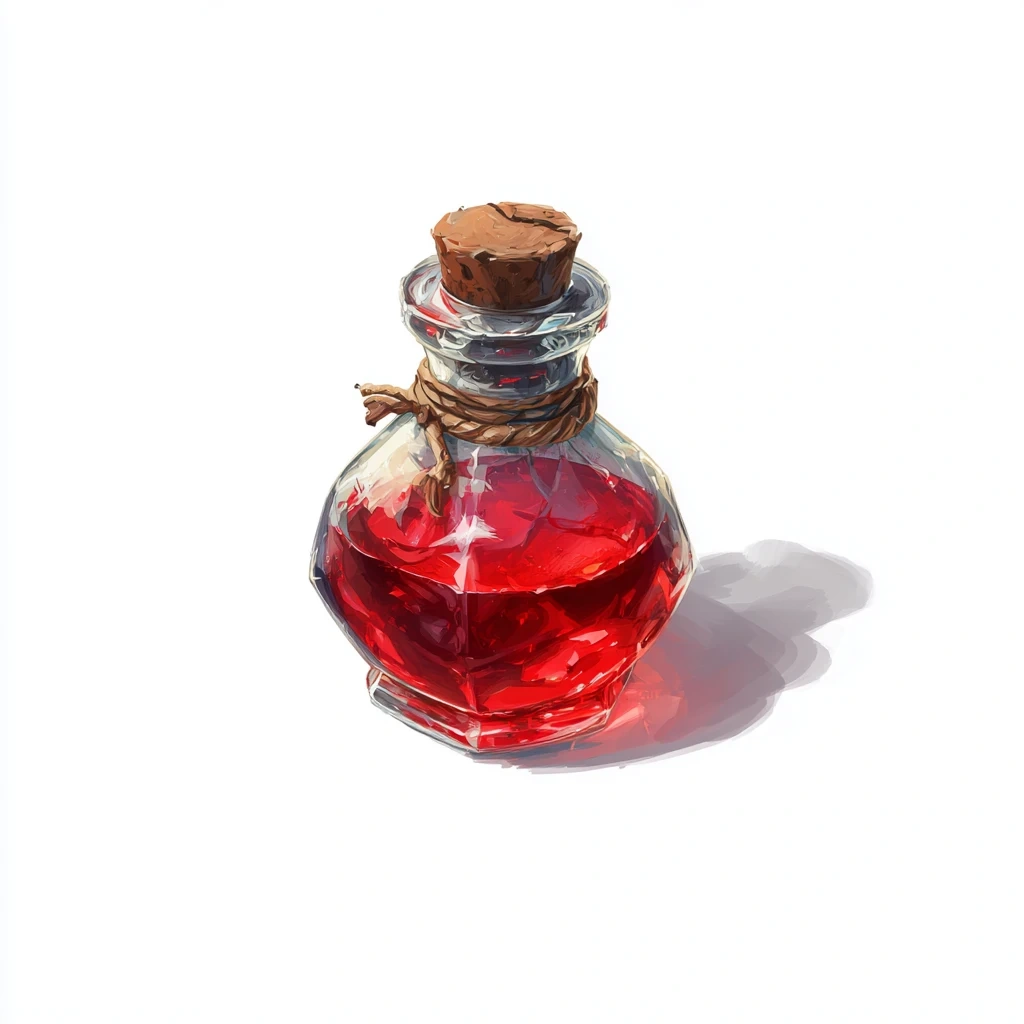
🧪 The Power-up: Magic Potion
Prompt: Isometric game icon of a glass potion bottle filled with glowing red liquid. Low poly 3D asset, vibrant hand-painted texture, commercial game art. Pure white background.
Developer Workflow: From AI to Engine
Generating the image is only half the battle. Here is how to integrate these into your engine:
Background Removal: Since we used the "Pure white background" keyword, use Piclumen’s remove background tool to instantly get a transparent PNG.
Sprite Sheets: Arrange your islands and icons onto a single 2048x2048 texture atlas to optimize game performance.
Consistency Check: Notice how all prompts share the tag Low poly 3D asset". Never change your style tag in the middle of a project!
Start Building Your Prototype
With AI, the barrier to entry for game art has crumbled. You can now prototype a fully styled level in a single afternoon.
Stop waiting for assets. Start building your world.