📹 AI for Creators: How to Generate "Text-Friendly" Virtual Studios for Video Thumbnails
The biggest struggle for creators isn't finding a "cool" image—it's finding one that doesn't hide your text.
Most AI models try to fill every corner with detail. For a YouTuber or Web Designer, this is a nightmare. You need Negative Space (or "Copy Space") to place your title, logo, or cutout portrait.
In this tutorial, we will show you how to use AI as a productivity tool. We are using PicLumen Realistic V2 to generate professional "Virtual Studio" assets that are specifically composed to let your typography shine.
Target Audience: YouTubers, Streamers (Twitch/Bilibili), Social Media Managers, Web Designers
Recommended Model: PicLumen Realistic V2 (Best AI model for spatial composition — and costs only 1 Lumen per image!)
Recommended Aspect Ratio: 16:9 (Video Thumbnails) or 21:9 (Web Banners)
🧠 How to Talk to the AI
To get clean backgrounds, we need to shift our prompting strategy from "describing objects" to "describing space."
"Minimalist Composition": Tells the AI to reduce clutter.
"Copy Space": A technical photography term that explicitly requests empty areas for text.
"Depth of Field / Bokeh": Blurs the background so text remains readable over it.
Part 1: The AI "Tech Reviewer" Studio
Best for: Tech reviews, software tutorials, crypto/finance news.
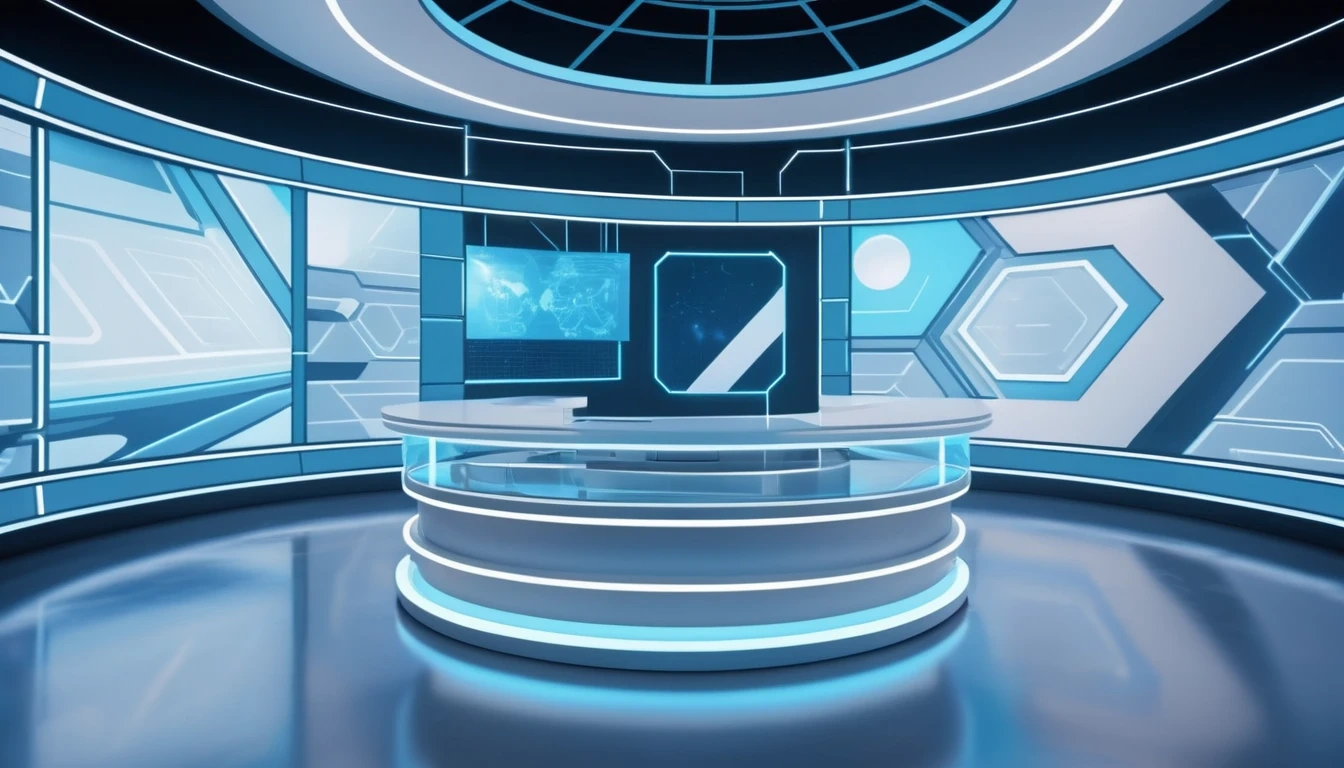
Visual Style: Cold tones, geometric, clean lines, high contrast.
Prompt: A futuristic virtual news studio background, abstract geometric shapes, soft blue and white neon lighting. Minimalist composition, large copy space on the right, depth of field, blurred background, 8k resolution, Unreal Engine 5 render style.
Part 2: The AI "Cozy Podcast" Corner
Best for: Lifestyle vlogs, interviews, storytelling, educational content.
Visual Style: Warm, textured, inviting, "depth" without distraction.
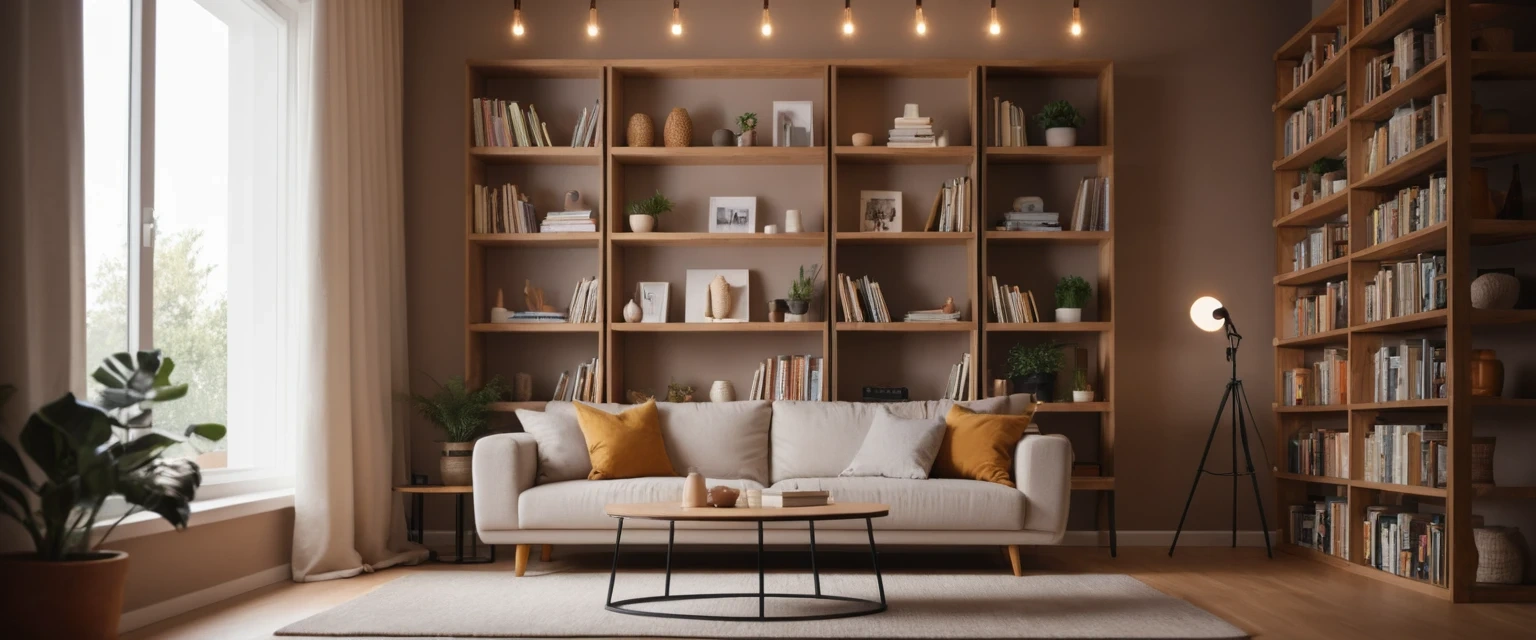
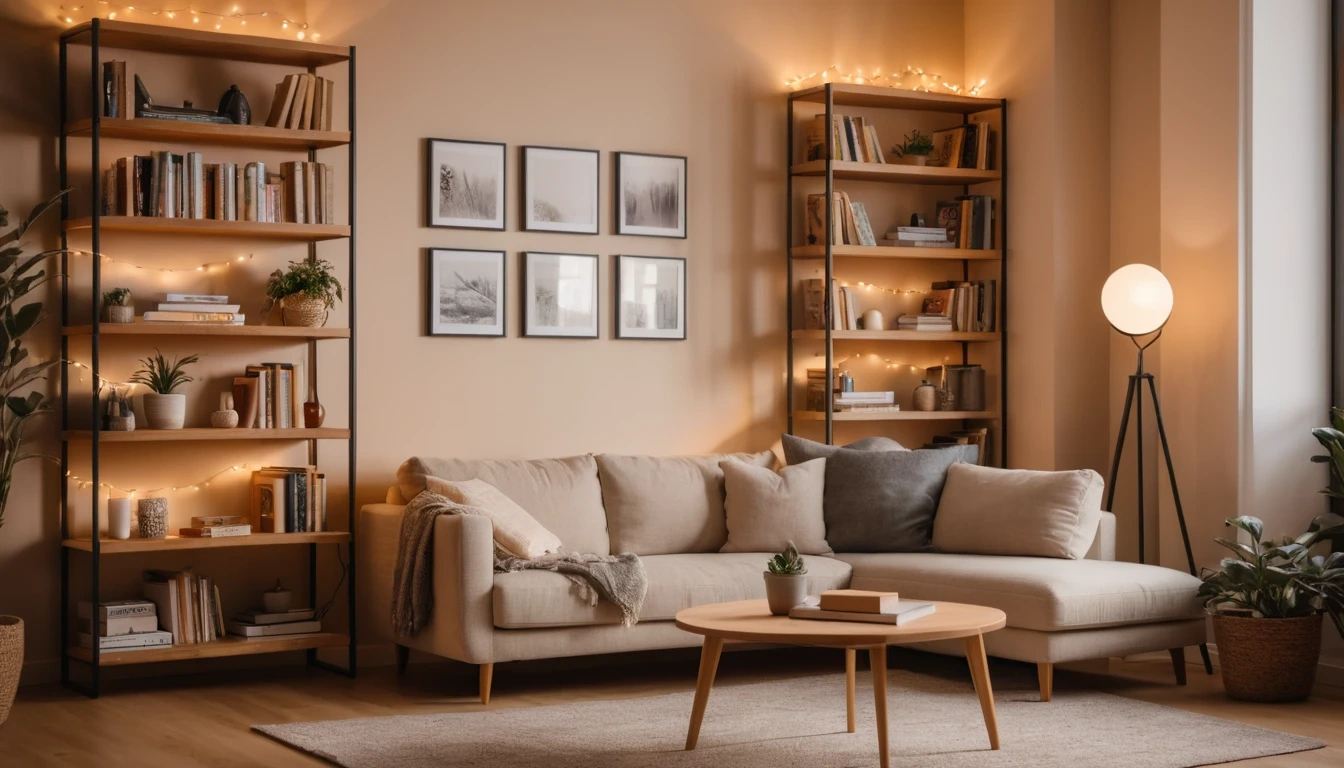
Prompt: A cozy modern living room corner adapted for a podcast studio, wooden shelves with books in the background, warm ambient lighting. Heavy bokeh effect, lots of copy space in the center, neutral colors, soft focus, high definition.
Part 3: The AI "Professional Broadcast" Set
Best for: Serious news, corporate announcements, business presentations.
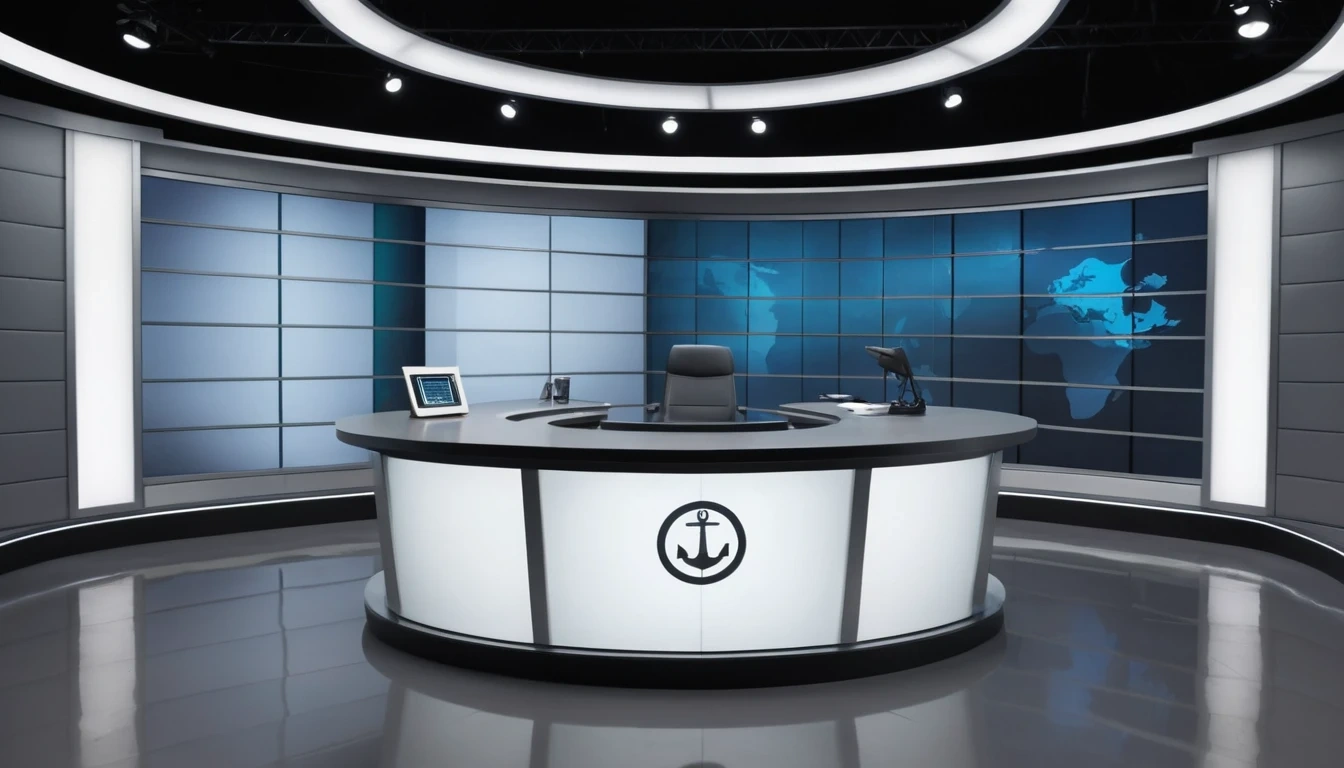
Visual Style: Sleek, metallic, premium, neutral greys and silvers.
Prompt: A professional broadcast news studio set, modern on-air studio design, subtle curved walls, clean grey and silver color palette. Visible anchor desk silhouette in the foreground, large LED backdrop wall behind, professional broadcast lighting (key light, fill light, rim light). Clean background with intentional copy space above and beside the desk for headlines, realistic studio floor reflections, no people, ultra realistic, 4k.
💡 Workflow: The "Thumbnail Formula"
To ensure your AI background is ready for production, follow this checklist:
Ratio Matters: Always use 16:9 for video. If you use square (1:1), you will lose the composition when you crop it later.
Directional Prompting:
If you put your face on the Left, add 「Copy space on the right」 to your prompt.
If you center your text, use 「Symmetrical composition, center copy space」
The "Busy" Trap: If the AI is still adding too many objects, add these words to your Negative Prompt: messy, cluttered, furniture, people, text, watermark, logo, intricate details
🚀 Boost Your Production Value with AI
You don't need to rent a physical studio or learn complex 3D software. Open Piclumen, select PicLumen Realistic V2, and paste one of the prompts above to upgrade your channel's visual identity today.