AI Hug Video Generator: Turn Photos into Viral Hugs with Piclumen (No Editing, No Animation Skills Needed)
The biggest viral video trend of 2026 isn't about complex VFX or professional editing. It’s purely emotional.
Across TikTok, Reels, and Shorts, creators are using AI Hug Generators to turn static photos into touching videos where two people slowly move closer and embrace. Whether it's bringing a memory of a passed loved one to life or creating a "multiverse" reunion between celebrities, these videos are nostalgic, heartwarming, and instantly shareable.
With Piclumen, you can now create these viral hug animations in seconds—no After Effects, no keyframes, and no animation skills required.
What Is the "AI Hug" Trend?
An AI Hug video is a specific type of Image-to-Video generation that transforms a still image of two subjects into a realistic hugging animation.
Unlike generic motion filters that just wave hair or blink eyes, Piclumen’s specialized Seedance model predicts:
Body Mechanics: How arms lift and wrap around another person.
Spatial Depth: The distance between two subjects.
Physical Interaction: The squeeze and emotional connection of a hug.
Creators are using AI Hug videos for:
❤️ Valentine’s Day Surprises: Creating a digital hug for long-distance partners.
🕊️ Memory Videos: Animating old photos of grandparents or loved ones.
🎬 Fandom Content: "Reuniting" movie characters or anime couples who never got a happy ending.
How to Create an AI Hug Video in Piclumen (Step-by-Step)
You don't need expensive software. Follow this simple workflow to generate your video in under 2 minutes.
Step 1: Prepare Your Image (The Golden Rules)
The quality of your AI hug depends entirely on your input image. For the Seedance model to work effectively, your photo must meet these criteria:
✅ Visible Gap: Subjects must stand side-by-side with a small, clear space between them. (Do not upload photos where they are already touching).
✅ Arms Visible: Half-body (waist up) or full-body shots work best so the AI knows where the arms are.
✅ High Resolution: Recommended pixel value over 300px on the shortest side.
✅ Clear Separation: Avoid blurry backgrounds that blend into the clothes.
Step 2: Select the Template
Navigate to the Video Templates section.
Select "Valentine · The Viral Hug Template".(Limited-time: first use free)
Step 3: Generate & Export
Upload your photo. The AI will automatically detect the two subjects and bridge the gap with a hugging motion. Once done, download your video and tag #AIHug on social media.
3 Proven Prompt Recipes for Viral AI Hugs
Don't have a photo? Use Piclumen's FLUX.2 Pro image generator to create the perfect "Before" shot.
These prompts are engineered to create the "Visible Gap" that the video AI needs to function perfectly.
1. The “Hollywood Reunion” (Realistic Style)
Best for: Nostalgia content, fake celebrity reunions, cinematic storytelling.
Prompt:A cinematic photo of a stylish 90s celebrity couple standing side by side on a red carpet, separated by a small gap, looking at each other with affection. The man is wearing a vintage leather jacket, the woman in a slip dress. Flash photography lighting, subtle film grain, photorealistic, high detail, 8k.
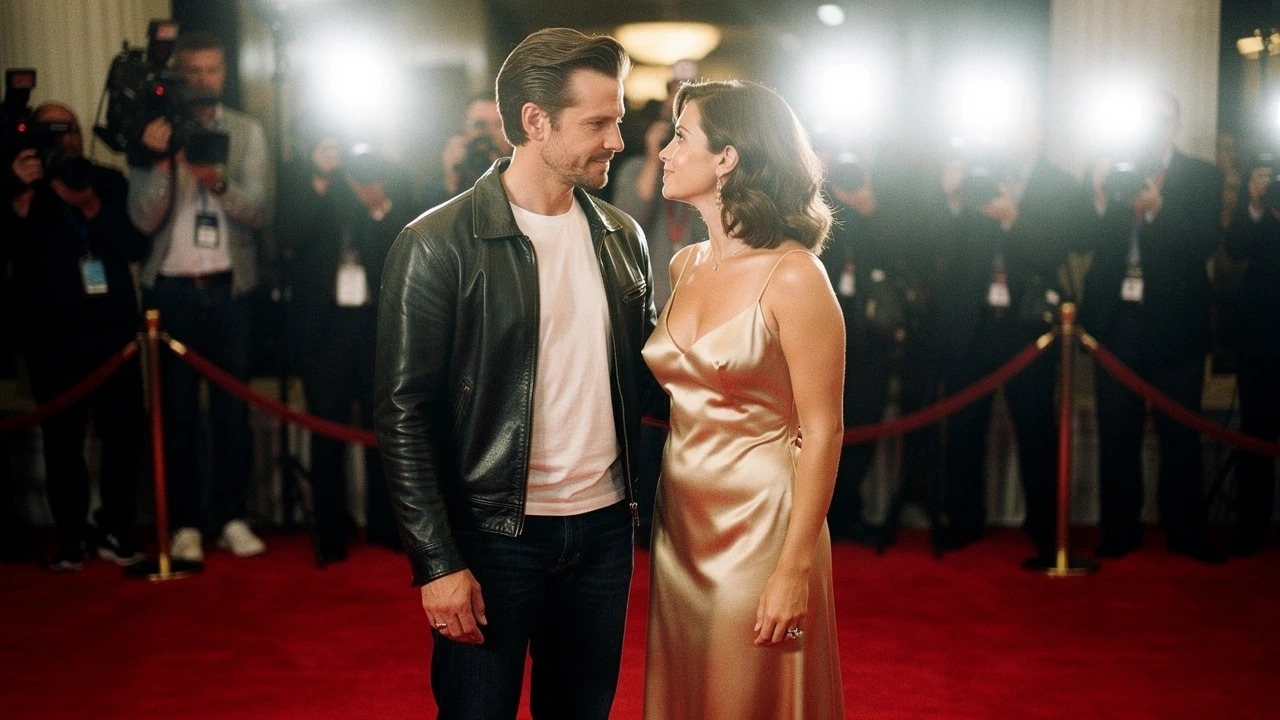
💡 Why this works: The prompt explicitly asks for "separated by a small gap," giving the Video AI the perfect distance to animate the movement.
2. The “Anime Lovers” (Makoto Shinkai Style)
Best for: Gen Z audiences, Lo-Fi music videos, anime edits.
Prompt:Anime style, high quality illustration, two high school students (a boy and a girl) standing a few feet apart under a starry night sky. Emotional atmosphere, soft lighting, shooting stars in the background, detailed clouds, cinematic composition, 4k.
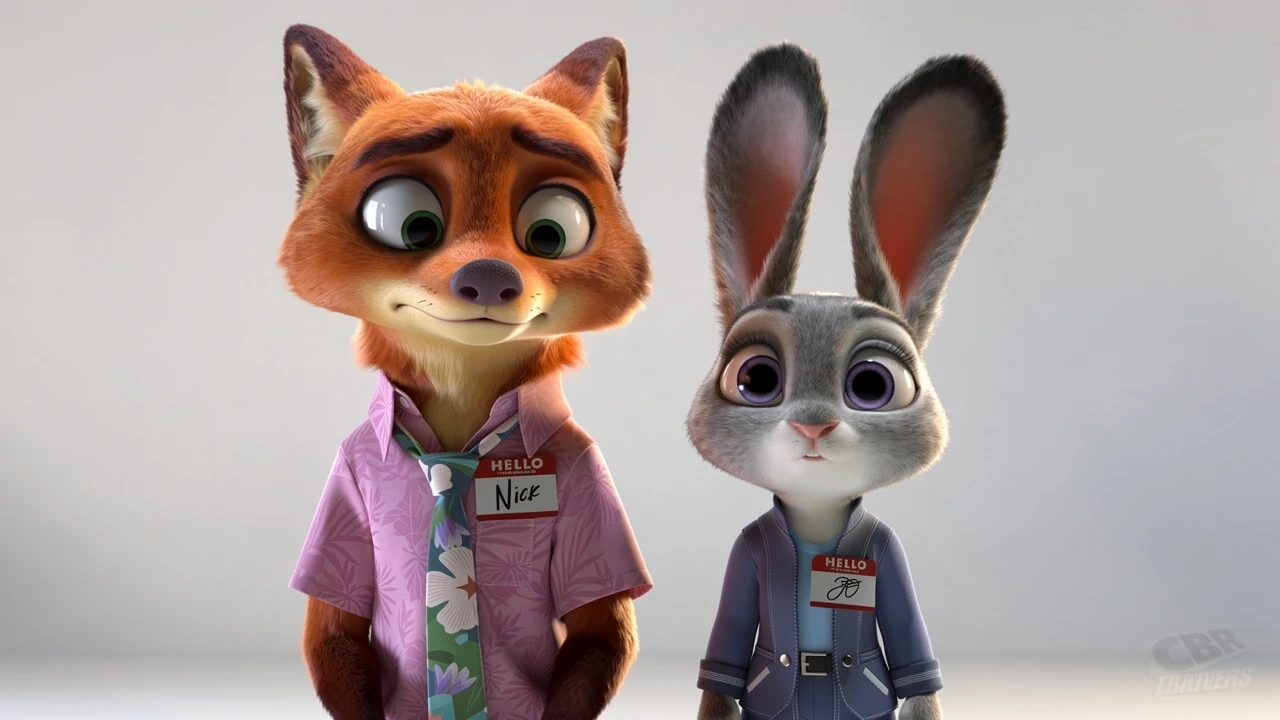
💡 Why this works: Anime styles often have clean lines, making it easier for the AI to distinguish character edges from the background.
3. The “Unlikely Best Friends” (3D Animation)
Best for: Cute memes, family-friendly content, TikTok virality.
Prompt:3D animation style render. A cute anthropomorphic rabbit and a cool anthropomorphic fox standing next to each other, not touching yet. Soft studio lighting, expressive eyes, fluffy fur texture, clean background, high quality 3D render. Zootopia
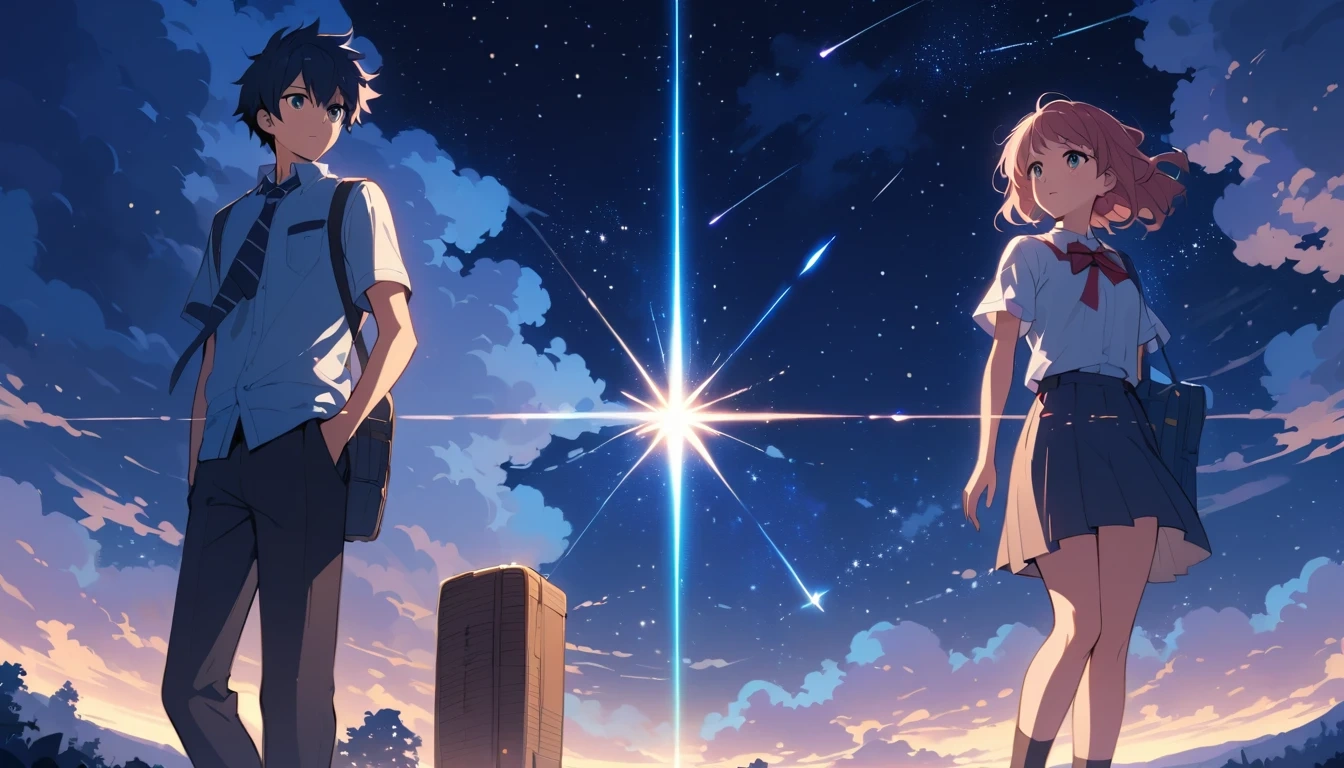
💡 Why this works: The "not touching yet" command ensures the characters are positioned perfectly for the hug animation to take over.
FAQ: Mastering the AI Hug Generator
Q: Can I use old black and white photos?
A: Yes! Piclumen's engine is robust. However, for the best results, we recommend restoring or sharpening very blurry vintage photos before uploading them to ensure facial features are preserved during the animation.
Q: Why does my video look distorted?
A: This usually happens if the subjects in the original photo are overlapping or standing too close. Try using an image where there is distinct space between the two people.
Q: Is this only for Valentine's Day?
A: While the template is perfect for Valentine's, the technology is universal. It's widely used for memorial videos, pet videos, and funny memes year-round.
Ready to Spread the Love?
You don't need to be a video editor to move your audience.