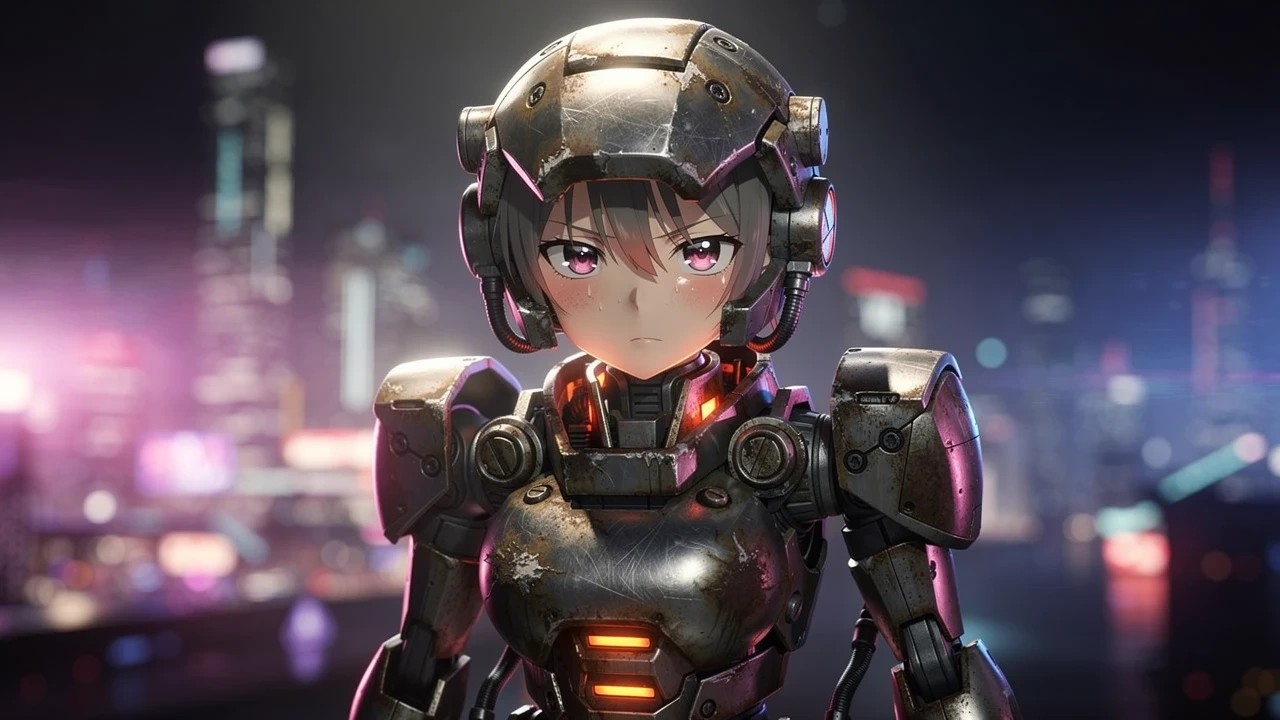
Let’s be honest. We’ve all been there.
You type "Cyberpunk girl with robot arms," and the AI gives you something that looks like a shiny, cheap action figure melted in a microwave. The lighting is flat, the metal looks like plastic, and the pose is boring.
Generating high-level Mecha Musume (Mecha Girls) isn't just about adding more words; it’s about combining the Right Model with the Right Words.
Today, we are ditching the basic tutorials. We are going to look at 3 Common Mistakes with side-by-side Prompt Comparisons and the exact Model Settings you need.
Mistake #1: The "Plastic Skin" Effect
The Diagnosis:
You didn't specify the material. By default, many older AI models smooth everything out to play it safe, making armor look like cosplay foam or latex.
❌ The Weak Prompt (Don't do this)
"Anime girl, wearing robot armor, cyberpunk style, cool city background."
(Result: Looks flat, shiny, and lacks detail.)
✅ The Fixed Prompt (Do this!)
Recommended Model: FLUX.2 Pro (Best for material textures)
"Anime style, close up shot. A mecha girl pilot. Brushed metal armor, scratched matte finish, grease and oil stains, chipped paint, glowing internal heat vents. Soft pale skin contrasting with heavy dark rusted steel machinery."
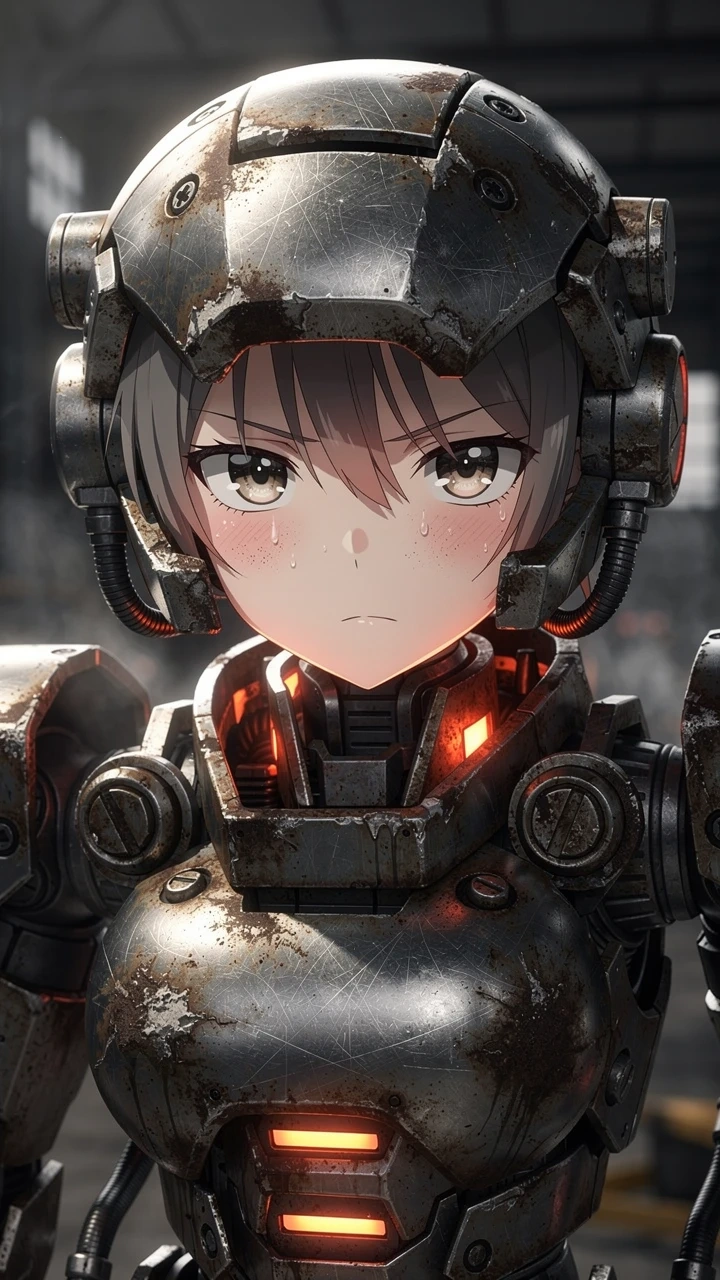
💡 Why this works:
FLUX.2 Pro is incredibly sensitive to texture adjectives. Terms like brushed metal and matte finish force the model to render complex light reflections, killing that "shiny plastic" look immediately.
Mistake #2: The "Passport Photo" Pose
The Diagnosis:
Your character is just standing there, staring at the camera. It’s boring. It looks like a character reference sheet (Settei), not a piece of fan art.
❌ The Weak Prompt (Don't do this)
"Full body shot of a mecha girl standing, holding a gun, white background."
(Result: Stiff, lifeless, no energy.)
✅ The Fixed Prompt (Do this!)
Recommended Model: FLUX.2 Pro (Best for spatial composition)
"Anime masterpiece. A cyborg girl falling through the sky. Dutch angle (tilted camera), extreme foreshortening (reaching hand towards camera), fisheye lens, motion blur, dynamic action pose. Debris flying towards the viewer, speed lines."
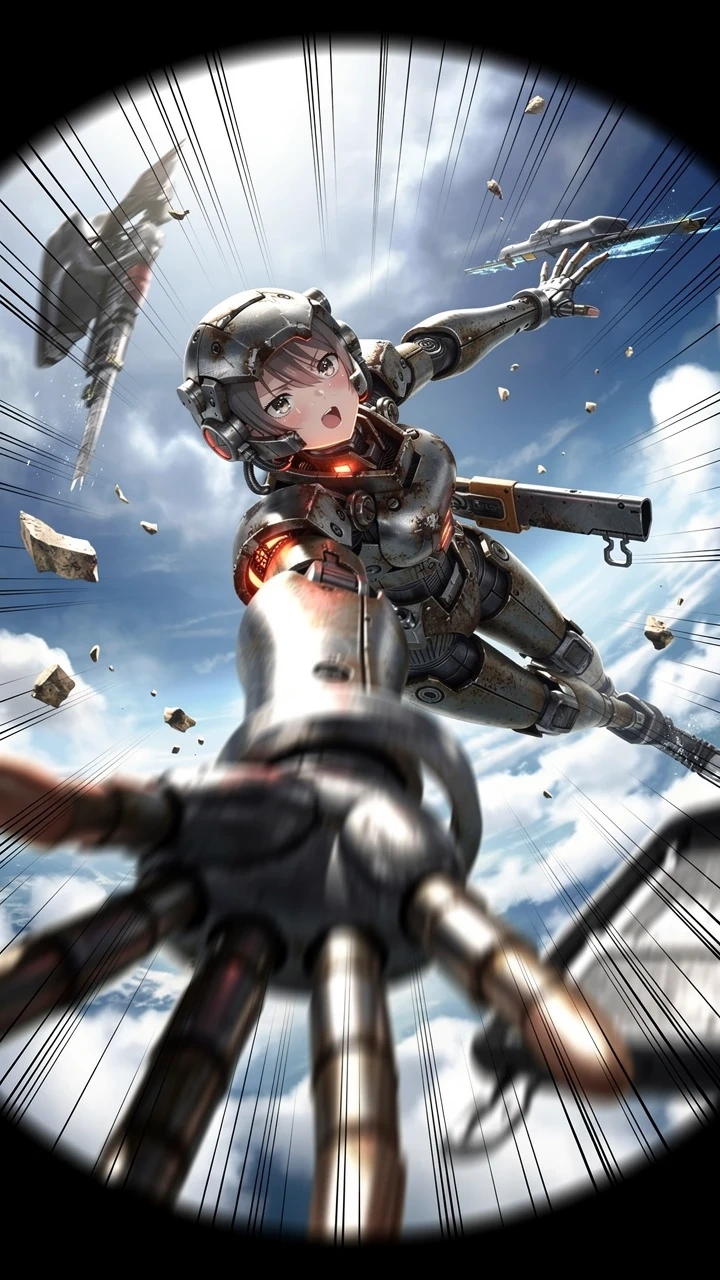
💡 Why this works:
Unlike older models that get confused by complex angles, FLUX.2 Pro understands cinematography. Foreshortening tells it to exaggerate depth, creating that impactful 3D effect in a 2D image.
Mistake #3: The "Cluttered Mess" Background
The Diagnosis:
You asked for a "futuristic city," and the AI gave you a busy mess of neon that blends into the character’s hair. You can't tell where the girl ends and the building begins.
❌ The Weak Prompt (Don't do this)
"Anime girl in a very detailed futuristic city with many neon lights and flying cars."
(Result: Visual noise. The character gets lost in the background.)
✅ The Fixed Prompt (Do this!)
Recommended Model: FLUX.2 Pro (Best for lighting logic)
"A melancholic android girl sitting in rain. Bokeh background, shallow depth of field, rim lighting (light outlining the silhouette), volumetric fog, cinematic backlighting. The character is lit by cool blue neon, background is warm orange city lights."
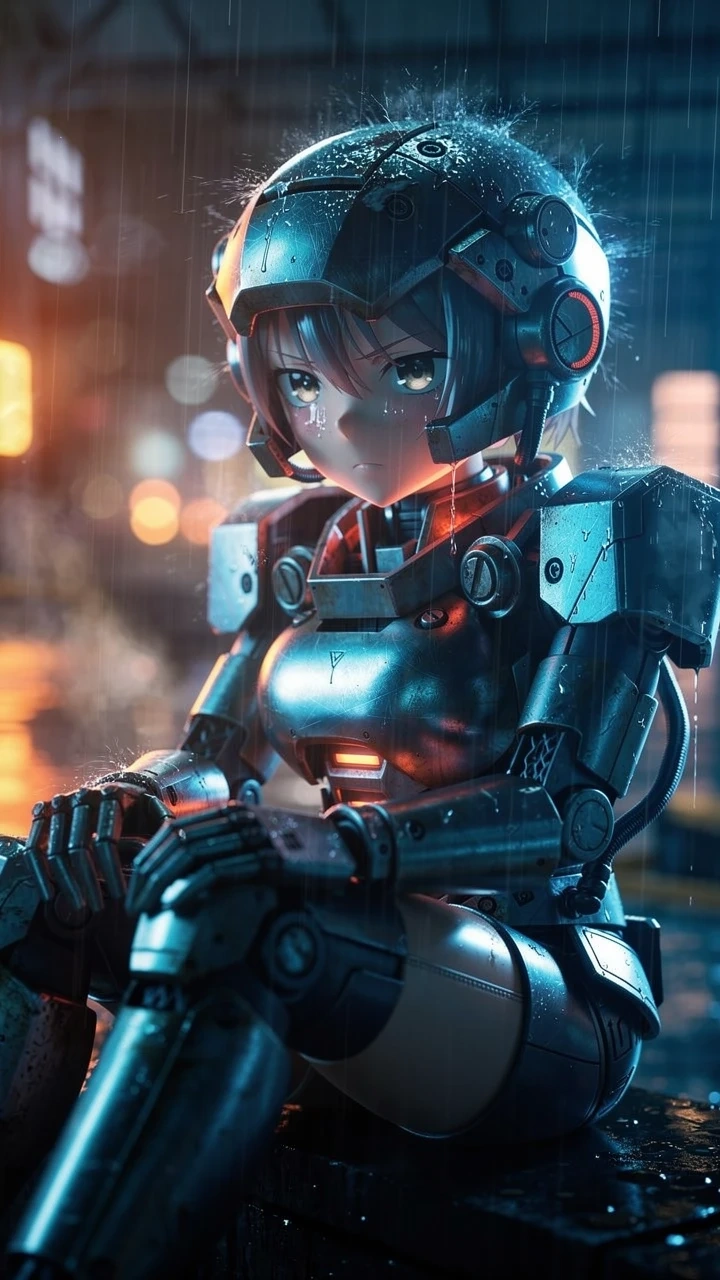
💡 Why this works:
Rim lighting is the secret weapon here. It creates a thin line of light around the character, physically separating them from the dark background.
📝 The "Copy-Paste" Cheat Sheet
Don't have time to study? Just steal these keywords. We’ve organized them by the "Vibe" you want for your OC (Original Character).
1. The "Battle Hardened" Vibe
Best for: Gundam style, Warzones
Keywords: Battle damage, soot, sparks, torn clothes, emergency lighting, heavy grain, dust clouds.
2. The "High-Tech Clean" Vibe
Best for: Sci-Fi Labs, Androids
Keywords: Holographic interface, glossy white ceramic, medical bay, sterile, floating UI, data stream.
3. The "Retro Cyberpunk" Vibe
Best for: 90s Anime Nostalgia
Keywords: 90s anime style, cel shading, VHS artifact, chromatic aberration, wires and cables, cassette futurism.
🚀 Your Turn: Create, Don't Just Generate
The difference between a "User" and a "Creator" is intention.
Don't settle for the first image the AI gives you. Select FLUX.2 Pro in Piclumen, use these "Patches," and see the difference for yourself.
Open Piclumen now. Try the "Dutch Angle" trick.