I didn’t expect my first serious experiment with Kling 2.6 Motion Control to involve a dancing cat.
But that’s exactly what happened.
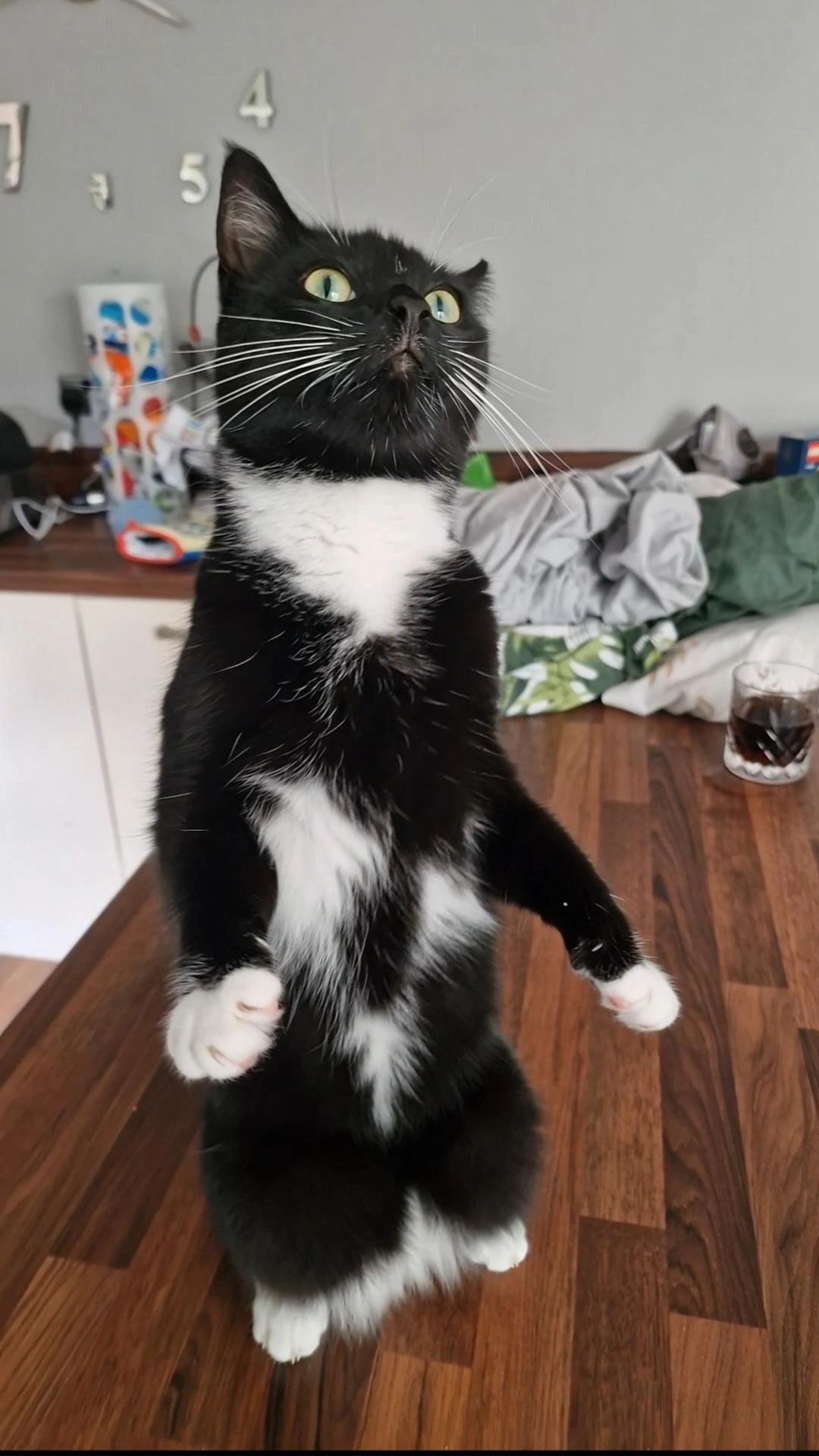
I uploaded a human dance video as the motion reference, then added a photo of a cat as the character image. The goal was simple: make the cat perform the exact same choreography using Kling Motion Control on PicLumen.
It sounded straightforward.
It wasn’t.
The first generation failed. And that failure taught me something important that I haven’t seen discussed much — something that could easily save you credits if you’re experimenting with Kling 2.6 Motion Control yourself.
What Kling 2.6 Motion Control Actually Does
For anyone new to the feature, Kling 2.6 Motion Control isn’t a typical image-to-video tool. It doesn’t invent movement randomly. Instead, it transfers real motion from a reference video onto a character image.
That includes full-body movement, facial expressions, hand performance, and even subtle timing details. The result feels much more grounded because the motion originates from a real performance.
But that precision also means the inputs matter a lot.
The Experiment: Human Dance → Cat Character
Video Reference | Uploaded Photo |
|---|---|
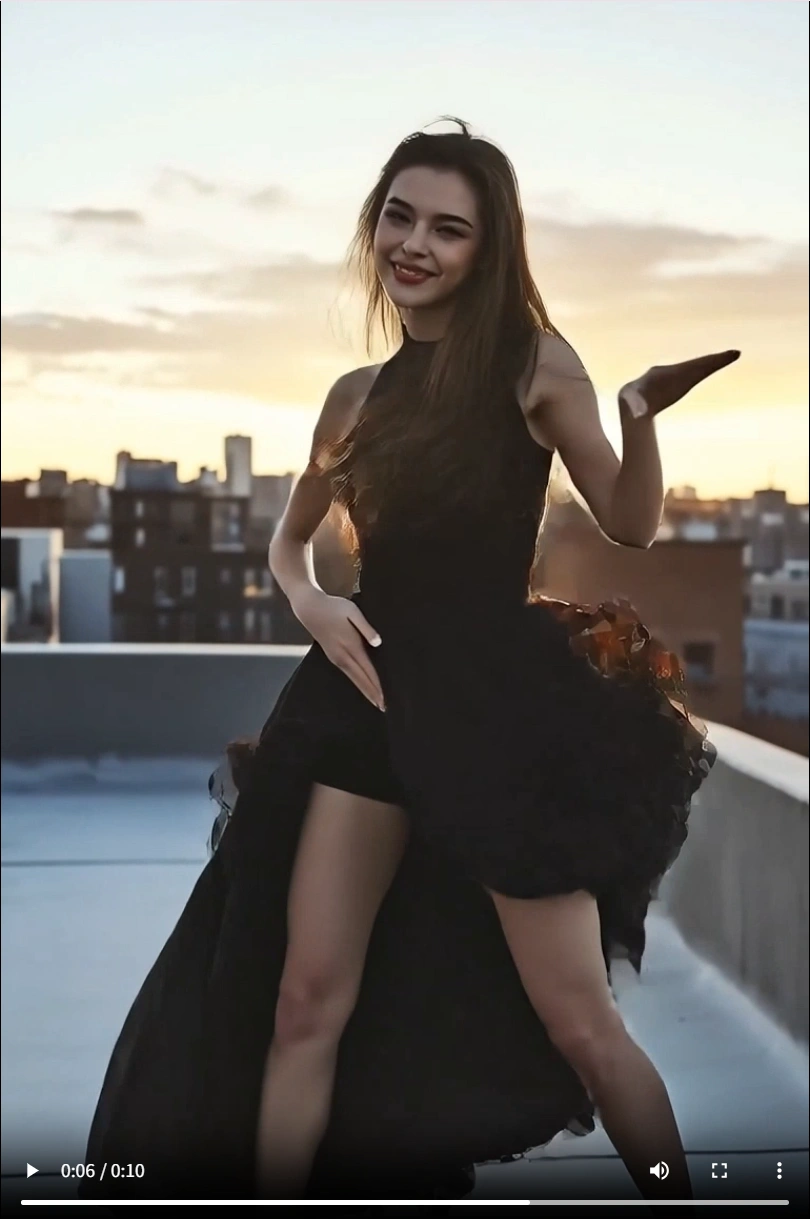 |  |
My motion reference was a single continuous clip of a woman dancing. Her full body was visible. There were no cuts, no camera movement, and the motion speed was moderate. Technically, it was an ideal reference for Kling Motion Control.
For the image reference, I used a photo of a cat.
And that’s where things broke.
The Detail That Makes or Breaks Everything
Here’s the key discovery: your uploaded character image must clearly show shoulders and joint structure.
Kling 2.6 Motion Control relies on visible body mapping. If the system cannot identify shoulder placement, arm separation, or upper torso structure, it struggles to apply the motion correctly. The result may fail to generate entirely, or it may look distorted.
A typical side-view photo of a sitting cat doesn’t provide enough structural clarity. The shoulders blend into the body, the limbs aren’t clearly separated, and the AI has trouble building a motion skeleton.
When I switched to an upright, front-facing cat image where the shoulders and limbs were visually distinct, everything changed. The video was generated successfully. The cat danced. And it looked surprisingly intentional.
So if you’re experimenting with non-human characters using Kling Motion Control, remember this: the AI still needs a readable skeleton.
Why Kling Motion Control Works This Way
Even though Kling Motion Control supports stylized or humanoid characters, it still performs structural mapping under the hood. It tracks joint movement, limb positioning, and expression timing from the motion reference and transfers that structure to the image.
If the system can’t “understand” the body layout, it has nothing to anchor the movement to.
That’s why real human images work best, humanoid characters perform reliably, and animals need to resemble an upright, human-like posture to produce clean results.
Once I understood that, the tool felt much more predictable.
Cost & Value: Surprisingly Competitive
Another thing worth mentioning is cost.
On PicLumen, generating a 720p video with Kling 2.6 Motion Control costs around 200 lumens. Considering this includes motion extraction, full-body transfer, and expression mapping, the pricing is actually very competitive compared to many third-party video models offering similar capabilities.
For a tool that delivers precise performance mapping rather than generic animation, the value feels strong.
Especially if you’re experimenting or building short-form content.
Motion Control vs PicLumen Templates
One thing I appreciate about PicLumen is that you don’t always have to build everything manually.
There are ready-to-use video templates available — things like outfit transformation clips, baby dance styles, couple hug scenes, and other social-friendly formats. If your goal is quick, entertaining content, those templates are incredibly convenient.
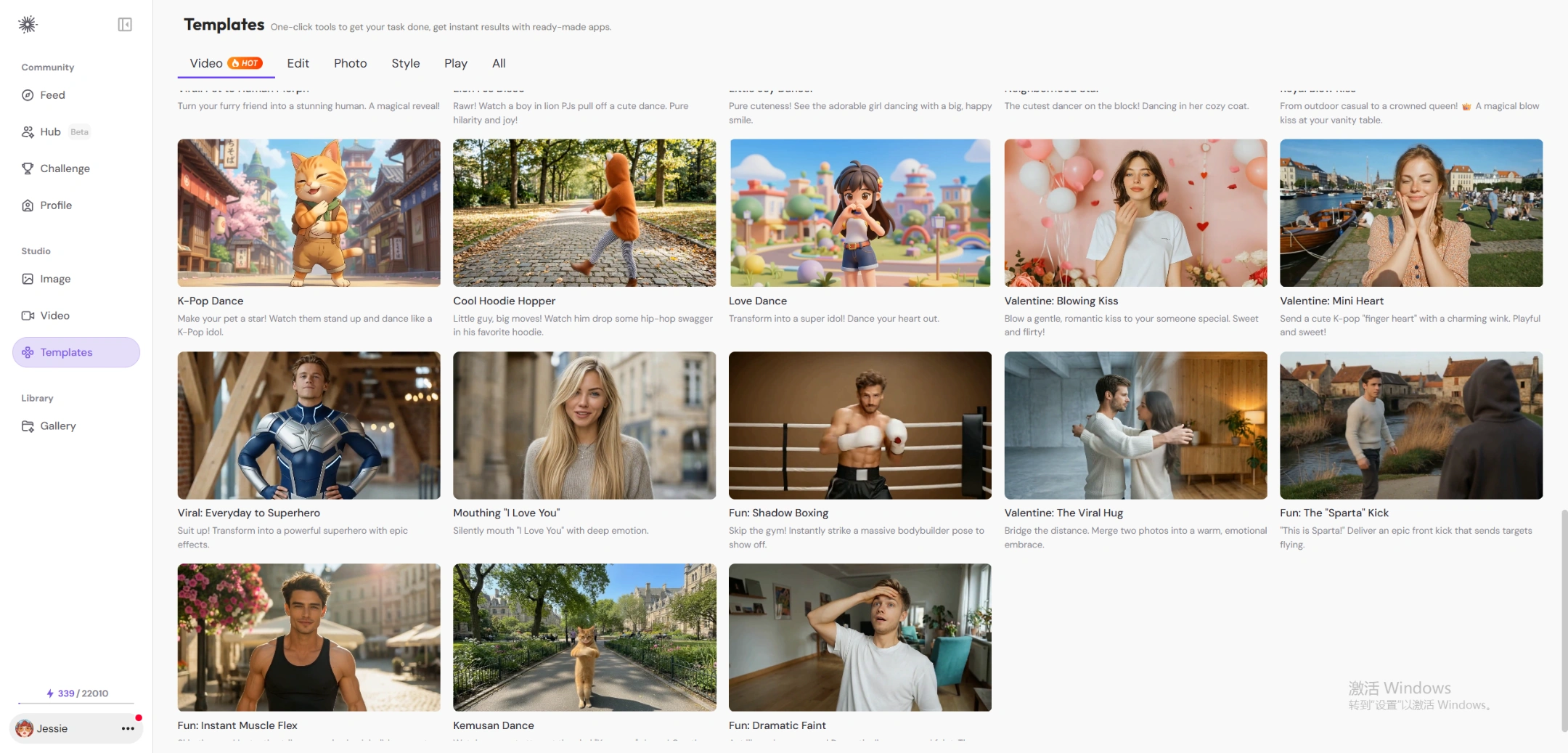
But if you want precise control over how a character moves — especially if you’re testing unconventional motion transfers like I did — Kling 2.6 Motion Control offers a completely different level of creative flexibility.
It really comes down to what you want: speed or control.
Final Thoughts (And a Question for You)
My biggest takeaway from this experiment wasn’t about prompts. It wasn’t about settings.
It was about structure.
Before generating anything with Kling Motion Control, look closely at your character image. Are the shoulders visible? Are the joints clear? Is the body posture compatible with the motion reference?
That one adjustment made the difference between a failed generation and a dancing cat.
Now I’m curious.
If you’re using Motion Control on PicLumen, what character would you test next?
A corgi doing hip-hop?
A medieval knight performing K-pop choreography?
A robot attempting ballet?
I’d genuinely love to hear what experiments you’re trying — and what surprised you.
Let’s compare notes.