I've always liked scenes where characters take something completely ordinary and treat it like a big deal. The locker room scene from End of Watch is a good example. The main character presents each piece of equipment with a straight face while someone else gets changed near the lockers.
I wanted to try my own version with an office worker instead of a police officer. So I swapped the equipment for things you'd normally find on a desk: an employee ID badge, a coffee cup, an iPad, and a thick stack of documents. I thought the contrast between the serious presentation and these everyday items could be pretty funny.
Here's how I made it.
Step 1: Prepare the Reference Video
The original scene was longer than the 15-second limit supported by the Seedance 2.5 template, so I had to trim it before uploading.
I went through the clip and trimmed it down to the key moments: the character presenting each item and the activity near the lockers. I also avoided cutting in the middle of a movement so the actions would flow naturally.
Step 2: Prepare My Character and Office Props
I already had a character in mind for this recreation. I went with a female office worker wearing a dark brown oversized blazer, a blue striped shirt, a dark knit vest, a burgundy tie, and dark trousers.
I wanted her to look like she'd just finished a long day at work. A serious expression and a slightly tired look seemed like a good fit for the scene.
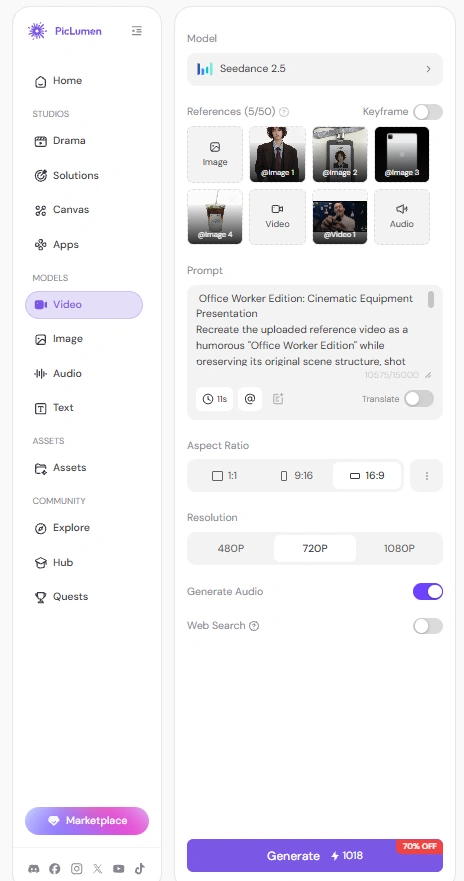
For the props, I prepared four reference images:
Image 1: My female character
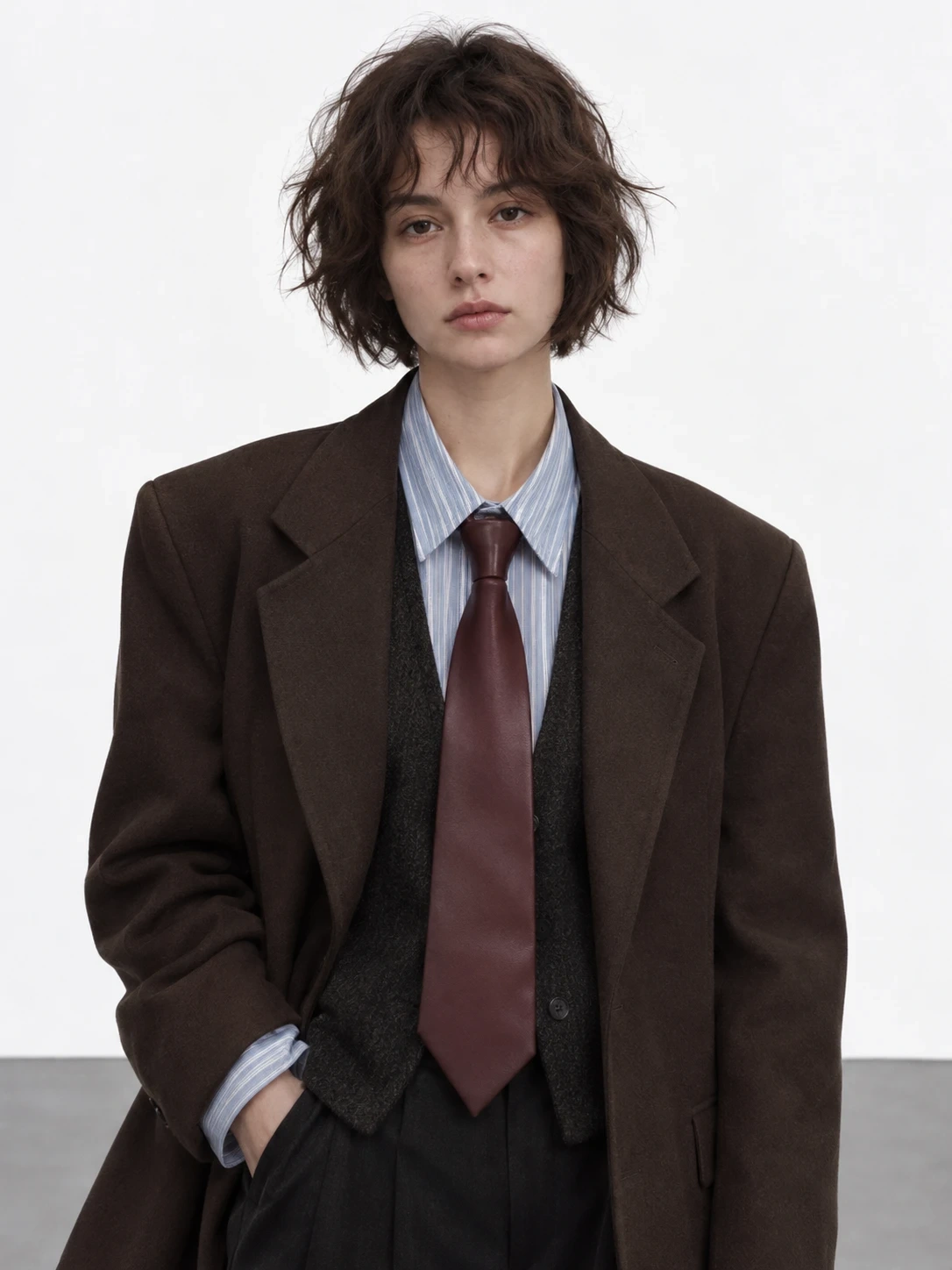
Image 2: An employee ID badge
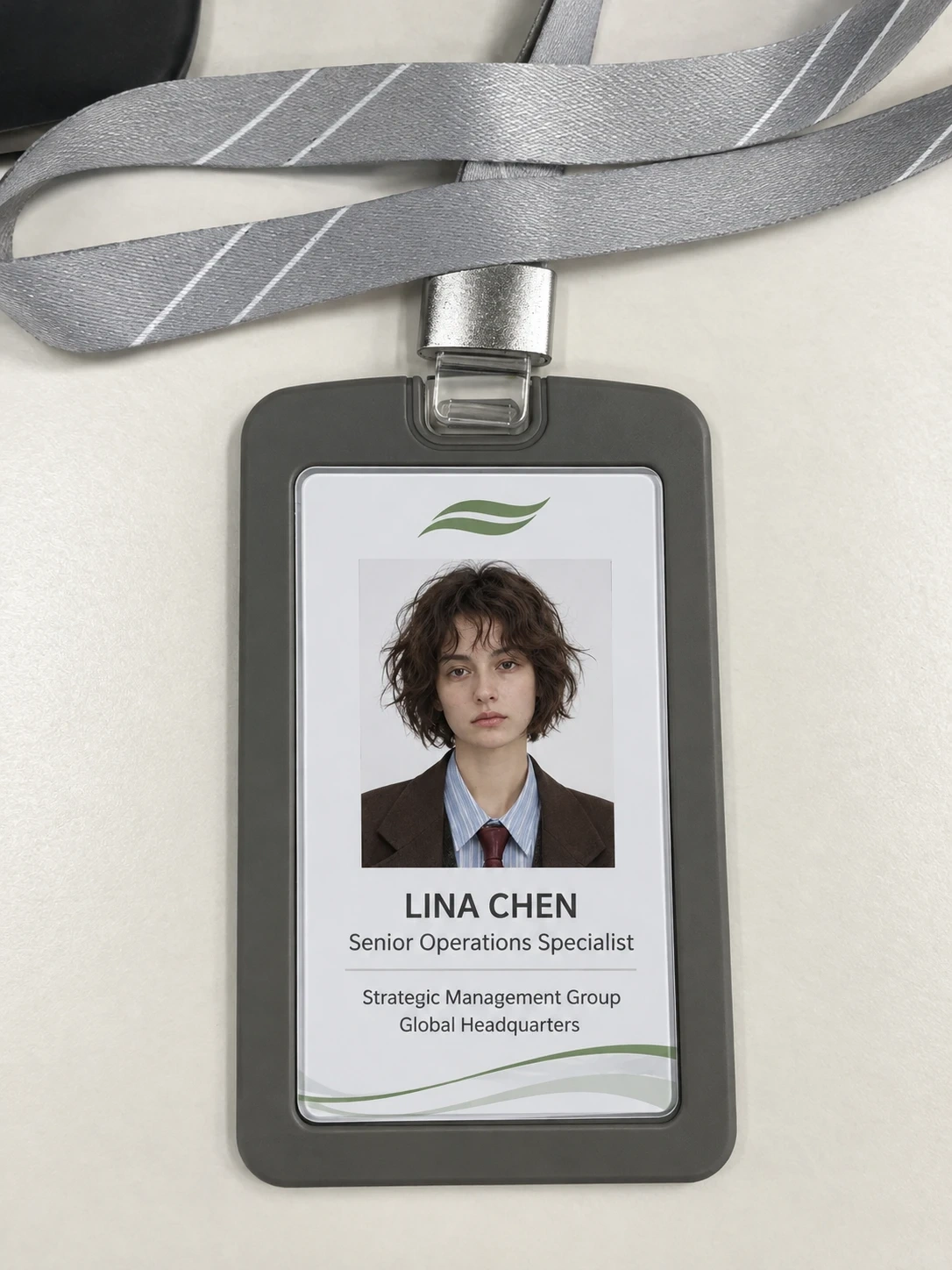
Image 3: A coffee cup
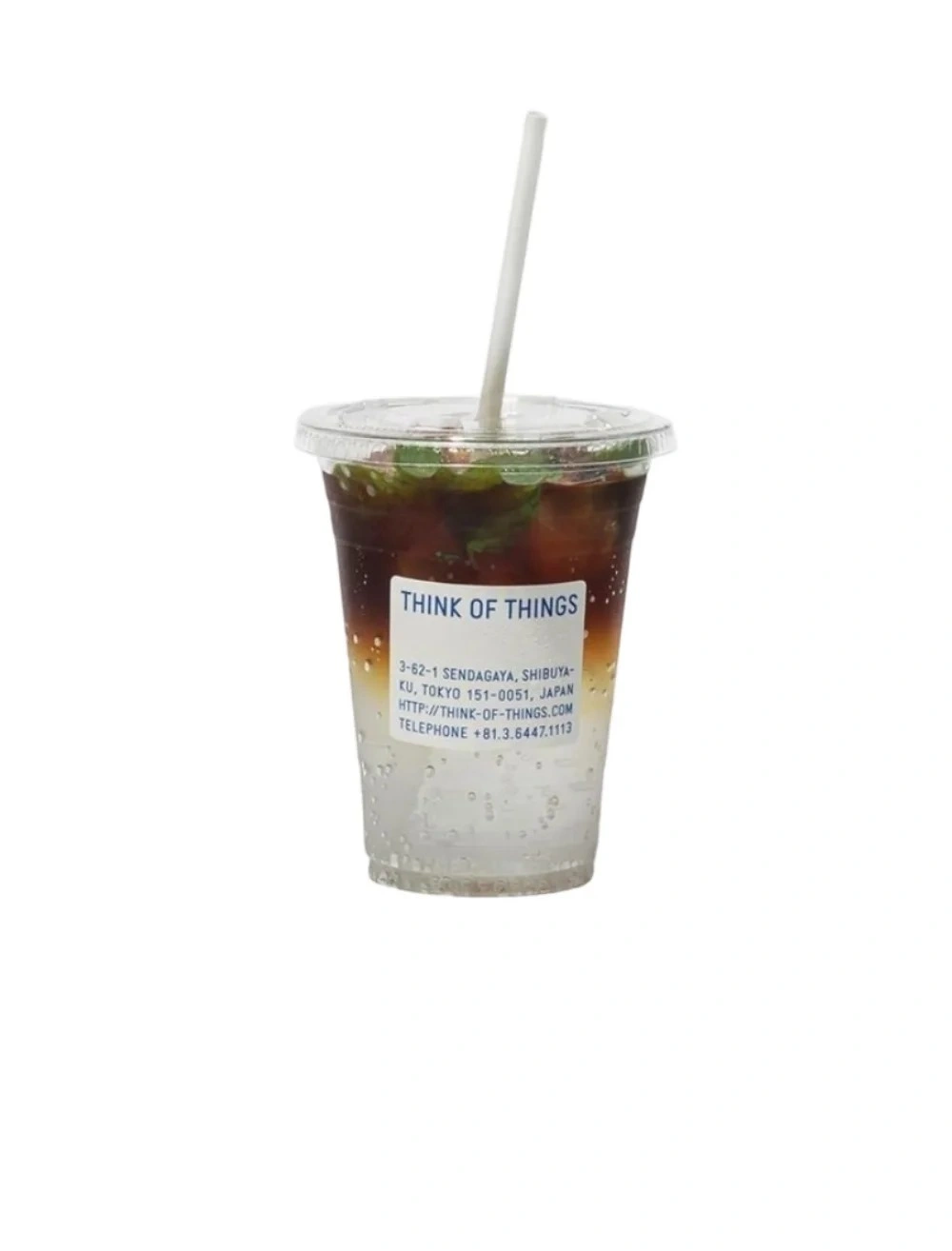
Image 4: An iPad
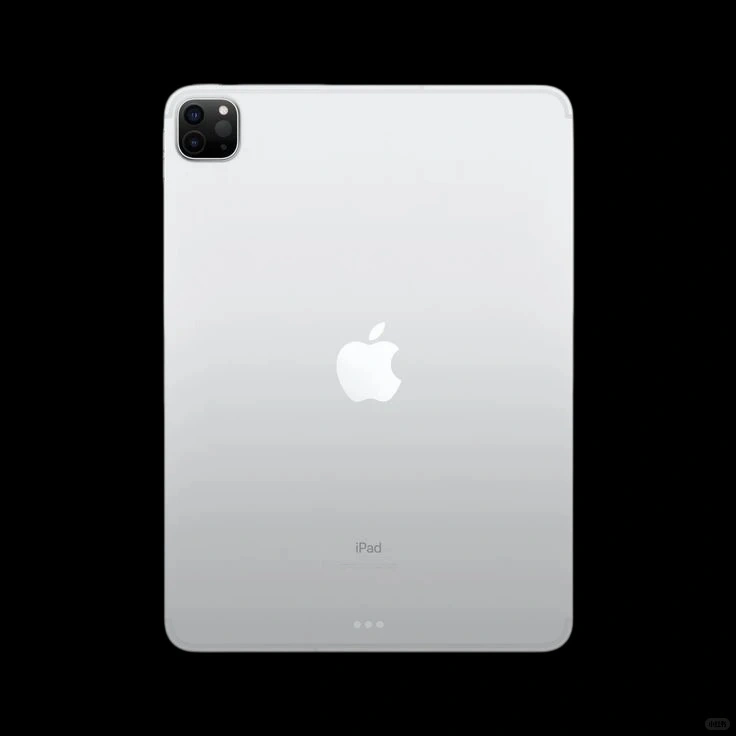
I didn't prepare a separate image for the documents. I just described a thick stack of office papers in the prompt and let the model generate them.
I also wanted the ID badge to hang around her neck like a real employee badge. She would pick it up briefly to show it, then let it fall back naturally.
Step 3: Generate the Office Worker Scene with Seedance 2.5
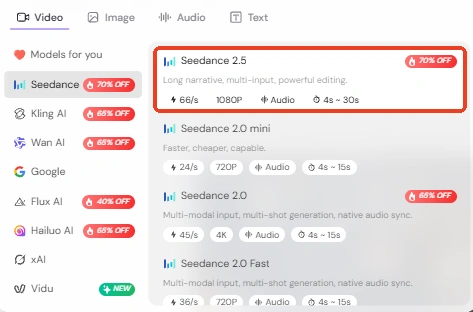
I uploaded the trimmed clip and my reference images to the Seedance 2.5 template on this AI video generator. I wanted to keep the original locker room layout and camera movements, but turn the setting into an office employee changing room.
I wanted my character to present the four office items in the same order as the original. I also added another female employee near the lockers. She would casually change her outer clothes while my main character showed off the items.
I also wanted to get the hand movements and camera framing as close to the reference as possible. I didn't want the model to turn the scene into a completely different video. The funny part was supposed to come from seeing ordinary office supplies presented with the same seriousness as police equipment.
I generated a first version to see how closely it followed the reference. The basic idea came through, but I noticed three things I wanted to fix. The background employee's clothing didn't always look right, my character moved through the props too quickly, and her face looked much paler than I had imagined.
So I went back and made the prompt more specific.
Step 4: Refine My Prompt to Fix the Generation Issues
1. Keep the Background Employee Properly Dressed
The background employee turned out to be trickier than I expected. In some generations, her clothes didn't stay consistent while she was changing. I wanted her to look like someone casually getting ready after work, with her outfit staying appropriate throughout the scene.
So I added clearer instructions about her clothing and movements:
Prompt adjustment:
Replace the background person with another ordinary female office employee. She should remain appropriately dressed and fully covered throughout the entire scene. She can casually remove a jacket, put on another shirt over a suitable base layer, adjust her sleeves, and straighten her clothing. Never show nudity, exposed intimate areas, or a partially undressed body.
I also specified that she should stay near the lockers, carry on with her own activities, and never look at the camera or interact with the main character. I wanted her movements to make the background feel more natural without stealing attention from the main scene.
2. Make the Object Presentations More Like the Original
In my first result, my character just picked up each item, held it for a second, and moved on. That wasn't quite what I wanted.
In the original video, she handles each item several times, changes its angle, and makes a few deliberate movements while presenting it. Those small gestures are important to the scene, so I needed to make them clearer in the prompt.
Prompt adjustment:
Do not simply pick up each object, hold it still for a moment, and put it down. Reproduce the repeated presentation movements from the original reference video. Follow the corresponding hand movements, wrist rotations, changes in object angle, positioning, and repeated gestures. Each item must have a complete and clearly visible presentation sequence.
I also added separate action instructions for each prop:
ID badge: Lift it from her neck, adjust it several times toward the camera, show its front, and then let it hang naturally again.
Coffee cup: Move and rotate it toward the camera several times, following the reference video's presentation rhythm.
iPad: Adjust its position and angle more than once so the screen and body are clearly shown.
Documents: Pick up the thick stack, tilt it, reposition it, and make a few deliberate presentation movements.
I kept the four items in their original order, too. I didn't want the model to skip one, combine two props, or turn the whole sequence into four quick static poses.
3. Give My Character a More Natural Skin Tone
Another thing that looked off was my character's complexion. She was supposed to look a little tired, like she'd been working all day. But some generations made her face look too pale and washed out. It gave her a sickly appearance instead.
I still wanted to keep the serious, slightly tired expression. I just needed her to look healthy and natural, so I added this:
Prompt adjustment:
She looks like an office worker who has had a long and exhausting workday. Her expression is serious, focused, and slightly tired. However, she must still look healthy and lifelike. Maintain natural skin color, realistic skin texture, and subtle warmth in her complexion. Avoid excessively pale skin, grayish skin tones, washed-out facial colors, and an unnaturally bloodless appearance.
The distinction I wanted was simple: a tired office worker, not someone who looked unwell.
Step 5: Generate the Final Video
With the prompt adjustments in place, I ran Seedance 2.5 again using the same reference video and character images.
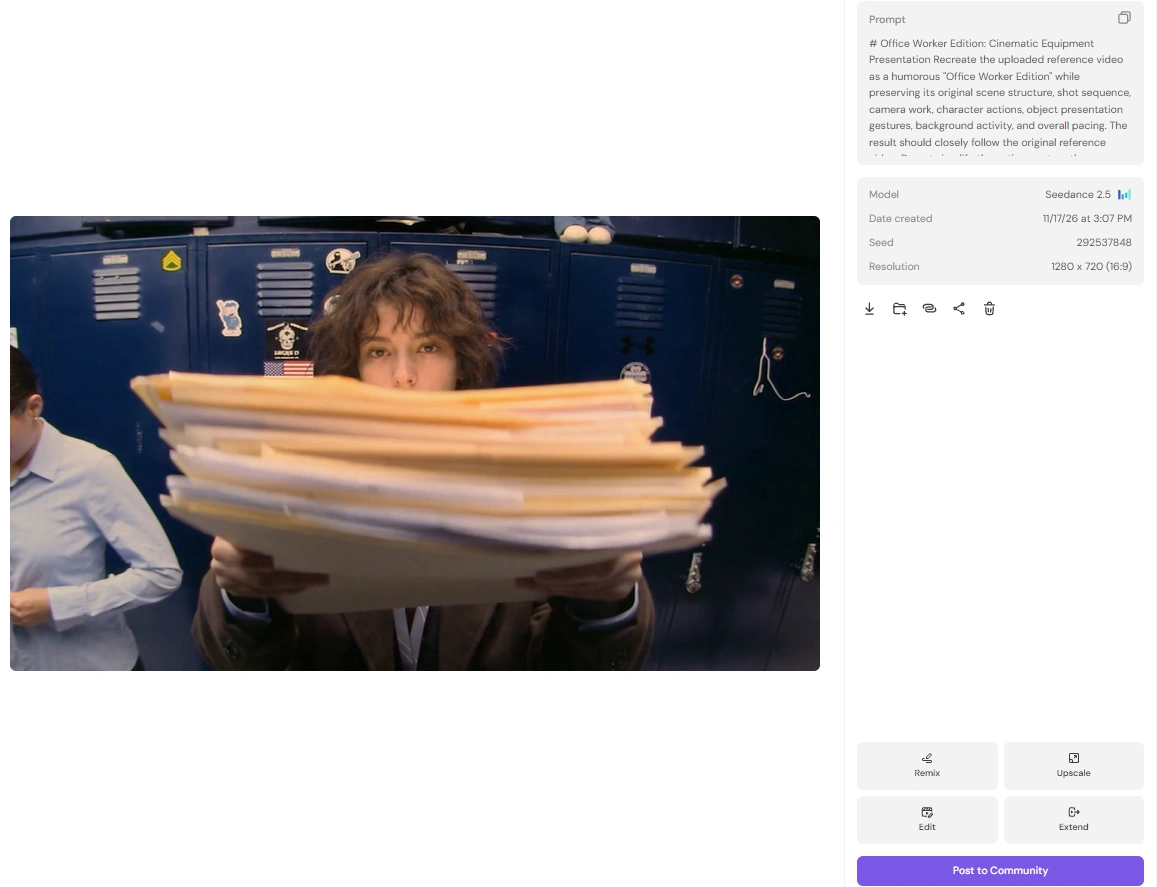
The new result was much closer to what I had in mind. My character presented the four office items in the right order, with more of the repeated movements from the original scene. The background employee also looked more natural, and my main character had a healthier, more lifelike appearance.
I was happy with how the scene came together. The office supplies still felt like ordinary everyday items, but the way my character presented them gave the whole video that same serious, cinematic feel.
A Few Things I Learned from This Recreation
I didn't expect such a simple idea to need this many prompt adjustments. The biggest challenge wasn't replacing the police equipment with office supplies. It was getting the little details right, especially the background activity and the way my character handled each item.
I'm happy I tried this version, though. It was fun to take a scene I already liked and give it a completely different context. I might try recreating another movie scene with an everyday-life twist next time.