Beyond the Prompt: Mastering Intentionality with Kling 3.0 Motion Control
The biggest critique of AI video in its early stages was the "drift"—the tendency for pixels to slide and morph unpredictably. While impressive at first, 2026 audiences have developed "AI Fatigue" toward videos that lack physical logic.
To stand out, a creator must move past "Prompt-to-Video" and embrace "Control-to-Video." With the integration of Kling 3.0 Motion Control on PicLumen, we are seeing a shift from passive generation to active directing. Here is how to use these tools to eliminate randomness and inject professional intentionality into your clips.
1. The Death of "Prompt and Pray"
The old way: Writing “A cat walks across the room” and hoping the AI doesn't turn the cat into a loaf of bread halfway through.
The Advanced View: Text prompts should only define the context. The movement should be handled by structural controls. Kling 3.0 allows you to anchor specific elements of an image, ensuring that while the cape flutters in the wind, the hero’s face remains anatomically stable.
2. Motion Brush: Selective Animation
The Motion Brush is arguably the most critical advancement for professional-grade AI video. Instead of animating the entire frame, the creator can "paint" exactly what needs to move.
Feature | The Amateur Mistake | The Advanced Workflow |
Wind Effects | Letting the whole background warp. | Brushing only the hair or grass for subtle realism. |
Character Action | The whole body sliding like a ghost. | Brushing only the arm or jaw for mechanical precision. |
Environmental | Water that looks like melting plastic. | Using path strokes to define the flow of a specific stream. |
Advanced Tip: Use a low motion intensity (1–3) for organic subjects like fur or skin, and reserve higher intensity (7–10) for inorganic effects like explosions or fast-moving vehicles.
3. Camera Control: The Director's Lens
Kling 3.0’s Camera Control allows for precise Pan, Tilt, Zoom, and Roll movements.
The Psychological Impact: A slow "Zoom In" creates intimacy and tension. A "Horizontal Pan" establishes scale and world-building.
The Technical Edge: By combining a high-resolution starting frame from Nano Banana 2 with a controlled "Push-In" in Kling 3.0, the creator maintains texture density that would be lost in a pure text-to-video generation.
4. The "Pro-Level" Evolution: Static-to-Cinematic
The most effective way to use Kling 3.0 is through the Image-to-Video (I2V) pipeline.
Generate the "Master Frame": Use Nano Banana 2 to create a high-fidelity, hyper-realistic static image. This ensures your characters and environments are perfect before a single pixel moves.
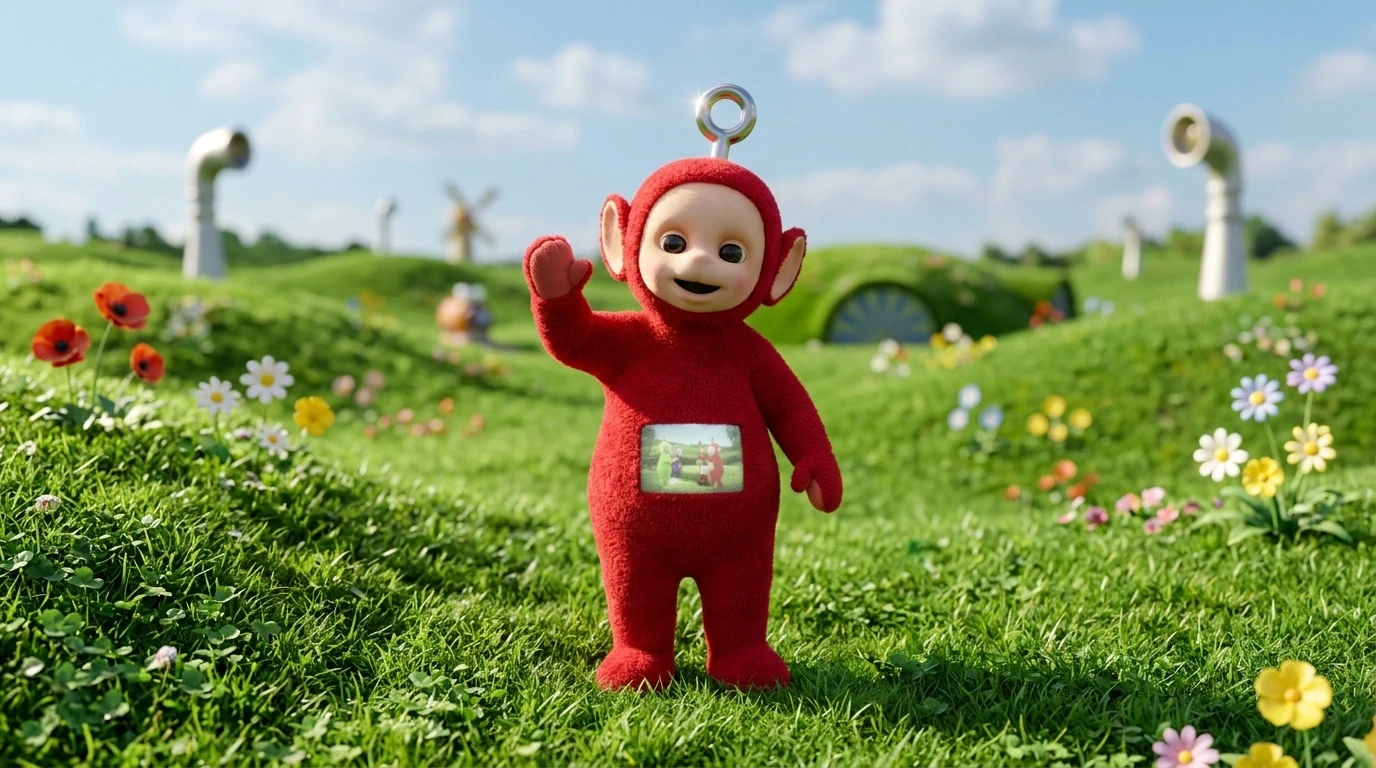 | 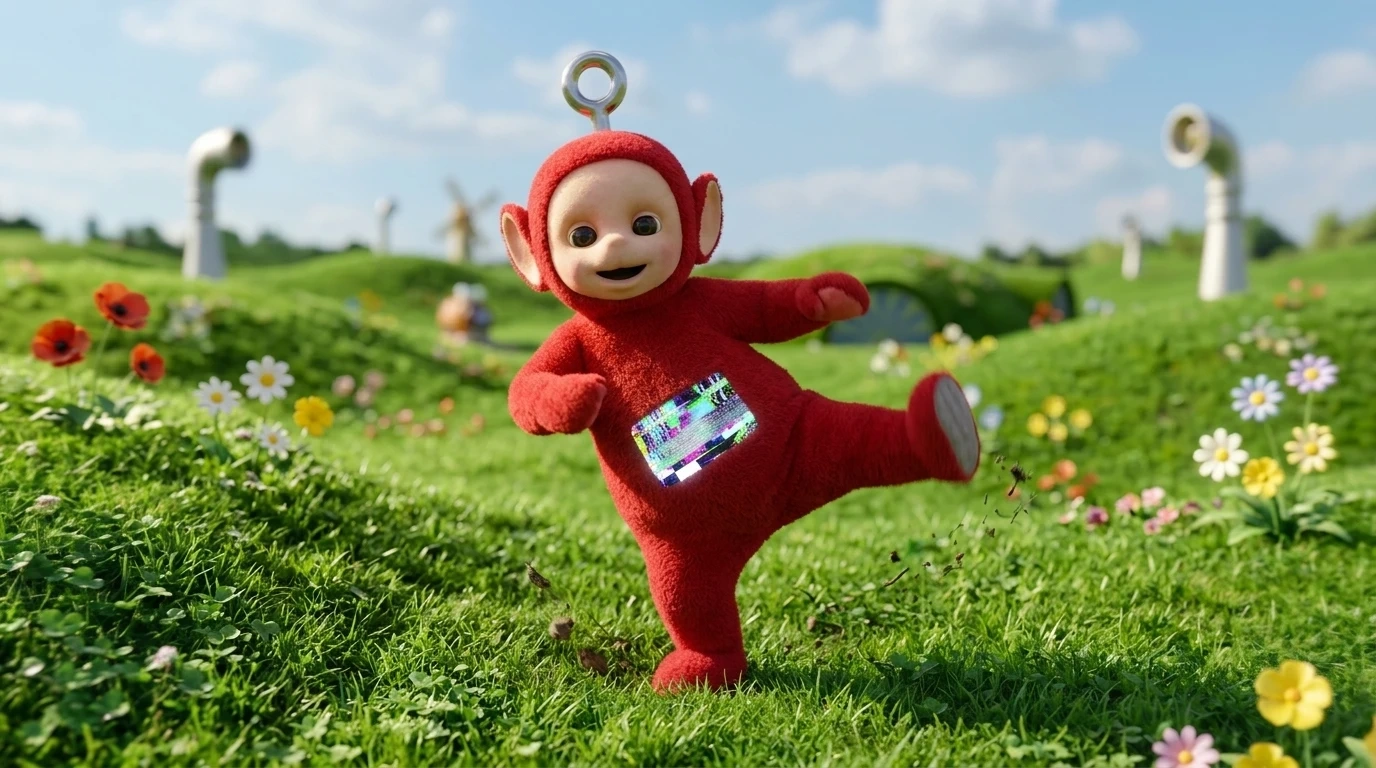 |
Define the Paths: Upload that image to Kling 3.0. Use the Motion Brush to highlight the areas of secondary motion (eyes, hair, clothing).
Execute the Camera Move: Set a subtle 2.0 Zoom to give the clip a cinematic "parallax" effect.
This workflow eliminates 90% of the "hallucinations" common in AI video because the model is grounded by a high-quality visual reference.
5. Conclusion: From Spectator to Director
Kling 3.0 Motion Control represents the end of the "Random Era" of AI. The creators who thrive in the next phase of the AI pet niche—or any niche—will be those who treat the AI as a camera crew, not a magic wand.
Stop asking the AI to "make a video." Start telling it exactly where the camera goes and which leaf should shake in the wind.