The stadium lights switch on.
Snow falls softly under a deep blue night sky.
A cheetah lowers its body at the starting line. Muscles tight. Breath visible in cold air.
The gun fires.
Snow explodes behind it.
Cut to a polar bear spinning under golden lights, ice crystals sparkling mid-air.
Cut again — penguins in perfect formation racing across a frozen track.
And finally — an eagle launching off a ski jump ramp, wings stretching wide as the crowd roars.
This looks like a Pixar-level sports trailer.
But here’s the twist:
None of it was filmed.
No animals were trained.
No studio animation team was involved.
It was created entirely with AI video generation.
Welcome to the Animal Olympics. And with PicLumen’s AI Video Generator, you can turn that idea into a fully cinematic video — without cameras, actors, or animation teams.
In this guide, you’ll learn exactly how to create an Animal Olympics video using AI, from concept planning to final export, while choosing the right video models for each type of scene.
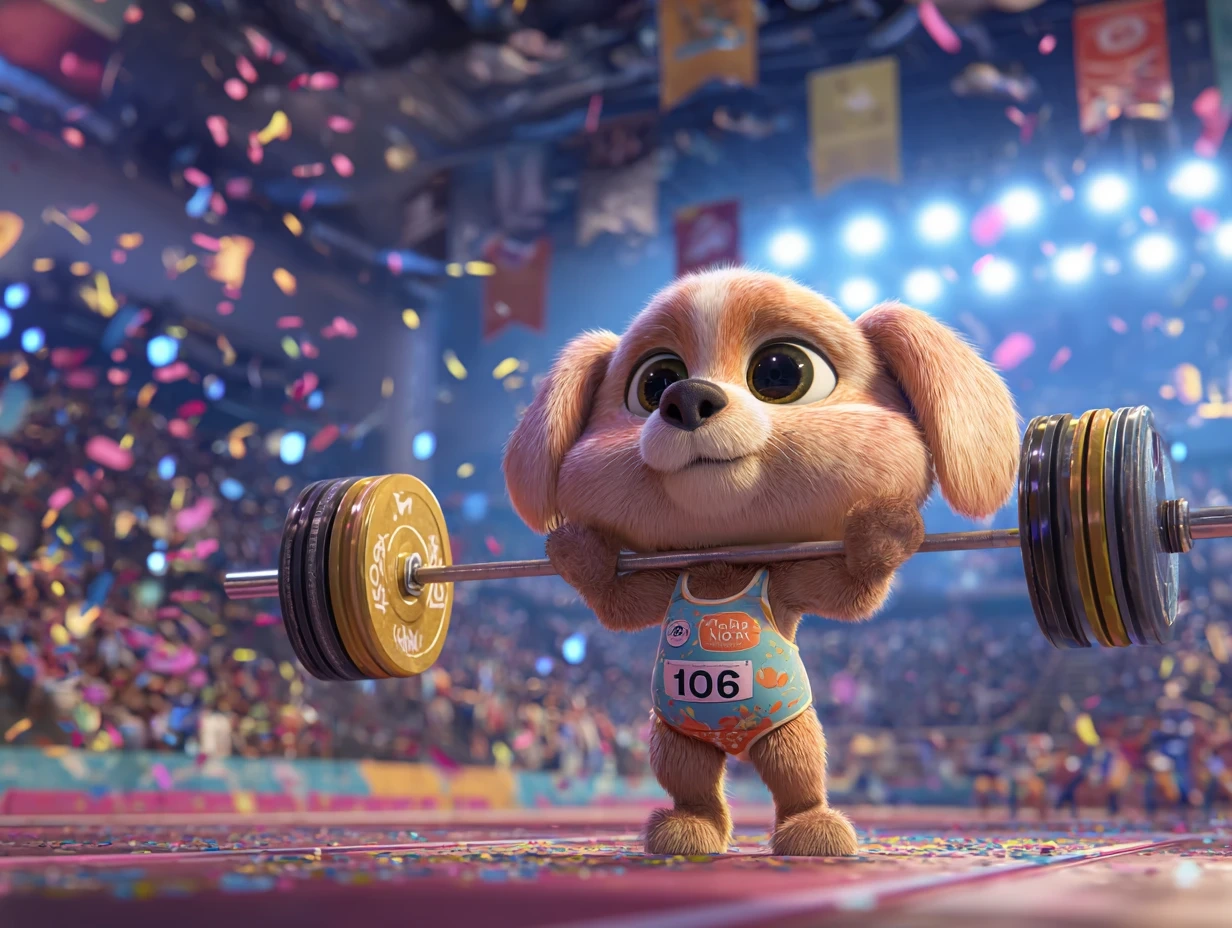
Step 1: Start with a Strong Concept (Think Like a Director)
Before generating anything, define your structure.
Are you creating:
A dramatic Olympic trailer?
A short social media montage?
A documentary-style highlight reel?
A funny viral clip?
Let’s say you want to produce a 45–60 second cinematic montage featuring:
Cheetah – 100m sprint on snow
Penguins – Speed skating relay
Polar bear – Figure skating performance
Eagle – Ski jumping finale
Now you’re not just generating random clips. You’re building a mini sports film.
Step 2: Write Cinematic Prompts (This Changes Everything)
AI video quality depends heavily on how you describe motion, camera angle, lighting, and atmosphere.
Weak prompt:
A cheetah running in snow.
Strong prompt:
A powerful cheetah sprinting on a snowy Olympic track, stadium lights glowing at night, snow spraying behind, cinematic tracking shot, dramatic slow motion at finish line, cheering crowd audio.
Notice how the second version controls:
Motion intensity
Lighting
Camera behavior
Atmosphere
Audio
This level of detail allows advanced video models like Veo 3.1 to generate more realistic movement and natural sound synchronization, making the scene feel like actual sports broadcast footage.
If you want highly realistic motion with environmental sound (crowd cheers, ice scraping, wind), Veo-style models are ideal for these intense action moments.
Step 3: Match the Model to the Scene (Naturally Within Workflow)
Instead of thinking “Which model is best overall?”, think:
👉 What does this specific scene require?
For Cinematic Action Sequences
If you’re generating:
High-speed races
Dynamic camera movement
Dramatic sports trailer moments
Models like Kling 3.0 or Veo 3.1 work extremely well because they handle motion continuity and realism with strong physics simulation.
These are perfect for:
Cheetah sprint finals
Snow flying in slow motion
Intense close-ups before a race begins
For Stylized or Imaginative Scenes
If you want something slightly surreal — like:
A gorilla performing figure skating spins
A panda holding a medal ceremony
Dreamy Olympic opening sequences
Creative-forward models such as Sora 2 allow more imaginative visual interpretation. These are great when realism isn’t the priority — emotion and artistic expression are.
For Scenes with Sound, Commentary, or Storytelling
If your Animal Olympics video includes:
A narrator voice
Crowd chants
Animal “interviews”
Opening ceremony speeches
Models like Seedance 1.5 are powerful because they generate video and audio together with synchronized output.
This removes the need for external sound design tools.
You can prompt:
A polar bear figure skating gracefully, soft orchestral music playing, crowd applauding, sports commentator excitedly announcing scores.
And get audio-visual coherence directly from the generator.
For Turning Images into Motion Clips
If you already generated strong animal sports images, you can animate them using models like Hailuo 2.3.
This works well for:
Close-up warm-up shots
Slow zoom-in medal podium moments
Controlled motion scenes
Image-to-video models are perfect for maintaining character consistency across scenes.
Step 4: Break the Video into Segments (Professional Workflow)
Instead of generating a full 60-second clip at once, divide it into smaller segments:
Opening title (5–7 seconds)
Event 1 – Sprint race
Event 2 – Ice skating
Event 3 – Ski jump
Medal ceremony finale
Shorter clips:
Give you more control
Reduce generation errors
Improve visual consistency
Allow you to test different models per scene
After generation, combine them in a simple video editor.
This modular workflow is how professional creators maximize AI output quality.
Step 5: Enhance Realism with Motion Language
When creating sports-themed videos, motion description is critical.
Add keywords like:
dynamic tracking shot
handheld sports camera
dramatic slow motion
high-speed burst
aerial drone perspective
stadium light flare
snow particles in air
The more physically grounded your language is, the more realistic the AI simulation becomes.
For example:
An eagle launching off a ski jump ramp, wings expanding mid-air, slow motion aerial shot, mountain backdrop, golden sunset lighting, intense cinematic music.
This transforms a simple concept into something epic.
Step 6: Control Style & Tone
Decide early whether your Animal Olympics video is:
Hyper-realistic sports documentary
Lighthearted and funny
Epic movie trailer
Stylized animation
Then adjust prompts accordingly.
For realism:
natural lighting
sports broadcast style
realistic fur texture
authentic stadium environment
For stylized:
vibrant colors
fantasy lighting
exaggerated motion
animated aesthetic
PicLumen’s multiple model options allow you to experiment with both approaches in one project.
Step 7: Final Editing & Publishing
After generating all scenes:
Trim pacing
Add title overlays
Insert music if needed
Optimize for vertical (TikTok/Reels) or horizontal (YouTube)
Animal Olympics content works extremely well on social platforms because:
Animals attract attention
Sports energy drives engagement
AI visuals feel novel and shareable
This combination makes it ideal for viral potential.
Why Animal Olympics Is a Perfect AI Video Concept
This idea works so well because it combines:
Emotional appeal (animals)
Competitive tension (Olympics)
Visual spectacle (sports cinematography)
Creative freedom (AI-generated worlds)
And unlike traditional animation, you don’t need a studio team to execute it.
With PicLumen’s AI Video Generator — and access to multiple advanced models like Kling 3.0, Sora 2, Veo 3.1, Seedance 1.5, and Hailuo 2.3 — you can choose the right engine for each scene instead of being locked into one style.
That flexibility is what elevates your final output from “fun idea” to “polished cinematic content.”
Final Thoughts
The Olympics celebrate peak performance.
The Animal Olympics celebrates imagination.
With AI video generation, you can now produce sports-style wildlife films that feel dramatic, humorous, or even cinematic — all from text prompts.
So instead of just watching the next big sporting event, why not direct your own?
Because in the world of AI creation, the podium belongs to whoever dares to imagine it first.