Free AI Video Generator Online
Hot Video Effects
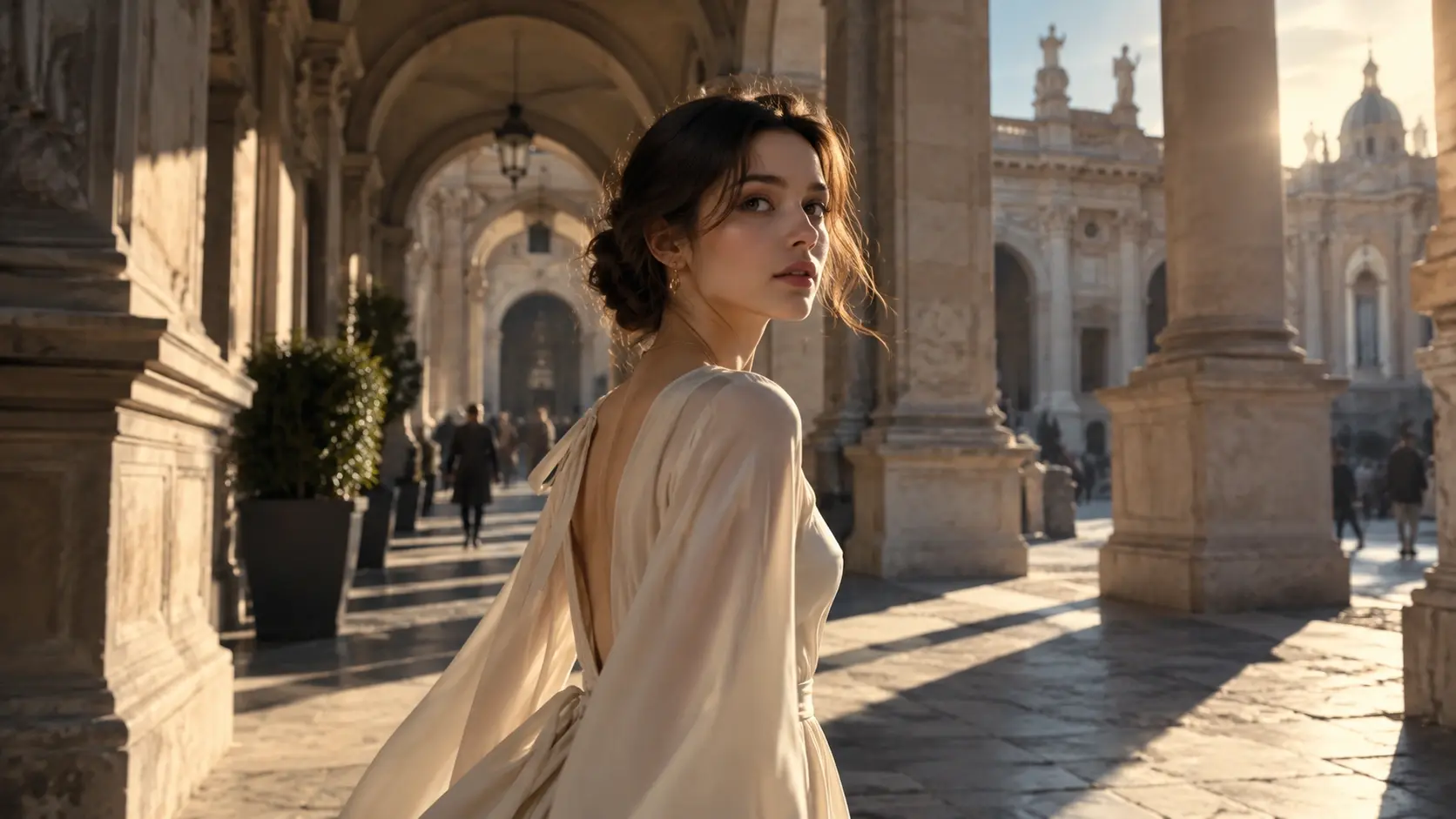
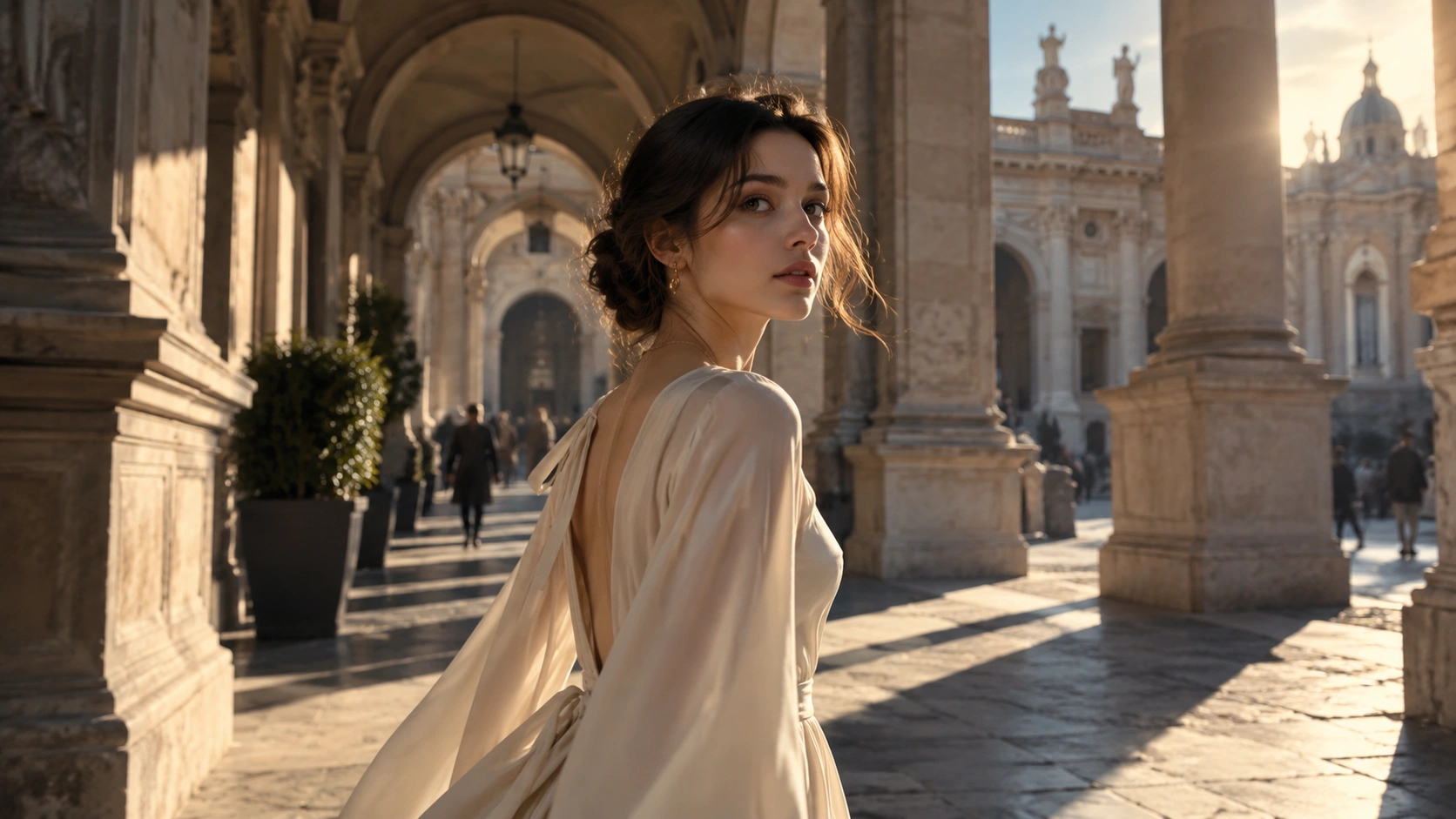
Turn your photos into fun dance clips, surprising transformations, and shareable moments with trending AI video effects.
Make Amazing AI Videos From Scripts
Gone are the days of taking hours of preparing scenes, models, props and recording footage. With our AI text to video generator, it takes a few minutes to create a marvelous video containing all the elements and visual effects you need. Just imagine, type, and visualize what you envision in no time. Tell us your concepts about the video from subject, background setting, and human motion if necessary, and watch as our AI interprets your command and delivers a stuidio-quality video with lifelike results and vibrant visuals.
Animate Static Images for Captivating Visuals
Don’t worry if you're short of inspiration for making stunning AI videos. Our AI image to video generator offers you unlimited power, as you can upload an image and animate it based on text inputs. Whether it's to make your adorable puppy dance and wave, or create a business ad with a female fashion model holding the product, PicLumen converts still images into short videos with cohesive clips and realistic effects. Upload images and watch them come to life as you imagine.
Suited Video Aspect Ratios Caters to Any Needs
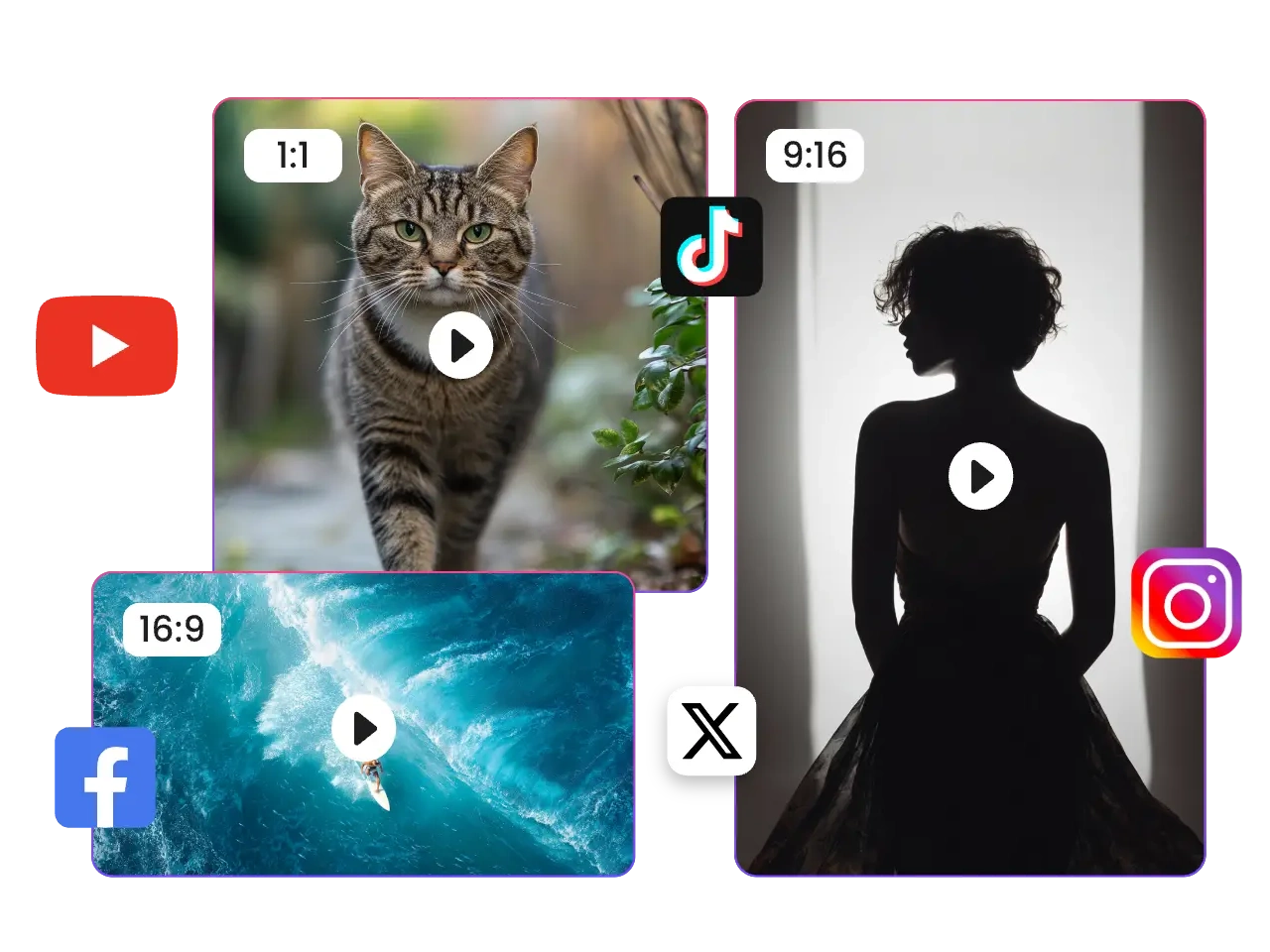
Our AI video generator offers multiple aspect ratio options that caters to specific needs. It has preset 1:1 aspect ratio ideal for Instagram post, and vertical layouts like 2:3, 3:4, and 9:16 perfect for mainstream platforms, offering great viewing experience for mobile users. But if you prefer traditional media which highlights horizontal-orientation content, we have landscape ratios from 4:3 to 16:9. Select the desired video ratio suited for target plaform and audience.
Flexibly Transfer Styles of AI Generated Videos
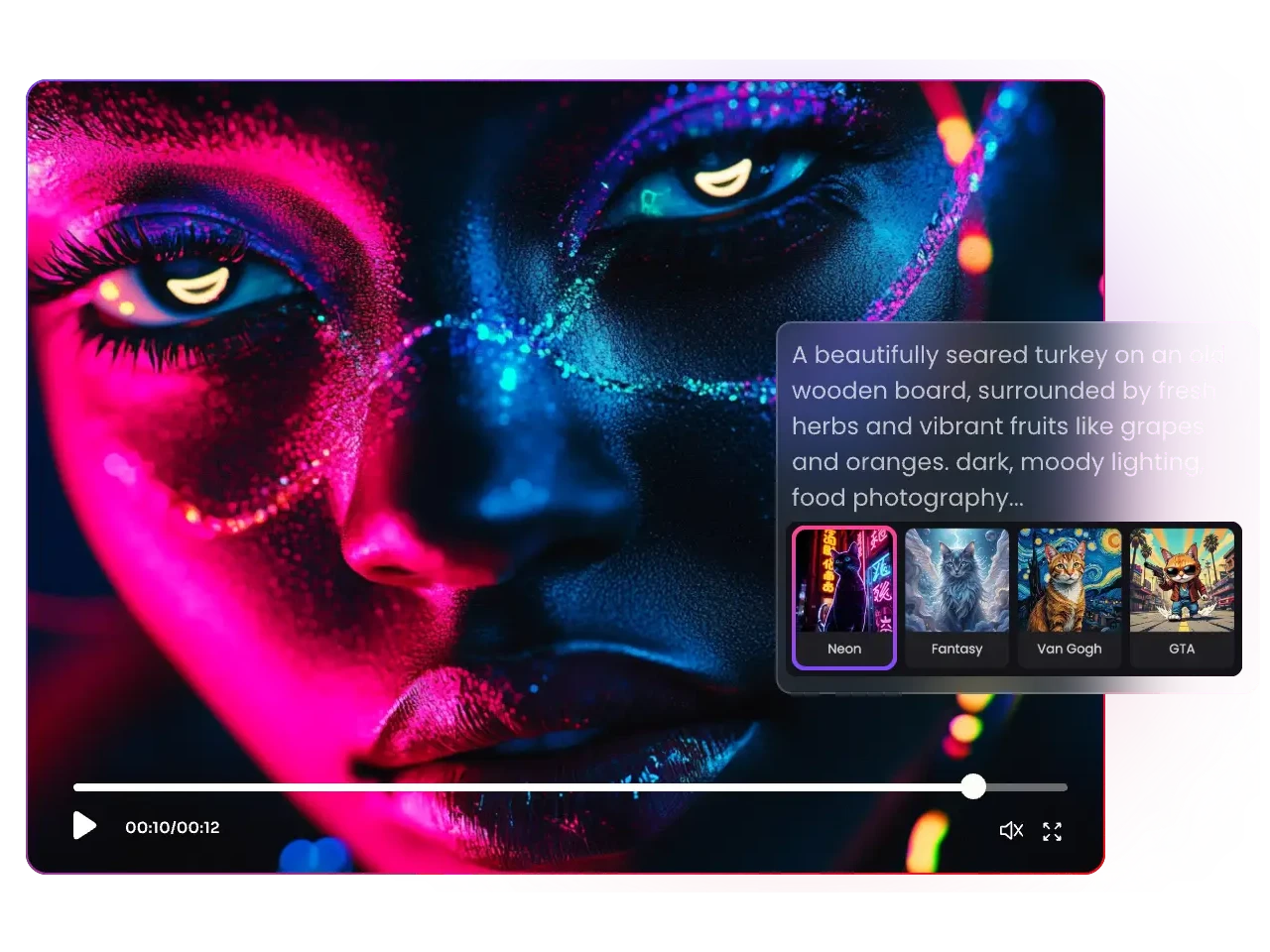
PicLumen's AI video creator trains its algorithms in an extensive library of video footage and clips. And it has powerful style controllability and transfer capacity. Just type text to specify the style of generated AI videos, and our tool will instantly grasp your prompt and give you results meeting the desire. Besides, it builts in a wide array of premade styles, like Pop Art, Sci-Fi, 3D animation, Pixel Art, and Cinematic, etc. Whether you want to create cartoon videos like Disney, Pixar animations, or prefer modern cinematic movie feel, PicLumen has got you covered.
Convert AI Generated Images into Short Clips
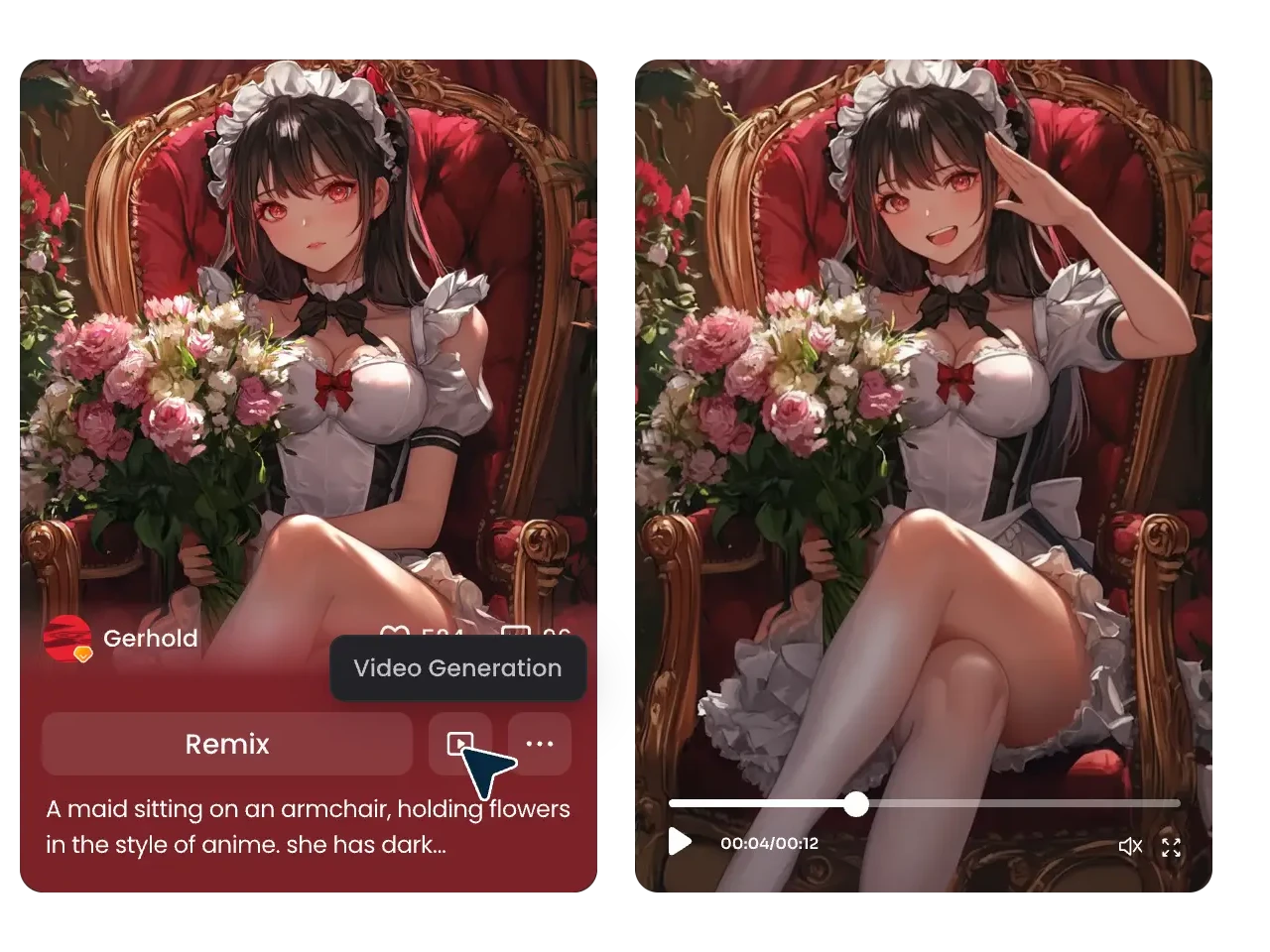
Making AI videos from images is just like walking in a park with PicLumen. If you don't have current pictures on your device, why not generate a captivating artwork from simple text in our AI image generator? With specialized trained AI models, it takes a few seconds to produce breathtaking art images. Effortlessly convert AI-generated images into engaging videos to make them pop. Further, when scrolling through PicLumen's community, you’re allowed to animate any pictures you like via a "Video Generation" option.
Versatile AI Video Generator for Various Cases
- Cartoon Video
- Marketing Video
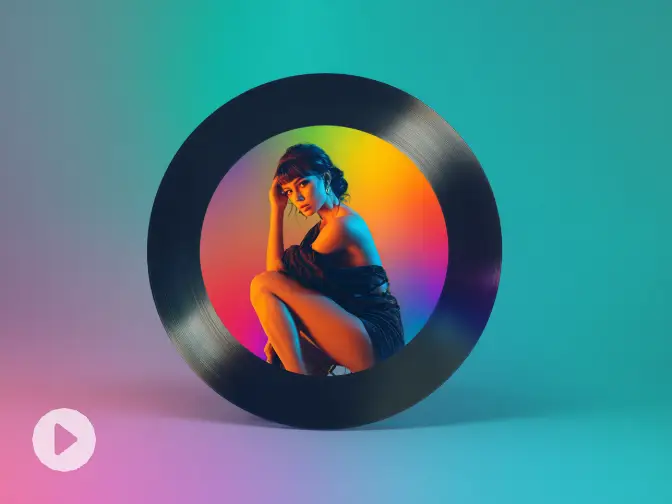
- Music Video
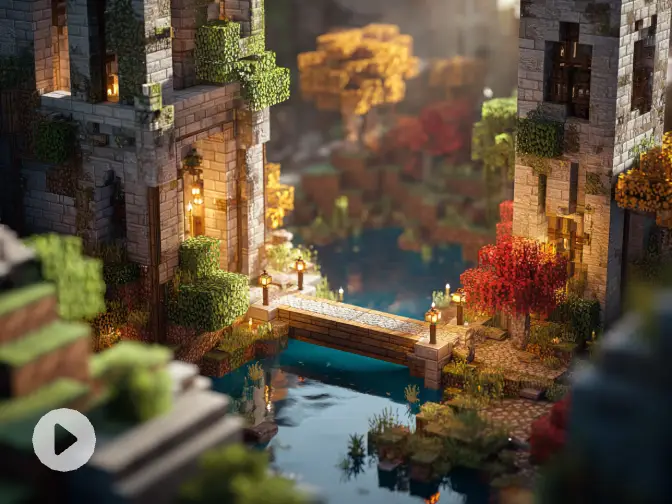
- Gameplay Video
- Movie Clips
- Vtuber Video
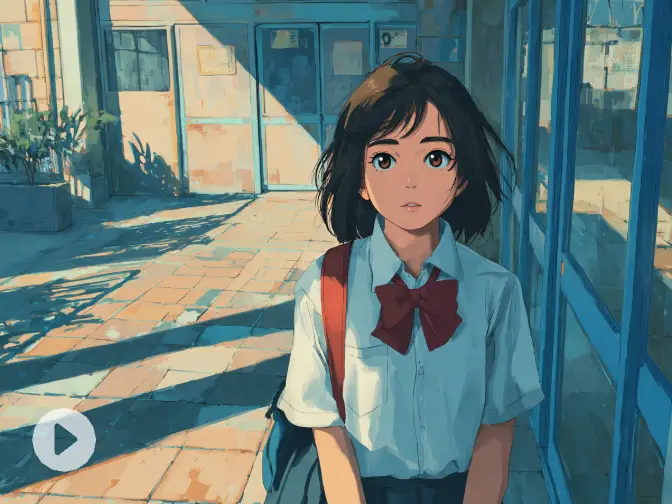
Cartoon Video
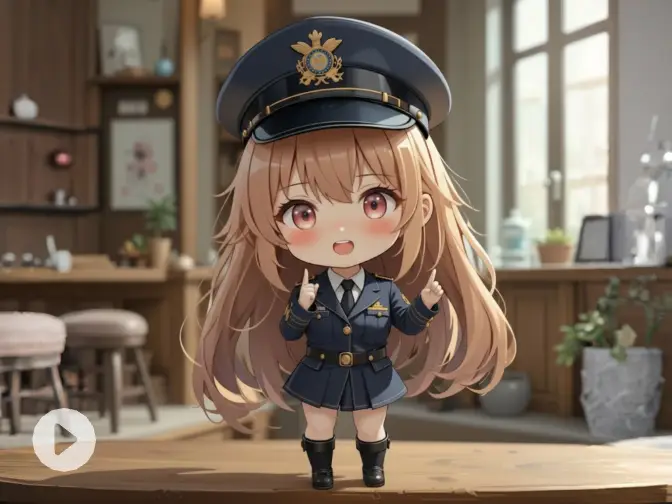
Create cartoon videos with vivid characters, expressive motion, and eye-catching visual styles in just a few steps. Whether you want to make short animated stories, cute social clips, anime-inspired scenes, or fun character-driven content, PicLumen helps you turn simple ideas into dynamic videos that feel lively and easy to share.


How to Make AI Videos in PicLumen?
1 Open the AI Video Workspace
1Go to PicLumen's AI Video workspace to start your project. This is where you choose a model, add your prompt or image, and generate your video in one place.
2 Choose Your Video Model
2Pick the AI video model that fits your idea, such as Veo 3.1, Kling 3.0, or Seedance 1.5 Pro. Each model has different strengths, so you can choose based on the style and result you want.
3 Add a Prompt or Image
3Enter a text prompt or upload a reference image to guide the generation. PicLumen also offers auto-translate and prompt enhancement to help you refine your input more easily.
4 Set Ratio and Duration
4Choose the video aspect ratio and length that fit your needs. You can adjust the format for social posts, vertical content, or standard widescreen videos.
5 Generate Your AI Video
5Click Generate when everything is ready. PicLumen will process your settings and create your AI video in just a few minutes.
6 Download or Share
6Once the result is ready, you can download it, post it on social media, or share it with the PicLumen's community.


Loved by Creators Worldwide
Real feedback from designers, marketers, and hobbyists sharing their PicLumen experience on Trustpilot.
 Zaine Jutt
Amazing 😍😍😍😍😍😍 freee 😍😍
Amazing 😍😍😍😍😍😍 freee 😍😍
 jordi Alcaraz
I have really enjoyed using this site…
I've had a really positive experience with Piclumen. The platform offers excellent features for creating AI images and videos, with impressive quality and a wide range of creative possibilities. It's very easy to use, even when experimenting with more complex ideas, and the whole process is both intuitive and enjoyable. excellent customer service. The team replies very quickly, is always friendly, and genuinely tries to solve any issues you may encounter they care about their users. Overall, Piclumen is an innovative, user-friendly, and exciting AI platform. I highly recommend it to anyone interested in AI image and video creation.
Bet AWNice good appp creat inmage
Nice good appp creat inmage
Good 👍 perfomense web site good images…
Good 👍 perfomense web site good images good
 Scottie Grace
Very affordable and high quality
Very affordable and high quality
 George Price
PicLumen's support team replies quickly…
PicLumen's support team replies quickly to your help requests and they are clear in what they require of you for them to help you. They usually diagnose your problem and offer a solution in less then 24 hours. Stellar service!
Mike WilsonBanger ai has everything i needed and…
Banger ai has everything i needed and more
 Danial Daoud
Great customer support
It's easy to use, they have different AI models, good prices, and a nice community page. I contacted them regarding a bug issue and wasn't expecting much tbh. But they responded within a few hours and hade the issue fixed immediately! Great customer support!
Ioannis GreecePicLumen is powerful and i like it for…
PicLumen is powerful and i like it for my creations.
 kola wole
Amazing
Amazing, and easy to use features
 Samaneh Habibi
useful
useful. great for graphists
 Muhammad Hafiz
i rate this app five star
i rate this app five star
Frequently Asked Questions
What is an AI video generator?
An AI video generator helps you turn text prompts or images into videos without going through a traditional editing process. It gives you a faster way to create video content for social media, storytelling, marketing, and more.
What is the best AI video creator?
The best AI video creator depends on what you want to make. If you want an easier workflow with access to powerful video models, PicLumen AI Video Generator is a strong option for creating videos from text or images.
How long does it take to generate an AI video?
In most cases, it only takes a few minutes to generate an AI video. The exact time may vary based on the model, prompt complexity, and video length.
What types of videos can I create with the PicLumen AI Video Generator?
With PicLumen AI Video Generator, you can create social media clips, promotional videos, product visuals, storytelling scenes, stylized content, and image-to-video projects. It works well for both creative and everyday content needs.
Do I need to download any software to use the PicLumen AI video generator?
No. You can use the PicLumen AI video generator online without downloading traditional editing software, which makes the workflow faster and more convenient.
Can I use AI-generated videos commercially?
Yes, all videos generated are license-free and safe to use in commercial projects. Please review our terms of service for specific usage guidelines.