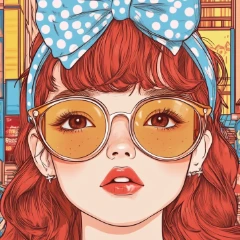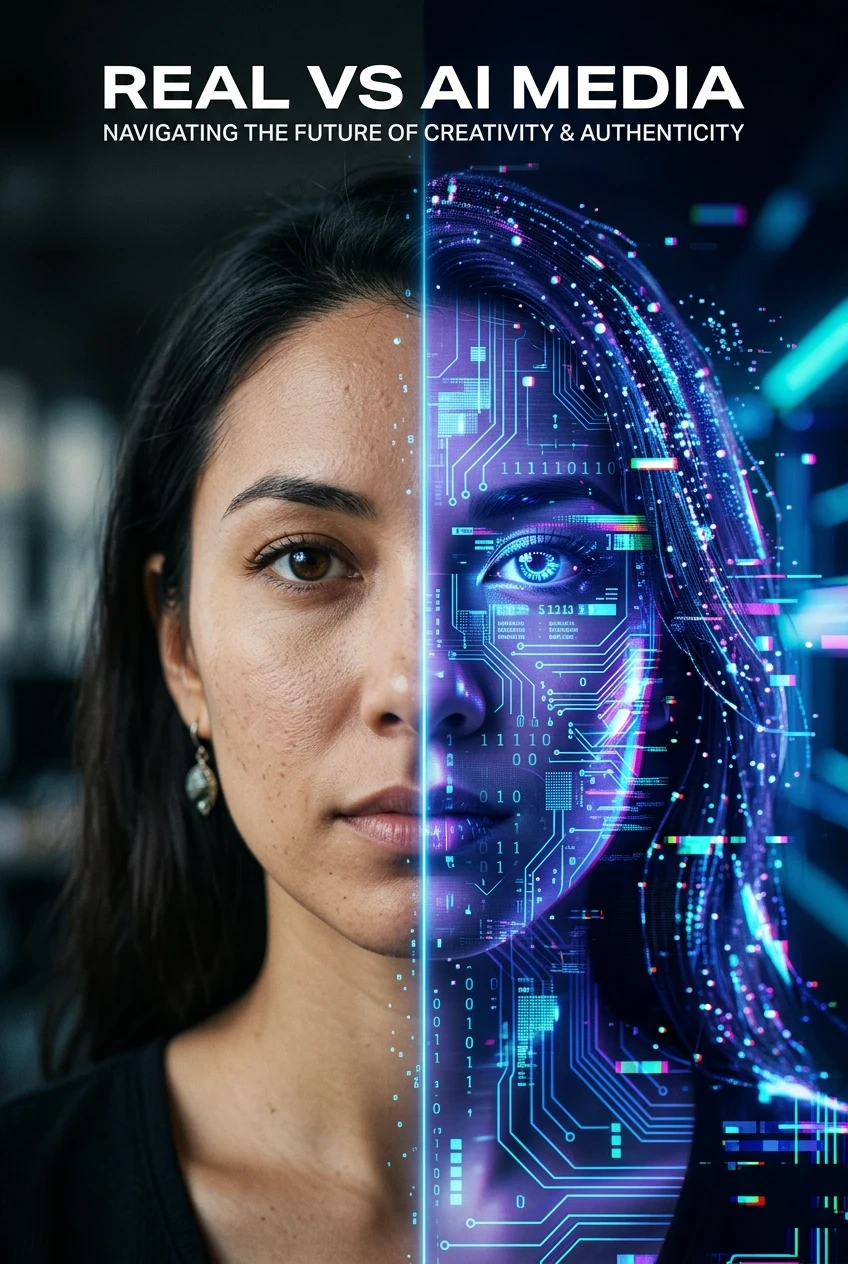
Artificial intelligence can now generate images and videos that look almost indistinguishable from reality. From viral social media posts to realistic AI influencers and cinematic AI videos, the line between real and synthetic content is becoming increasingly blurry.
Just a few years ago, spotting AI-generated content was easy. You could look for strange hands, distorted faces, or obvious visual glitches. But modern AI models have improved dramatically, making those simple clues much less reliable.
So how can you tell if something was created by AI today?
In this guide, we’ll explore 10 practical signs that an image or video may be AI-generated, based on the latest detection techniques used by researchers, journalists, and digital investigators.
Check for Content Credentials or AI Watermarks
One of the newest solutions to the AI authenticity problem is content provenance technology.
Some AI systems now embed invisible metadata or watermarks that identify AI-generated media. Standards such as Content Credentials (C2PA) and watermarking systems like SynthID are designed to track how digital content was created.
If a file contains these credentials, it may indicate:
The image was generated by AI
The image was edited using AI tools
The original source of the content
However, not all AI generators include these credentials yet, so the absence of metadata does not guarantee that an image is real.
Look for Strange Text or Logos
 |  |  |
|---|
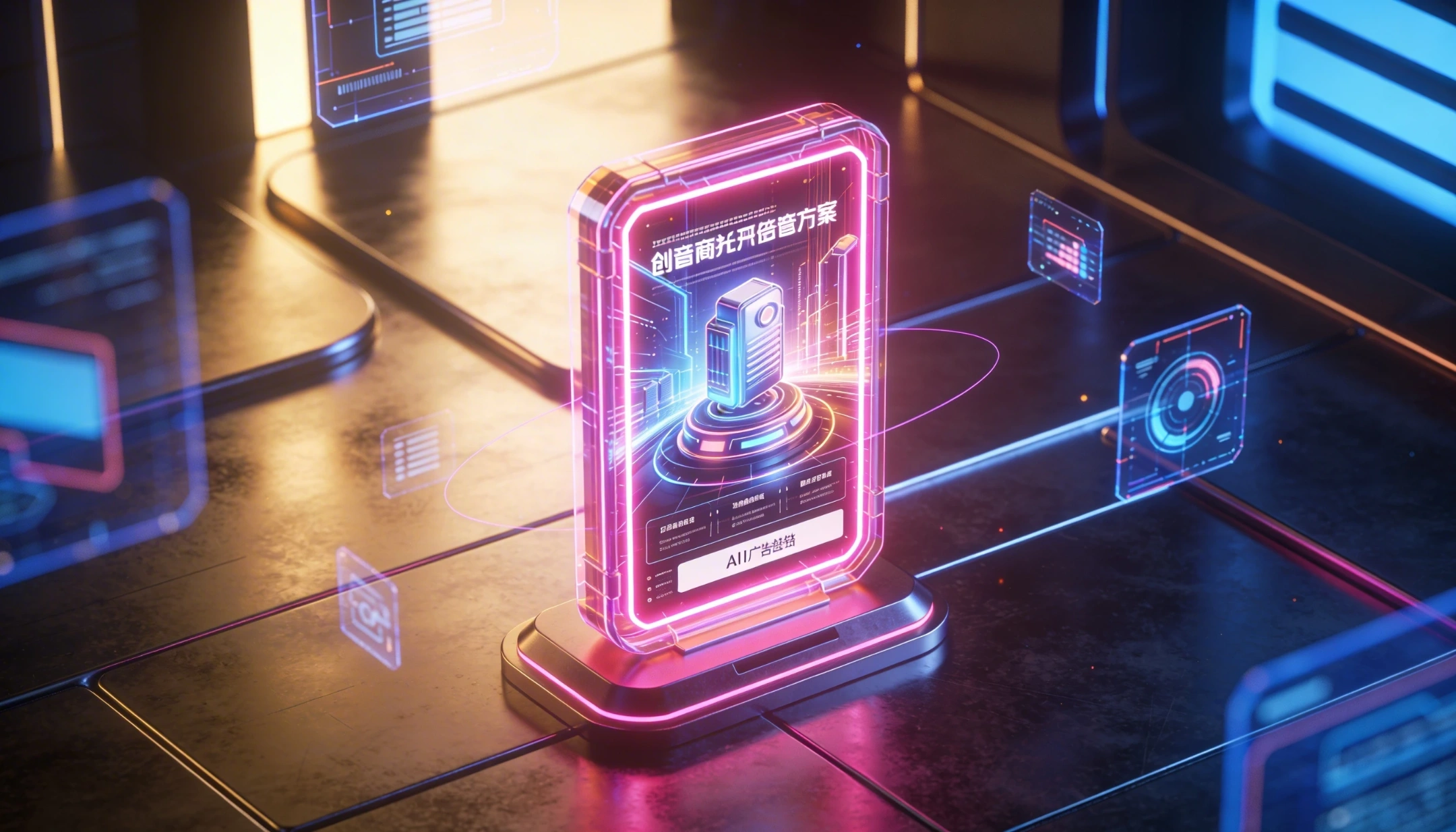
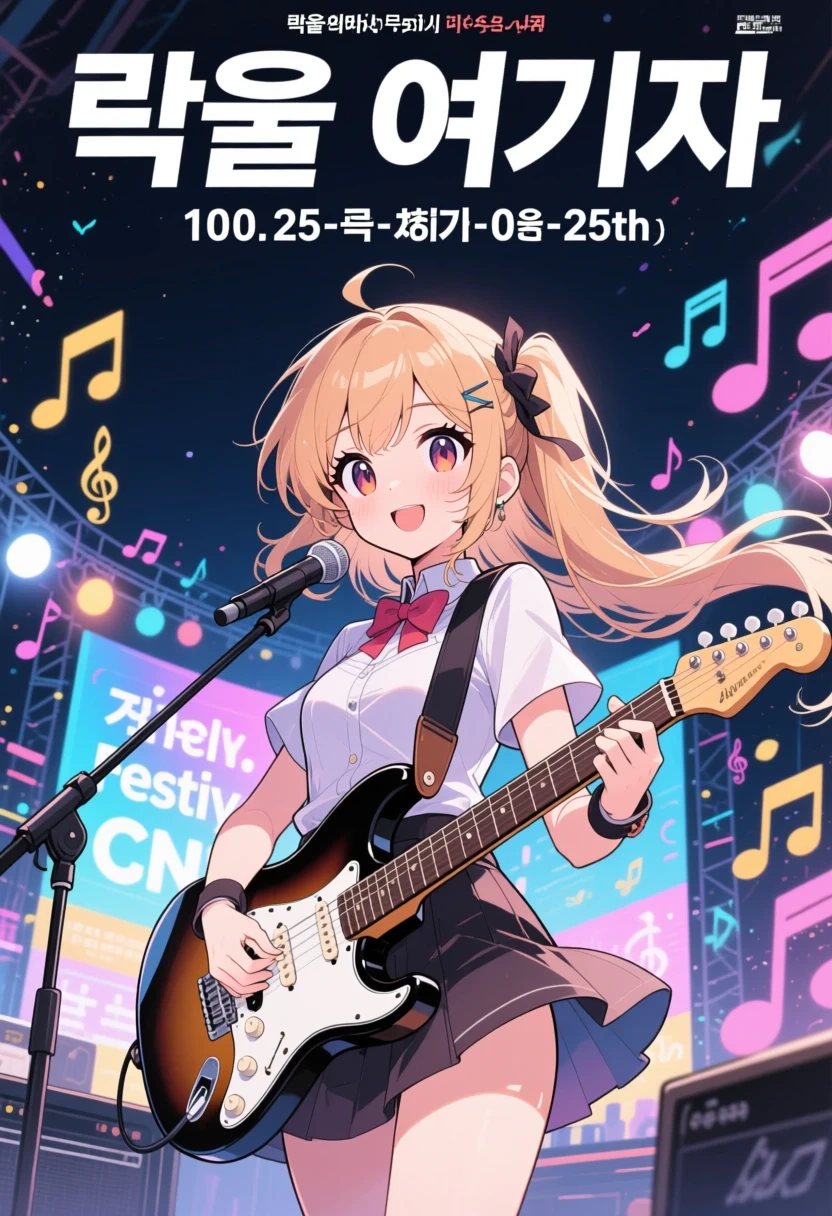
Even with major improvements, AI models still struggle with precise text rendering.
Common signs include:
misspelled words
warped letters
unreadable signage
distorted logos
Pay close attention to elements like:
street signs
product labels
license plates
clothing text
If the text looks unnatural or inconsistent, the image may have been generated by AI.
Examine Lighting and Shadows

AI images often create lighting that looks realistic at first glance but breaks down under closer inspection.
Check for:
shadows pointing in different directions
inconsistent reflections
multiple light sources that don't match the scene
Real-world lighting follows clear physical rules. When those rules are violated, it may indicate synthetic imagery.
Watch for Unrealistically Perfect Skin or Texture
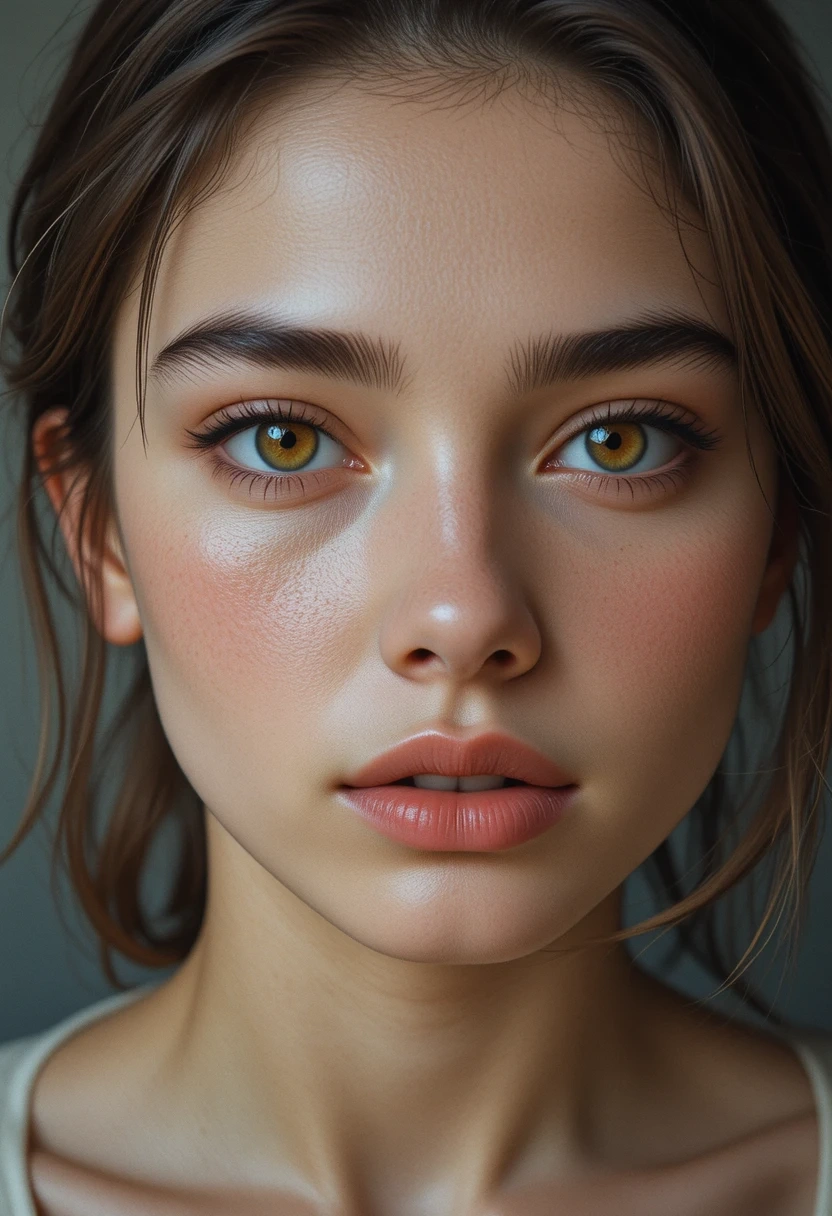
AI-generated portraits sometimes appear too perfect.
Look for details like:
overly smooth skin
missing pores
unnaturally uniform textures
plastic-like surfaces
While photo editing can also smooth skin, AI images sometimes produce an almost “hyper-real” effect that feels slightly unnatural.
Inspect Hands and Small Details
Hands used to be the easiest way to detect AI images. While modern models handle them much better, subtle problems can still appear.
Look for:
unusual finger shapes
unnatural hand positions
extra or merged fingers
jewelry blending into skin
Other small details worth checking include:
ears
teeth
eyeglass frames
buttons and stitching
These areas often reveal inconsistencies.
Look for Background Inconsistencies
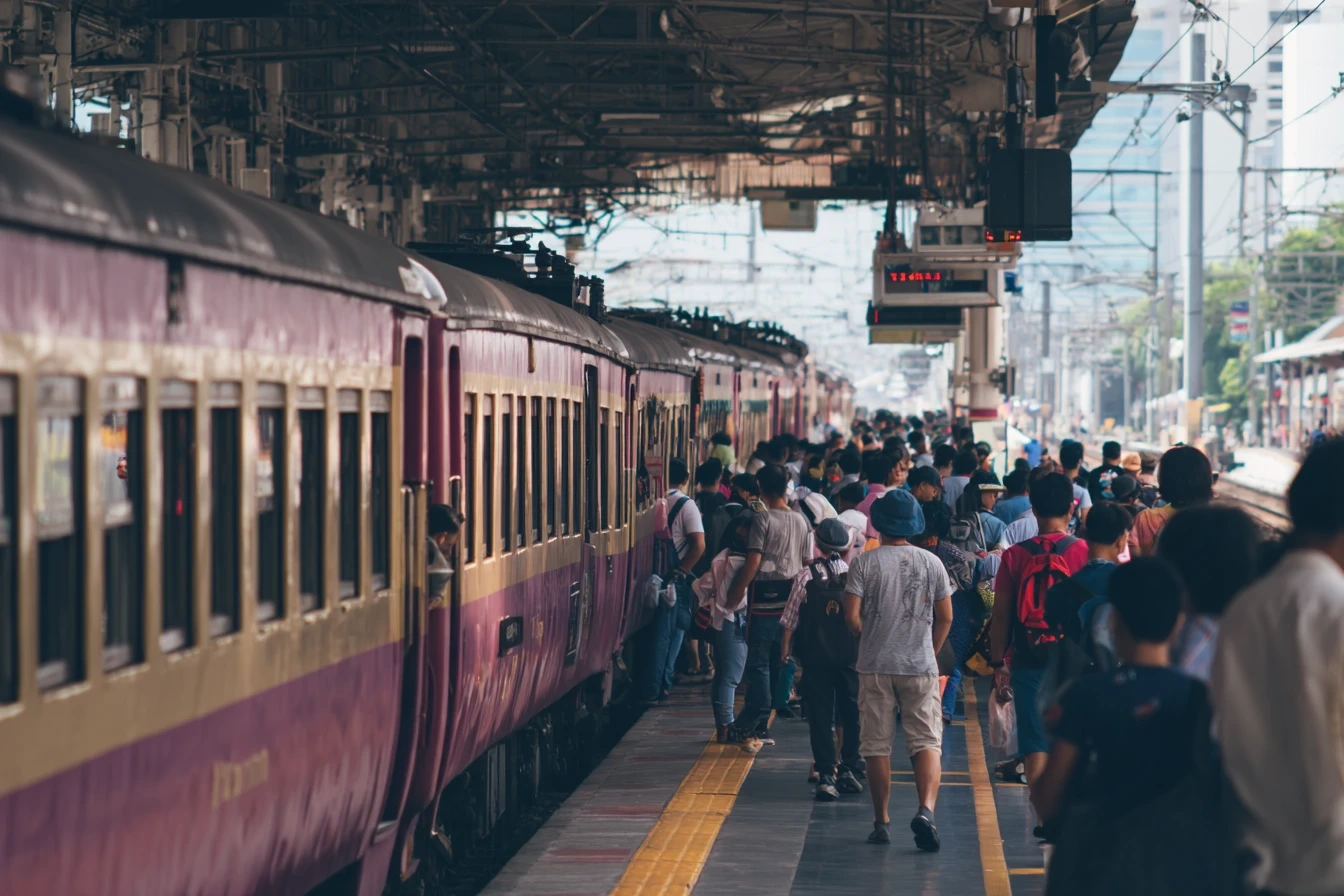
AI models sometimes struggle with complex environments.
Common background clues include:
objects blending into each other
buildings with impossible architecture
repeated patterns that look copied
inconsistent perspective
For example, a city street scene might include duplicated people, oddly shaped windows, or warped street layouts.
Watch for Motion Glitches in Videos
AI-generated videos often look convincing when still, but problems appear once motion begins.
Look for:
faces subtly changing shape between frames
flickering hair or clothing
objects shifting position unexpectedly
unstable background details
These temporal inconsistencies are still one of the biggest challenges for AI video generation.
Pay Attention to Human Behavior
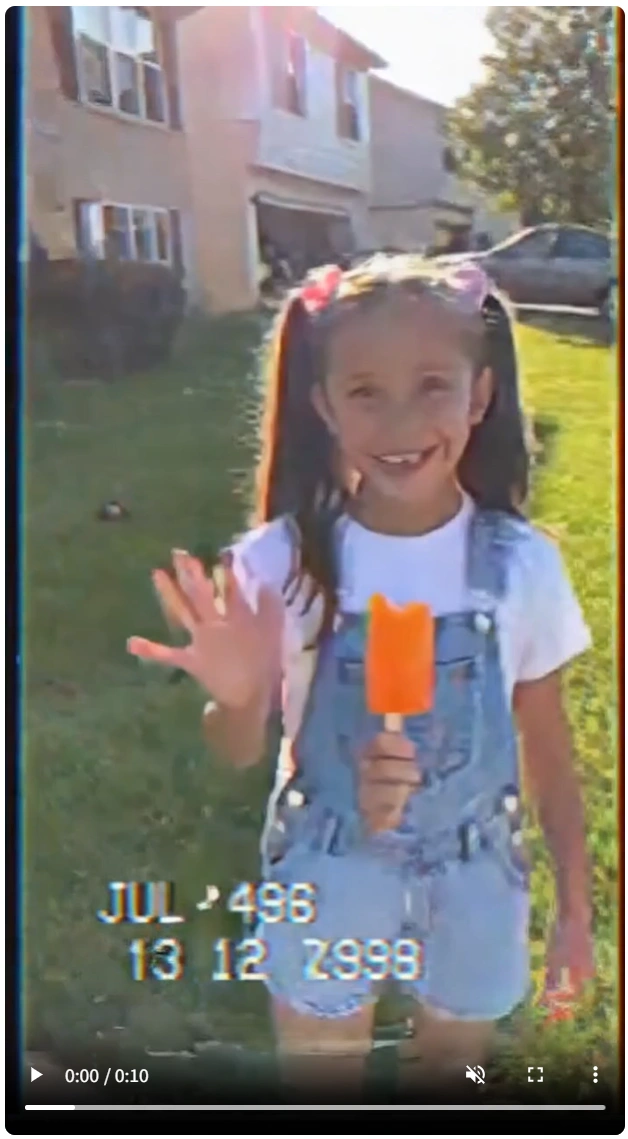
Real humans have natural biological patterns that AI still struggles to replicate perfectly.
For example:
blinking patterns
breathing rhythm
subtle facial muscle movements
AI-generated characters sometimes blink too rarely, blink too frequently, or display unnatural facial timing.
These cues are particularly helpful when analyzing video footage.
Reverse Image Search the Content
A surprisingly effective technique is reverse image search.
Tools like Google Images or TinEye allow you to see where an image has appeared online.
If the image:
has no clear origin
appears suddenly across many accounts
has no credible source
there’s a higher chance it was generated by AI.
Use AI Detection Tools (But Don't Rely on Just One)
Ironically, one of the most common ways to detect AI media is to use AI detection software.
Popular tools include:
Hive AI
Illuminarty
AI or Not
Reality Defender
These systems analyze patterns in the image to estimate whether it was generated by AI.
However, detection tools are not perfect. Different tools may produce different results, so it's best to use multiple detectors and combine them with manual analysis.
Why Detecting AI Content Is Getting Harder
The truth is that AI detection is becoming increasingly difficult.
New models can generate highly detailed visuals, realistic motion, and accurate lighting. In many cases, even experienced viewers cannot reliably distinguish AI-generated media from real content.
As a result, experts now recommend using multiple verification methods together rather than relying on a single clue.
This includes checking metadata, analyzing visual details, verifying sources, and using detection tools.
The Future of AI Media Authenticity
As AI-generated media becomes more common, the internet is moving toward systems that verify the origin and history of digital content.
Technologies like content credentials, watermarking systems, and cryptographic signatures may eventually help people identify where an image or video came from.
But for now, the best defense is digital awareness.
Understanding how AI images and videos are created—and knowing what signs to look for—can help you navigate a world where synthetic media is increasingly part of everyday life.