AI pet videos are evolving beyond simple talking animals. A new format that’s starting to spread across social media is the “Pet Working Universe”, where animals secretly leave home and take on human jobs.
Think of it like a tiny cinematic story:
Your cat waits until you leave for work… then heads out to start its own shift.
In this tutorial, I’ll show exactly how I created a 12-second AI video of a cat secretly working at McDonald’s as a cashier, using Kling 3.0 multi-shot generation.
The workflow is simple once you understand the structure, and you can easily adapt it to create your own AI pet job universe.
Step 1: Generate a Realistic Pet Image
The first step is creating a clean reference image of your pet.
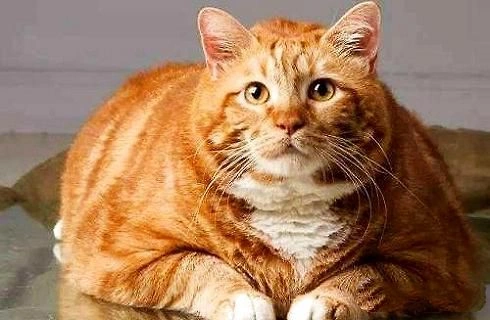
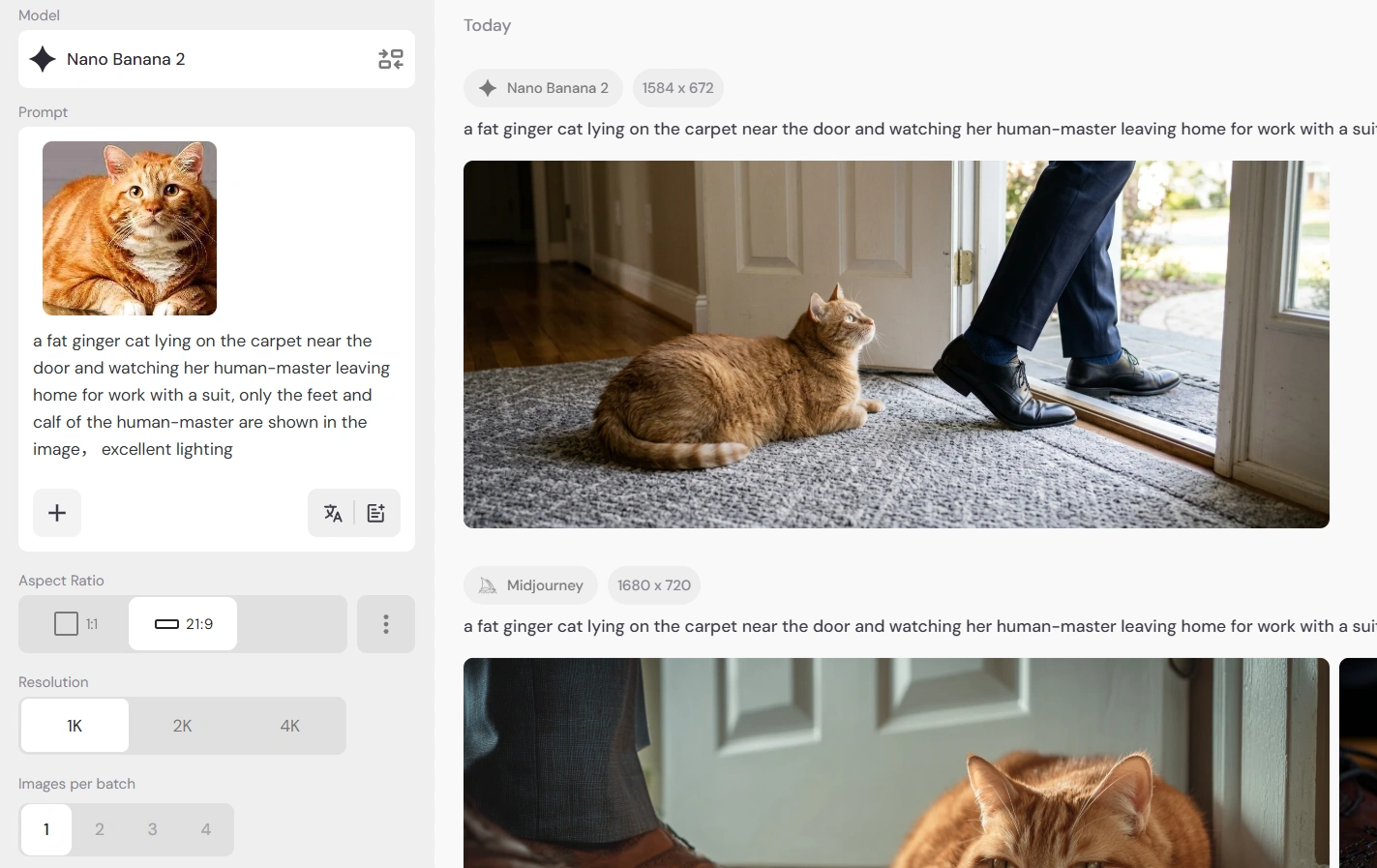
Go to your AI image generator, upload a photo of your cat, and choose a model that can preserve realistic details.
 |  |
|---|
For this project, I used Nano Banana 2, mainly because it produces more natural, everyday realism.
I also tested Midjourney, but the images came out with a very cinematic style, which wasn’t the look I wanted for this particular video. If you don't know which model to choose, I'd like to recommend my previous article, in which I tested several image models and showed their differences.
The goal of this image is twofold:
It will become the first frame of the video
It will also serve as one of the visual references for elements inside Kling
Example prompt
a fat ginger cat lying on the carpet near the door and watching her human-master leaving home for work with a suit, only the feet and calf of the human-master are shown in the image, excellent lighting
Once the image is generated, save it — we’ll use it later as the first frame.
👉 Generate Your First Frame Image
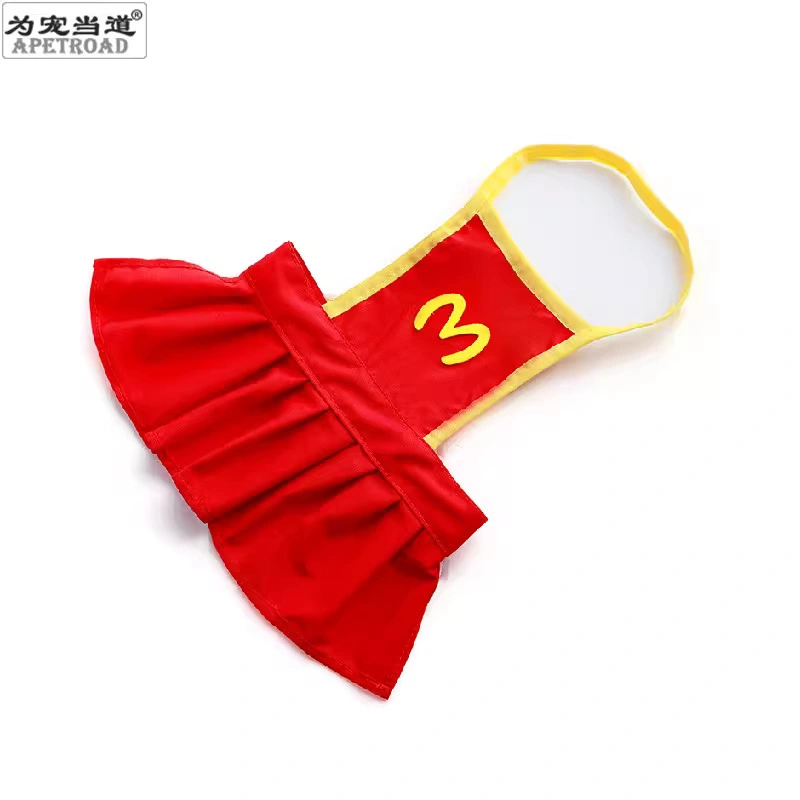
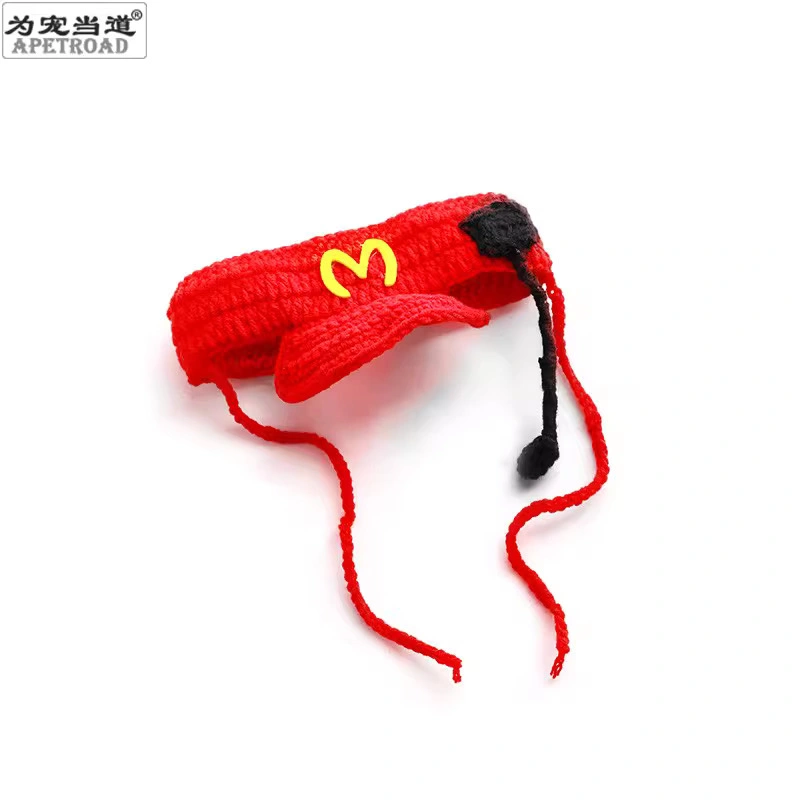
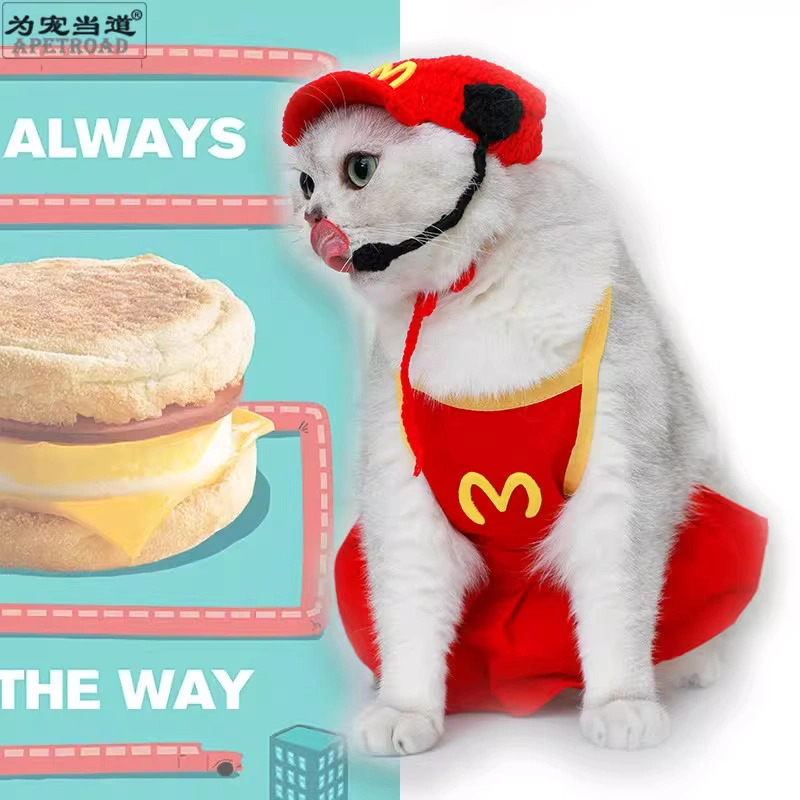
Step 2: Prepare Pet Outfit and Accessory Images
Next, find reference images for the pet’s outfit and accessories. The following images are found on the internet:
 |  |  |
|---|
This step is surprisingly important.
When generating multi-shot videos, AI models sometimes change clothing or details between shots. Preparing outfit references helps keep everything consistent.
These images will later be grouped into elements inside Kling.
This significantly reduces the chance of having to regenerate the video, which matters because Kling 3.0 with audio can cost around 100 lumens per second.
Step 3: Create Elements in Kling 3.0
Now move to the Video Generator and select Kling 3.0.
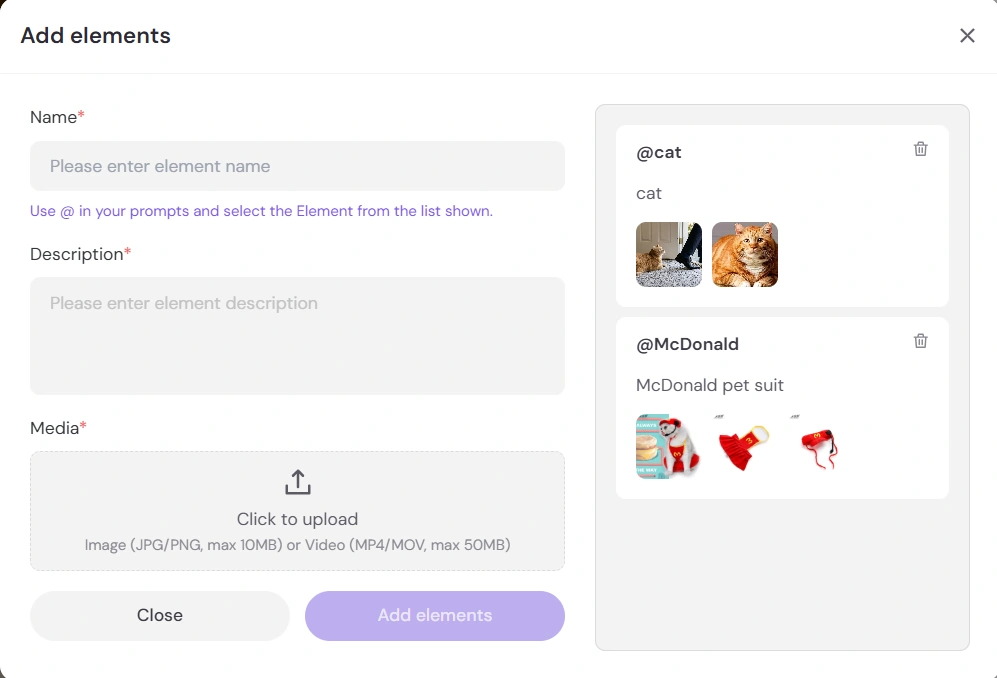
Before writing prompts, create elements first.
Elements act as reusable visual anchors that help the model maintain consistency.
How to create an element
For each element:
Give the element a name
Add a short description
Upload 2–4 reference images
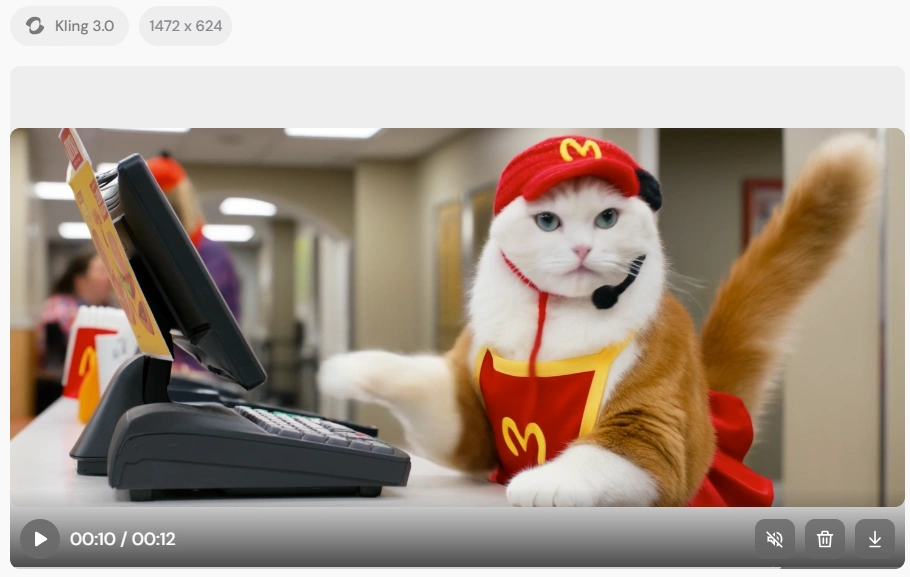
Example elements used in this project:
Add elements | Result |
|---|---|
 |  |
📌Small tip to use elements in prompts
Inside the prompt field, type @ and select the element you want to insert.
Example:
@ginger_cat wearing @mcdonald_uniform
This tells the model to use the visual references you uploaded.
Step 4: Write the Multi-Shot Prompt
Now switch to multi-shot mode.
For this video, I planned 5 shots, which keep the story clear while staying under 15 seconds.
Shot structure
Shot | Duration | Story |
Shot 1 | 2s | The owner leaves home |
Shot 2 | 3s | Cat sneaks out |
Shot 3 | 2s | Cat run to McDonald's |
Shot 4 | 2s | Cat arrives at the workplace and change cloth |
Shot 5 | 3s | Cat working as a cashier |
Shot 1 Prompt
Morning scene inside a small apartment.
A person leaves for work and closes the door.
A realistic ginger cat sits on the floor mat near the door watching the owner leave as the door shuts.
Cozy living room environment, warm natural morning light, realistic pet cat, subtle camera push-in, cinematic but natural.
Shot 2 Prompt
The ginger cat gently pushes the door open with its paw and carefully sneaks out of the apartment.
The cat looks back once toward the room and then quickly slips outside.
Camera follows the cat slightly as it moves, realistic environment, playful and humorous tone.
Shot 3 Prompt
The ginger cat walks toward a McDonald's fast food restaurant and enters the employee changing room.
Inside the staff room the cat changes into a McDonald suit with a red and yellow fast food uniform and hat.
Bright indoor lighting, realistic restaurant environment, comedic situation.
Shot 4 Prompt
The ginger cat wearing a McDonald suit walks behind the front counter of the restaurant.
Another American shorthair cat coworker, also wearing a McDonald suit, stands there finishing its shift.
The two cats greet each other briefly as if handing over the shift.
Fast food counter environment, bright lighting, light comedic tone.
Shot 5 Prompt
At the McDonald's cashier counter, the ginger cat wearing a McDonald suit stands at the register.
The cat taps the cash register keypad with its paw as if taking a customer's order.
A customer waits at the counter looking slightly surprised.
Humorous moment, realistic lighting, lively fast food restaurant atmosphere.
Step 5: Upload the First Frame
Now upload the image generated in Step 1 as the First Frame.
If you also have a final image for the ending scene, you can optionally upload it as the Last Frame.
Step 6: Generate the Video
Finally, click Generate and wait for the result.
The final output is a short cinematic sequence:
Owner leaves home →
Cat sneaks out →
Cat puts on a McDonald's suit →
Cat secretly works as a cashier.
It’s a small story, but it works extremely well for short-form video content.
Why This Format Works So Well
The “Pet Working Universe” works because it combines three powerful ingredients:
Cute animals
Human-like behavior
Short narrative structure
Even a 10–15 second story can feel like a complete mini-episode.
Once you create the first one, it becomes easy to expand the universe:
Cat barista
Cat police officer
Cat office worker
Cat delivery driver
The same workflow can generate an entire series.
Final Thoughts
This project turned out to be a fun experiment in building a tiny AI pet storyline.
By combining a realistic pet image, Kling 3.0 elements, and a simple multi-shot structure, you can turn a single cat photo into a short cinematic video.
And honestly, watching a ginger cat working a McDonald’s shift might be one of the funniest AI video formats to experiment with.