If you spend time on social media, you’ve probably seen countless cat meme video clips. From cats acting like humans to exaggerated reactions, these videos often gain huge engagement online.
PicLumen's AI video generator brings together many popular models currently in demand, such as Kling 3.0, Sora2, and Veo 3.1. You can use these models to easily create your own short meme videos without filming anything in real life. In this tutorial, you’ll learn how to generate a classic scenario:
“A cute cat secretly using a smartphone in bed and quickly pretending to sleep after hearing the owner's footsteps.”
This type of short, humorous clip works perfectly for TikTok, Instagram Reels, and YouTube Shorts.
Why Cat Meme Videos Go Viral on Social Media
Pet videos have always been popular online, and funny cat clips perform especially well because they combine humor with relatable situations.
Using AI, creators can produce scenes that would be hard to capture in real life, making viral cat meme video creation faster and more flexible.
Many content creators focus on TikTok because short, relatable clips like this often attract high engagement.
Meme Idea Example: Cat Pretending to Sleep
A successful meme video doesn’t need a complex plot—just a simple, funny moment.
Scene 1
A cat lies in bed at night secretly using a smartphone. The phone screen lights up the cat’s face.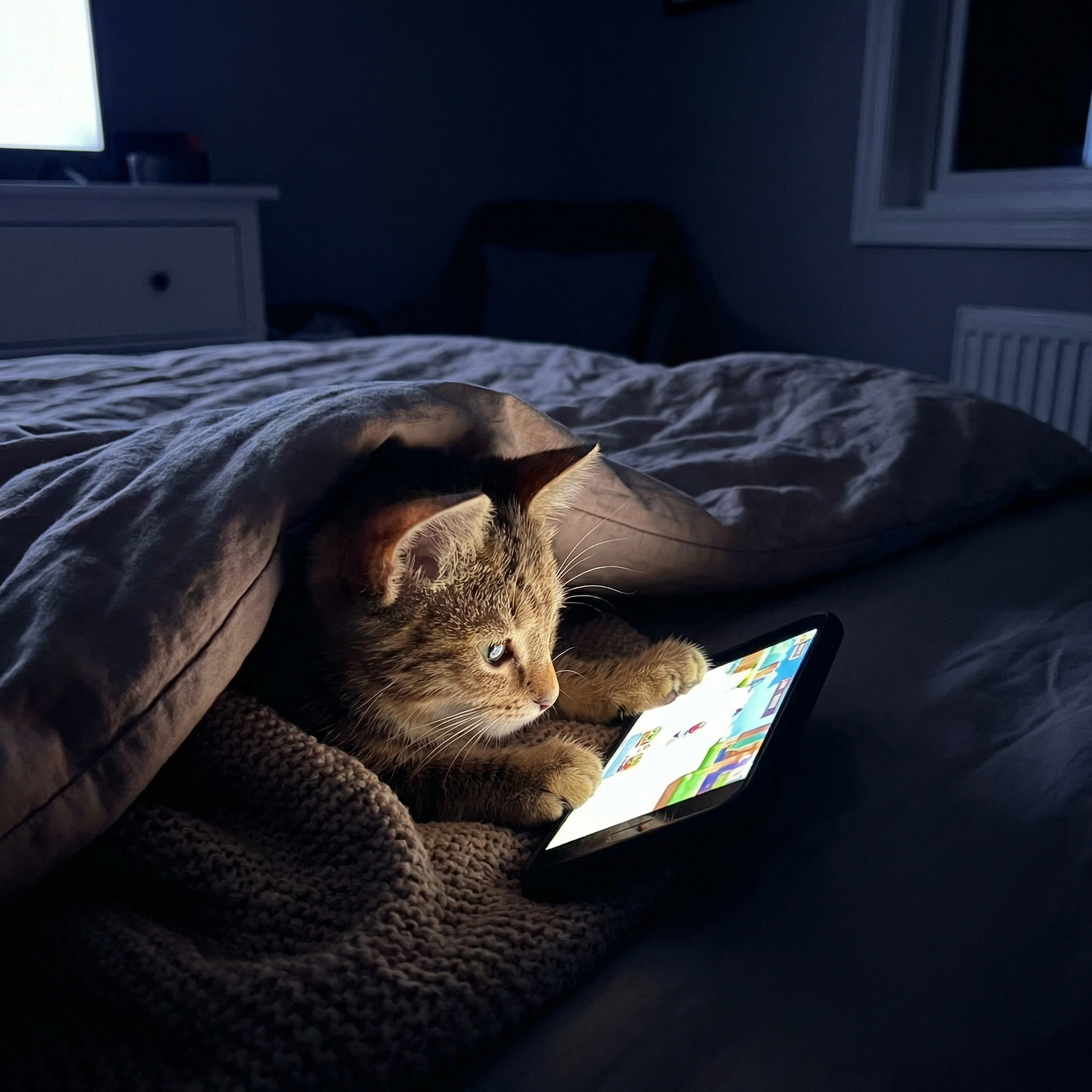
Scene 2
The cat suddenly hears footsteps approaching.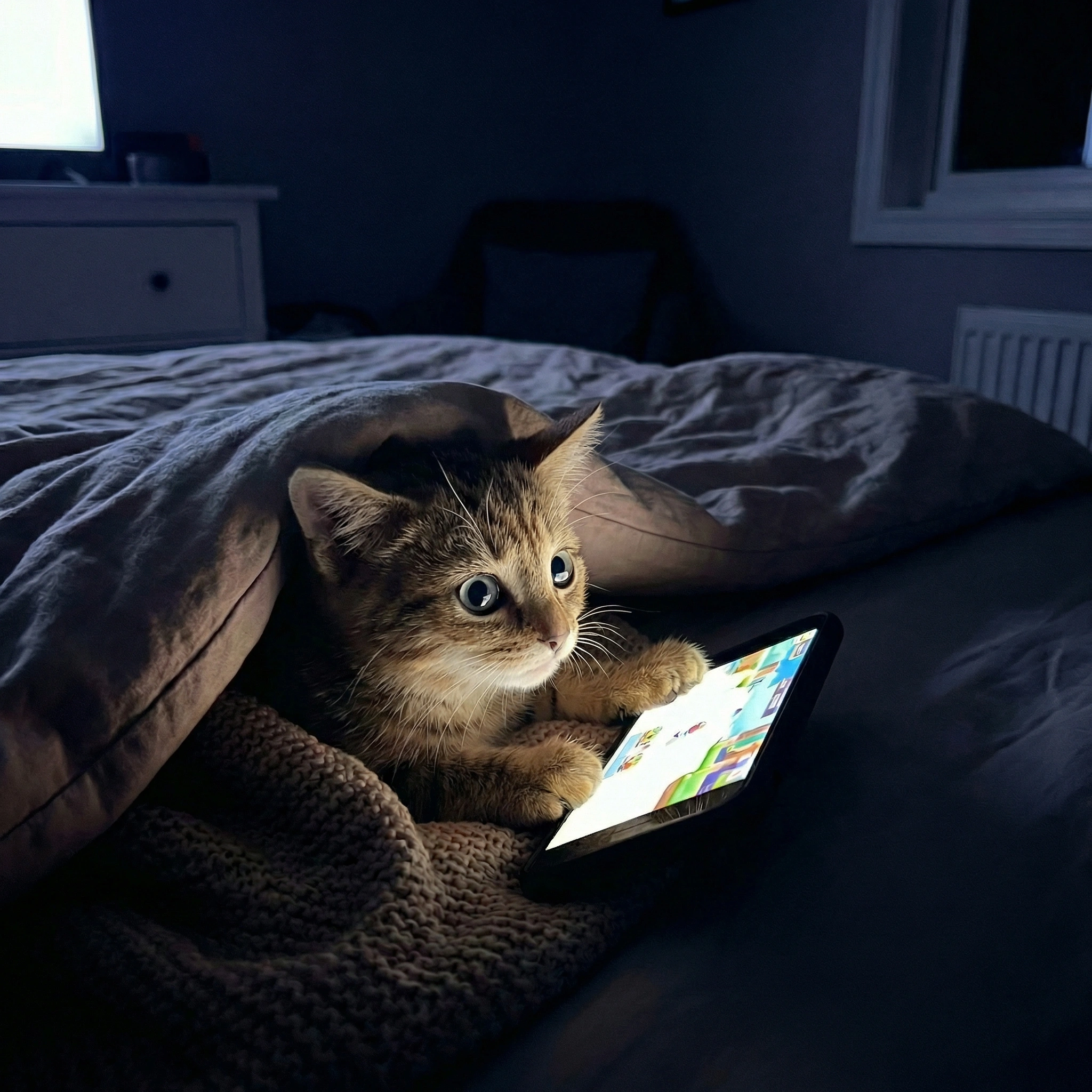
Scene 3
The cat quickly throws the phone aside and immediately pretends to sleep.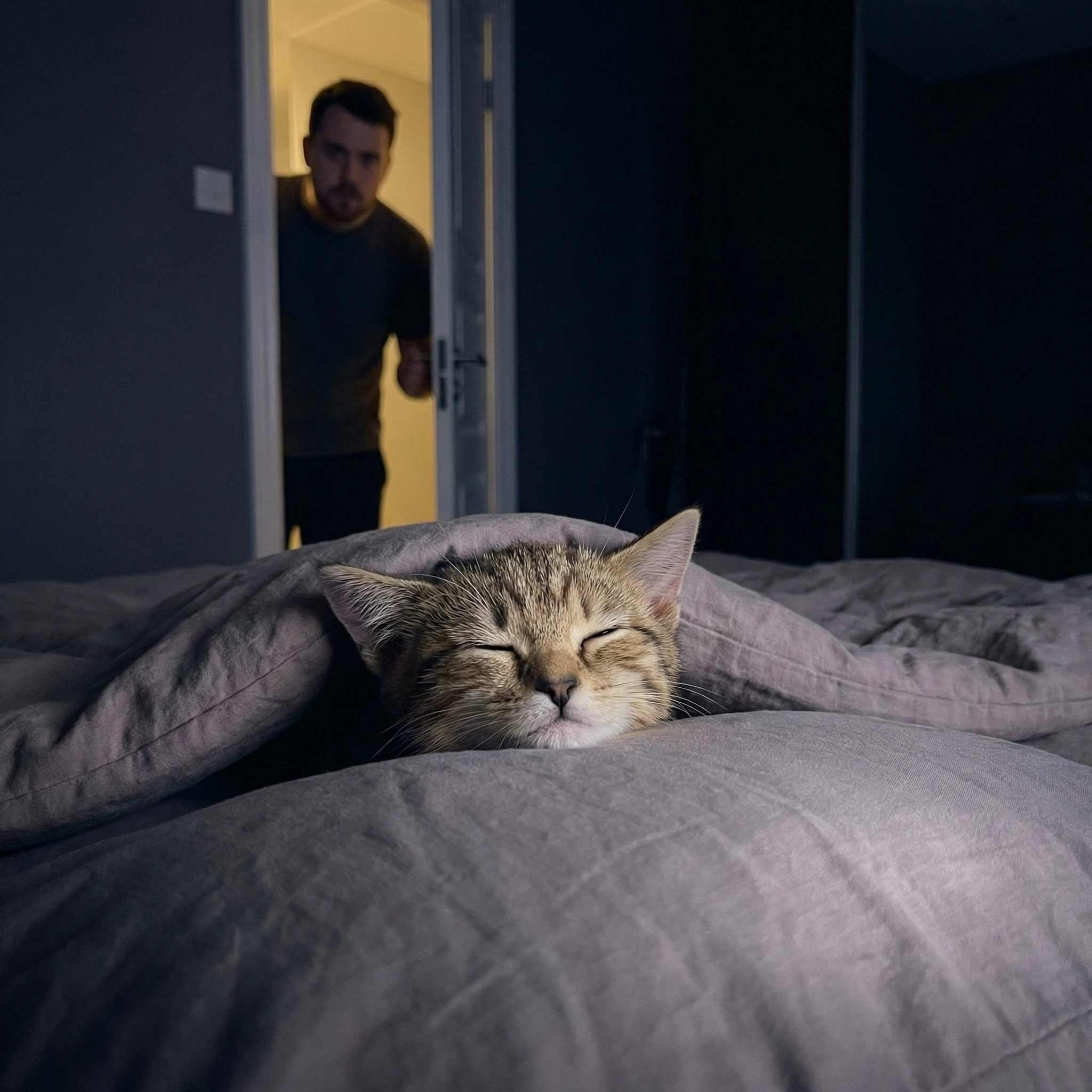
This “sudden reaction” is what makes the clip humorous and shareable.
AI Cat Meme Video Prompt Example
You can use the following prompt to generate the video:
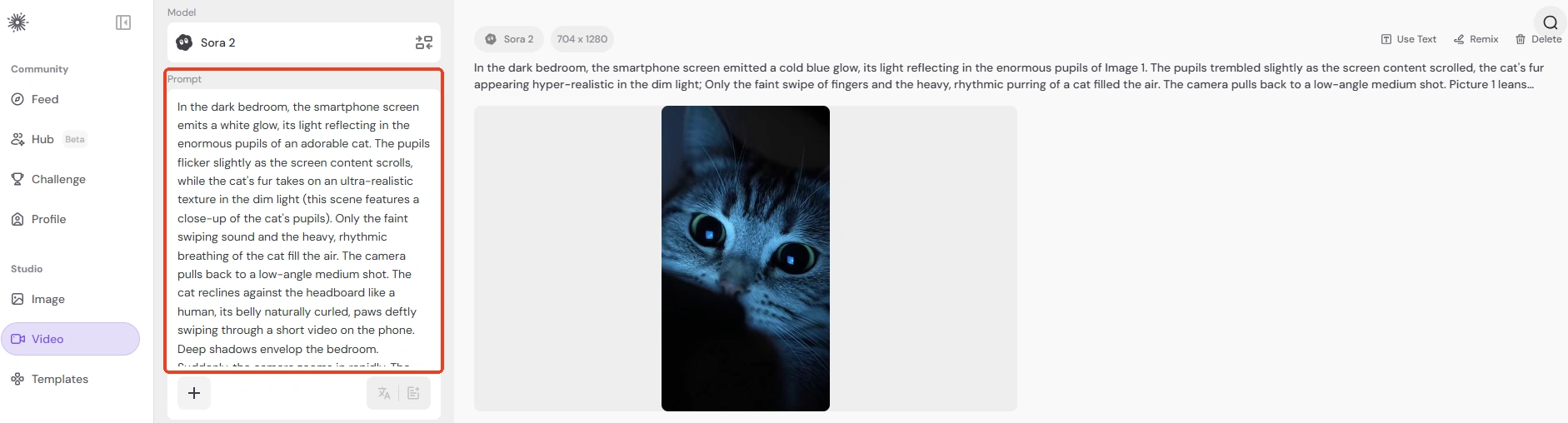
In the dark bedroom, the smartphone screen emits a white glow, its light reflecting in the enormous pupils of an adorable cat. The pupils flicker slightly as the screen content scrolls, while the cat's fur takes on an ultra-realistic texture in the dim light (this scene features a close-up of the cat's pupils). Only the faint swiping sound and the heavy, rhythmic breathing of the cat fill the air. The camera pulls back to a low-angle medium shot. The cat reclines against the headboard like a human, its belly naturally curled, paws deftly swiping through a short video on the phone. Deep shadows envelop the bedroom.
Suddenly, the camera zooms in rapidly. The cat's movements freeze instantly. Its ears flatten sharply backward like airplane wings. Its gaze shifts from vacant to utterly terrified, pupils dilating rapidly. The next second cuts to a handheld, shaky wide shot. The cat snatches the phone away and pulls the blanket up with lightning speed, the entire motion seamless. It then closes its eyes tightly, feigning deep sleep, the sound of the sheets rustling hurriedly and chaotically.
The camera slowly pans sideways as the door creaks open a crack. Intense warm light from the hallway pierces the darkness, casting high-contrast shadows across the cat's fur on the blanket. Finally, a low-angle close-up freezes the moment: the owner appears at the doorway, peering in cautiously, while the cat on the bed remains rigid, desperately feigning sleep. The air thickens with a tense yet comical stillness.
To personalize it, you can:
Change cat → dog
Use your pet’s breed
Adjust the environment
This lets you turn your own pet into a unique meme video.
How to Generate the AI Cat Meme Videos on Piclumen
Creating a meme video is quick with Piclumen's AI video generator.
Step 1: Open Piclumen's AI Video Generator
Access the AI video generator tool on Piclumen’s platform.

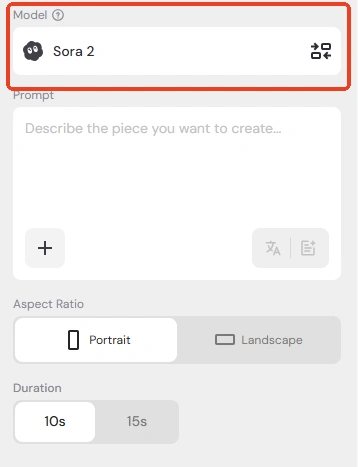
Step 2: Choose an AI Model
Select one of Piclumen’s advanced models to generate smooth, high-quality video.
Step 3: Paste the Prompt
Copy the prompt above and paste it into the input box.
Step 4: Generate the Video
Click generate and let the AI create the clip.
Step 5: Download and Share
Once ready, download the video and share it on social media, such as: TikTok, Instagram Reels, YouTube Shorts.
Short and relatable cat meme videos tend to perform well across platforms.
Tips for Making a Viral Cat Meme Video
1. Use Human-Like Behavior
Animals doing human activities are naturally funny: playing phones, gaming, or working at a laptop.
2. Keep the Story Simple
Most successful meme videos focus on one quick joke or reaction.
3. Highlight the Reaction Moment
Unexpected reactions—like suddenly pretending to sleep—make videos memorable.
Turn Your Pet into a Meme Video on Piclumen
With Piclumen, anyone can create their own meme video. Using the prompt in this tutorial and customizing it for your pet allows you to produce a funny and shareable cat meme video in minutes.
Whether for TikTok, Instagram Reels, or YouTube Shorts, this AI tool makes it easy to generate content that’s entertaining and viral-ready.
Try it now on Piclumen and see if your AI-generated pet video becomes the next meme sensation!