
Create Cinematic AI Videos with Veo 3.1 for Free
Veo 3.1, released by Google, brings movie-quality to AI video creation. Just type your idea — or drop in a few images — and Veo 3.1 will transform it into stunning, fluid scenes with synced sounds that look like they came from a real film set.
Hot Video Effects
Turn your photos into fun dance clips, surprising transformations, and shareable moments with trending AI video effects.
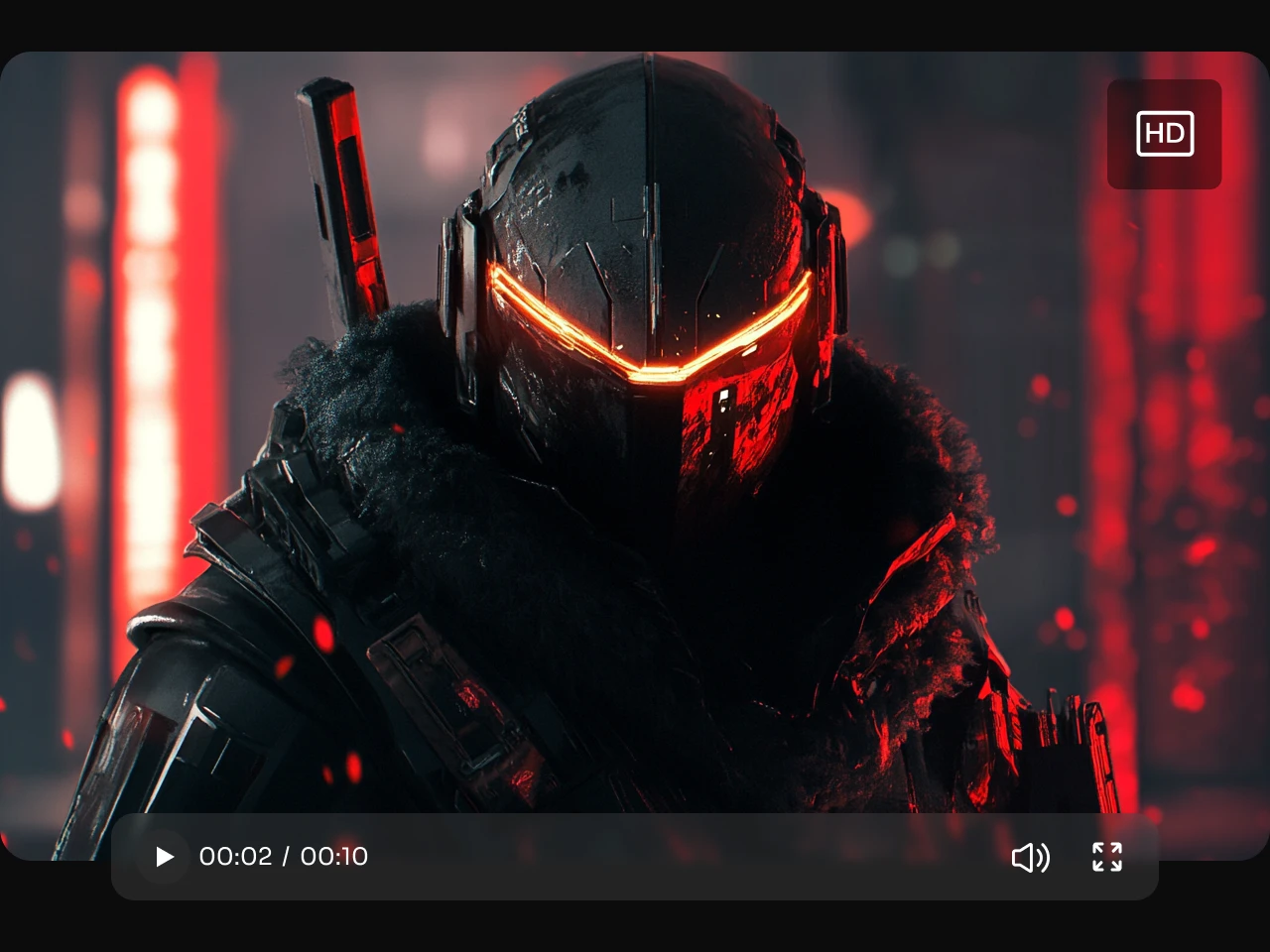
Bring Your Ideas to the Big Screen
Compared to the "mobile phone-like" quality of Sora 2, Veo 3.1 truly brings cinematic-grade visuals into the realm of AI video creation. Veo 3.1 can easily turn your text or images into cinematic 1080p footage. Each frame is rendered with realistic lighting, crisp detail, and natural motion blur — no upscaling or artificial polish. It’s pure visual storytelling powered by AI.
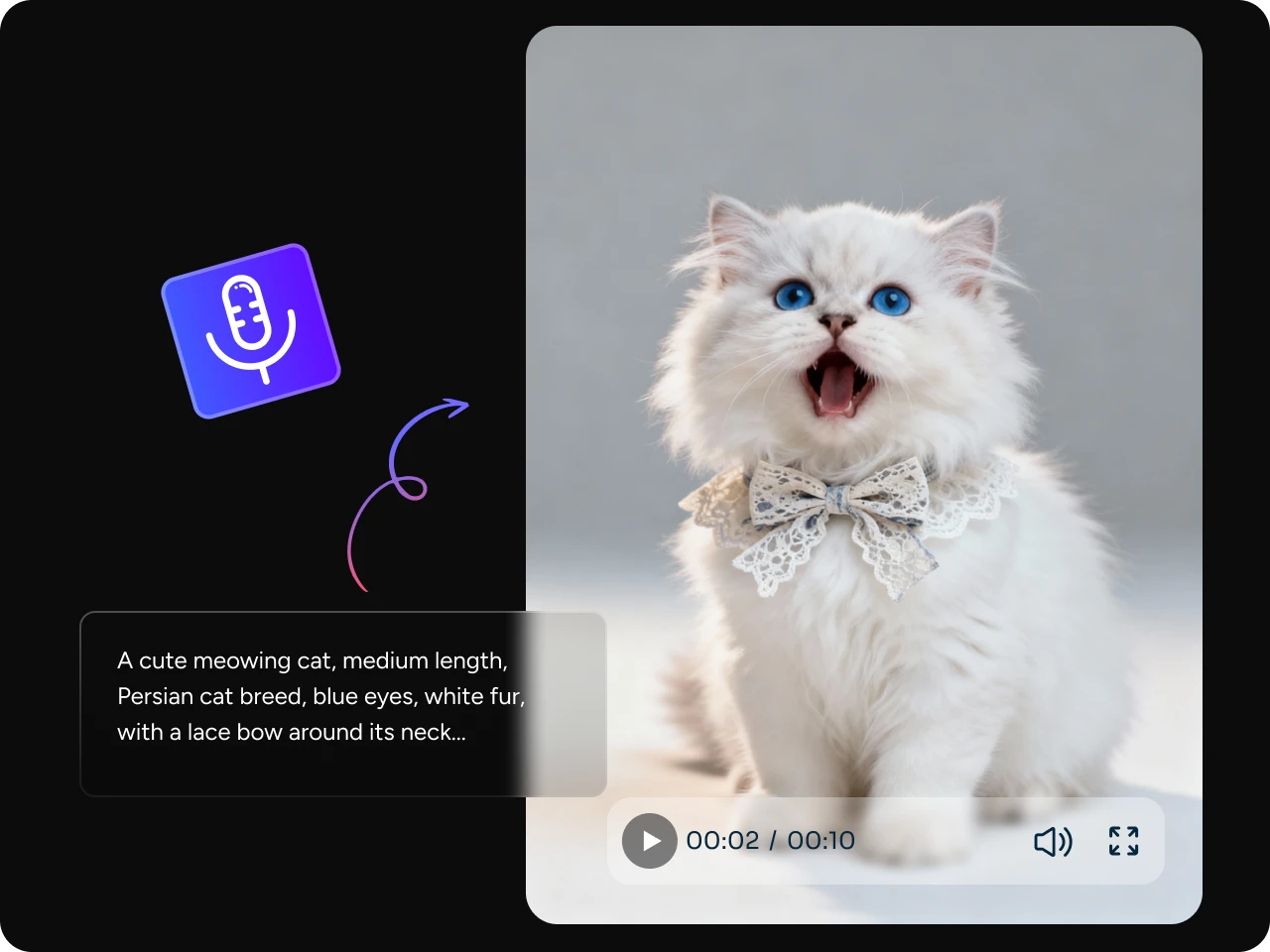
Sync Every Sound and Motion
How can we say that AI generates a film? Google Veo AI video is the proof. Veo 3.1 has a magic touch: audio and visuals meet in perfect harmony. It automatically matches your sound effects, voiceovers, or background music with the rhythm of your video. Every cut and transition feels intentional — adding emotional depth to every scene you create.
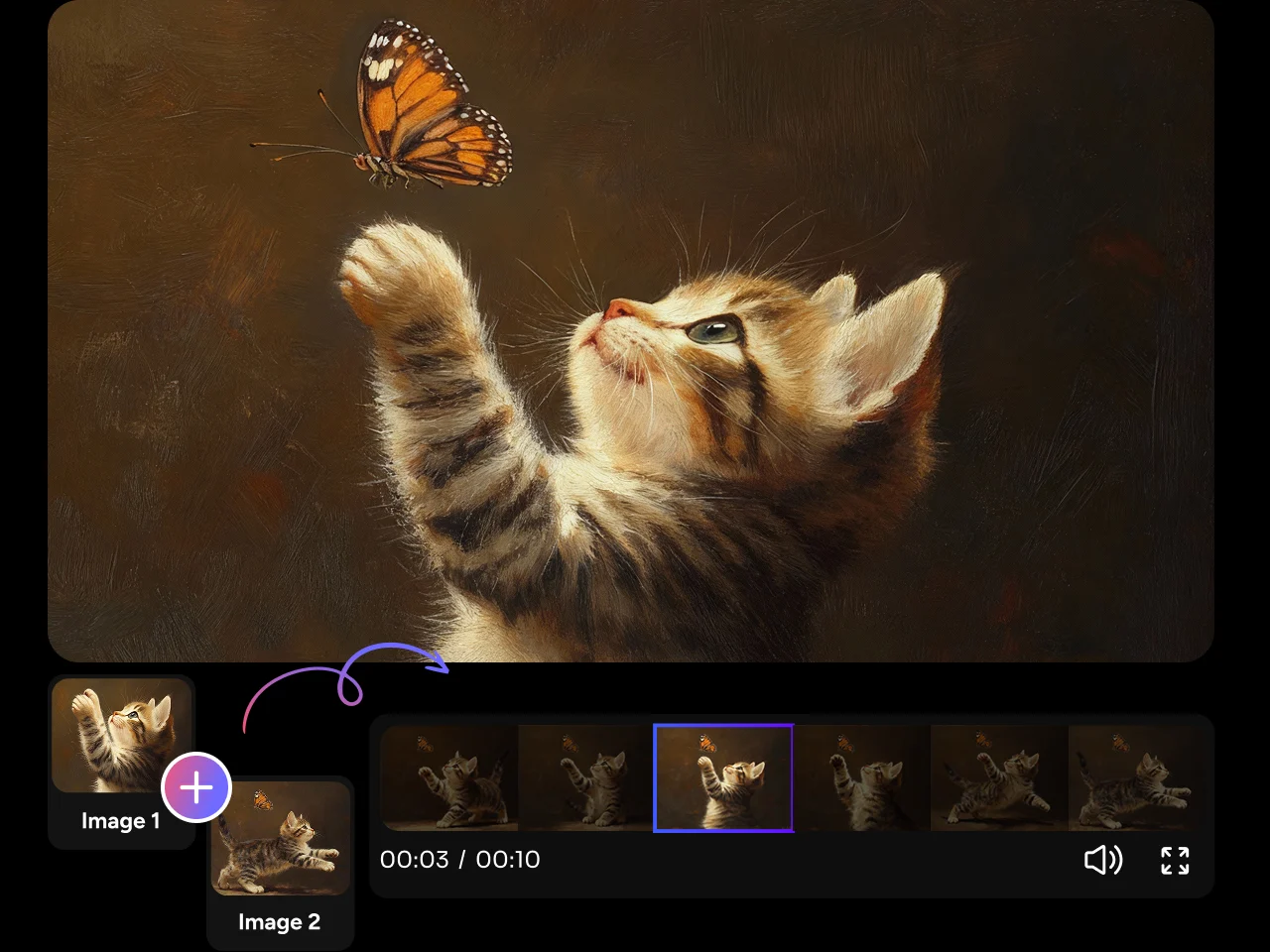
Control Every Frame
Take full command of your storytelling. Veo 3.1 lets you set both the opening and ending frames to guide pacing, transitions, and overall flow. You decide exactly how your video starts, evolves, and lands — frame by frame, moment by moment.
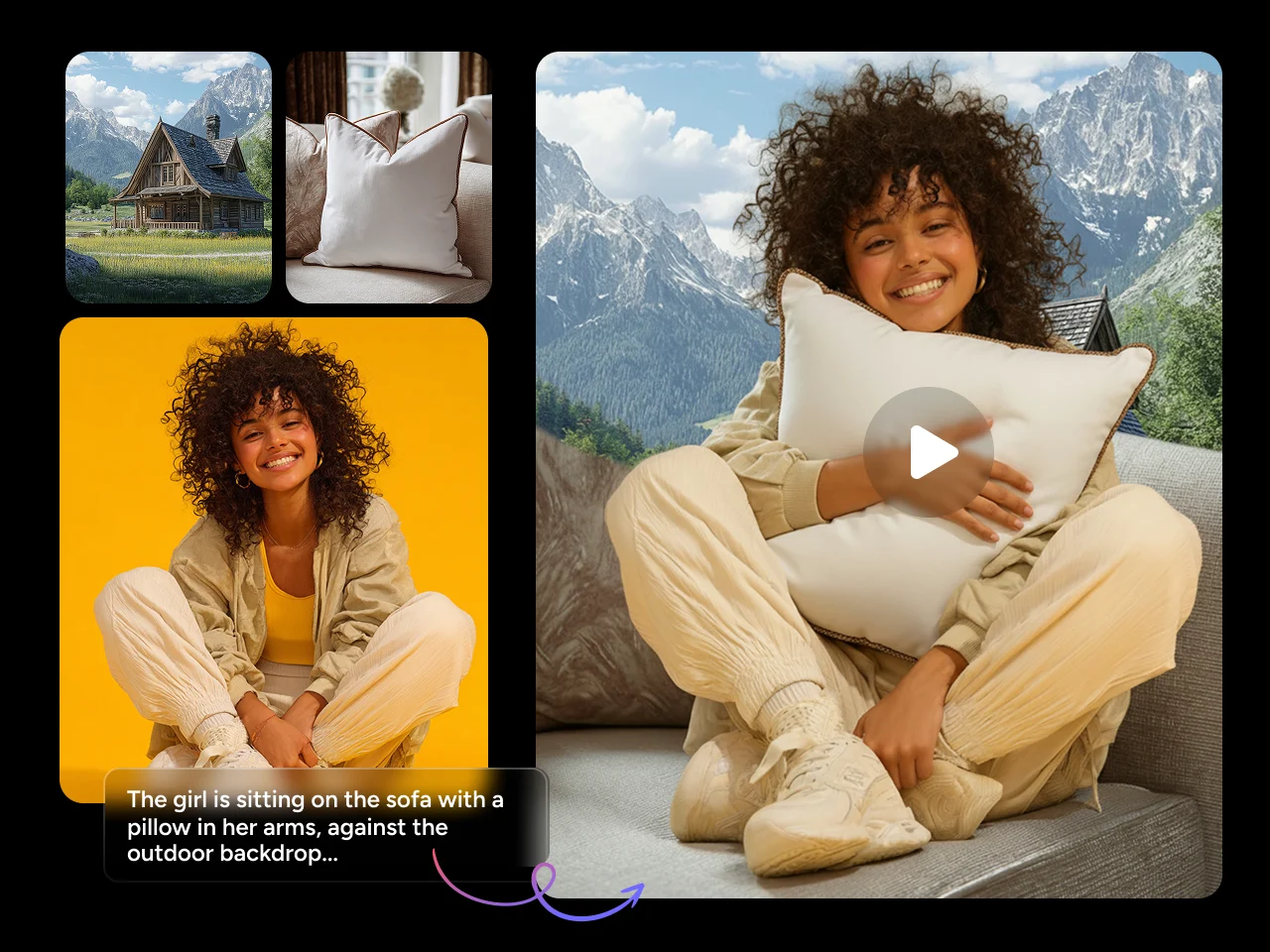
Blend Visuals Like a Filmmaker
Use multiple reference images, mix them with text prompts, and let Veo 3.1 merge them all into a video. It doesn't just copy styles — it fuses colors, moods, and perspectives to generate something completely new. Perfect for crafting unique looks or continuing existing shots.
Why Choose Google Veo 3.1 on PicLumen?

Native 1080p Output
No more pixel stretching or upscaling. Veo gives you true high-definition video right out of the box.

Dual Modes: Fast & Quality
Choose what fits your workflow. Get quick results for previews, or switch to Quality mode for the best detail and style.

Ready for Any Platform
Square, vertical, or cinematic widescreen — Veo 3.1 adapts to every format, perfect for YouTube, TikTok, or short film projects.


Loved by Creators Worldwide
Real feedback from designers, marketers, and hobbyists sharing their PicLumen experience on Trustpilot.
 Zaine Jutt
Amazing 😍😍😍😍😍😍 freee 😍😍
Amazing 😍😍😍😍😍😍 freee 😍😍
 Bet AW
Nice good appp creat inmage
Nice good appp creat inmage
My experience
Itis a really good website n really ideal to use theres only one con and that the AIS sometimes create wrong images but that doesnt happen frequently
 Ibrahim Onuh
So very powerful and interesting
So very powerful and interesting
Love this app it helps my ideas come to…
Love this app it helps my ideas come to life
Alexsander Luíscool it's a good ai creator but create…
cool it's a good ai creator but create imagens for cinema
Super shuper super ai
Super shuper super ai Thanks for wachong
Great experience and very nice app
Great experience and very nice app. Thank you very much.
DeeDee Maysgood app so much fun making photos of…
good app so much fun making photos of avatars
Aleks VishaGreat kompany in the world
Great kompany in the world
 Federico Bidonde
Good app recién probando
Good app recién probando
 Rabbi Hasan
Nice application for all user
Nice application for all user
FAQs about Veo 3.1
How is Veo 3.1 different from Sora 2?
Sora 2 excels in creative storytelling and visual imagination, while Veo 3.1 is built for cinematic accuracy and production-ready output. Veo offers true 1080p rendering, longer coherent shots (up to 60 seconds), and frame-level control — giving creators more precision for editing or publishing.
Can I use both text and images to create videos?
Yes. You can start from text prompts, reference images, or combine both using Veo's Video Ingredients feature to generate entirely new visuals.