
Free Sora AI Video Generator
Create hyper-realistic and flawlessly smooth videos from text or images with the Sora AI video generator. Use Sora 2 to bring your creative ideas to life in seconds.
Hot Video Effects
Turn your photos into fun dance clips, surprising transformations, and shareable moments with trending AI video effects.
Sora 2 Alternatives
As Sora 2 is expected to shut down soon, many creators are looking for reliable alternatives. If you still want high-quality AI video generation, these models offer strong performance for cinematic videos, character animation, storytelling, and commercial content creation.

Veo 3.1
Built for cinematic realism, Veo 3.1 delivers high-quality motion, accurate physics, and detailed scene generation. It performs especially well for storytelling, camera movement, and realistic environments, making it a strong choice for professional AI filmmaking and commercial video production.

Seedance 2.0
Focused on visual consistency, Seedance 2.0 creates smooth character motion and stable multi-scene videos. It supports cinematic styles, anime content, and social media videos while keeping subjects visually coherent across frames, which is useful for creators producing longer AI video sequences.

Kling 3.0
Known for dynamic motion generation, Kling 3.0 handles action scenes, expressive characters, and complex camera movement effectively. It is widely used for short-form content, creative ads, and viral AI videos thanks to its strong prompt understanding and realistic animation quality.

Happy Horse 1.0
Designed for stylized and creative animation, Happy Horse 1.0 performs well with fantasy visuals, cartoon scenes, and artistic storytelling. Its strengths include imaginative scene generation and expressive character design, making it suitable for creators focused on unique visual styles.

Hailuo 2.3
Optimized for fast and efficient AI video creation, Hailuo 2.3 generates smooth results with simple prompts. It works well for short videos, marketing clips, and social media content while maintaining solid visual quality and reliable rendering speed.

Wan 2.6
Built for flexible AI video workflows, Wan 2.6 supports text-to-video and image-to-video generation with strong motion control. It is useful for creators who want balanced performance, consistent visuals, and efficient video production across different creative styles.

Turn Text to Video Easily Online
Not good at video producing and editing? No worries. Sora AI video generator will generate stunning videos based on your simple text prompts. Tell PicLumen AI video generator your imagination by specifying the video style, scene, camera, lens, lighting, mood, actions, and the sound you like. The more details you describe in text prompts, the more amazing the video you will generate.
Craft Sound and Video in Sync
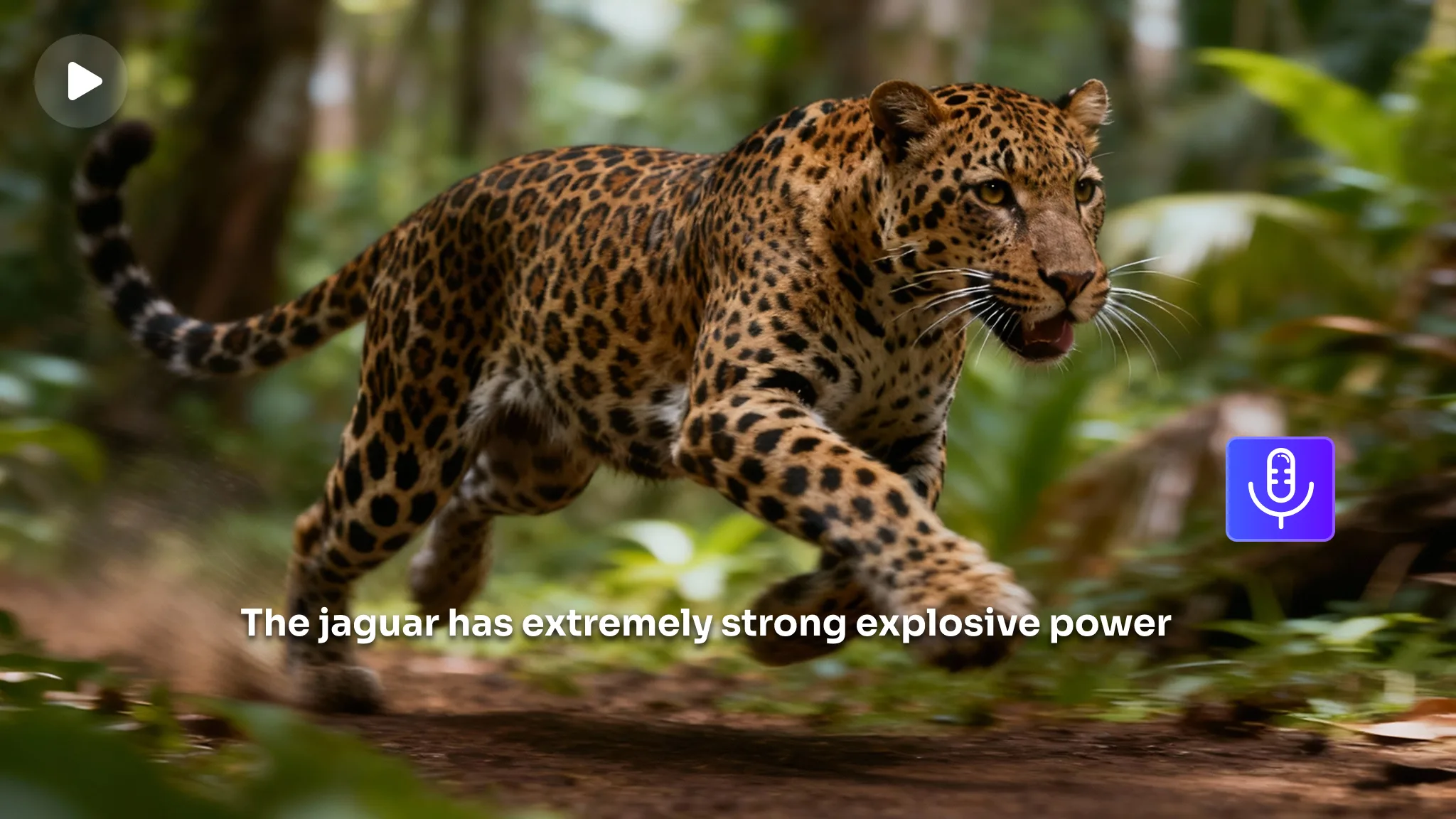
Ditch the post-production dubbing. Sora AI video generator enables creators to easily produce videos with synchronized audio for social channels, journalism, marketing, advertising, and gaming. Say goodbye to the disconnect of mismatched audio and visuals. Whether it's rhythm-based timing, natural sound effects, or character dialogue, Sora 2 achieves synchronization frame by frame.
Perfect AI video Generator for Social Platforms
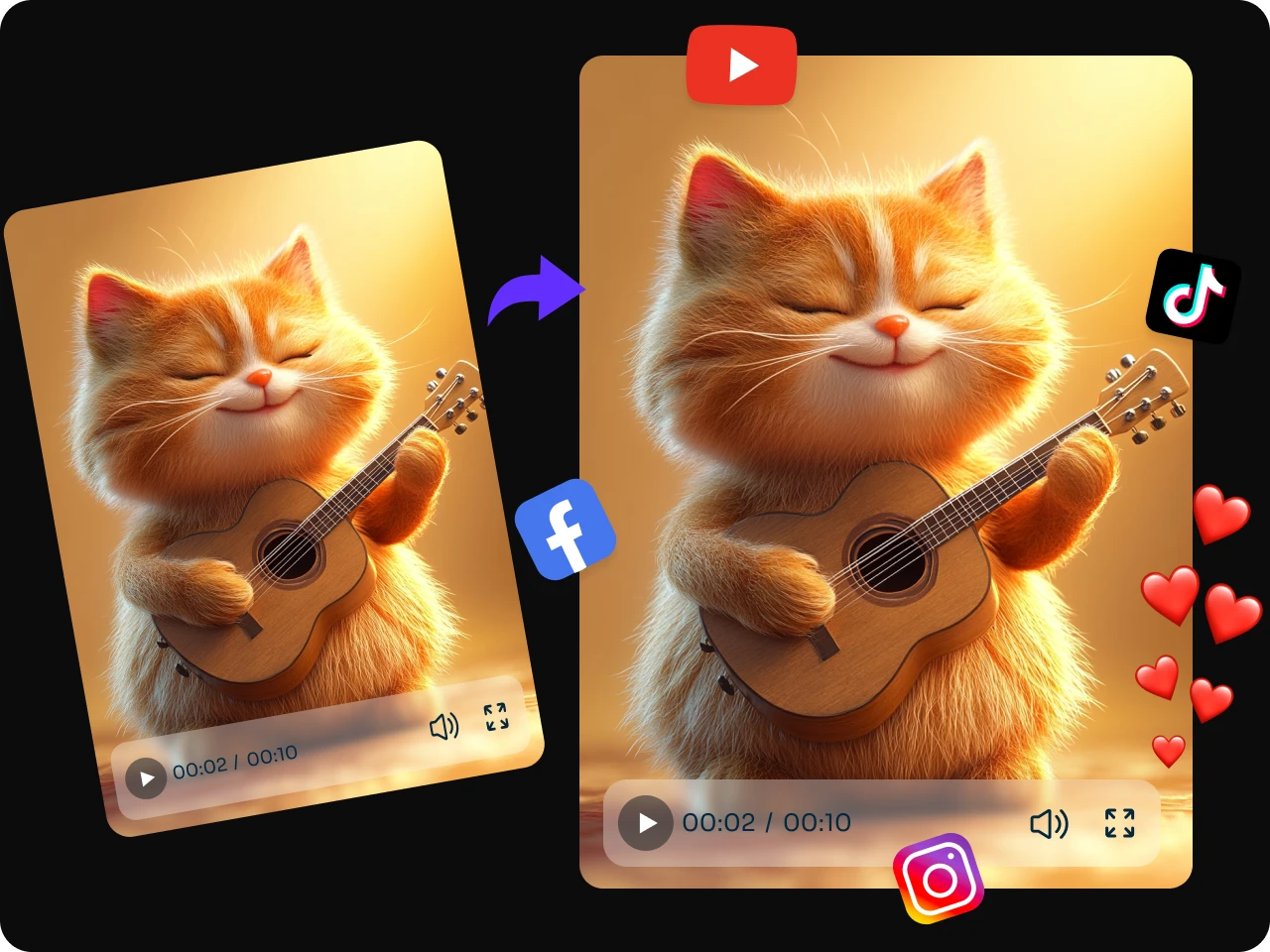
Sora AI video generator has a deep understanding of the rules and tone of the leading social media platforms. With just one creative idea, it can generate high-quality videos with a single click. Whether it's TikTok, Instagram Stories, YouTube, Twitter, or Pinterest, Sora can create perfectly tailored videos for each platform. Say goodbye to repetitive editing and manual conversion. Focus on your strategy, and leave the execution entirely to Sora 2.
Efficient Tool for Marketing and Advertising
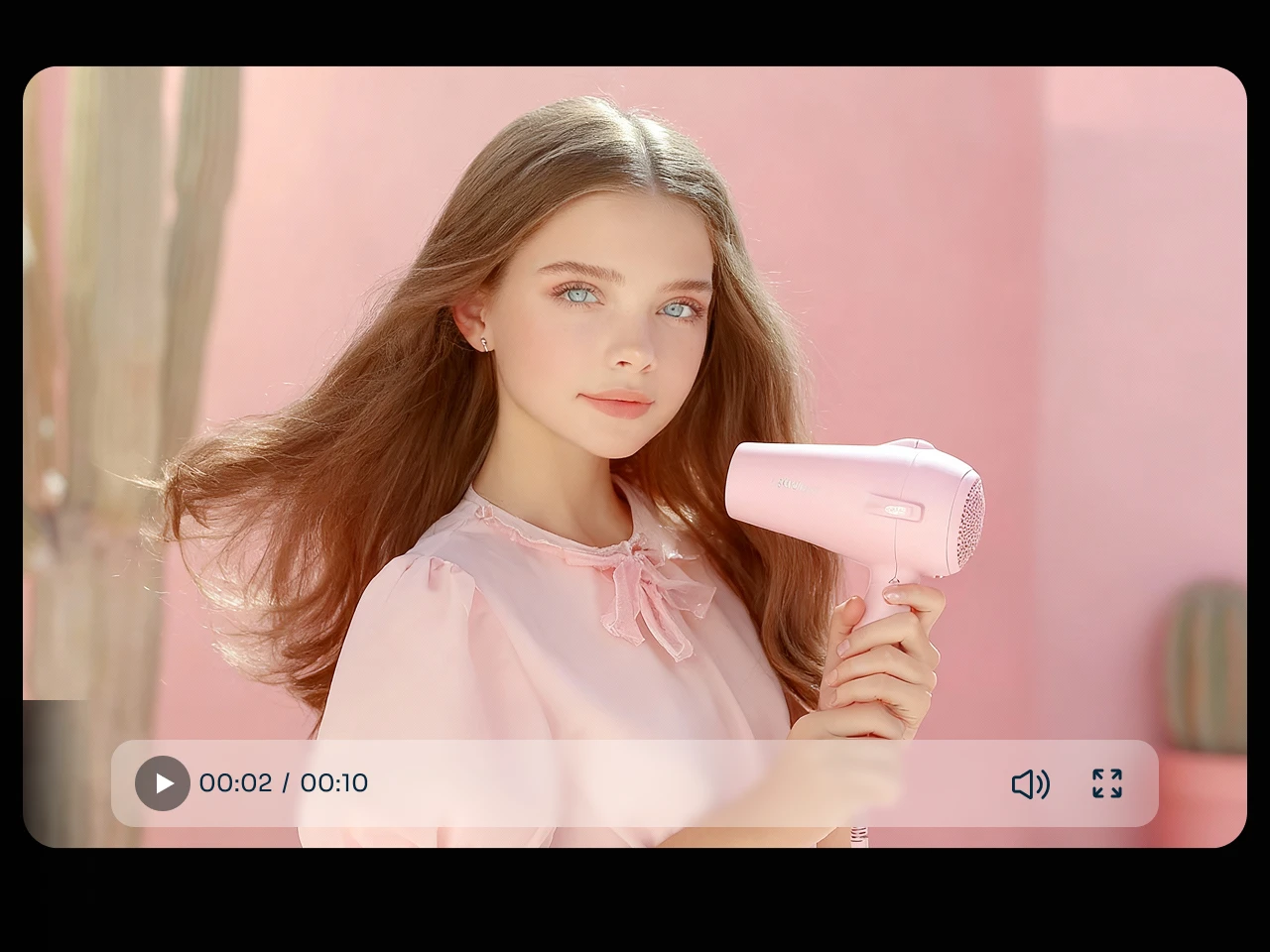
Sora AI video generator precisely creates advertising videos tailored for any product, from premium brand-value films to product-promotion shorts that address user pain points, and from social-media-viral highlight reels to conversion-boosting promotional ads. Input basic instructions to instantly obtain professional-grade marketing and advertising videos that blend artistic appeal with compelling impact.
Master Visual Storytelling As An A-List Director
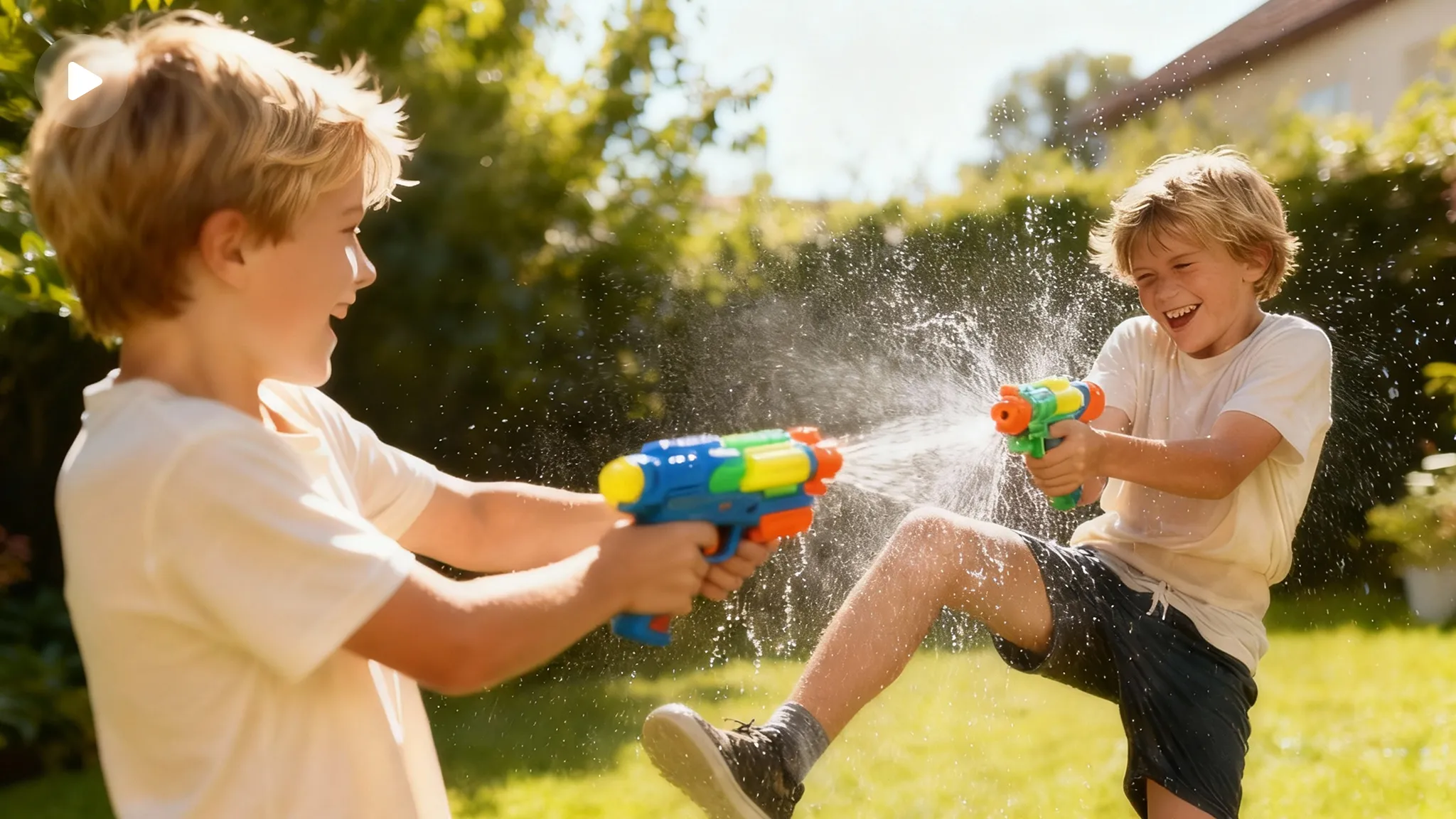
No need for a million-dollar budget—type a sentence, and Sora AI Video Generator will narrate your shots like a master director. Try to input your prompt like telling a story. For instance, at dusk, raindrops hang suspended in the air over a city street as a detective's trench coat sweeps past neon reflections. Let empty shots speak, let light and shadow express emotion, let every frame carry the weight of narrative.
Satisfy Different AI Video Creation Needs
Create top-quality videos like a professional with Sora 2 AI video generator. Sora 2 thoroughly understands your requirements by analyzing the details of camera brands, lenses, lighting, shot angles, colors, textures, sounds, timing, and atmospheres. That's why you can generate what you imagine easily with the Sora AI video generator. Ensure that you input the prompt as if you were sketching a shot.
Animate Static Image to Video Naturally
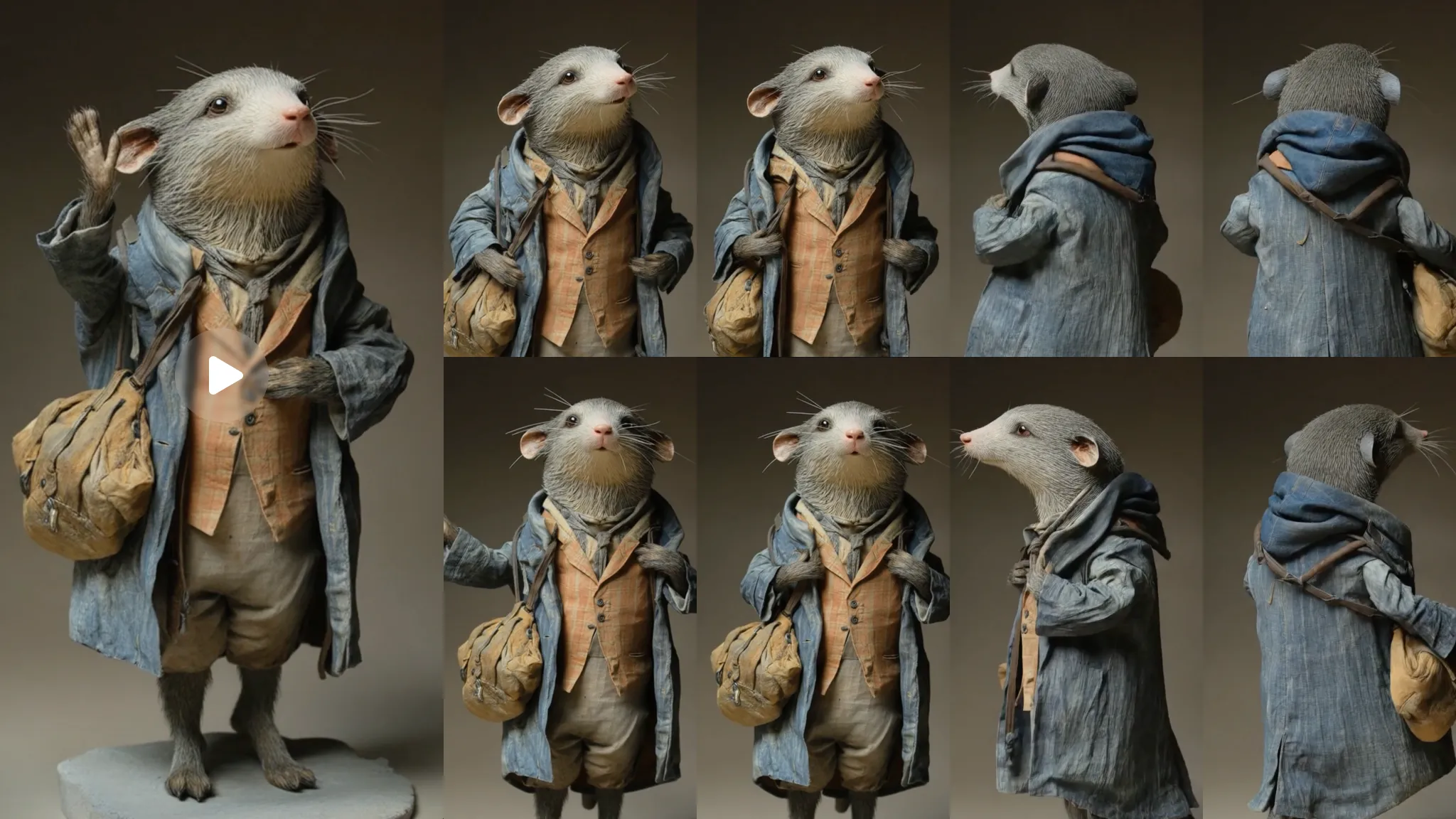
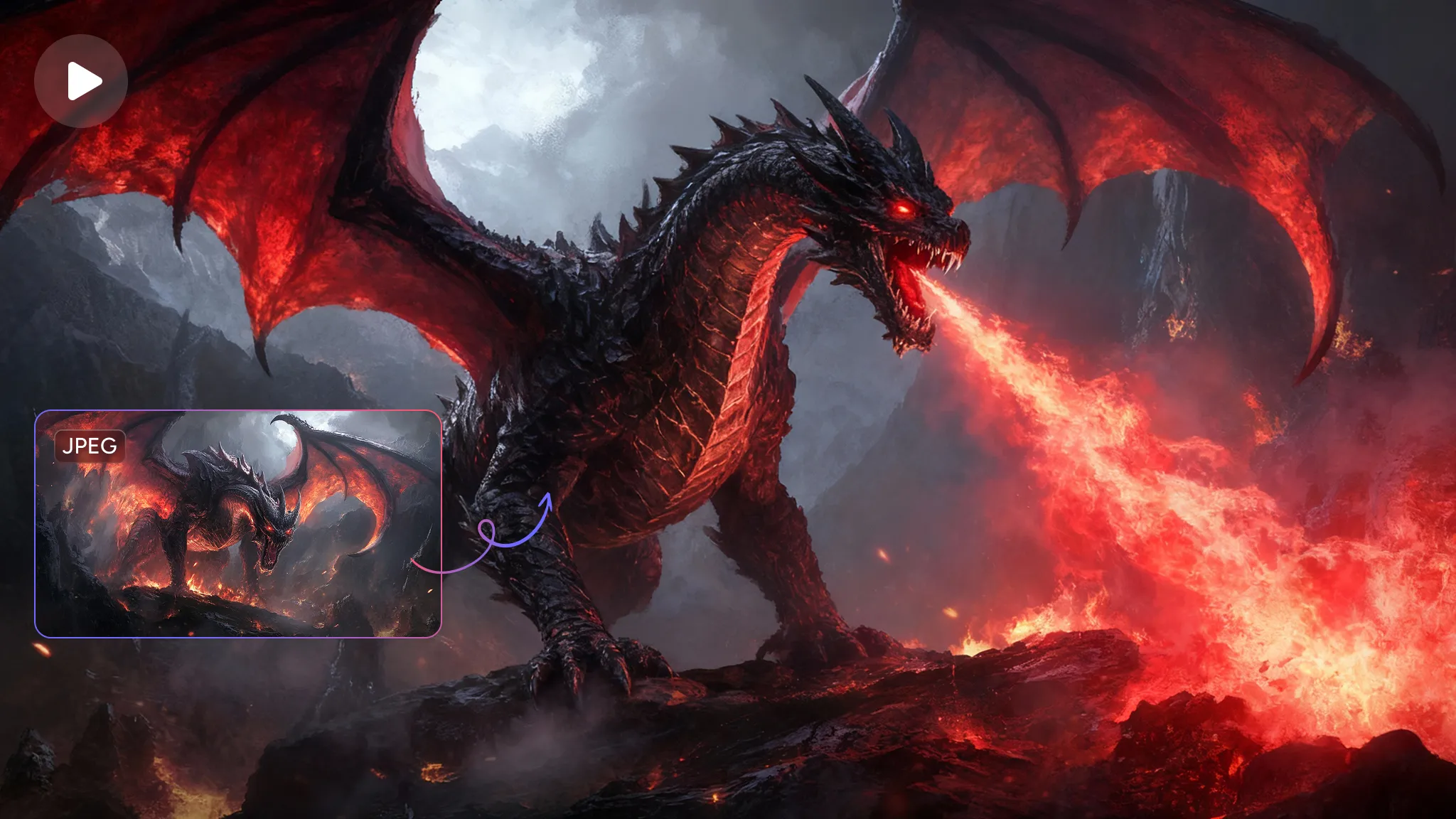
Sora 2 AI video generator is one of the most advanced image-to-video AI generators. Upload an image and input your text prompts; you will then see the static image animate naturally. Explore the endless possibilities of AI video creation with your different images.
Recreate Real-world Physics with Precision
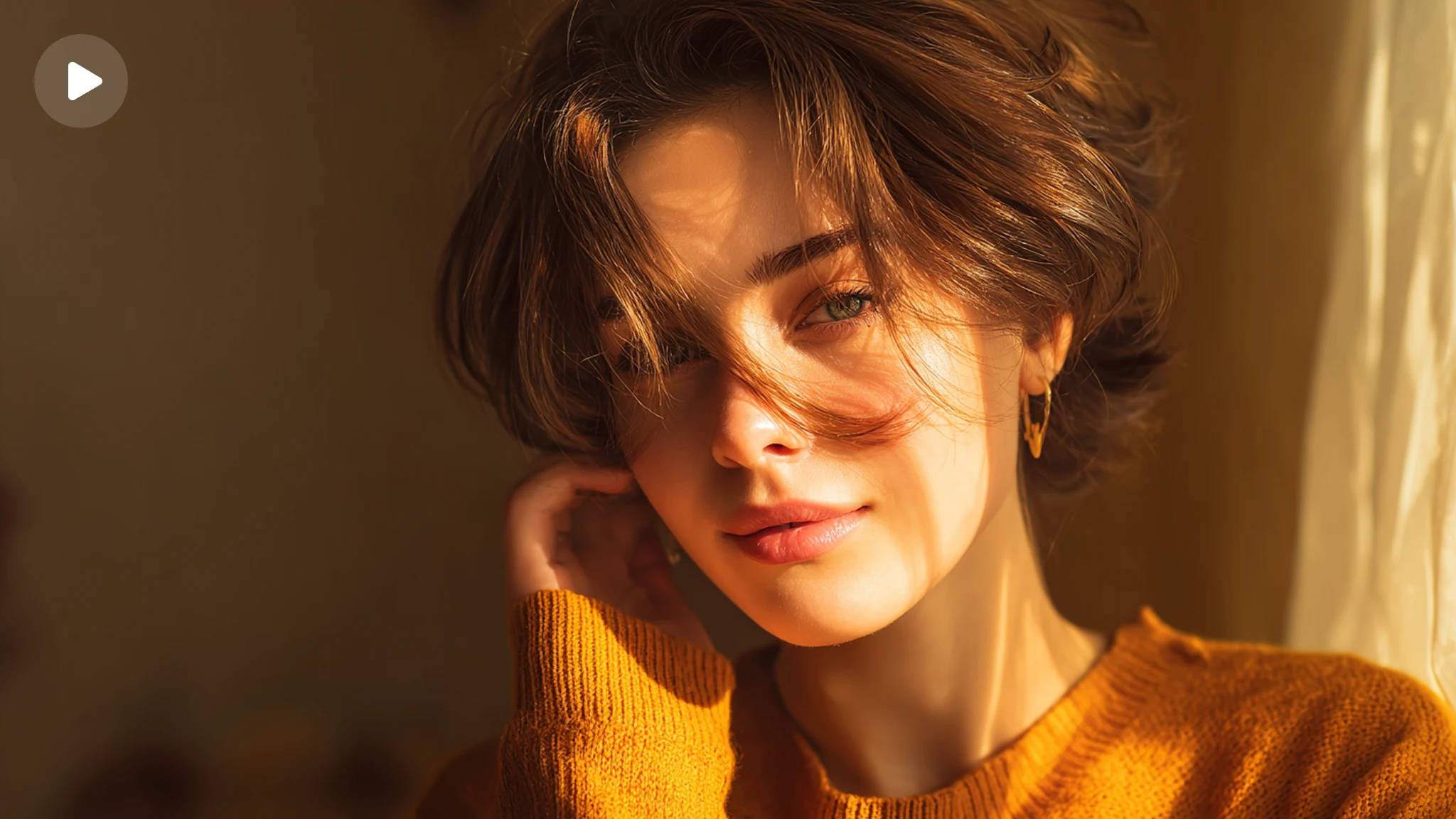
Sora 2, trained upon a vast foundation of real-world physics data, ensures every spark of your inspiration gains tangible, lifelike texture. Each shot generated by Sora AI Video Generator is a precise recreation of the physical world. Sora AI Video Generator can precisely recreate the trembling dewdrops on petals, the emotional shifts in a man's eyes, and that hint of "chill" emanating from metal in the cold air.
How to Use Sora AI Video Generator in PicLumen?

Step 1 Input your prompt
Enter your creative video idea along with a detailed description. You can also upload an image for AI animation.
Step 2 Select general settings
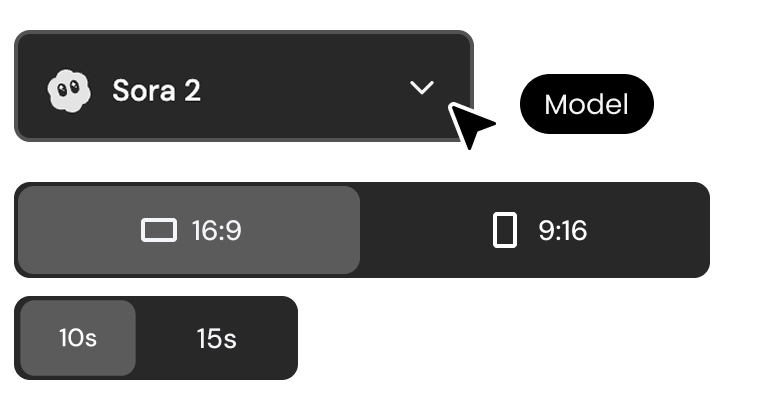
Choose "Sora 2" as the video generation model. Then select the aspect ratio and video duration you prefer.
Step 3 Review the result
Click "Generate" and wait for a few seconds to see your imagination come true. Download and share the result if you like it.


Loved by Creators Worldwide
Real feedback from designers, marketers, and hobbyists sharing their PicLumen experience on Trustpilot.
Ayan SamantaAwesome experience just looking wow
Awesome experience just looking wow
 J. Blaine
Regular PicLumen user experience
I've been using PicLumen since late summer 2024 and I've generated several thousand images, mostly image-to-image. There were 2 minor technical glitches in that period of time. In the first one, my library didn't load but after logging out and logging in again later that day I found my library back. The second glitch- the remixing and outpainting stopped working. I contacted the support team and the issue was fixed the next day. I also requested PicLumen to provide a PayPal payment method when they switched to subscription - and they listened and responded to my request. I appreciate their responsiveness and customer service. In my communication with their support team, I found them professional and polite. My general impression is that this is a dynamic and collaborative team that is worth supporting!
 Crispee
Easy to use.
Easy to use. Great layout love it!
Awesome program easy to use a little…
Awesome program easy to use a little disappointment in the fact you can’t buy lumies
KIDSCARTOONThis ap great and amazing generate pic
This ap great and amazing generate pic
rockstar gamingValue For Money
its value for money i fully recommend you to try this one time you will like it...
It’s easier to use on a computer instead of a phone
Being able to generate my own art
good ai i like using this a lot.
good ai i like using this a lot.
 TN Akash YT
Valo App
Valo App Ai Video Er Jonno
 matthew sepulveda
Cool I can create cool things
Cool I can create cool things
 Headphonlessness Meditations
hi i am @VbsRedlof on twitter
hi i am @VbsRedlof on twitter
 Piotrek K
the best app I've ever used
the best app I've ever used
FAQs of Sora AI Video Generator
What is Sora AI video generator?
Sora is a text-to-video and image-to-video generation model developed by OpenAI. Sora AI video generator can generate short videos of 10 seconds and 15 seconds based on user-provided text prompts or reference images. "Sora 2" is the latest version, featuring enhanced capabilities such as higher resolution, improved audio-video synchronization, and richer editing/control options.
How to write effective prompts for Sora AI video generation?
Text prompt can directly determine the quality of the generated video. To write effective prompts for Sora AI video generation, pay attention to these five key elements:
● Subject: Clearly define the core subject of the video—who or what it is about.
● Action: Describe the dynamic movements of the subject and environment, including changes in rhythm.
● Scene: Clearly outline the background, lighting, atmosphere, time, and other relevant details.
● Cinematography: Specify camera angles and motion techniques.
● Style: Define the visual aesthetics style and mood.
When writing a prompt for each element, use specific descriptive language. For example, when addressing lighting, specify whether it's soft, moody, or volumetric. Additionally, remember to use English prompts for better video results.
Can I turn images containing photorealistic people into a video with Sora 2?
Sorry, you can't. OpenAI explicitly does not support uploading real-person portraits to generate videos, especially for recreating the likeness of specific individuals, public figures, or celebrities. This aligns with OpenAI's content safety policy, which aims to prevent misuse such as deepfakes or unauthorized portrait generation. Therefore, if you upload a photo of yourself, it will not directly recognize your face to generate video effects.