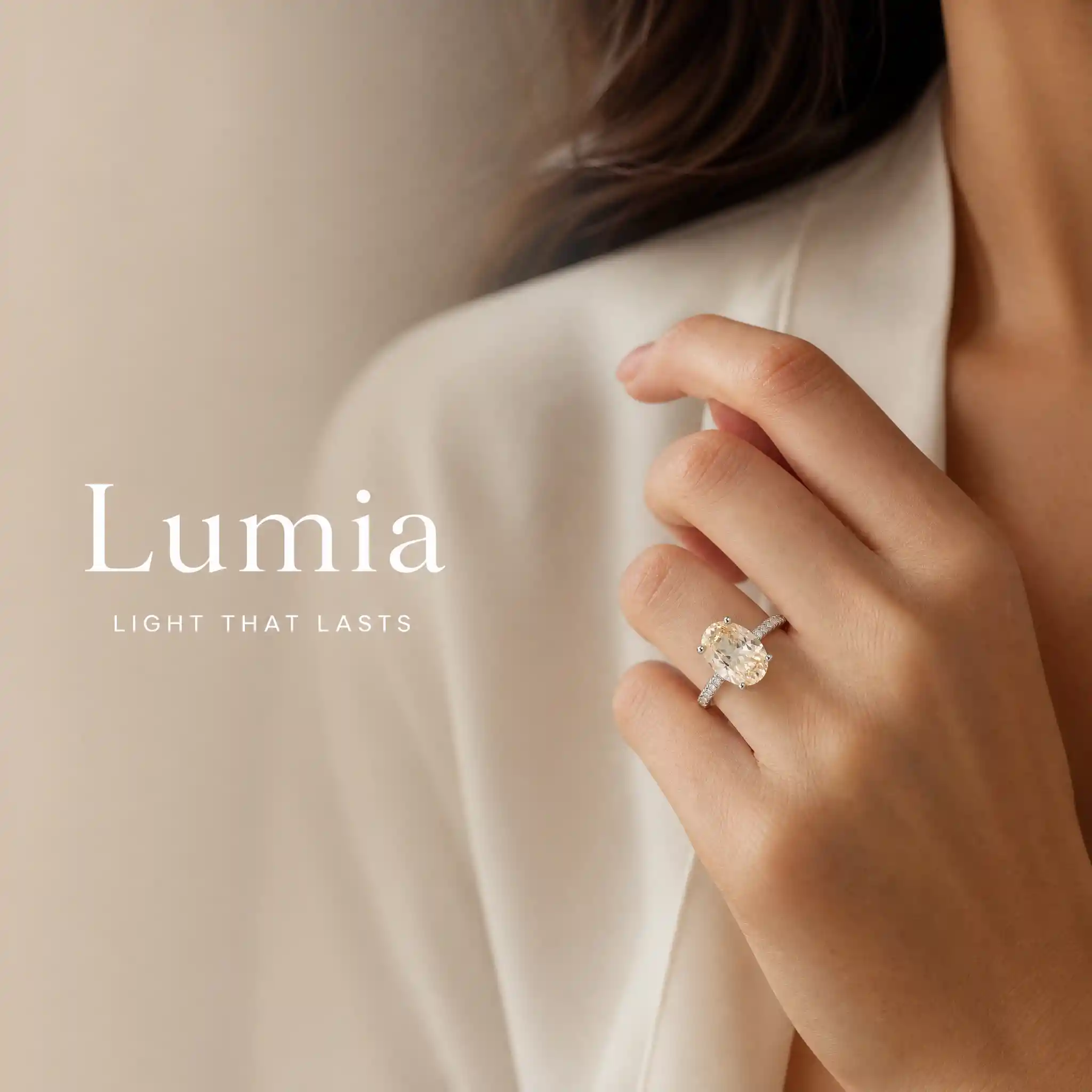
Lifestyle-Foto mit Luxusaccessoire
Ladevorgang...
xyqc

Luxury Accessory Lifestyle Photo

Eingabeaufforderung
Create one premium Brand & Lifestyle Image using the exact locked jewelry or watch product. OUTPUT ONLY ONE FINISHED LUXURY COMMERCIAL IMAGE. MANDATORY TEXT SOURCE: Read the connected Product Information node. Extract the exact value after “Brand Name:” and stop at the next field label. Extract the exact value after “Brand Slogan (Optional):” and stop at the next field label. Use these two extracted values as the only visible text. Any non-empty extracted value is valid user-entered content. Copy both values character for character. Do not translate, rewrite, shorten, expand, correct or replace them. MANDATORY COMPOSITION: Create one continuous full-canvas model-wearing photograph. Do not use separate images, panels, split screens or collage. Place a Western commercial model wearing the exact locked product mainly on the right two-thirds of the canvas. Reserve the left one-third as a text-safe area within the same photograph. LEFT TEXT-SAFE AREA: Continue the exact same model scene and background across the left side. Do not create or insert a separate background image, fabric image, stone texture, product image or decorative panel behind the text. Apply only a natural soft blur and a smooth transparent gradient over the original scene on the left. Reduce background detail and contrast gradually toward the left edge while preserving the same lighting and color palette. The transition between the blurred left area and sharp right area must be seamless and invisible. Do not create a hard vertical boundary. Display the exact user-entered Brand Name on the left as the largest text. Display the exact user-entered Brand Slogan directly below it in smaller text. Use refined luxury editorial typography, elegant scale contrast, restrained letter spacing and generous negative space. Never invent additional text, a logo, emblem, monogram, tagline or promotional phrase. RIGHT MODEL AREA: Show a premium close-up of the model naturally wearing the exact locked product. Automatically select the correct wearing composition: Ring: hand and finger close-up. Necklace: neck, collarbone and upper-chest close-up. Earrings: ear, jawline and partial side-profile close-up. Bracelet: wrist and hand close-up. Brooch: lapel, scarf or garment detail close-up. Watch: wrist and hand close-up. Do not show a complete identifiable face. Keep the product sh Product Name: Product Category: Brand Name: Brand Slogan (Optional): Material: Color: Finish or Plating: Gemstone Information (Optio
Model
GPT-Image-2
Date created
09/17/26 at 3:50 PM
Resolution
2048 x 2048

Über dieses Foto mit Luxusaccessoire

Ein genauerer Blick auf Motiv, Stil und Details in diesem Bild.

Das Konzept zeigt ein westliches Werbemodel mit einem Schmuckstück oder einer Uhr in einer durchgehenden Lifestyle-Aufnahme. Das Model befindet sich auf der rechten Seite, während sich dieselbe Szene nach links in einen weicheren Bereich fortsetzt, der für Markenname und Slogan vorgesehen ist.

Der Look ist für den kommerziellen Einsatz im Luxussegment konzipiert und verbindet einen klaren Produktfokus mit redaktioneller Typografie. Das Bildkonzept eignet sich für eine Produktseite für Schmuck oder Uhren ebenso wie für ein Marken-Kampagnenlayout mit Platz für Text.

Kreativer Stil & Details

Die Details, die diesem Kunstwerk seinen Look geben.

Motiv

Ein westliches Werbemodel trägt das präsentierte Schmuckstück oder die Uhr, wobei das Produkt im Mittelpunkt des Bildes steht.

Visueller Stil

Das Bild setzt auf einen luxuriösen Editorial-Look für die kommerzielle Marken- und Lifestyle-Präsentation.

Komposition

Model und Produkt nehmen die rechten zwei Drittel ein. Das linke Drittel bleibt Teil derselben Szene und bietet einen textgeeigneten Bereich.

Typografie und Text

Das Layout sieht links den Markennamen als größte Textzeile vor, darunter direkt den Slogan in einer kleineren, luxuriösen Editorial-Schrift.

Erstelle dein eigenes Foto mit Luxusaccessoire

Nutze die visuellen Ideen dieses Kunstwerks als Ausgangspunkt und gib der Szene deine eigene Richtung.

Ideen für deine Version

KI-Vorschlag basierend auf diesem Kunstwerk.

Behalte den Produktfokus auf der rechten Seite und den sanften, textgeeigneten Bereich bei und gestalte das Bild neu, indem du die Farben des Accessoires oder der Szene änderst.

Related images

Ganzkörperporträt mit Python-Bodypainting
Y2K-Fashionfoto einer Frau, die am Himmel schwebt
Modeillustration einer Frau unter einem Magnolienbaum
Pariser Nachtmodefoto mit spitzen Pumps
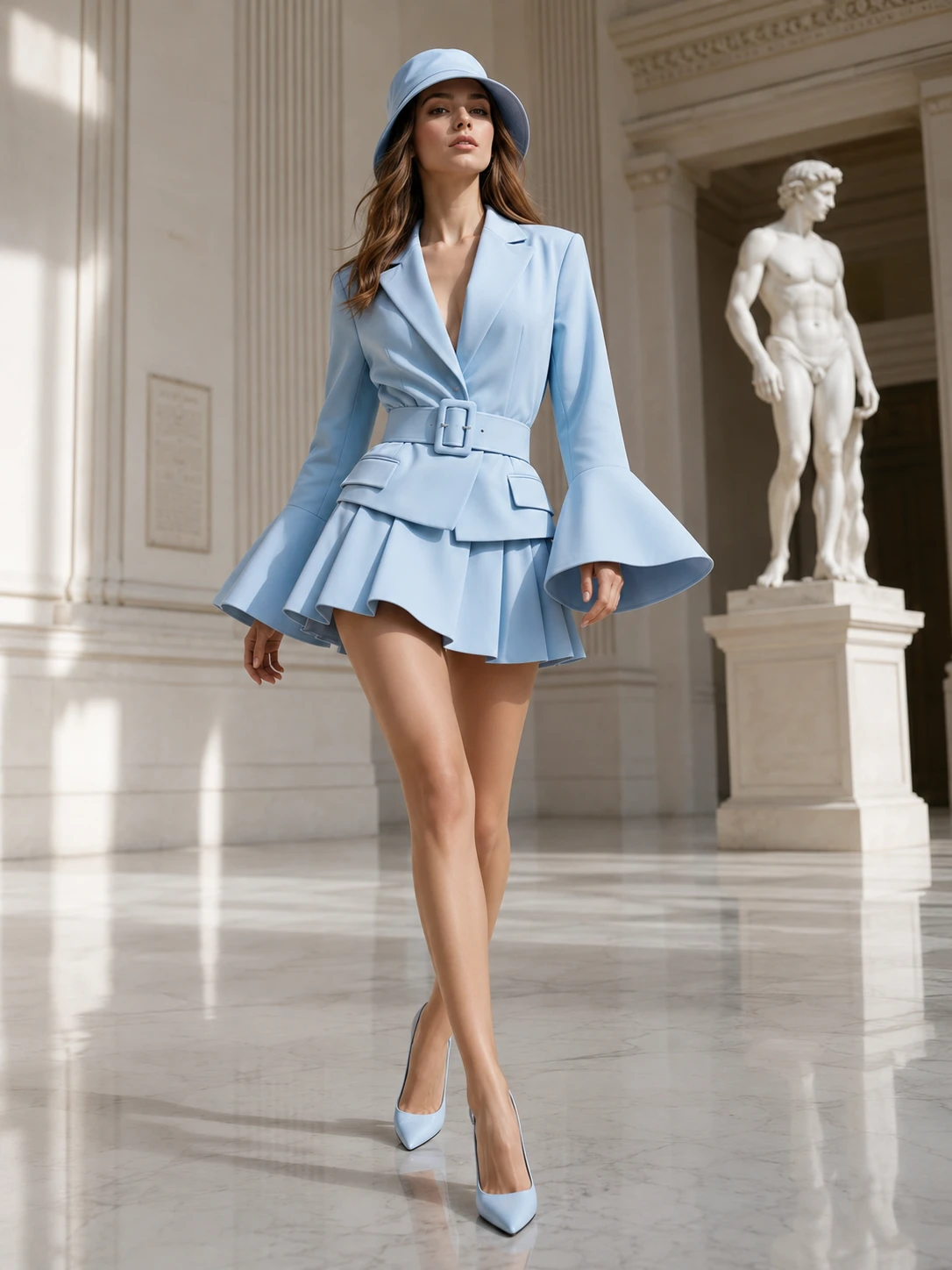
Mode mit blauem Blazerkleid in einem klassischen Museum
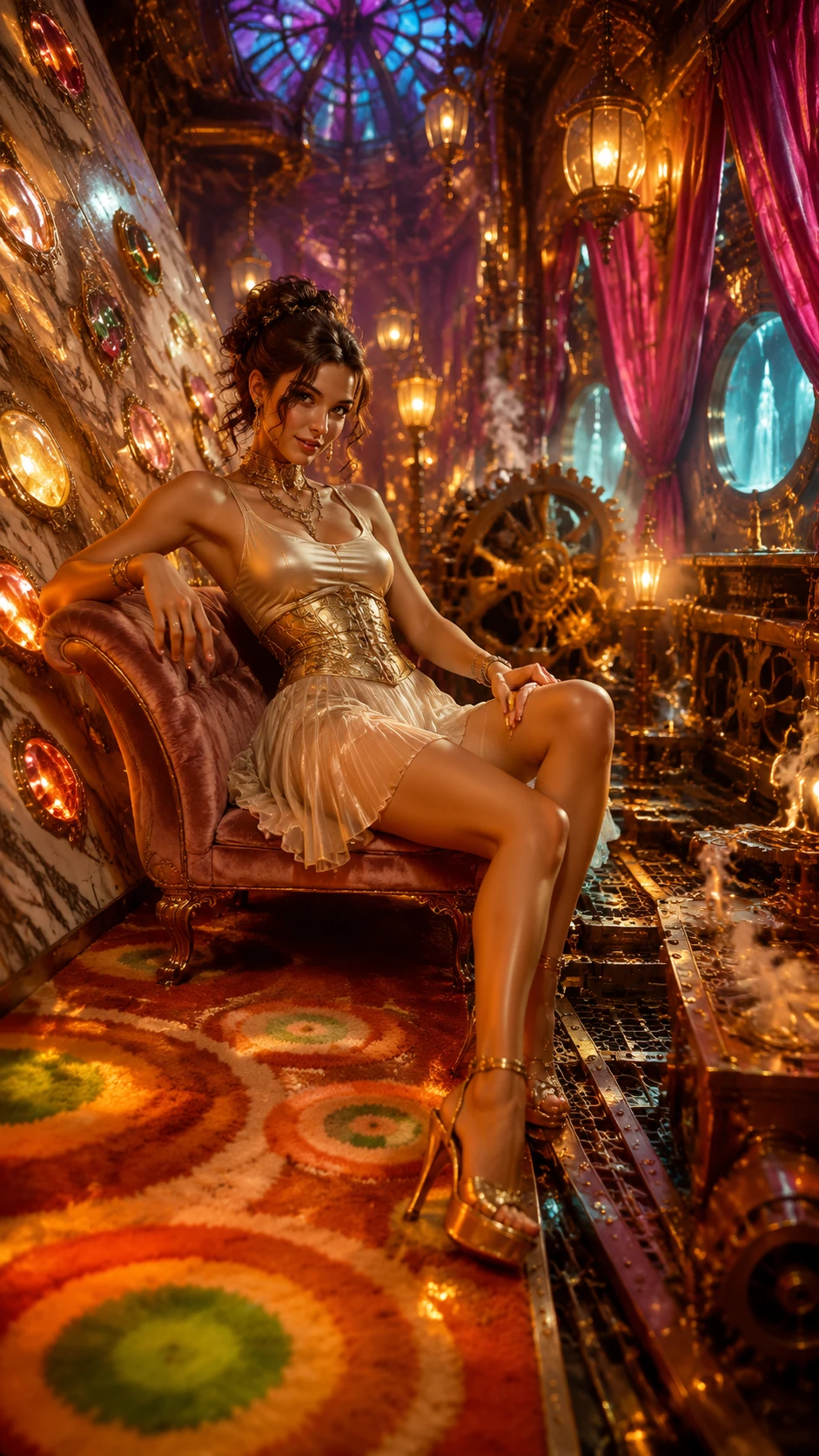
Fantasy-Mode mit einer Frau in einer Steampunk-Kulisse
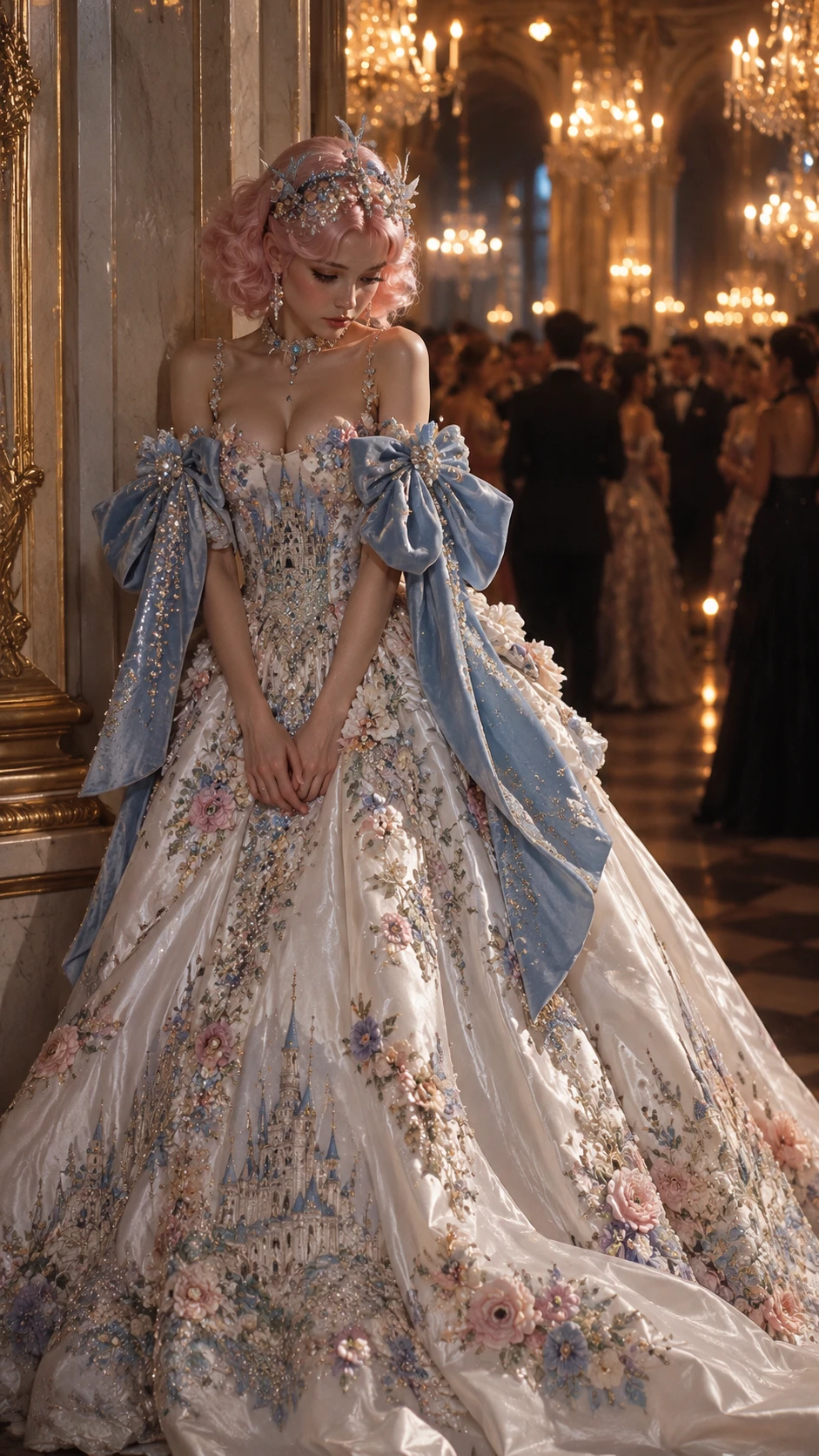
Couture-Ballkleidmodell in einem prunkvollen Ballsaal
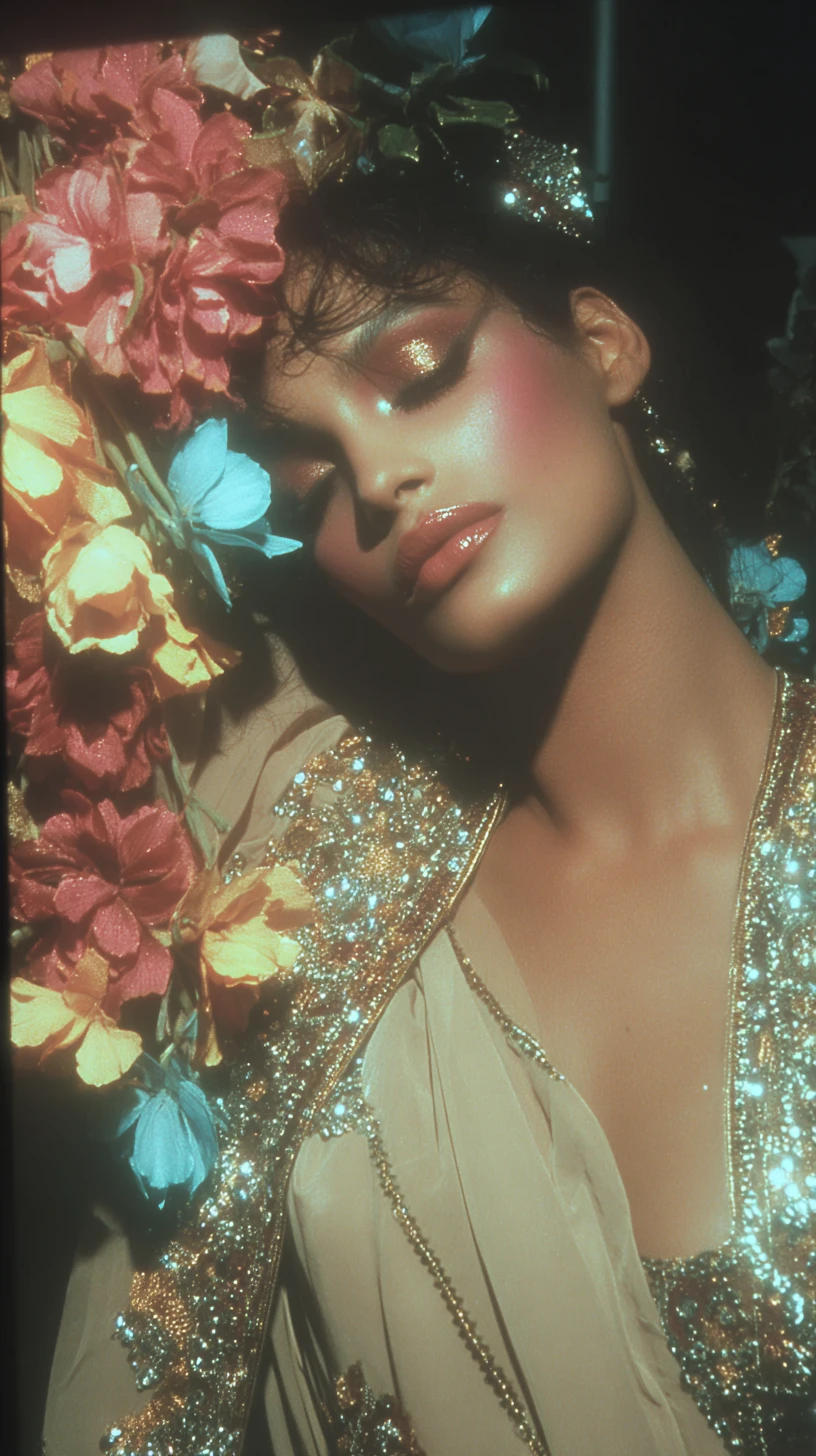
Surreales Fantasy-Fashion-Porträt mit floraler Couture
High-Fashion-Frau in einer Cyber-Grunge-Stadt
Frau mit Halloween-Bodypainting und Kürbis
Avantgardistisches Puffer-Fashion-Editorial
Minimalistisches Fashion-Kampagnenfoto mit cremefarbener Strickmode
Porträt einer blonden Frau im roten Satinkleid
Modefrau im Paillettenkleid
Gotisches Modeporträt mit silbernem Klingenhalo
Fashionmodel im Couturekleid aus pfirsichfarbenem Satin
Modefrau auf einer prächtigen Marmortreppe
Pinkes Fashion-Editorial auf einem galoppierenden Pferd
Halloween-Modeillustration mit Hexe
Aquarell-Fashionporträt in einem Rosengarten