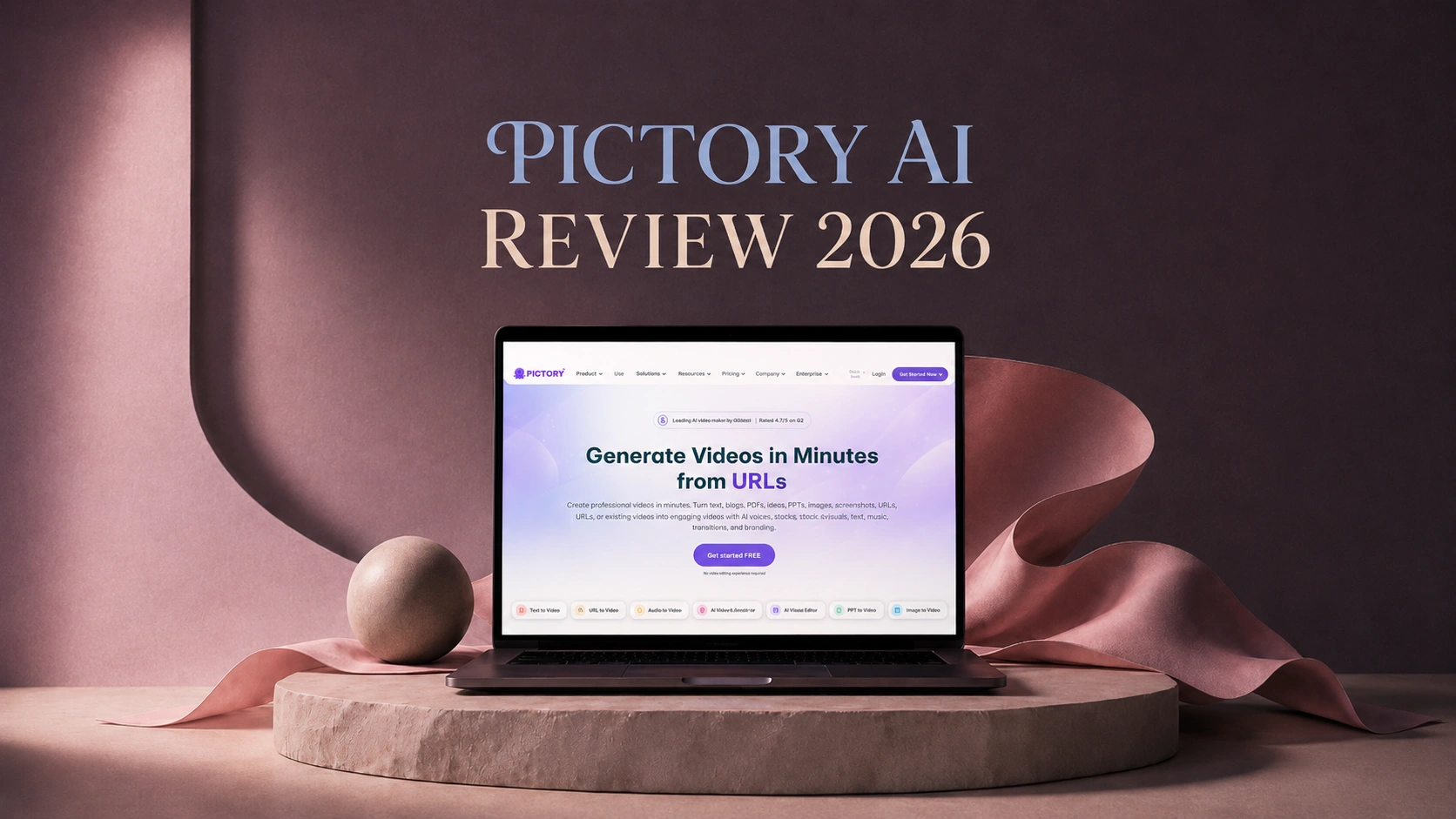
Quick Take
I tested Pictory AI because I kept seeing it recommended as an easy way to make videos without much editing experience. On paper, it sounds like the kind of tool a lot of creators want: paste a script, turn an article into a video, add captions, use AI voices, and get something ready for YouTube, TikTok, LinkedIn, or Instagram.
After using it, I would say Pictory is useful, but only if you understand what it is actually best at.
It is very good at turning existing content into videos. If you already have a blog post, script, webinar, podcast, or long video, Pictory can help you turn that material into a clean short video pretty quickly.
Where it feels less impressive is original AI video generation. If you expect cinematic motion, highly stylized scenes, realistic image-to-video results, or strong creative control, it may feel limited.
⭐️⭐️⭐️⭐️Overall Rating: 4.0/5
My short verdict: Pictory AI is a solid content repurposing tool, but I would not call it the most exciting AI video generator for creative visual work.
What Is Pictory AI?
Pictory AI is an AI video creation tool built for people who want to make videos faster. It can help with script-to-video, article-to-video, URL-to-video, captions, voiceovers, simple edits, and avatar-style videos.
The easiest way I can explain it is this:
Pictory is more of an AI-assisted video production tool than a pure creative AI video generator.
That difference matters.
If I have a blog post and want to turn it into a short video for LinkedIn, Pictory makes sense. If I have a webinar and want to create short clips from it, Pictory also makes sense. But if I want to create an original fantasy scene, a product concept video, or a cinematic image-to-video clip from a still image, I would probably look at a different kind of AI tool.
That was the main thing I wanted to figure out during this Pictory AI review.
My Pictory AI Video Generation Review
For this part, I tested Pictory with three simple tasks: a short script, a blog-style article, and one product image. These are the kinds of things I think most people would actually try first.
I was not expecting it to make a cinematic AI film. I just wanted to know one thing: could it help me make a usable video faster?
Script-to-Video Review
⭐️⭐️⭐️⭐️Rating: 4.1/5
I started with a short educational script, the kind I would normally use for a faceless YouTube Short, a LinkedIn video, or a simple marketing clip.
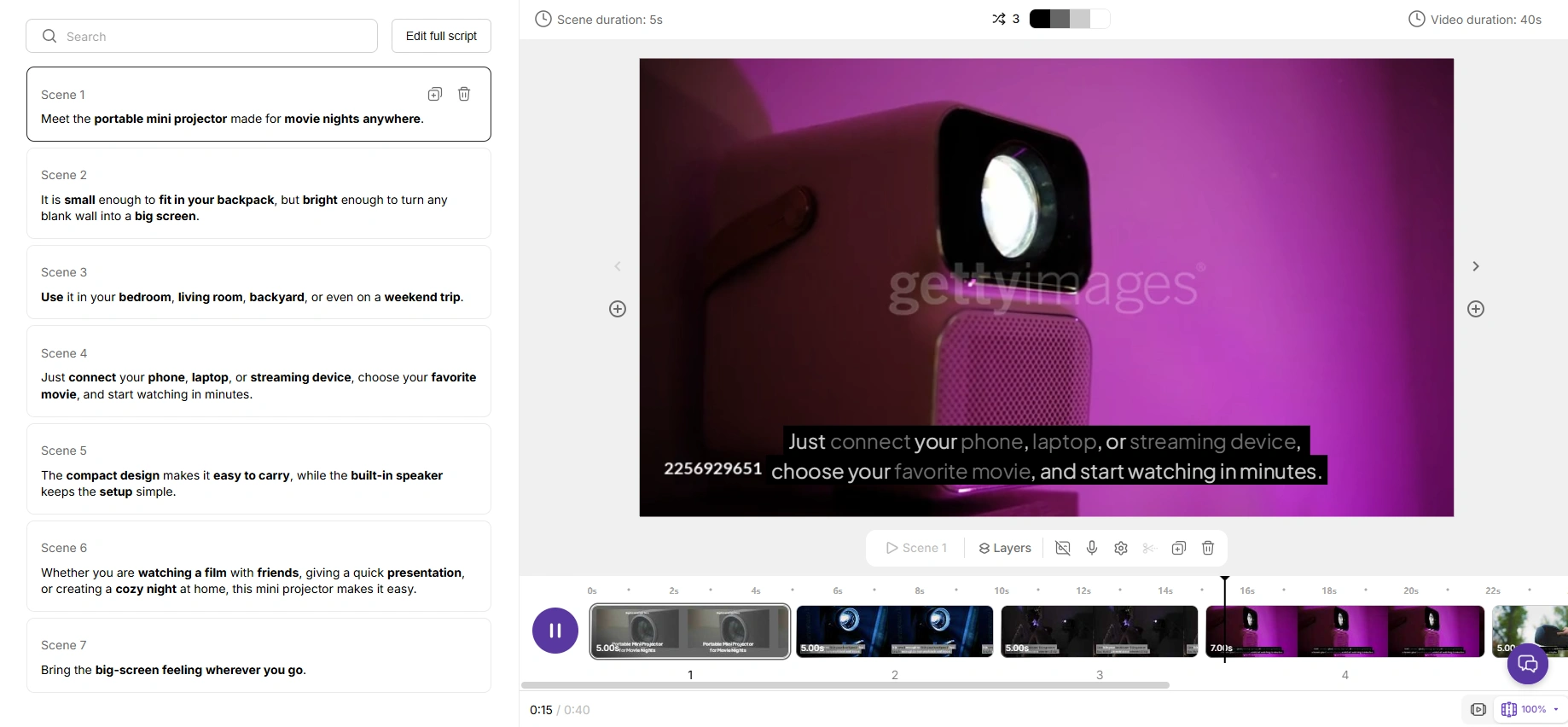
Pictory handled the basic structure better than I expected. It split the script into scenes, added captions, and matched each part with video clips. The first draft was clean enough that I could understand the message without doing much editing.
For a quick explainer video, this workflow makes sense. It saves you from doing the boring part: finding clips, cutting scenes, and lining up text.
The only thing I did not love was the footage.
Some visuals matched the script well, but others looked familiar in that stock-footage way: creator shots, office scenes, laptop close-ups, people in meetings. Nothing looked wrong, but it did not feel custom either.
So my rating for script-to-video is 4.1/5.
It is fast, easy, and useful. But the final result feels more like a polished stock-footage edit than a fresh AI-generated video.
Article-to-Video Review
⭐️⭐️⭐️⭐️Rating: 4.3/5
For the second test, I used a short article-style paragraph about how small businesses can use video marketing.
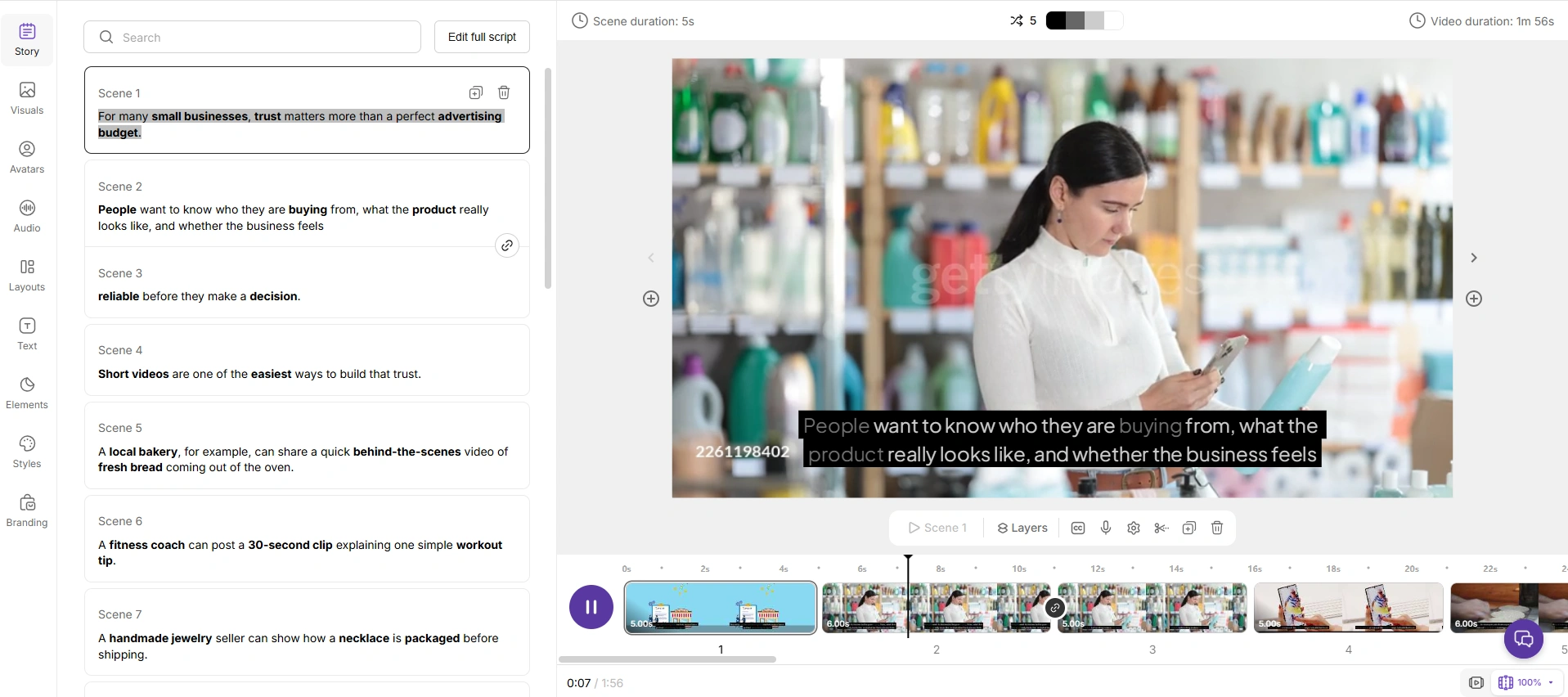
This was the part where Pictory felt the most useful to me.
It picked out the main ideas, turned them into a simple video structure, and added scene text. The flow was easy to follow: first the problem, then the reason video helps, then a few practical use cases.
For example, when the article mentioned “building trust with customers,” Pictory used a business meeting-style clip. When it mentioned “posting short videos on social media,” it used phone and creator-related visuals.
Were the visuals amazing? Not really.
But the workflow was practical. If I had 20 old blog posts and wanted to turn some of them into short videos, this feature would save a lot of time.
I still had to clean things up. Some captions were a little too long. A few clips felt too broad. I would not publish the first draft without edits.
But compared with making the video from scratch, it was much faster.
My rating for article-to-video is 4.3/5.
This feels like Pictory’s strongest use case. It is not the most creative feature, but it solves a real content repurposing problem.
Image-to-Video Review
⭐️⭐️⭐️Rating: 3.3/5
For the image-to-video test, I used a product-style image.
I wanted to see if Pictory could make it feel more dynamic, not just place it inside a video layout.
The result looked clean, but it did not feel very alive.
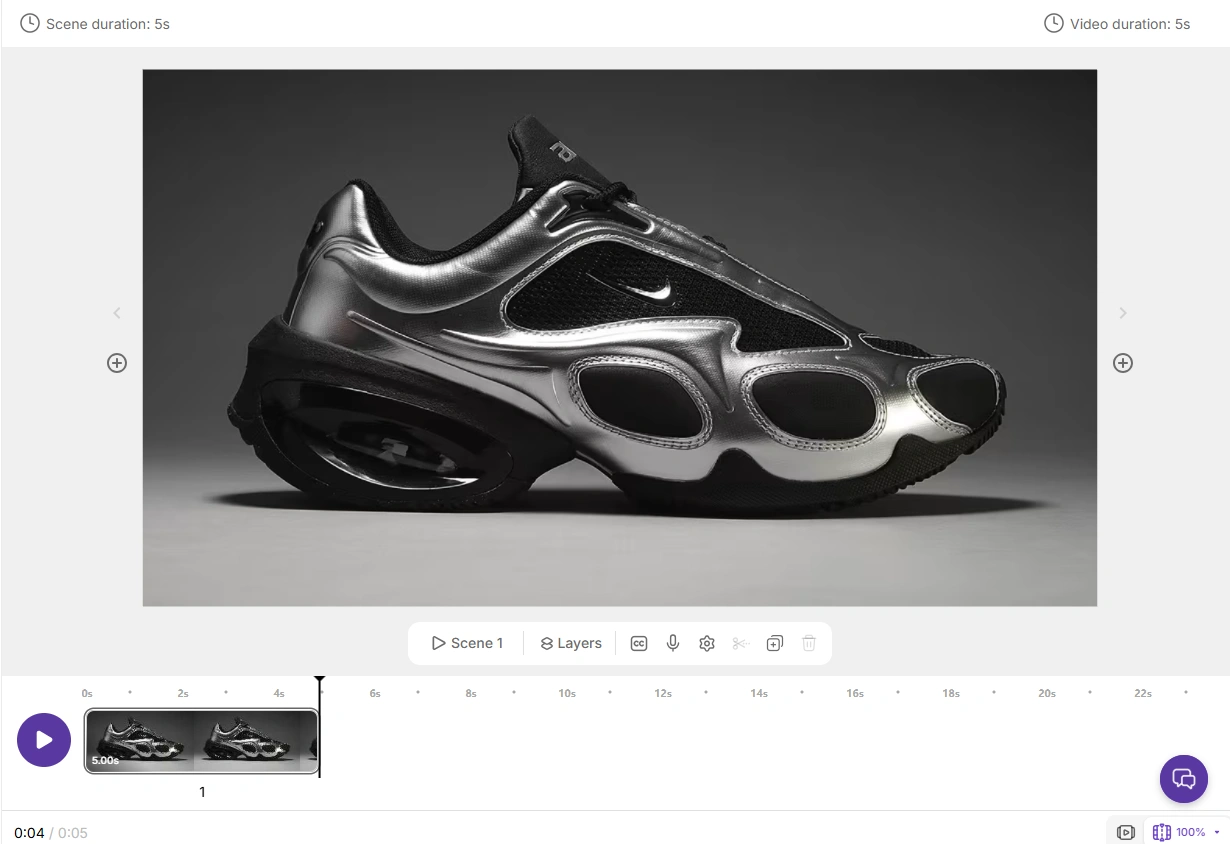
It felt more like a slideshow-style video: the image appeared with text, transitions, and supporting visuals. That is fine for a product recap, a simple promo, or a presentation-style video.
But I was hoping for more movement.
For example, with a product image, I would want a slow camera push-in, soft lighting changes, maybe a bit of depth, or a more realistic scene around the product. Pictory’s result felt more like: “Here is your image inside a video template.”
That is useful in some cases. But it is not the kind of image-to-video generation I would choose for a creative campaign or a more cinematic social post.
My rating for image-to-video is 3.3/5.
It works for simple visual videos, but I would not use Pictory first if I wanted a still image to truly come alive.
My Pictory AI Avatar Generator Review
⭐️⭐️⭐️Rating: 3.5/5
I also tested the avatar feature because many people search for a Pictory AI avatar generator review before trying the tool.
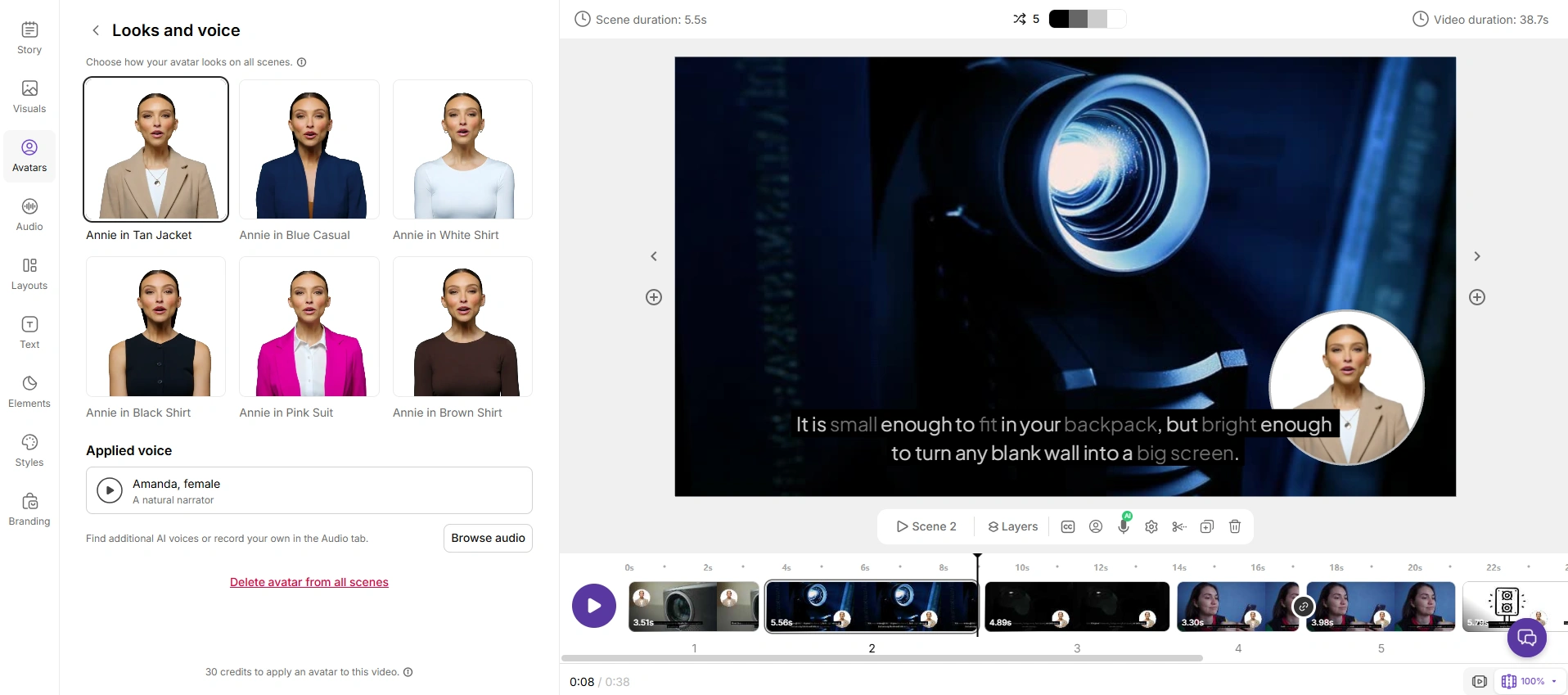
The avatar made the video feel a little more personal than plain captions and stock footage. For a simple training video, product explainer, or internal tutorial, I can see it being useful.
But I would not call Pictory a full AI avatar generator.
The avatar felt more like an extra presenter layer added to the video, not the main feature. If I wanted a realistic digital spokesperson, stronger lip-sync, more natural facial expressions, or a consistent branded character, I would probably use a dedicated avatar tool instead.
So my rating for Pictory’s avatar feature is 3.5/5.
It is good enough for basic presenter-style content, but it is not where Pictory feels strongest.
What I Liked About Pictory AI
The best thing about Pictory is speed.
I did not need to open a complicated editing timeline or manually search for every clip. For simple videos, it removes a lot of the boring work.
I also liked that the workflow is easy to understand. You do not need to be a video editor to know what is happening. Most of the process feels closer to editing a document than editing a traditional video.
Another strong point is content repurposing. This is where Pictory feels genuinely useful. A blog post can become a short video. A long video can become smaller clips. A script can become a faceless video. For teams that publish content regularly, that matters.
Captions and voiceovers are also convenient. They are not always perfect, but they reduce the amount of manual work needed to get a video ready for social platforms.
Where Pictory AI Felt Limited
The main issue is that Pictory videos can look generic.
This matters more now than it did a few years ago. Viewers are used to seeing more polished short-form videos, AI-generated visuals, cinematic edits, and stronger creative concepts. A clean stock-style video can still work, but it does not always stand out.
The second issue is creative control. Pictory is beginner-friendly because it simplifies the process. But if you want detailed control over mood, lighting, camera movement, scene consistency, character style, or visual atmosphere, you may feel boxed in.
The third issue is expectation. Some people hear “AI video generation” and expect a tool that creates fresh visuals from imagination. Pictory is not really that kind of tool. It is much better at turning existing content into video form.
That does not make it bad. It just means it is better for some workflows than others.
Pictory AI Pros and Cons
Pros | Cons |
Very easy to use | Visuals can feel generic |
Good for turning scripts into videos | Not ideal for cinematic AI video generation |
Strong for blog and article repurposing | Avatar features are not deeply customizable |
Helpful captions and voiceovers | Limited creative control |
Saves time for content teams | More useful for repurposing than original creation |
Pictory AI Pricing: Is It Worth It?
I would not judge Pictory’s value only by its price. I would judge it by how often you need to make videos from existing content.
If you are a blogger, marketer, coach, or YouTuber who regularly turns scripts, articles, or long videos into shorter content, Pictory can be worth it. It saves time, and that time savings can matter more than the subscription cost.
But if you only need to make creative AI videos once in a while, the value is less obvious. In that case, a more flexible tool may make more sense, especially if you want to test different visual styles or generate original images and videos instead of repurposing old content.
For me, Pictory is easier to justify when there is a steady content workflow behind it. If I only wanted to experiment creatively, I would probably not start there.
Who Should Use Pictory AI?
I would recommend Pictory AI to people who already have content and want to get more mileage from it.
It is a good fit for bloggers who want video versions of their posts, marketers making quick social content, YouTubers creating faceless videos, coaches and educators making training clips, small teams without a full video editor, and businesses that need simple explainer videos.
I would not recommend it as strongly for creators who care most about original AI visuals, advanced motion, cinematic video generation, or highly customized avatar content.
That is the line I would draw.
Best Pictory AI Alternative for Creative Video Generation
This is where I would bring PicLumen into the comparison, but not as a one-to-one replacement.
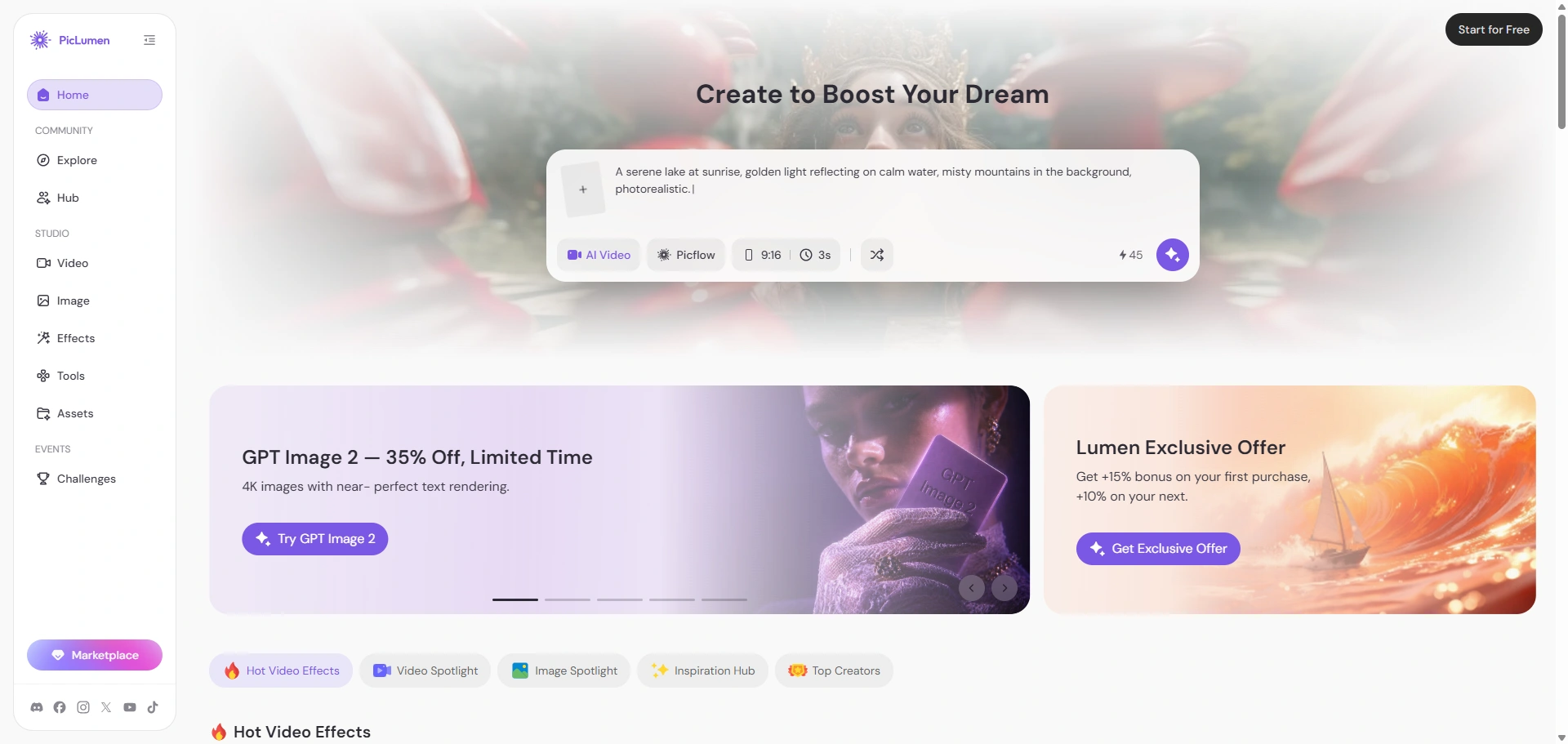
Pictory and PicLumen solve different problems.
Pictory is better when I already have written or recorded content and want to turn it into a clean video quickly. It is built around repurposing, editing, captions, voiceovers, and simple video production.
PicLumen is better when I want to start from a visual idea. It is an all-in-one AI image and video generation platform, so I can create images and videos in the same workflow instead of jumping between different tools.
What makes PicLumen more flexible for creative work is that it brings together many popular AI models on the market. That gives me more room to test different styles, compare outputs, and choose the model that fits the idea instead of being locked into one narrow generation path.
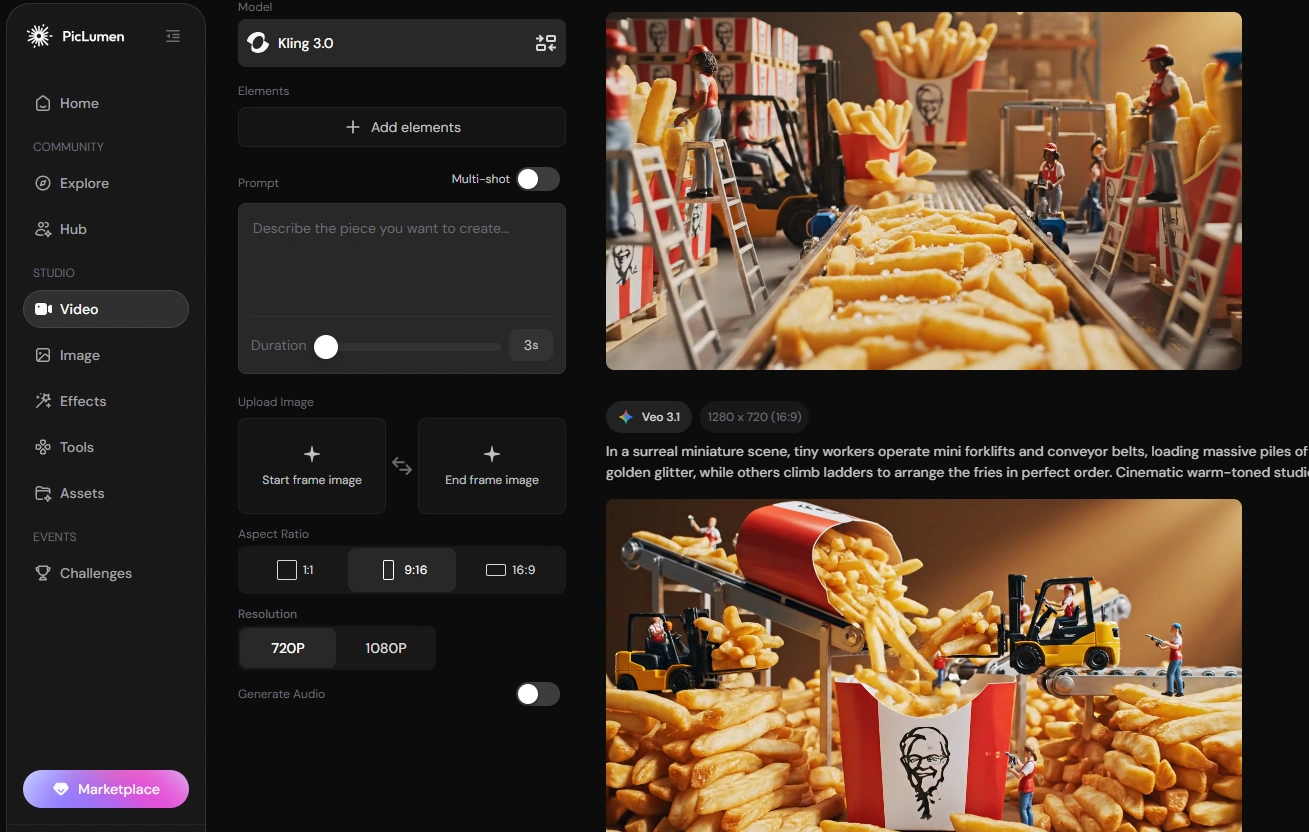
For example, if I need a simple video summary of a blog post, I would use Pictory.
But if I want to create a product concept image, generate a stylized character, test different AI models, or turn an image into a more dynamic AI video, PicLumen feels like the better fit. It supports text-to-image, image-to-image, text-to-video, and image-to-video workflows, which makes it more useful for visual creators, social media marketers, ad creatives, and anyone testing new content ideas.
I also like that PicLumen has a community side. I can browse other people’s work, check prompts, remix ideas, and get inspiration before creating my own visuals. That makes it feel less like I am starting from a blank page.
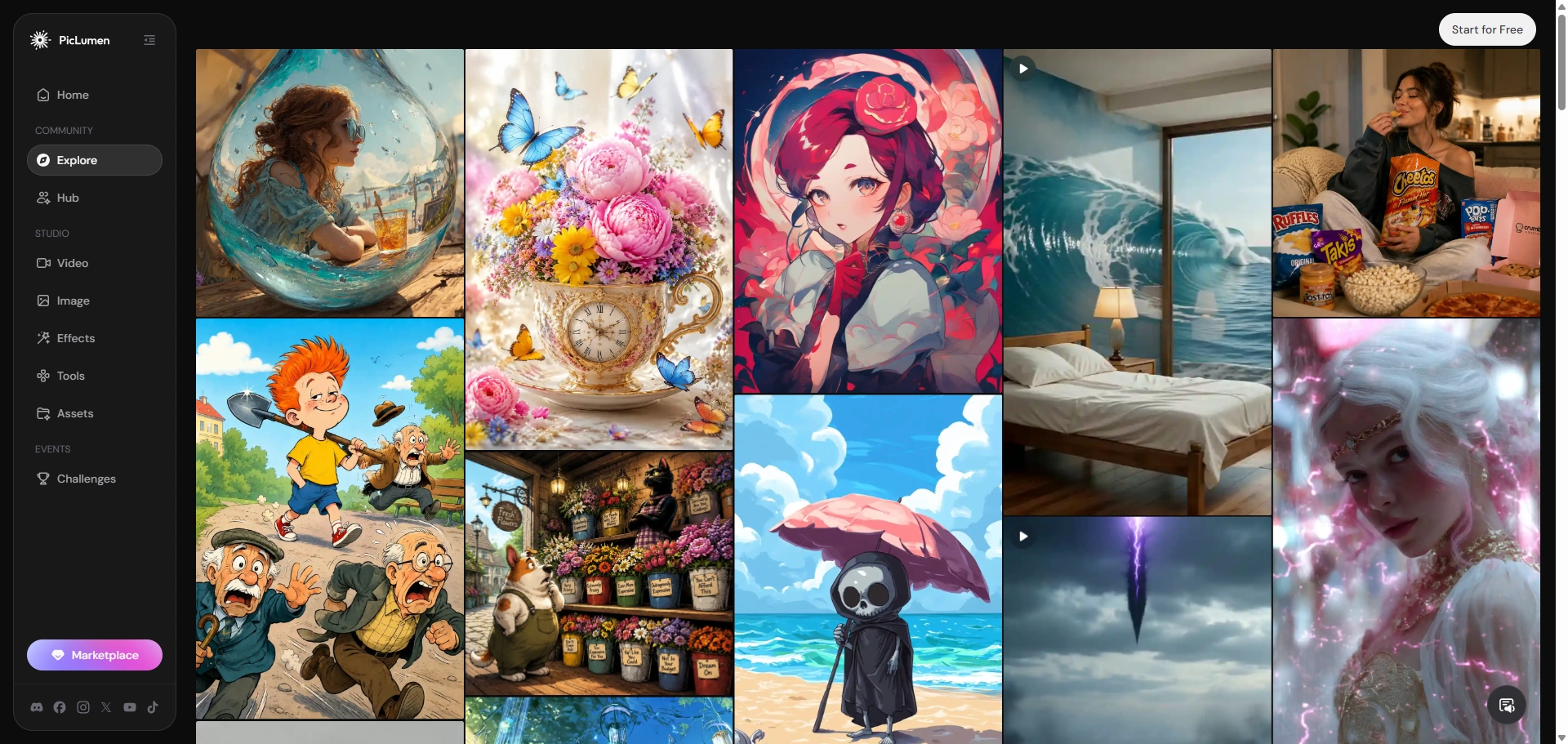
So my honest comparison is simple:
Use Pictory for fast content repurposing. Use PicLumen when you want an all-in-one AI image and video generation platform with more model choices and more creative freedom.
Final Verdict: Is Pictory AI Worth It in 2026?
Pictory AI is worth trying if your main goal is to turn existing content into videos faster. It works best for scripts, blog posts, webinars, long videos, and simple faceless content.
But I would not choose it first for original AI video generation, cinematic image-to-video results, or advanced avatar content. It feels more practical than experimental.
So my final take is simple: Use Pictory AI for content repurposing. Try PicLumen if you want more creative freedom for AI images, AI videos, and image-to-video work.