Free AI Image to Video Generator Online
Hot Video Effects
View All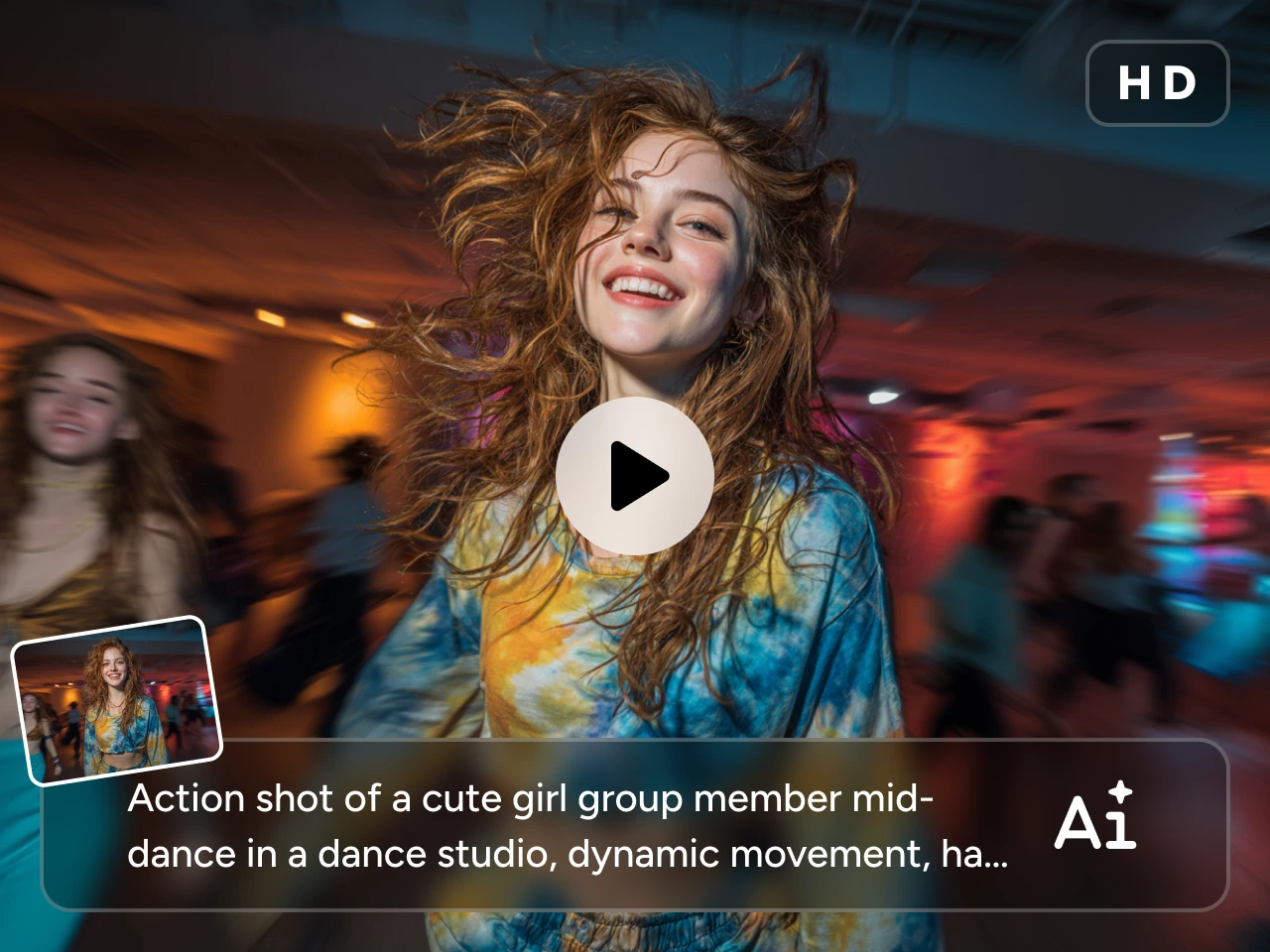
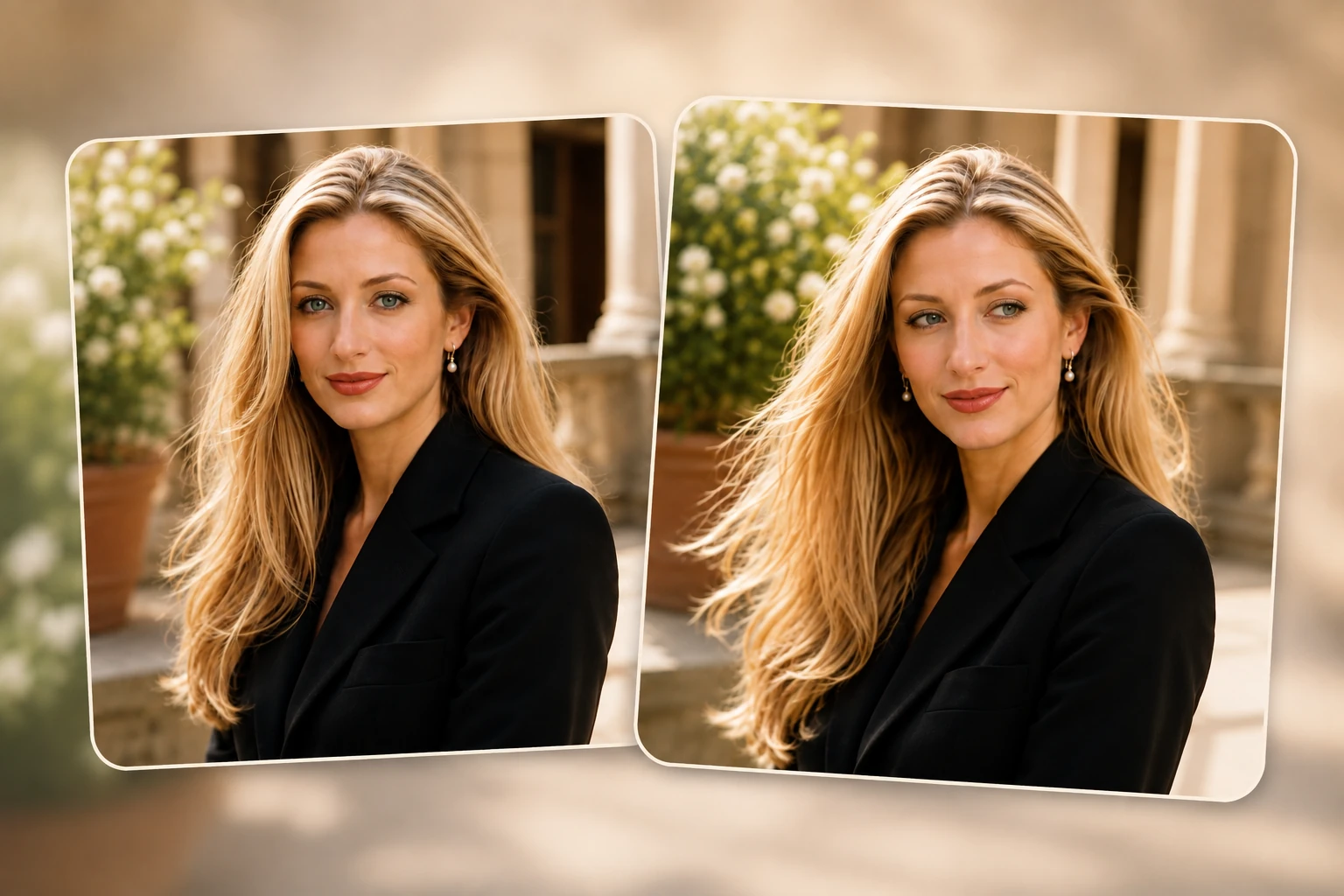
Turn One Image into Cinematic Video Quality
A good image deserves a better final result. If the motion looks rough or the video feels flat, the whole piece loses impact. Most users are not just looking for movement. They want something polished and worth sharing. PicLumen helps turn one image into a more cinematic video with smoother motion, better visual depth, and a cleaner finish, making your AI image to video result feel stronger from the first frame to the last.
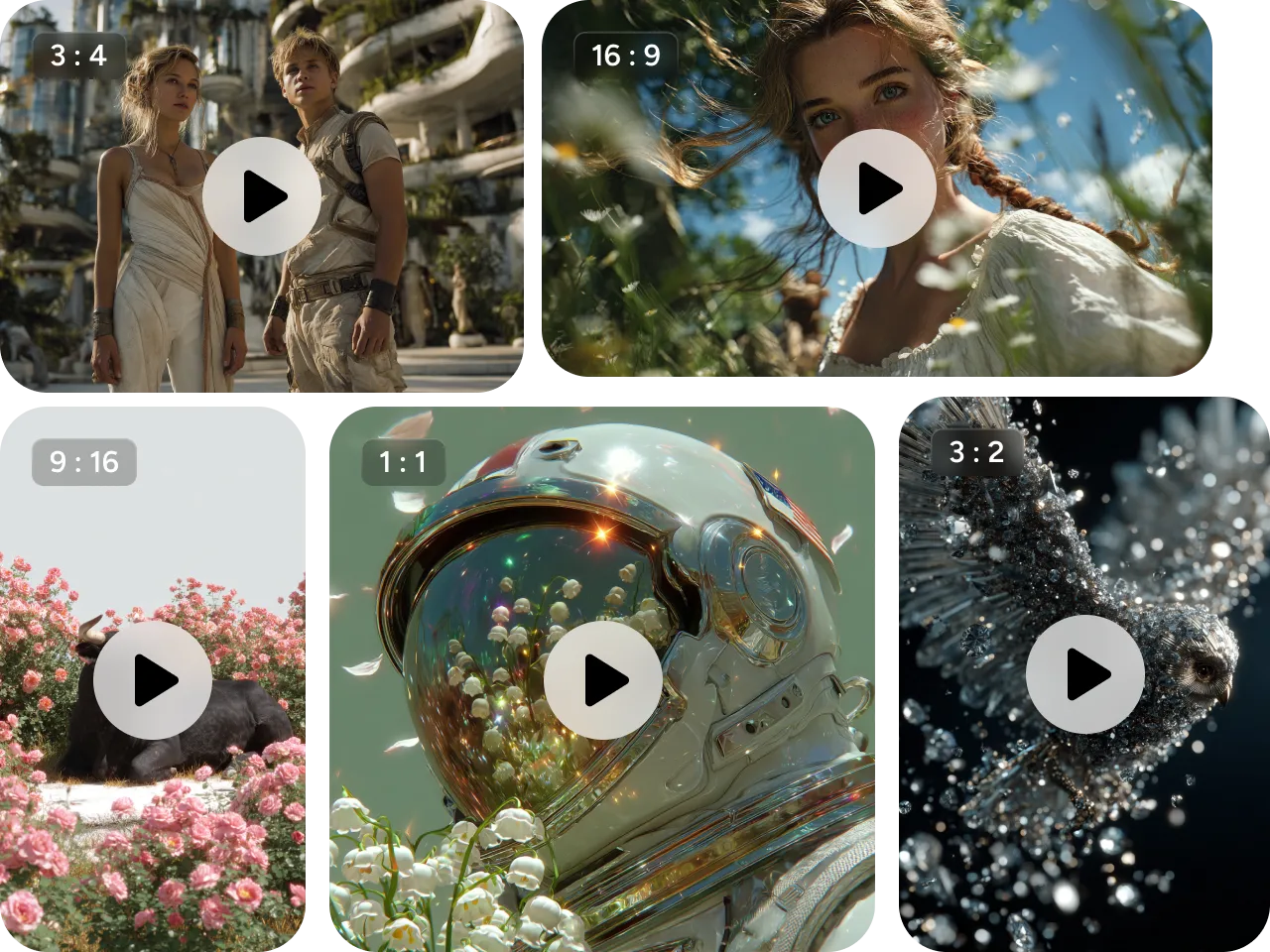
Create Videos in Different Styles, Not Just One Look
Not every video should look the same. Some ideas need a realistic feel, while others work better with a more artistic, dramatic, or stylized look. That range matters when you want content to fit different audiences and platforms. PicLumen supports multiple styles, so you can turn photo into video content that feels more aligned with your brand, your story, and your creative direction.

Keep Your Subject Clear and Consistent
One common problem in image-to-video creation is subject drift. A face may change, a product may lose key details, or the final result may stop looking like the original image. That can make the output much less usable. PicLumen helps keep characters, products, and other important elements more consistent throughout the video, so your AI image to video output stays closer to what you had in mind, while also giving you room to explore text to video in the same creative workflow.
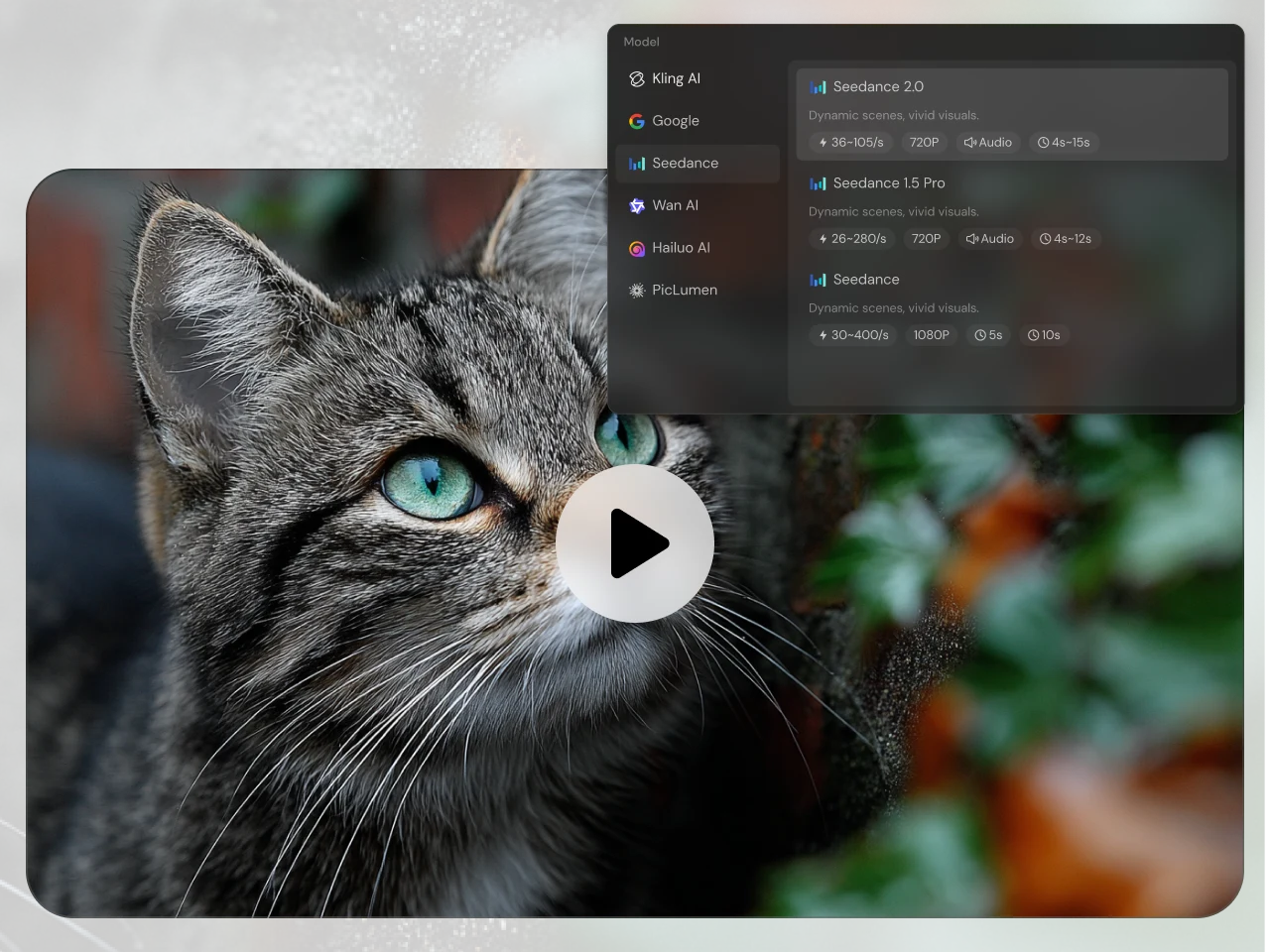
Access Top Video Models in One Place
Different models bring different strengths. Some handle motion better, while others are stronger at visual quality or prompt response. Testing them across separate tools takes time and breaks your workflow. If you have ever wondered how to convert image to video using AI, PicLumen makes the process much easier by bringing popular models like Kling 3.0, Seedance 2.0, and Veo 3.1 into one place, so you can explore stronger results without switching between tools.
What You Can Create with AI Image to Video Generator

Social Media Clips
Turn portraits, stylized visuals, and eye-catching compositions into short videos for TikTok, Reels, Shorts, and other fast-moving platforms. A little motion can make the same image feel much more scroll-worthy.

Product Promo Videos
Start with a product image and create a cleaner, more dynamic clip for launches, ecommerce pages, ad creatives, or branded posts. This is a practical way to add energy without planning a full shoot.

Character and Art Animation
Bring illustrations, anime-style visuals, fantasy characters, and concept art into motion. This works well when you want your art to feel more immersive without building a scene from zero.

Brand Storytelling Content
Use a campaign visual, hero image, or brand composition as the starting point for a more polished video asset. That makes it easier to reuse existing creative across websites, social channels, and promotions.

Mood and Concept Videos
Turn atmospheric visuals, travel shots, aesthetic frames, or scene-based artwork into clips that communicate tone more clearly. Motion often helps an idea land faster than a still image alone.

Repurposed Creative Assets
If you already have strong visual material, PicLumen helps you turn it into something more flexible instead of starting over. That means faster output and better use of the work you have already done.
How to Create AI Image to Video from a Single Image
1 Upload Your Image
1Choose the image you want to animate. You can start with a portrait, product shot, illustration, artwork, or branded visual.
2 Describe the Result You Want
2Write a prompt that tells PicLumen what should happen in the video. You can guide scene motion, subject movement, camera feel, mood, or pacing depending on your goal.
3 Choose Your Settings
3Select the format that fits your project, such as aspect ratio or output style. This helps shape the result for different uses, from social content to product visuals.
4 Generate and Download
4Once everything looks right, generate your video and download the result. You can post it directly, reuse it in campaigns, or make multiple versions from the same source image.


Loved by Creators Worldwide
Real feedback from designers, marketers, and hobbyists sharing their PicLumen experience on Trustpilot.
 Jon Jon
Very good website
Very good website. Different models, good job
Bet AWNice good appp creat inmage
Nice good appp creat inmage
 Ifeanyichukwu C Chukwuemeka
Very good
Very good and good AI app easy to use without stress
 Alexsander Luís
cool it's a good ai creator but create…
cool it's a good ai creator but create imagens for cinema
Nice creations and bright
Nice creations and bright
ZaraPiclumen still remains the best…
Piclumen still remains the best with image references. I don't have any complains using Piclumen. It makes my work easier
They make anything that u could imagine…
They make anything that u could imagine and it’s so amazing
good ai i like using this a lot.
good ai i like using this a lot.
 Darius Salahshori
Good
Very good and I work very hard.
Good app and make very good video
Good app and make very good video
 Enzo Piriou
The very good experience for AI
The very good experience for AI
Ghulam E HurApplication is very good
Application is very good but improvement needed
Frequently Asked Questions
What is an AI image to video generator?
An AI image to video generator is a tool that turns a still image into a moving video clip. With PicLumen, you can upload one image, describe the result you want, and create a video that feels more dynamic and more useful for social, creative, and promotional content.
How to make a video from a single image?
You can start by uploading your image, describing the motion or effect you want, choosing your settings, and generating the final result. PicLumen keeps the process simple, so you can create video content from one image without a complicated workflow.
What images work best for image-to-video creation?
Images with a clear subject, good composition, and strong visual focus usually work best. Portraits, product shots, illustrations, and scene-based artwork often produce cleaner and more visually satisfying results.
What is the best image to video AI generator?
The answer depends on what you want to create. If you want a tool that is easy to use, flexible across different content types, and capable of producing polished results, PicLumen is a strong option for everyday creative and commercial work.