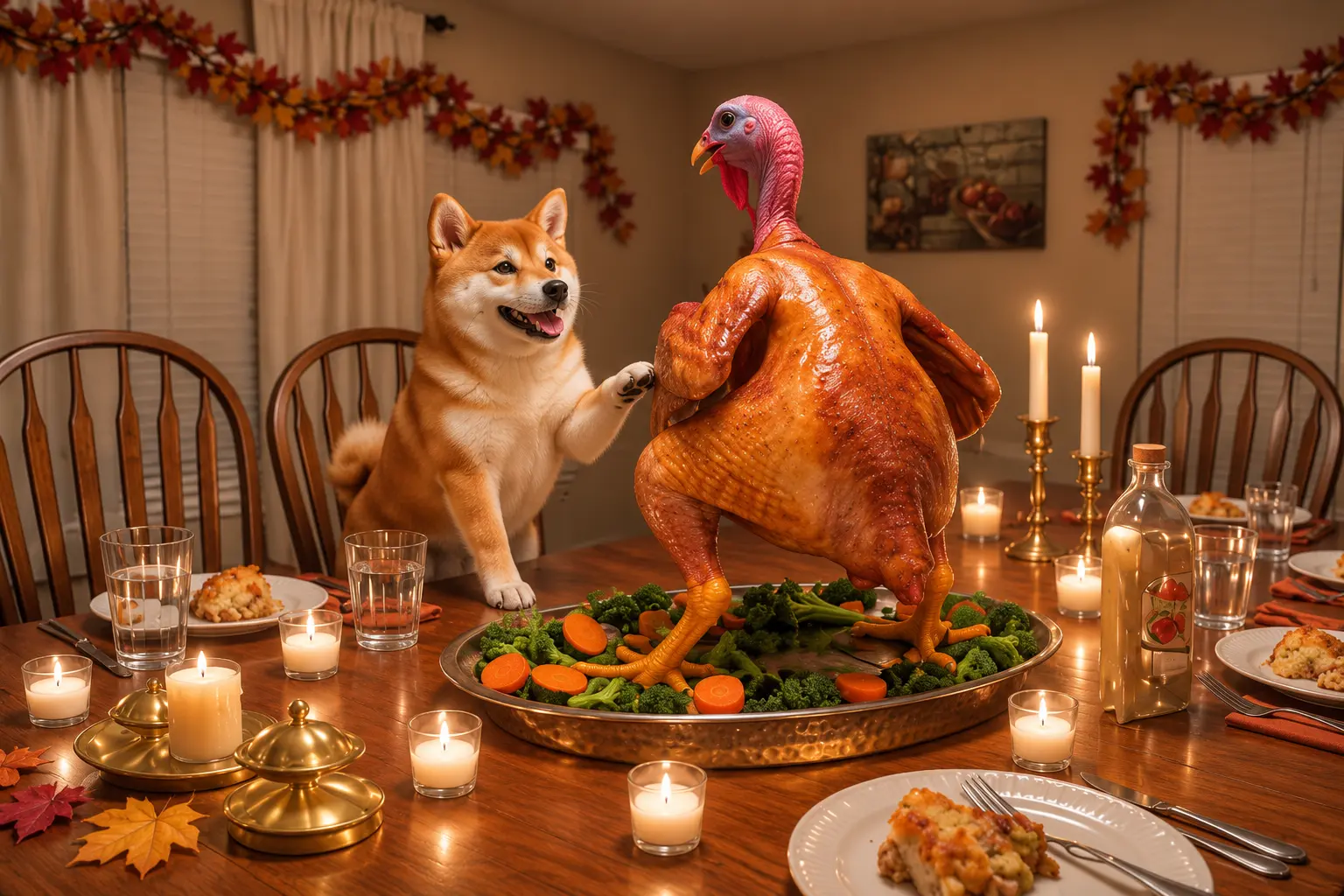
AI Kung Fu Turkey:Dog

AI Kung Fu Turkey:Dog
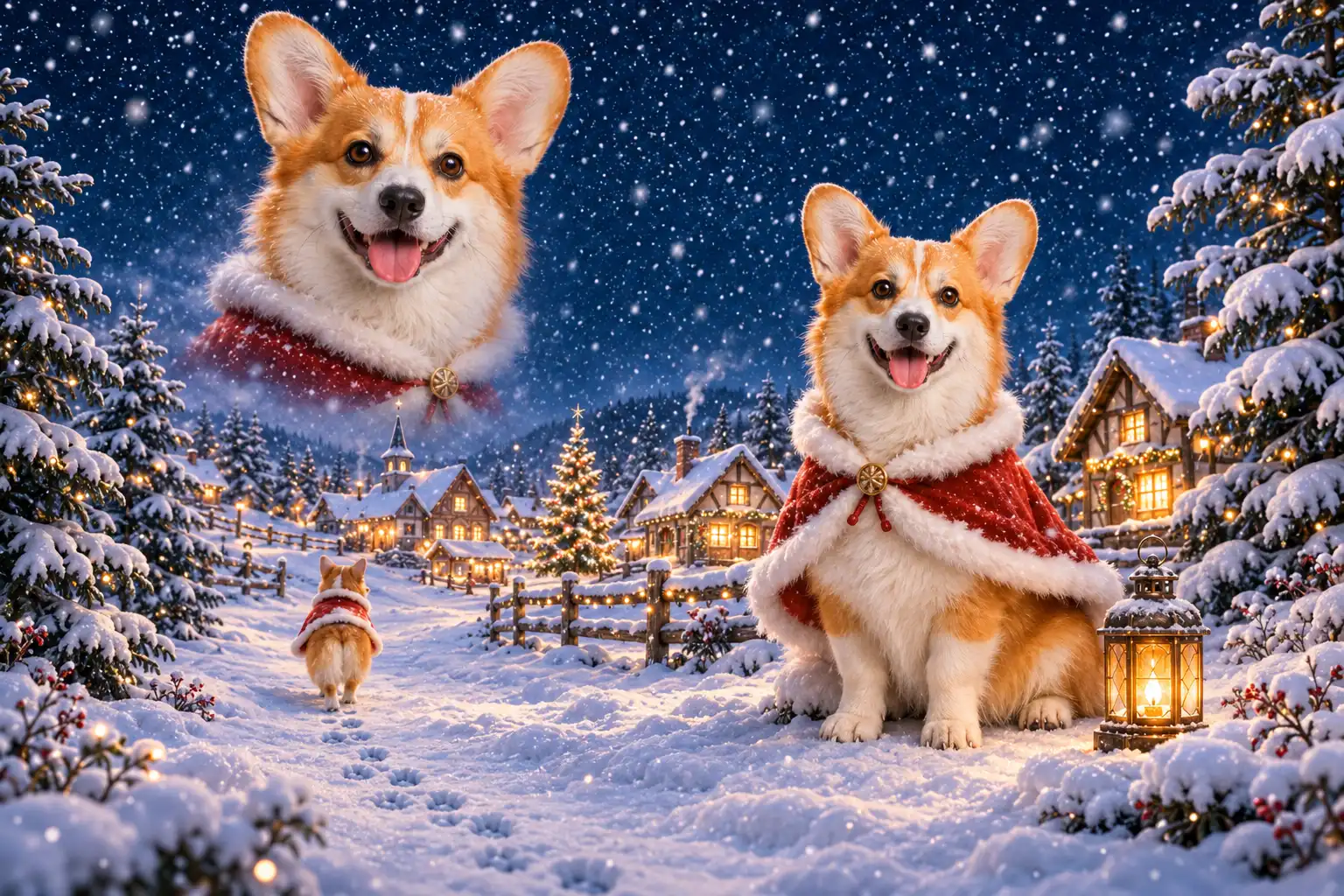
Christmas Ice Queen: Pet Dog Edition

Boom Clap Confetti Paws
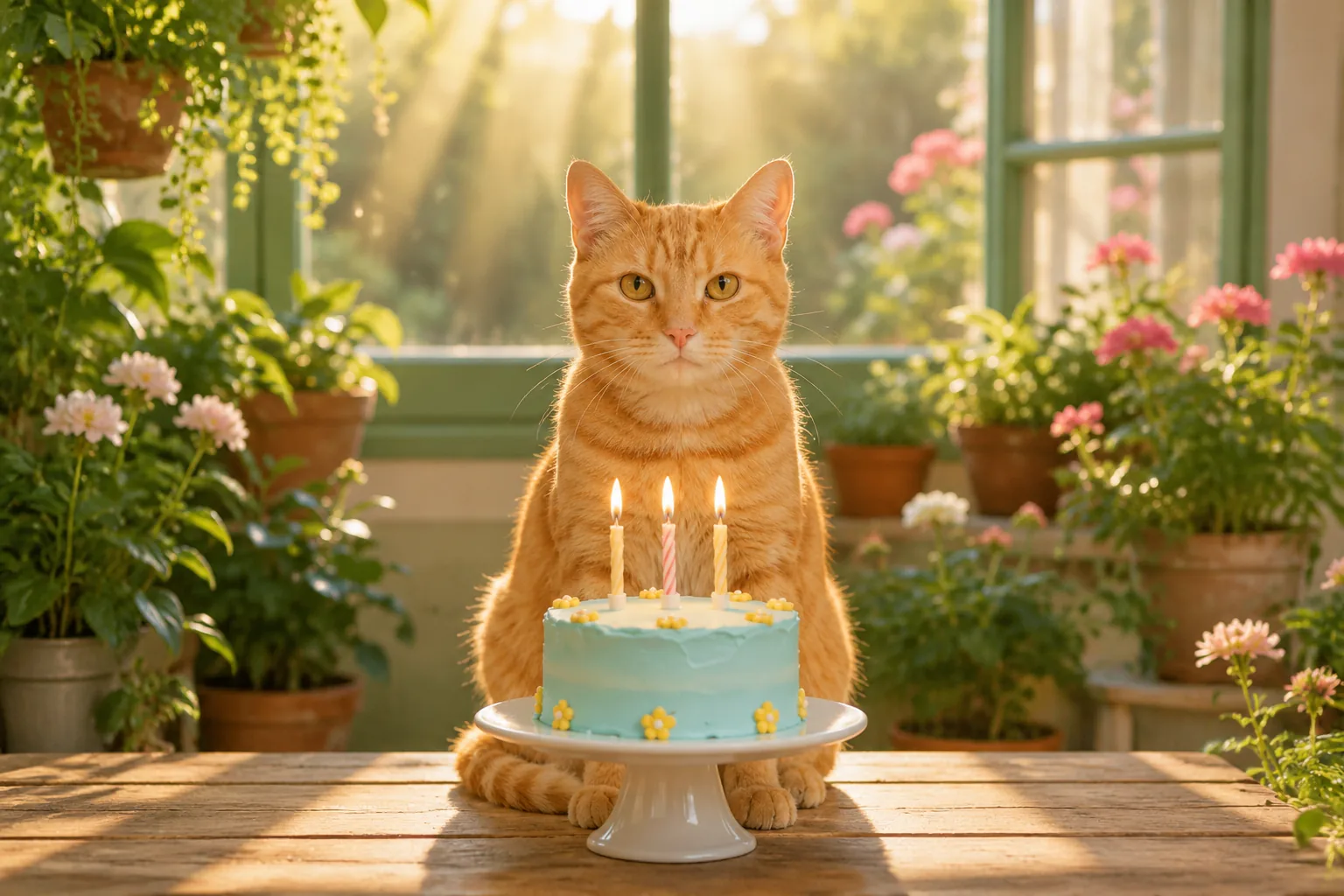
Singing Birthday Cat
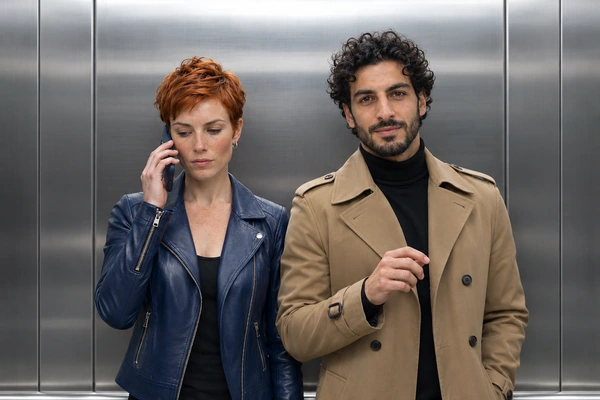
365 Elevator Phone Call
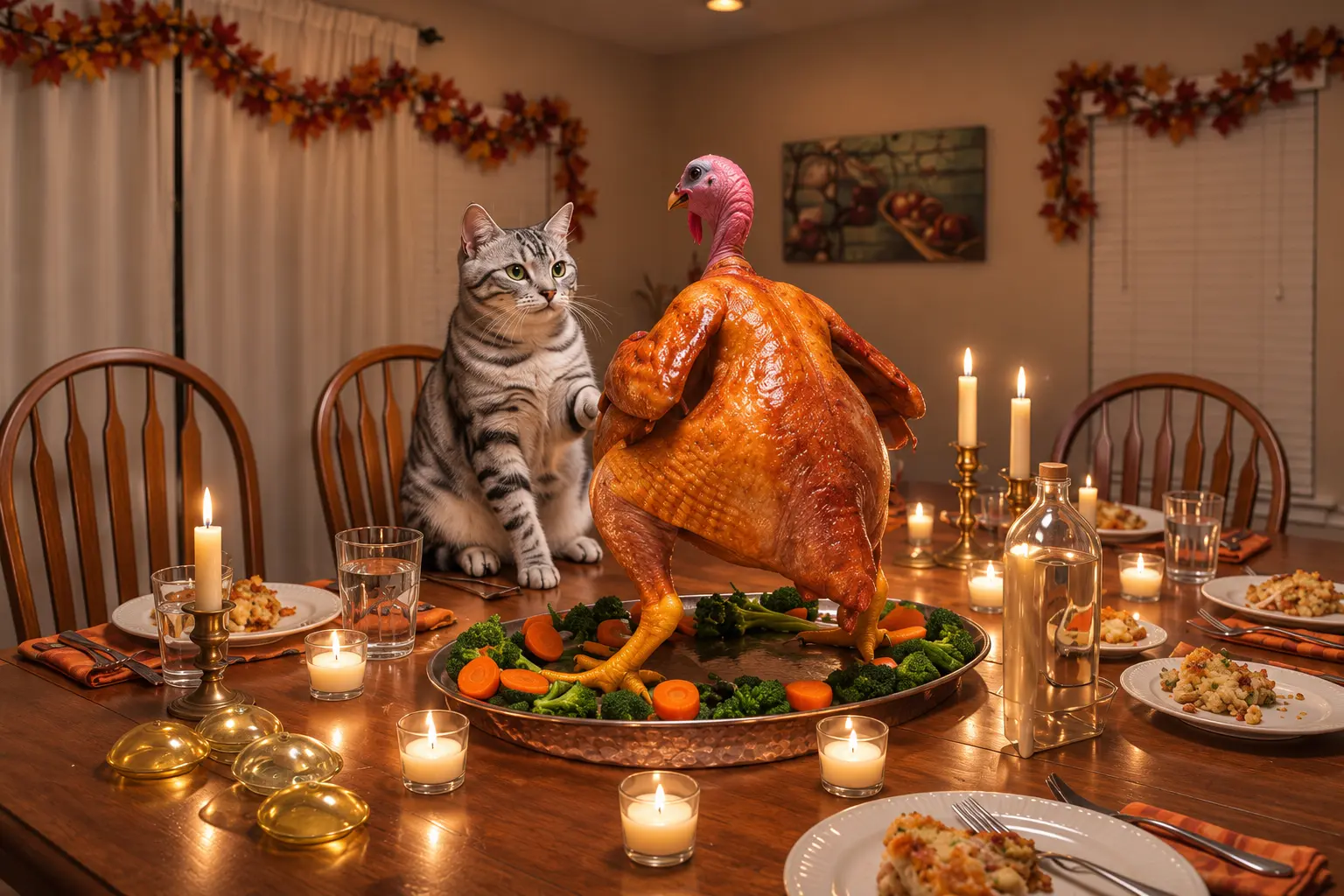
AI Kung Fu Turkey:Cat

Christmas Ice Queen: Animated Version

Boom Clap Confetti High Five

Banana Leaf River Glide
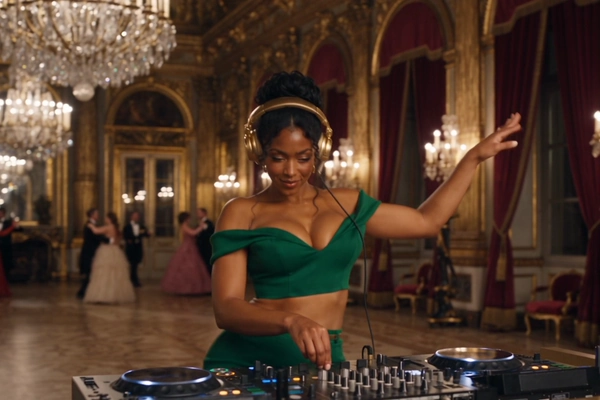
Emerald Ballroom Groove
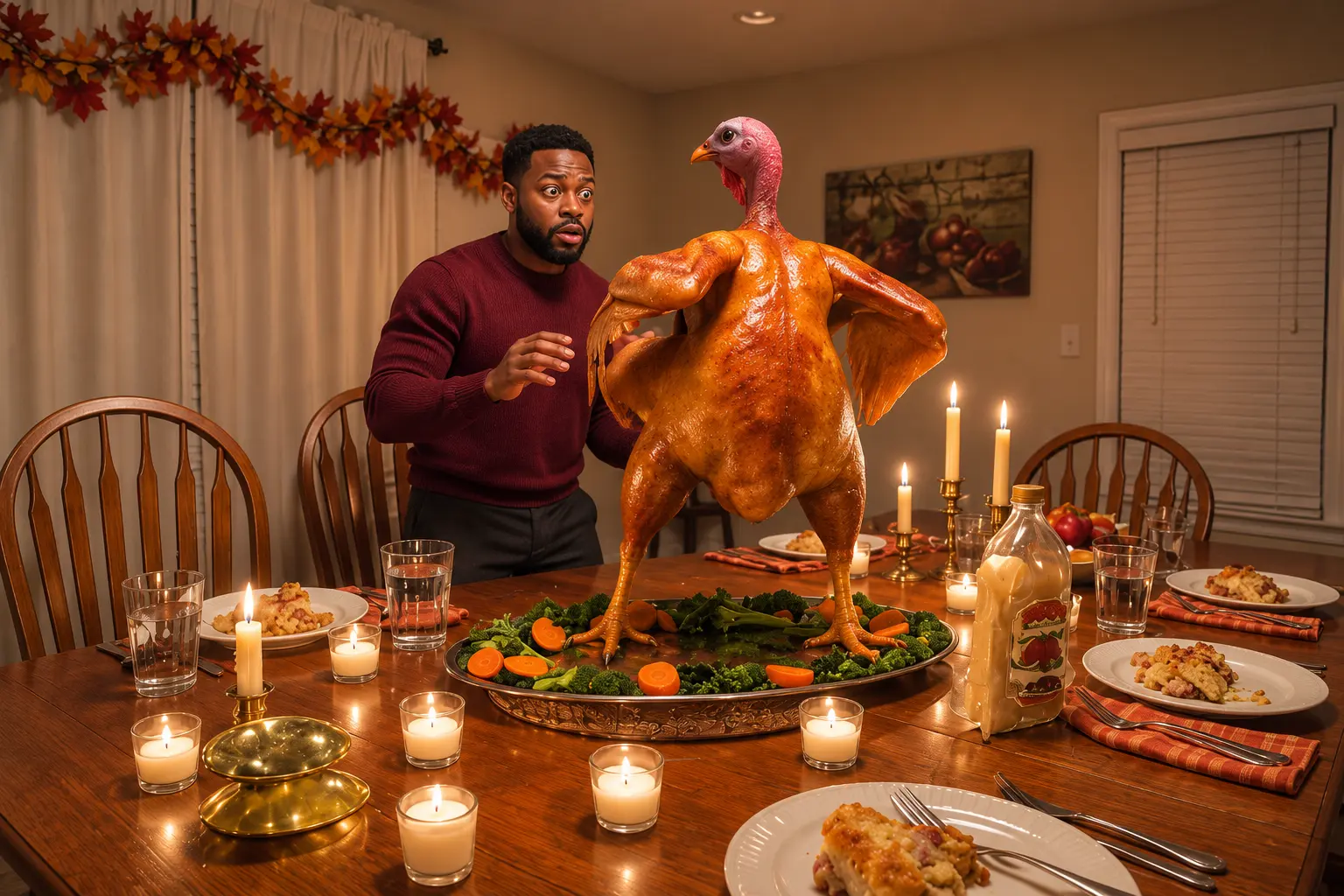
AI Kung Fu Turkey
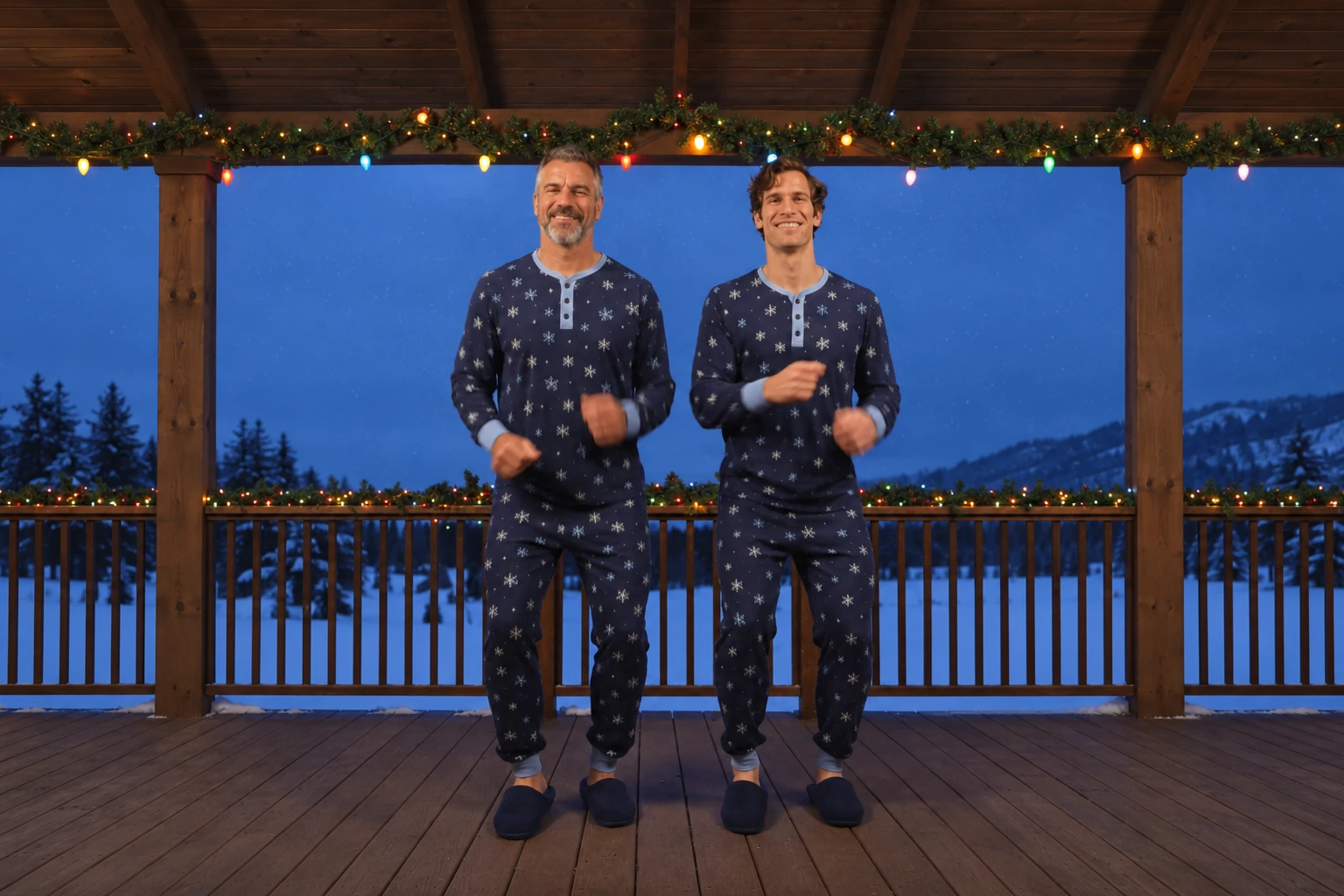
Matching Xmas PJs – Snowflake

Boom Clap Solo Spotlight

Banana Leaf Crocodile Escape
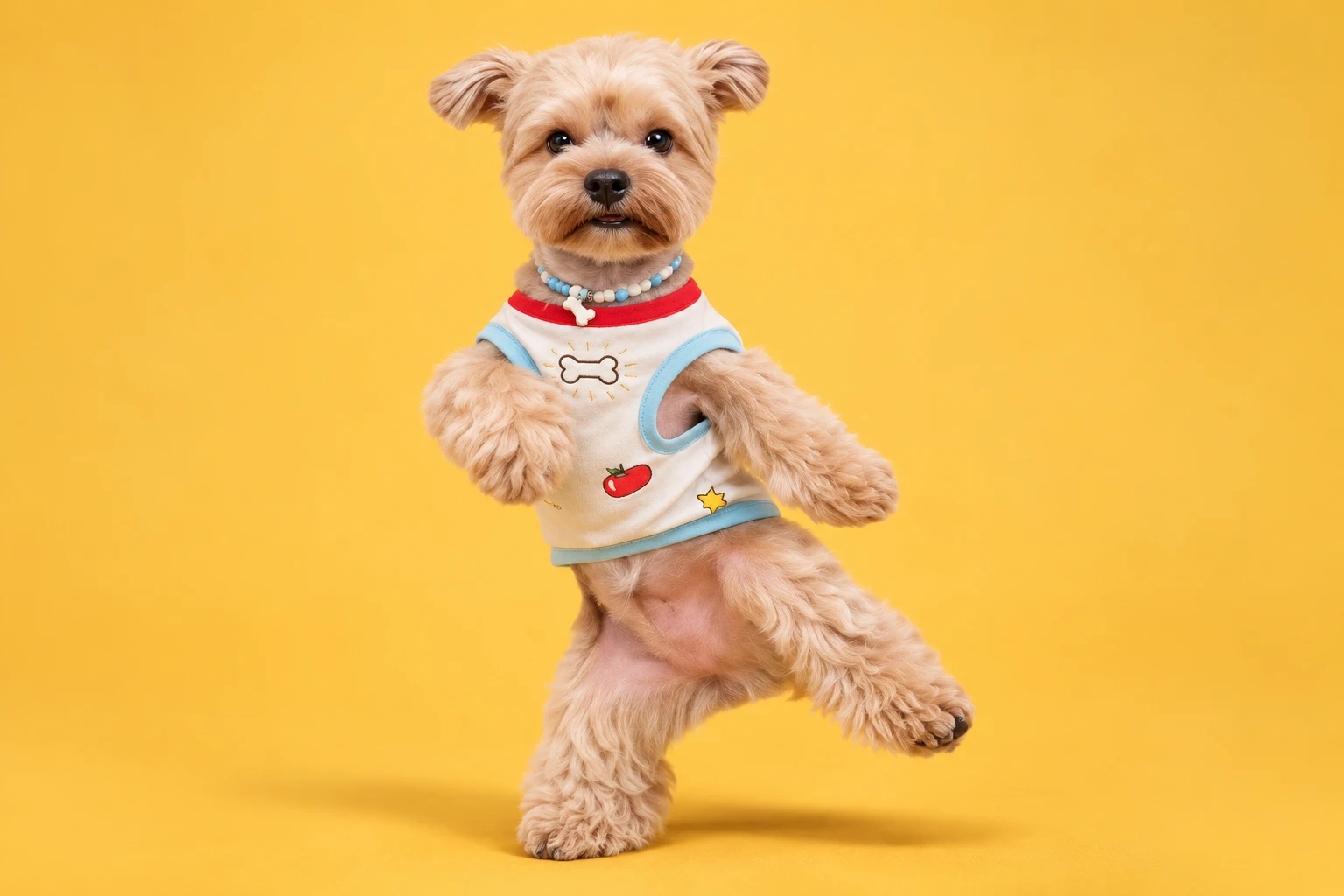
Tsundere Hmph Pet Dance
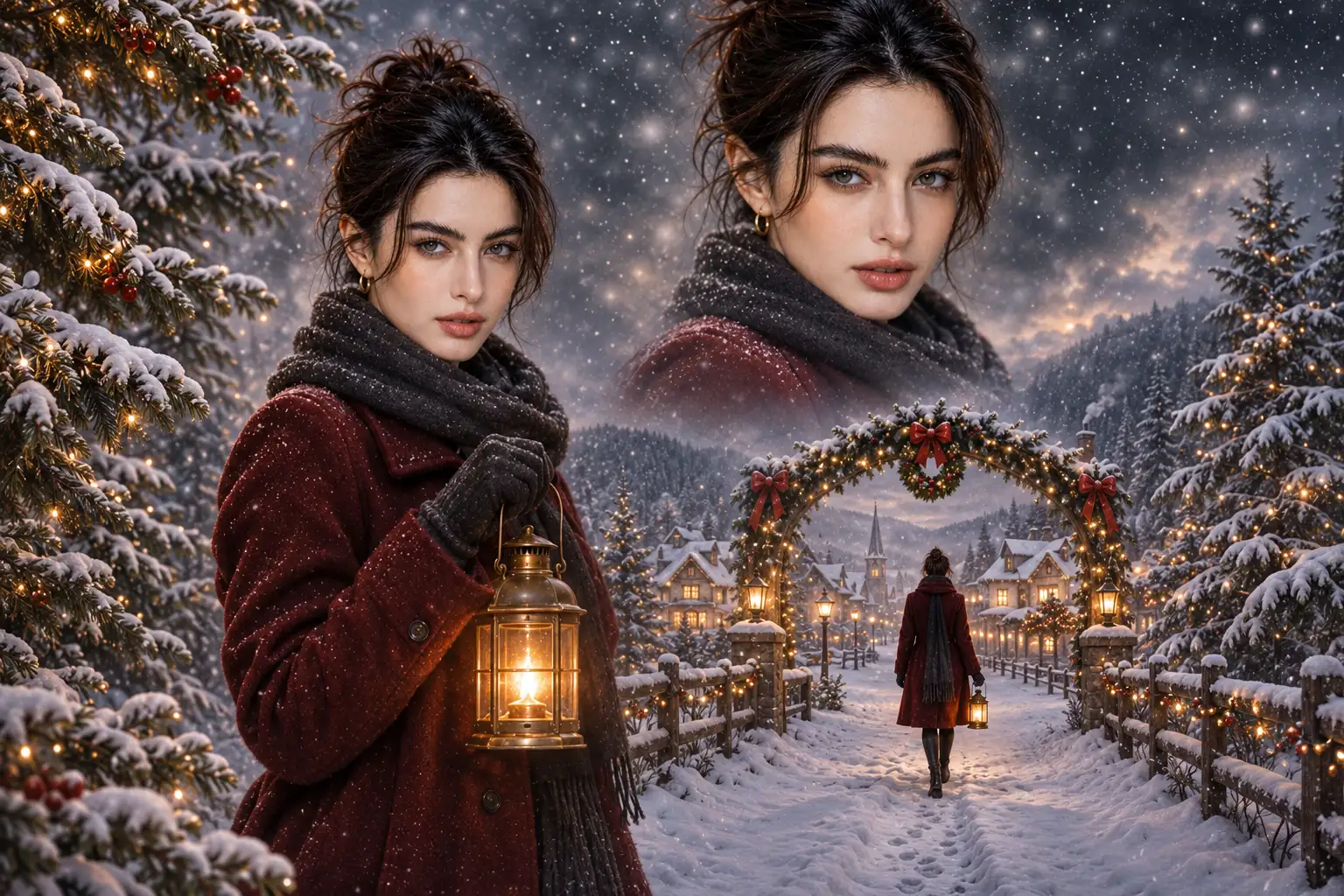
Christmas Ice Queen
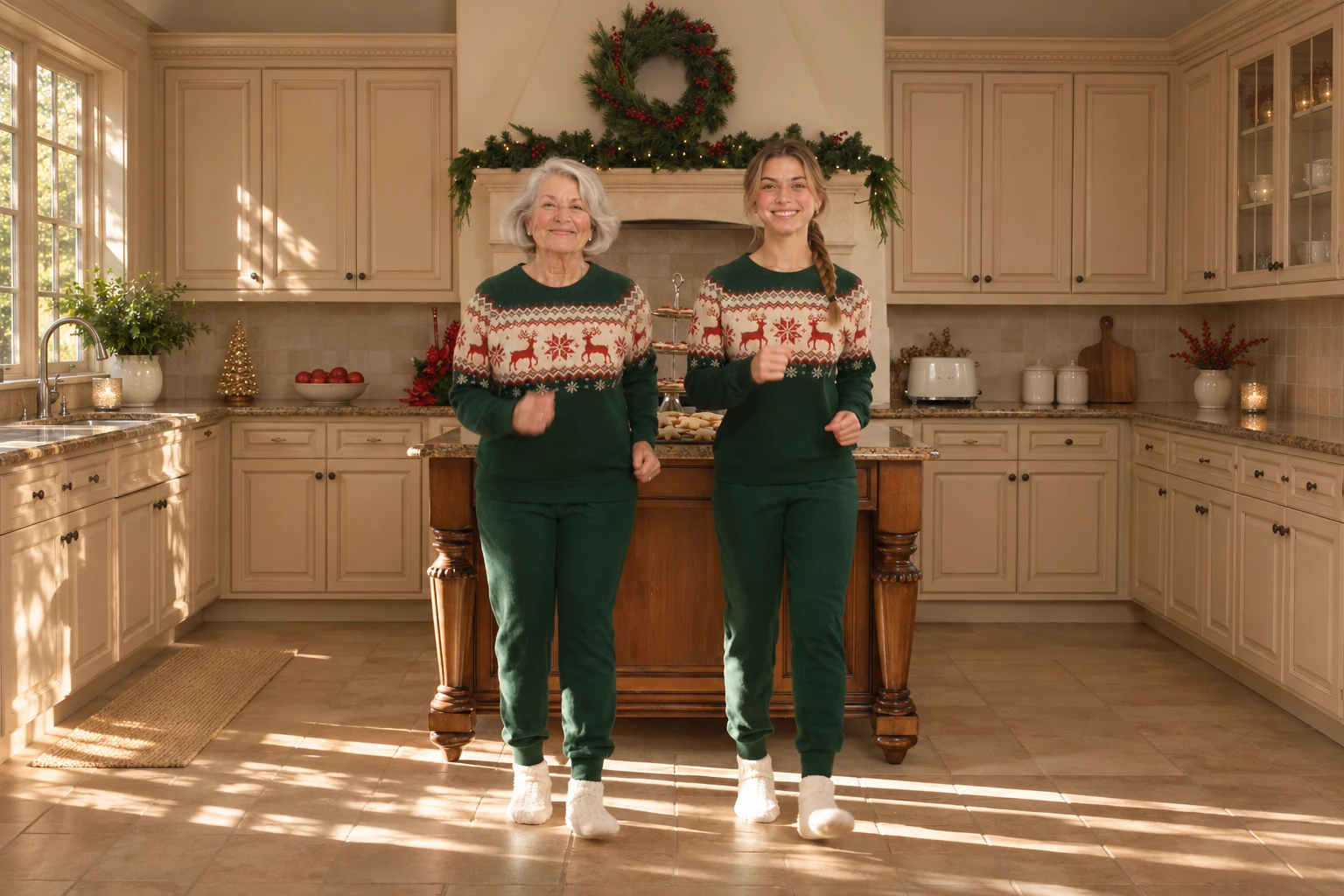
Matching Xmas PJs – Reindeer
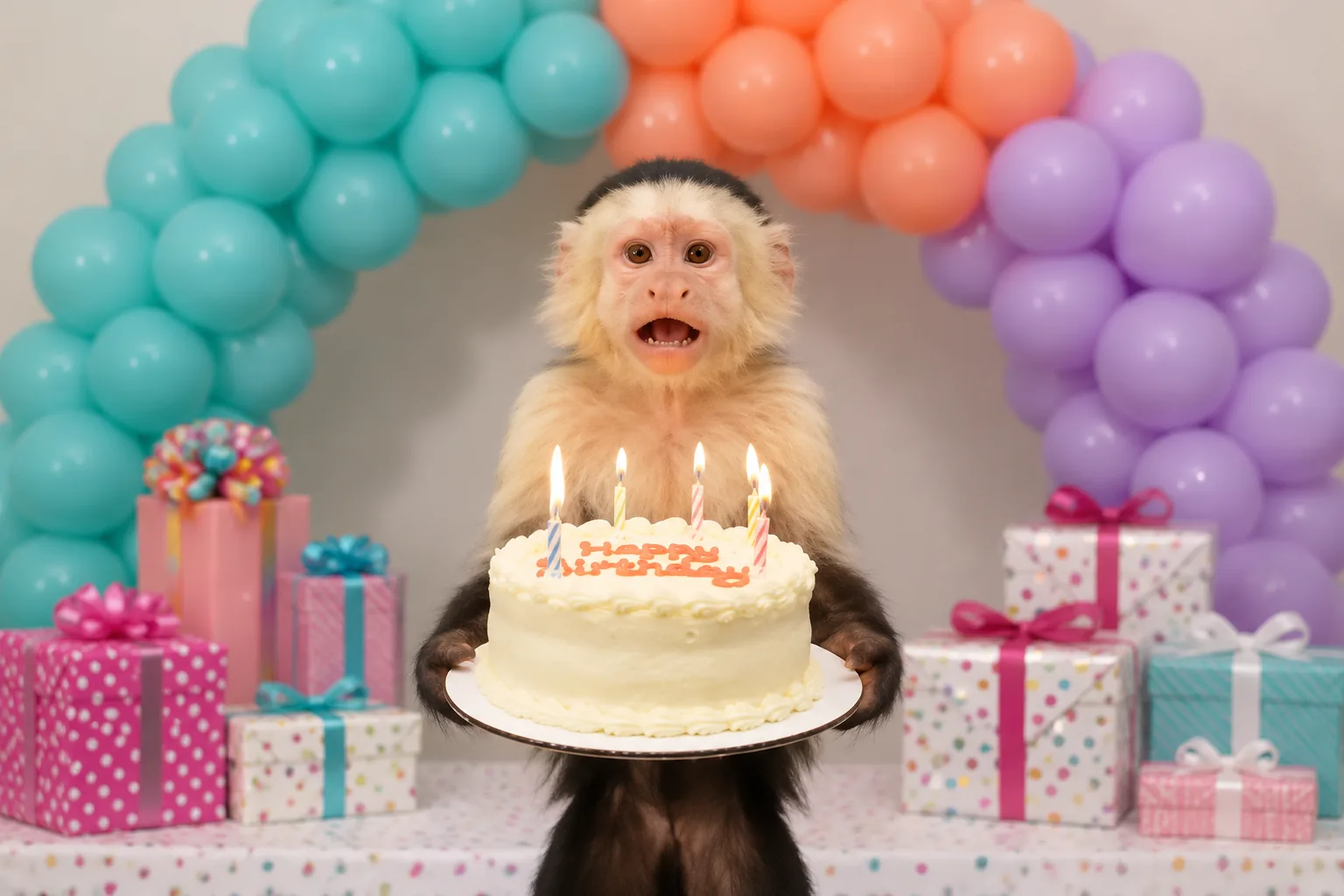
Singing Birthday Monkey

Banana Leaf Palm Landing
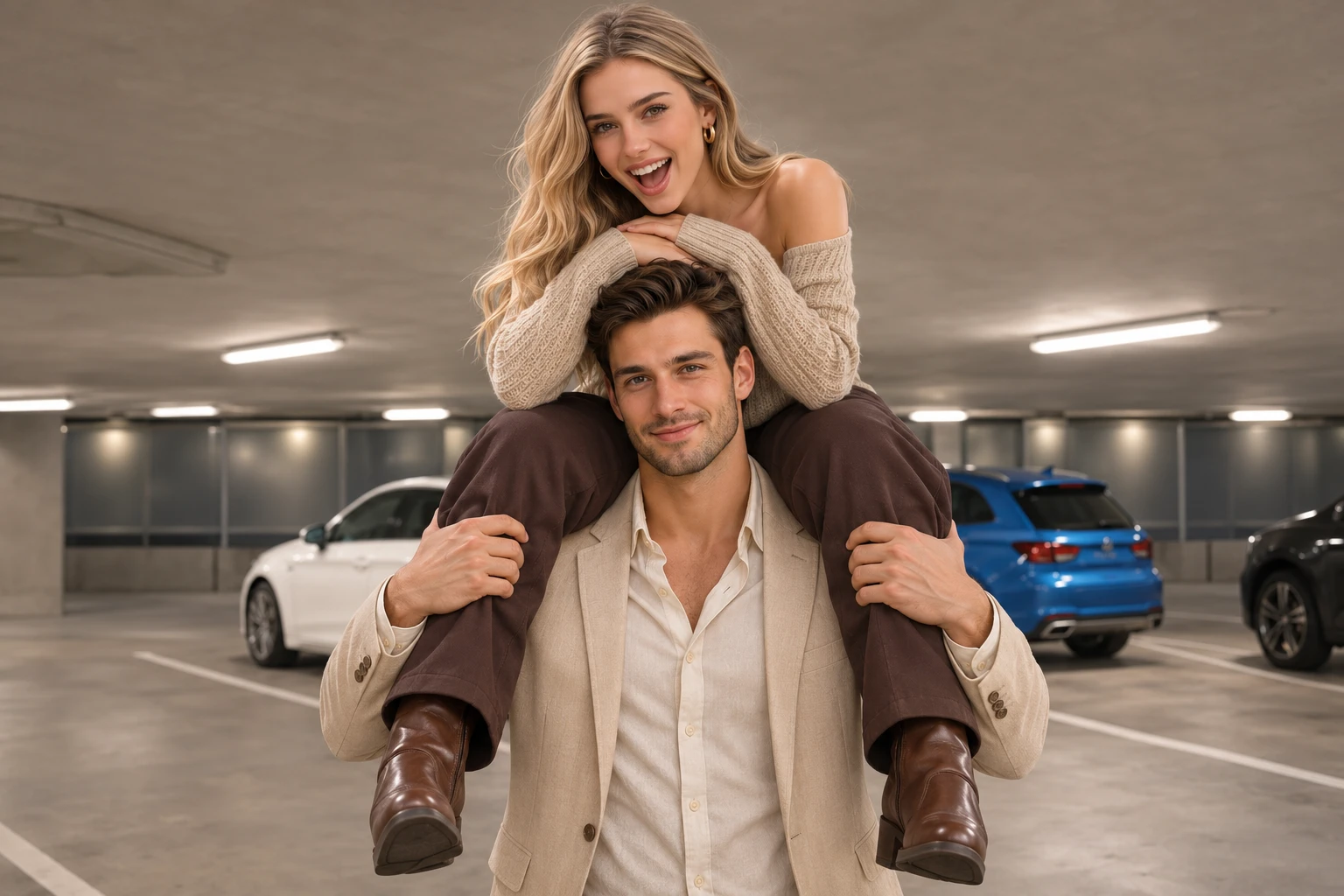
Shoulder Carry Flip AI Video
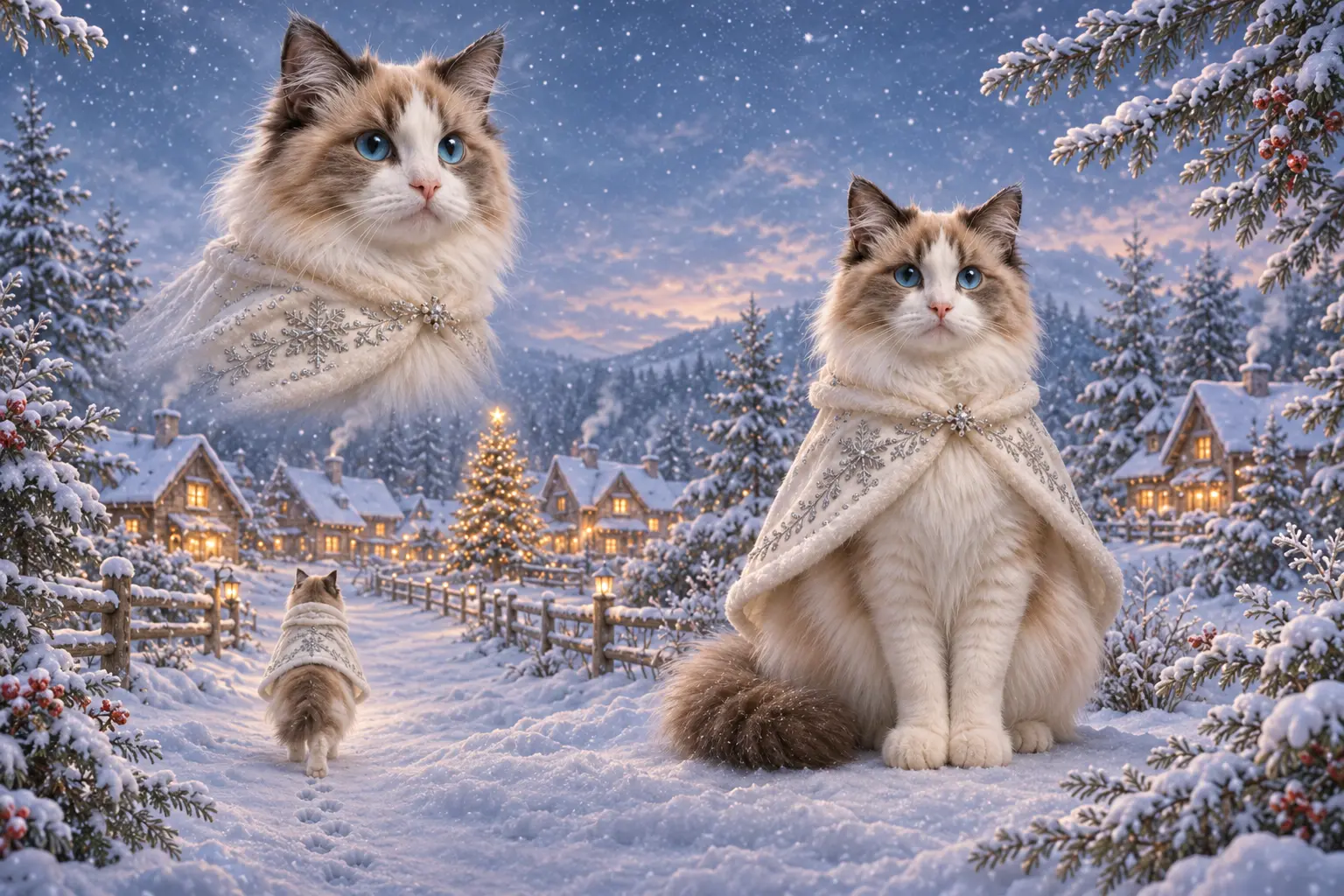
Christmas Ice Queen: Pet Cat Edition
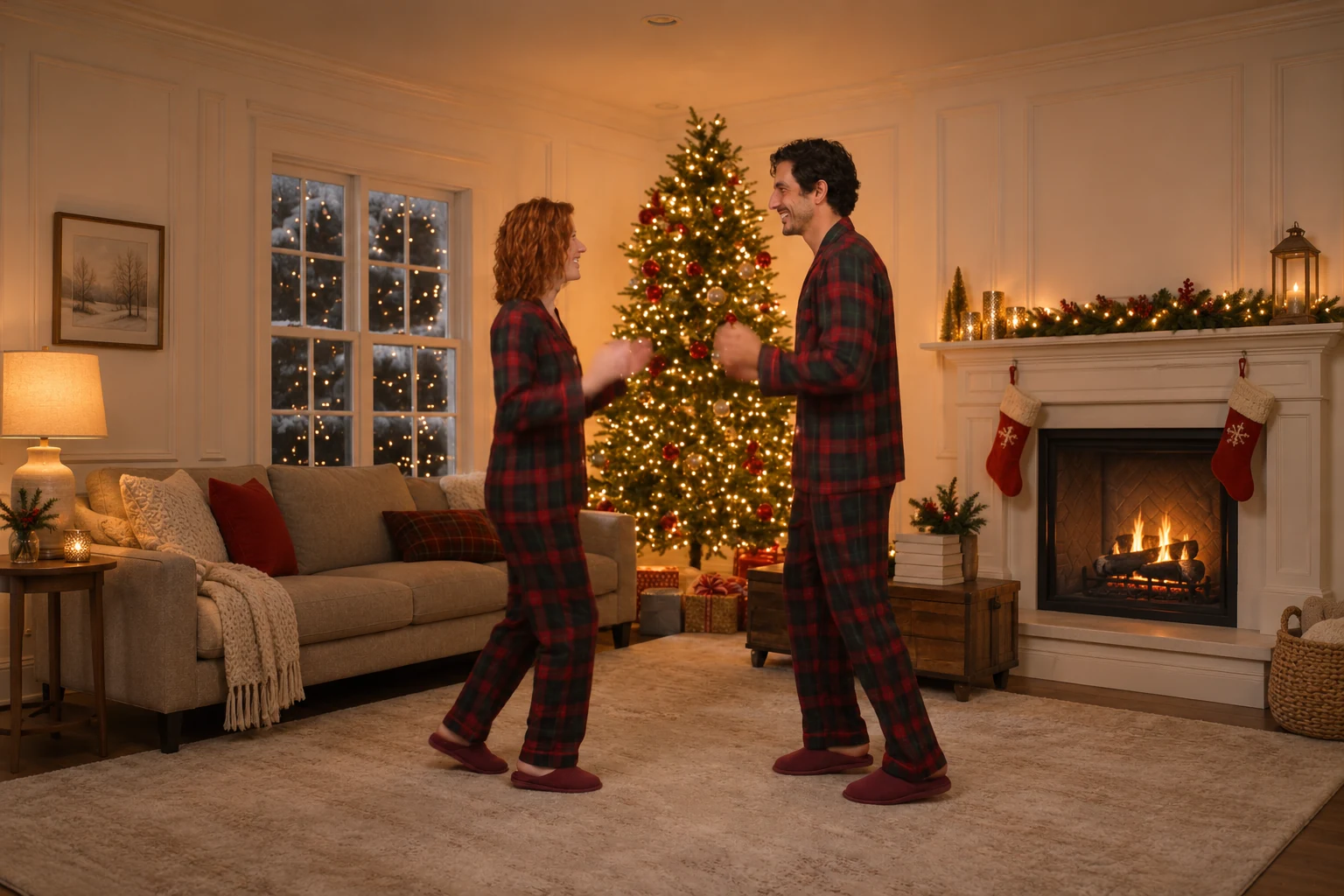
Matching Christmas Pajamas

Singing Birthday Dog
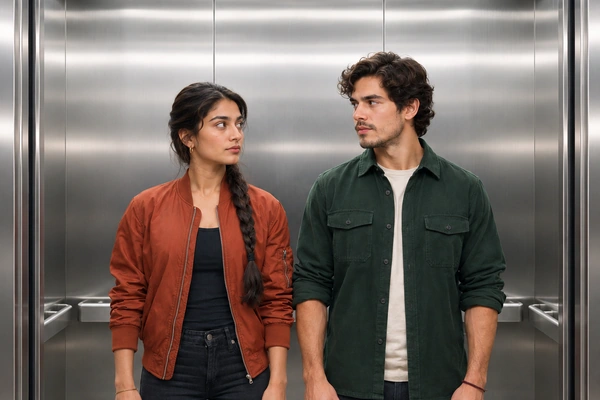
365 Elevator Walk In
用热门 AI 视频特效,把照片变成有趣的舞蹈短片、惊喜变身和可分享的精彩瞬间。
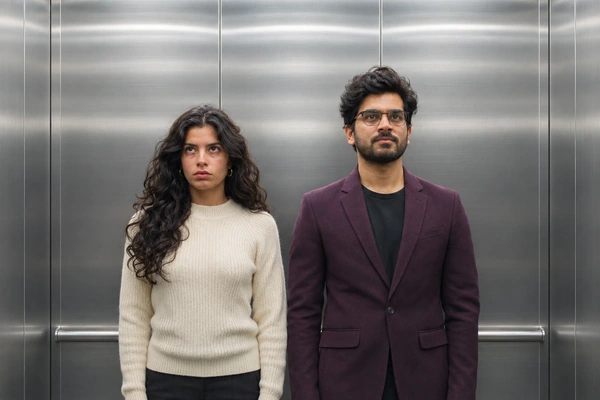
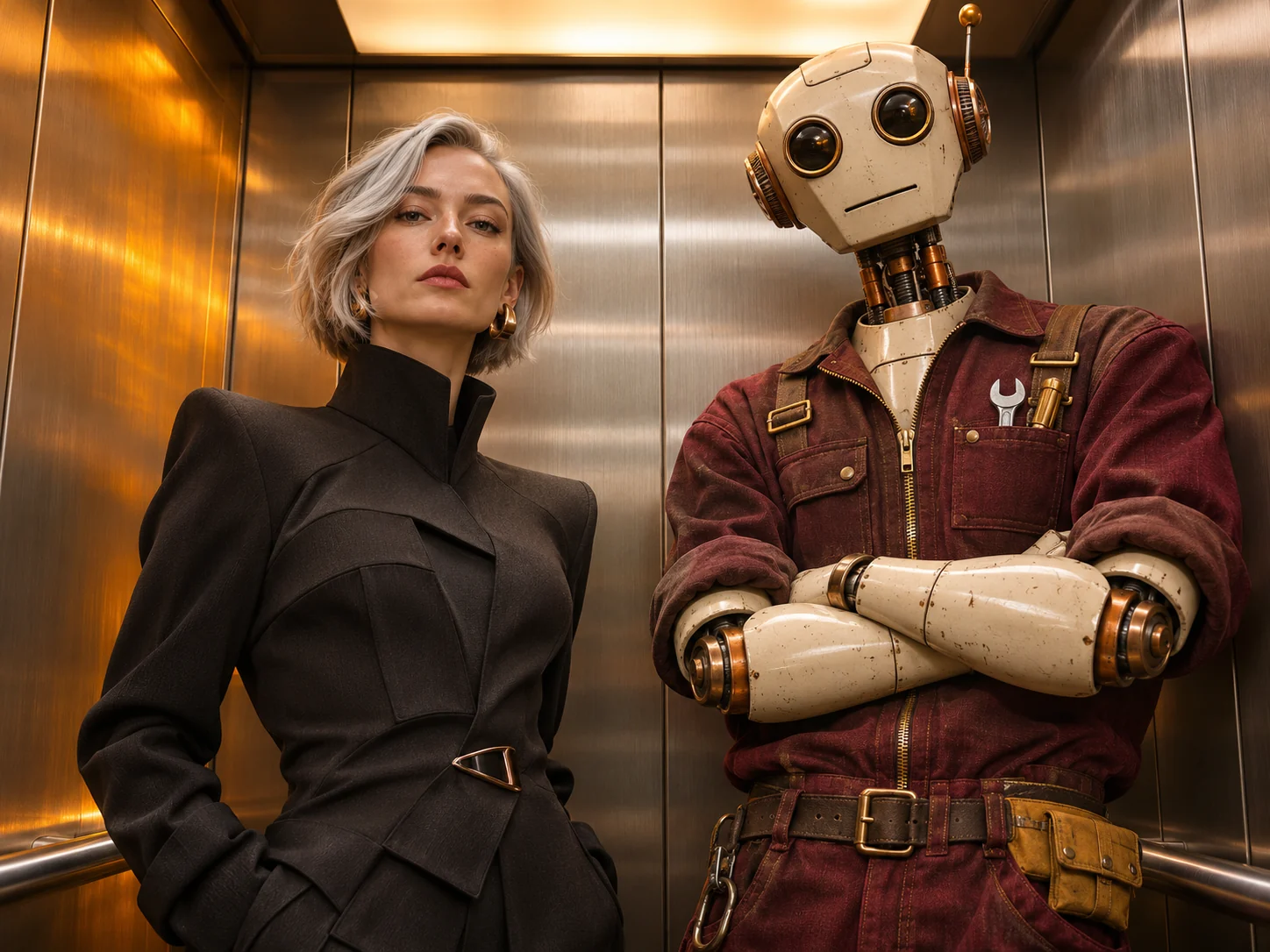
有些组合, 还没开口就已经很好笑。PicLumen 的 365 电梯模板将两个人带进金属电梯, 让目光聚焦于他们的表情和彼此间的距离。分别上传照片, 看看这对组合会碰撞出怎样的火花。无论是好友、伴侣, 还是两个原创 角色 都能让同一个场景呈现截然不同的氛围。
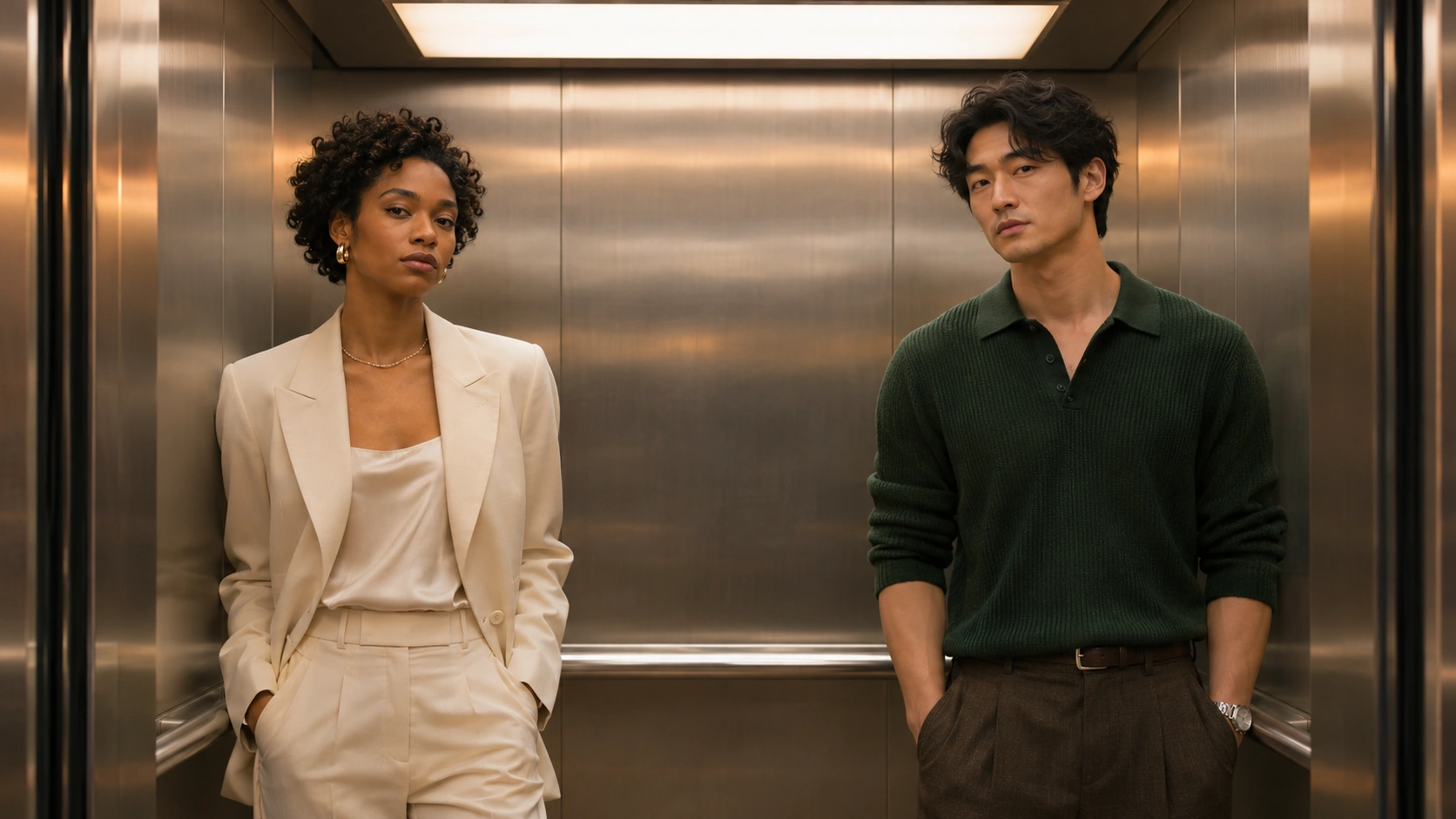
一本正经, 有时比夸张的反应更好笑。“无声对视”让观众把注意力放在两个人身上, 从他们的表情中揣摩气氛, 猜猜这趟电梯之旅前发生了什么。
一身笔挺西装配上一套休闲装, 就足以让两个人显得有故事。选择造型鲜明的参考照片, 还没加上配文, 你们的组合就已经个性十足。
电梯给两个人提供了共同的场景, 却不必说明他们是什么关系。发布时加上一句配文, 就能把这个安静的瞬间变成好友间的玩笑、尴尬的偶遇, 或你自己故事中的一幕。
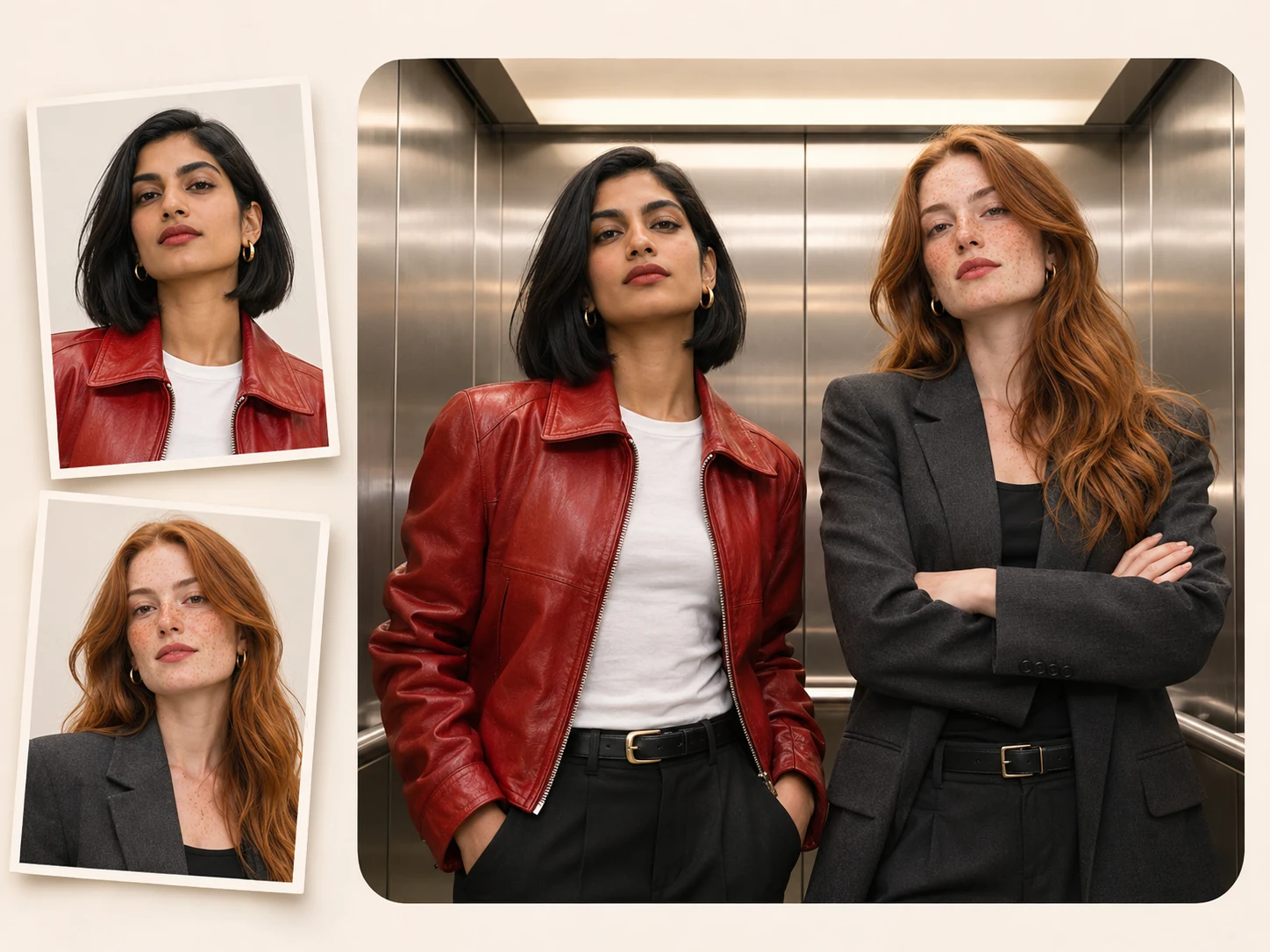
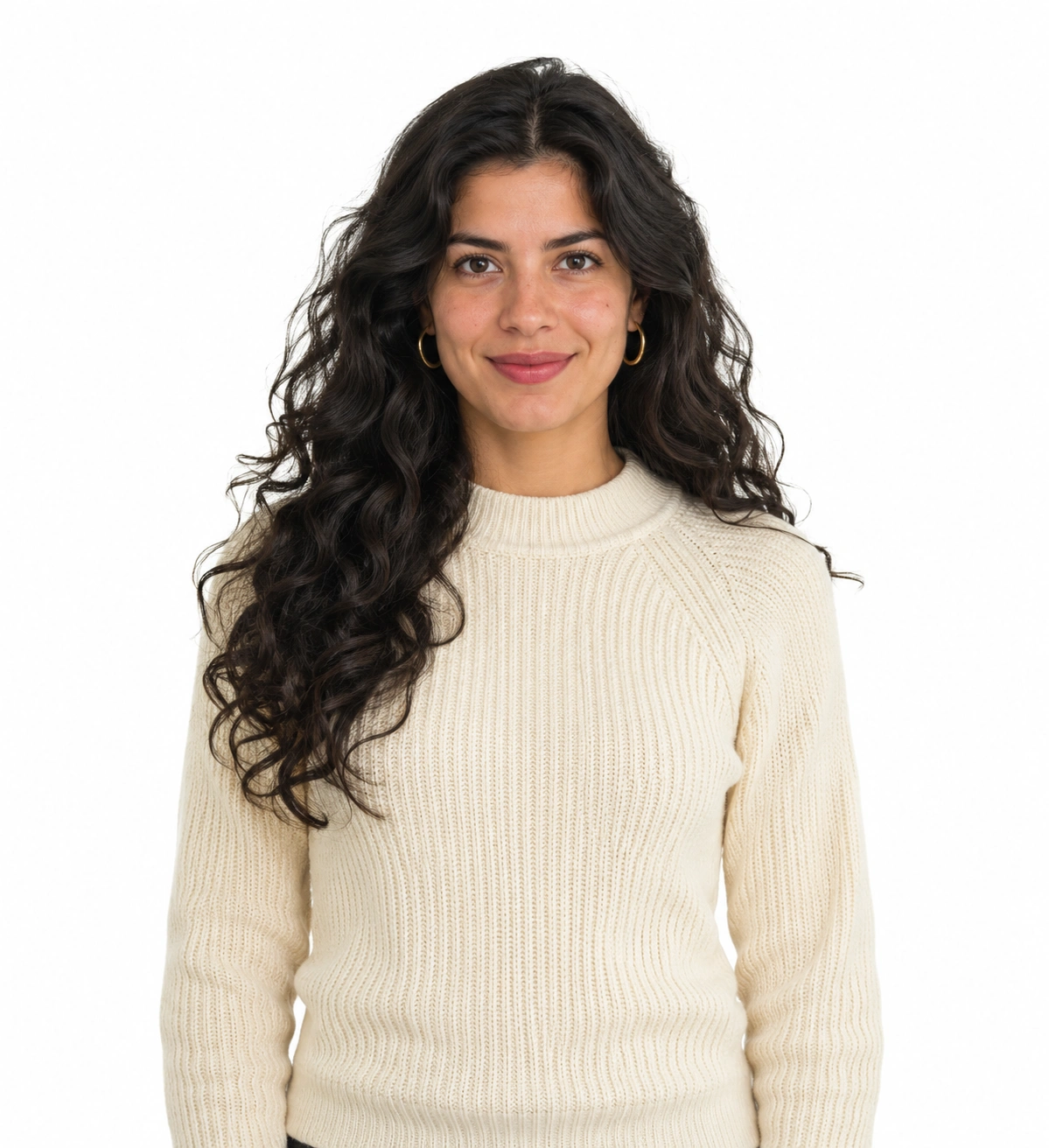
制作双人视频最难的, 往往是让两个人同时出现在同一个地方。这个模板只需分别上传两张照片, 不用特意拍合照, 也不用找电梯拍摄。选好两人各自的清晰照片, 上传到两个必填位置, 模板就会让他们在画面中相遇。
熟悉的面孔遇上意想不到的搭档, 就能让人忍不住看下去。试试将精致的肖像照与随性的生活照配对, 或让同一个故事中的两个角色同框。电梯场景始终是核心, 而人物赋予视频独特个性。如果原创角色还没有参考图, 可以先用 PicLumen 的 AI 图片生成器, 然后返回模板。
打开创作面板, 确认已选中“365 电梯无声对视”模板。观看模板预览, 了解你们即将置身的场景。
在第一个“上传照片”位置添加一人的照片, 在第二个位置添加另一人的照片。两个位置都必须上传图片; 请选择面部清晰可见的照片。
确认两张照片都已上传完成, 然后点击“生成”。模板已设定好场景, 开始前无需编写提示词。
观看生成的视频, 检查两人的面容、表情和整体构图。如果其中一人难以辨认, 可以换一张更清晰的参考照片再试。
上传你和好友的照片, 给群聊添点谈资。配上一句“尴尬对话后被困在同一部电梯里”, 或让大家自行脑补。
不用约好一起拍摄, 也能和伴侣制作双人视频。选两张能展现各自风格的照片, 再为电梯里的这一刻配上关于初次见面、专属玩笑或性格反差的文字。
写作者和角色创作者可以用短短一段同框画面介绍一对角色。让两位原创成年角色走进电梯, 发布后先请观众猜猜他们的关系, 再揭晓更多故事。
给电梯场景设定一个观众熟悉的情境: 遇见健身房里的竞争对手、和截止日期并肩而立, 或与那个知道太多秘密的朋友共乘电梯。发布到社交平台时, 用配文补充背景。
 Jon Jon
Very good website
Very good website. Different models, good job
 jsbsbsbs hdhdhshwhw
Very cool i like it it's so smooth
Very cool i like it it's so smooth
Awesome program easy to use a little…
Awesome program easy to use a little disappointment in the fact you can’t buy lumies
 KIDSCARTOON
This ap great and amazing generate pic
This ap great and amazing generate pic
 rockstar gaming
Value For Money
its value for money i fully recommend you to try this one time you will like it...
 Zara
Piclumen still remains the best…
Piclumen still remains the best with image references. I don't have any complains using Piclumen. It makes my work easier
 Aleks Visha
Great kompany in the world
Great kompany in the world
 GPS BelAR
I tried the tool for fun and only used…
So far, I've only tried PicLumen for fun and used the free ‘basic option’. Even as an AI design novice, you can achieve great results. It should be emphasised here that if you choose a simple AI, the coins are enough to just give it a try (unlike some other tools). I like the community concept; the opportunity to get inspiration for your own ideas in the image gallery, as well as the option to ‘like’ and comment on other users' creations. The result depends, of course, on the quality of the prompt entered, but ‘practice makes perfect, as we all know!’ The only reason for the one-star deduction is that I can't try everything with the free access and can't comment on the paid options.
 Mani Sravani Bandaru
Very great pictures with high quality
Very great pictures with high quality
 The Uncharted Timeline
This ai
This ai generated image very natural and beautiful HD quality
 Ayyan Naveed
It's good
It's work very I am totally satisfied from this app I am very happy after use it
 Saima Rizwan
Awesome Piclumen customer service!!
As a small creator balancing a full-time career job and with a passion for visual storytelling, I’ve used many platforms but PicLumen stands out for its genuine care and responsiveness. When I reached out with a request to adjust Lumen credits for my creative needs, their team responded with empathy, flexibility, and a clear commitment to supporting artists like me. Not only did they listen, they acted and credited Lumen offering with thoughtful solutions that made me feel valued, as a customer. Their communication was prompt, respectful, and encouraging, and they treated my feedback with real consideration. PicLumen isn’t just a tool it’s a partner in creativity. If you’re a creator looking for a platform that understands your journey and supports your growth, I wholeheartedly recommend them. Thank you, PicLumen, for making the creative process feel human, hopeful, and beautifully supported.
你可以使用“365 电梯无声对视”模板, 将两张独立照片制作成 AI 双人视频。模板会让两人置身金属电梯, 聚焦他们的表情和彼此间无声的微妙气氛。
需要。此模板的两个“上传照片”位置都必须填写, 每人上传一张。分别上传两张清晰照片, 比把同一张合照重复上传到两个位置更合适。
不需要。使用“365 电梯无声对视”模板, 只需上传两张照片并点击“生成”。这一流程无需填写提示词或上传原视频; 所选模板已提供场景设定。
请选择清晰、光线充足, 且每张都能清楚看到一人的照片。确保五官无遮挡, 避免使用滤镜过重、面部模糊或裁掉大部分头部的照片。露出肩膀和衣着, 能为模型提供更多外观信息。
先选择能清晰呈现各自面容的参考照片, 再查看生成视频中的两个人。人物相似度和细节可能有所差异。如果其中一张脸看起来不太对, 换成更清晰、更正面的参考照片后再试。
如果想使用这一潮流视频中的歌曲, 可以在你选择的社交平台上编辑帖子时, 添加平台提供的授权音频。请查看该平台的音频库; 曲目是否可用可能因地区和账号类型而异。
生成前, 请在 PicLumen 查看“365 电梯无声对视”模板所需的积分。请以该模板当前的价格为准, 不要参考其他特效的费用。