专为搞笑创意打造的 AI 表情包视频生成器
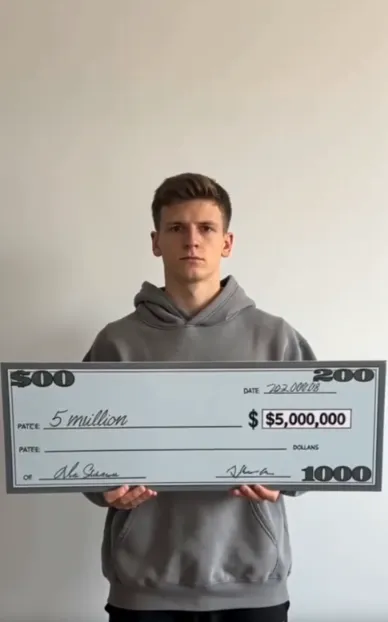
直接用文案生成表情包视频,而不是套模板
从 PicLumen 中提供的热门视频模型中进行选择,包括 Veo 3.1、Kling 3.0、 以及 Seedance 2.5。不同模型的视频生成风格各不相同,适合的选择取决于你要做的表情包类型。有的更擅长复杂画面和角色动作,有的则在生成速度或声音能力上各有优势。多模型可选,让你能用不同生成风格测试同一个表情包创意,而不是所有点子都依赖单一模型。
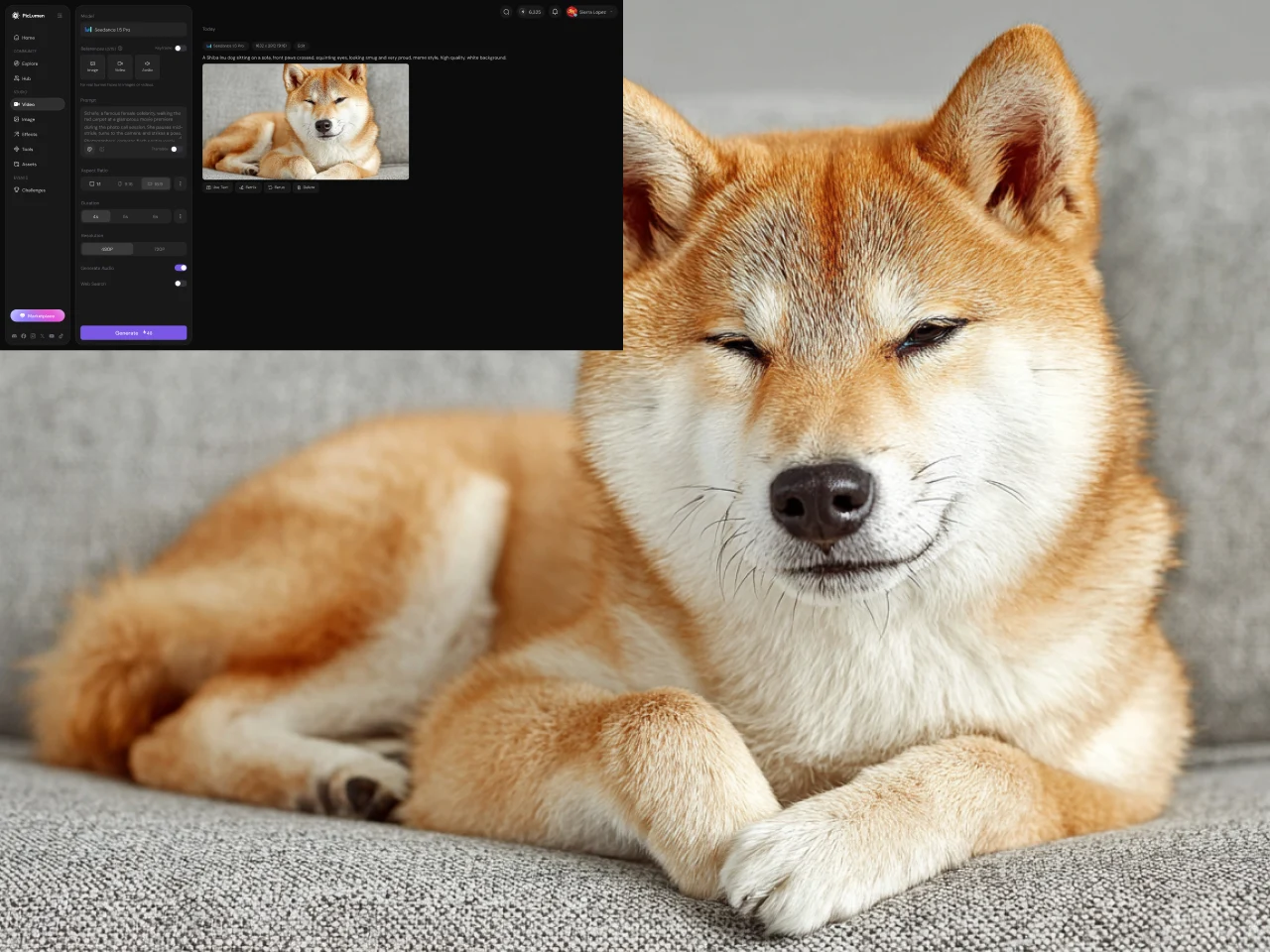
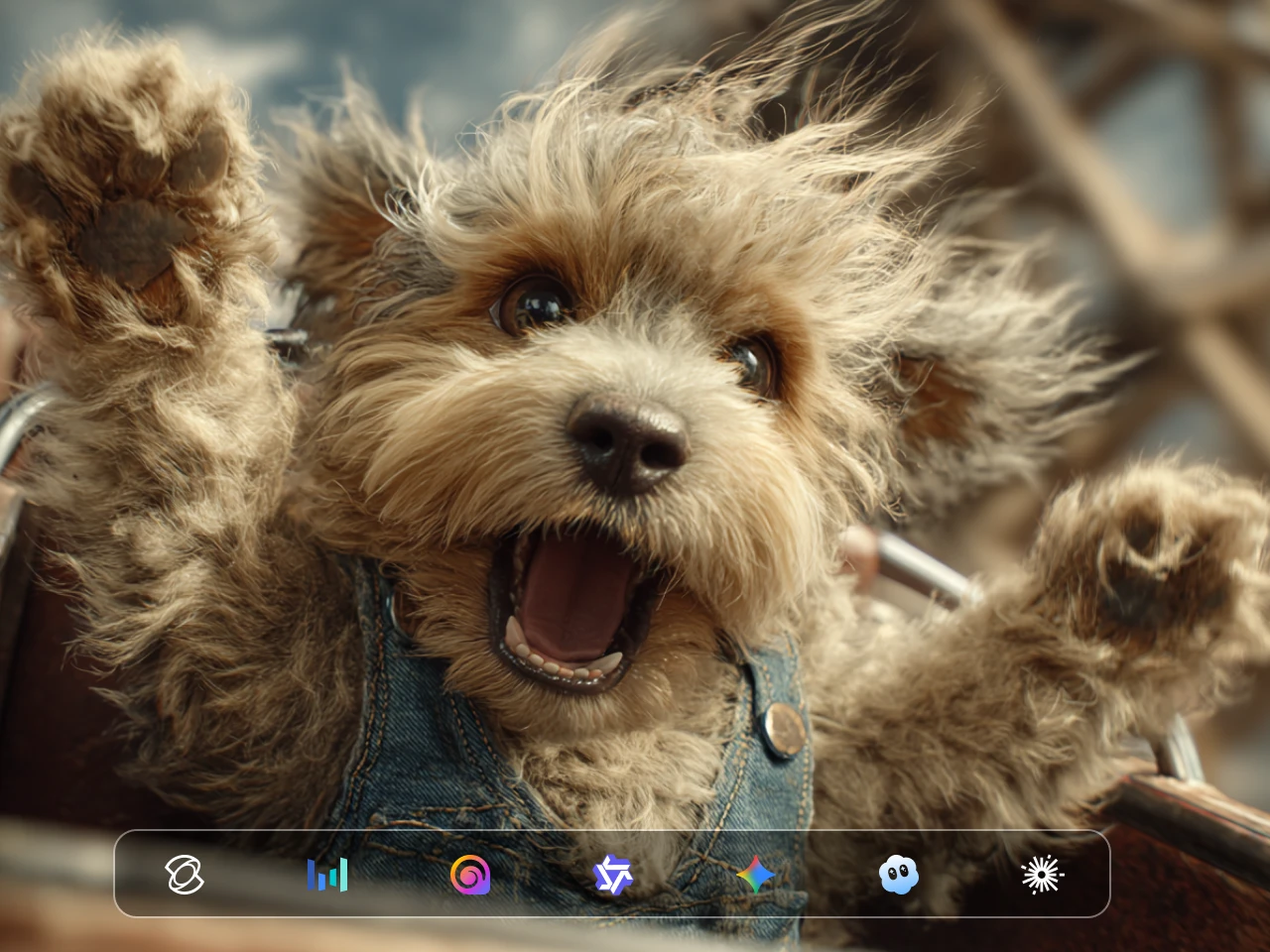
灵活的视频画幅与时长
在生成表情包前先设置画面比例和视频时长。视频要发 TikTok、Instagram Reels 或 YouTube Shorts 时可选竖屏格式,如果这个梗更适合宽画幅,也可以选择其他支持的比例。你还能控制生成视频的长度,让简单反应不被多余镜头拖长。提前设置这些选项,有助于你create a video 更贴近实际需要的成片格式。
声音加持,更完整的表情包视频
当笑点依赖反应、对话、音效或氛围变化时,音频往往是视频表情包的重要部分。PicLumen 支持在兼容模型和工作流下生成带声音的视频。例如 Seedance 2.0 可以同时生成画面和声音,让音效直接融入生成场景,而不是事后总要单独添加。不同模型的声音支持和表现会有所差异,当声音对表情包很关键时,请留意所选模型的能力说明。
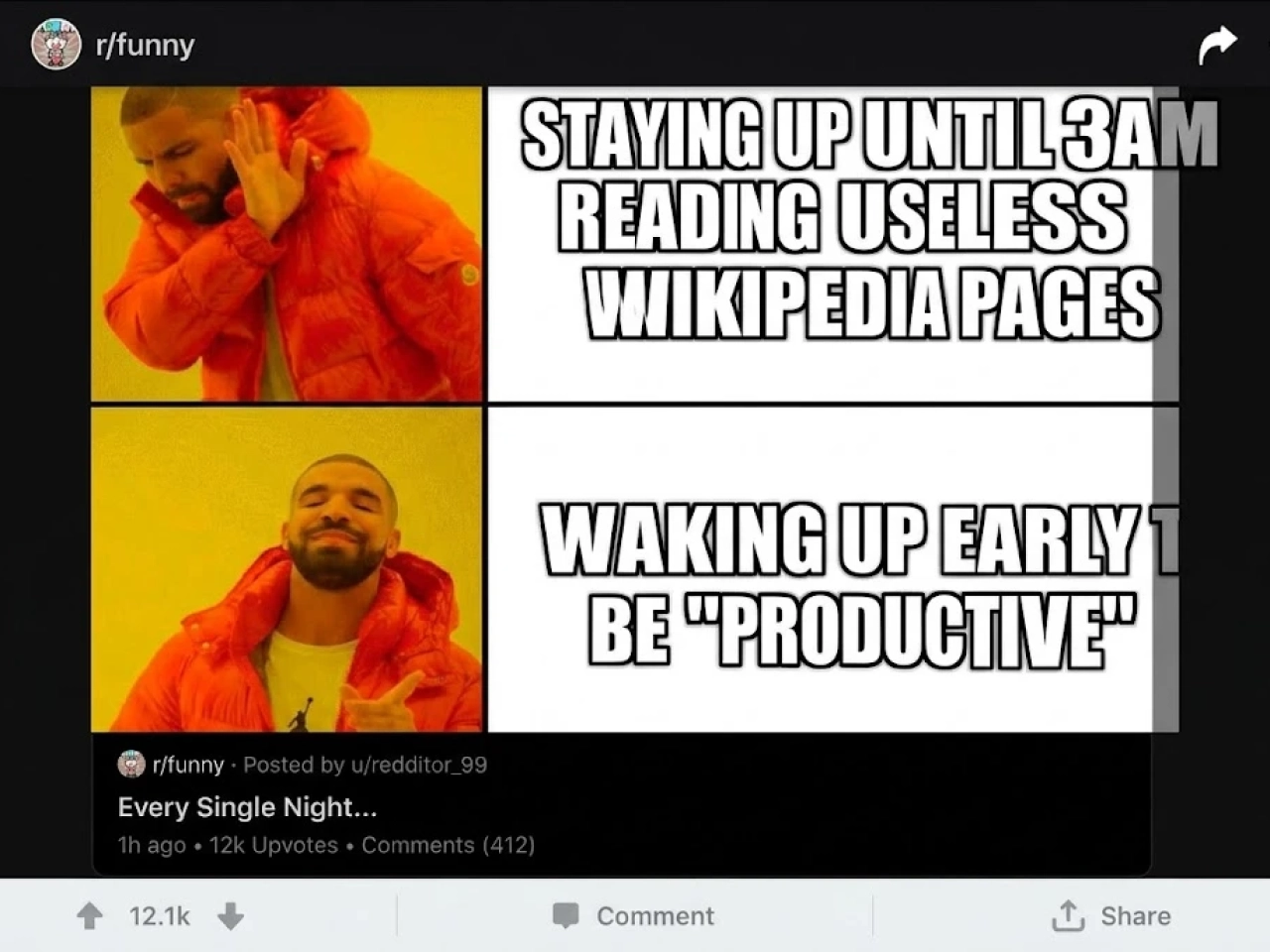
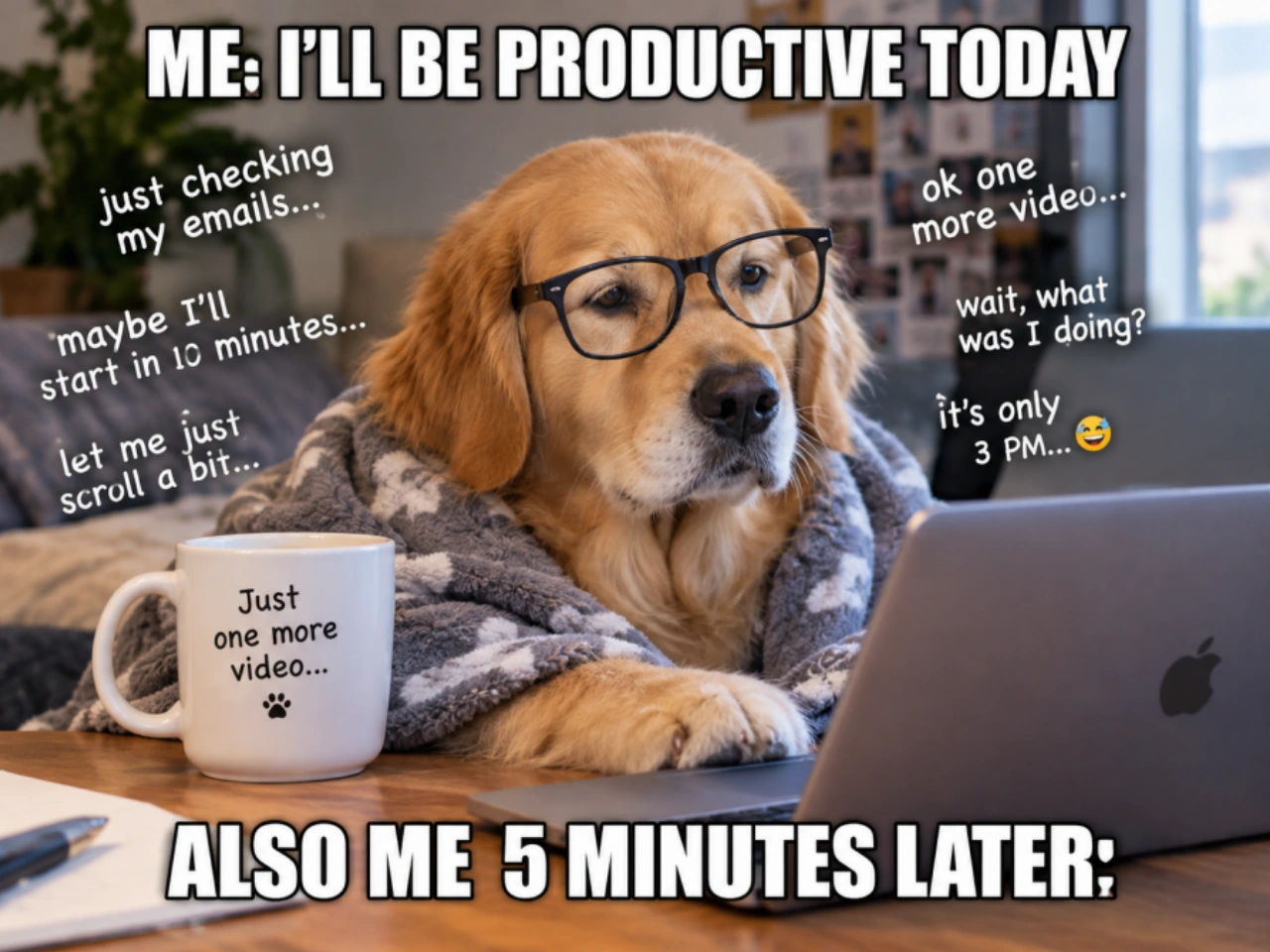
创建并打磨不同版本的表情包
一个表情包创意第一次生成往往不会完美。PicLumen 允许你修改提示词、切换可用视频模型或调整视频参数,再生成一个新版本。你可以让反应更夸张、改变场景中发生的事情、尝试不同的视觉风格,或微调节奏。这让表情包视频生成器非常适合反复测试同一个笑话,直到生成结果更贴近你最初的想法。
用表情包视频生成器可以做什么?
反应类表情包视频
生成夸张的反应,比如震惊、困惑、兴奋、抓狂或难以置信。描述清楚情境和你想围绕的反应类型。
共鸣类表情包视频
把熟悉的日常场景做成视频表情包,比如购物后查看余额、参加一场本该用邮件解决的会议,或明明说好早睡却又熬夜。
荒诞与超现实表情包
创造现实中难以拍摄的离谱场景。把意想不到的角色放在一起、改变背景设定,或把普通情境引向完全出乎意料的方向。
角色与宠物表情包
围绕真人、虚构角色、猫狗等主角搭建短表情包场景。一个离奇情境或夸张反应,就足以撑起一条简单的视频表情包。
如何用 PicLumen 制作表情包视频
描述你的表情包创意
1写下你想做的表情包的清晰描述。包括让笑点成立的主角、场景、动作和反应。如果这个梗依赖特定顺序,说明先发生什么、再发生什么,让视频模型有明确的镜头走向。
选择参数并生成视频
2选择一个可用的视频模型,然后为表情包设置画面比例和视频时长。要发 TikTok、Instagram Reels 或 YouTube Shorts 时使用竖屏格式,其他内容则可选择不同的支持比例。设置完成后,根据你的提示词生成视频。
查看、微调,再次生成
3观看生成的表情包视频,留意动作、反应、场景和整体节奏。如果和你的笑点还不够贴合,就调整提示词或参数,再生成一个版本。对描述做出小改动,往往就能带来明显不同的结果。
 Bet AW
Nice good appp creat inmage
Nice good appp creat inmage
 Crispee
Easy to use.
Easy to use. Great layout love it!
amazing
amazing! this is just so good! WOWOW!!
 Prabhat Ranjan Singh Chauhan
Very smooth and very helpful for…
Very smooth and very helpful for everyonr who have creative mind. Thank you 👍
 Menu Lawrence
Very fantastic app
Very fantastic app. I love it. I will like everyone to use this App
 Bohdan Lesyk
Great and fast
Great and fast, would be much better with some more free credits
Great tool
Great tool, I made fantastic results with it.
 TN Akash YT
Valo App
Valo App Ai Video Er Jonno
PicLumen is a powerful and completely free AI image generatio
PicLumen is a powerful and completely free AI image generation platform that offers a wide range of features, you can text to images, images to images, image to video, the image quality is very high, the most important, it is totally free, you can get many rewards by creating your jobs, like other's creation, welcome to joint and create your job, a goog platform for making money using the best ai tool
 Yasir Ali
My exprienxe was geat.This compony was…
My exprienxe was geat.This compony was good.
 Shiva Verma
Best app for video editing
Best app for video editing
Really incredible work
Really incredible work, I love it so much, it's easy and intuitive
关于表情包视频生成器的常见问题
What is a Meme Video Generator?
A Meme Video Generator is an AI tool that creates short video memes from a written idea, prompt, or scene description. Instead of finding a clip and editing it manually, you describe the characters, situation, action, and reaction you want to see. An AI Meme Video Generator then uses a video generation model to create the scene as a video. With PicLumen, you can choose a video model, set the aspect ratio and duration, and generate different versions of the same meme concept.
How do I create a meme video with an AI Meme Video Generator?
Start by describing the joke rather than trying to describe every visual detail at once. Include the main subject, setting, action, and reaction, then add details that affect the humor or timing. In PicLumen, choose an available video model, set your preferred format and duration, and generate the video. If the first result does not match the idea, you can revise the prompt or settings and create another version.
What should I write in a meme video prompt?
A useful meme video prompt should explain four basic things: who or what is in the scene, where it takes place, what happens, and how the subject reacts. For example, instead of writing "make a funny cat video," describe the cat sitting at a kitchen table, noticing something unexpected, and reacting with exaggerated confusion. If the joke depends on a specific sequence, describe the action in order so the video model has clearer instructions for the scene.
What types of videos can I make with a Meme Video Generator?
A video meme generator can be used for many short-form meme formats, including reaction memes, relatable everyday jokes, absurd or surreal situations, character memes, and pet memes. You can build a meme around a facial reaction, an unexpected event, an exaggerated character, or a situation that people recognize from everyday life. PicLumen is designed for creating short video concepts that can be adapted for social platforms rather than being limited to one predefined meme format.
Can an AI Meme Video Generator create videos with sound?
Yes, when the selected video model and workflow support audio generation. Sound can be useful when a meme depends on dialogue, reactions, atmosphere, or audio timing rather than visuals alone. In PicLumen, Seedance 2.0 supports generating audio and visuals together. Sound behavior can differ between models, so check the capabilities of the model you select when audio is an important part of the meme.
Can I use a Meme Video Generator for TikTok, Instagram Reels, and YouTube Shorts?
Yes. PicLumen supports multiple aspect ratios, including formats suitable for vertical short-form video on TikTok, Instagram Reels, and YouTube Shorts. You can choose the video format before generation instead of creating the video first and changing its dimensions later. This makes the same Meme Video Generator useful for creating content for different social platforms while keeping the intended framing in mind from the start.
Do I need video editing experience to use an AI Meme Video Maker?
No. You can use PicLumen as an AI meme video maker without starting with an existing video clip or manually assembling a timeline. The basic workflow is to describe the idea, choose a video model, set the format and duration, and generate the result. Editing knowledge can still be useful when you want to make additional changes after generation, but it is not required to create the initial meme video.
创作你的下一条表情包视频
已经有笑话在脑海里了吗? 把它写下来,选好参数,用 PicLumen 生成一条表情包视频。