Burning Bridges AI 视频生成器
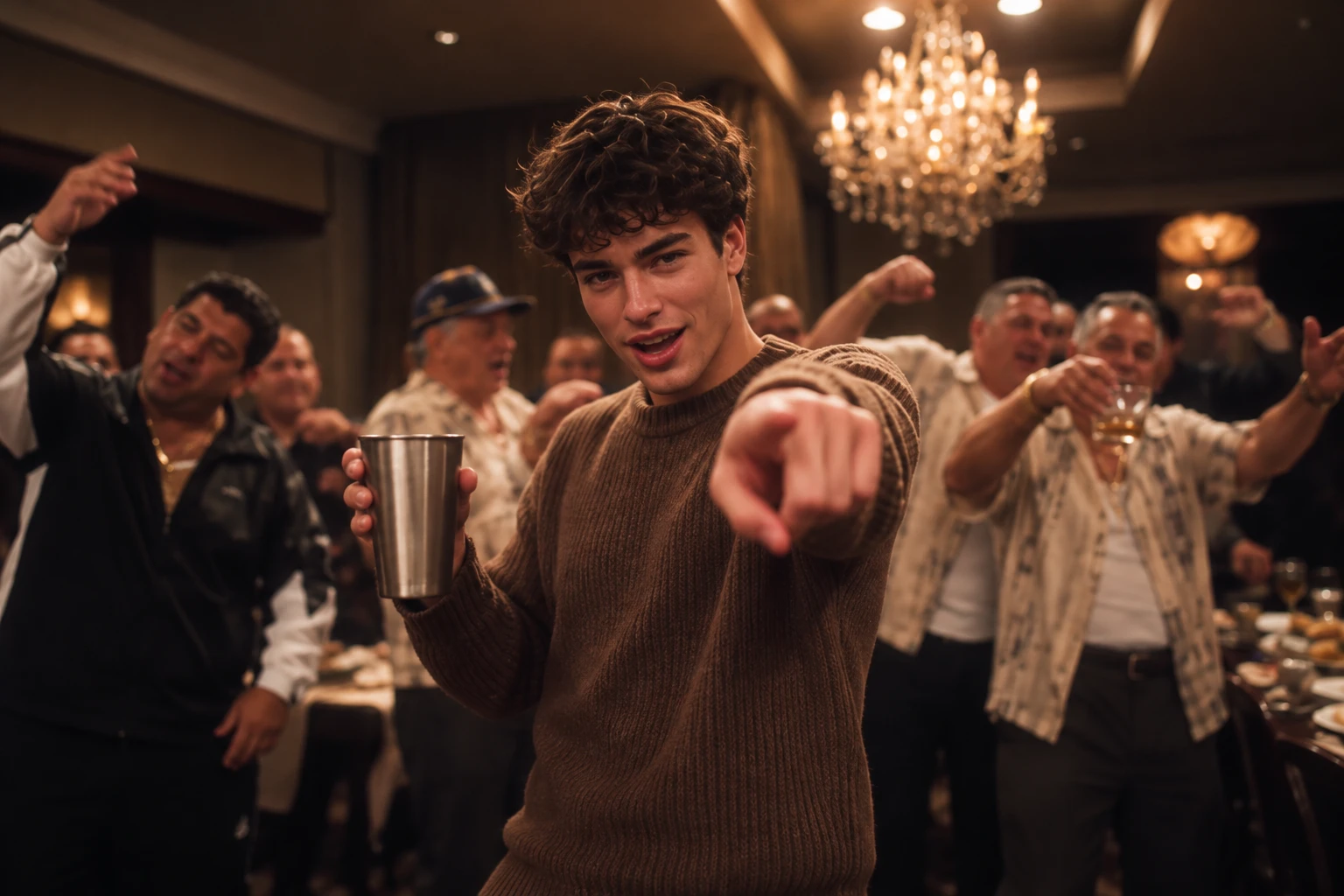
热门视频效果
查看全部Burning Bridges AI 视频生成器——加入热门潮流
选择模板,上传一张照片,就能用 AI 让自己成为德雷克经典 Burning Bridges 派对场景的主角——无需拍摄或剪辑。
让 Burning Bridges 派对场景跃然眼前
只需一张照片,就能生成充满戏剧张力的 Burning Bridges 风格派对视频,惊艳出场,电影感拉满。现成模板让你无需架设相机,也能轻松跟上潮流,创作 值得分享的社交内容,在信息流中吸引目光。
上演令人难忘的派对亮相
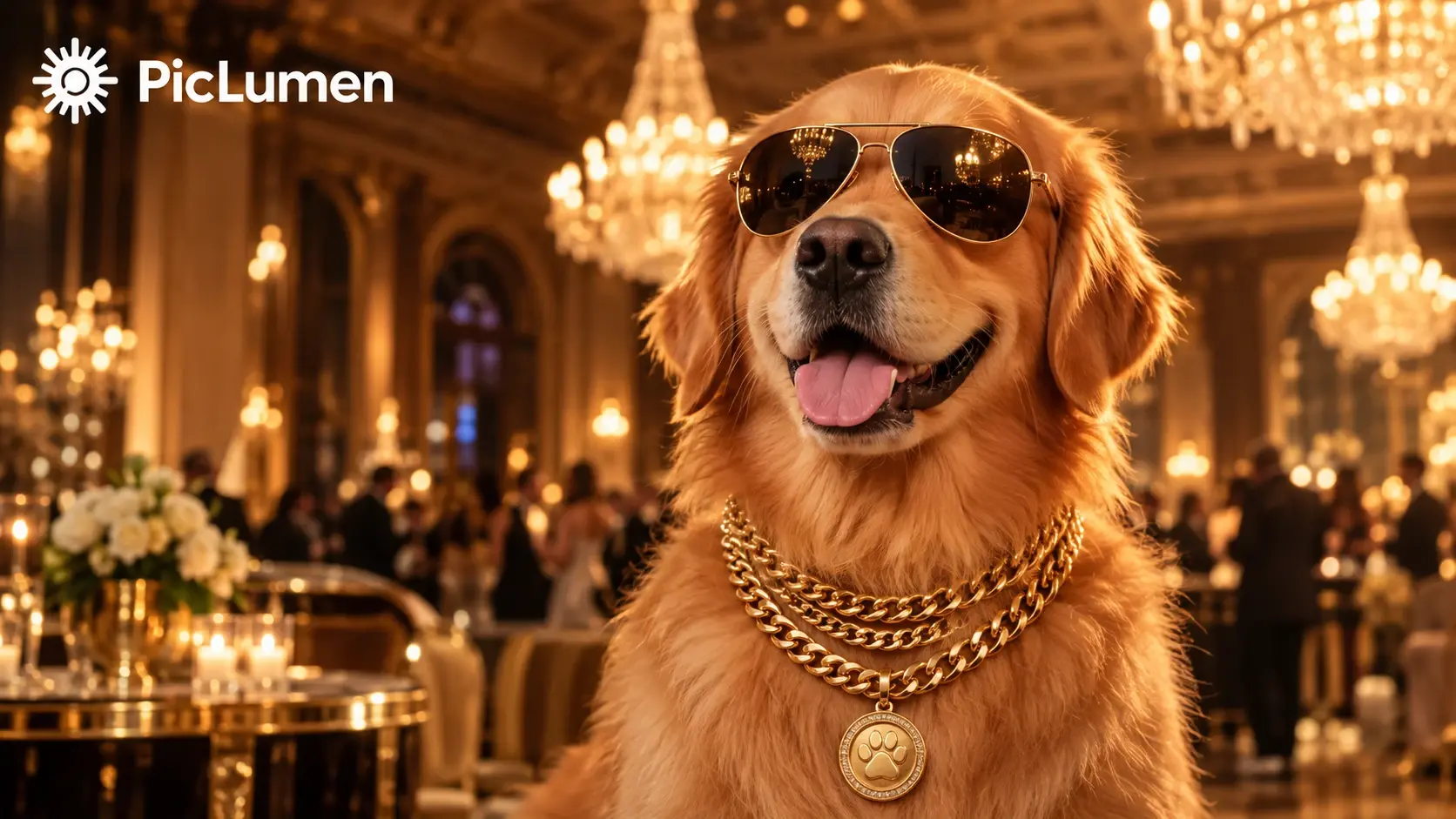
以惊艳出场、热闹的派对背景和电影感镜头,呈现 Burning Bridges 标志性的氛围。让普通人像变成在短视频信息流中脱颖而出的精彩片段。
无需摄制团队,也能复刻热门潮流
省去布置派对现场、组建摄制团队和逐帧剪辑的麻烦。选择现成的 Burning Bridges 模板,上传一张照片,剩下的交给 AI。
制作你的下一条爆款风格短视频
制作一段 Burning Bridges 风格视频,发布到 TikTok、Instagram Reels 或 YouTube Shorts。用自己的照片加入派对潮流,给粉丝一个惊喜,或为下一条社交动态增添电影感。
如何制作德雷克 Burning Bridges 风格 AI 视频
第 1 步 选择 Burning Bridges AI 视频模板
1浏览可用的 Burning Bridges AI 视频模板,挑选最贴近热门潮流的场景。留意水晶吊灯下的派对、温暖的金色灯光、热闹的宾客和标志性的派对氛围。现成模板让你无需从零搭建场景,就能轻松复刻原版风格。
第 2 步 上传一张清晰的主角照片
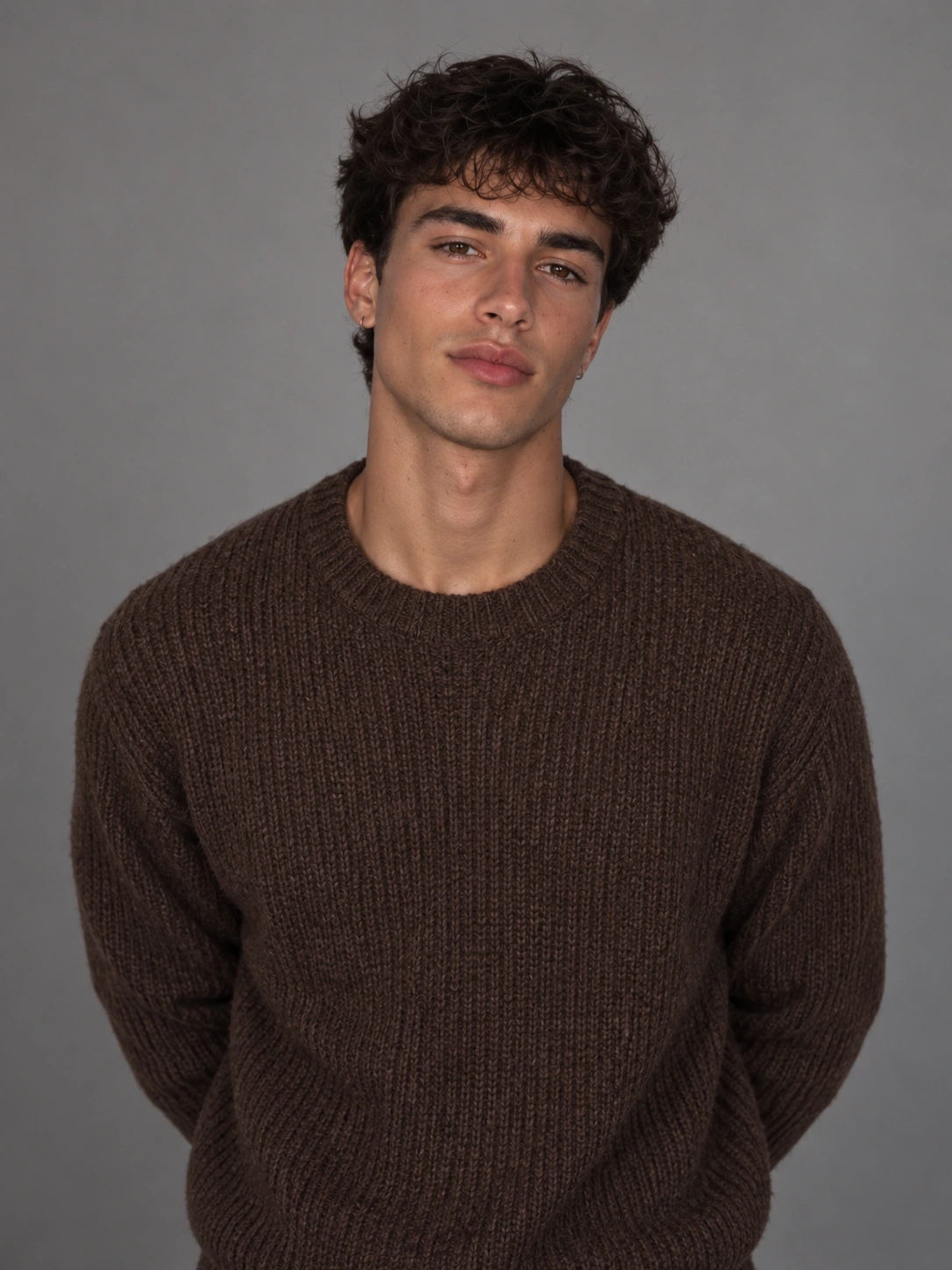
2上传一张自己、朋友或宠物的清晰照片,定制专属视频。为获得最佳效果,请选择主角清晰可见、光线充足且面部无遮挡的照片。PicLumen 会以你上传的照片作为角色参考,让你选定的主角走进 Burning Bridges 风格的派对场景。
第 3 步 生成、预览并分享你的 AI 视频
3点击“生成”,让 PicLumen 将你的照片变成 Burning Bridges 风格的 AI 视频。生成完成后,预览效果,看看主角形象、派对氛围和整体动作是否符合预期。满意的话,就保存最喜欢的版本,并分享到 TikTok、Reels 或其他社交平台,展示你对这一热门潮流的独特演绎。
 Isuru Nilanka
It's easy to use
It's easy to use, they have different AI models, good prices, and a nice community page.
 chelsienner
This is my favorite AI Image generator
This is my favorite AI Image generator
I recently had some technical issues…
I recently had some technical issues that I was trying to work through, so I reached out to the team at PicLumen for support. They were incredibly open, responsive, and willing to discuss the challenges I was experiencing. I even sent them a video demonstrating some of the issues I came across, and they took the time to review everything carefully and work toward finding solutions. What really stood out to me was how friendly, approachable, and collaborative they were throughout the process. I never felt like I was just submitting a problem ticket — it felt like they genuinely cared about improving the experience and helping users succeed. I truly enjoy using the platform and appreciate the level of support and dedication behind it. I would absolutely recommend PicLumen to anyone interested in this type of creative work.
 next frame
best ai web creation site
best ai web creation site
 Zara
ZaraPiclumen still remains the best…
Piclumen still remains the best with image references. I don't have any complains using Piclumen. It makes my work easier
Great platform
Ease of use,and great models
 Elisa Lika
perfect
i think they are very cool and do a great worl with AI
 Jonathan Kauan da Silva
good i like create images
good i like create images
Great tool
Great tool, I made fantastic results with it.
Have a good experience and so smooth.
Have a good experience and so smooth.
 Lalith Perera
I loved it thank you so much for the…
I loved it thank you so much for the images
 Tim Olukayode Ajayi
Amazing Platform
Honestly, I was wowed the moment I land on PicLumen and tested their platform. I wanted to pay for the popular one before but had to stop and I am loving it all the way. I totally recommend PicLumen guys!
关于德雷克 Burning Bridges 风格 AI 视频的常见问题
1. 什么是 Burning Bridges AI 视频生成器?
Burning Bridges AI 视频生成器让你用自己的照片复刻热门的奢华派对视频潮流。借助现成的 AI 视频模板,让自己、朋友或宠物成为水晶吊灯下派对场景的主角。
2. 如何制作 Burning Bridges AI 视频?
在 PicLumen 上选择 Burning Bridges 模板,上传一张清晰照片,然后点击“生成”。视频完成后,预览专属效果,保存最喜欢的版本并分享到社交媒体。
3. 制作 Burning Bridges AI 视频,哪种照片效果最好?
为获得最佳效果,请上传主角完整入镜、画面清晰且光线充足的照片。避免使用模糊、阴影过重或面部被遮挡的图片。主角越容易辨认,AI 生成的视频就越连贯、越好看。
4. 可以用宠物照片制作 Burning Bridges AI 视频吗?
当然可以!上传一张狗狗、猫咪或其他宠物的清晰照片,让毛孩子成为 Burning Bridges 风格派对场景的主角。试试墨镜、金链和温暖的水晶吊灯光效,打造俏皮又华丽的效果。
5. 制作 Burning Bridges AI 视频需要上传参考视频吗?
不需要。使用 PicLumen 现成的 Burning Bridges 模板,只需一张照片即可开始,无需另行上传动作参考视频。选择模板、上传图片,就能生成视频。
6. Burning Bridges AI 视频生成器可以免费使用吗?
可用的生成功能和使用次数限制可能取决于 PicLumen 当前的套餐及积分要求。制作 Burning Bridges AI 视频前,请在生成器页面查看最新详情。
7. 生成 Burning Bridges AI 视频需要多久?
生成时间取决于所选 AI 模型、视频设置和当前的处理任务量。选择 Burning Bridges 模板,上传照片并点击“生成”即可。视频完成后,你可以预览效果并保存最喜欢的版本。