在线 AI 图片上色工具





如何使用 PicLumen AI 图片上色工具
- 步骤 1上传图片
首先选择并上传想要上色的照片或线稿。
- 步骤 2找到上色功能
- 步骤 3输入文本提示词
- 步骤 4点击提交
My experience
Itis a really good website n really ideal to use theres only one con and that the AIS sometimes create wrong images but that doesnt happen frequently
 Ms. Bliss
Just getting started
Just getting started, thus far it's really good. Going to continue to review and will update.
Love this app it helps my ideas come to…
Love this app it helps my ideas come to life
 Ifeanyichukwu C Chukwuemeka
Very good
Very good and good AI app easy to use without stress
 rockstar gaming
Value For Money
its value for money i fully recommend you to try this one time you will like it...
 Menu Lawrence
Very fantastic app
Very fantastic app. I love it. I will like everyone to use this App
 Aleks Visha
Great kompany in the world
Great kompany in the world
 Adrienne Igo
I love PicLumen it is one of my…
I love PicLumen it is one of my favorite AI image generators!
 Coterie Studios Coterie Record
I really like PicLumen
Zandalea here! I really like PicLumen and I used to use it daily. But after getting so many “not allowed “ messages from Sora2 I started using it less frequently.
 Buzás Lili
Im only doing this for the free stuff
Im only doing this for the free stuff
 Zain Ali
This is the best ai in the world
This is the best ai in the world
 Saima Rizwan
Awesome Piclumen customer service!!
As a small creator balancing a full-time career job and with a passion for visual storytelling, I’ve used many platforms but PicLumen stands out for its genuine care and responsiveness. When I reached out with a request to adjust Lumen credits for my creative needs, their team responded with empathy, flexibility, and a clear commitment to supporting artists like me. Not only did they listen, they acted and credited Lumen offering with thoughtful solutions that made me feel valued, as a customer. Their communication was prompt, respectful, and encouraging, and they treated my feedback with real consideration. PicLumen isn’t just a tool it’s a partner in creativity. If you’re a creator looking for a platform that understands your journey and supports your growth, I wholeheartedly recommend them. Thank you, PicLumen, for making the creative process feel human, hopeful, and beautifully supported.
AI 图片上色工具常见问题
图片上色工具如何工作?
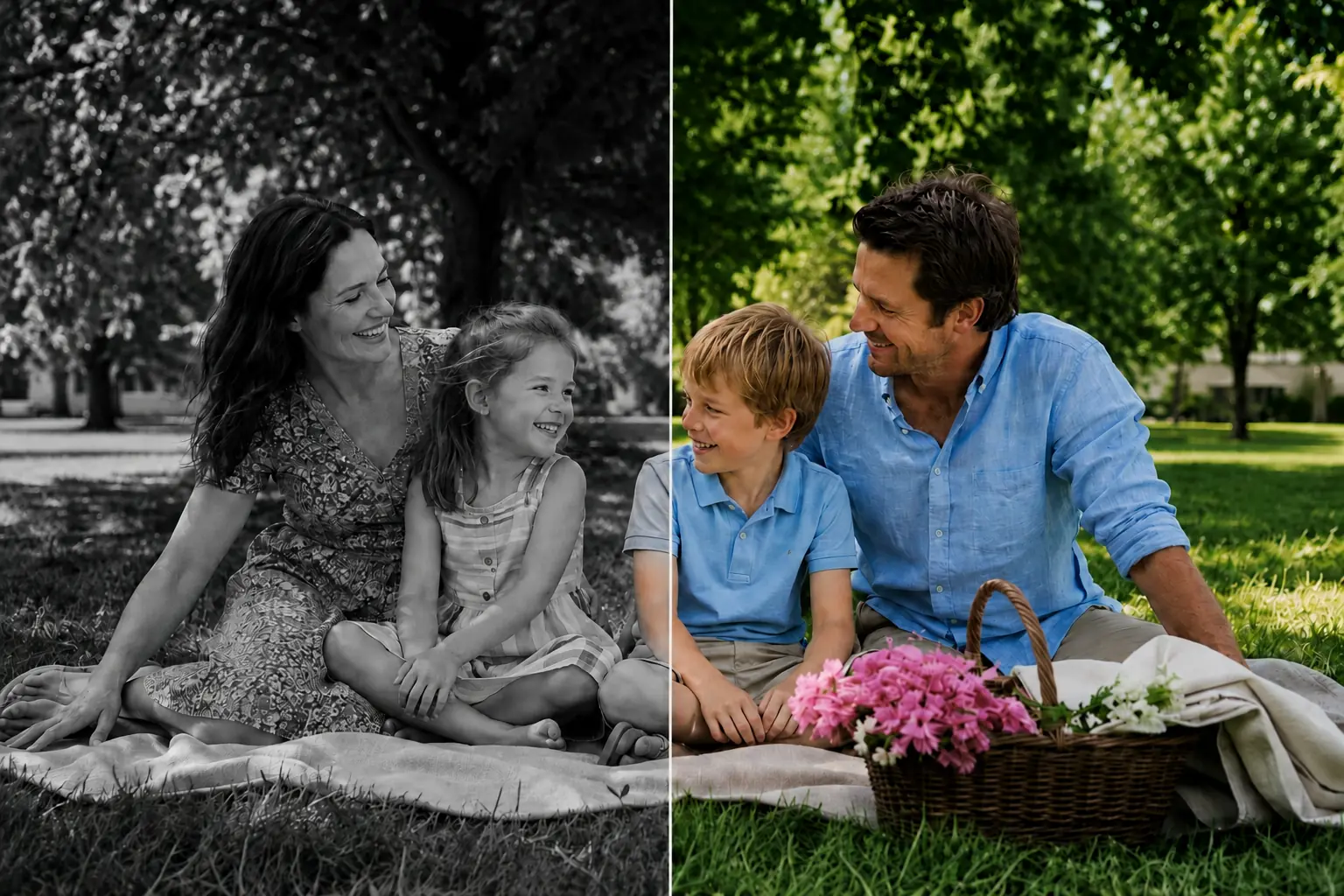
我们的 AI 图片上色工具使用先进的 AI 算法分析上传的黑白照片或草图,并智能添加色彩。它通过识别图片中的各种元素,结合文本提示词完成上色。
支持上传哪些文件格式?
你可以上传 JPEG、PNG 和 WEBP 等多种格式的图片。图片上色工具支持处理高分辨率文件,以获得最佳上色效果。
有图片上色工具的使用指南或教程吗?
有,我们提供全面的使用指南和 教程,帮助你使用我们的 AI 照片上色工具。这些资源会一步步带你完成操作。
如何反馈意见或为图片上色工具建议新功能?
我们重视用户反馈,并始终致力于改进工具。你可以联系支持团队 service@piclumen.com,分享你的建议,也可以通过网站上的反馈表告诉我们你的想法。
如何提升图片的分辨率或画质?
如果图片不够清晰,只需使用我们的 AI 图片放大工具功能。它能提升分辨率和清晰度,让图片呈现精致的高画质效果。