読み込み中...
HannahHues
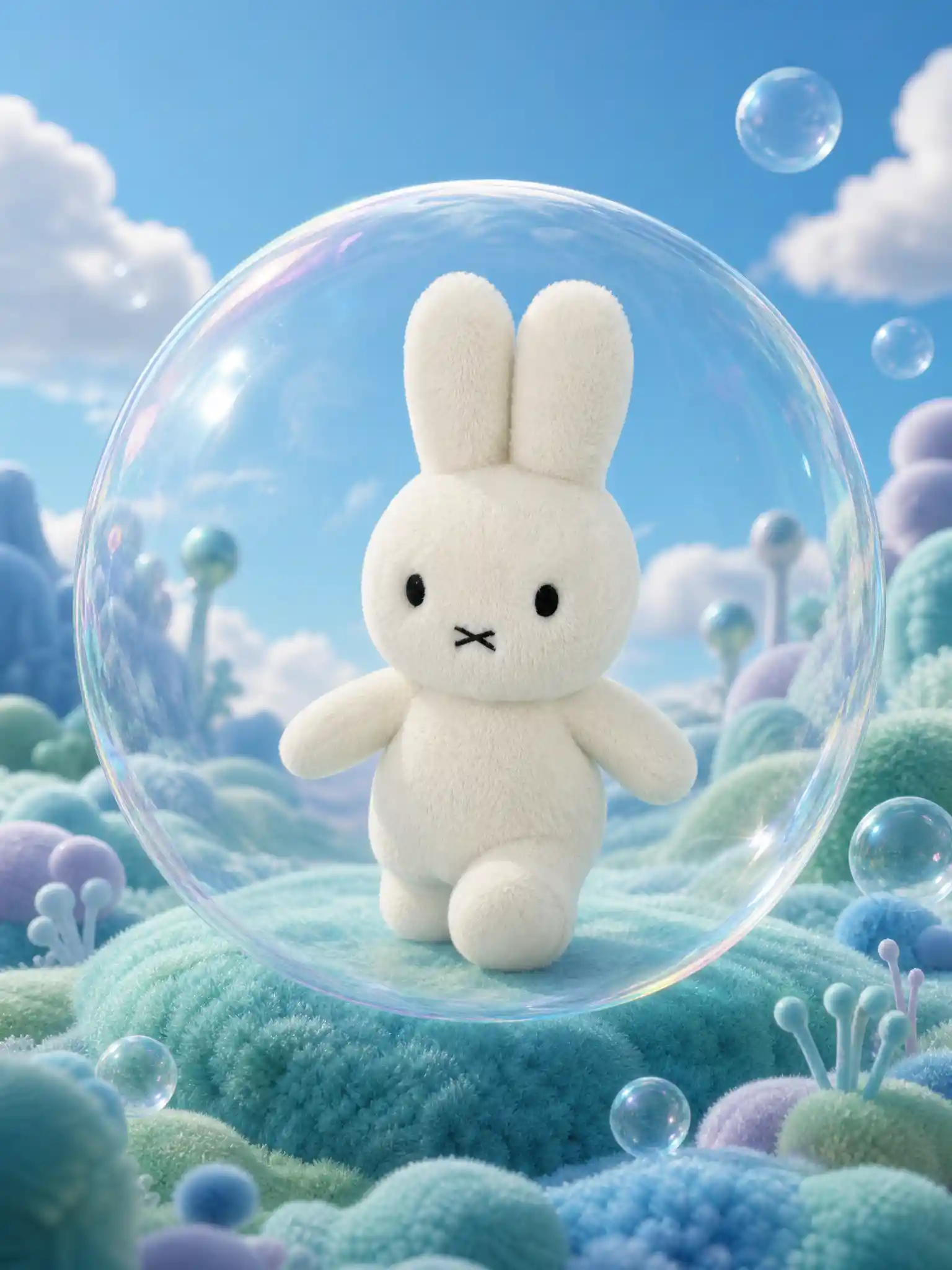
柔らかな丘の上の透明な泡の中にいるファンタジーおもちゃフィギュア
プロンプト
Use the uploaded toy image as the only product reference.Preserve the toy’s original identity, character design, face, shape, color, material, proportions, quantity and defining details. The body pose, arm position, walking direction or slight action may be adjusted to fit the fantasy scene, but the product must remain unmistakably the same original toy. Do not redesign or replace it. Remove the original background completely.Create a 3:4 vertical Shopify-ready premium toy product image.Closely follow the reference image’s large transparent bubble enclosure, central character composition, soft fantasy terrain, blue-green palette and polished storybook campaign finish.Place the toy inside one oversized clear bubble, soft transparent membrane or organic capsule positioned prominently in the middle of the frame. The bubble should act as a visual frame around the character, with subtle distortion, glossy highlights and delicate iridescent reflections. Keep the toy clearly visible and do not let the membrane obscure its face or structural details.The toy may be shown standing, walking, reaching or exploring inside the bubble. Add a soft internal support surface or subtle shadow beneath its feet so the pose feels physically coherent.Create a whimsical landscape beneath and around the bubble using soft fuzzy hills, rounded terrain, plush moss-like textures or a limited number of unusual toy-like plants. Use blue, mint, turquoise, lavender and soft green tones adapted to the uploaded product.Include a few smaller bubbles in the background or near the frame edges for depth. Keep the environment spacious and avoid overfilling the scene.Use bright diffused lighting, soft atmospheric perspective and clear product rendering. The final result should feel like a premium fantasy-toy campaign set in an imaginative alien habitat.Do not add brand names, logos, title text, subtitles, screenshot UI, page numbers, borders, watermarks or additional branding.
Model
GPT-Image-2
Date created
08/07/26 at 2:26 PM
Resolution
1536 x 2048
Related images