
熱門影片效果
用熱門 AI 影片特效,把照片變成有趣的舞蹈短片、驚喜變身和可分享的精彩瞬間。

PicLumen 的 Clean Tech Debut 是什麼?
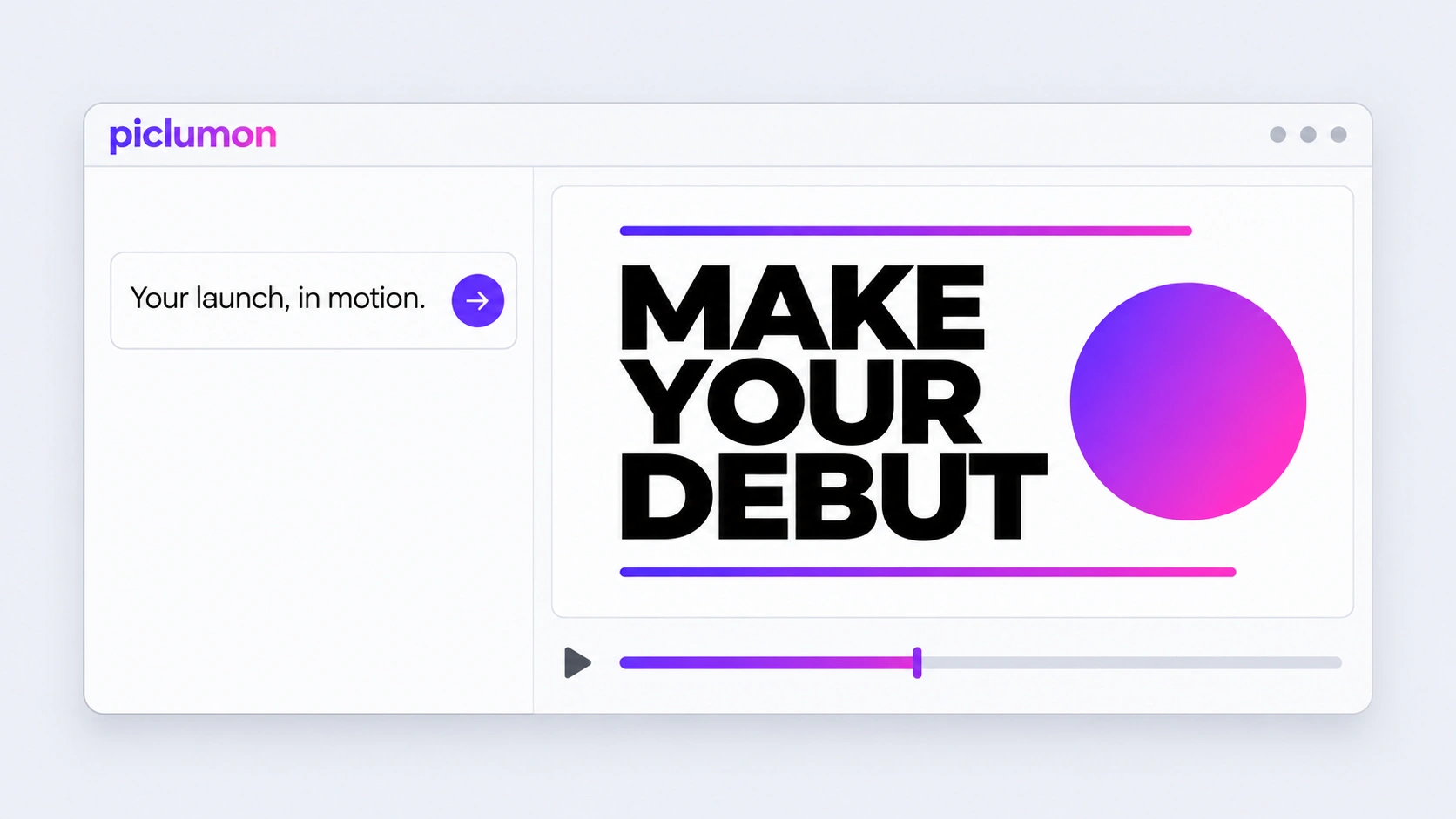
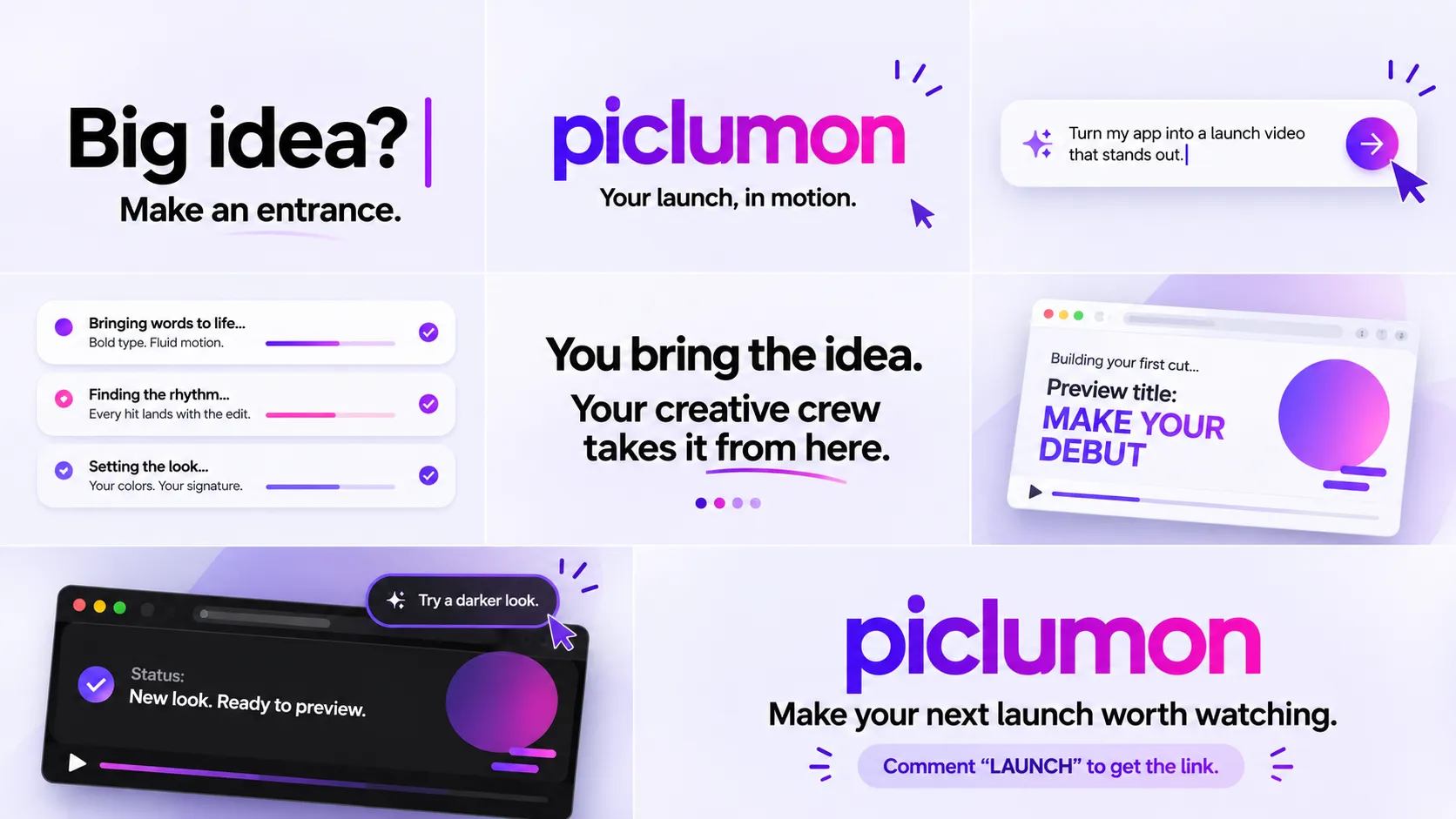
Clean Tech Debut 是一款以極簡科技產品發表廣告為靈感的 AI 影片範本. 預設範本結合動態標題、懸浮介面元素及紫粉色點綴. 它讓 SaaS 團隊、App 開發者和行銷人員能以清楚的訊息和鮮明的產品畫面, 開始介紹數位產品.
將產品截圖變成發表廣告
讓網站或簡報中現有的產品截圖發揮更多用途. 將截圖上傳至 Clean Tech Debut, 圍繞最想讓大家先注意到的產品亮點製作宣傳影片. 儀表板可以用來介紹新的工作空間, 單一功能的截圖則能讓產品更新成為獨立的發表消息. 製作完成後, 可將影片用於發表貼文、產品頁面或行銷素材.
讓科技產品發表呈現俐落現代的風格
以醒目的動態文字開場
先用一句簡短的標題, 告訴觀眾接下來會看到什麼. 預設範本運用動態文字, 從開場亮點自然帶出主要訊息. 如果要發表新的行程安排 App, 可以先用預約會議的文案開場, 再讓行事曆進入畫面.
讓產品介面成為焦點
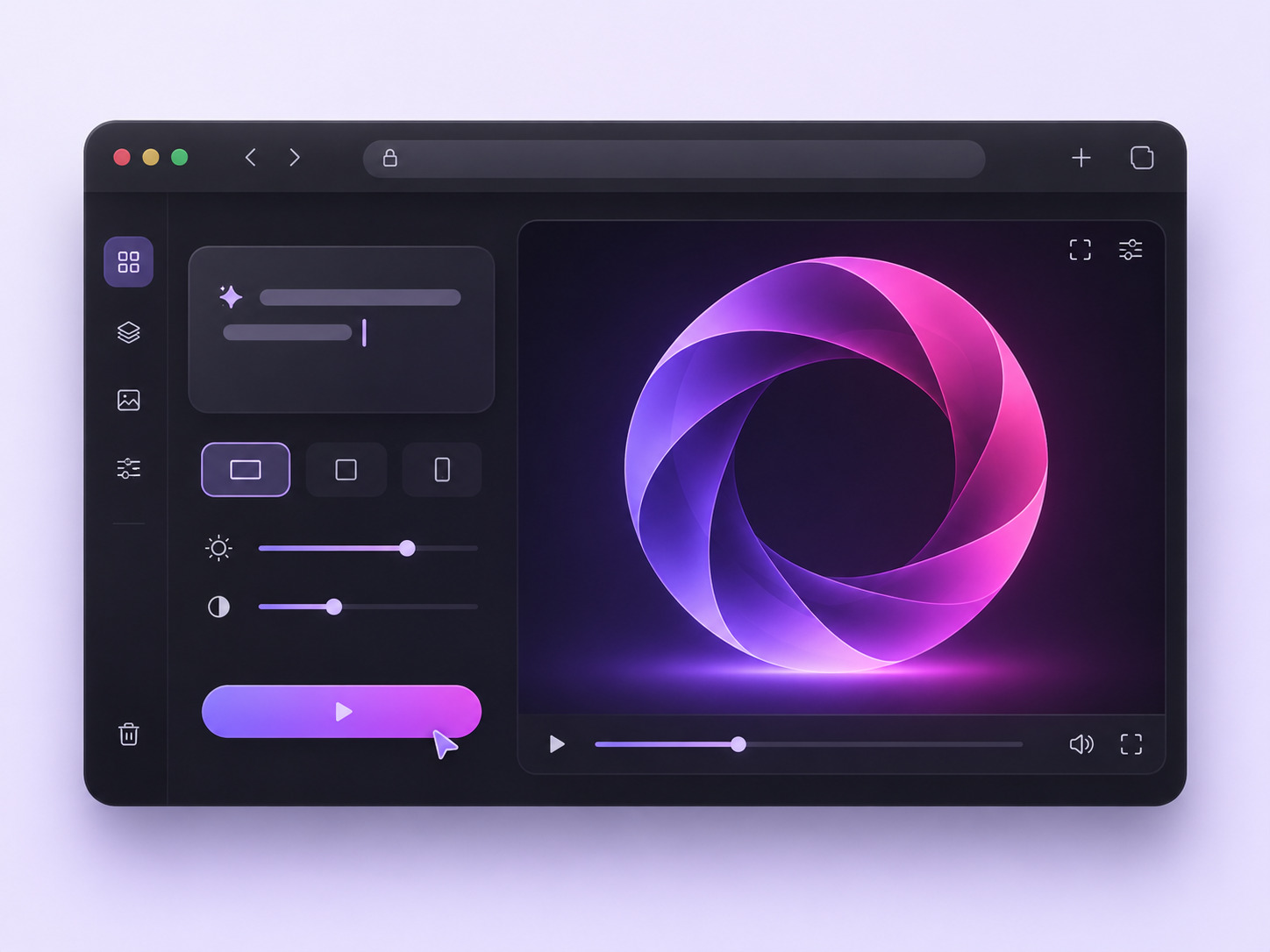
讓觀眾一窺發表消息背後的產品. 預設範本運用懸浮卡片和瀏覽器風格預覽, 在發表影片中呈現介面畫面. 一開始請選用能展示目標畫面或操作流程的截圖, 例如報表儀表板或全新的編輯工作空間.
讓每個訊息都有時間被看見
預設範本結合留白版面、醒目字體與色彩點綴. 產品名稱、主要優勢和結尾訊息因此能依序清楚呈現. 如果你希望觀眾記住一個核心亮點, 這種風格很適合用於科技產品發表.
從預設範本開始, 打造自己的風格
你可以直接使用預設提示詞, 也可以編輯內容, 讓發表影片更貼近需求. 試著加入產品名稱、要介紹的功能, 或符合行銷活動的開場文案. 如果要公布候補名單, 也可以要求在結尾加入邀請觀眾登記的文案.
如何製作 Clean Tech Debut 影片
步驟 1 上傳產品圖片
1選擇 Clean Tech Debut 範本並上傳產品圖片. 如果要發表 App 或軟體, 請選擇能呈現目標介面或功能的截圖.
步驟 2 使用或編輯提示詞
2保留預設提示詞, 即可從範本的產品發表風格開始. 若要量身打造影片, 請在提示詞中加入產品名稱、核心訊息或想突顯的細節.
步驟 3 生成並下載
3點擊「生成」製作產品發表影片. 檢查畫面文字與產品畫面, 然後下載想使用的影片.
科技產品發表影片的使用情境
新 App 與 SaaS 產品發表
用一支短片展示產品的功能與樣貌. 將產品能解決的問題寫成一句文案, 搭配產品使用畫面的截圖. 把影片加到產品發表頁面, 或在首次公告時分享.
功能上線與產品更新
為新功能打造專屬的發表時刻. 使用更新後的介面截圖, 並以標題說明使用者現在能做什麼, 例如匯出報表或分享專案. 將影片搭配版本說明、電子報或公告貼文使用.
Beta 測試與候補名單公告
讓早期使用者知道他們將能搶先體驗什麼. 從產品預覽畫面開始, 聚焦介紹一項可供探索的功能或操作流程. 在候補名單頁面或公告貼文中, 將影片與報名連結一起呈現.
付費社群廣告變體
用同一張產品圖片搭配不同的提示詞方向, 嘗試多種廣告開場. 一支影片可以介紹新功能, 另一支則突顯它能幫助使用者完成的工作. 將生成的影片作為下一輪創意測試的起點.
 Crispee
Easy to use.
Easy to use. Great layout love it!
Awesome program easy to use a little…
Awesome program easy to use a little disappointment in the fact you can’t buy lumies
 Scottie Grace
Very affordable and high quality
Very affordable and high quality
 Alexsander Luís
cool it's a good ai creator but create…
cool it's a good ai creator but create imagens for cinema
It’s way easier to use then these other…
It’s way easier to use then these other apps
Great platform
Ease of use,and great models
Super shuper super ai
Super shuper super ai Thanks for wachong
They make anything that u could imagine…
They make anything that u could imagine and it’s so amazing
 GPS BelAR
I tried the tool for fun and only used…
So far, I've only tried PicLumen for fun and used the free ‘basic option’. Even as an AI design novice, you can achieve great results. It should be emphasised here that if you choose a simple AI, the coins are enough to just give it a try (unlike some other tools). I like the community concept; the opportunity to get inspiration for your own ideas in the image gallery, as well as the option to ‘like’ and comment on other users' creations. The result depends, of course, on the quality of the prompt entered, but ‘practice makes perfect, as we all know!’ The only reason for the one-star deduction is that I can't try everything with the free access and can't comment on the paid options.
Everything
Everything, keep up the good work
 Lalith Perera
I loved it thank you so much for the…
I loved it thank you so much for the images
 Jonathan Bernadino
A great company and an incredible…
A great company and an incredible experience being able to generate my images with the highest quality.
常見問題
Clean Tech Debut 範本是什麼?
Clean Tech Debut 是 PicLumen 專為科技產品發表設計的影片範本. 預設範本透過動態文字、懸浮介面元素和極簡設計, 介紹 App、軟體及新功能.
我應該上傳哪種產品圖片?
請使用能突顯產品或功能的圖片. 如果想讓觀眾看見軟體的實際樣貌, App、儀表板或瀏覽器介面的截圖都很適合.
我需要撰寫提示詞嗎?
範本附有可直接使用的預設提示詞. 你也可以編輯提示詞, 調整發表訊息、突顯功能, 或指定畫面上的標題.
我可以用 Clean Tech Debut 介紹功能更新嗎?
可以. 上傳更新後的介面圖片, 並編輯提示詞, 說明有哪些變更或使用者現在能做什麼. 你可以將影片用於版本發布公告、電子報或產品更新貼文.