專為爆笑點子打造的 AI 梗圖影片產生器

從文字提示直接生成梗圖影片,而不是套用模板
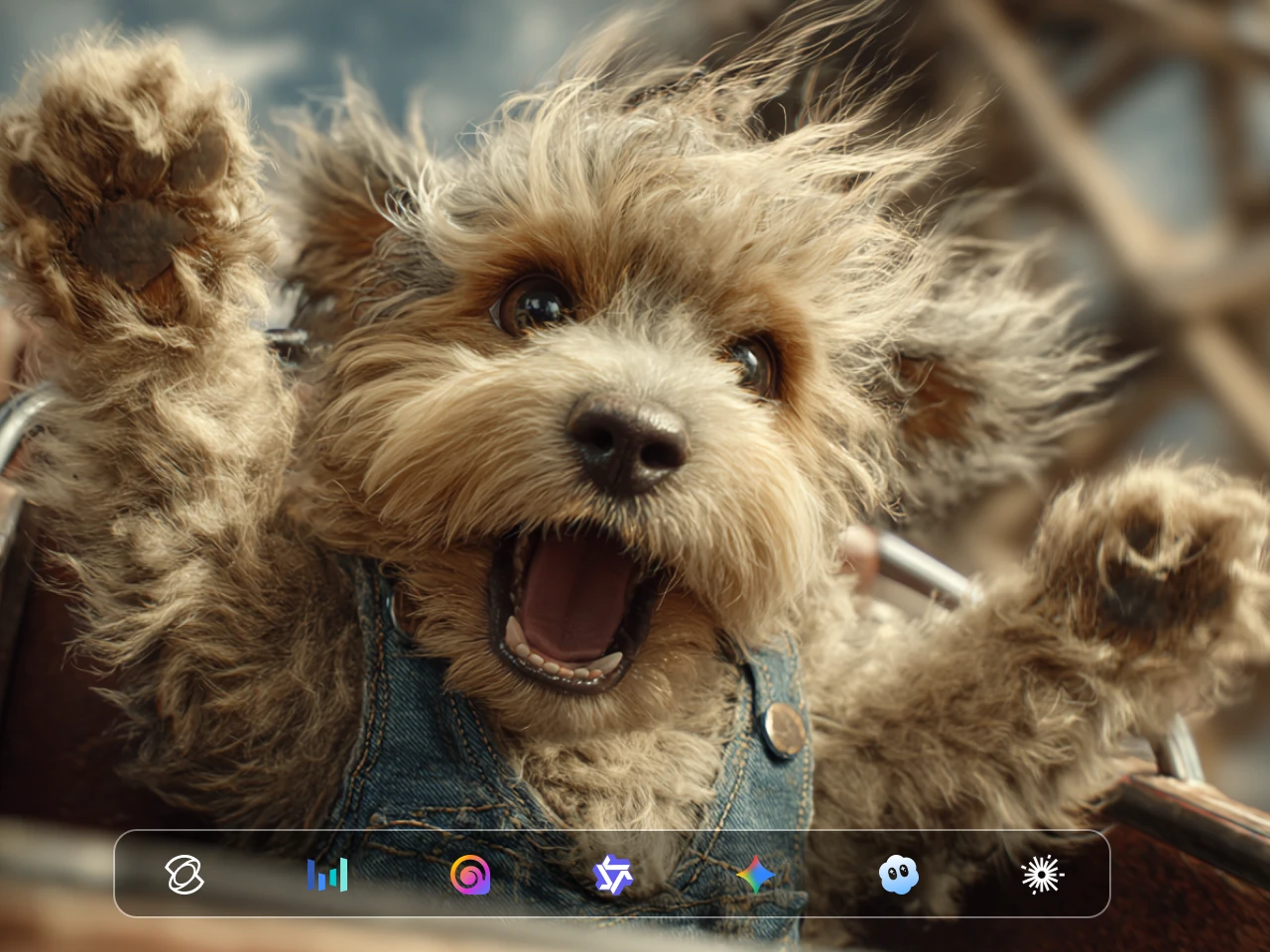
從 PicLumen 提供的熱門影片模型中選擇,包括 Veo 3.1、Kling 3.0、 以及 Seedance 2.5。每個模型處理影片生成的方式都不同,適合的選擇取決於你要做的梗圖類型。有些更擅長細緻畫面與角色動作,有些則提供不同的生成速度或音效能力。多模型可選,讓你能用不同風格測試同一個梗,而不是所有點子都只靠單一模型完成。
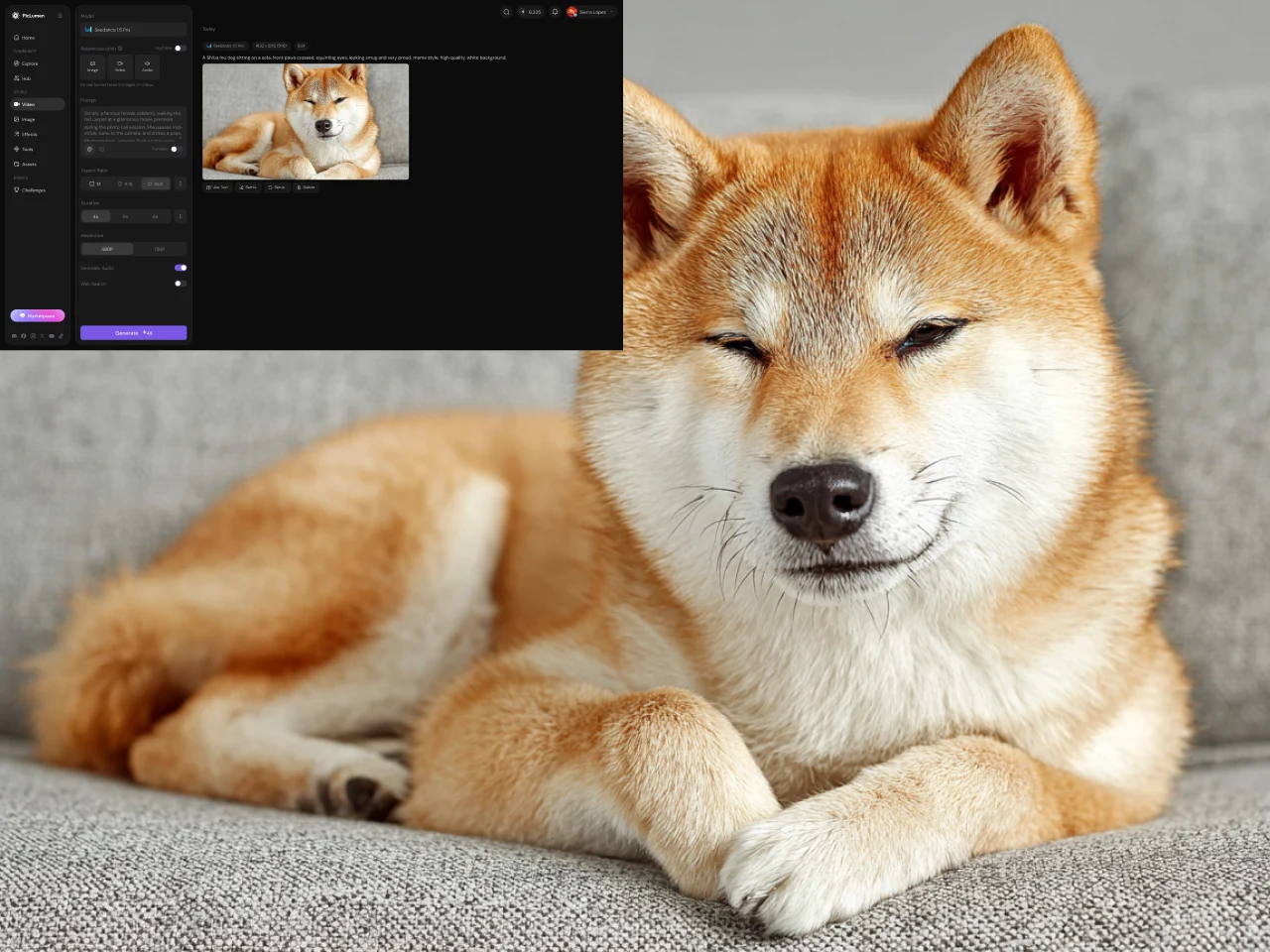
彈性的影片比例與長度
在生成梗圖前先設定影片比例與長度。若是要發到 TikTok、Instagram Reels 或 YouTube Shorts,就選直式格式;若這個梗更適合寬畫面,也能改用其他支援比例。你也可以控制影片秒數,避免簡單反應被拉長塞進多餘畫面。事先設定好這些選項,有助於你在一開始就「創作影片」更貼近實際需要的格式。
用聲音讓梗圖影片更完整
聲音常常是梗圖影片的關鍵,尤其當笑點仰賴反應、對話、音效或氣氛轉折,而不只是畫面時。PicLumen 支援在相容模型與流程中,同步生成含音效的影片。以 Seedance 2.0 為例,可以同時產出聲音與畫面,讓音效直接成為場景的一部分,而不是事後一定得另外加上去。不同模型的聲音支援與表現可能不同,若聲音是梗的一大重點,請先確認所選模型的能力。
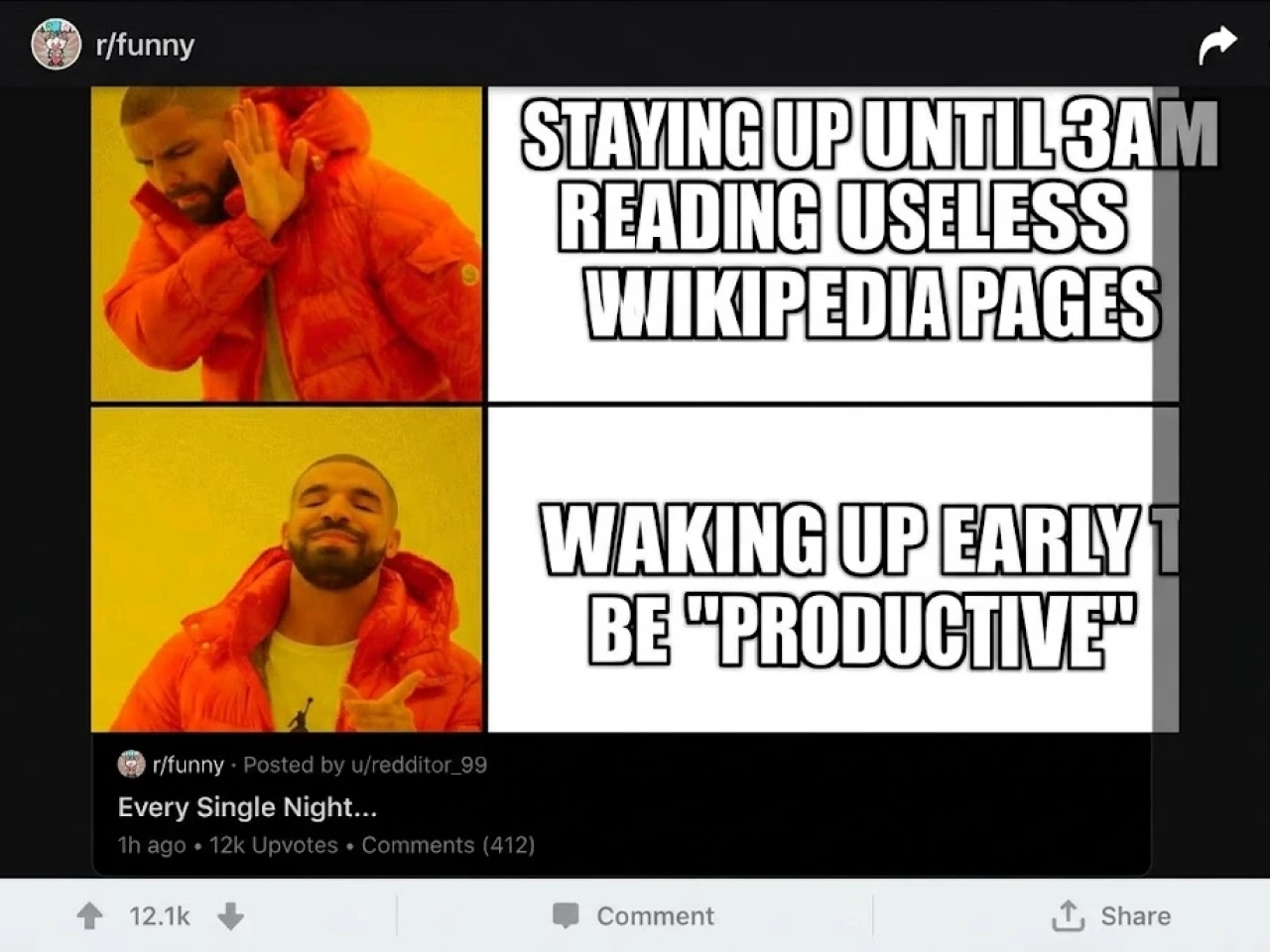
創作並微調多種梗圖版本
梗圖點子不一定第一次生成就完美。PicLumen 讓你可以改寫提示、切換可用影片模型,或調整影片設定再生成新版本。你可以把反應做得更誇張、改變場景裡發生的事、嘗試不同視覺風格,或微調節奏。這讓梗圖影片產生器非常適合反覆測試同一個笑點,直到生成結果更貼近你原本的構想。
用梗圖影片產生器可以創作什麼?
反應型梗圖影片
創作誇張的反應,例如震驚、困惑、興奮、挫折或難以置信。描述情境與你想圍繞的反應,就能把笑點建立起來。
共鳴型梗圖影片
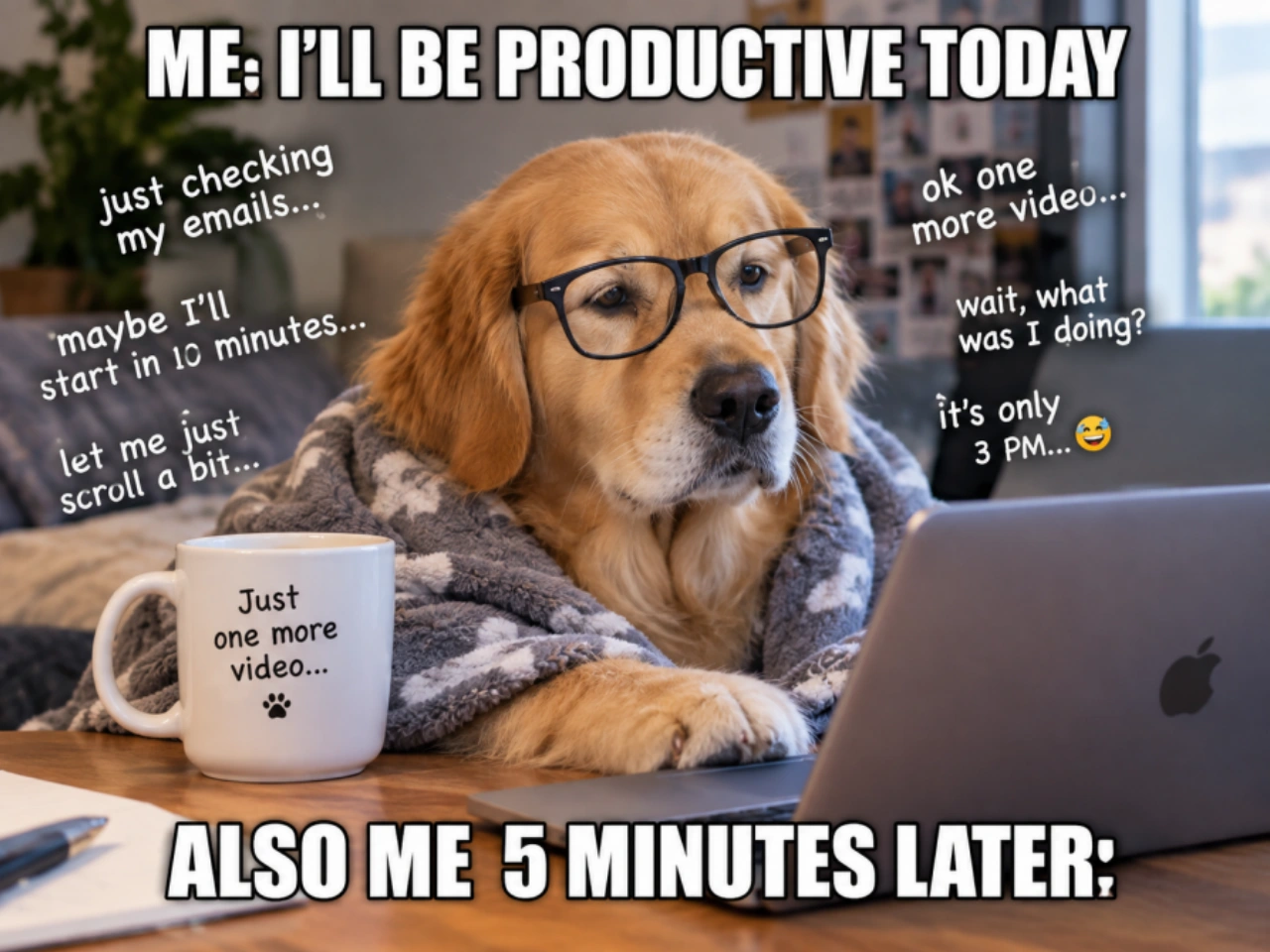
把大家熟悉的日常情境變成梗圖影片,例如逛街後打開銀行帳戶、加入一場明明該用 email 解決的會議,或明知該早睡卻又熬夜滑手機。
荒謬與超現實梗圖
創造現實中難以拍攝的荒謬場景。把意想不到的角色湊在一起、改變背景設定,或讓普通情境朝完全出乎意料的方向發展。
角色與寵物梗圖
圍繞人物、虛構角色、貓狗等主角打造短梗圖場景。只要一個怪異情境或誇張反應,就足以撐起一支簡單的梗圖影片。
如何用 PicLumen 製作梗圖影片
描述你的梗圖點子
1清楚寫下你想做的梗圖內容。包含主角是誰、場景在哪裡、發生什麼事,以及讓笑點成立的關鍵反應。若梗圖仰賴特定順序,請依照先後描述動作,讓影片模型有明確方向。
選好設定並生成影片
2選擇一個可用的影片模型,接著設定梗圖的畫面比例與影片長度。要發到 TikTok、Instagram Reels 或 YouTube Shorts 時可選直式格式,其他內容則可改用不同支援比例。設定完成後,就能依照你的文字提示生成影片。
檢視、微調,再創作一次
3觀看生成出的梗圖影片,檢查動作、反應、場景與整體節奏。如果結果還沒完全對上笑點,就調整提示或設定再生成一版。即使是小幅修改描述,也可能帶來明顯不同的效果。
 Jon Jon
Very good website
Very good website. Different models, good job
 J. Blaine
Regular PicLumen user experience
I've been using PicLumen since late summer 2024 and I've generated several thousand images, mostly image-to-image. There were 2 minor technical glitches in that period of time. In the first one, my library didn't load but after logging out and logging in again later that day I found my library back. The second glitch- the remixing and outpainting stopped working. I contacted the support team and the issue was fixed the next day. I also requested PicLumen to provide a PayPal payment method when they switched to subscription - and they listened and responded to my request. I appreciate their responsiveness and customer service. In my communication with their support team, I found them professional and polite. My general impression is that this is a dynamic and collaborative team that is worth supporting!
 by Neefa
i love it and easy to use
i love it and easy to use
 Ibrahim Onuh
So very powerful and interesting
So very powerful and interesting
 Kura Aditya
The best experience ever w
The best experience ever w
It’s been great so far
It’s been great so far, I think the limitations are me not the app.
 Piye Chauhan
Nice app generate to google
Nice app generate to google
 Eman Rizwan
Great job u should try it in order to…
Great job u should try it in order to Create images
Time Saver for Artist
The refine sketch is the real reason I joined PicLumen. I have shaky hands, and so my sketches are rough, and refining them takes a lot of time and hand cramping.
 Yfad
YfadBest AI generator of all times
Best AI generator of all times
Very cool and love the events
Very cool and love the events
 Piotrek K
the best app I've ever used
the best app I've ever used
關於梗圖影片產生器的常見問題
什麼是梗圖影片產生器?
梗圖影片產生器是一種 AI 工具,能從文字點子、提示詞或場景描述中,生成短篇梗圖影片。你不必自己找素材剪輯,只要描述想看到的角色、情境、動作與反應,AI 梗圖影片產生器就會用影片生成模型,把這個場景做成影片。在 PicLumen 中,你可以選擇影片模型、設定畫面比例與長度,並為同一個梗圖概念生成多個不同版本。
如何用 AI 梗圖影片產生器製作梗圖影片?
先從描述笑點本身開始,而不是一次把所有畫面細節寫滿。先交代主角、場景、動作與反應,再補充會影響幽默感或節奏的細節。在 PicLumen 中,選擇一個可用的影片模型,設定偏好的格式與長度,然後生成影片。如果第一個結果跟你的想法不太一樣,可以調整提示或設定,再做一個新版本。
梗圖影片的提示詞要怎麼寫?
一個實用的梗圖影片提示詞,應該說清楚四件事:畫面裡是誰或什麼、在哪裡、發生什麼事,以及主角如何反應。比起只寫「做一支好笑的貓咪影片」,更好的做法是描述一隻貓坐在廚房餐桌前,注意到某個意想不到的東西,然後露出誇張困惑的反應。如果笑點仰賴特定順序,請照順序描述動作,讓影片模型對整個場景有更清楚的指示。
用梗圖影片產生器可以做出哪些類型的影片?
梗圖影片產生器可以用來創作多種短影音梗圖格式,包括反應梗、日常共鳴梗、荒謬或超現實情境、角色梗與寵物梗。你可以圍繞一個表情反應、突發事件、誇張角色,或大家日常生活中都很有共鳴的情境來做梗。PicLumen 專為創作可套用到各大社群平台的短影片概念設計,而不是被鎖死在單一預設梗圖版型。
AI 梗圖影片產生器可以做出有聲音的影片嗎?
可以,只要你選擇的影片模型與流程支援音訊生成。當梗圖的笑點仰賴對話、反應聲、氣氛或聲音節奏,而不只是畫面時,聲音就特別重要。在 PicLumen 中,Seedance 2.0 支援同時生成聲音與畫面。不同模型的聲音表現可能不同,若聲音是梗圖的重要元素,請先確認所選模型的功能。
梗圖影片產生器可以用在 TikTok、Instagram Reels 和 YouTube Shorts 嗎?
可以。PicLumen 支援多種畫面比例,包括適合 TikTok、Instagram Reels 與 YouTube Shorts 的直式短影音格式。你可以在生成前就選好影片格式,而不是先做完影片再去改尺寸。這讓同一套梗圖影片產生器能同時服務多個社群平台,並從一開始就考量好畫面構圖。
使用 AI 梗圖影片製作工具需要剪輯經驗嗎?
不需要。你可以把 PicLumen 當成 AI 梗圖影片製作工具使用,無須先準備現成影片素材,也不用手動排時間軸。基本流程就是描述點子、選擇影片模型、設定格式與長度,然後生成結果。若你想在生成後再做進一步調整,剪輯知識當然會有幫助,但並不是做出第一版梗圖影片的必要條件。
創作你的下一支梗圖影片
腦中已經有笑話了嗎? 把它寫下來,選好設定,用 PicLumen 生成一支梗圖影片。