免費 AI 背景去除工具:輕鬆批次去除圖片背景
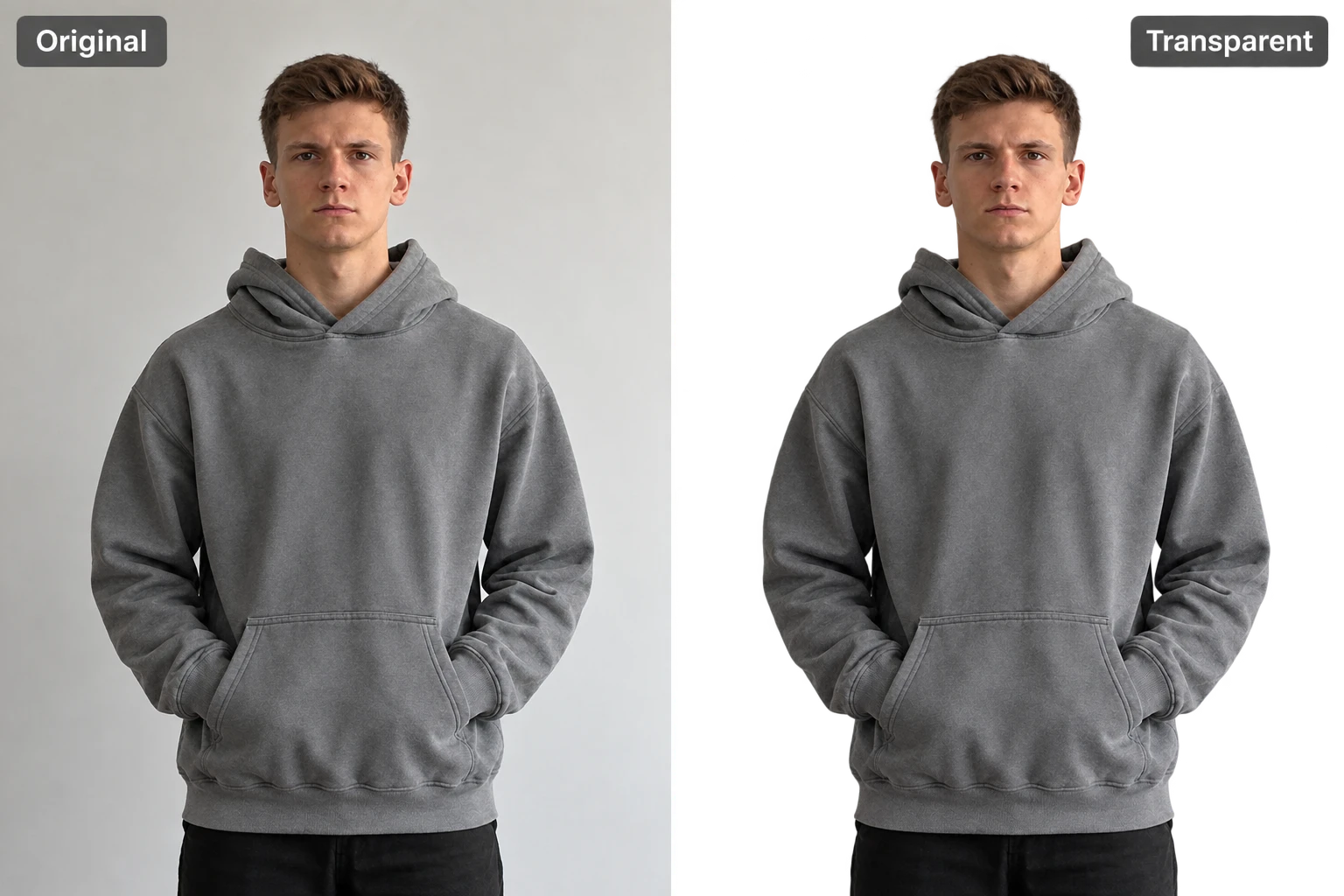
熱門影片效果
用熱門 AI 影片特效,把照片變成有趣的舞蹈短片、驚喜變身和可分享的精彩瞬間。
看看 PicLumen 背景去除工具的實際效果
- 人像
- 商品
- 動物
- 美食
- 汽車
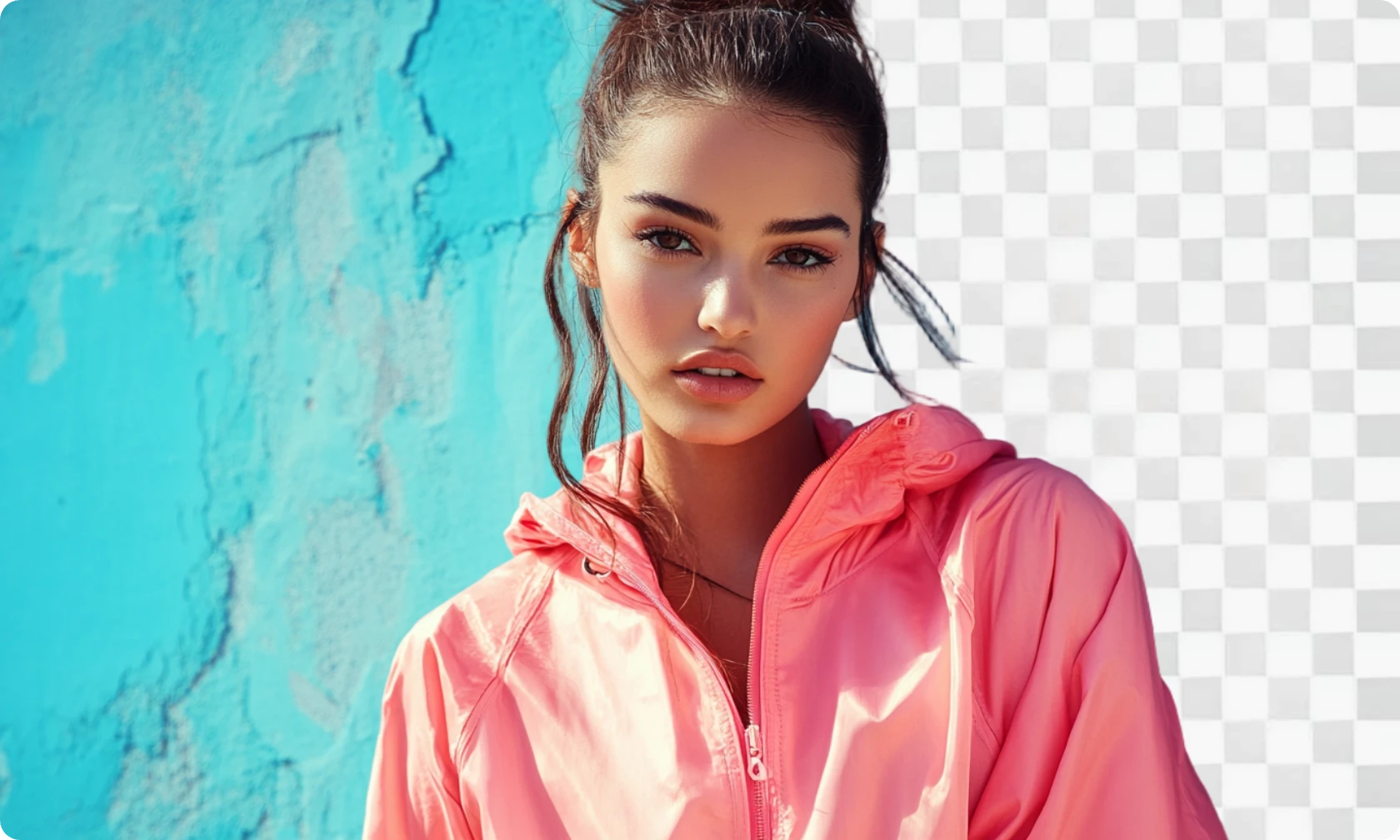
去除人像背景
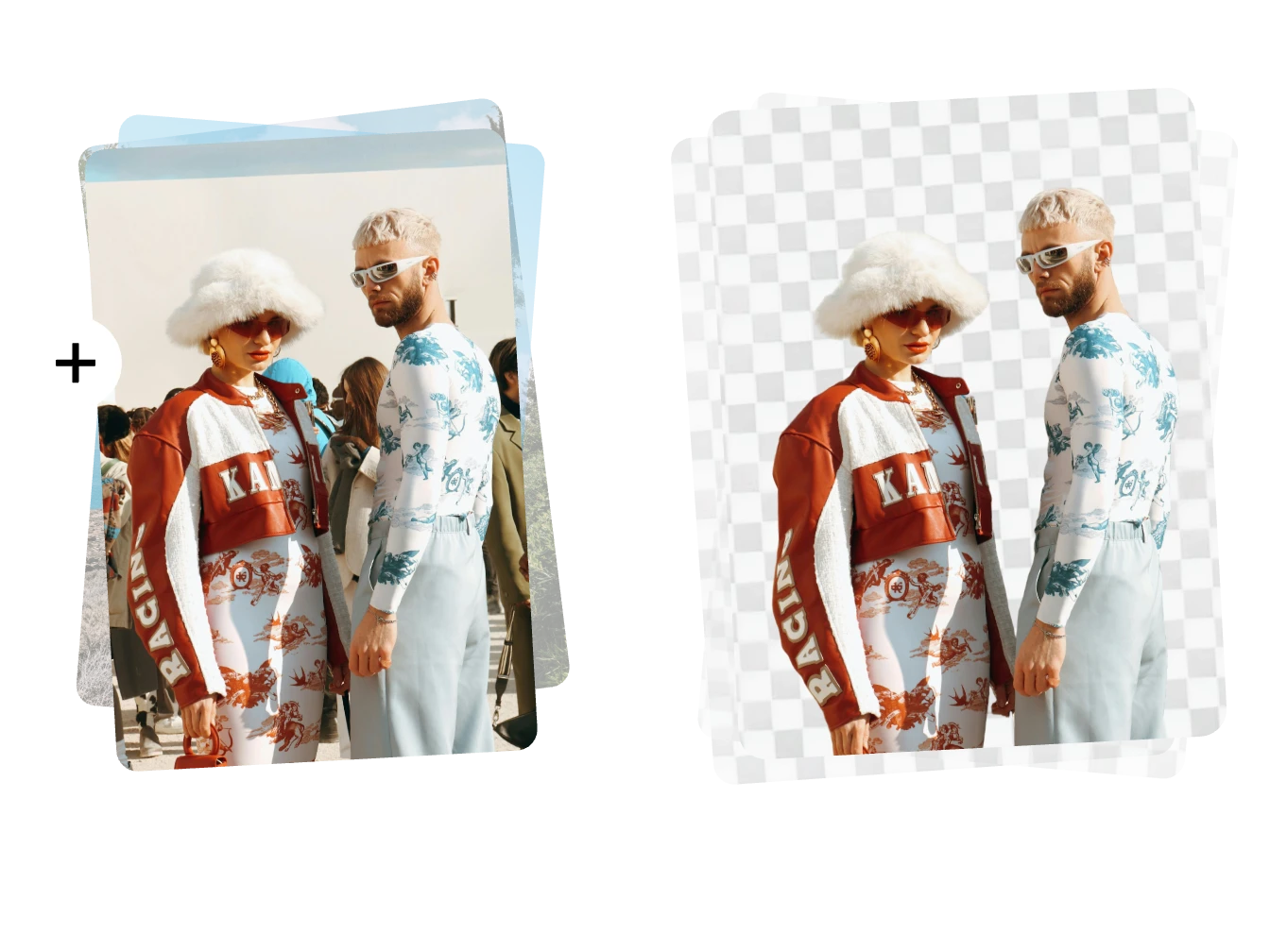
乾淨去除人像背景,同時保留自然的五官細節、髮絲和柔順邊緣。輕鬆製作大頭照、證件照或個人品牌素材。
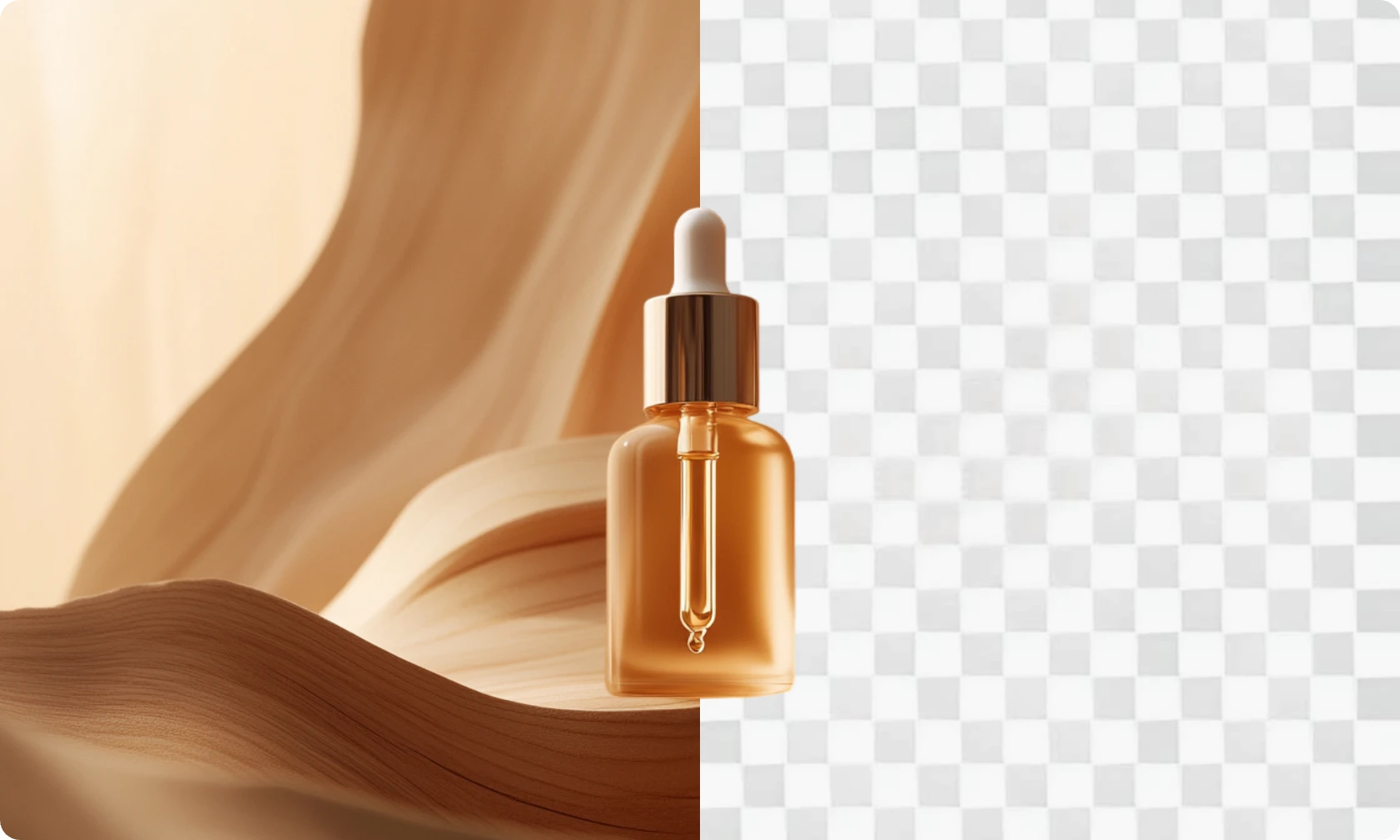
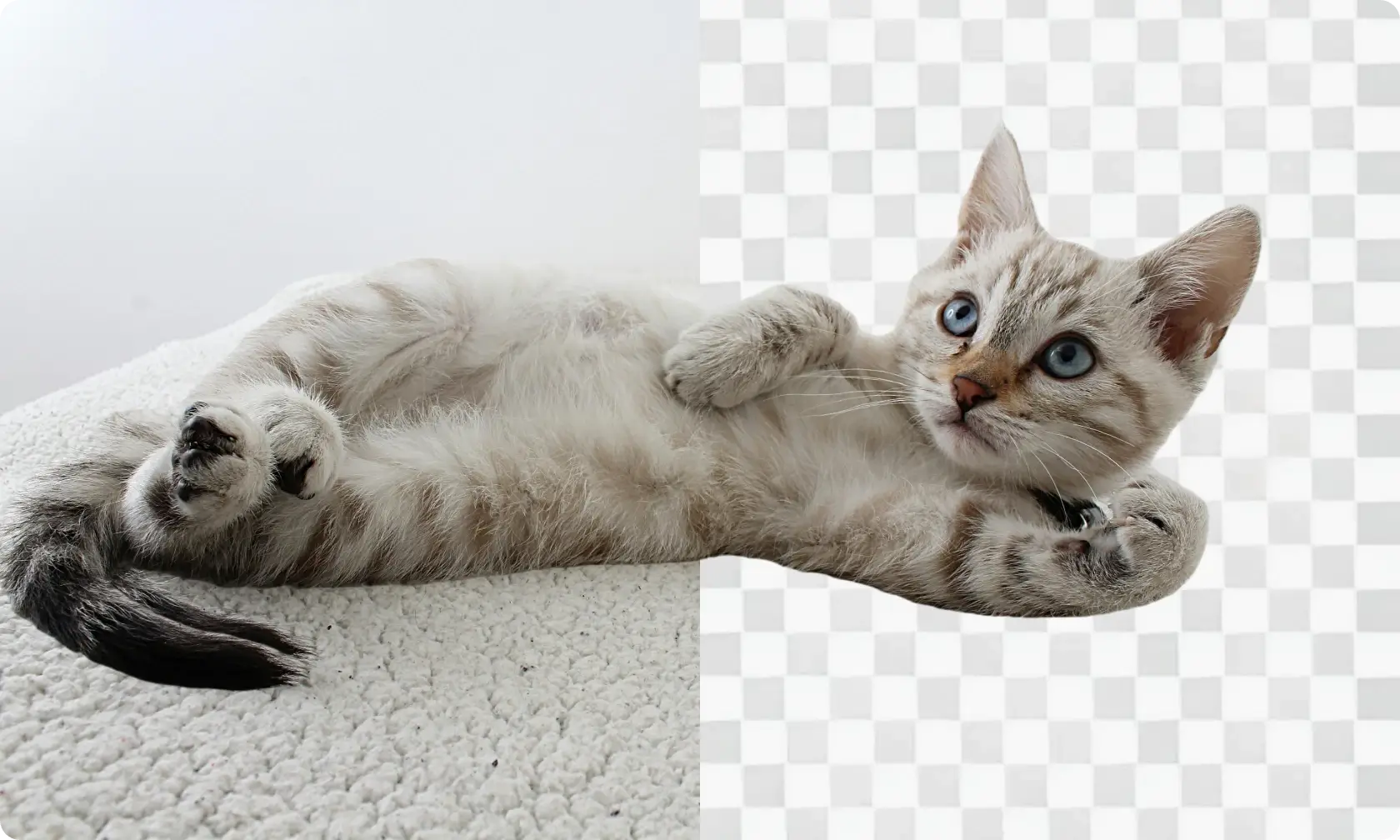
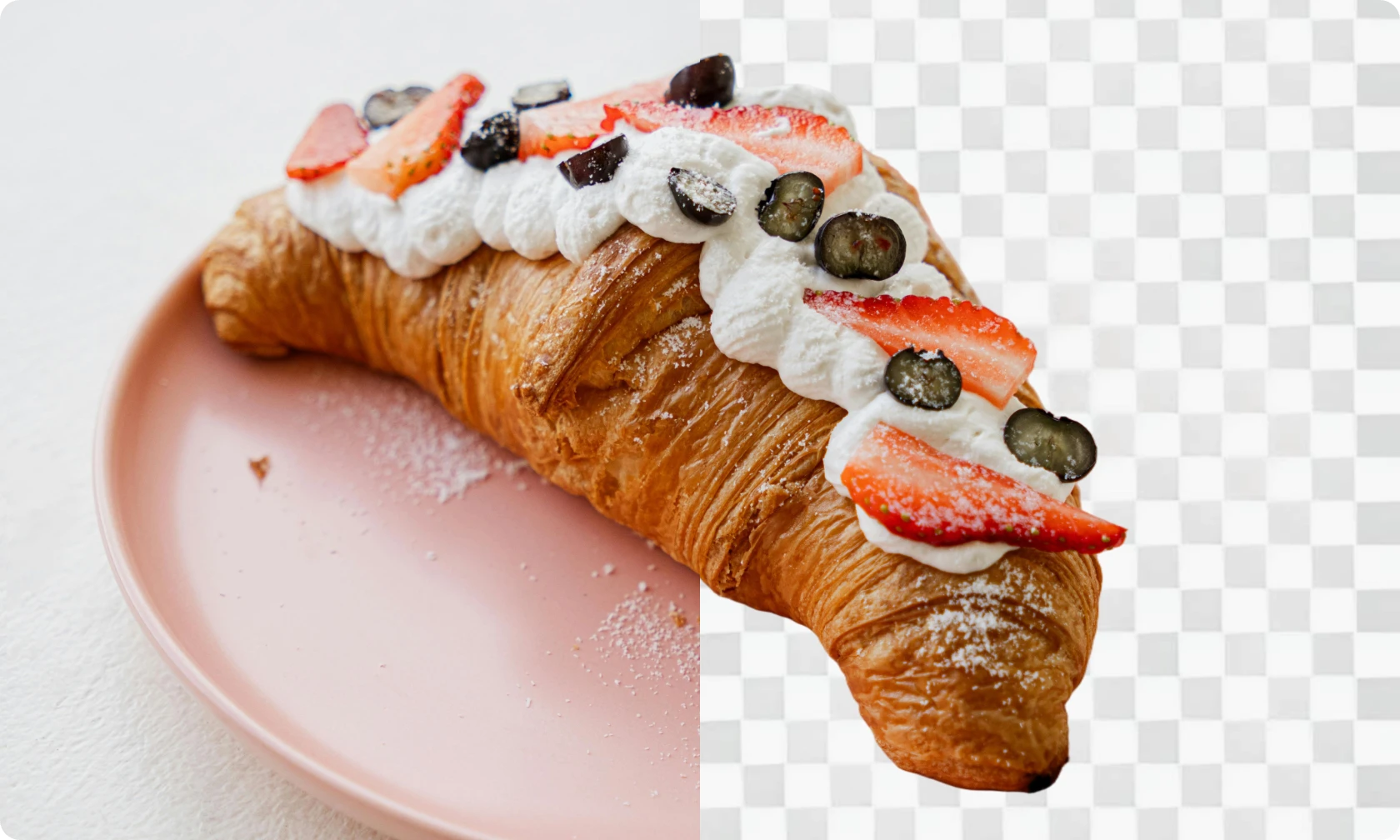
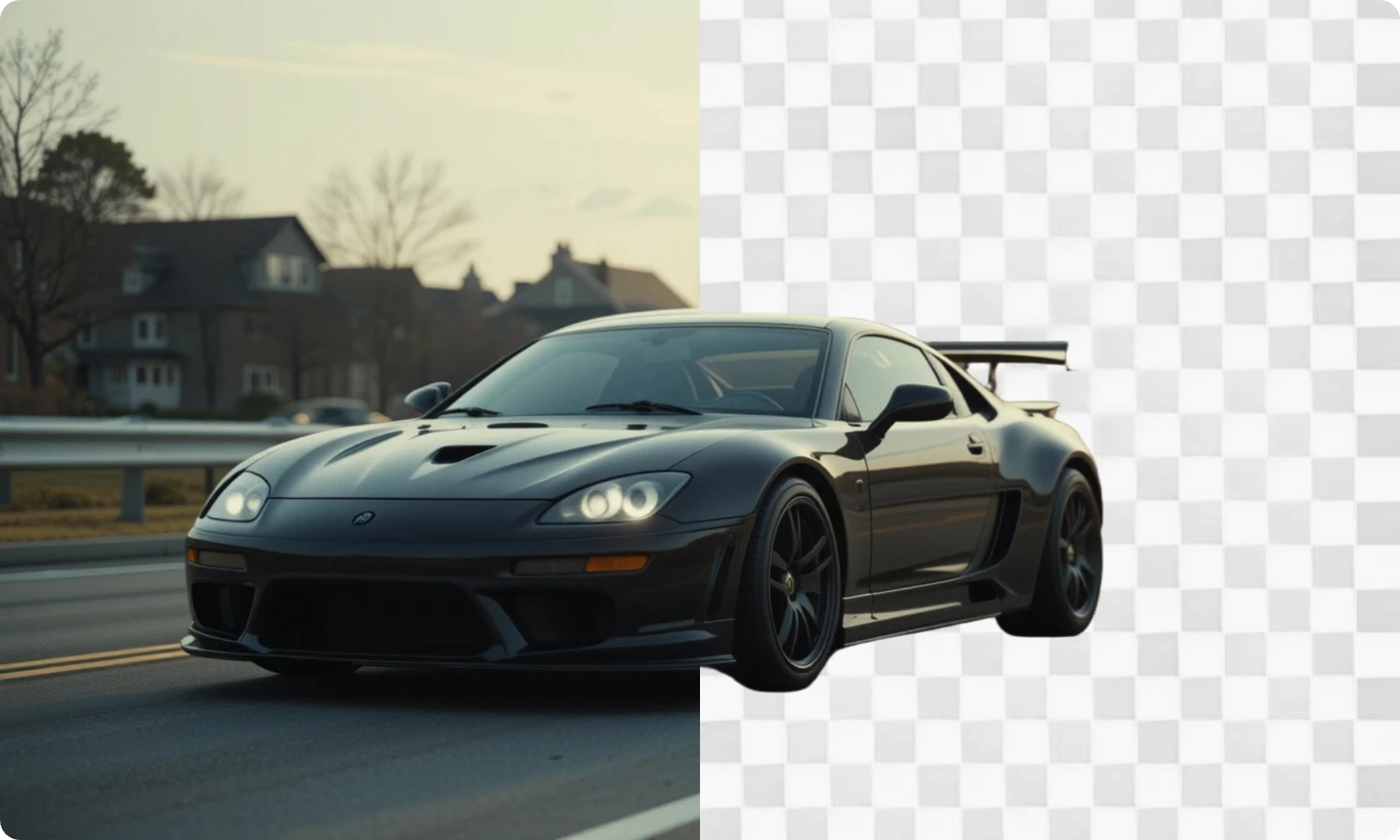
為什麼選擇 PicLumen 去除背景?

即時去除背景
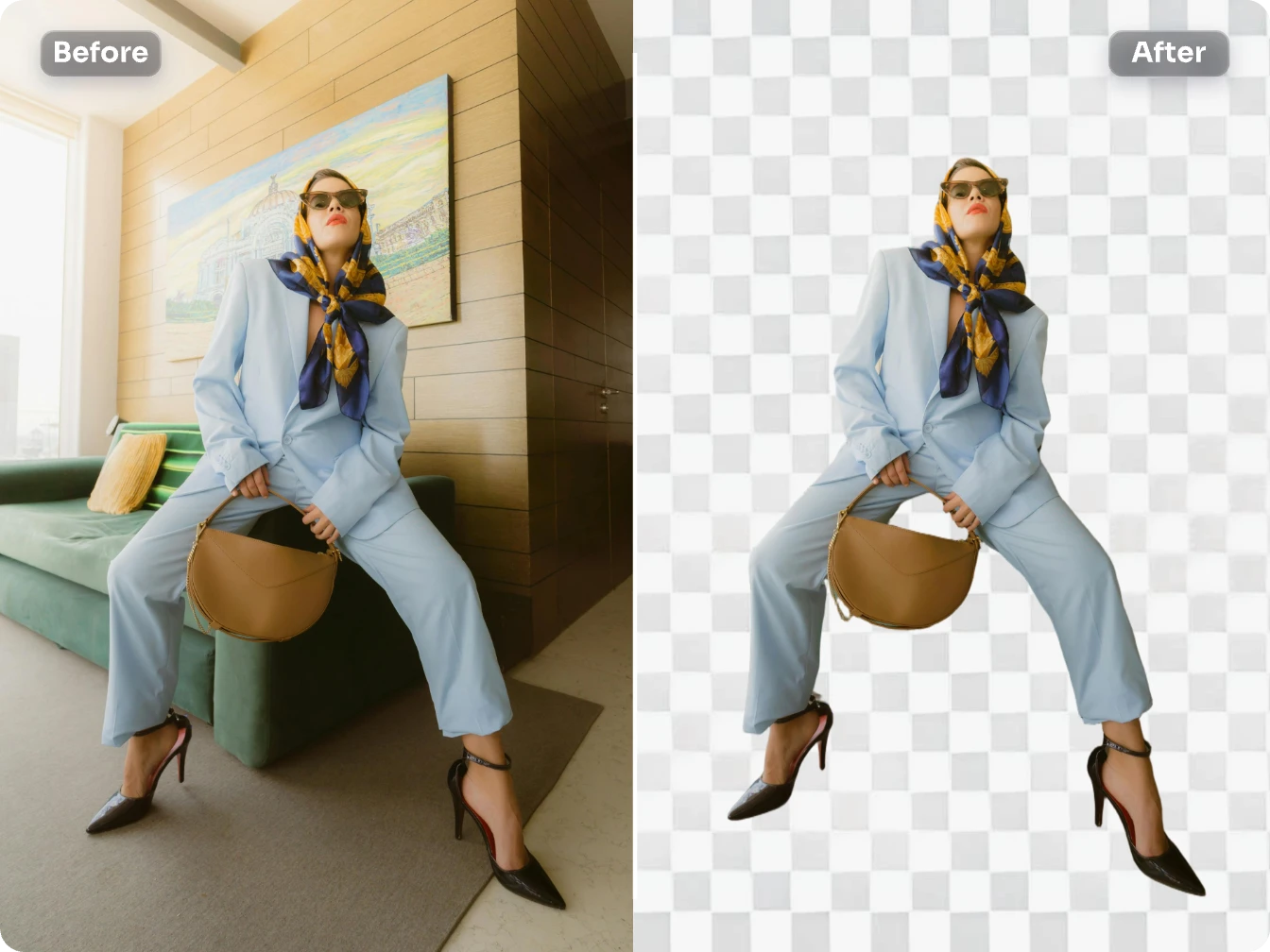
不用再等。PicLumen 的背景去除工具,數秒就能完成去背。

無損高畫質成果
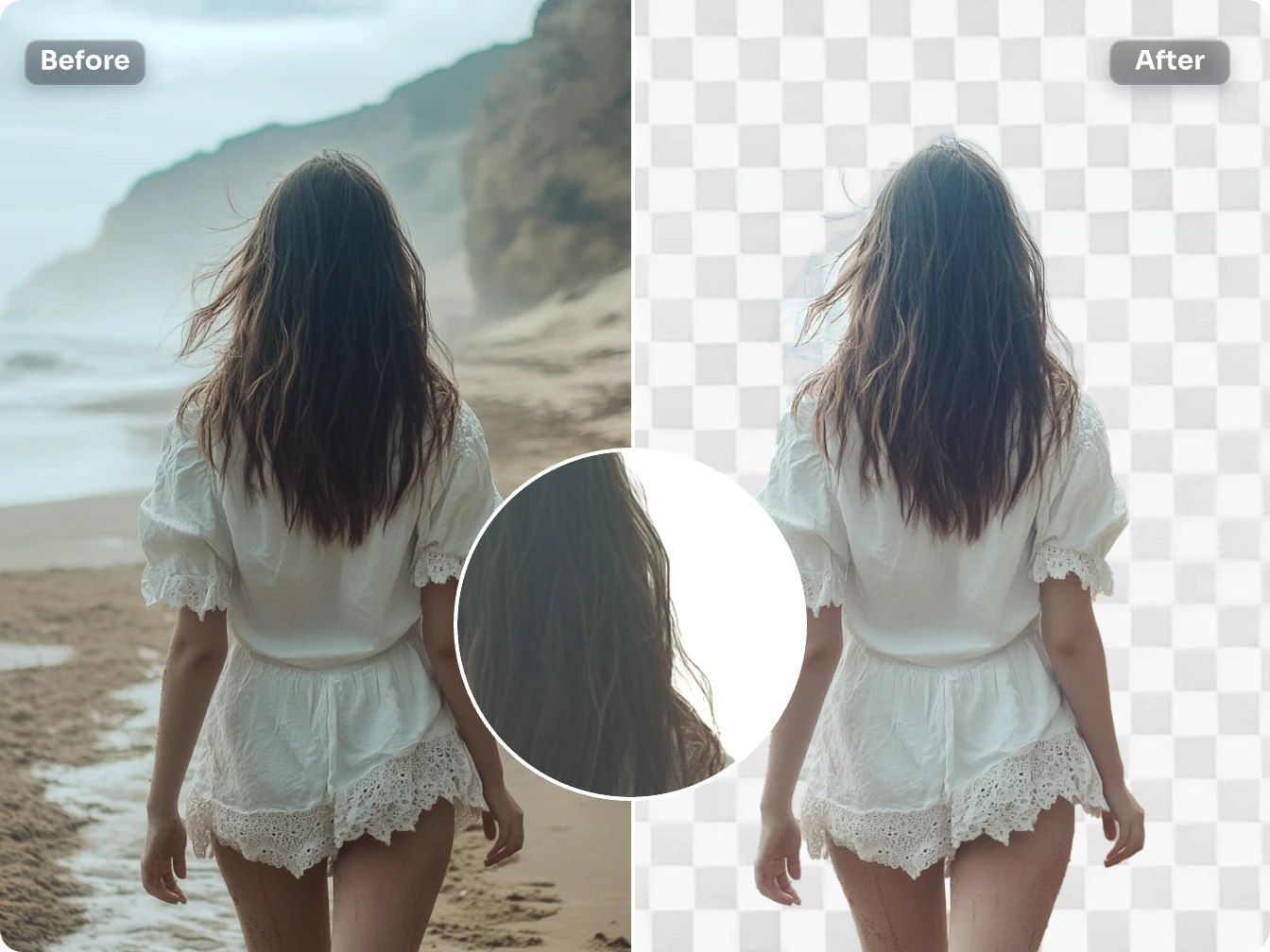
精準辨識邊緣、維持清晰畫質,並提供透明 PNG 格式。

搭配其他編輯工具使用
結合上色、畫質提升或局部重繪等工具,全面掌控編輯效果。
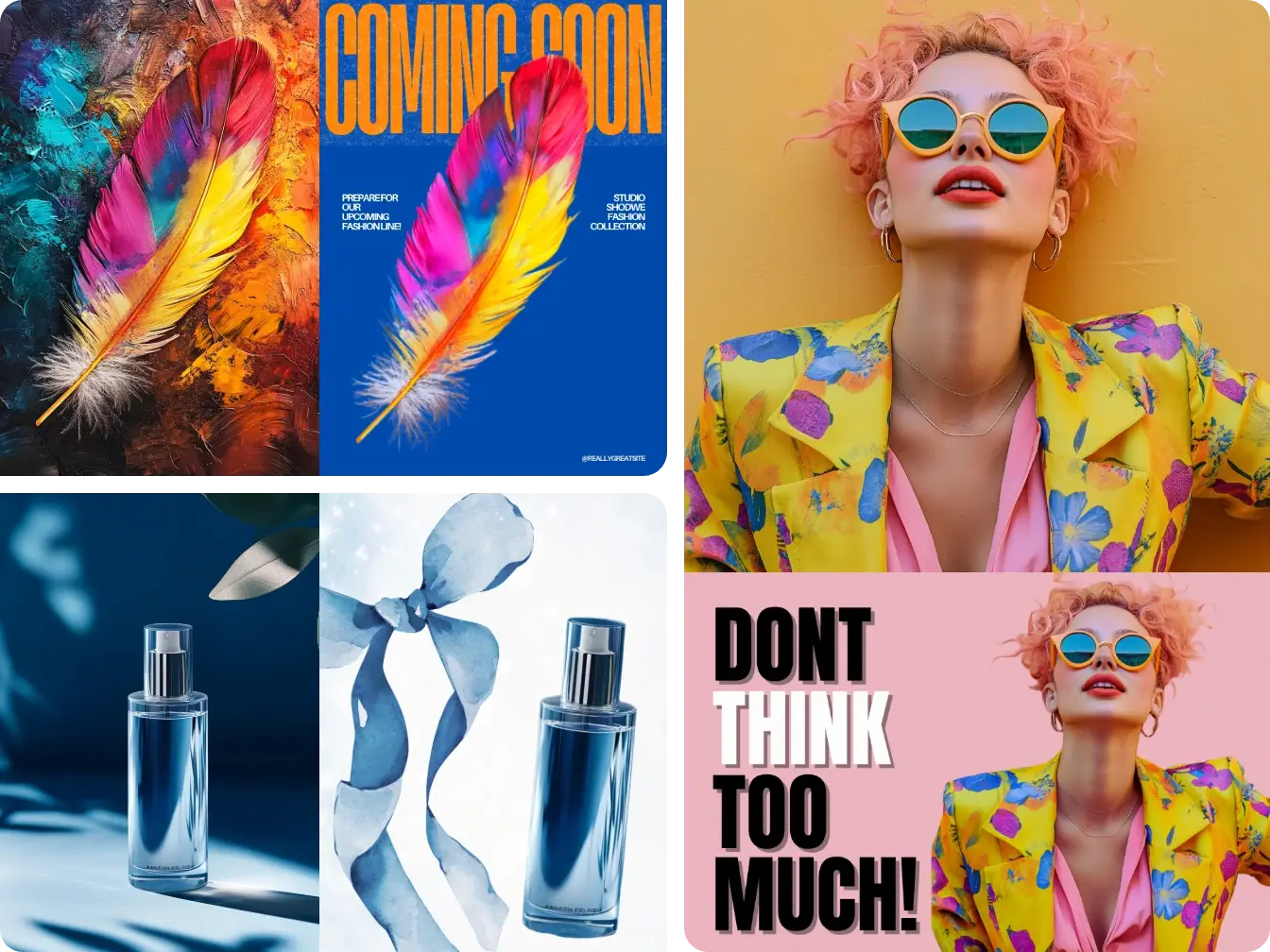
如何去除圖片背景?
步驟 1 上傳圖片
1選擇你想去除背景的圖片即可。
步驟 2 點擊「去除背景」
2只要點擊「去除背景」按鈕,剩下的交給 AI。
步驟 3 下載透明 PNG 圖片
3取得背景完全透明、可立即使用的圖片。
 Ayan Samanta
Awesome experience just looking wow
Awesome experience just looking wow
 ClashOf Clans
Excellent platform to fantasy
Excellent platform to fantasy
 Brijesh Chikhaliya
very good
very good , Excellent Experience
 Ibrahim Onuh
So very powerful and interesting
So very powerful and interesting
 Mubashir Ahmed
This web is very help and free
This web is very help and free
 rockstar gaming
Value For Money
its value for money i fully recommend you to try this one time you will like it...
 Fatjon Xhoka
Super app for photo and video
Super app for photo and video
Best app i have ever seen
Best app i have ever seen
 Eman Rizwan
Great job u should try it in order to…
Great job u should try it in order to Create images
 pixai
pixaigreat chatgpt image alternative
great chatgpt image alternative
 Tyler
TylerIt’s a great ai app perfect for making…
It’s a great ai app perfect for making your imaginations come true
 Yfad
YfadBest AI generator of all times
Best AI generator of all times
PicLumen 背景去除工具常見問題
PicLumen 的背景去除工具如何運作?
選擇一張 AI 生成圖片或上傳自己的圖片,找到去背按鈕並點擊,工具就會自動去除背景,產生乾淨、專業的圖片。
PicLumen 可以去除白色背景嗎?
可以!PicLumen 的背景去除工具能處理任何顏色的背景,包括白色。
我可以上傳自己的圖片來去背嗎?
可以!PicLumen 現在支援為上傳的圖片去背。只要上傳照片、點擊「去除背景」,其餘就交給 AI。
PicLumen 能處理細緻或複雜的邊緣嗎?
可以!先進的邊緣偵測技術能乾淨、準確地處理髮絲或複雜圖案等細節。
我可以在 PicLumen 批次去除圖片背景嗎?
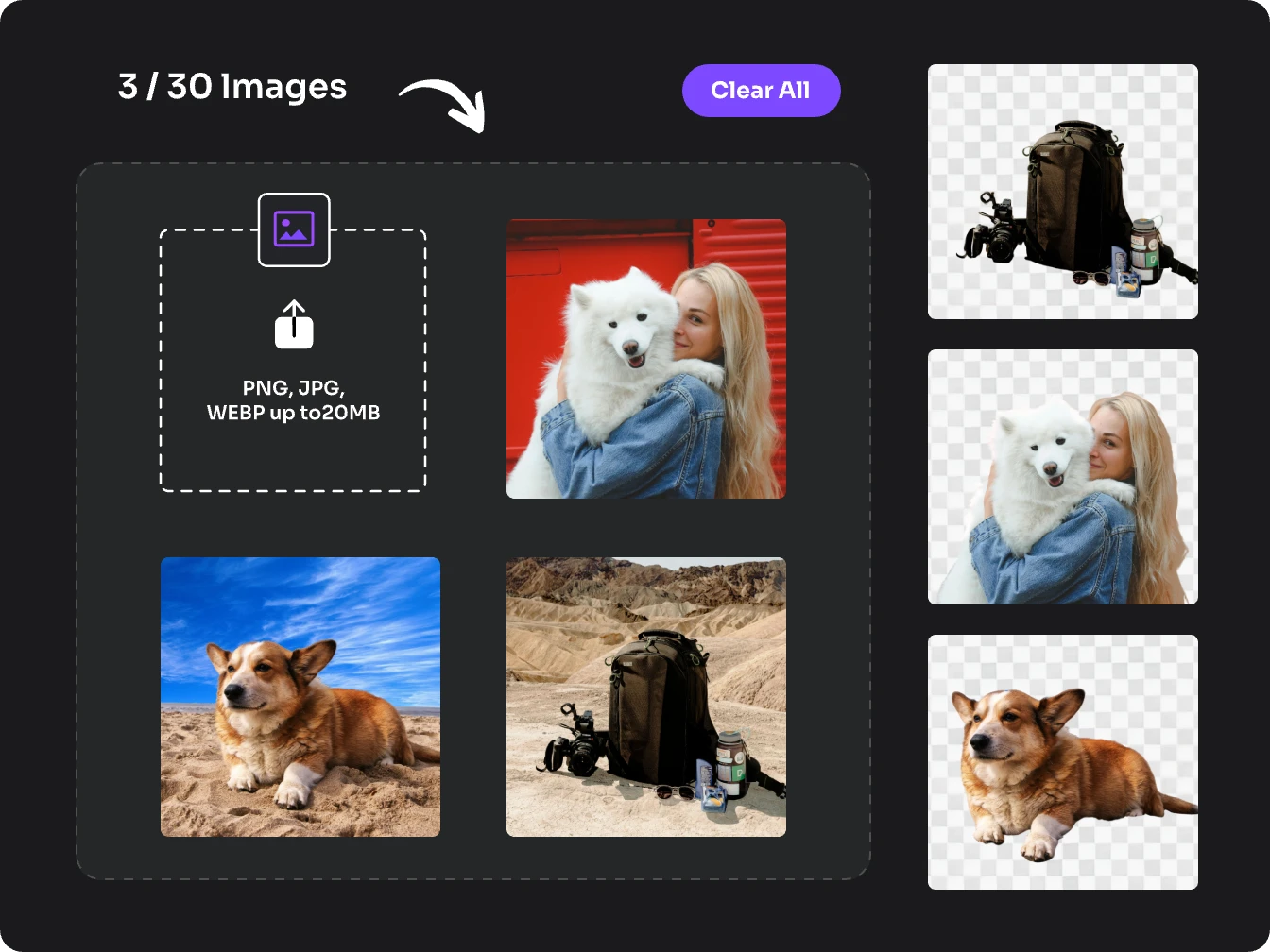
可以。PicLumen 支援批次去背,讓你一次處理多張圖片。對需要快速大量製作風格一致、乾淨俐落的商品照的電商賣家、行銷人員和創作者來說,非常實用。