Grok Imagine Image 2.0:讓圖片更貼近你的創作需求
在 PicLumen 將細緻提示詞和視覺參考交給 Grok Imagine Image 2.0,生成更貼近你構想的圖片。憑藉更準確的指令理解、更出色的文字呈現和更靈活的創作掌控,製作海報、產品情境圖、行銷圖像、角色、編輯視覺素材等各式作品。
.webp)
讓複雜提示詞也能準確呈現
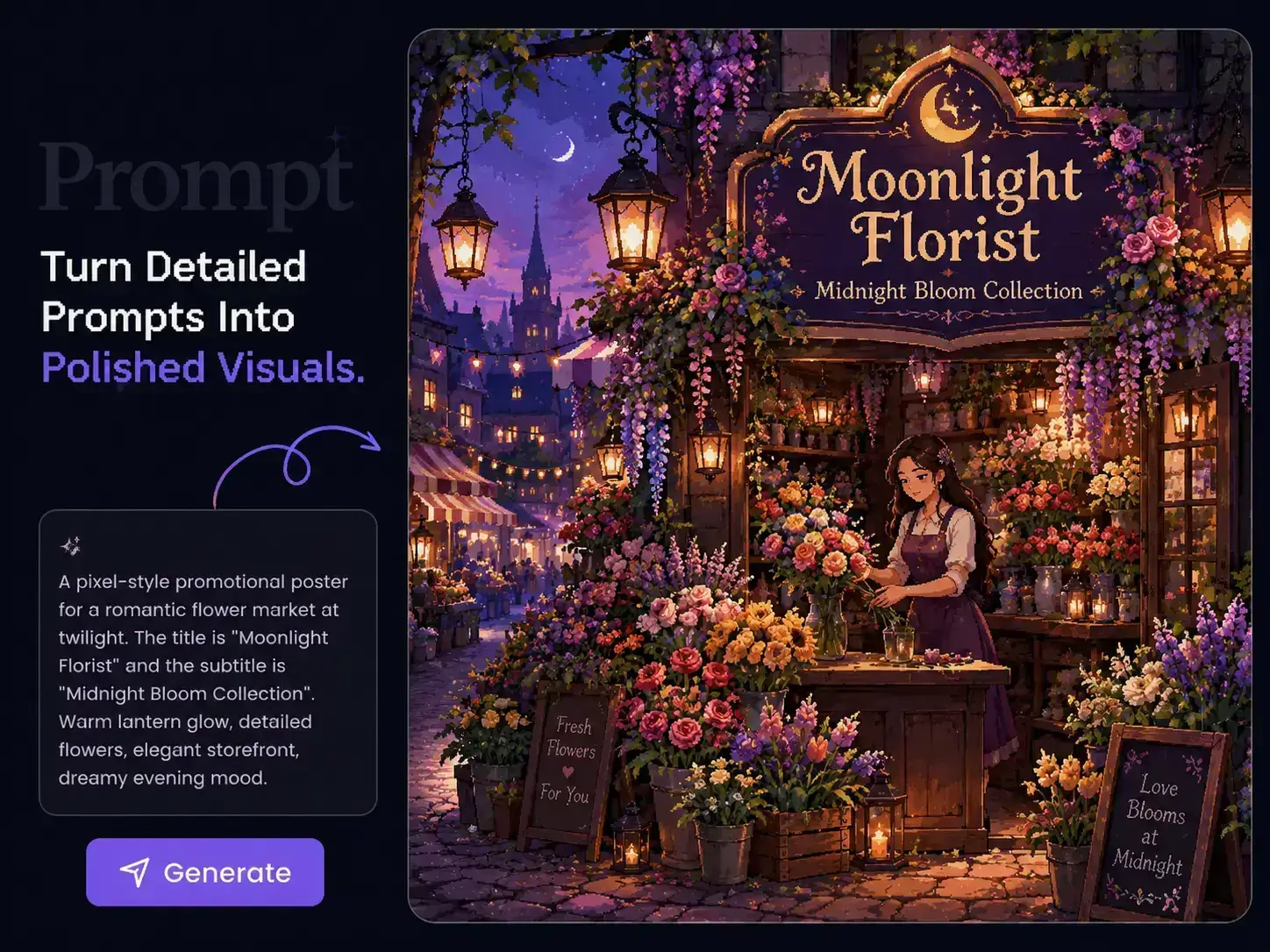
想法越具體,重要細節就越容易被遺漏。PicLumen 上的 Grok Imagine Image 2.0 能在同一份創作需求中,兼顧主體、物件、位置、光線、色彩、環境與視覺風格等指示。無須將提示詞簡化成寥寥幾句,也能描述完整場景,更輕鬆地創作需要兼顧多項細節的行銷概念圖、產品情境圖和角色視覺作品。
讓文字自然融入設計
即使畫面出色,標題有誤或文字與版面格格不入,也會影響整體效果。Grok Imagine Image 2.0 更擅長處理文字排版與構圖,讓你更自在地製作海報、標題圖像、廣告、包裝概念圖及宣傳視覺,讓文字從一開始就融入設計。只要在同一段提示詞中寫明文案、位置和視覺方向,無須將加字留到後續步驟。

運用視覺參考引導生成結果
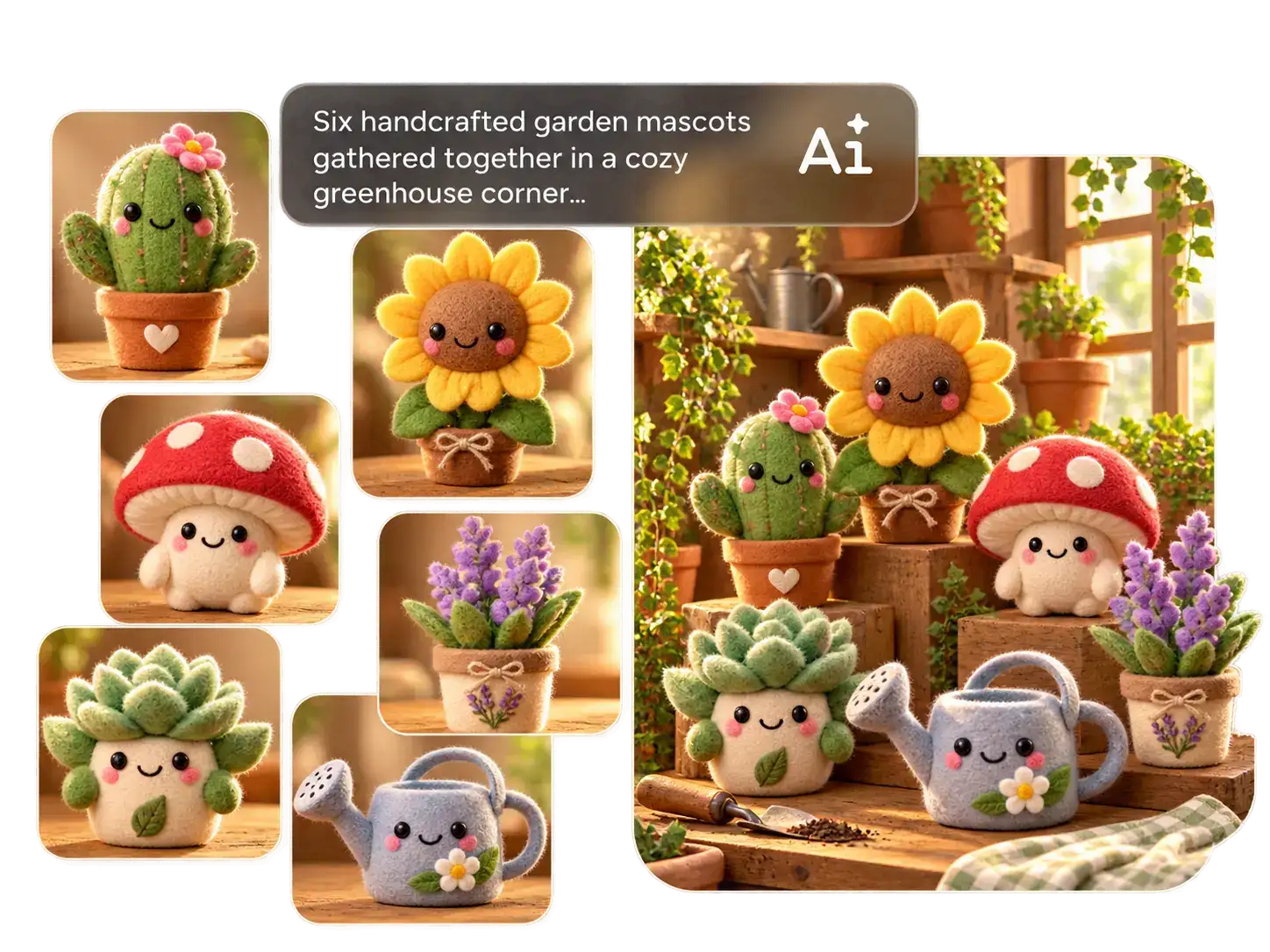
有些細節用圖片展示,比用文字描述更容易。產品造型、角色外觀、造型方向或氛圍,往往要花好幾段文字才能說清楚。在 PicLumen 使用 Grok Imagine Image 2.0 時,你可以加入參考圖片,讓模型更清楚掌握視覺方向。當成果需要貼近特定主體或風格時,這種方式尤其有效。
Grok Imagine Image 2.0 可以創作什麼?
電子商務
以單一產品延伸出更多元的行銷視覺。使用 PicLumen 上的 Grok Imagine Image 2.0,搭配產品參考圖和清楚的視覺需求,製作商品展示圖、生活情境圖、新品上市圖、節慶素材及廣告概念圖,探索同一件商品的更多呈現方式。
廣告行銷
更快將行銷需求轉化為視覺概念。使用 Grok Imagine Image 2.0 製作海報、廣告素材、新品上市圖及宣傳視覺,在最終行銷方案定案前探索多種方向。
時尚與美妝
在正式拍攝前,先探索行銷視覺的可能樣貌。透過提示詞與參考圖,打造時尚專題、美妝視覺、妝容概念、造型型錄場景和穿搭方向,讓創意團隊有更多空間及早測試想法。
遊戲與娛樂
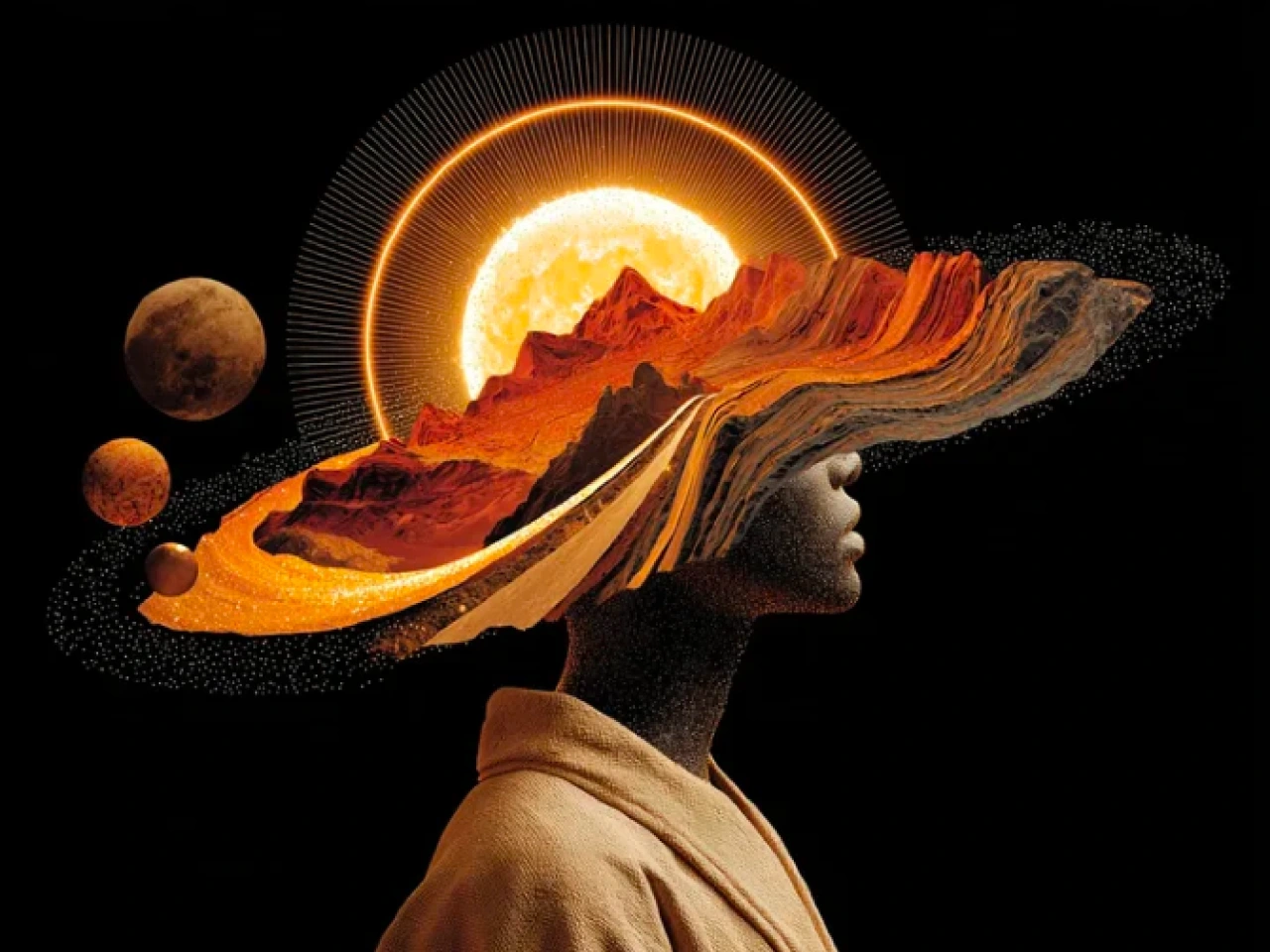
讓角色與世界觀不只停留在單張概念圖。使用 PicLumen 上的 Grok Imagine Image 2.0,創作服裝、道具、場景、主視覺及敘事畫面,並隨著視覺風格逐漸成形,探索不同方向。
如何在 PicLumen 使用 Grok Imagine Image 2.0
步驟 1 選擇 Grok Imagine Image 2.0
1開啟 PicLumen 圖像生成器,從可用模型中選擇 Grok Imagine Image 2.0。
步驟 2 加入提示詞與參考圖片
2描述你想要的圖片,包括主體、場景、構圖、光線、風格,以及需要出現的文字。如果想讓模型更清楚掌握視覺方向,也可以加入參考圖片。
步驟 3 設定圖片格式
3依圖片用途選擇長寬比及其他可用的生成設定,無論是要製作海報、商品頁面、社群貼文,還是其他創意專案。
步驟 4 生成並下載
4點擊生成並比較結果。選出最符合需求的版本,再下載用於行銷活動、設計工作、內容製作或其他創作用途。
 J. Blaine
Regular PicLumen user experience
I've been using PicLumen since late summer 2024 and I've generated several thousand images, mostly image-to-image. There were 2 minor technical glitches in that period of time. In the first one, my library didn't load but after logging out and logging in again later that day I found my library back. The second glitch- the remixing and outpainting stopped working. I contacted the support team and the issue was fixed the next day. I also requested PicLumen to provide a PayPal payment method when they switched to subscription - and they listened and responded to my request. I appreciate their responsiveness and customer service. In my communication with their support team, I found them professional and polite. My general impression is that this is a dynamic and collaborative team that is worth supporting!
My experience
Itis a really good website n really ideal to use theres only one con and that the AIS sometimes create wrong images but that doesnt happen frequently
Awesome program easy to use a little…
Awesome program easy to use a little disappointment in the fact you can’t buy lumies
 Prabhat Ranjan Singh Chauhan
Very smooth and very helpful for…
Very smooth and very helpful for everyonr who have creative mind. Thank you 👍
 Ibrahim Onuh
So very powerful and interesting
So very powerful and interesting
 Menu Lawrence
Very fantastic app
Very fantastic app. I love it. I will like everyone to use this App
 AK Editing Zone
Nice ai image generation
Nice ai image generation
 GPS BelAR
I tried the tool for fun and only used…
So far, I've only tried PicLumen for fun and used the free ‘basic option’. Even as an AI design novice, you can achieve great results. It should be emphasised here that if you choose a simple AI, the coins are enough to just give it a try (unlike some other tools). I like the community concept; the opportunity to get inspiration for your own ideas in the image gallery, as well as the option to ‘like’ and comment on other users' creations. The result depends, of course, on the quality of the prompt entered, but ‘practice makes perfect, as we all know!’ The only reason for the one-star deduction is that I can't try everything with the free access and can't comment on the paid options.
 Minnies
I love the app but it was more better…
I love the app but it was more better when they didn't charge you lumen to make pictures or give you a limitation but it works amazing and it gives you very neon pictures...../ and for some reason on New Year's Eve today it won't let me make pictures
 Coterie Studios Coterie Record
I really like PicLumen
Zandalea here! I really like PicLumen and I used to use it daily. But after getting so many “not allowed “ messages from Sora2 I started using it less frequently.
Nice app ever
Nice app ever, like it when I needed
 Mohamed Rashad Rumaiz
This is an excellent website for free…
This is an excellent website for free users
常見問題
什麼是 Grok Imagine Image 2.0?
Grok Imagine Image 2.0 是 xAI 的圖像生成模型,適用於細緻提示詞、文字排版、結構化版面、參考圖創作,以及攝影、設計和插畫。在 PicLumen,你可以用它將文字需求或現有圖片轉化為全新視覺內容。
Grok Imagine Image 2.0 最適合用來做什麼?
當一張圖片需要同時滿足多項要求時,它最能發揮價值。例如文字必須準確的海報、包含指定物件的產品情境圖、造型明確的角色概念圖,或構圖清晰的行銷視覺。當簡單描述主體與風格還不夠時,它尤其實用。
Grok Imagine Image 2.0 能準確理解複雜提示詞嗎?
可以。遵循細緻指令是 Grok Imagine Image 2.0 的主要強項之一。你可以在同一段提示詞中結合主體、物件、位置、光線、色彩、環境、文字和整體風格等要求,非常適合更有架構的創作需求。
Grok Imagine Image 2.0 能生成清晰可讀的文字嗎?
可以。文字排版與版面配置是這款模型的重點能力。你可以用它製作海報、廣告、標題圖像、包裝概念圖、活動視覺等作品,讓標題或簡短文案直接呈現在圖片中,無須事後另外加上。
Grok Imagine Image 2.0 可以使用參考圖片嗎?
可以。當產品、角色、構圖、環境或視覺方向難以單靠文字描述時,參考圖片就很有幫助。Grok Imagine Image 2.0 支援輸入多張圖片,讓模型更清楚掌握你想呈現的效果。
我可以在 PicLumen 使用自己的圖片搭配 Grok Imagine Image 2.0 嗎?
可以。你可以將現有圖片上傳至 PicLumen,作為生成新圖片的起點。再加入新的提示詞,透過圖生圖功能探索不同風格、場景、氛圍、構圖或創作方向。
Grok Imagine Image 2.0 與 GPT Image 2:該選哪一個?
兩者都能處理細緻的圖像需求,並支援參考圖創作。Grok Imagine Image 2.0 特別適合文字排版、結構化版面,以及包含多項明確視覺要求的提示詞。哪個更適合,取決於你要製作的圖片類型;在 PicLumen,你也可以依專案需求選用不同的圖像模型。
Grok Imagine Image 2.0 支援哪些圖片解析度?
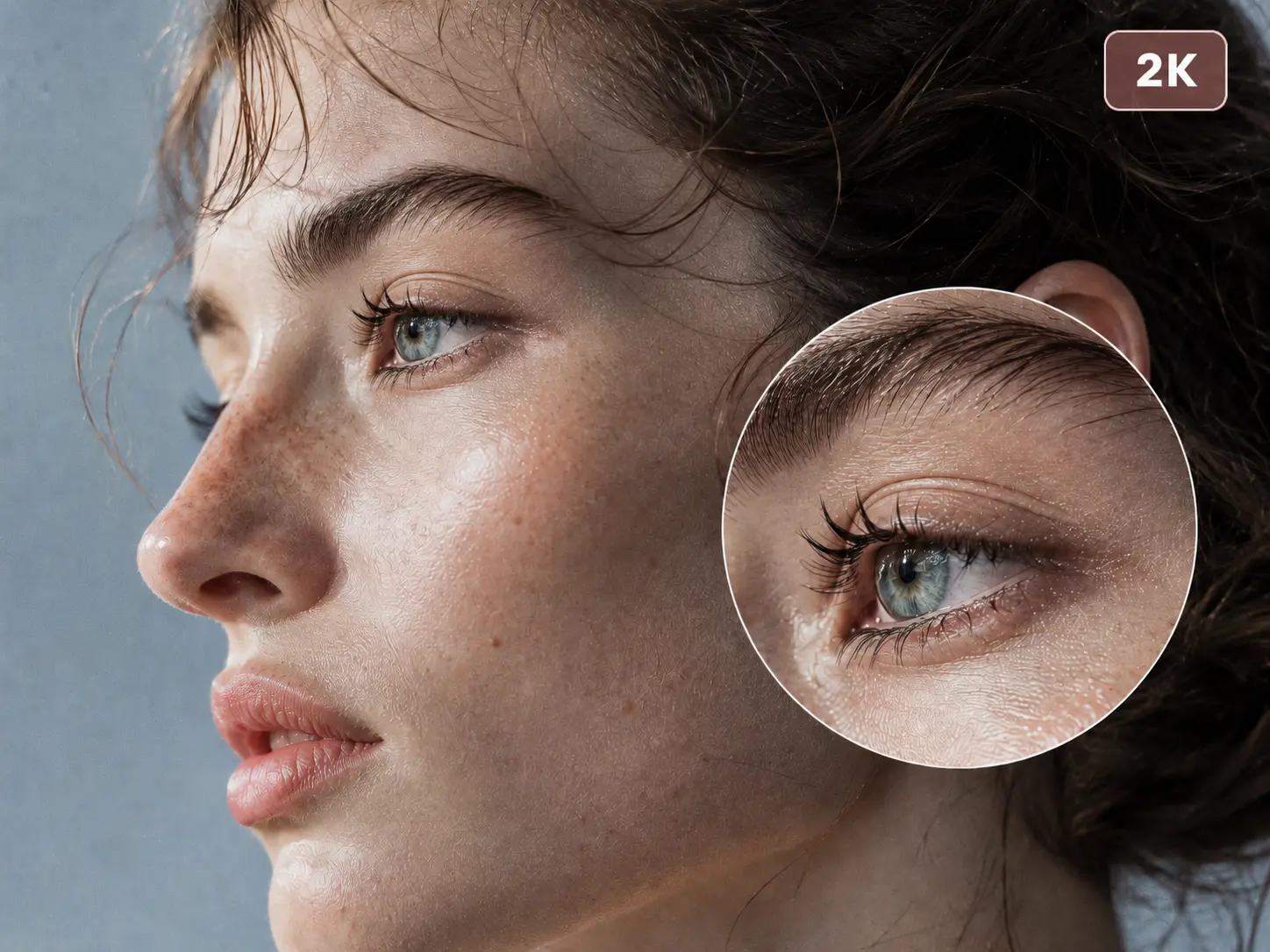
這款模型支援生成 1K 和 2K 圖片,無論是日常創作,還是需要更多細節的視覺作品,都有合適選擇。