專為自訂圖示集打造的 AI 圖示產生器

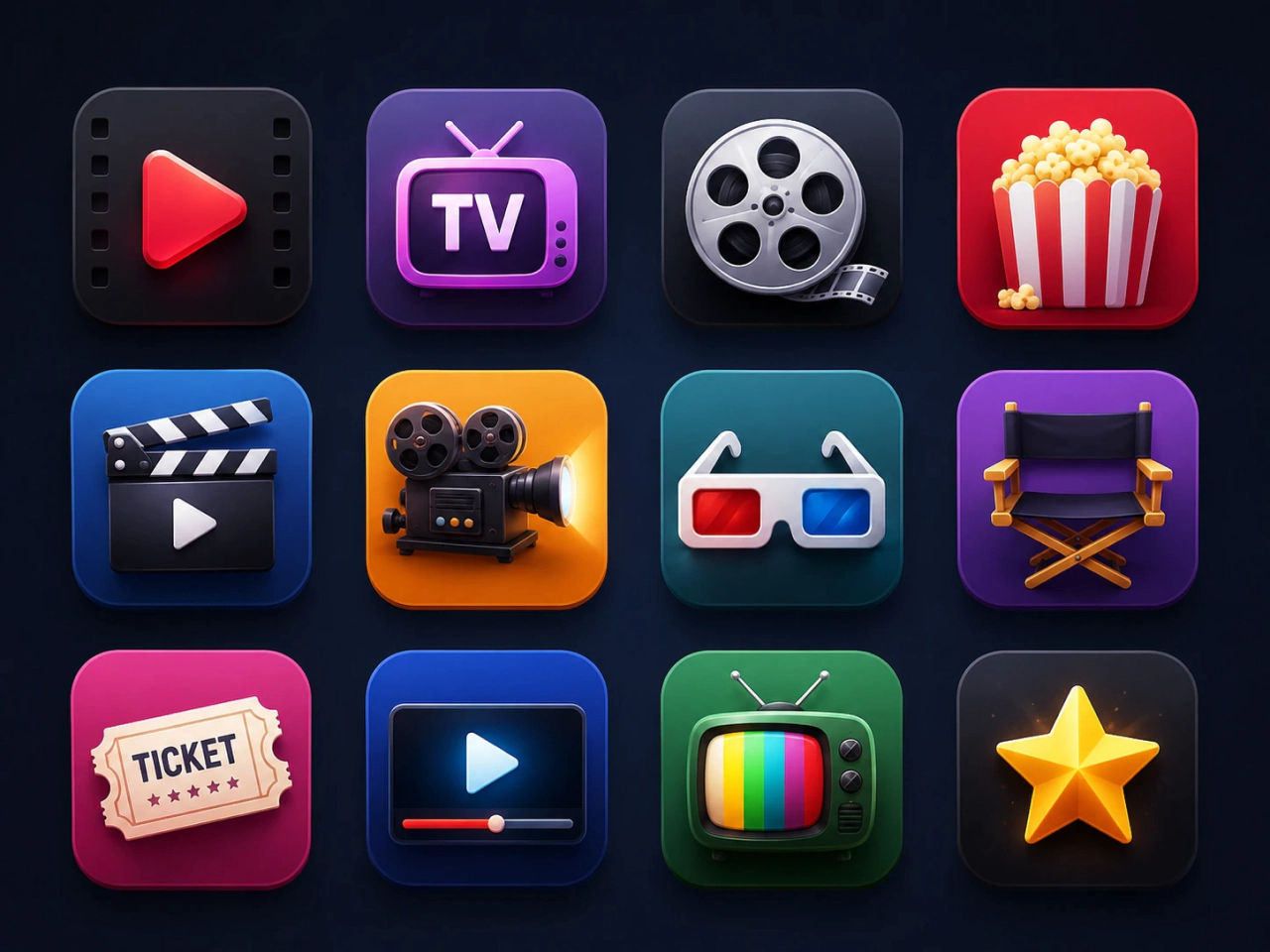
從文字或圖片生成自訂圖示
使用 AI 從簡單文字提示或參考圖片創造獨特圖示。描述你的想法,或上傳草圖、Logo 或圖片,PicLumen 圖示產生器就能將其轉換成符合概念的精緻圖示。免手繪即可產出專業級圖示,讓你的創意更輕鬆變成成品。
立即生成完整圖示集
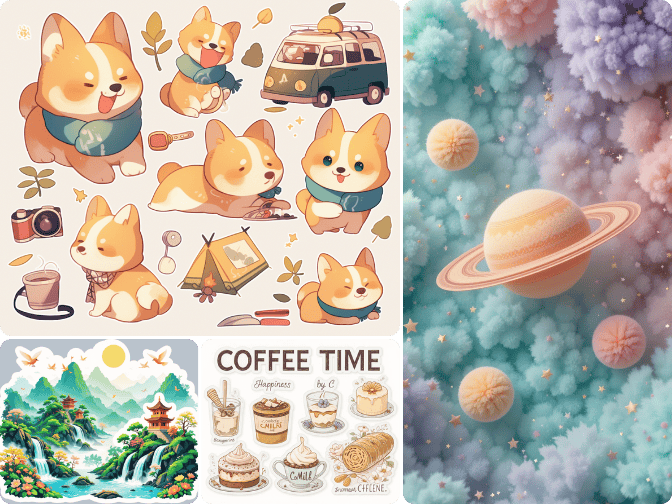
一次用 AI 產生多個圖示,把你的想法直接變成完整圖示集。這款圖示製作工具會自動生成視覺風格一致的圖示,幫助你更快建立統一的圖示集合,不必再花時間逐一設計每一個圖示。
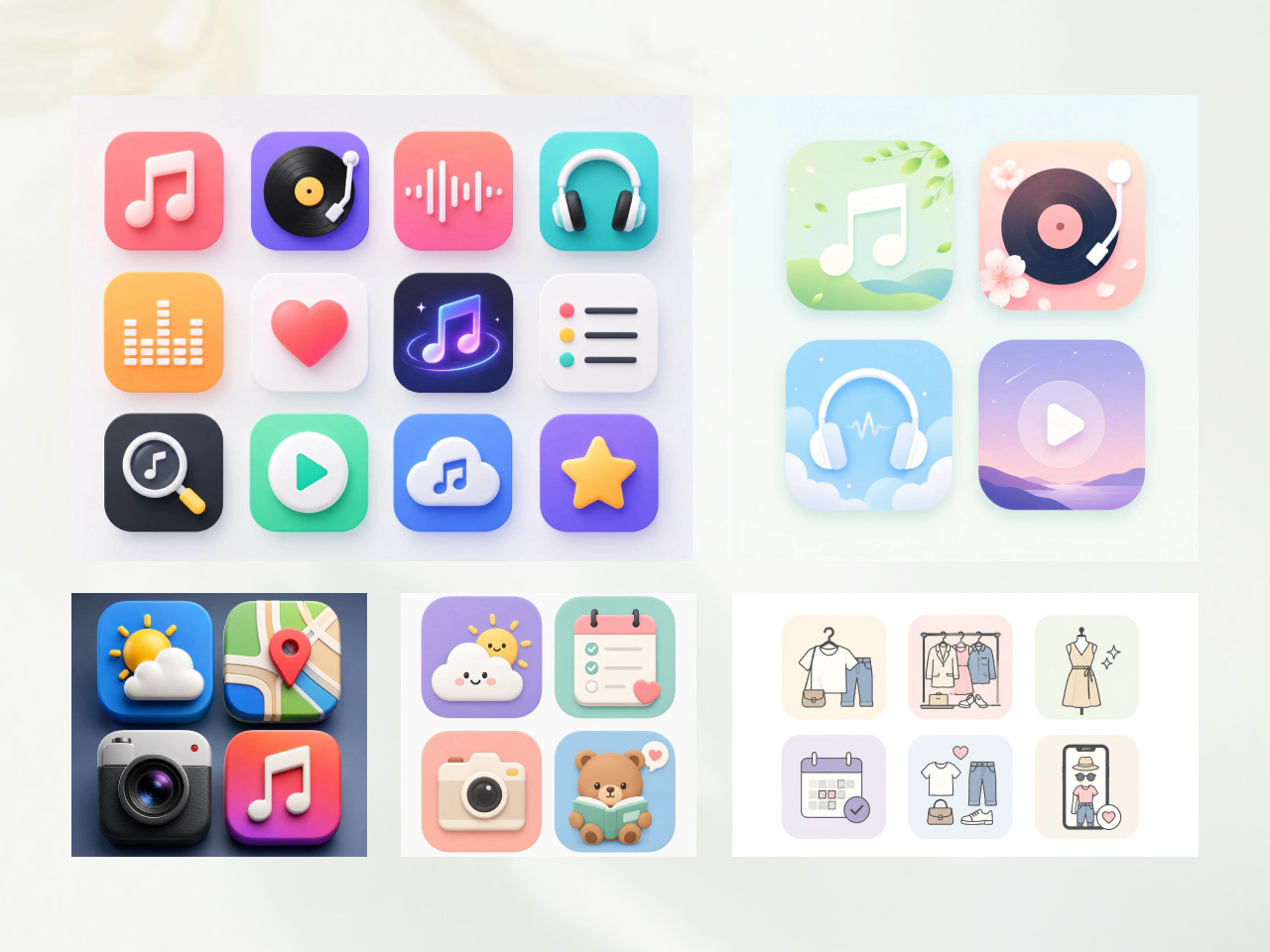
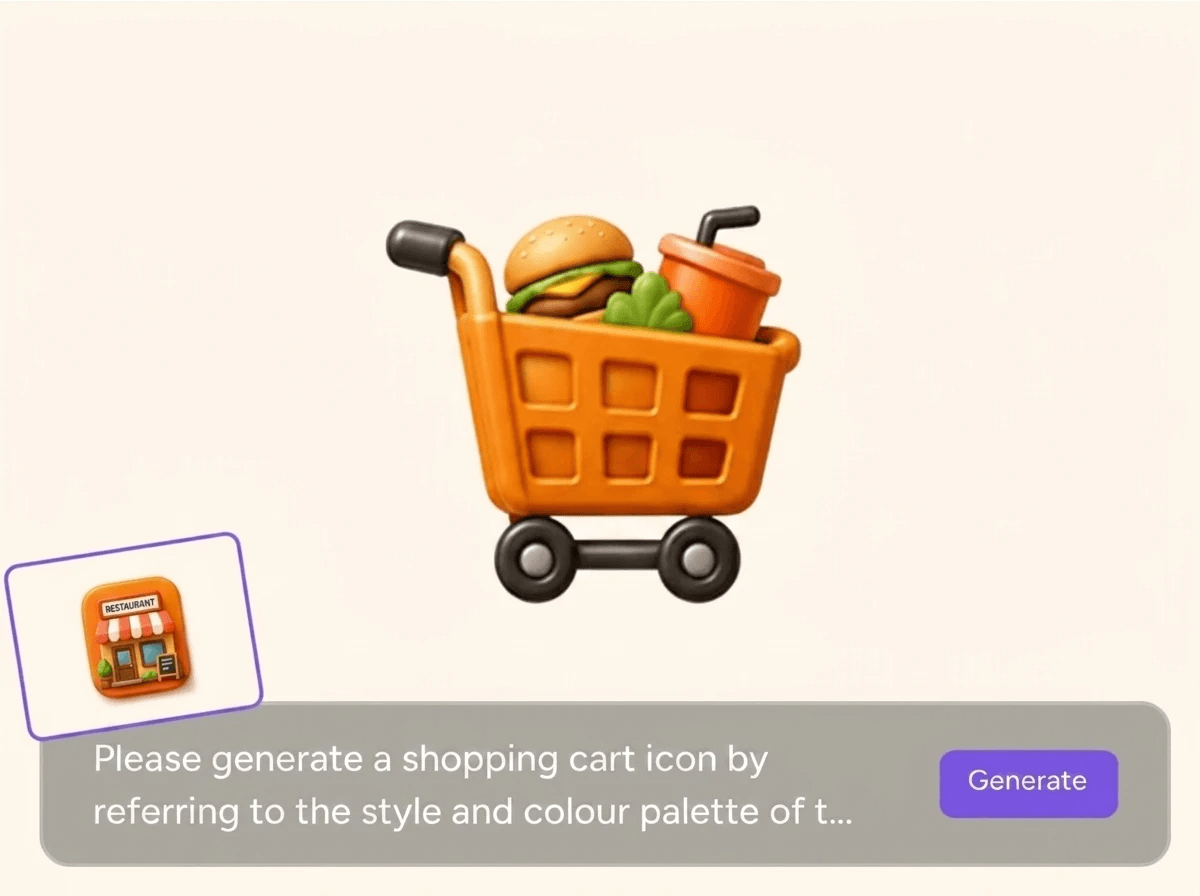
維持圖示之間的視覺一致性
在擴充圖示庫的同時維持相同設計語言。AI 會分析你現有的圖示,保留關鍵視覺元素,例如形狀、線條粗細、比例與風格。新生成的圖示會無縫對齊原本的圖示集,確保整套圖示在視覺上一致。
為什麼選擇 PicLumen AI 圖示產生器
更快的設計流程
省去手動畫圖與重複修圖的時間。快速生成單一圖示或整套圖示集,讓你從概念到完成設計的速度大幅提升。非常適合快速產品上線、UI 設計與時程緊湊的創意專案。

降低設計成本
不再需要購買昂貴圖示包或外包設計。隨時都能建立不限量的自訂圖示,讓新創、自由工作者與企業在控制預算的同時,也能輕鬆產出專業視覺素材。

一致的視覺風格
建立與現有設計完美匹配的新圖示。上傳一個參考圖示或整套圖示,AI 會分析其視覺元素,生成在風格、比例與整體設計語言上都相符的新圖示。
為每個專案打造專屬圖示
- App 圖示
- 品牌圖示
- 簡報圖示
- 資訊圖表圖示
- 網站圖示

打造吸睛的 App 圖示
在數秒內設計出獨特的 iOS、Android 或桌面 App 圖示。生成現代、易辨識且能反映品牌特色的圖示,讓你的 App 在各大商店中脫穎而出。
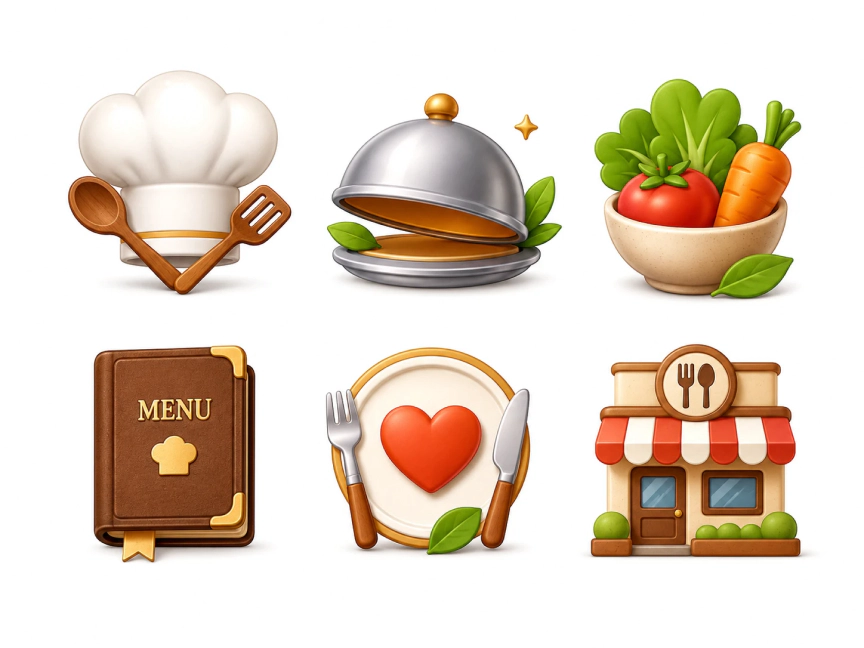

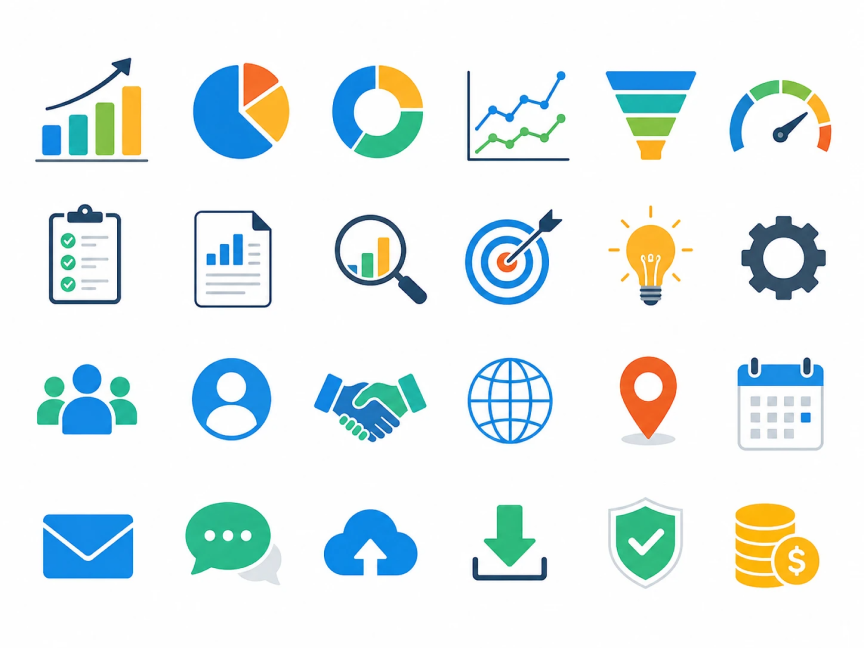
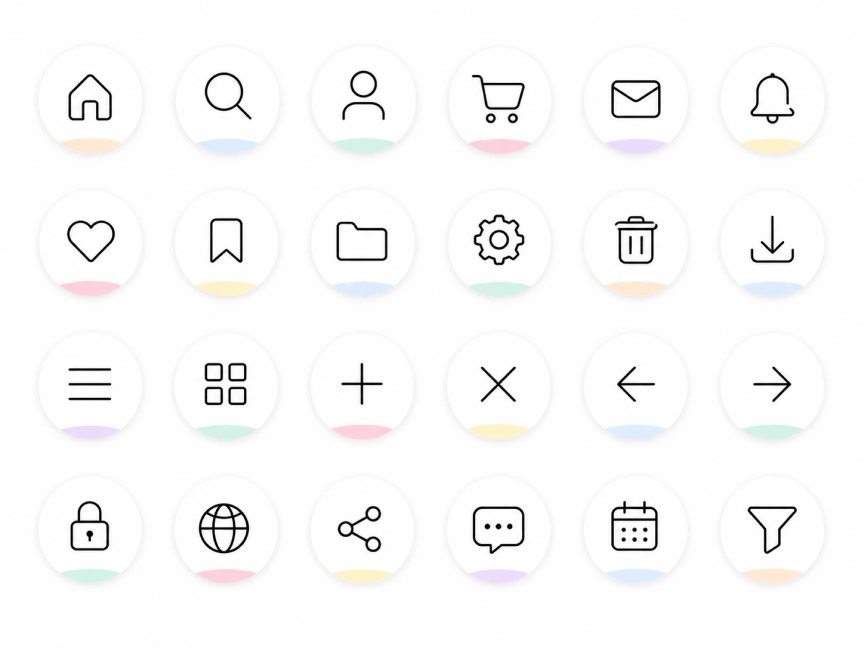
如何把照片變成圖示?
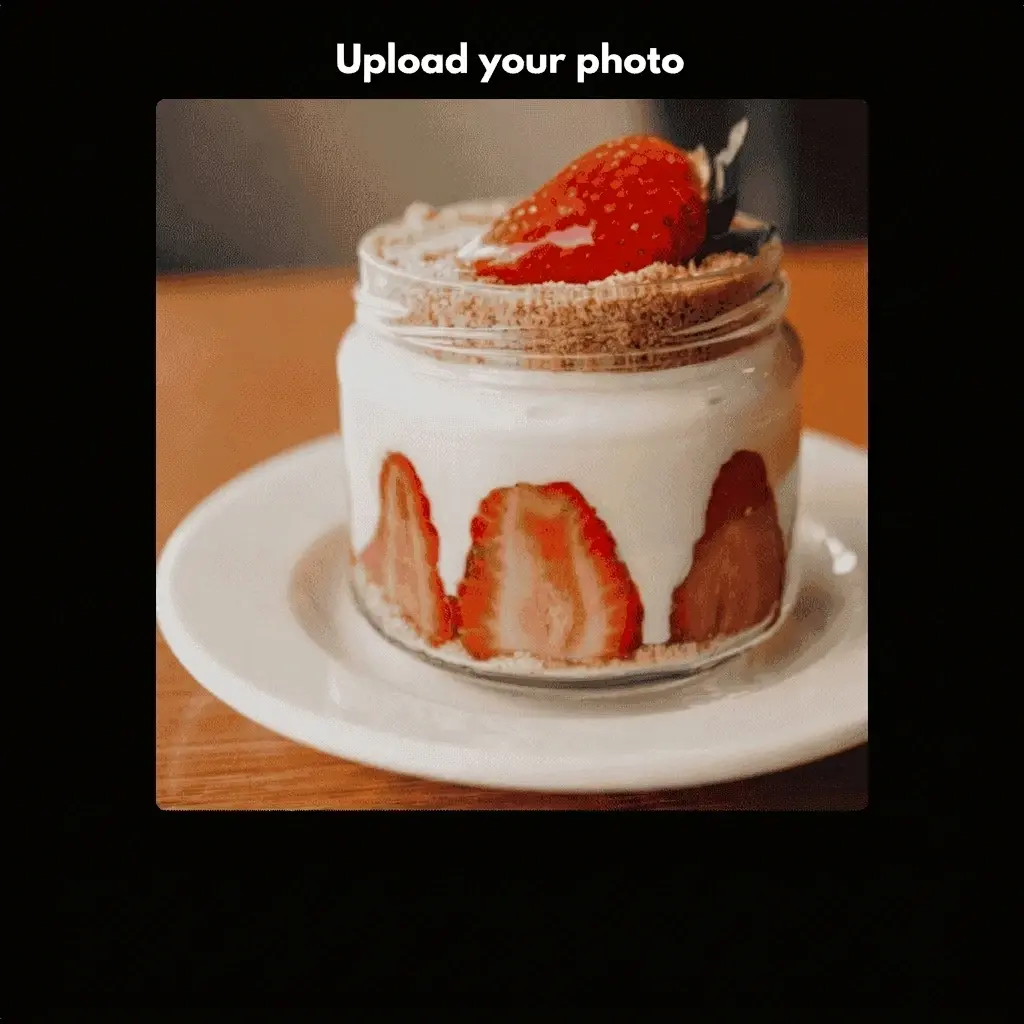
步驟一:上傳你的照片
上傳你想轉換成圖示的照片、草圖或參考圖片。
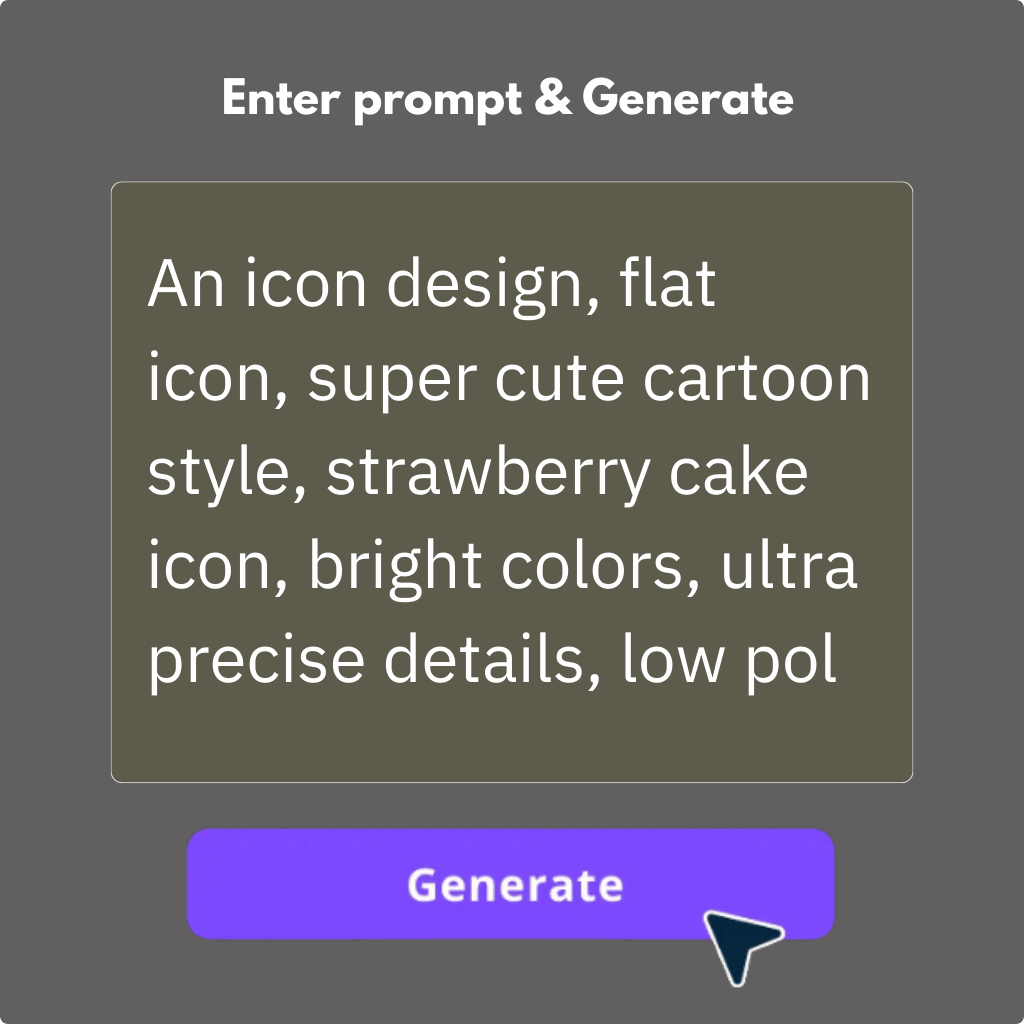
步驟二:輸入你的圖示想法
輸入提示文字描述你想要的圖示。可以加入風格、色彩或用途等細節,生成更符合你品牌、App 或專案需求的結果。
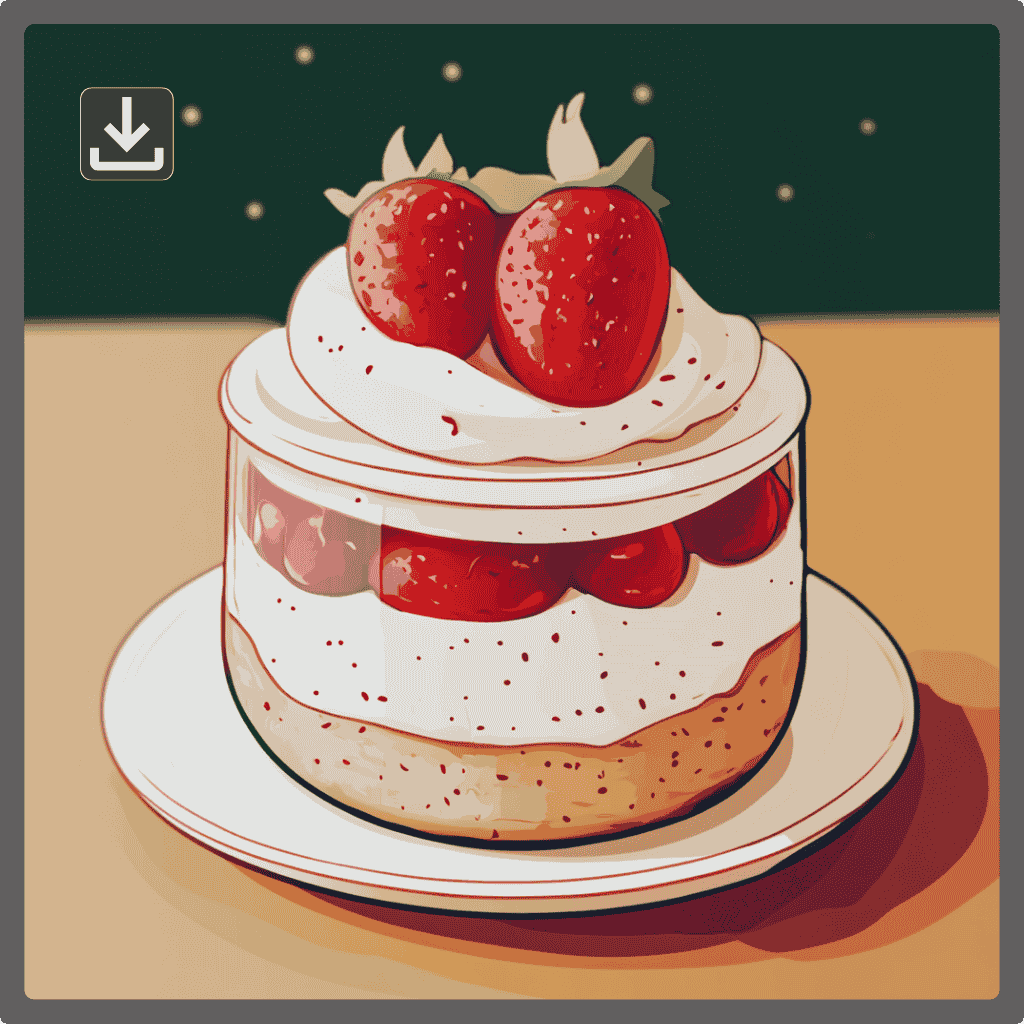
步驟三:生成並下載
點擊「生成」即可建立你的自訂圖示。檢視結果後即可下載。
PicLumen 不只是一款 AI 圖示產生器
Awesome program easy to use a little…
Awesome program easy to use a little disappointment in the fact you can’t buy lumies
 by Neefa
i love it and easy to use
i love it and easy to use
 Brijesh Chikhaliya
very good
very good , Excellent Experience
 Ms. Bliss
Just getting started
Just getting started, thus far it's really good. Going to continue to review and will update.
Love this app it helps my ideas come to…
Love this app it helps my ideas come to life
It’s been great so far
It’s been great so far, I think the limitations are me not the app.
 Adrienne Igo
I love PicLumen it is one of my…
I love PicLumen it is one of my favorite AI image generators!
Good app and make very good video
Good app and make very good video
 Enzo Piriou
The very good experience for AI
The very good experience for AI
Very cool and love the events
Very cool and love the events
best of the best
the quick and fast result also too much style and variety is very very astonishing
 Zain Ali
This is the best ai in the world
This is the best ai in the world
常見問題
我可以用照片來製作圖示嗎?
可以。上傳照片、草圖、Logo 或參考圖片,再描述你想要的圖示風格。AI 會分析你的圖片,生成在概念、視覺偏好與創意方向上都相符的自訂圖示。
我可以製作哪些類型的圖示?
你可以建立各種自訂圖示,包括 App 圖示、網站圖示、UI 圖示、Logo 圖示、簡報圖示、資訊圖表圖示、社群媒體圖示與產品功能圖示等。也能生成不同風格的圖示,以符合各種設計需求。
我可以自訂生成圖示的風格嗎?
可以。你可以透過加入風格描述或上傳參考圖片來引導輸出結果。AI 會依據你的輸入,生成在視覺風格、形狀與設計細節上符合需求的圖示。
AI 圖示產生器可以免費使用嗎?
可以。你可以免費使用 PicLumen,每天會獲得 10 點免費額度。使用這些額度即可從文字提示或圖片生成自訂圖示,在升級付費方案前先體驗 AI 圖示生成功能。
我可以將 AI 生成的圖示用在商業專案嗎?
可以,但商業使用權限取決於你的 PicLumen 方案。付費方案用戶可以將生成的圖示用於商業專案,Basic 方案用戶則不行。詳情請參閱 PicLumen 的服務條款。
我可以取得 SVG 格式的圖示嗎?
可以。AI 生成的圖示通常為 PNG 格式。若你需要 SVG 檔案,可以使用 PNG 轉 SVG 工具,例如 Vectorizer.ai 或 Kittl,將圖示轉換成可縮放的向量格式。
.png)