用免費 AI 影片轉影片產生器改造任何影片
利用強大的影片轉影片 AI,將現有影片變成驚豔的新作品。重塑畫面風格、轉移動作、替換背景,並用簡單文字提示編輯場景。
熱門影片效果
查看全部用任何視覺風格重新想像你的影片
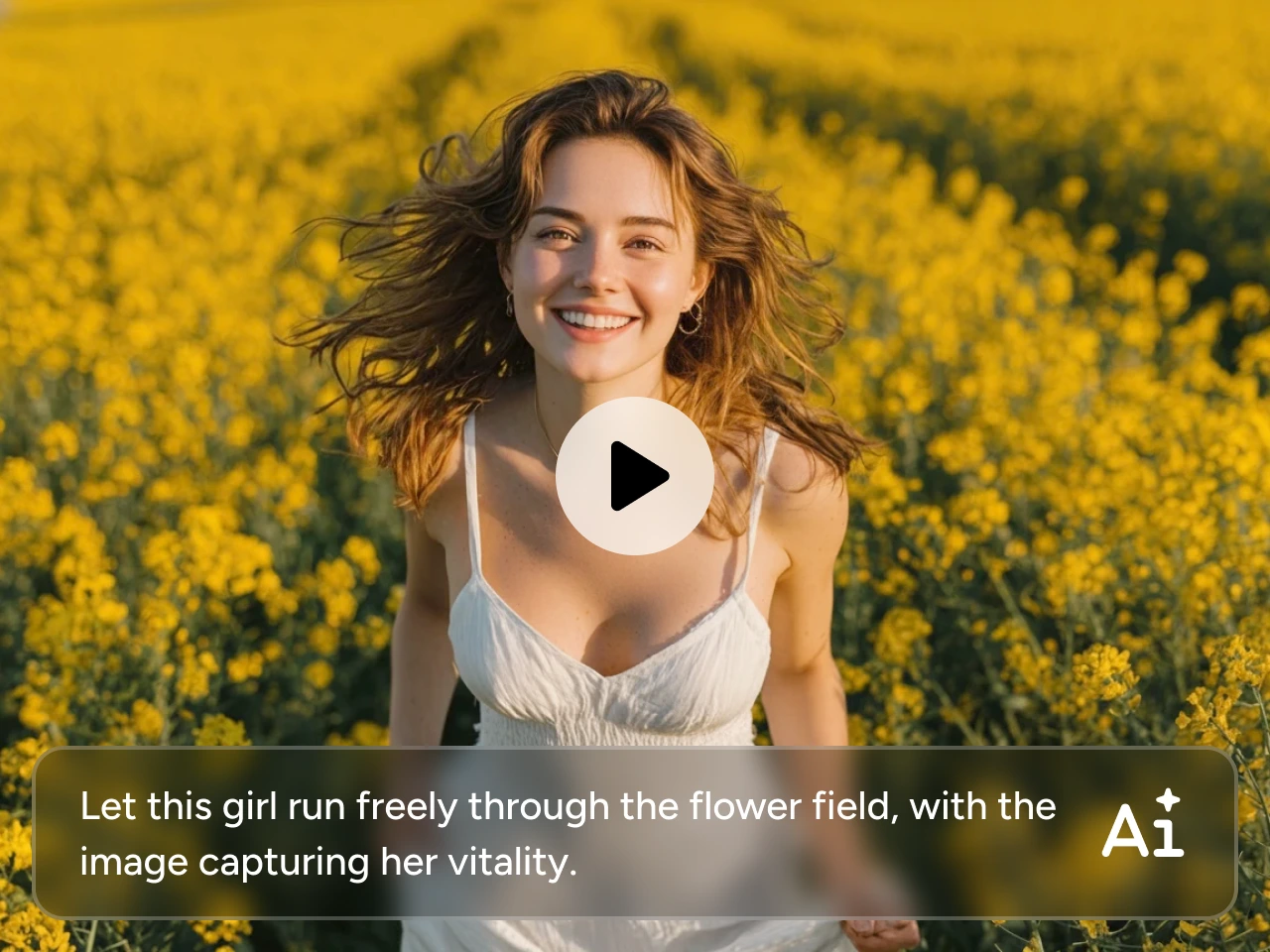
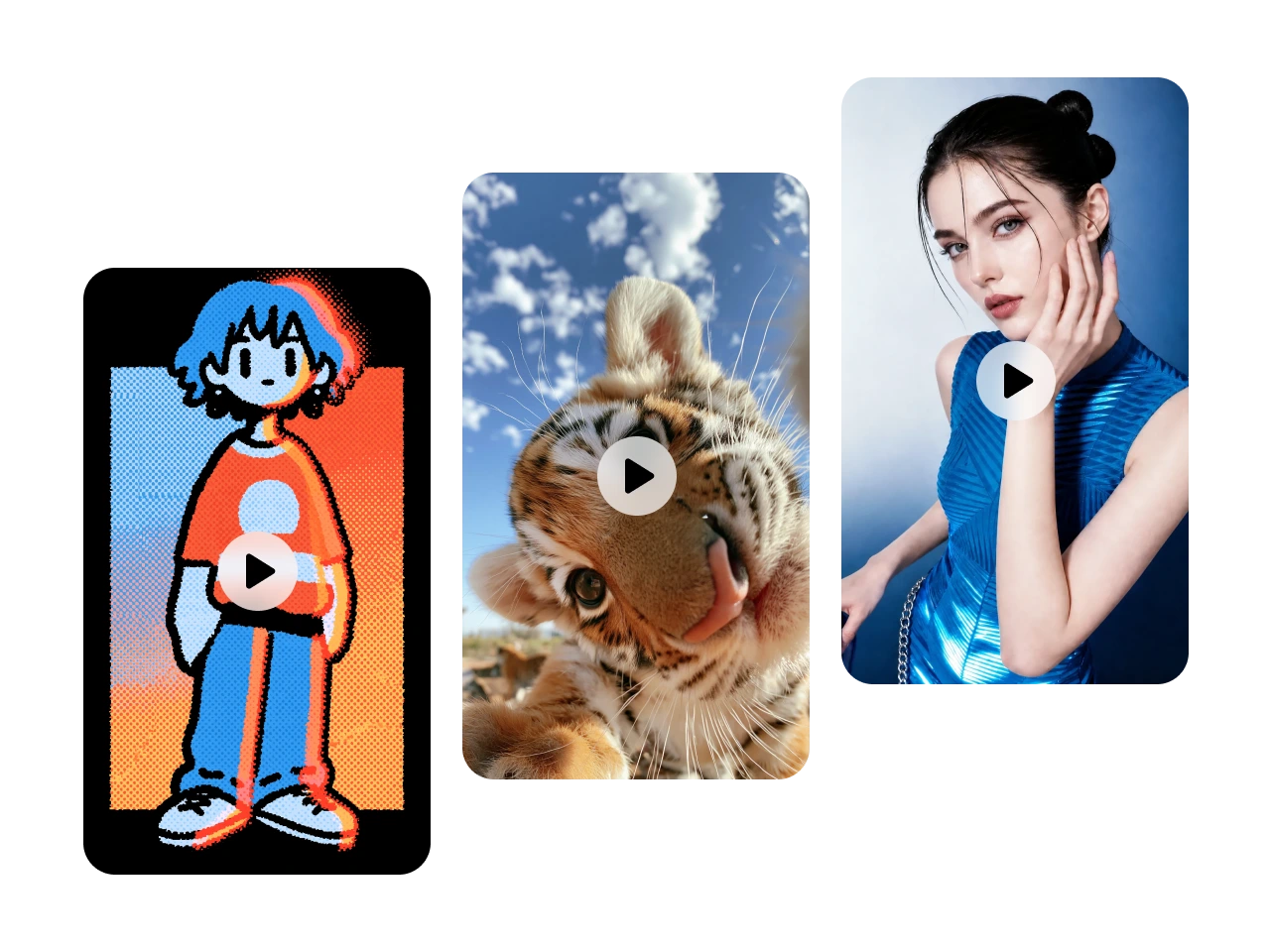
在保留原本動作與故事的前提下,將現有影片轉換成全新的視覺風格。立即把畫面變成動漫、電影感、黏土動畫、水彩、像素風或 3D 等多種風格。非常適合用於社群內容、行銷素材、娛樂作品或個人創作。
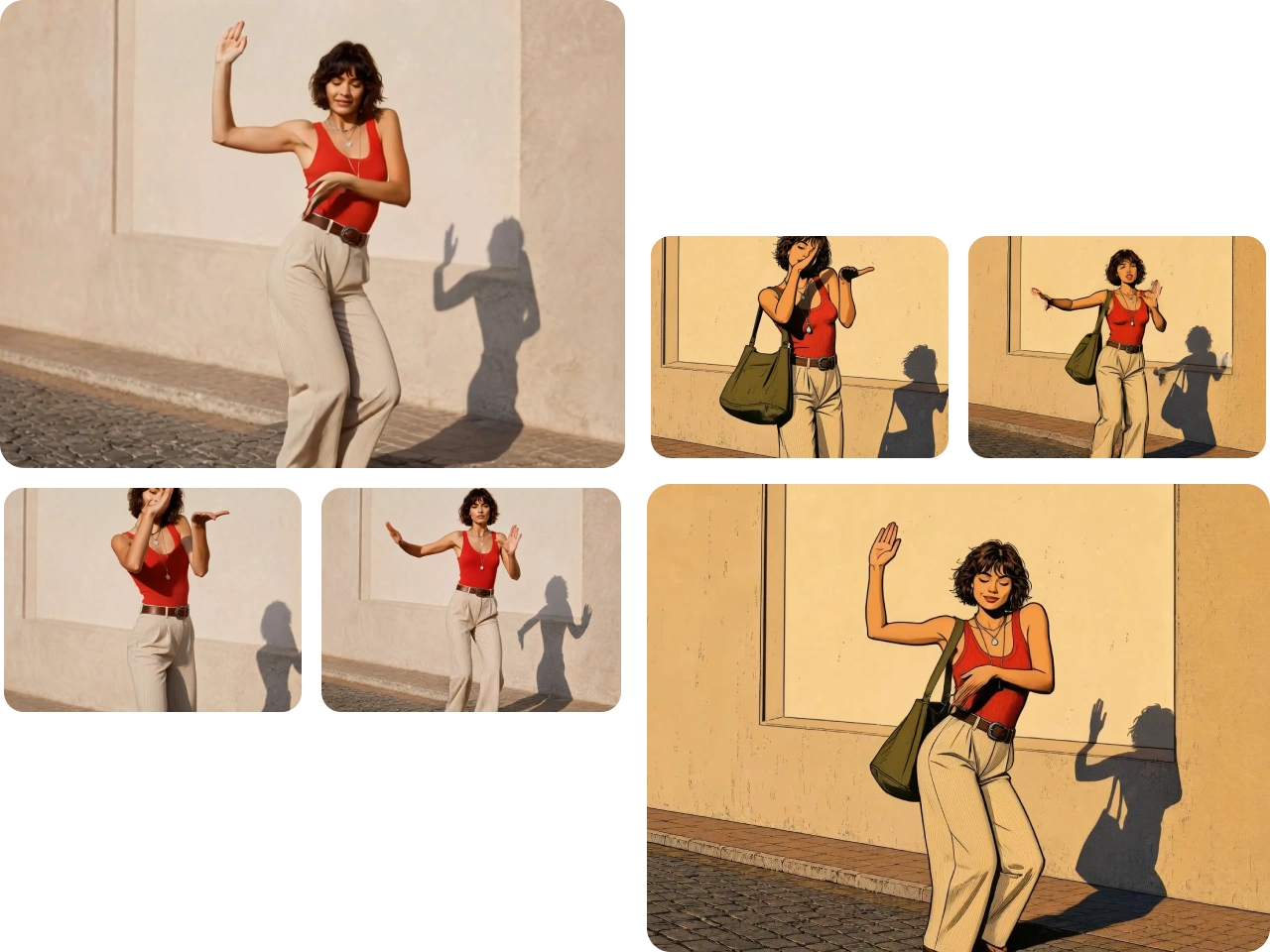
精準控制主體,轉移動作
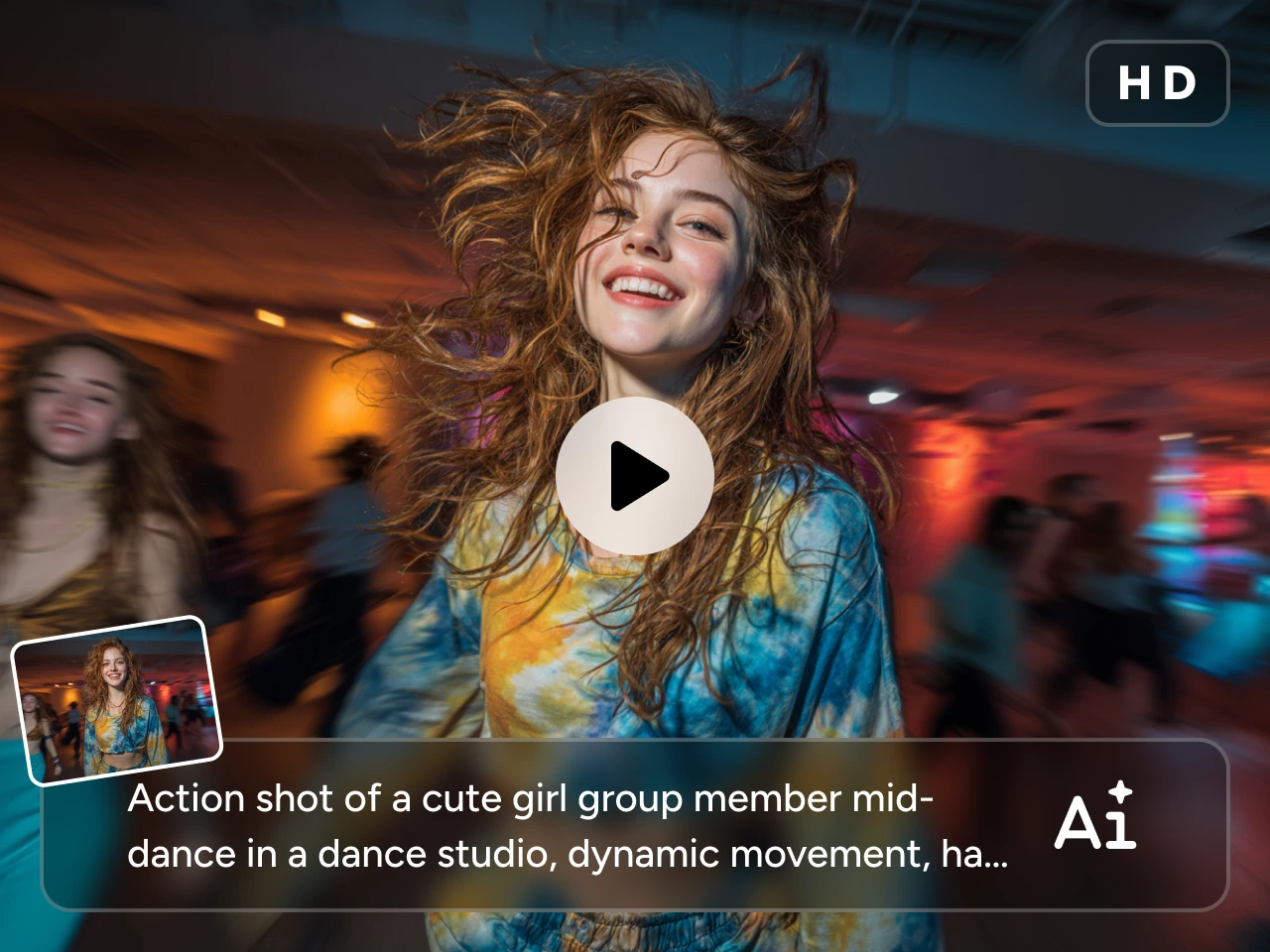
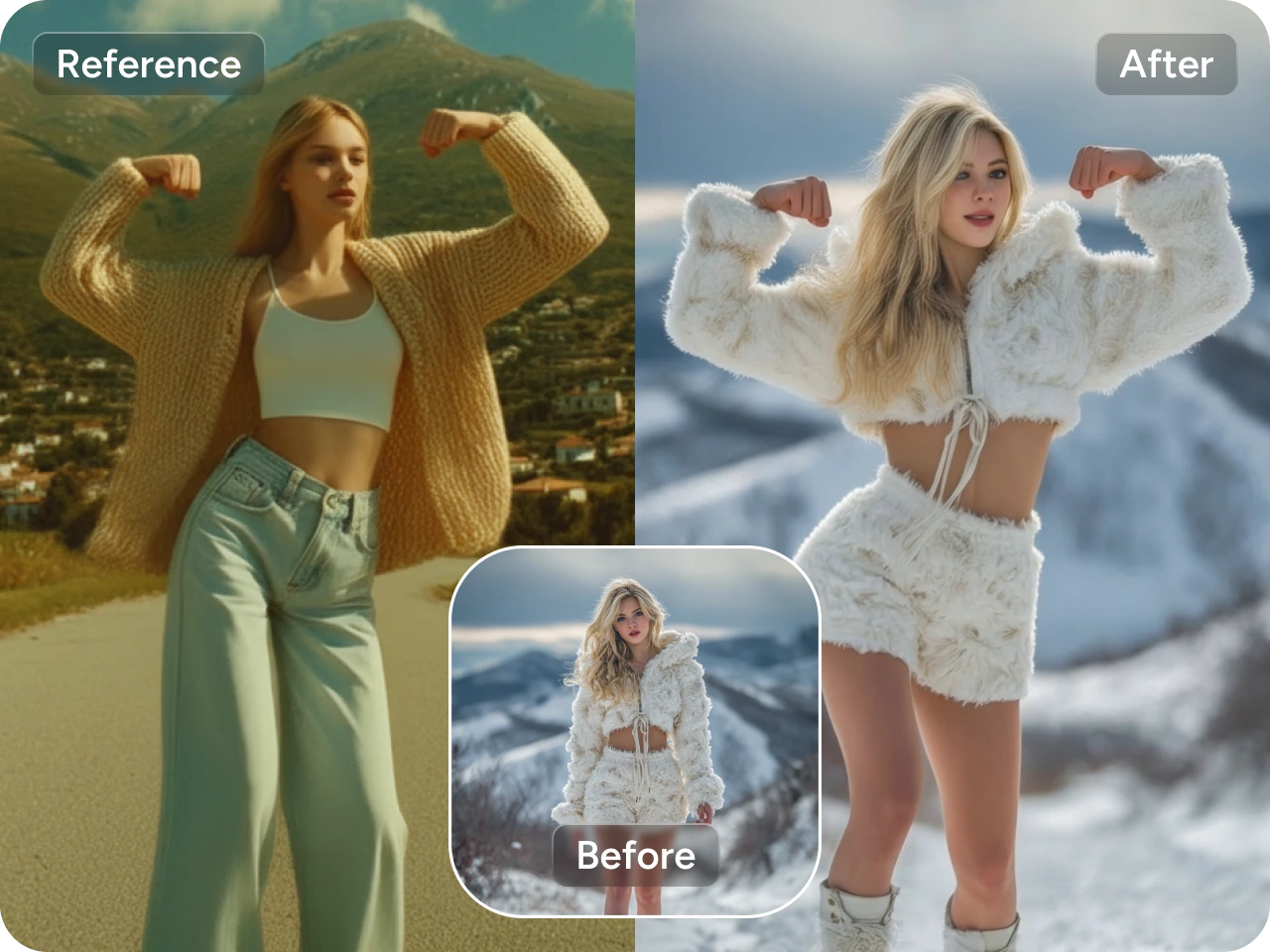
將靜態角色或既有畫面賦予生命,將真實的動作、姿勢與表情在影片間互相轉移。PicLumen 的影片轉影片產生器能精準保留肢體位置與自然動態,同時維持主體的一致性。
輕鬆替換背景與物件
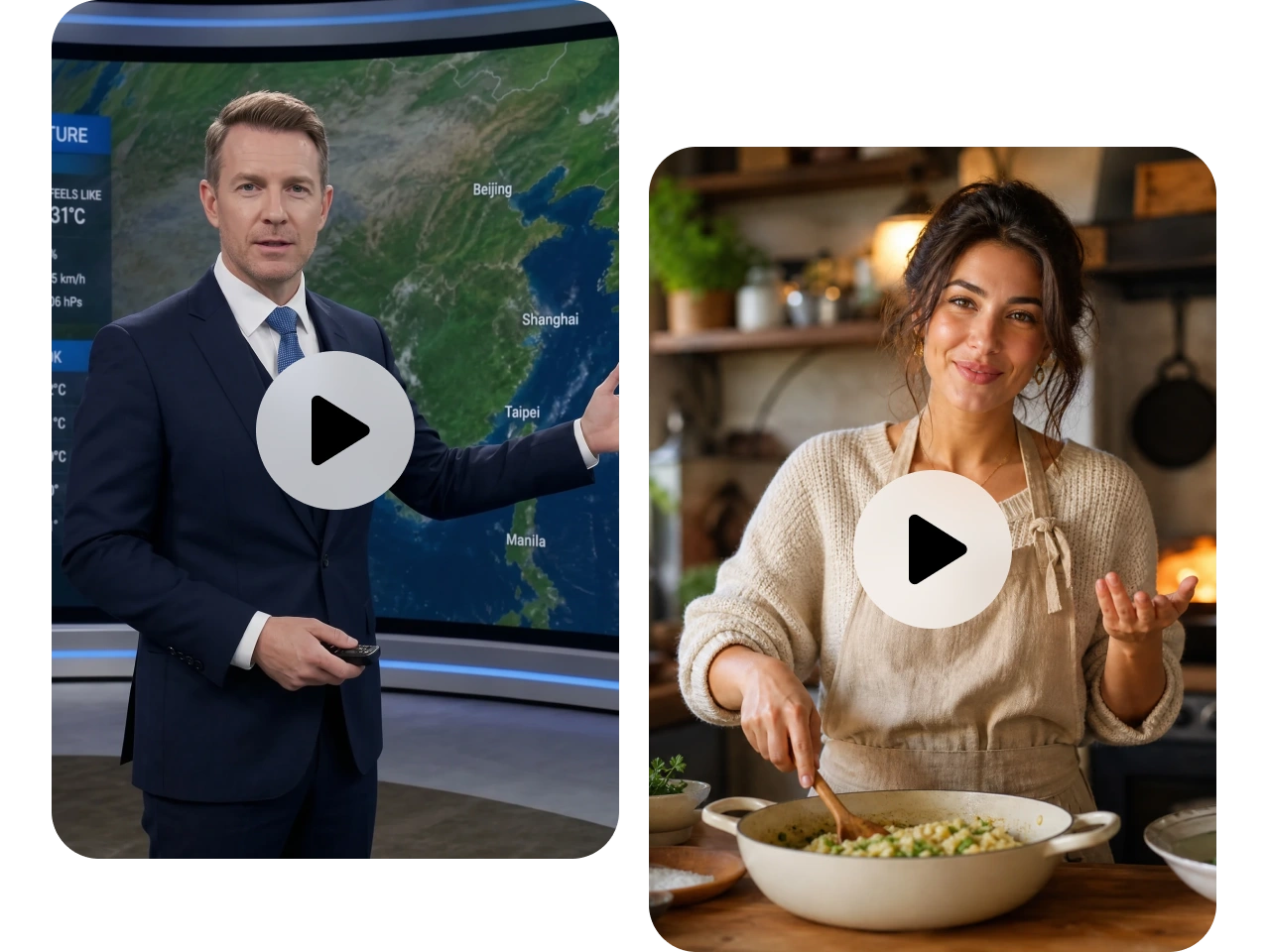
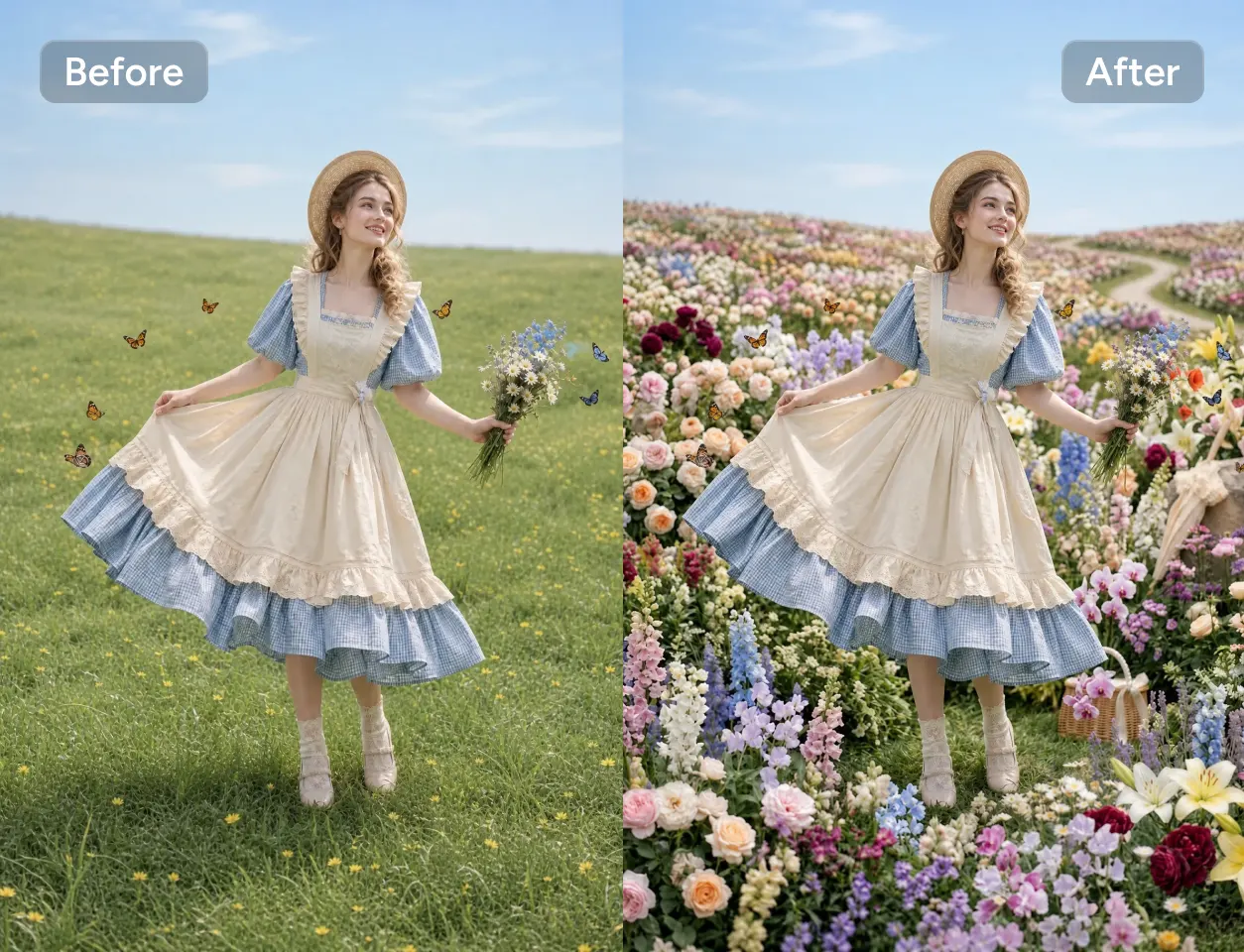
立即更換背景、移除干擾物或替換物件,無需重新拍攝。將主體移到全新場景、更換道具,或自訂畫面,同時維持光線與視角的自然一致。
零門檻線上剪輯影片
直接在瀏覽器中製作精緻影片,無需下載複雜軟體。只要上傳影片、描述你想要的變化,其餘交給 AI。無論是更新視覺、變換風格,或微調場景,任何人都能在幾分鐘內產出高品質影片。
誰適合使用 AI 影片轉影片產生器?

內容創作者
讓同一支影片變出多種風格,適用於 YouTube、TikTok、Instagram 等平台,輕鬆保持創意新鮮感。

行銷團隊
一支影片變出多個版本。快速為不同活動、廣告與受眾製作變化版本,同時節省時間與製作成本。

電影人與影片剪輯師
在不增加大量後製工作的情況下,嘗試全新視覺風格、電影質感或創意特效。

教育工作者與培訓講師
用更清晰的視覺與更吸睛的風格更新教學影片,幫助更好地說明概念並提升學習者的專注度。

創意工作室
加速客戶專案流程,在幾分鐘內產出多種創意方向。更快測試想法,以更少的力氣交付精緻成果。
為你的目標選對 AI 模型
不同模型適合不同類型的影片轉換。從下方找到最符合你創作需求的模型。

Seedance 2.0:最快速的風格變換選擇
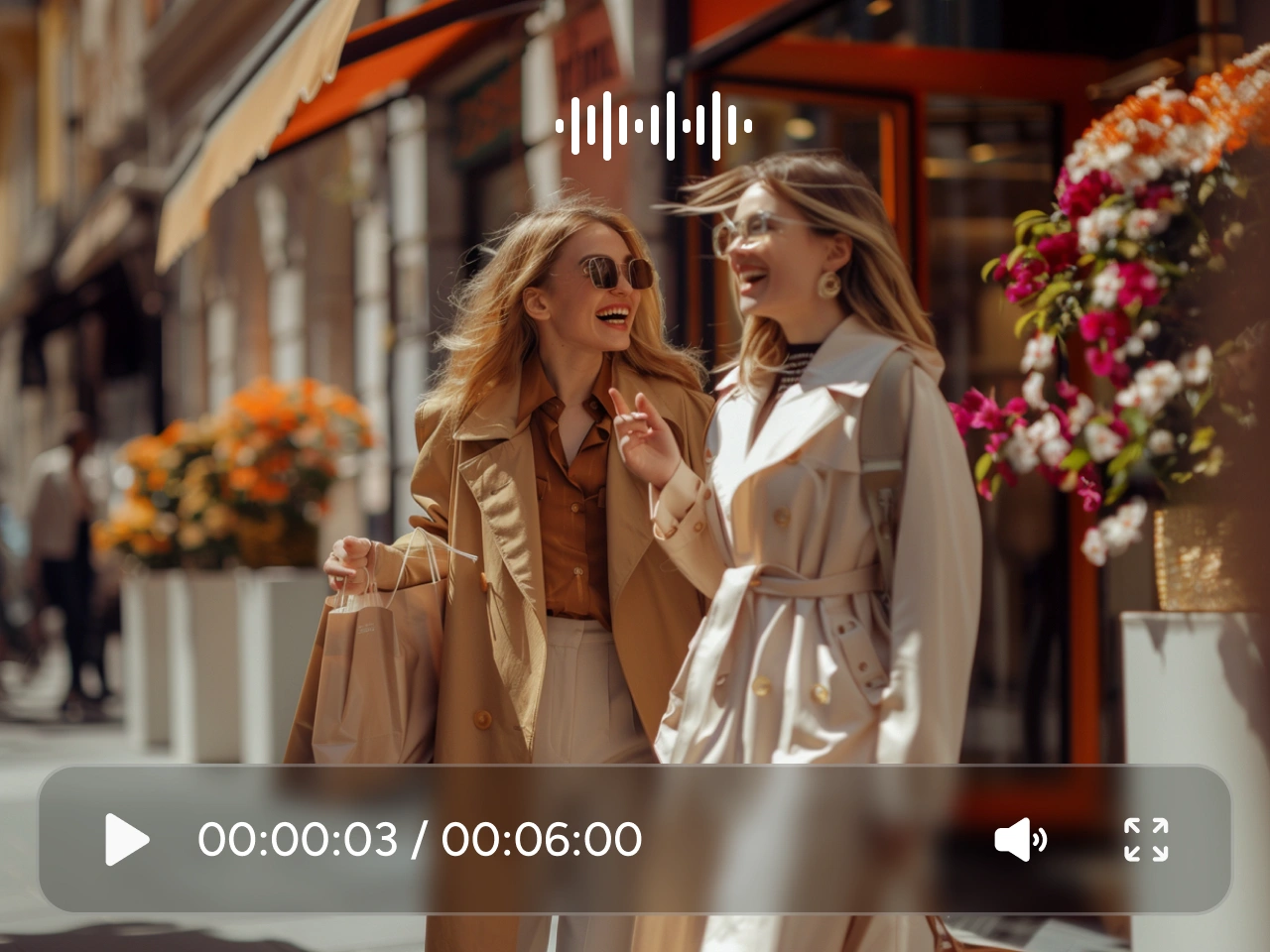
非常適合在保留流暢自然動作的同時,快速變換影片風格。Seedance 2.0 對於背景替換、視覺特效,以及需要穩定品質的社群內容等創意編輯特別好用。
Kling 3.0 Motion Control:最佳動作與姿勢控制
非常適合動作轉移、姿勢控制與角色一致性維持。Kling 3.0 能將現有影片轉換成電影級場景,同時保留角色身份與自然動作。特別適用於動作片段、舞蹈影片與角色導向內容。
如何使用 AI 影片轉影片產生器
1 選擇模型與設定
1選擇符合你目標的 AI 模型,並調整基本設定,例如畫面比例、解析度與時長。
2 上傳影片並輸入提示
2上傳你的影片,並描述你想要的變化——例如風格、背景、動作或特效。
3 產生並下載
3點擊產生,預覽結果,並下載高畫質的最終影片。
I recently had some technical issues…
I recently had some technical issues that I was trying to work through, so I reached out to the team at PicLumen for support. They were incredibly open, responsive, and willing to discuss the challenges I was experiencing. I even sent them a video demonstrating some of the issues I came across, and they took the time to review everything carefully and work toward finding solutions. What really stood out to me was how friendly, approachable, and collaborative they were throughout the process. I never felt like I was just submitting a problem ticket — it felt like they genuinely cared about improving the experience and helping users succeed. I truly enjoy using the platform and appreciate the level of support and dedication behind it. I would absolutely recommend PicLumen to anyone interested in this type of creative work.
 by Neefa
i love it and easy to use
i love it and easy to use
 Sara Frandsen
Excellent customer service
Excellent customer service! The support team was incredibly fast, polite, and helpful. They handled my request quickly and professionally without any hassle. It is rare to see such great and honest support these days. Highly recommended!
 Mubashir Ahmed
This web is very help and free
This web is very help and free
 rockstar gaming
Value For Money
its value for money i fully recommend you to try this one time you will like it...
 Zara
ZaraPiclumen still remains the best…
Piclumen still remains the best with image references. I don't have any complains using Piclumen. It makes my work easier
They make anything that u could imagine…
They make anything that u could imagine and it’s so amazing
 Jonathan Kauan da Silva
good i like create images
good i like create images
 Piye Chauhan
Nice app generate to google
Nice app generate to google
I like this app its a veey good…
I like this app its a veey good experience
 Sheikh
very user friendly
very user friendly, easy to use.
 Hesham Zohny
it is super easy and UI/UXis perfect
it is super easy and UI/UXis perfect
常見問題
什麼是 AI 影片轉影片產生器?
AI 影片轉影片產生器會根據文字提示或參考素材,將現有影片轉換成全新的版本。
我可以更改影片的風格嗎?
可以。你可以用簡單的文字提示,將影片轉換成多種藝術風格,包括動漫、電影感、水彩、油畫、黏土動畫、像素風、3D 等等。
哪一款 AI 模型最適合影片轉影片?
取決於你的創作目標。比如,若需要精準的動作轉移與姿勢控制,可使用 Kling 3.0 Motion Control;若想要快速又有創意的風格變換,Seedance 2.0 則是能帶來流暢高品質轉換的好選擇。