Minimax H3(海螺 3.0)多模態 AI 影片生成器
MiniMax H3,也稱為海螺 3.0,是一款全模態 AI 影片模型,能把文字、圖片、影片與音訊整合進同一條創作流程。將複雜想法轉化為自然運動、立體聲同步、最高 2K 的精緻影片,並對每個場景保有更高掌控度。
熱門影片效果
用熱門 AI 影片特效,把照片變成有趣的舞蹈短片、驚喜變身和可分享的精彩瞬間。
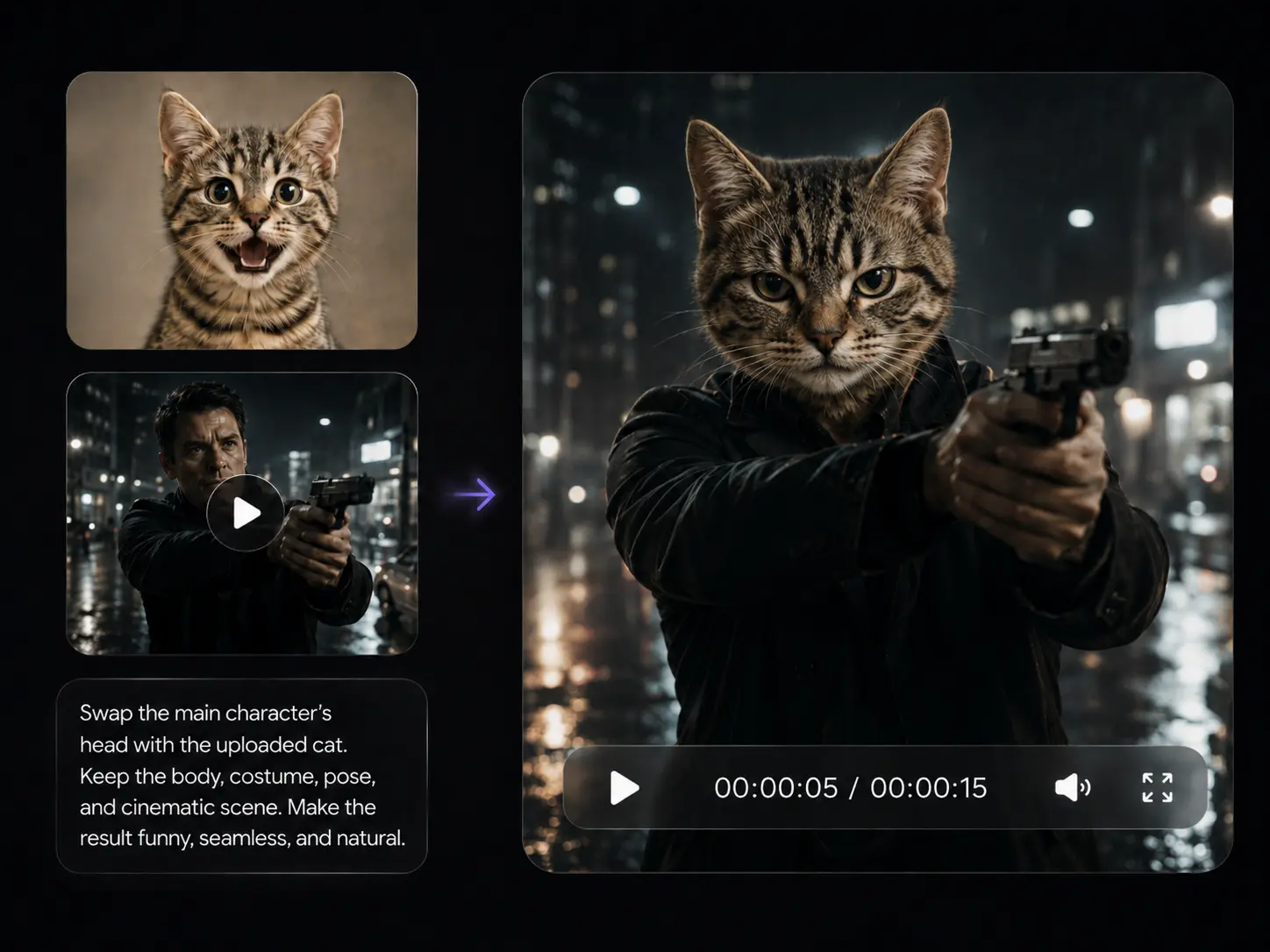
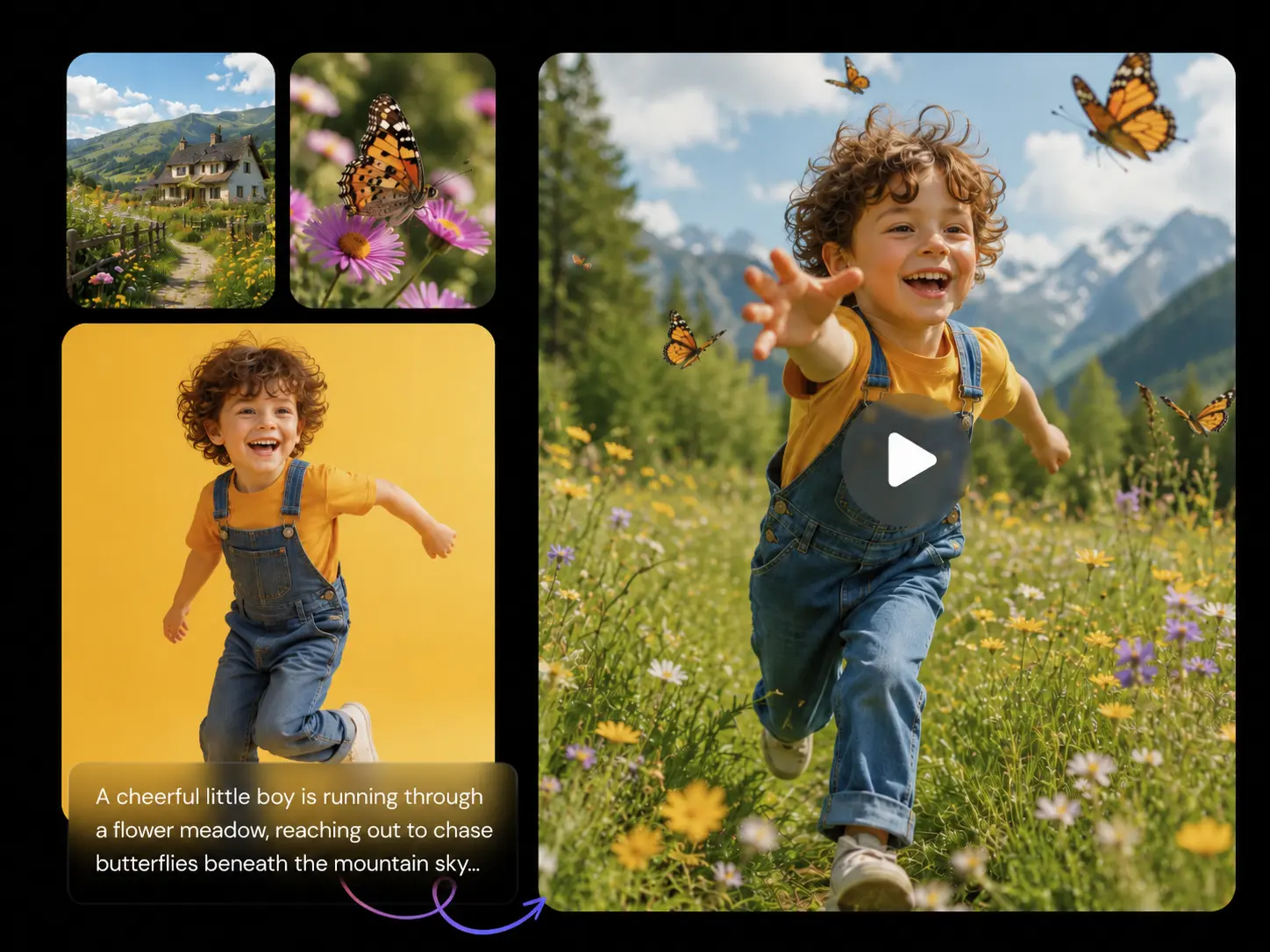
你可以用 MiniMax H3 做什麼?

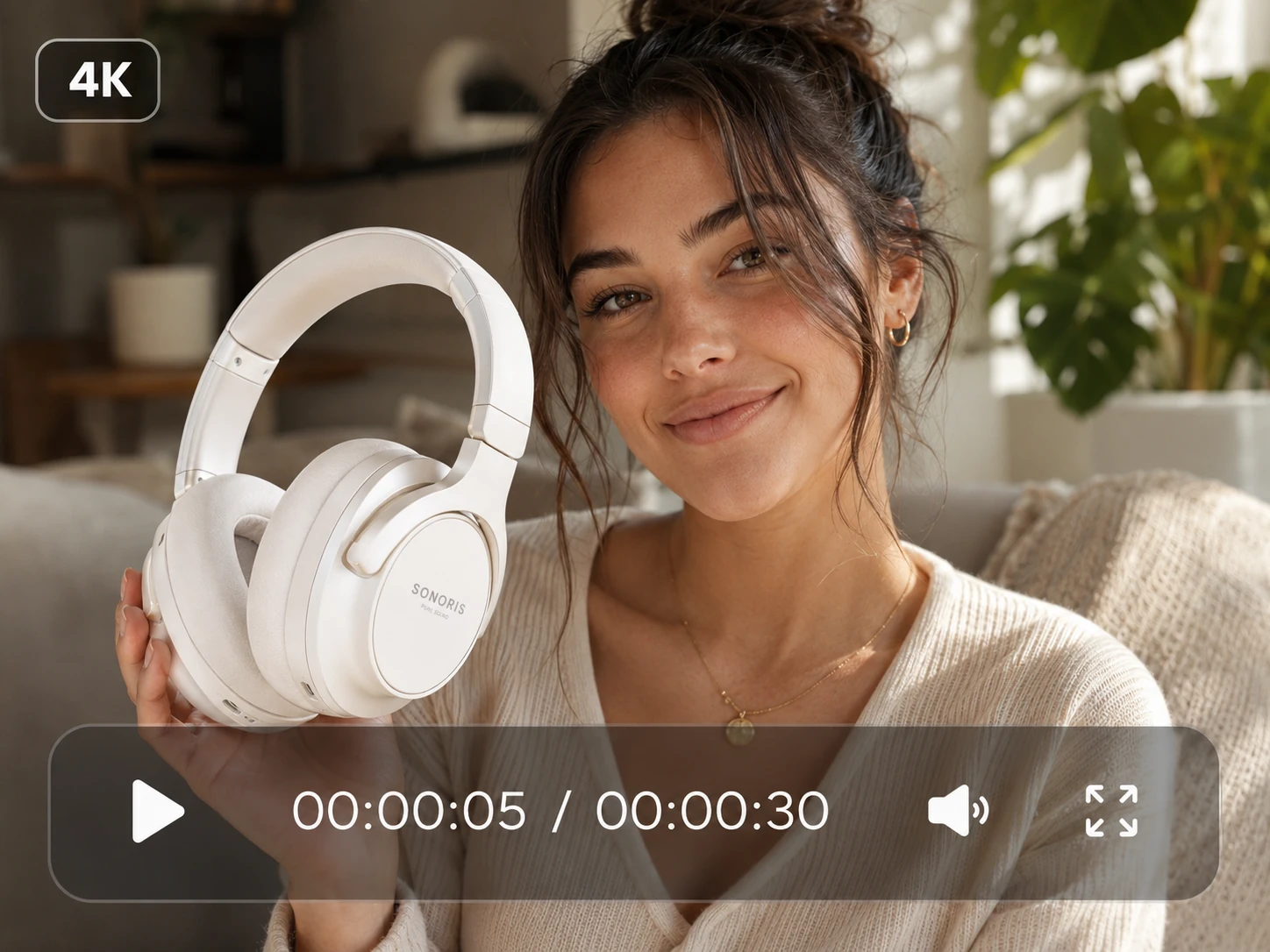
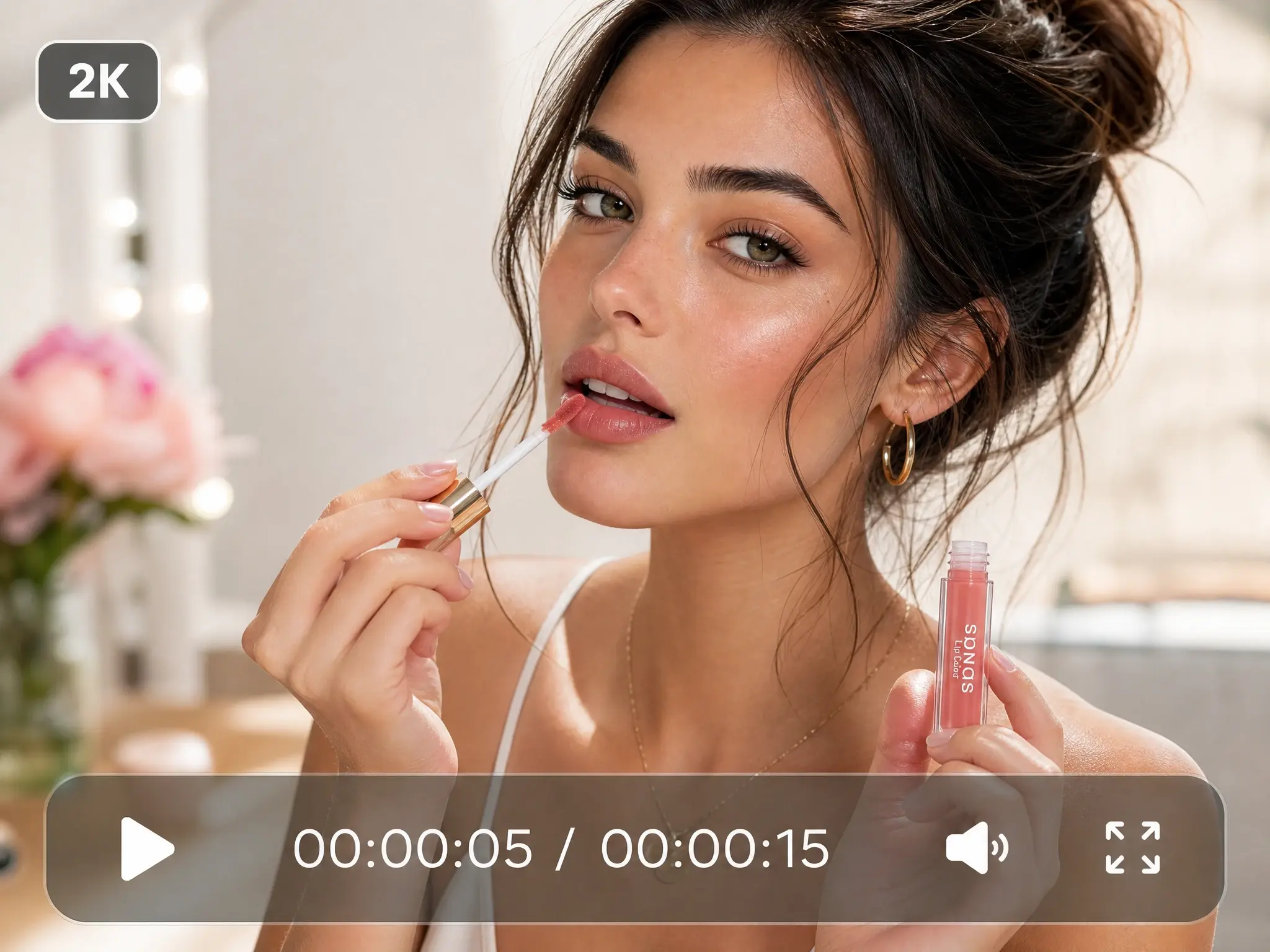
產品廣告
將產品圖片轉化為具備運鏡、光效、聲音與清晰收尾畫面的精緻商業影片。適合新品發表、電商頁面與付費投放活動。

短片
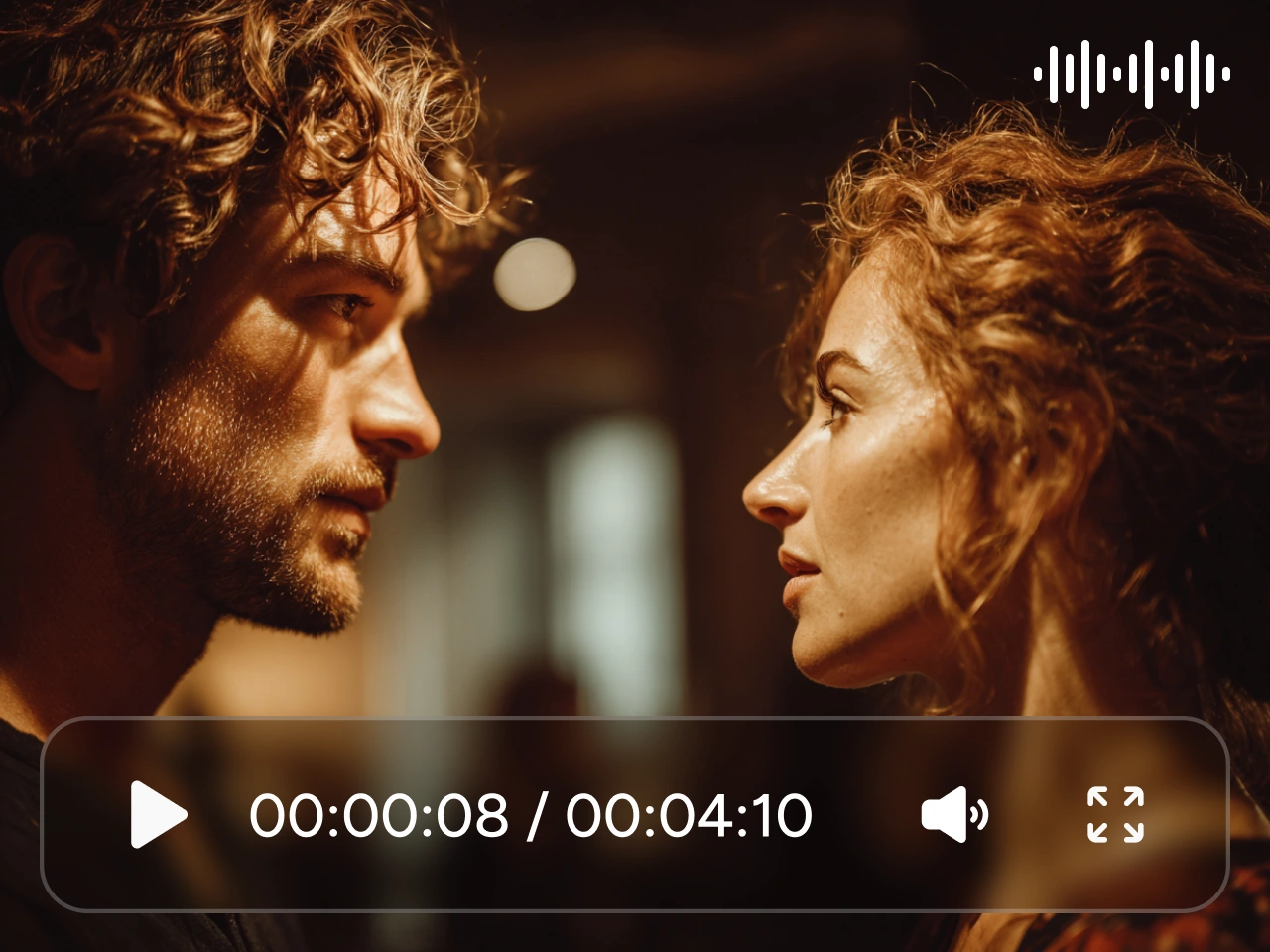
創作具電影感的場景,串連鏡頭、角色動作、對白與氛圍。透過多模態參考,讓故事、場景與視覺風格保持一致。

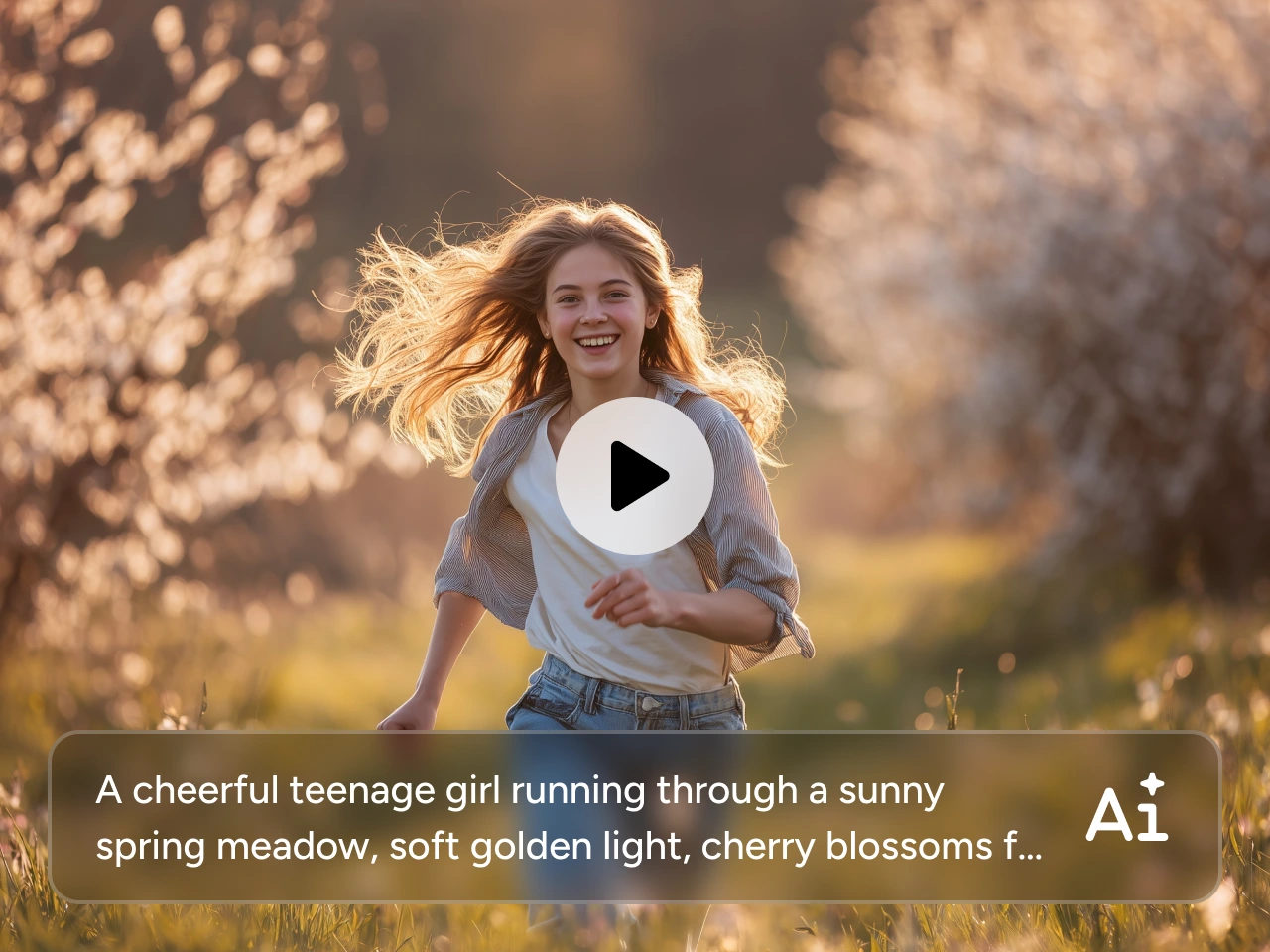
社群影片
為社群平台生成直式開場鉤子、變化前後對比、生活風格片段與趨勢內容。加入音樂或動態參考,塑造節奏與情緒。

角色場景
讓角色在整支影片中的外型、動作與聲音更一致。適合對話片段、虛擬創作者、品牌 IP 角色與短劇內容。

音樂影片
把歌曲、歌詞與音訊參考轉化為完整 MV 概念,畫面與節奏、氛圍同步。以一致風格打造表演場景、敘事段落、歌詞導向片段、宣傳預告與音樂視覺化內容。

動態概念
將參考影片的運鏡路徑、動作或剪輯節奏套用到新的主題或場景。適合測試廣告、遊戲場景、動態海報與早期創意概念。
如何在 PicLumen 使用 MiniMax H3
- 步驟 1選擇 MiniMax H3
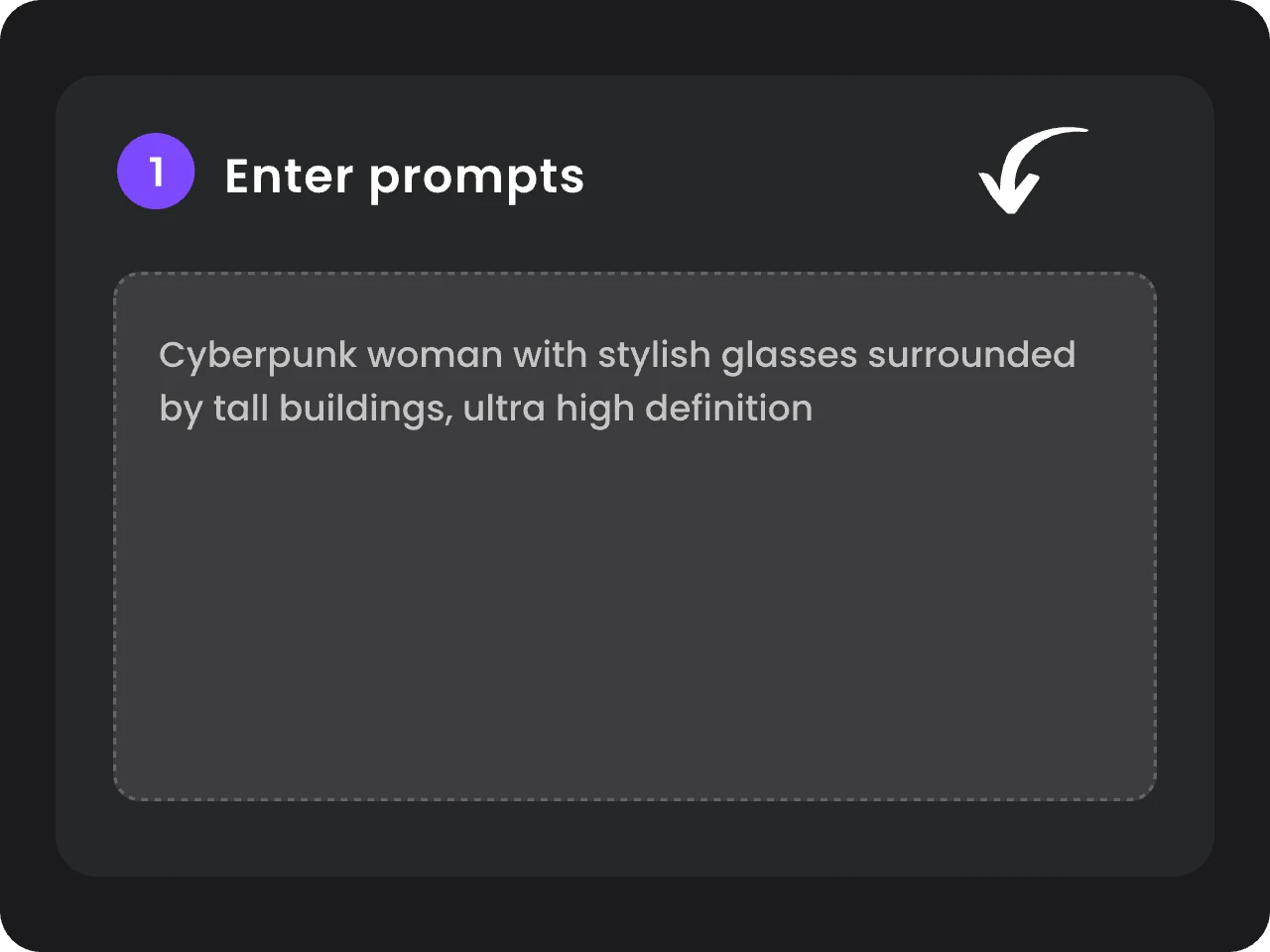
開啟 PicLumen AI 影片生成器,從模型清單中選擇 MiniMax H3(海螺 3.0)。依照你現有的素材,選擇文字轉影片、畫面驅動生成,或多模態參考生成。
- 步驟 2加入提示與參考素材
- 步驟 3選擇設定並開始生成
Just amazing website a must try.
Just amazing website a must try.
 Ai Hack
Great tool
I would really recommend this website to content creation
 Kura Aditya
The best experience ever w
The best experience ever w
Excellent results
Excellent results, very supportive and helpful customer service. They have a great interface very friendly use and the prices are reasonable. I use it for personal stuff and I am just a beginner but it made my earning process very enjoyable. I might give a more technical review in the future but that is so far my experience. Thanks
 Alexsander Luís
cool it's a good ai creator but create…
cool it's a good ai creator but create imagens for cinema
Great platform
Ease of use,and great models
I like this app its a veey good…
I like this app its a veey good experience
 Phogat Pradeep
People passing by without noticing them.
People passing by without noticing them.
 kola wole
Amazing
Amazing, and easy to use features
 Zain Ali
This is the best ai in the world
This is the best ai in the world
 Headphonlessness Meditations
hi i am @VbsRedlof on twitter
hi i am @VbsRedlof on twitter
Ts is so skibbidy dop dop yes yes
Ts is so skibbidy dop dop yes yes
常見問題
什麼是 MiniMax H3(海螺 3.0)?
MiniMax H3 是模型的正式名稱,而海螺 3.0 是同一模型的另一個稱呼。它是一款全模態 AI 影片模型,讓你在同一條流程中,從文字、圖片、影片與音訊參考生成影片。
MiniMax H3 支援哪些輸入類型?
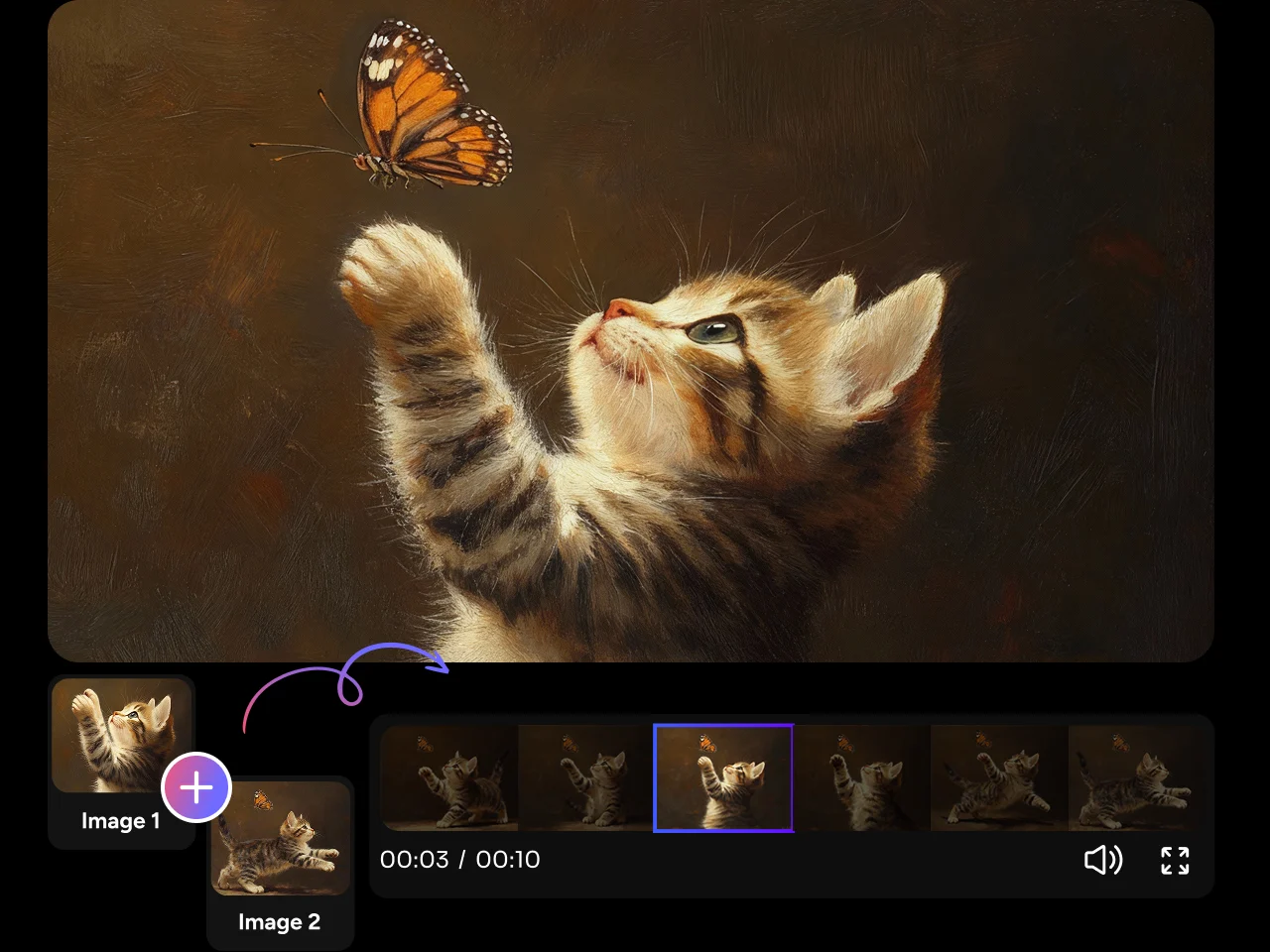
你可以從文字提示開始、為首幀或尾幀加上動畫、串連兩個選定畫面,或結合圖片、影片與音訊參考。無論是從一個簡單想法出發,還是已備妥創意素材,都能找到合適的工作流程。
一次生成中我可以使用多少個參考素材?
你最多可以上傳 9 張圖片、3 段影片與 3 段音訊,總數上限為 12 個檔案。音訊參考必須搭配至少 1 張圖片或 1 段影片使用,讓模型同時擁有視覺與聲音脈絡。
MiniMax H3 可以生成含音訊的影片嗎?
可以。MiniMax H3 會在畫面之外,同步生成原生 32 kHz 立體聲音訊。你可以在提示中加入對白、音樂、環境音與音效,或使用音訊參考來引導聲線、節奏與整體氛圍。
MiniMax H3 支援多語言對話嗎?
可以。MiniMax H3 支援 11 種語言的穩定對話,包括英文、中文、日文、韓文、西班牙文、法文、德文、義大利文、葡萄牙文、俄文與阿拉伯文。這讓它特別適合用於在地化廣告、角色影片、社群內容與多語言敘事。
MiniMax H3 能讓角色與產品保持一致嗎?
MiniMax H3 可以透過參考圖片與影片保留角色外型、產品設計、環境、動作或視覺風格等關鍵細節。若想提升一致性,請清楚說明每個元素由哪個參考素材定義,而不是要求模型以同樣方式遵循所有檔案。其 H3-Context-IR 系統專為理解提示與混合媒體輸入之間的關係而設計。
MiniMax H3 生成的影片最長可以多長?
你可以生成 4 至 15 秒的影片。較長的時長讓你有更多空間安排對白、運鏡、產品示範、音樂主導段落與連續動作,全部集中在同一支影片中。
MiniMax H3 支援 2K 影片嗎?
可以。你可以生成 768P 或最高 2K 的影片。針對 2K 輸出,MiniMax H3 會再次使用你的原始提示與參考素材處理基礎結果,幫助還原更多細節,而不是單純放大低解析度影片。