Hailuo 2.3 Free AI Video Generator
Hailuo 2.3 helps you turn a single image into a smooth, believable video. Movements feel natural, faces stay expressive, and scenes hold together—no weird motion or visual drift. It’s built for short-form content, ads, and product videos that need to look real, not generated.
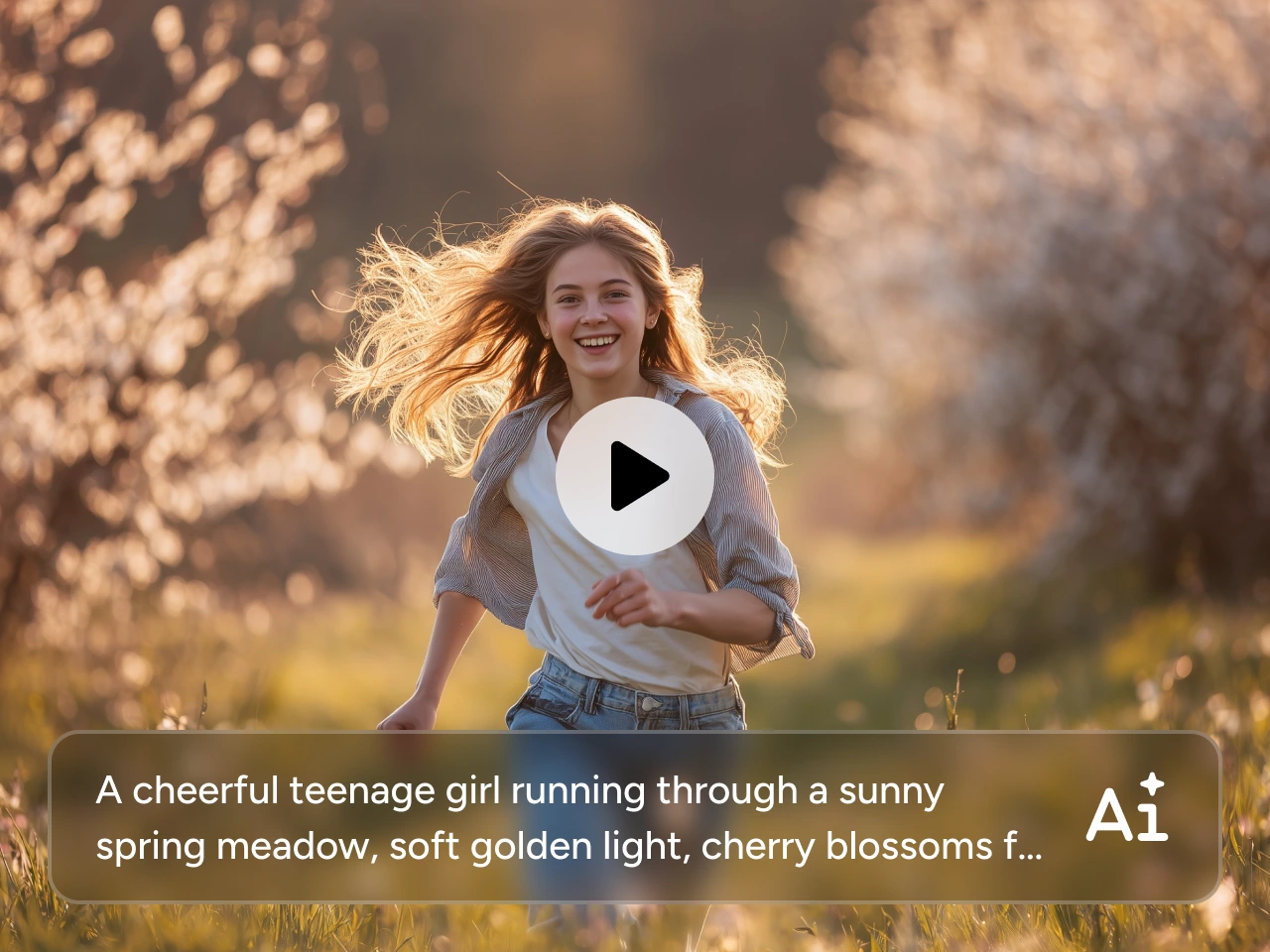
Create Real-Human Motion Videos
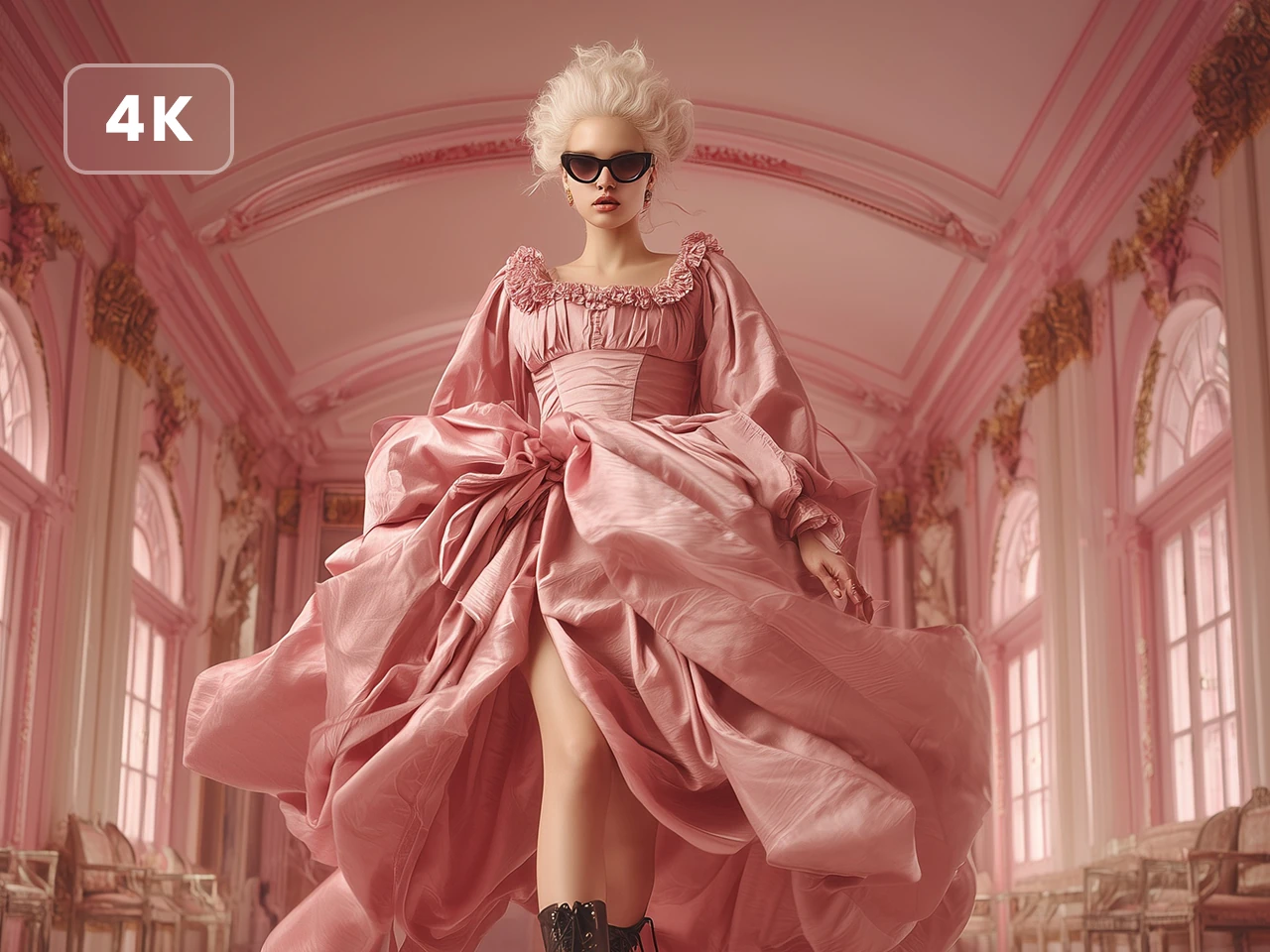
Effortlessly generate videos that are convincing enough to fool anyone. Hailuo AI delivers real-human movements with its new model version 2.3. Faces react naturally, bodies move with proper weight, and nothing feels floaty or off. No awkward pauses or broken gestures. This makes it especially good for close-up shots, character intros, talking-head style videos, and product explainers where human presence really matters. Simply upload one portrait and describe how the person should move. Hailuo AI will handle the rest. It's perfect for character presentations, human-centered ads, and videos that need to feel authentic.

Turn Images into Smooth, Stable Videos
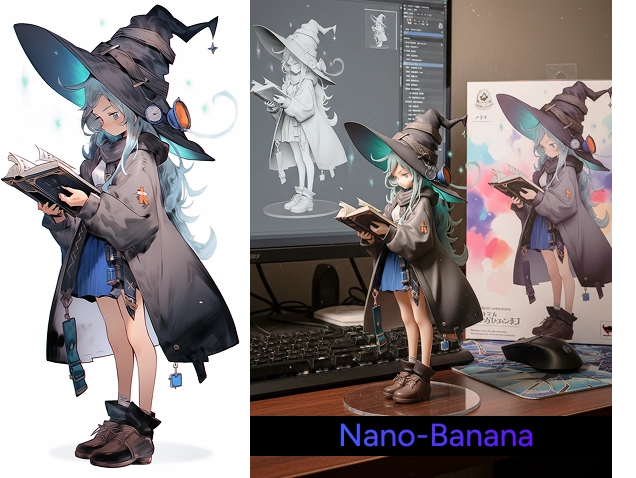
With Hailuo 2.3, a single image is all you need to get started. Upload a photo, add a short motion prompt, and watch it turn into a clean, stable video. This video generator can keep the original composition intact and the subject recognizable, and make the motion feel intentional rather than random. This makes Hailuo AI a reliable choice when you’re working with product images, character designs, concept art, or key visuals that need to stay consistent from frame to frame.
How to Use Hailuo 2.3 on PicLumen
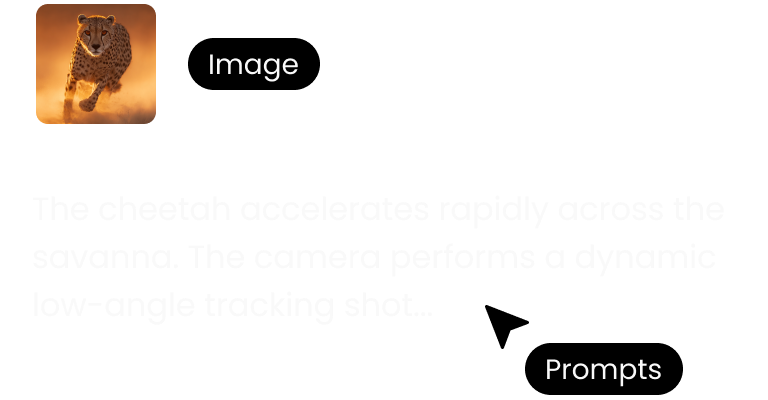 STEP 1
Upload Your Image
Just upload your image to PicLumen. PNG, JPG, JPEG, and WebP are all supported.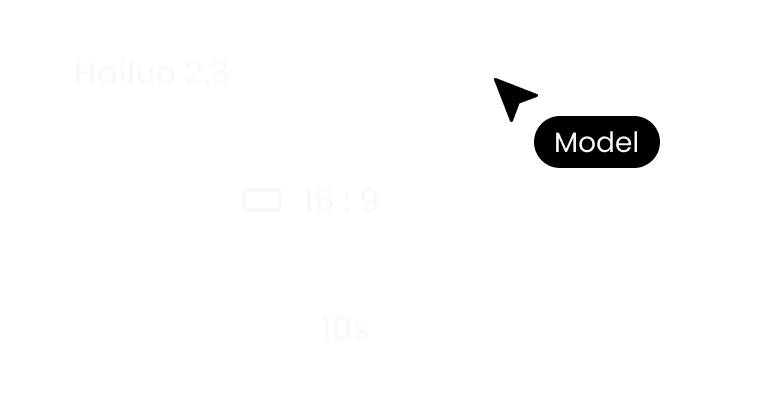 STEP 2
Customize Settings
Add a short prompt describing how things should move. Then select the resolution and aspect ratio based on your project.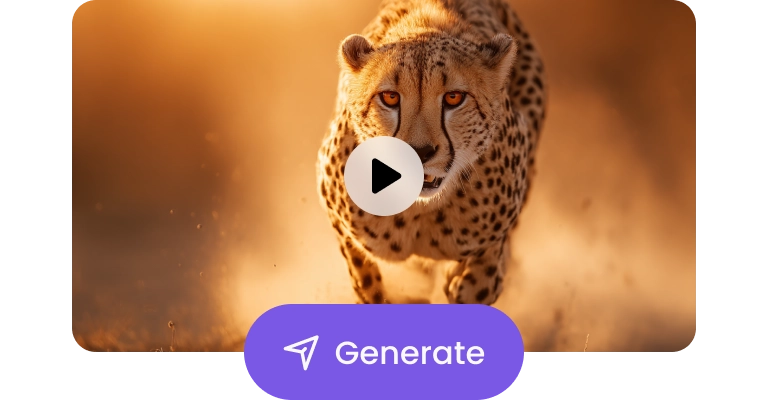 STEP 3
Generate and Download
Click generate and let Hailuo AI do the work. Once you are satisfied with the result, download it without watermarks.
FAQs about Hailuo 2.3
What is Hailuo 2.3?
Hailuo 2.3 is an AI video model designed to turn a single image into a smooth, realistic video. It focuses on natural human motion, stable image-to-video results, and clean visual output—so your videos feel filmed, not generated.
Which AI video generator should I choose?
That depends on your goal.
- Hailuo 2.3: if you want realistic motion and stable image-to-video results for ads, products, or human-focused content.
- Sora 2 for longer, cinematic, story-driven scenes.
- Kling 2.6 for longer, cinematic, story-driven scenes.
- Veo 3.1 for fast, high-energy creator-style clips.
If you’re looking for reliable, ready-to-use short videos, Hailuo 2.3 is a solid place to start.