Hailuo 2.3 Free AI Video Generator
ailuo 2.3 helps you turn a single image into a smooth, believable video. Movements feel natural, faces stay expressive, and scenes hold together—no weird motion or visual drift. It’s built for short-form content, ads, and product videos that need to look real, not generated.
Hot Video Effects
View All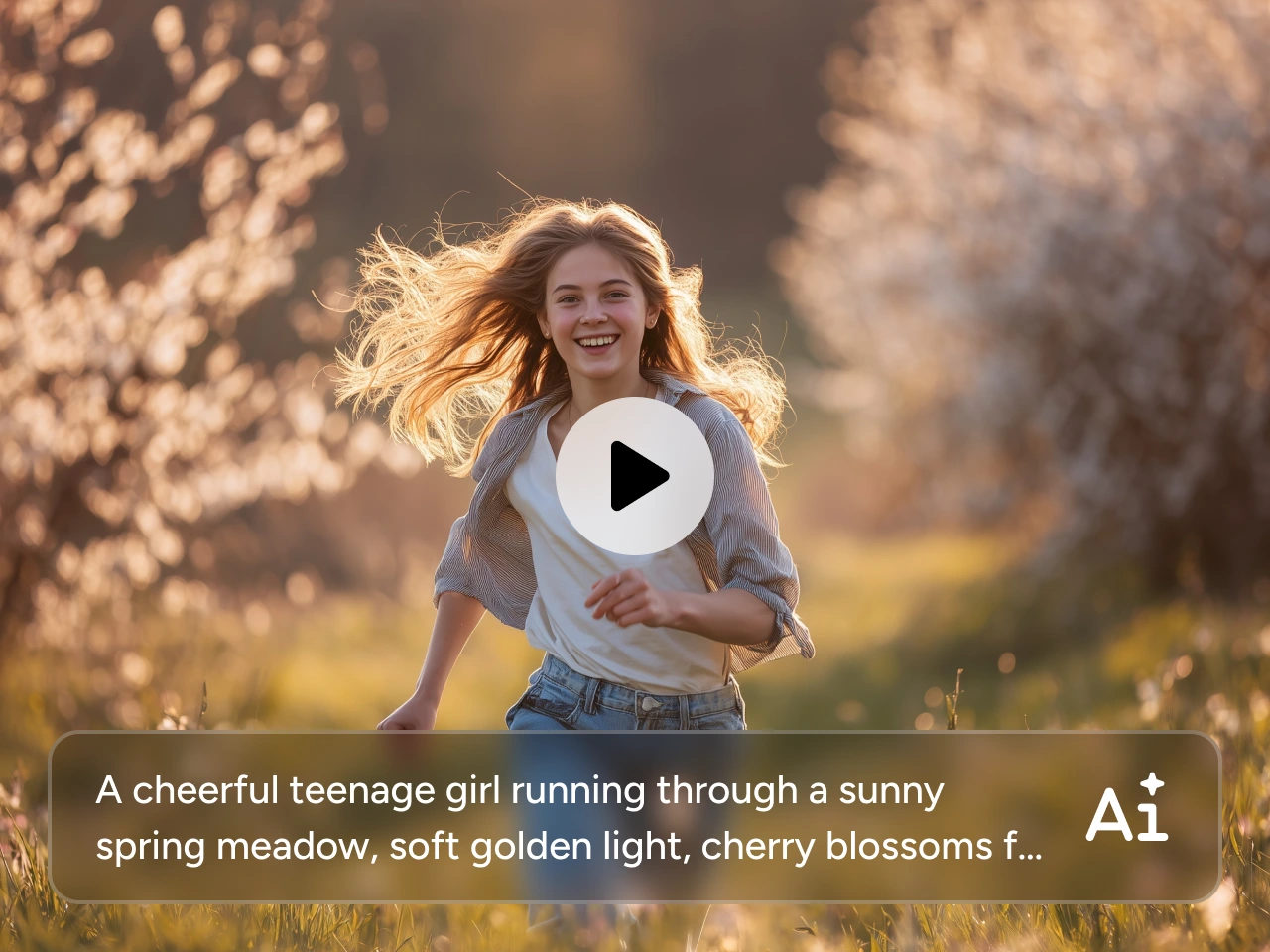
Create Real-Human Motion Videos
Effortlessly generate videos that are convincing enough to fool anyone. Hailuo AI delivers real-human movements with its new model version 2.3. Faces react naturally, bodies move with proper weight, and nothing feels floaty or off. No awkward pauses or broken gestures. This makes it especially good for close-up shots, character intros, talking-head style videos, and product explainers where human presence really matters. Simply upload one portrait and describe how the person should move. Hailuo AI will handle the rest. It's perfect for character presentations, human-centered ads, and videos that need to feel authentic.
Turn Images into Smooth, Stable Videos
With Hailuo 2.3, a single image is all you need to get started. Upload a photo, add a short motion prompt, and watch it turn into a clean, stable video. This video generator can keep the original composition intact and the subject recognizable, and make the motion feel intentional rather than random. This makes Hailuo AI a reliable choice when you’re working with product images, character designs, concept art, or key visuals that need to stay consistent from frame to frame.

How to Use Hailuo 2.3 on PicLumen
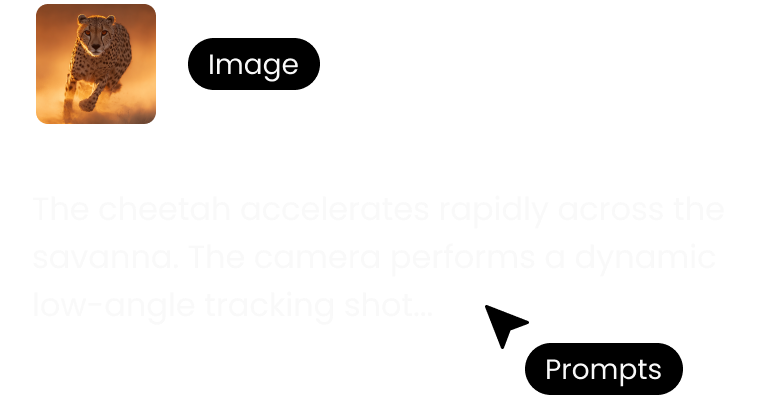
Step1: Upload Your Image
Just upload your image to PicLumen. PNG, JPG, JPEG, and WebP are all supported.
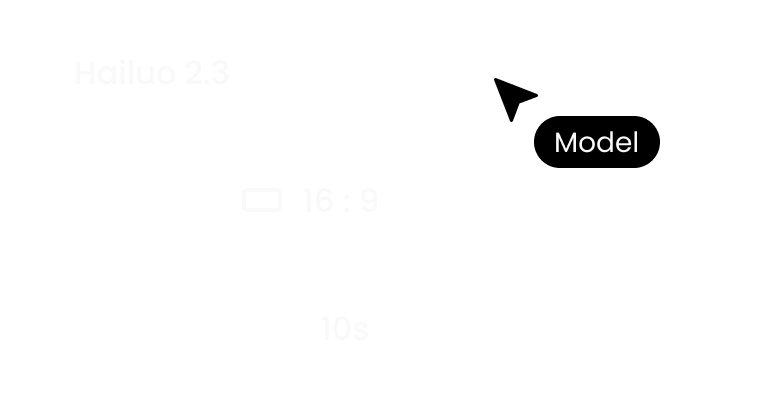
Step2: Customize Settings
Add a short prompt describing how things should move. Then select the resolution and aspect ratio based on your project.
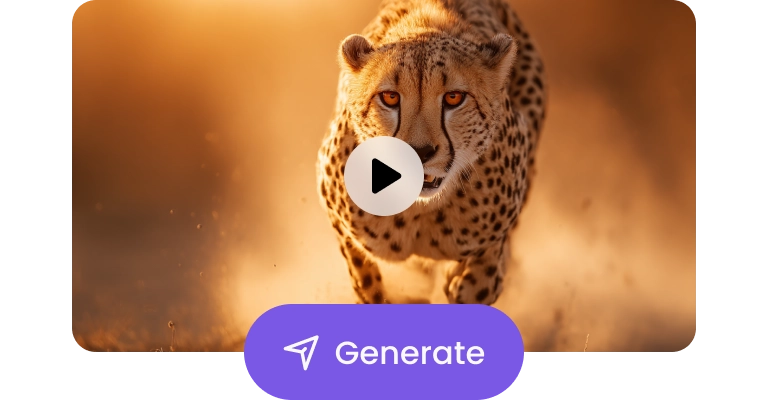
Step3: Generate and Download
Click generate and let Hailuo AI do the work. Once you are satisfied with the result, download it without watermarks.


Loved by Creators Worldwide
Real feedback from designers, marketers, and hobbyists sharing their PicLumen experience on Trustpilot.
 J. Blaine
Regular PicLumen user experience
I've been using PicLumen since late summer 2024 and I've generated several thousand images, mostly image-to-image. There were 2 minor technical glitches in that period of time. In the first one, my library didn't load but after logging out and logging in again later that day I found my library back. The second glitch- the remixing and outpainting stopped working. I contacted the support team and the issue was fixed the next day. I also requested PicLumen to provide a PayPal payment method when they switched to subscription - and they listened and responded to my request. I appreciate their responsiveness and customer service. In my communication with their support team, I found them professional and polite. My general impression is that this is a dynamic and collaborative team that is worth supporting!
Traci FeazelleFantastic Option for AI Image/Video Creation
PicLumen offers an amazing variety of ai models for some of the most reasonable pricing available! The app layout also affords ease of use.
 by Neefa
i love it and easy to use
i love it and easy to use
 Kura Aditya
The best experience ever w
The best experience ever w
Mubashir AhmedThis web is very help and free
This web is very help and free
 Narender Khatana
I love this app I love this very very…
I love this app I love this very very much this is help in make a videos
 pixai
pixaigreat chatgpt image alternative
great chatgpt image alternative
The company responded me with…
The company responded me with responsibility and respect, and solve my problem promptly. I am really impressed with their fast and efficient customer service Thank you very much for your support and help team piclumen I really appreciate it Wish you very good luck
Hesham Zohnyit is super easy and UI/UXis perfect
it is super easy and UI/UXis perfect
First i thought PicLumen isn’t Good…
First i thought PicLumen isn’t Good enough I told I try it and trust me it’s give the best results
Nice app for creating videos
Nice app for creating videos
 Rabbi Hasan
Nice application for all user
Nice application for all user
FAQs about Hailuo 2.3
What is Hailuo 2.3?
Hailuo 2.3 is an AI video model designed to turn a single image into a smooth, realistic video. It focuses on natural human motion, stable image-to-video results, and clean visual output—so your videos feel filmed, not generated.
Which AI video generator should I choose?
That depends on your goal.
- Hailuo 2.3: if you want realistic motion and stable image-to-video results for ads, products, or human-focused content.
- Seedance 2.0 for longer, cinematic, story-driven scenes.
- Kling 2.6 for longer, cinematic, story-driven scenes.
- Veo 3.1 for fast, high-energy creator-style clips.
If you’re looking for reliable, ready-to-use short videos, Hailuo 2.3 is a solid place to start.