
Free GPT 4o Image Generation by OpenAI
Use ChatGPT image generator in PicLumen to create AI images in top quality. Enjoy GPT 4o image generation and bring your creative ideas to life more vividly with PicLumen's efficient tools.
Top 20 Prompt Ideas for GPT 4o Image Generation
With GPT 4o image generation model, you can explore endless possibilities for imagination. Get inspiration from the listed top 20 prompt ideas and create your unique artworks in PicLumen.
.webp)
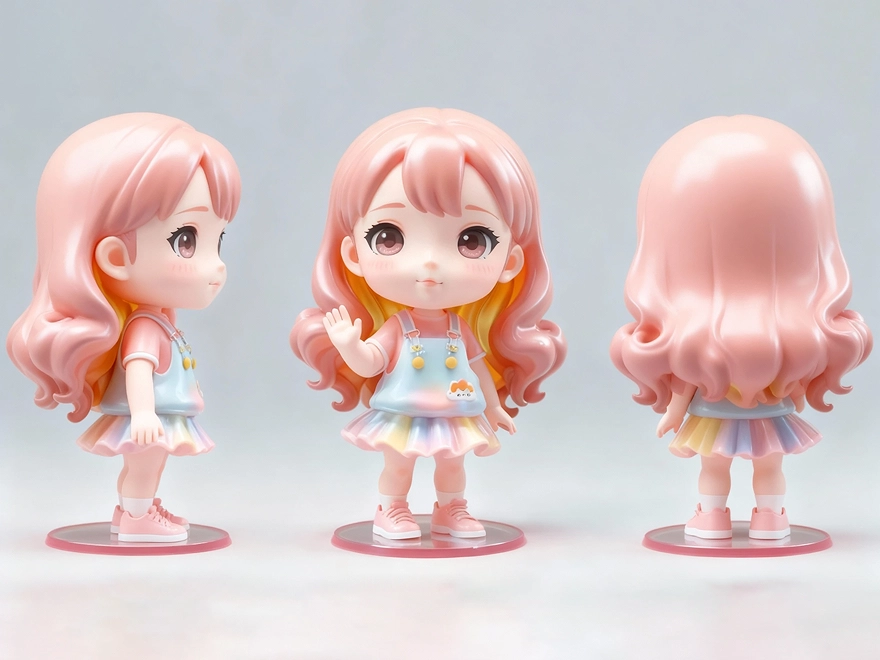
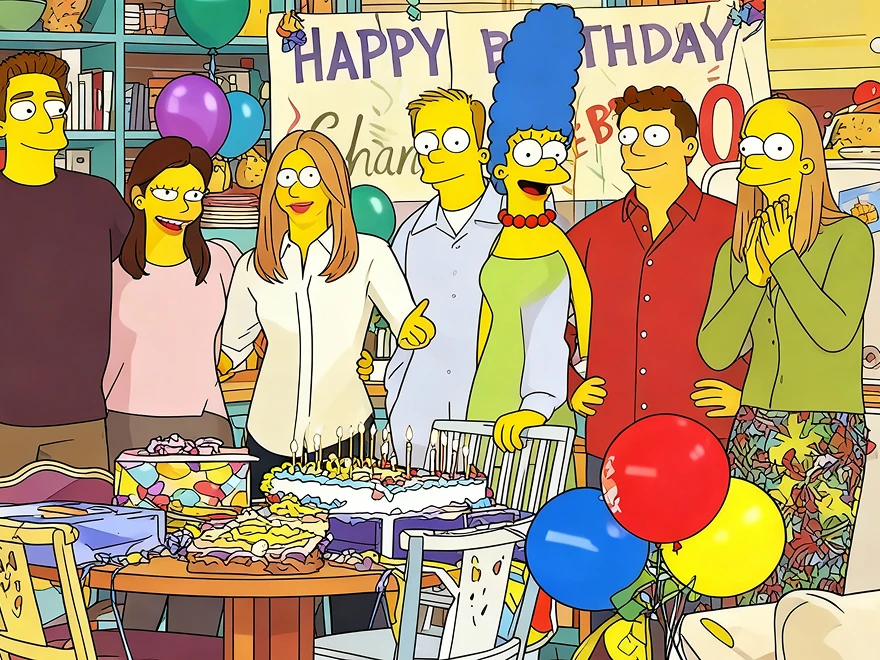
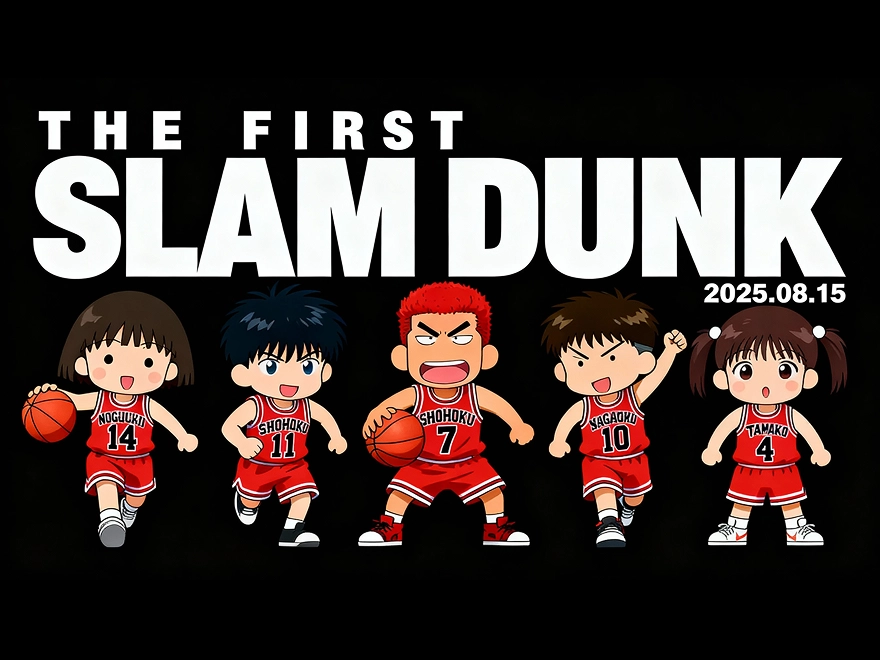
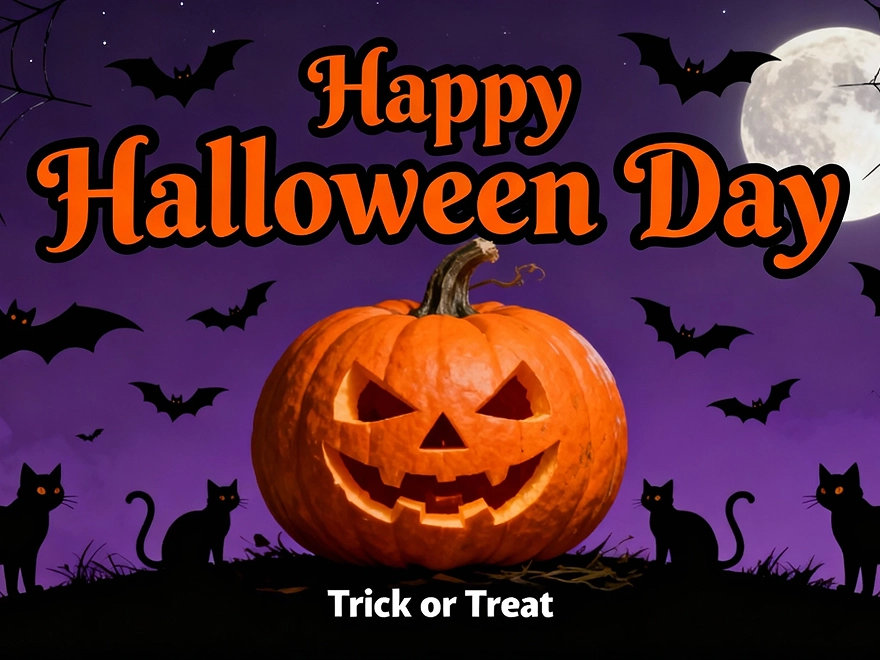
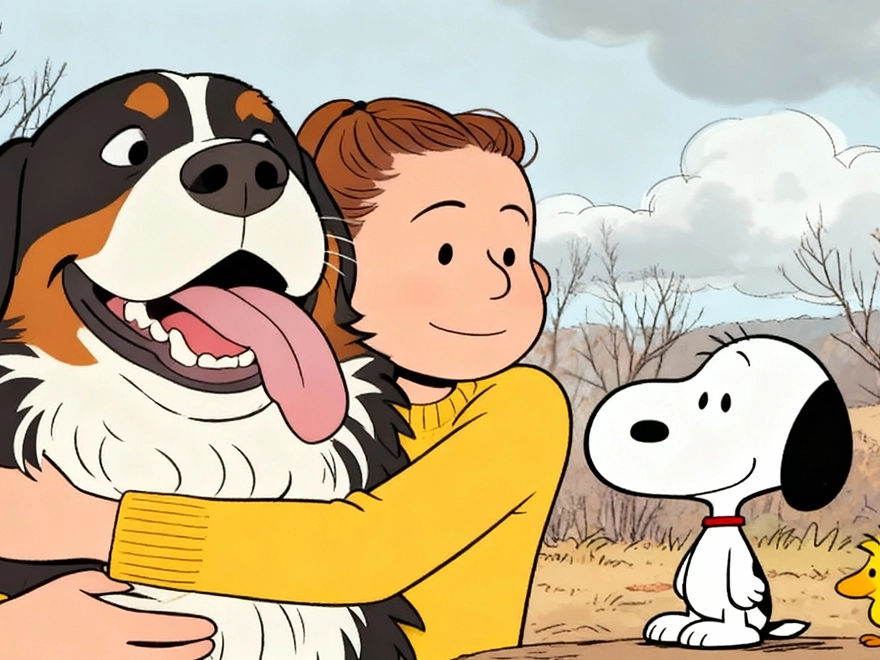
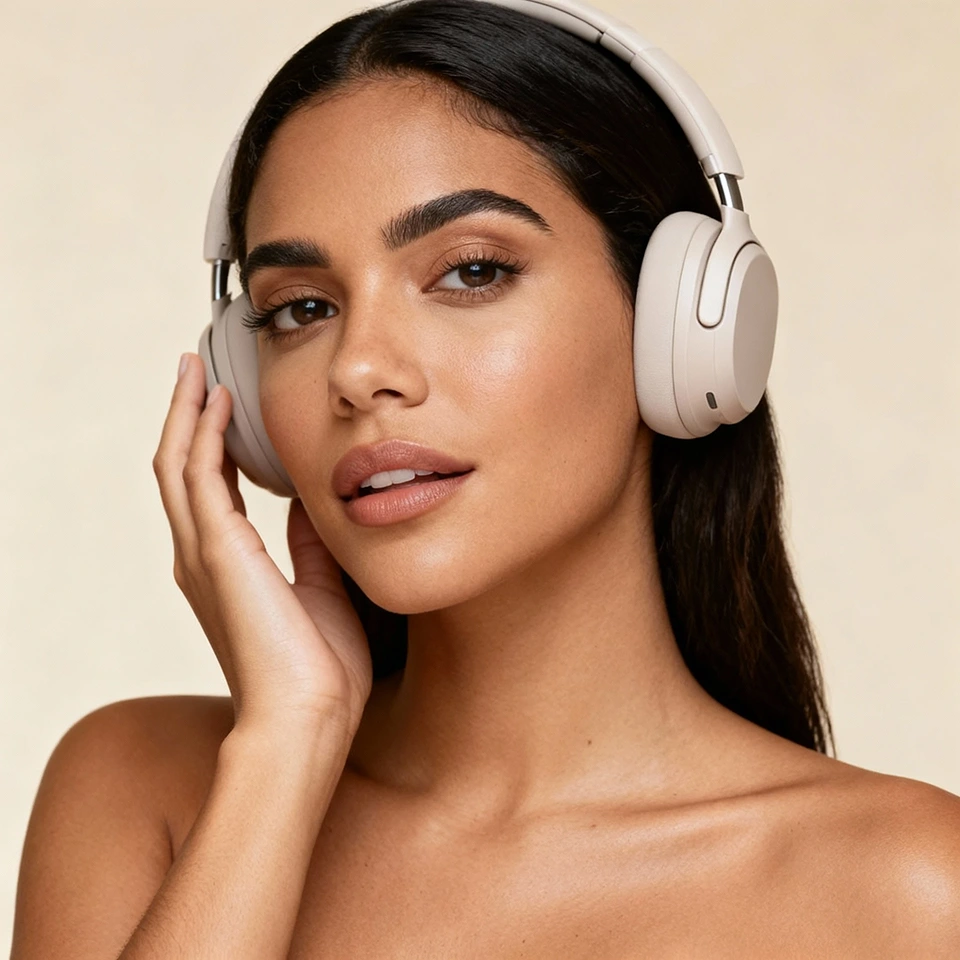
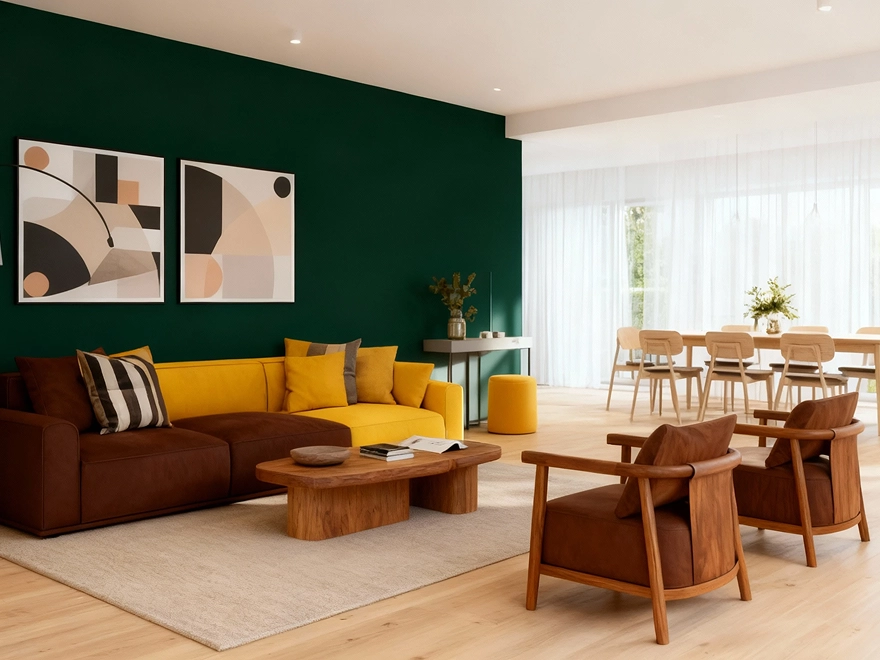
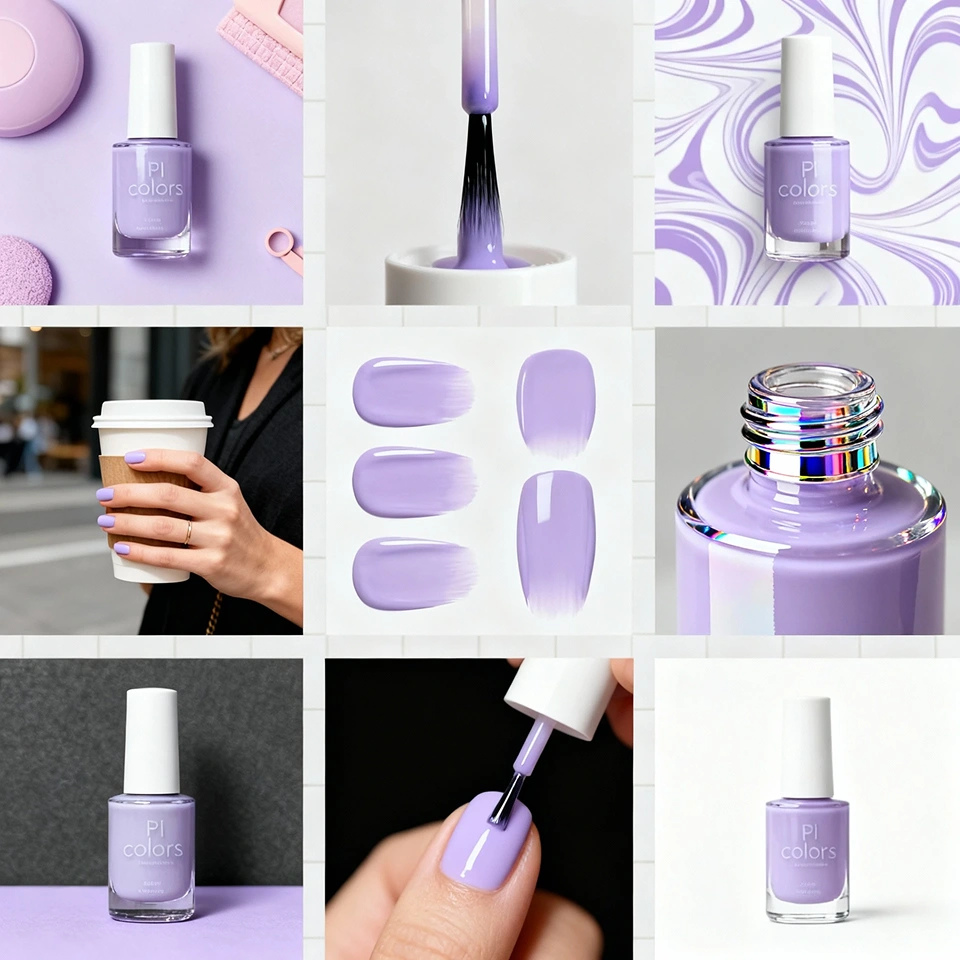
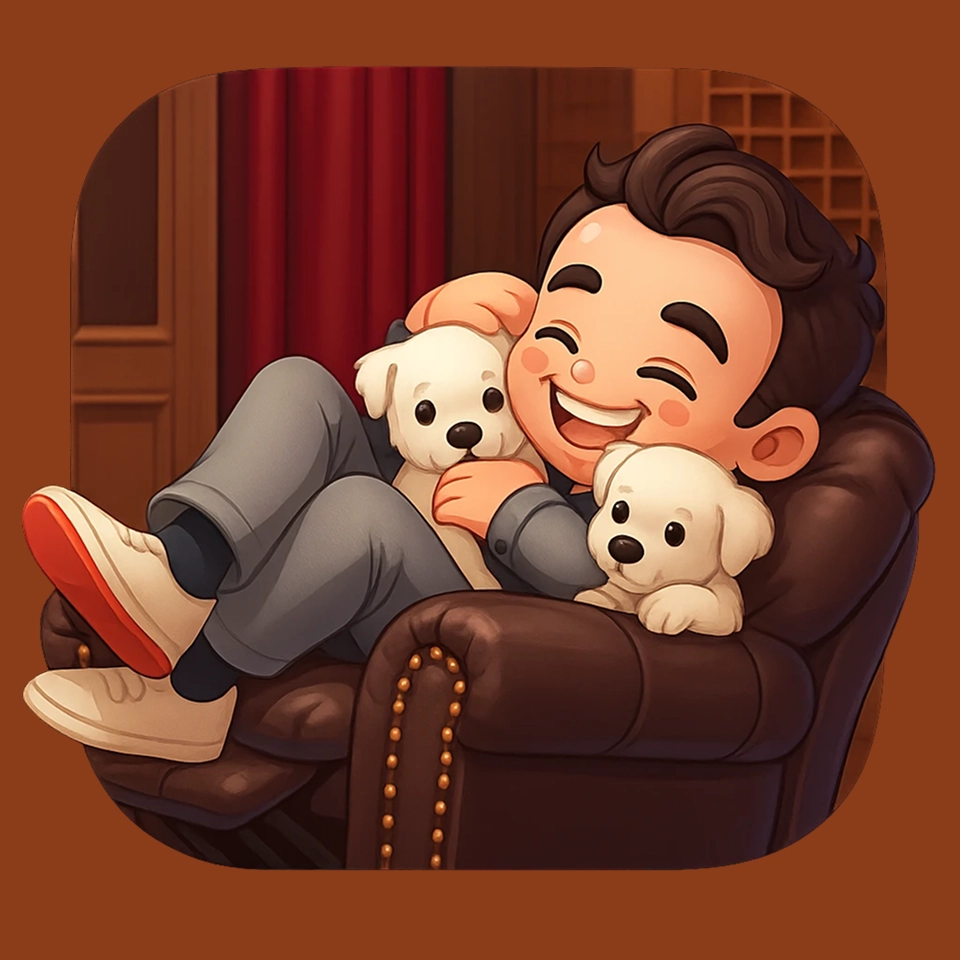
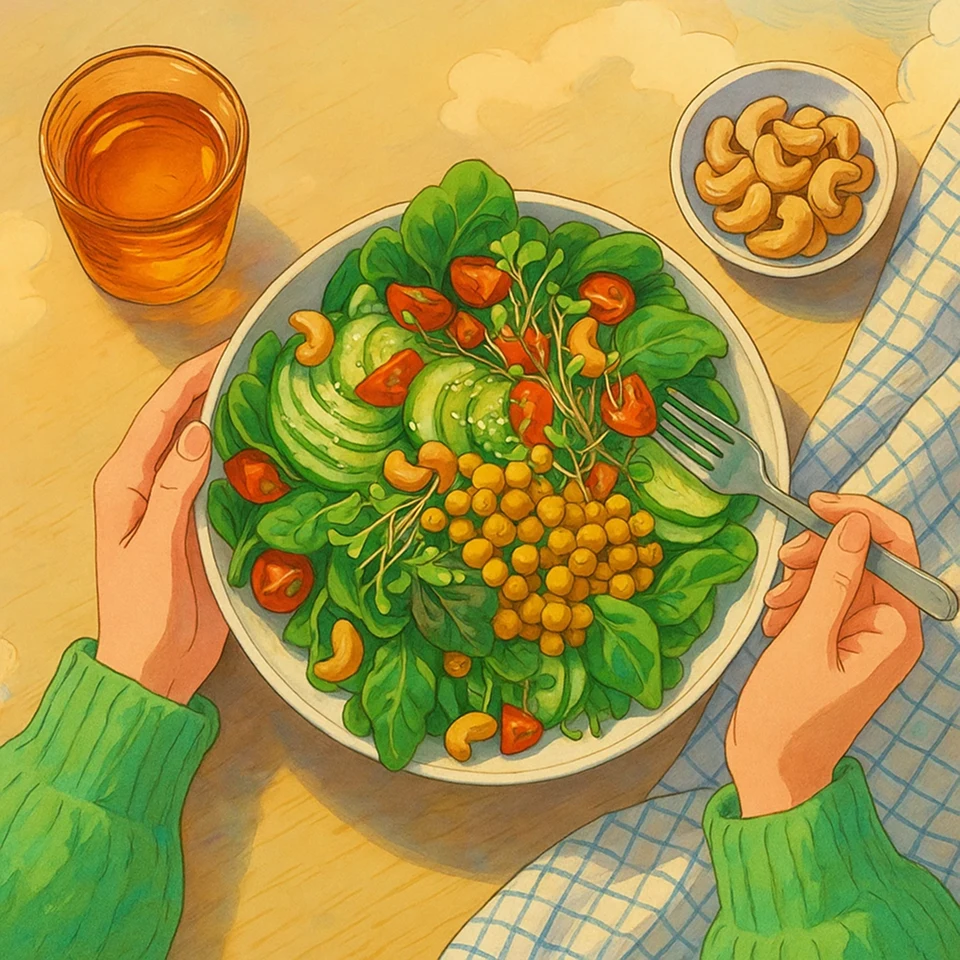
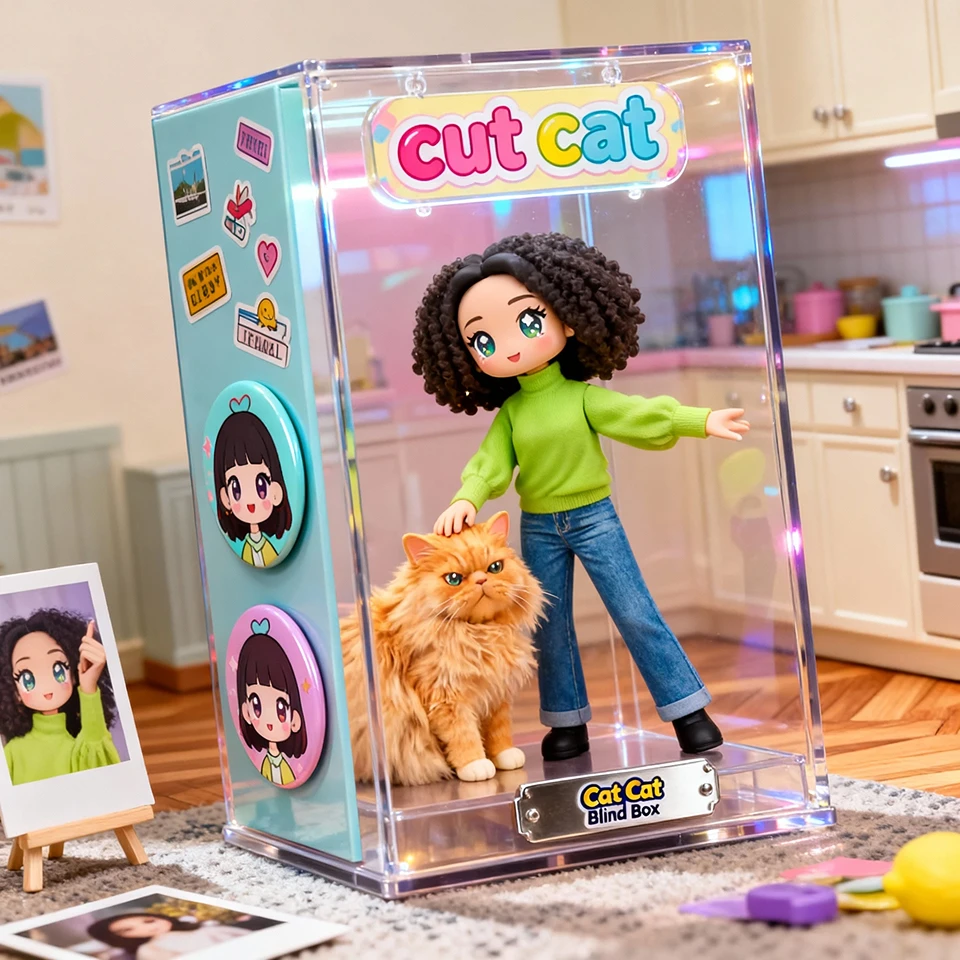
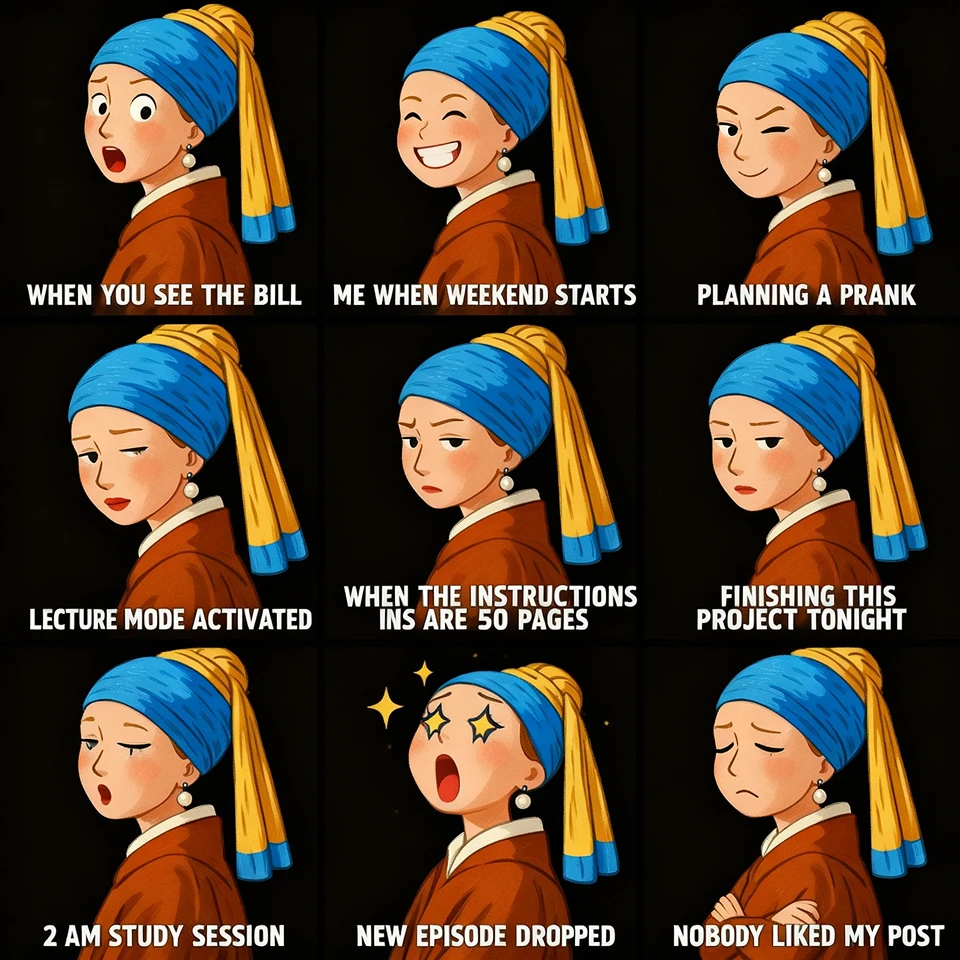
Create Aesthetic Artworks with ChatGPT-4o Image Generator
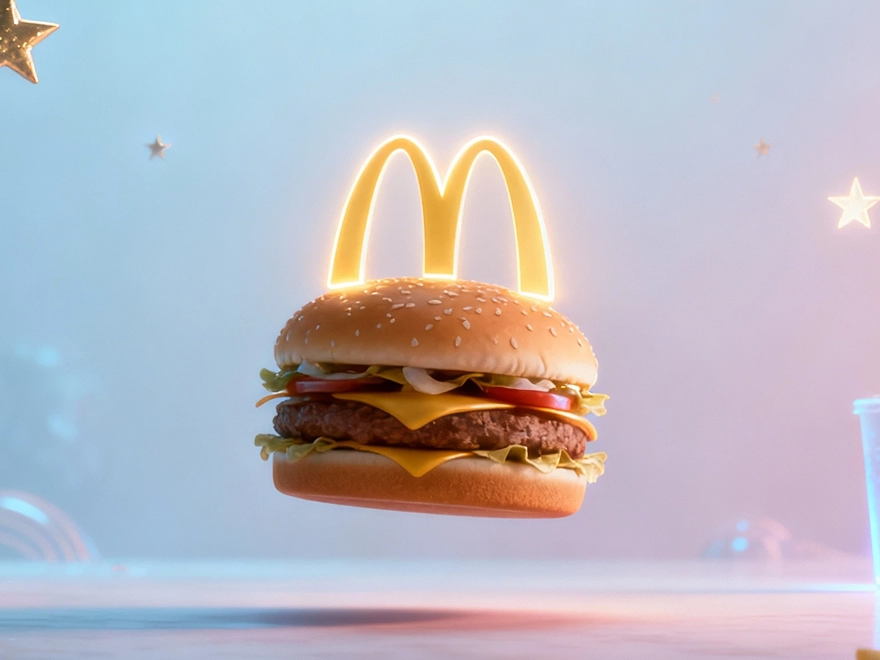
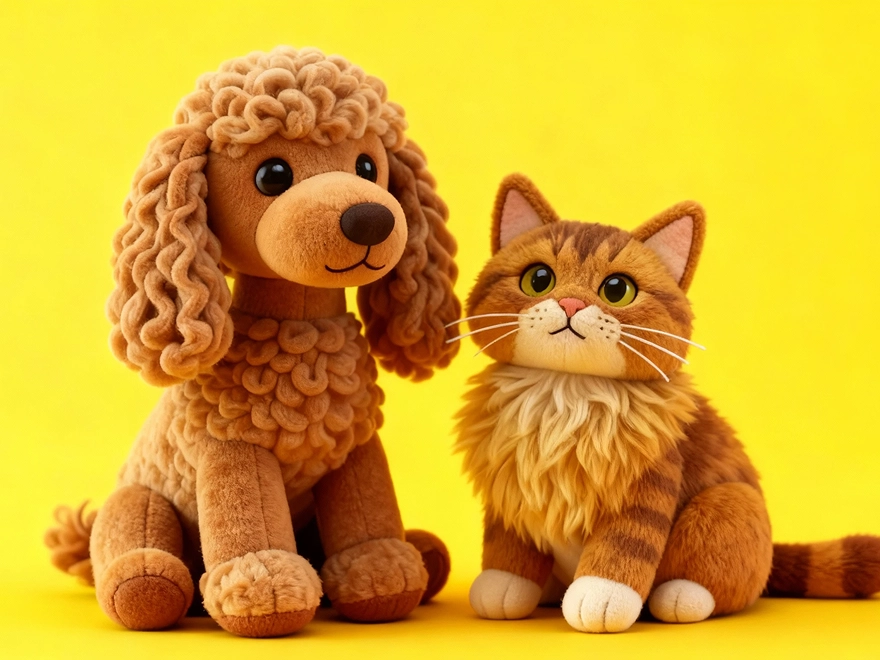
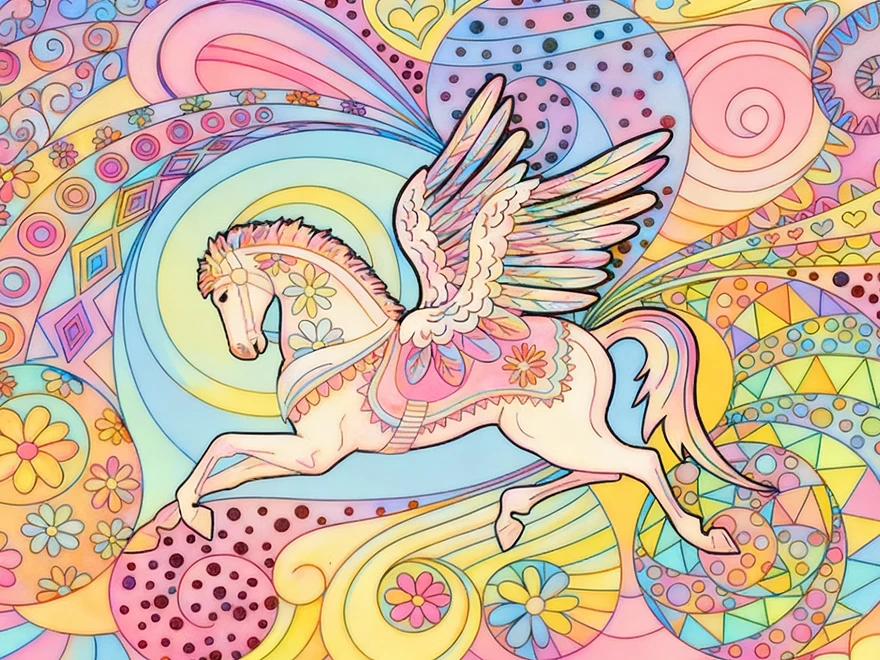
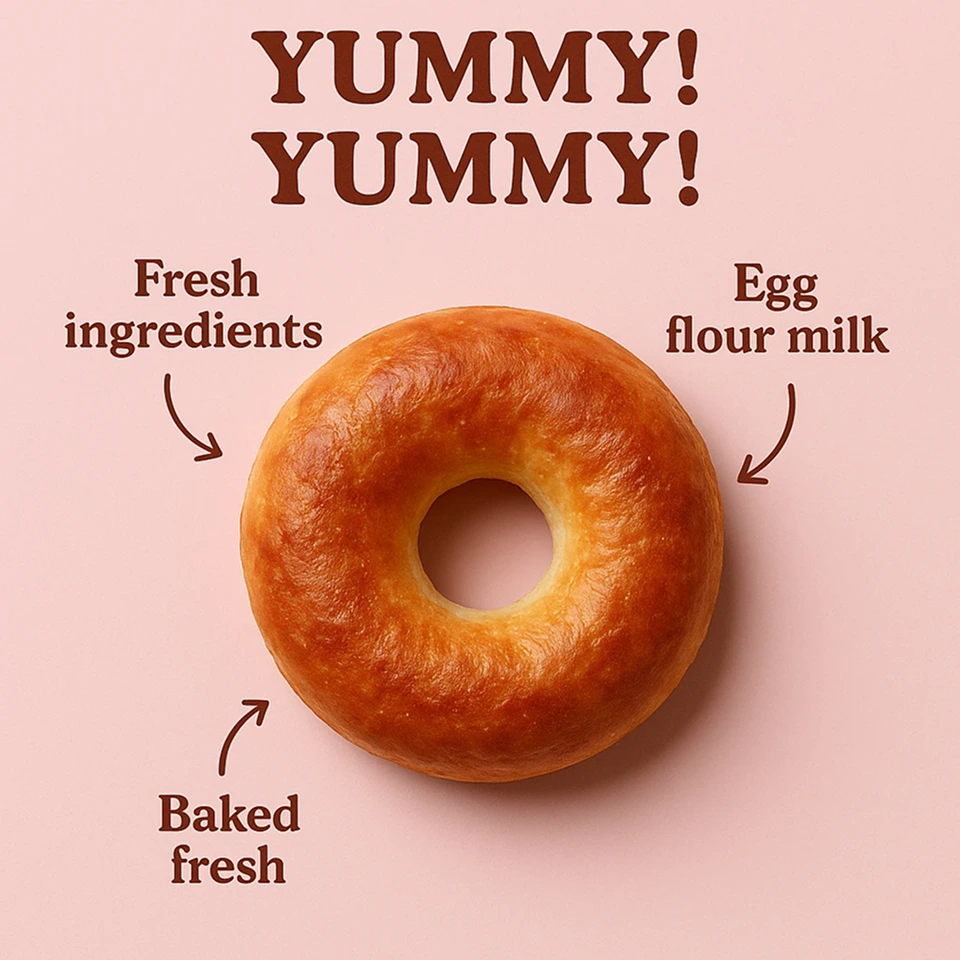
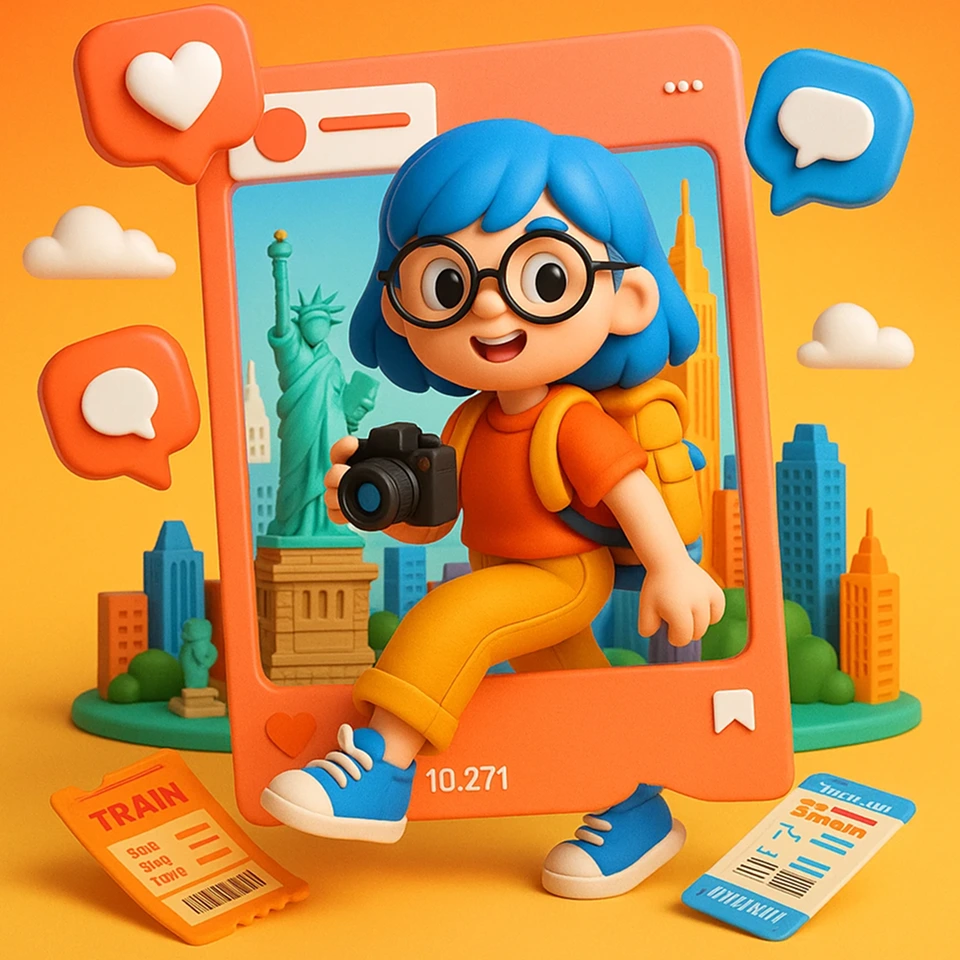
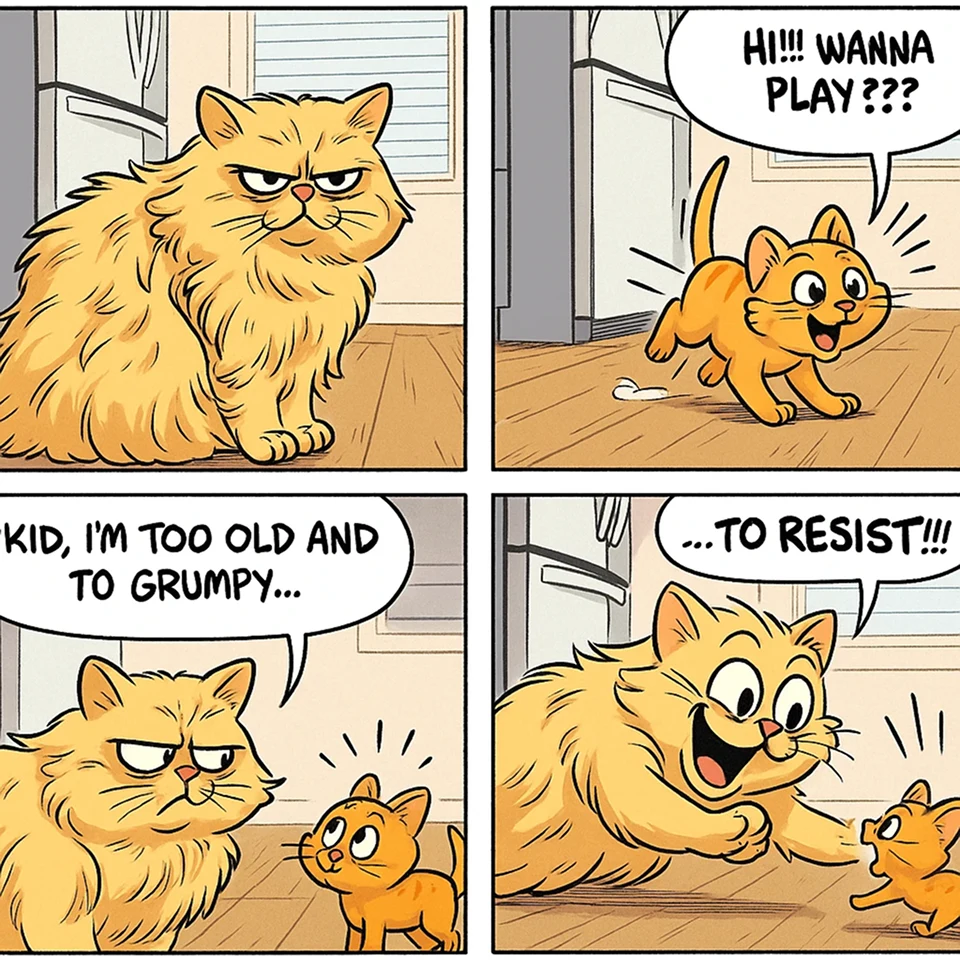
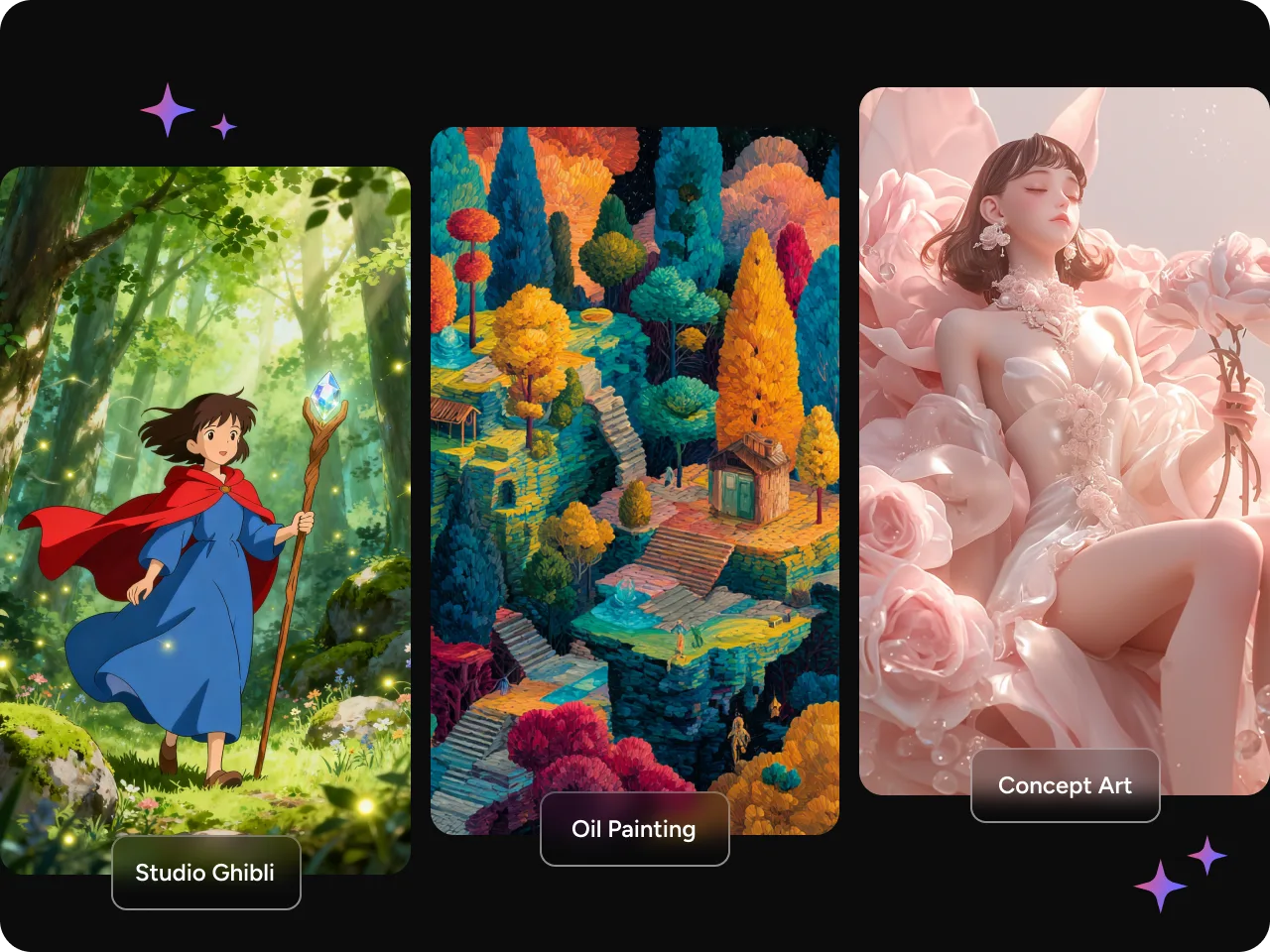
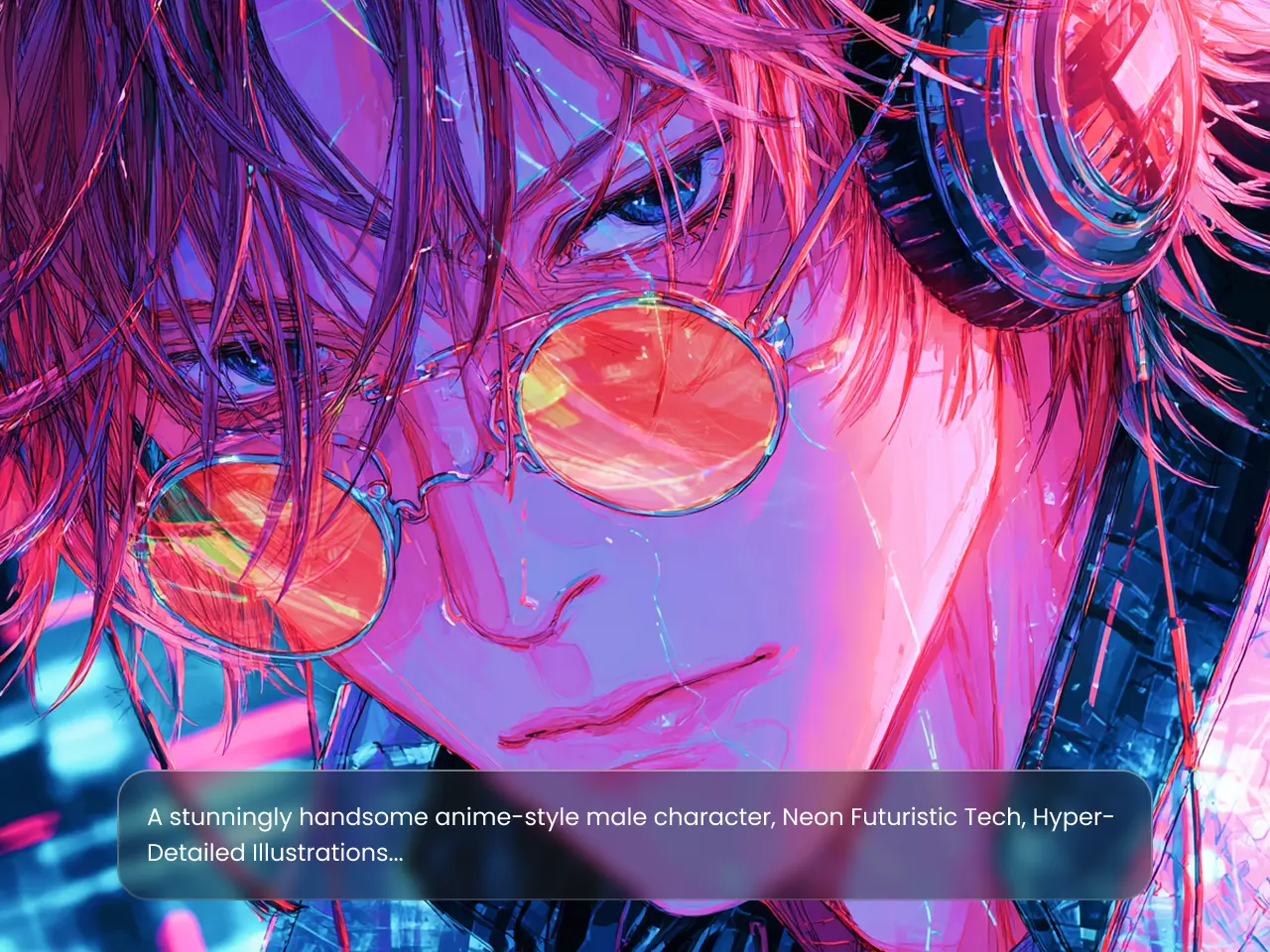
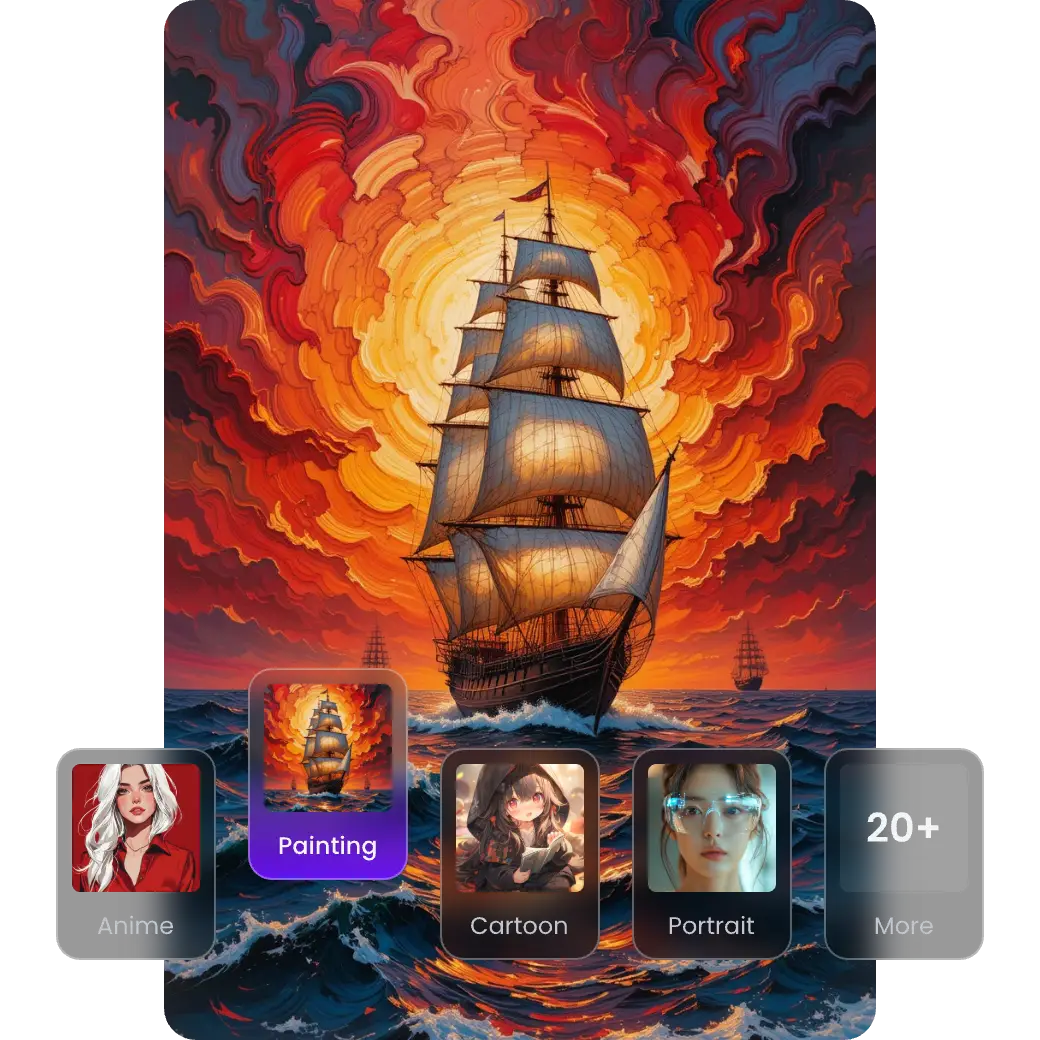
ChatGPT-4o image generator is an efficient model in creating aesthetic artworks. Describe your imagination in simple text prompts specifying the art styles you like, and you'll get stunning artistic outputs. Studio Ghibli art, album cover, fantasy art, or concept art, you name it. ChatGPT-4o image generator will make each of your creative ideas come true.
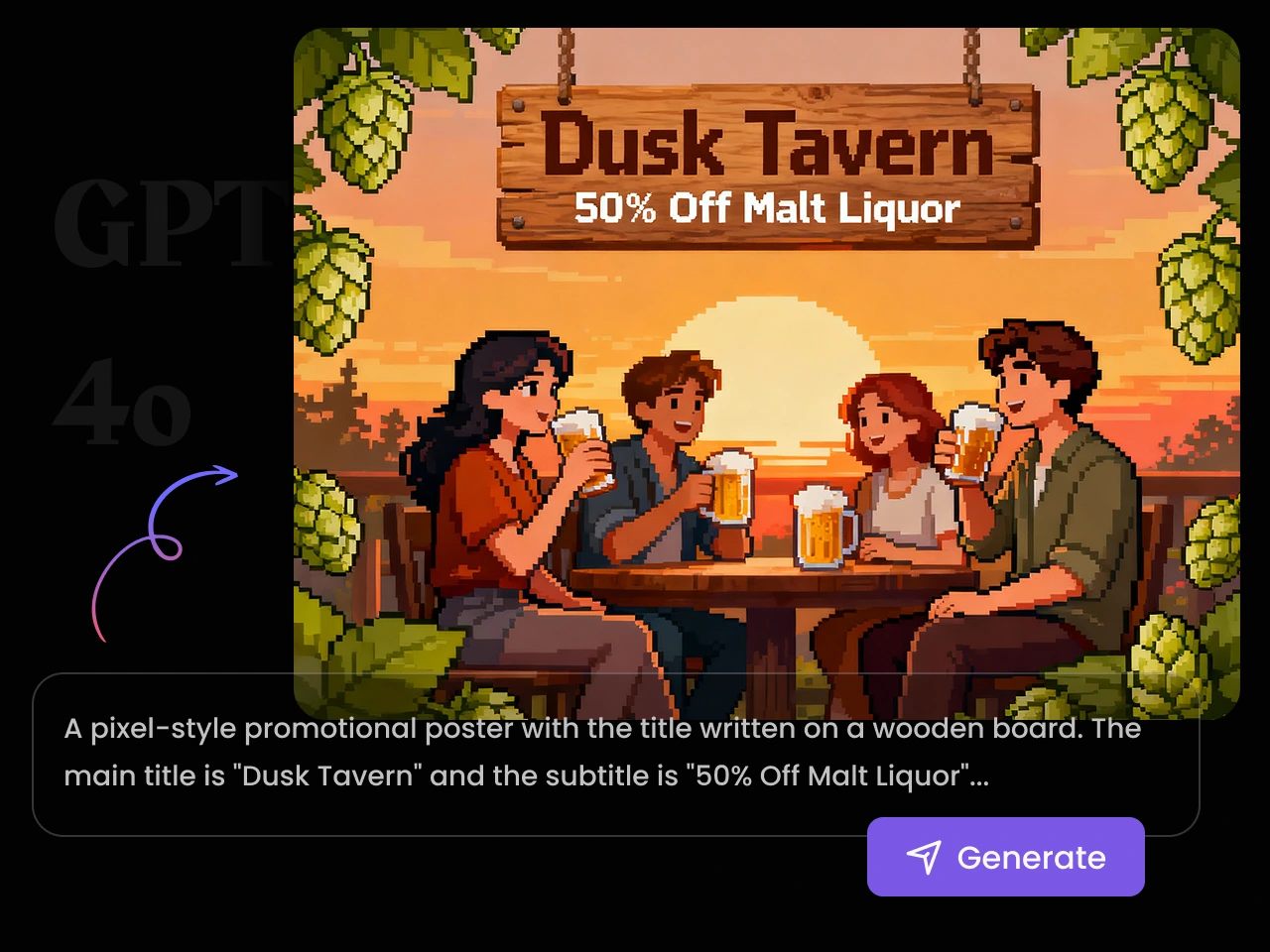
Design Custom Marketing Visuals Instantly
Still looking for an ideal AI tool to boost efficiency in preparing marketing visuals? With GPT 4o image generation, you can easily create marketing and branding visuals in seconds. Type in your detailed requirements, and ChatGPT-4o image generator will generate campaign visuals, product mockups, advertisement billboards, and event posters that convert.
Edit and Refine Existing Images Effortlessly
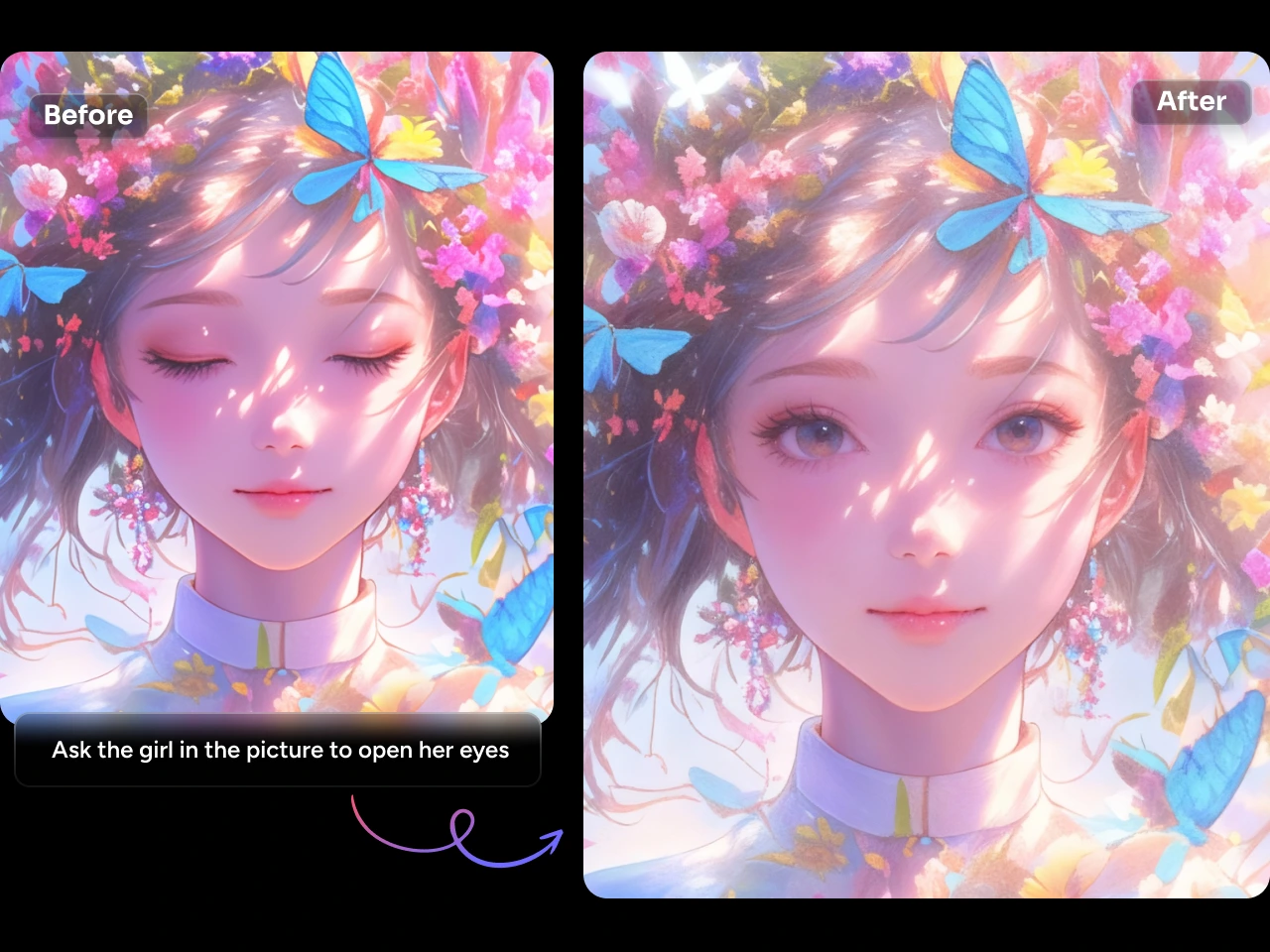
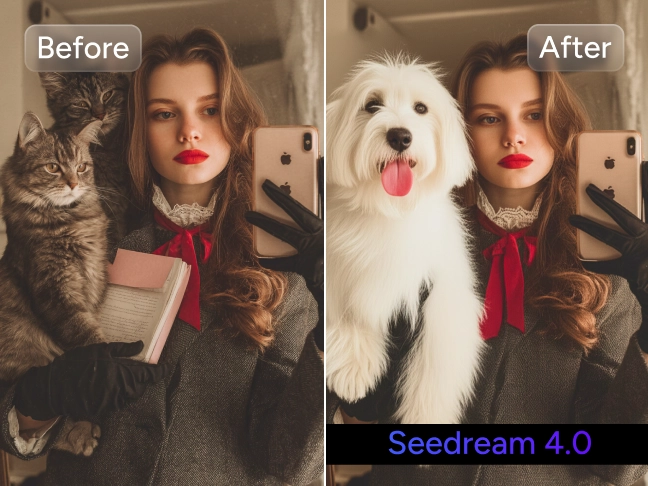
Many creators are switching from different AI photo editors to edit, refine, enhance, or restore the colors of their photos. It's not convenient. Thus, GPT 4o image generation enables creators to edit and refine existing images effortlessly within a single platform. The best part? You can enjoy more SOTA models, such as Midjourney and Seedream 4.0 in PicLumen, except for ChatGPT-4o.
Maintain Consistent Characters & Styles at Ease
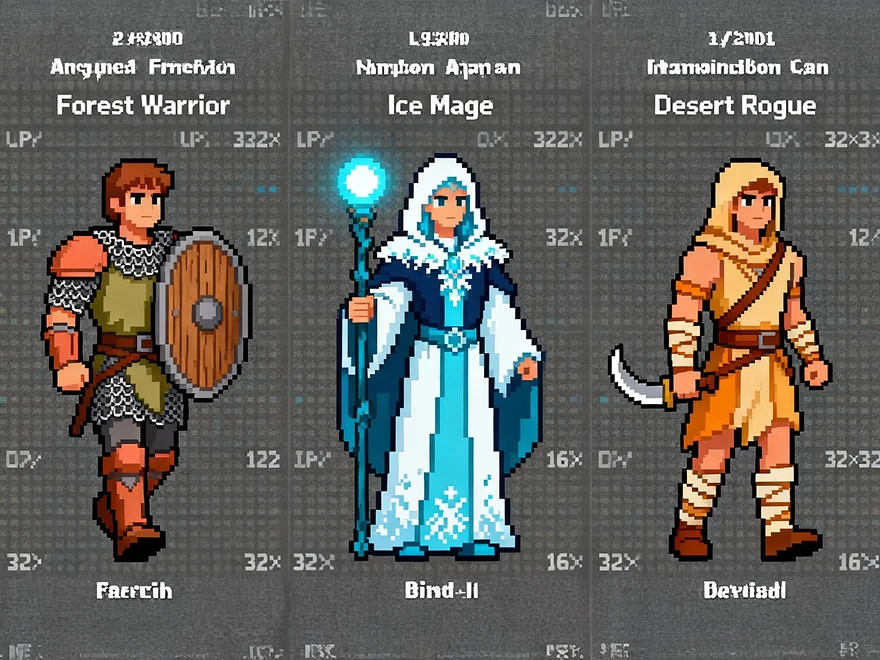
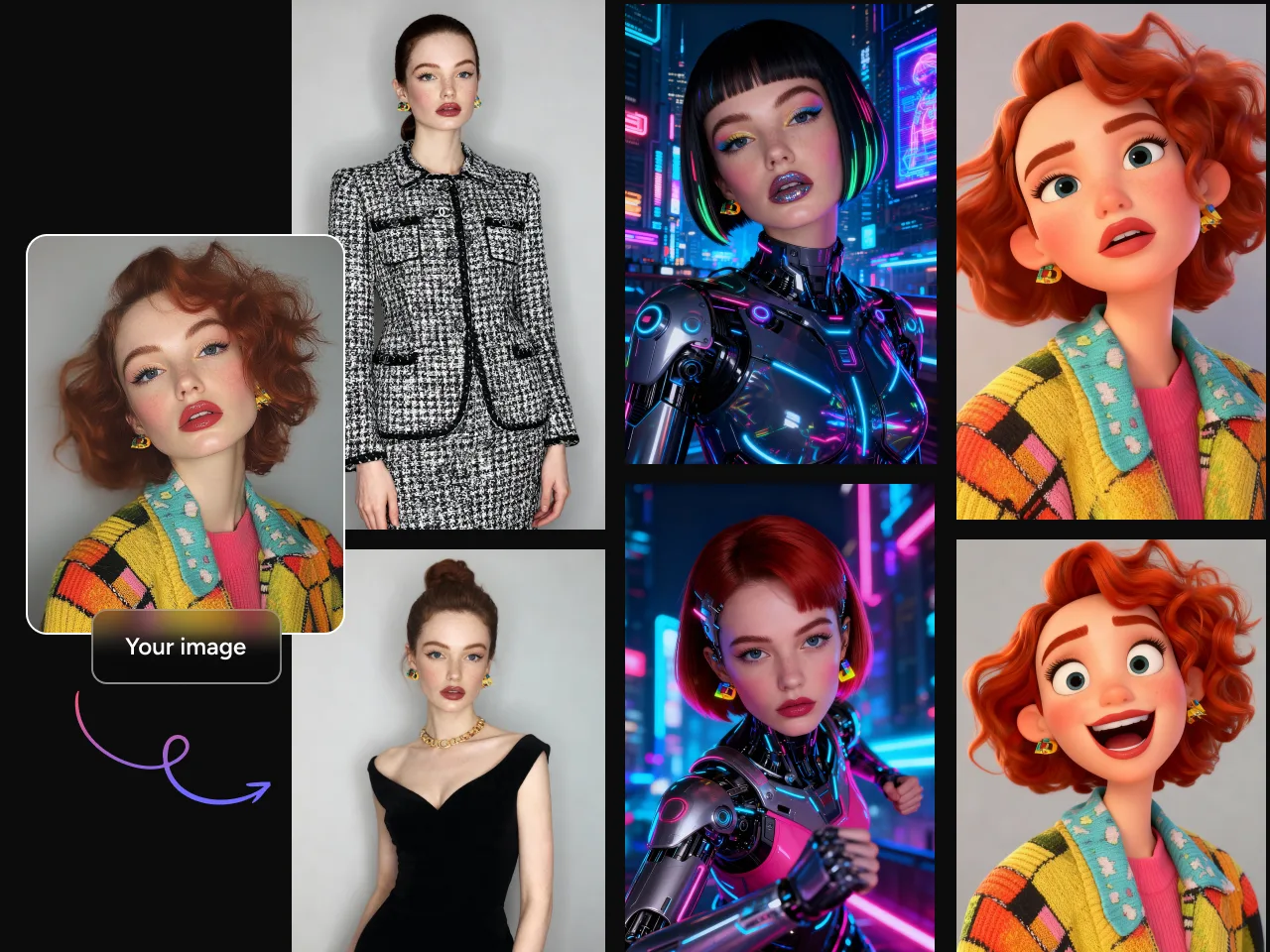
Some content creators must maintain consistent character and style across their visuals, especially for AI artists, illustrators, and game character designers. GPT 4o image generation is one of the best AI image generators, maintaining consistent characters and styles at high quality. If you're duplicating a character or style, just upload your image reference to GPT 4o and you can get exactly what you want.
How to Use ChatGPT-4o Image Generator in PicLumen?
Step1: Input a prompt
Input your text prompt. Describe your creative ideas as specifically as possible to create better AI images.
Step2: Select general settings
Select GPT-Image-1 model, choose the aspect ratios and numbers of the images you want to create.
Step3: Generate
Then click "Generate" and wait for a few seconds to see your imagination come to life.
Explore More AI Image Generators on PicLumen


Loved by Creators Worldwide
Real feedback from designers, marketers, and hobbyists sharing their PicLumen experience on Trustpilot.
 jsbsbsbs hdhdhshwhw
Very cool i like it it's so smooth
Very cool i like it it's so smooth
amazing
amazing! this is just so good! WOWOW!!
 Prabhat Ranjan Singh Chauhan
Very smooth and very helpful for…
Very smooth and very helpful for everyonr who have creative mind. Thank you 👍
Love this app it helps my ideas come to…
Love this app it helps my ideas come to life
It’s been great so far
It’s been great so far, I think the limitations are me not the app.
Pino CalambrogioGood over other applications
Good over other applications
Super shuper super ai
Super shuper super ai Thanks for wachong
Abdul RafayBest wishes for the developer
Best wishes for the developer
 Minnies
I love the app but it was more better…
I love the app but it was more better when they didn't charge you lumen to make pictures or give you a limitation but it works amazing and it gives you very neon pictures...../ and for some reason on New Year's Eve today it won't let me make pictures
 Enzo Piriou
The very good experience for AI
The very good experience for AI
 Zain Ali
This is the best ai in the world
This is the best ai in the world
Lalith PereraI loved it thank you so much for the…
I loved it thank you so much for the images
FAQs of GPT 4o Image Generation
What is GPT 4o image generation?
GPT 4o image generation is a feature of OpenAI's multimodal model GPT-4o that can directly generate or edit images from textual descriptions. Creators input a text prompt, and GPT-4o generates corresponding images.
How does GPT-4o image generation work?
GPT-4o image generation accurately comprehends the content, style, and composition of textual descriptions, using its visual-language model to generate images. Users can further refine results through conversational prompts, such as "make the lighting softer" or "replace the coffee with a cat."
How to write text prompts to generate better results with ChatGPT 4o image generator?
Here are some tips you can check out to write text prompts for better image generation results:
● Be as specific as possible: describe the character, setting, and lighting.
● Pay attention to style and camera angle: describe the camera shot angle and visual styles of your image.
● Add format requirements: write down the detailed requirements on format, aspect ratio, etc..
Sometimes, to achieve better outputs, you can also edit and refine the details after the first image is generated.
Explore More AI Tools
- FLUX AI Image Generator
- Midjourney AI Image Generator
- Nano Banana AI Image Generator
- Grok Imagine AI Video Generator
- Pony Diffusion V6
- Nano Banana 2 AI Image Generator
- Seedream 4.5
- Seedream 5.0 Lite
- Qwen AI Image Generator
- Grok Imagine Image Generation
- Model Primo
- FLUX ControlNet Depth
- Seedream 4.0 AI Image Generator by ByteDance
- ChatGPT Images 2.0 AI Image Generator
- Happy Horse 1.0 AI Video Generator
- Gemini 3 Powered AI Image & Video Generator
- Nano Banana Pro AI Image Generator
- Qwen Image 2.0 AI Generator
- GPT Image 1.5 AI Image Generator
- Vidu Q3 Pro AI Video Generator
- AI Flux ControlNet Canny Model
- AI Video & Image Models