Free Kling 3.0 AI Video Generator
Kling 3.0 is a powerful AI video generation model. It transforms text prompts or images into smooth, cinematic-quality videos with enhanced motion, accurate lip sync, richer visual details, diverse storyboard styles, broader audio language support, and improved scene consistency — ideal for creative storytelling and cinematic content creation.
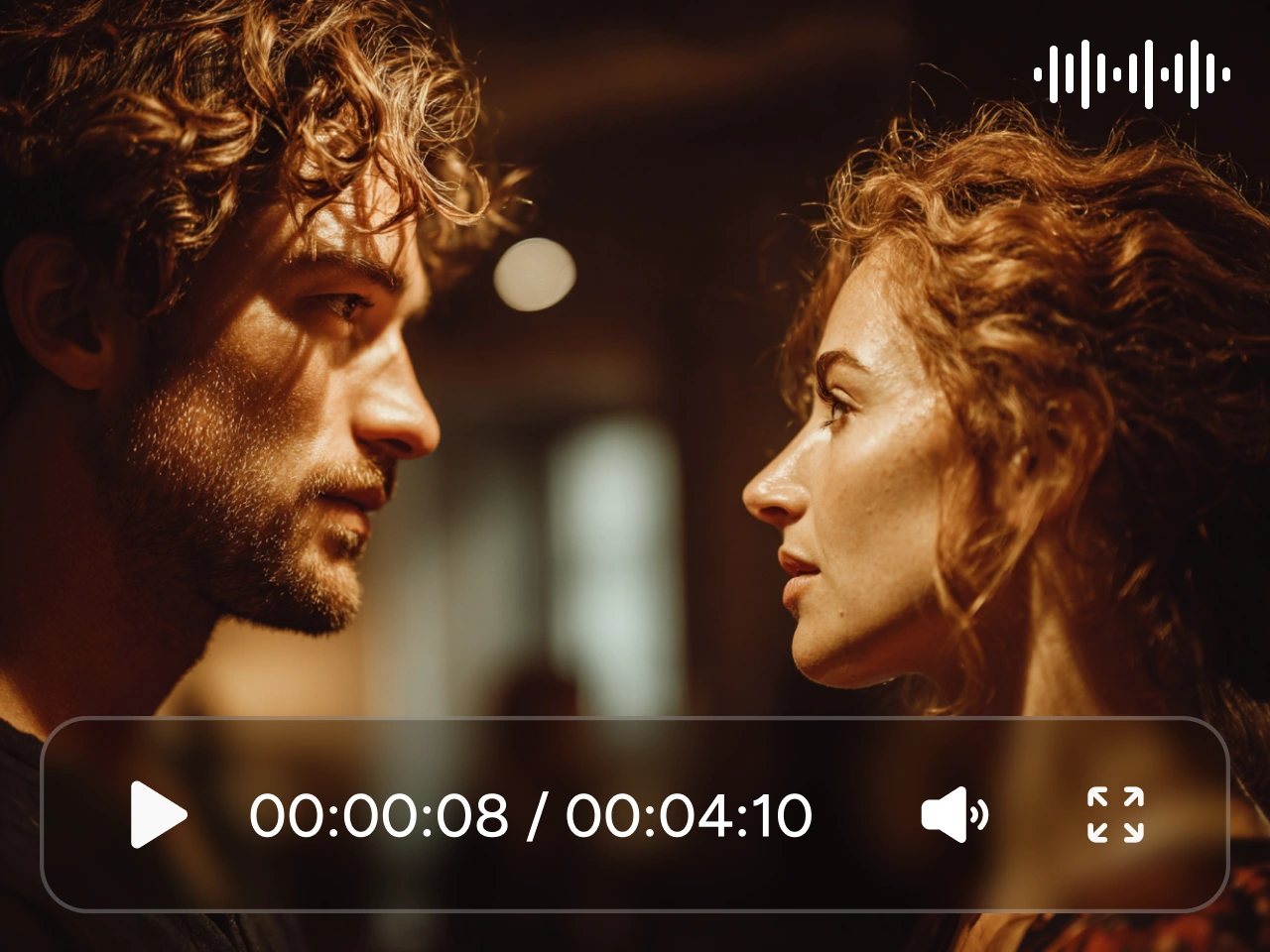
Native Video with Cinematic Camera Control
Kling 3.0 supports native multi-shot video generation, producing up to 6 shots in a single output. Each shot can be described as part of a clear sequence, allowing the model to understand cinematic structure instead of merging everything into one scene. It recognizes film terms such as side shots, close-ups, tracking shots, POV angles, and shot–reverse-shot dialogue. As a result, camera angles and framing adjust automatically while the story remains coherent. Well-structured shot prompts lead to smoother transitions and more natural cinematic flow.
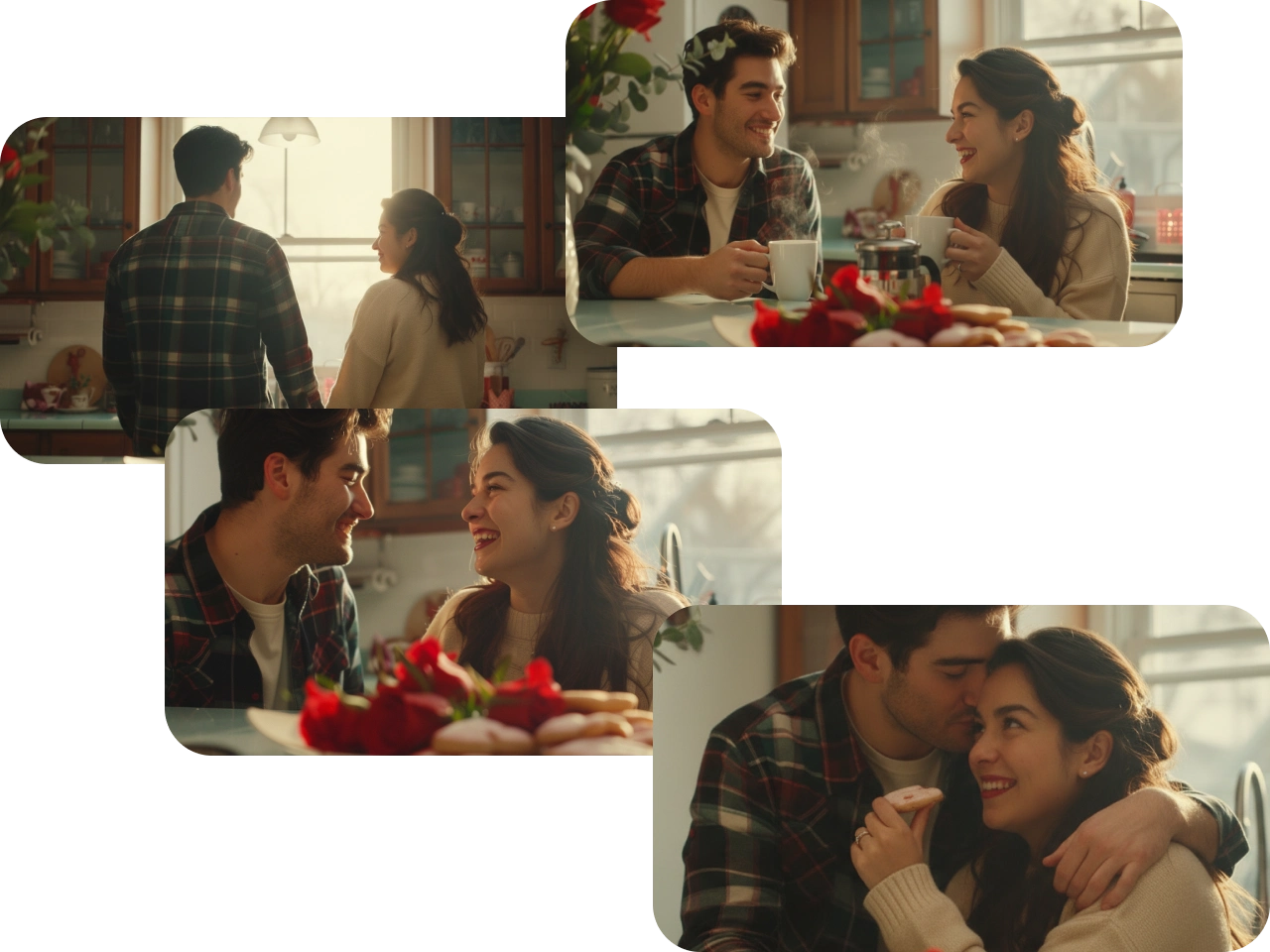
Consistent Characters Across Multiple Shots
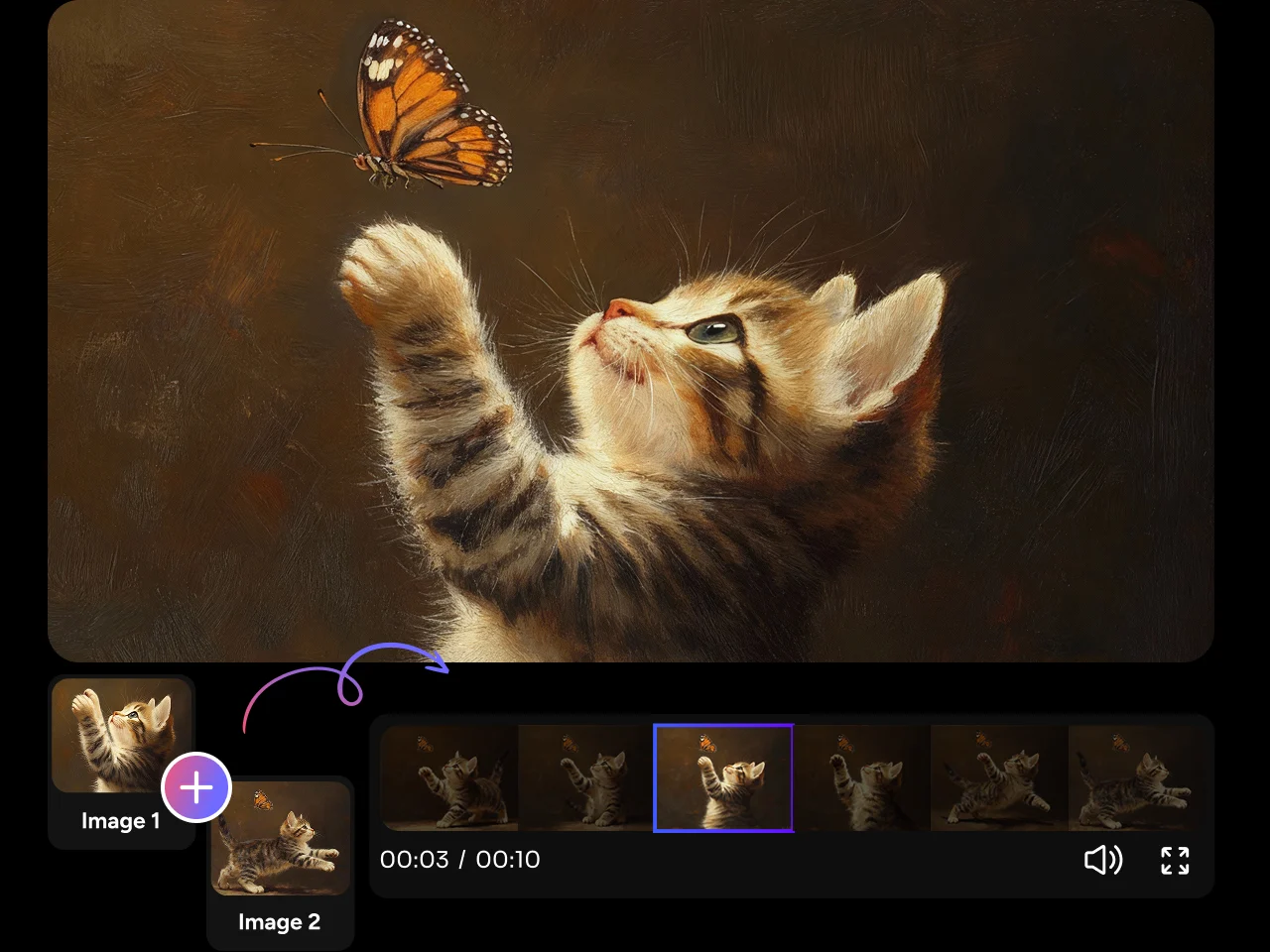
Kling 3.0 enforces strong character and theme consistency across multiple shots. By defining the main subject and visual theme at the start, key traits of characters, objects, and environments stay locked throughout the sequence. This works with text prompts, reference images, and image-to-video inputs. Even when scenes change or the camera moves, visual identity remains stable. This is essential for multi-character stories and complex shot sequences.
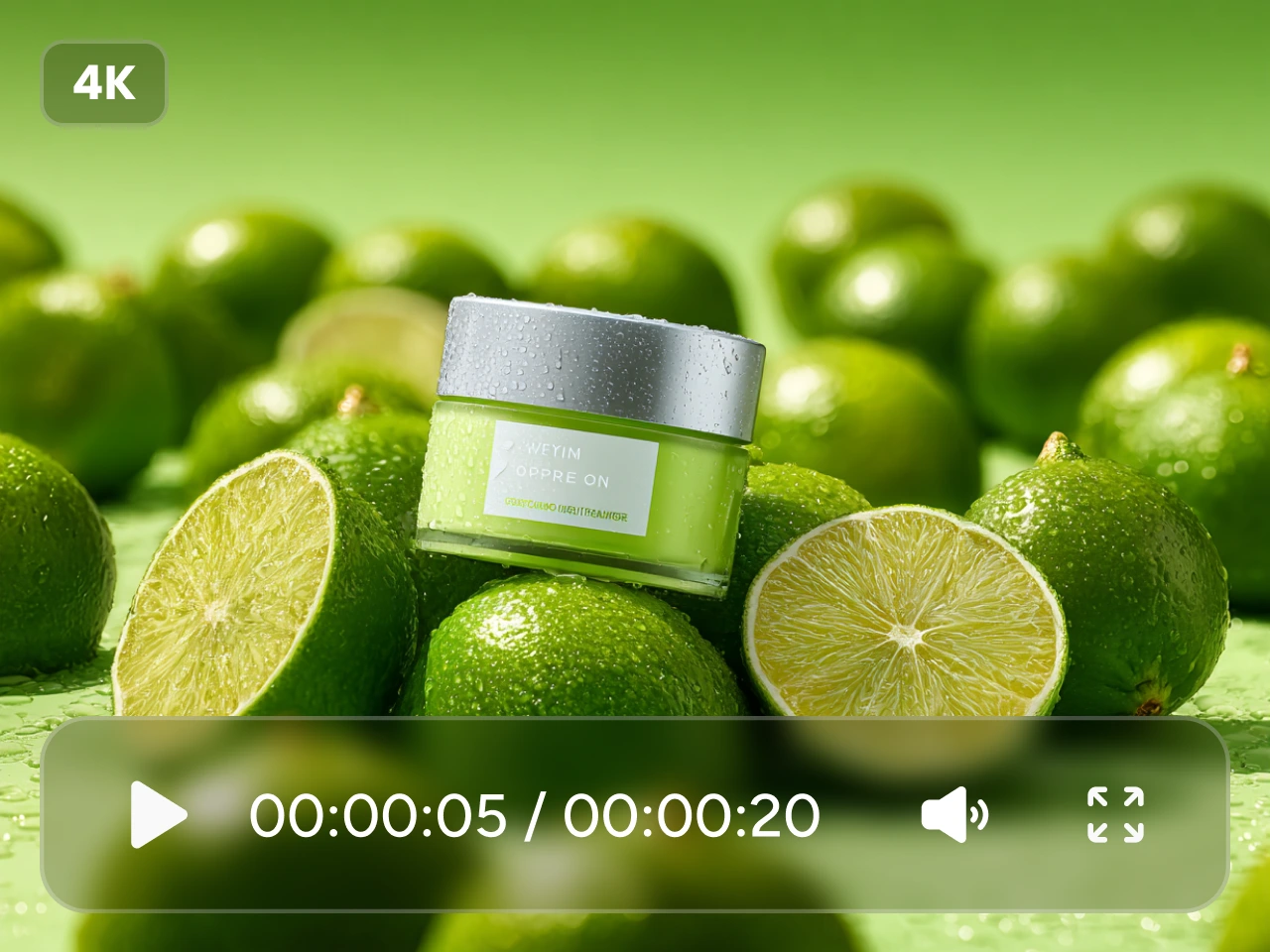
Create 15s Masterpieces with Native Audio & 4K Quality
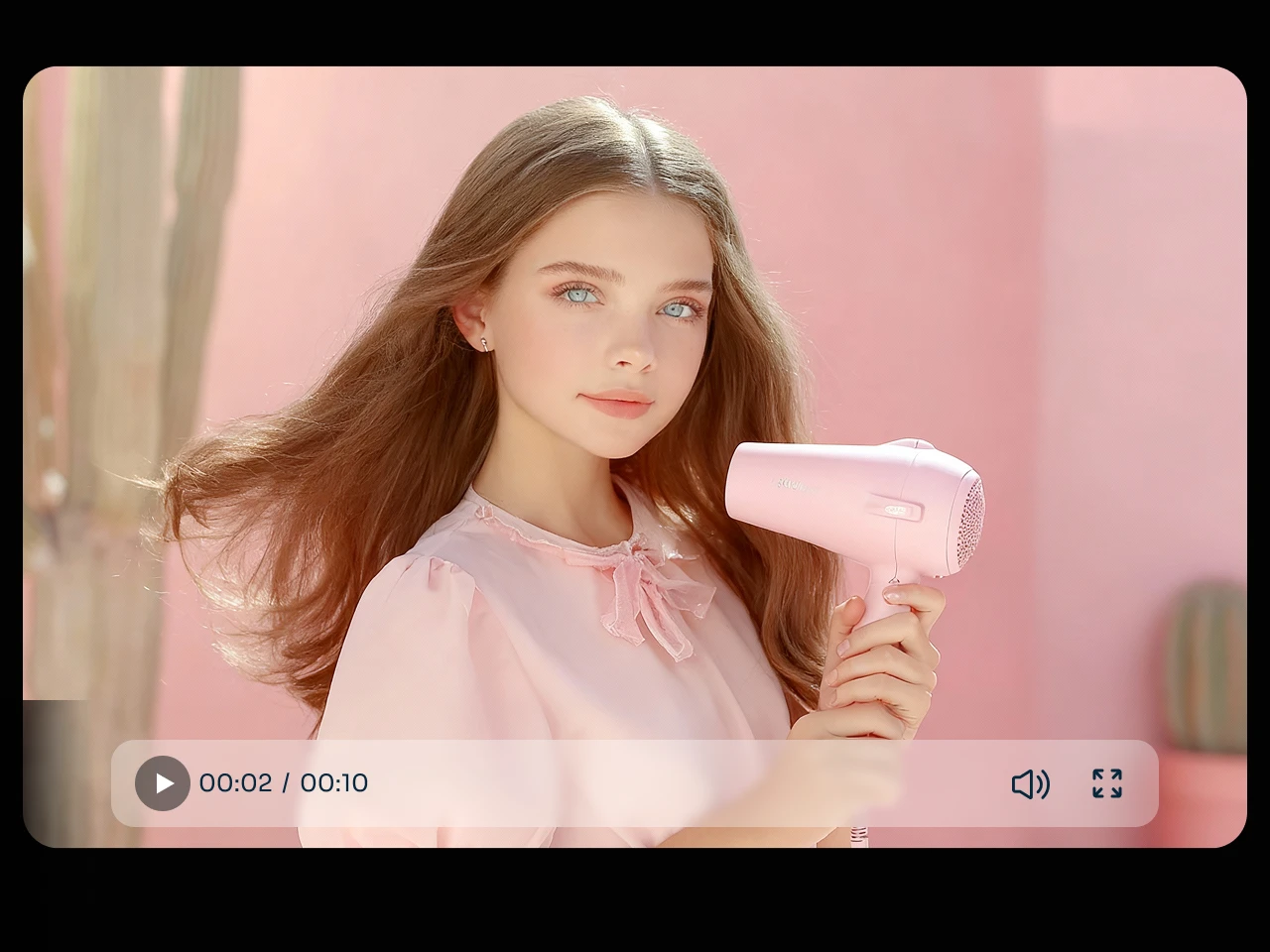
Kling 3.0 supports native audio output, including dialogue, ambient sound, and voice tone control. You can clearly define who speaks and when, which is especially useful in multi-character scenes. The model supports multiple languages, dialects, accents, and even language switching within a single video. Lip movement and facial expression stay well aligned with speech. The version 3.0 also generates videos up to 15 seconds in one pass and supports native 4K image output for high-quality visual results.
Bring Your Stories to Life with Kling 3.0 Features

Multi-Shot Cinematic Videos
reate professional-looking videos with multiple camera angles in one shot without complex editing, making your storytelling smoother and more cinematic.

Consistent Characters and Elements
Keep characters and key objects stable across scenes so your multi-shot stories never lose coherence or visual identity.

Native Audio & Multi-Language
Deliver natural dialogue with accurate lip sync in multiple languages, accents, and dialects, making your videos accessible and engaging for diverse audiences.

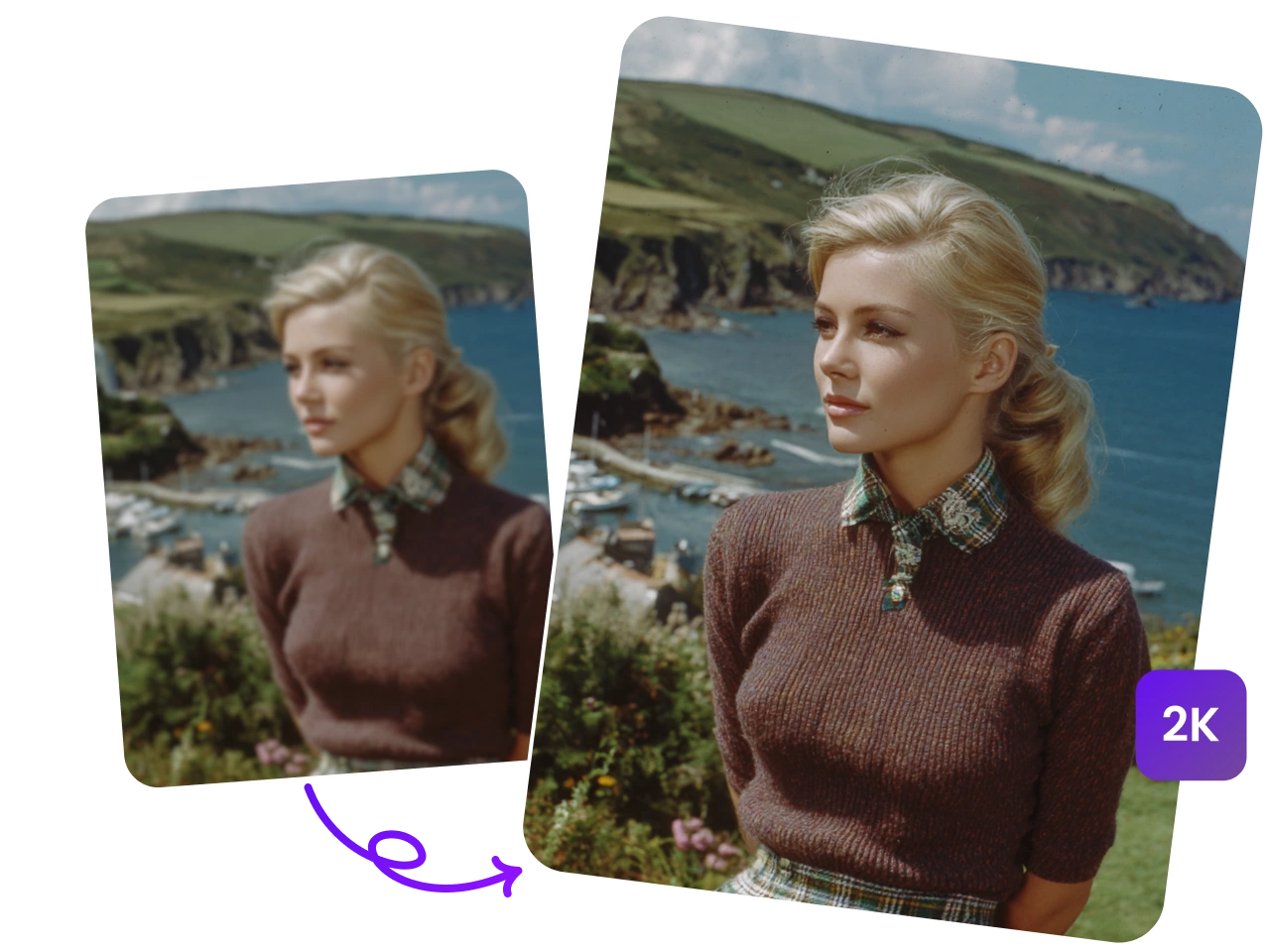
4K High-Quality Visuals
Produce crisp and detailed visuals that look professional on any platform, ensuring your videos stand out and capture audience attention.

Flexible Video Length
Kling 3.0 creates videos up to 15 seconds long with a single click, saving time while maintaining a smooth narrative flow — perfect for social media or marketing content.
FAQs about Kling 3.0 AI Video Genrator
What is Kling 3.0 AI Video Generator?
It is an advanced AI model that converts text or images into realistic video, offering significant upgrades in video length, visual consistency, and audio integration.
What’s the difference between Kling 2.6 and Kling 3.0?
Kling 3.0 represents a significant leap forward from Kling 2.6 introducing professional filmmaking capabilities like multi-shot narratives and extended duration, while greatly enhancing character consistency and language support (Chinese, English, Japanese, Korean, Spanish).
How do I use the Kling 3.0 AI Video Generator on Piclumen?
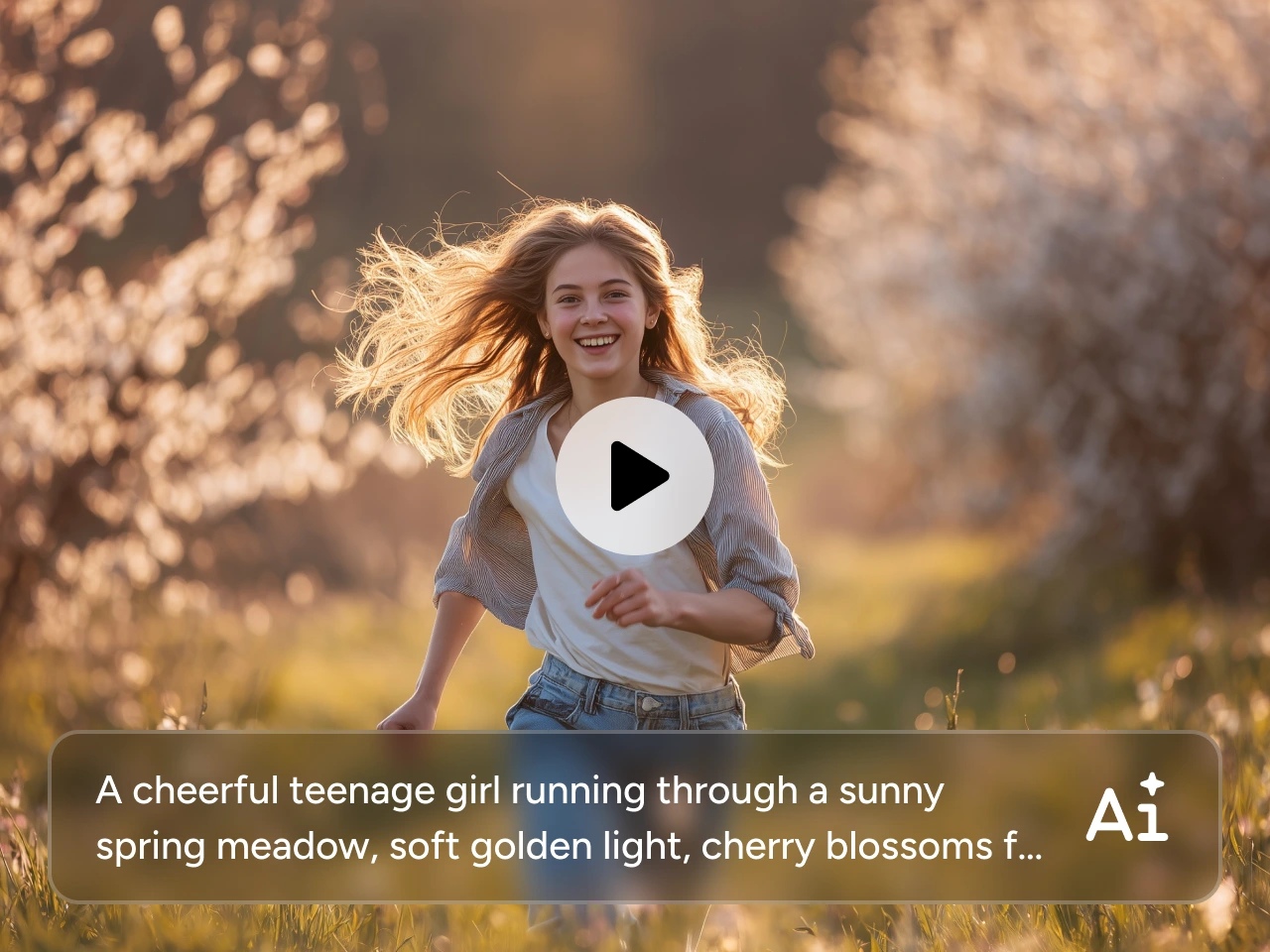
Simply select the Kling 3.0 model, enter an appropriate prompt or upload an image, and wait a few minutes to receive a high-quality AI video generated based on your ideas. If your prompt includes detailed storyboards and camera movement variations, the results will better align with your expectations.
How many characters can Kling 3.0 generate in a single video?
It now supports simultaneous character references for three or more characters while maintaining consistency in both character and visual elements.