Burning Bridges AI 影片生成器
熱門影片效果
查看全部Burning Bridges AI 影片生成器-跟上爆紅熱潮
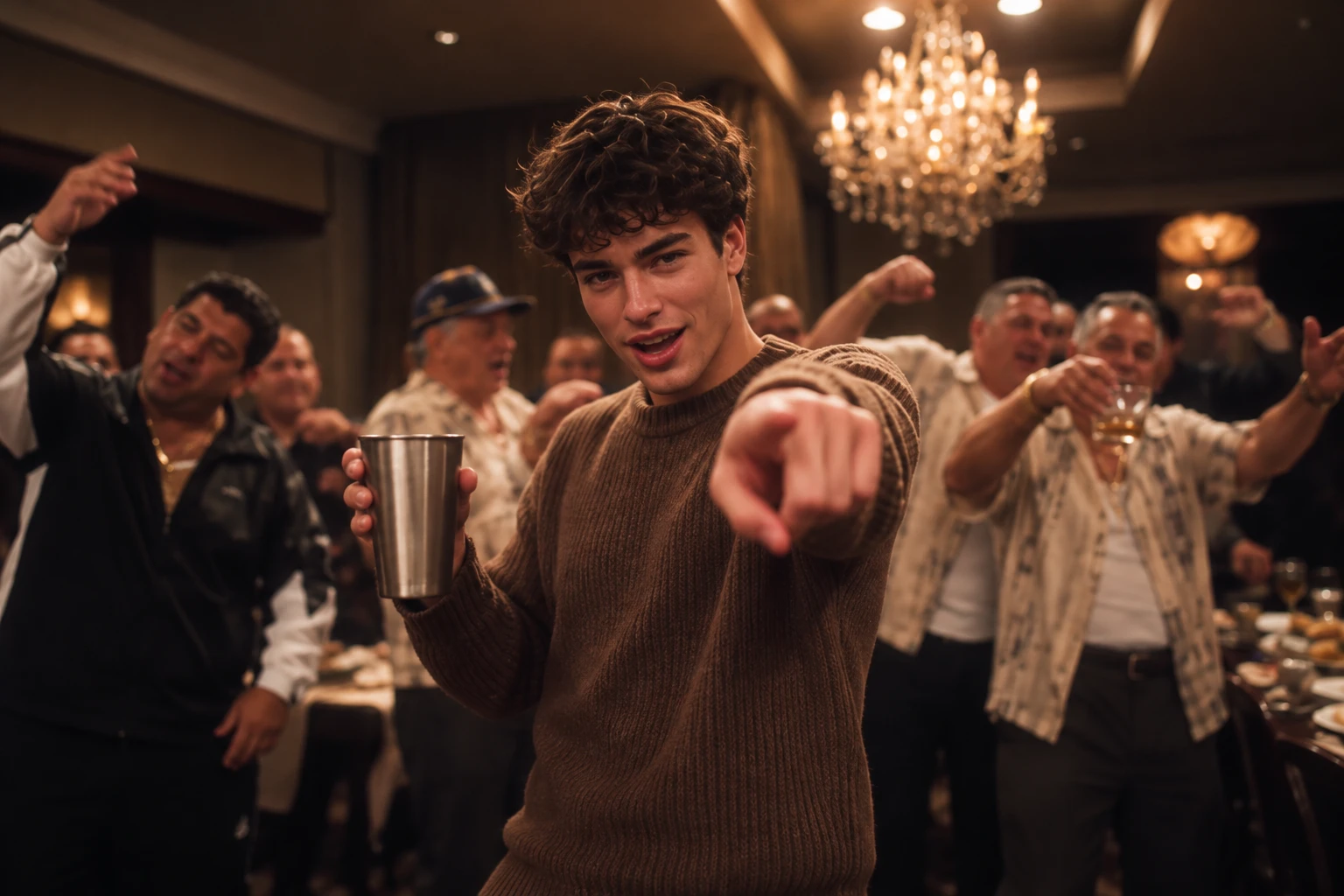
選擇範本、上傳一張照片,就能用 AI 讓自己成為經典 Drake《Burning Bridges》派對場景的主角,無須拍攝或剪輯。
重現 Burning Bridges 派對場景
將一張照片變成戲劇張力十足的 Burning Bridges 風格派對影片,展現搶眼的登場瞬間與電影感氛圍。現成範本讓你不必架設攝影機,就能重現這股熱潮,輕鬆打造 值得分享的社群內容 在動態消息中吸引目光。
成為派對登場的焦點
以搶眼的登場畫面、熱鬧的派對背景與電影感運鏡,呈現 Burning Bridges 的標誌性氛圍。讓平凡的人像照變成在短影音動態中脫穎而出的精彩片段。
不用攝製團隊,也能重現熱門趨勢
省去佈置派對場景、組建攝影團隊和逐格剪輯的麻煩。選擇現成的 Burning Bridges 範本、上傳一張照片,剩下的就交給 AI。
打造你的下一支爆款風格短影音
製作適合 TikTok、Instagram Reels 或 YouTube Shorts 的 Burning Bridges 風格短片。用一張人像照加入派對熱潮,給追蹤者驚喜,也為下一則社群貼文增添電影感。
如何製作 Drake《Burning Bridges》AI 影片
步驟 1 選擇 Burning Bridges AI 影片範本
1瀏覽 Burning Bridges AI 影片範本,挑選最符合爆紅影片風格的場景。留意水晶吊燈映照的派對、溫暖的金色燈光、熱鬧的賓客,以及經典的派對氛圍。有了現成範本,就不必從零開始搭建場景,也能重現影片的視覺風格與感覺。
步驟 2 上傳一張清晰的主角照片
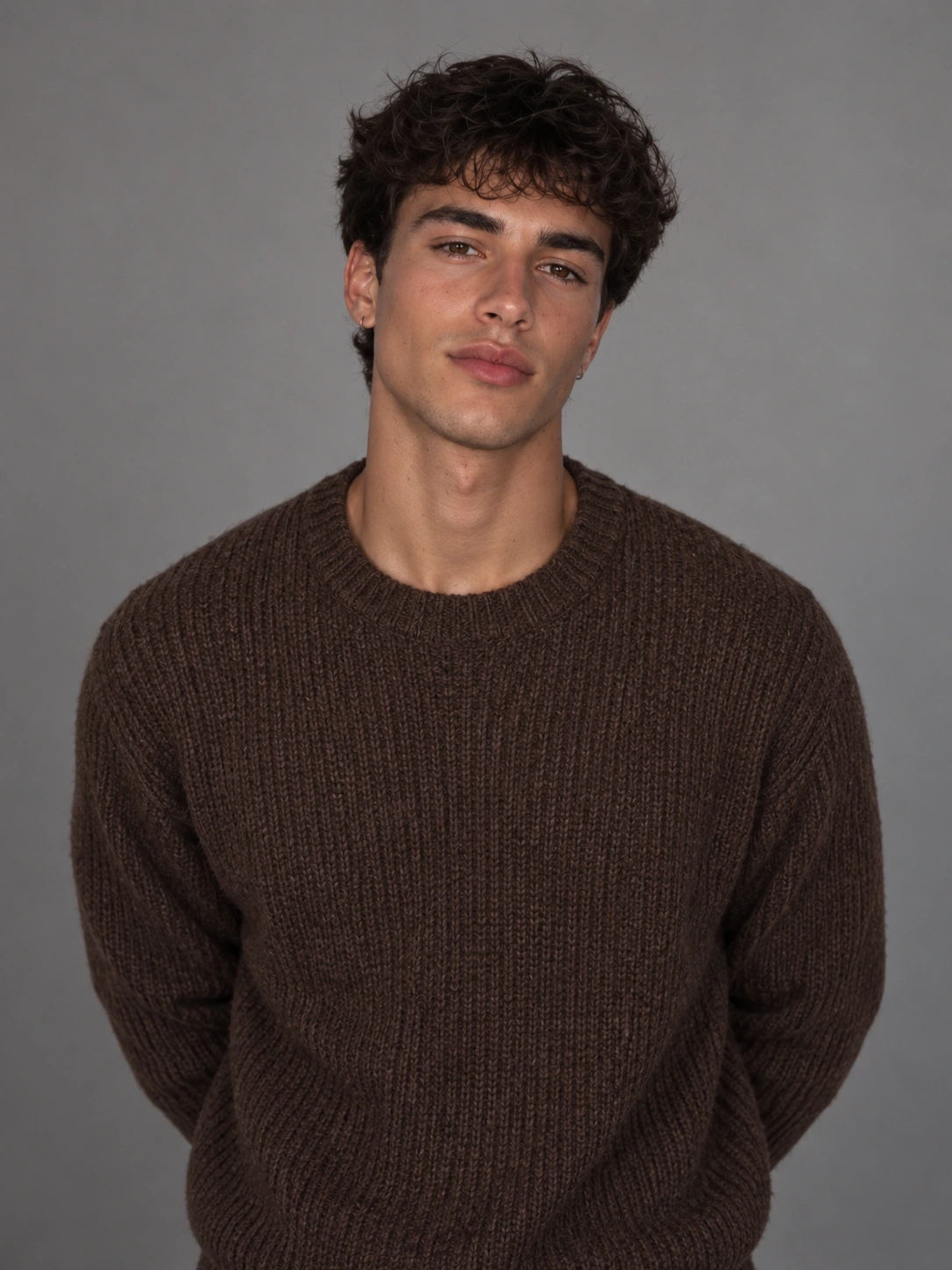
2上傳一張你自己、朋友或寵物的清晰照片,打造個人化影片。為獲得最佳效果,請選擇主角清楚可見、光線充足且臉部沒有明顯遮擋的照片。PicLumen 會以你上傳的照片作為角色參考,讓你選擇的主角走進 Burning Bridges 風格的派對場景。
步驟 3 生成、預覽並分享你的 AI 影片
3點擊「生成」,讓 PicLumen 將你的照片變成 Burning Bridges 風格的 AI 影片。生成完成後,預覽成果並確認角色、派對氛圍和整體動態是否符合期待。滿意的話,就儲存最喜歡的版本,並分享到 TikTok、Reels 或其他社群平台,秀出你對這股爆紅熱潮的獨特詮釋。
 Isuru Nilanka
It's easy to use
It's easy to use, they have different AI models, good prices, and a nice community page.
 chelsienner
This is my favorite AI Image generator
This is my favorite AI Image generator
I recently had some technical issues…
I recently had some technical issues that I was trying to work through, so I reached out to the team at PicLumen for support. They were incredibly open, responsive, and willing to discuss the challenges I was experiencing. I even sent them a video demonstrating some of the issues I came across, and they took the time to review everything carefully and work toward finding solutions. What really stood out to me was how friendly, approachable, and collaborative they were throughout the process. I never felt like I was just submitting a problem ticket — it felt like they genuinely cared about improving the experience and helping users succeed. I truly enjoy using the platform and appreciate the level of support and dedication behind it. I would absolutely recommend PicLumen to anyone interested in this type of creative work.
 next frame
best ai web creation site
best ai web creation site
 Zara
ZaraPiclumen still remains the best…
Piclumen still remains the best with image references. I don't have any complains using Piclumen. It makes my work easier
Great platform
Ease of use,and great models
 Elisa Lika
perfect
i think they are very cool and do a great worl with AI
 Jonathan Kauan da Silva
good i like create images
good i like create images
Great tool
Great tool, I made fantastic results with it.
Have a good experience and so smooth.
Have a good experience and so smooth.
 Lalith Perera
I loved it thank you so much for the…
I loved it thank you so much for the images
 Tim Olukayode Ajayi
Amazing Platform
Honestly, I was wowed the moment I land on PicLumen and tested their platform. I wanted to pay for the popular one before but had to stop and I am loving it all the way. I totally recommend PicLumen guys!
Drake《Burning Bridges》AI 影片常見問題
1. 什麼是 Burning Bridges AI 影片生成器?
Burning Bridges AI 影片生成器讓你用自己的照片,重現爆紅的奢華派對影片熱潮。透過現成的 AI 影片範本,讓自己、朋友或寵物成為水晶吊燈派對場景的主角。
2. 如何製作 Burning Bridges AI 影片?
在 PicLumen 選擇 Burning Bridges 範本、上傳清晰照片,然後點擊「生成」。影片完成後,預覽你的個人化作品,儲存最喜歡的成果,再分享到社群媒體。
3. 哪種照片最適合製作 Burning Bridges AI 影片?
為獲得最佳效果,請上傳清晰、光線充足且主角完整入鏡的照片。避免使用模糊、陰影過重或臉部被遮擋的照片。主角越容易辨識,AI 就越能生成畫面一致、賞心悅目的影片。
4. 可以用我的寵物製作 Burning Bridges AI 影片嗎?
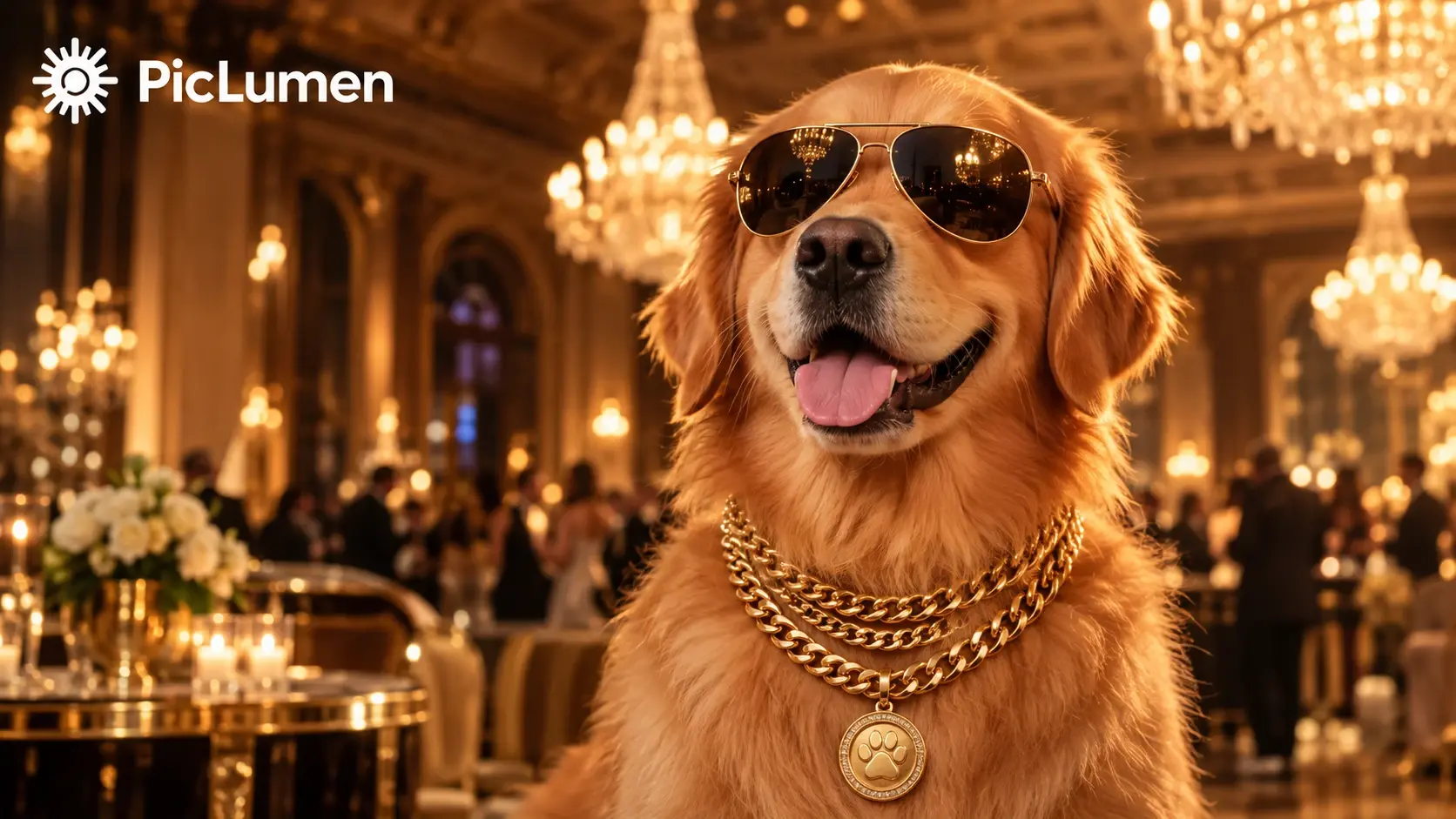
當然可以!上傳一張狗狗、貓咪或其他寵物的清晰照片,就能讓你的毛孩成為 Burning Bridges 風格派對場景的主角。試試墨鏡、金鍊與溫暖的水晶吊燈光影,打造俏皮又華麗的效果。
5. 製作 Burning Bridges AI 影片需要上傳參考影片嗎?
不需要。使用 PicLumen 現成的 Burning Bridges 範本,只要一張照片就能開始,無須另外上傳動作參考影片。選擇範本、上傳照片,接著生成影片即可。
6. Burning Bridges AI 影片生成器可以免費使用嗎?
可用的生成功能與使用額度,可能因 PicLumen 目前的方案及點數要求而異。製作 Burning Bridges AI 影片前,請查看生成器頁面的最新資訊。
7. 生成 Burning Bridges AI 影片需要多久?
生成時間取決於所選的 AI 模型、影片設定及目前的處理需求。選擇 Burning Bridges 範本、上傳照片,然後點擊「生成」即可。影片完成後,你就能預覽並儲存最喜歡的版本。