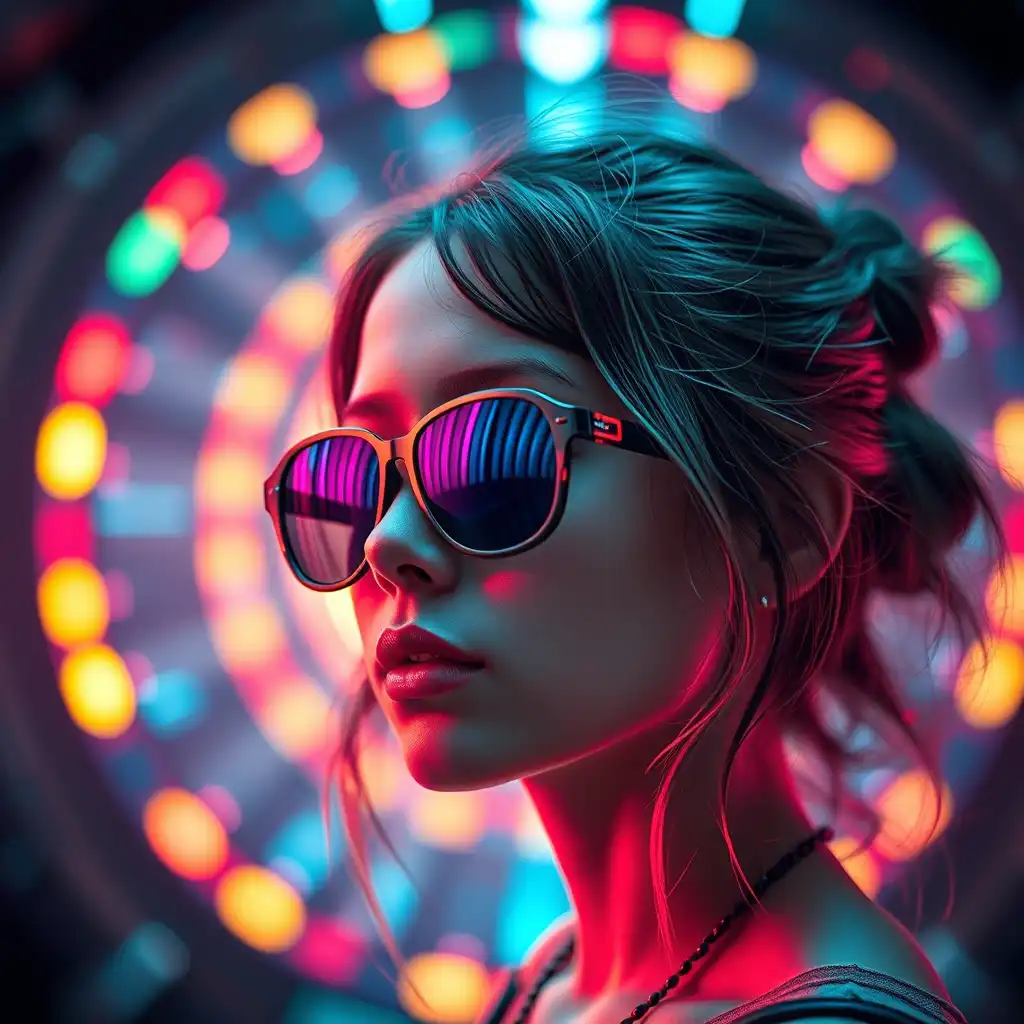
I’ve been seeing more AI images where a real person appears next to a 2D anime character, and I have to admit, this style is oddly fun when it’s done right.
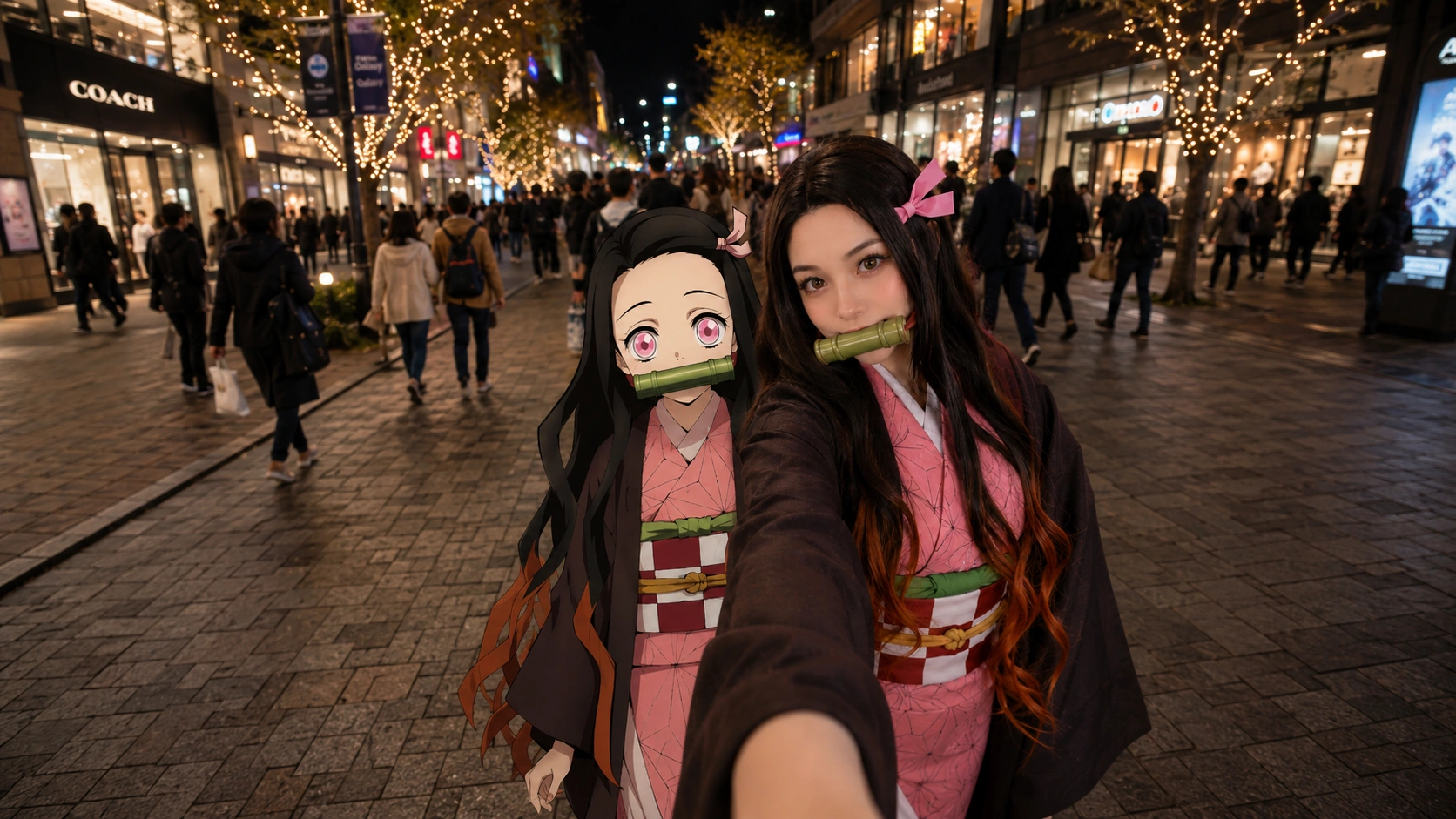
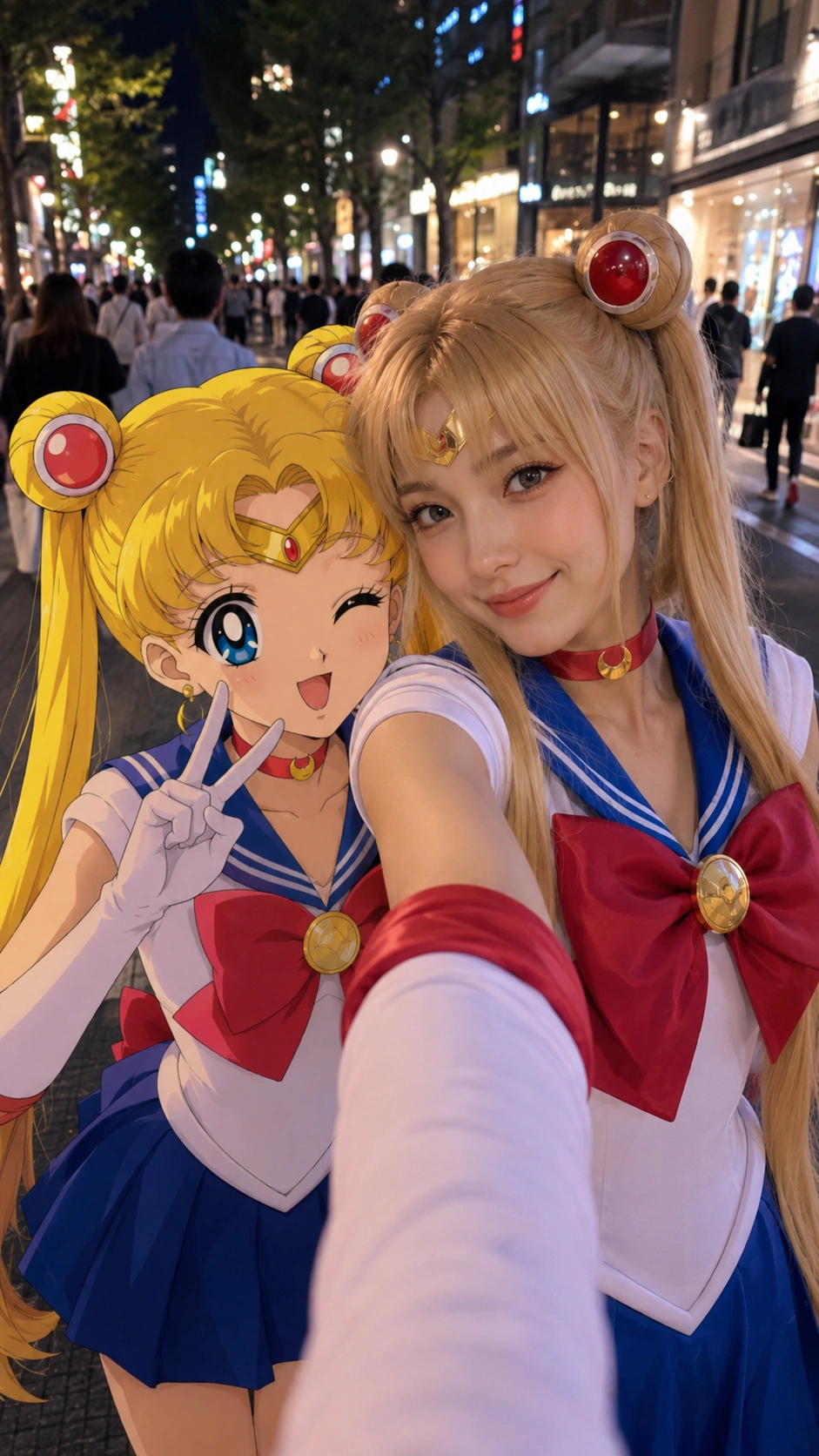
The best ones do not try to make everything realistic. Instead, they keep the human side looking like a real selfie, while the anime character stays completely 2D. That contrast is what makes the image feel interesting.
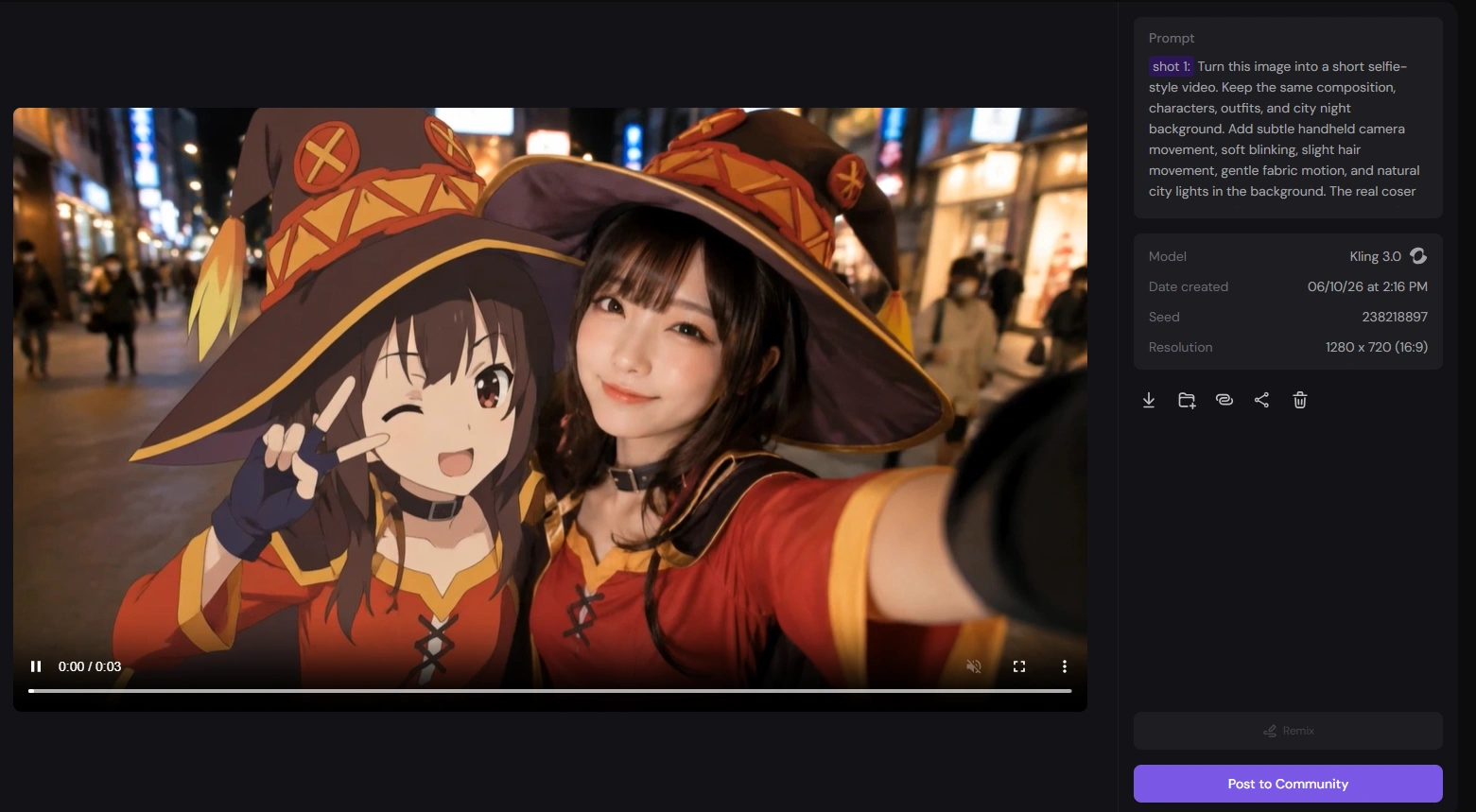
So I decided to make one myself: a real coser standing beside a 2D anime character in a city night street, like they were casually taking a selfie together. After creating the image, I also turned it into a short video using PicLumen’s Image to Video tool.
Why I Wanted to Try This Style
A normal cosplay photo can look great, but it is still something we are used to seeing.
A full anime illustration can also look beautiful, but it feels clearly fictional.
What caught my attention was the mix of both: a realistic coser and a flat 2D anime character in the same frame. It feels like two worlds suddenly overlap.
For this test, I wanted the final image to feel like a real phone selfie, not a polished poster. So I chose a city night background with street lights, blurred pedestrians, shop windows, and a close selfie angle.
The goal was simple: make it feel like the anime character really joined the coser for a quick street photo.
How to Create the Anime Character Selfie Video With AI
Part 1. Create the AI Anime Selfie Imag
For the image part, I used PicLumen’s Image to Image workflow first. The goal is to create a clean base image: a real coser standing next to a fully 2D anime character in a realistic city night selfie scene.
For this step, I recommend trying image models like GPT Image 2.0, Midjourney V8.1, or Nano Banana 2. These models are better for balancing real human details, costume accuracy, and anime-style control.
Step 1: Choose the Right Image Model
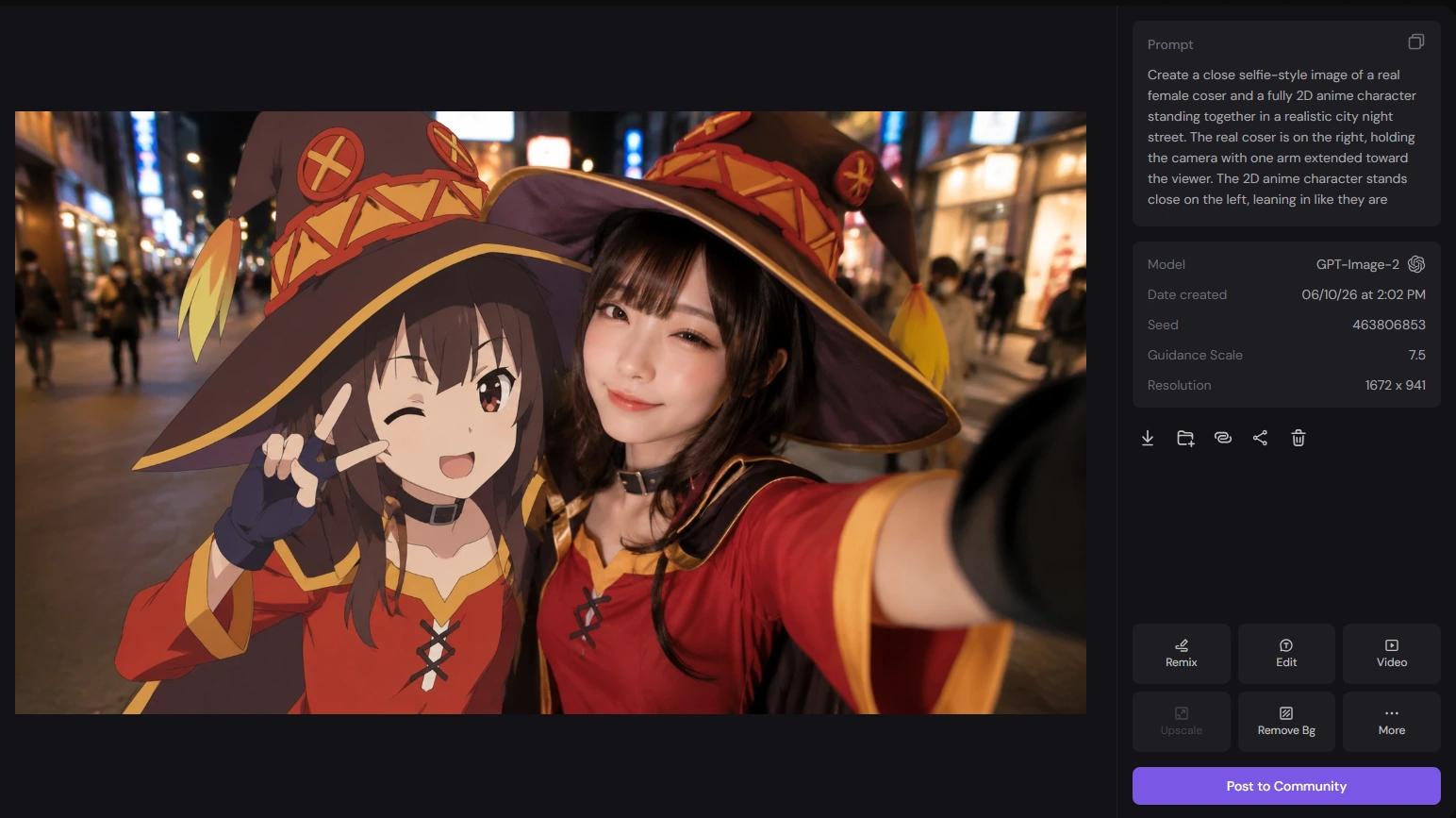
Start by choosing a suitable image model in PicLumen. For this kind of anime selfie image, I would test GPT Image 2.0 first.
Step 2: Upload Your Photo and Add the Prompt
Upload your own photo or a selfie-style reference image. Then add a prompt that clearly describes the final scene.
The key is to make the real person photorealistic and keep the anime character fully 2D.
Create a close selfie-style image of a real female coser and a fully 2D anime character standing together in a realistic city night street. The real coser is on the right, holding the camera with one arm extended toward the viewer. The 2D anime character stands close on the left, leaning in like they are taking a friendly selfie together. The coser should be photorealistic, wearing the same costume style as the anime character, with natural skin texture, soft lighting, and a polished cosplay look. The anime character must remain 100% 2D, cel-shaded, and clearly illustrated, not semi-realistic. Set the background in a real modern city pedestrian street at night, with warm storefront lights, blurred pedestrians, bokeh lighting.
Step 3: Set the Resolution, Aspect Ratio, and Size
Choose the resolution and aspect ratio based on where you want to use the image.
Step 4: Generate the Image
After everything is set, generate the image.
If the anime character looks too realistic or the coser looks too illustrated, adjust the prompt and generate again until the contrast feels right.
Part 2. Turn the Anime Selfie Image Into a Video
After creating the final image, I used PicLumen’s Image to Video workflow to make it move. For this part, I recommend Kling 3.0, especially if you want subtle motion, stable characters, and a more natural selfie-video feeling.
Step 1: Choose Kling 3.0
Open Image to Video and choose Kling 3.0 as the video model.
For this type of content, Kling 3.0 works well because the movement can stay controlled and cinematic without making the image feel too messy.
Step 2: Upload the Generated Selfie Image and Add the Prompt
Upload the AI anime selfie image you just created. Then add a simple motion prompt.
Turn this image into a short selfie-style video. Keep the same composition, characters, outfits, and city night background. Add subtle handheld camera movement, soft blinking, slight hair movement, gentle fabric motion, and natural city lights in the background. The real coser and the 2D anime character should feel like they are taking a selfie together in a lively city night scene: they gently lean closer, share a quick glance, smile softly, and make a small coordinated movement such as a slight head tilt, a tiny wave, or a subtle peace-sign pose toward the camera. Their interaction should feel warm, natural, and friendly. The real coser should remain photorealistic, while the anime character must stay fully 2D and cel-shaded. Keep the motion subtle and believable, not exaggerated.
Step 3: Choose the Right Duration, Aspect Ratio, and Resolution
Choose the video length and output settings based on the platform.
For social media, a short 5–8 second clip usually works better.
Step 4: Generate the Video
Generate the video and check the result. I usually look at whether the face, hands, outfit, and 2D anime style stay stable. If the motion feels natural, the clip is ready to export and post.
Why This Workflow Works Well in PicLumen
What I liked about using PicLumen for this test is that I could build the idea step by step.
I did not have to make the video first. I could create the image, refine the style, adjust the background, change the ratio, and only then turn the final version into a video.
That workflow is useful for this kind of AIGC idea because the details matter. If the 2D character becomes too realistic, the whole concept loses its charm. If the coser becomes too anime-like, the contrast disappears.
Using Image to Image first gives me control. Using Image to Video after that makes the image more suitable for TikTok, Reels, Shorts, or a quick Hub post.
Final Thoughts
This 2D anime character selfie style is simple, but it works because it feels both familiar and impossible.
It looks like a normal street selfie at first. Then you notice the anime character standing beside the real coser, and the image suddenly becomes much more interesting.
For me, the best workflow is:
Image to Image first, then Image to Video.
Start with a strong still image. Keep the human realistic. Keep the anime character fully 2D. Then add just enough motion to make it feel like a short social media clip.
That small mix of real life and anime is what makes this style so fun to create.