
Next‑Generation Visual Creation with ChatGPT Images 2.0 on PicLumen
Not just an image generator — ChatGPT Images 2.0 delivers structured layouts, precise typography, and professional-grade visuals for banners, infographics, marketing campaigns, UI mockups, and editorial designs. Bring your concepts to life with unmatched clarity and control with ChatGPT Images 2.0. Available on PicLumen now.
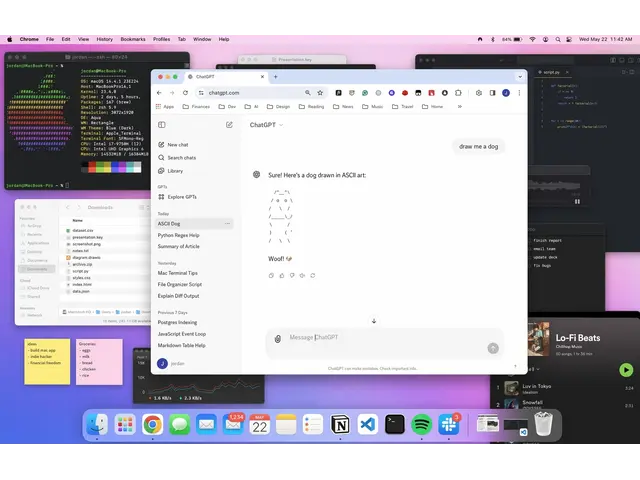
Smart Prompt Interpretation
ChatGPT Images 2.0 introduces 'thinking' mode, which can analyze and understand complex prompts before generating visuals, ensuring outputs match your creative intent. Its reasoning layer allows it to consider context, structure, and relevant details, producing images that are thoughtfully composed and accurate.
Clear and Layout-Ready Text
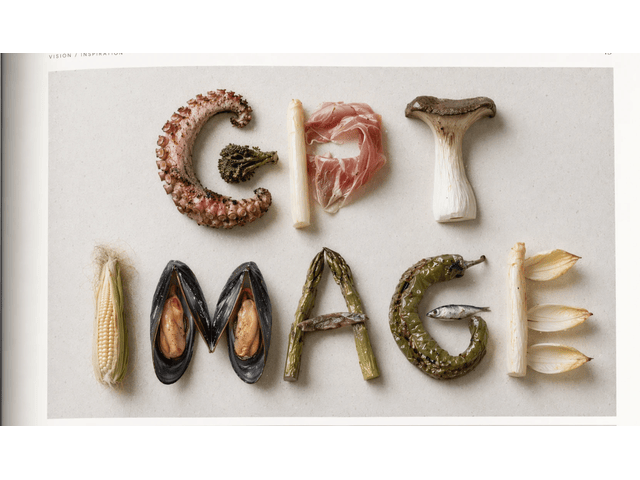
Chatgpt Images 2.0 model excels at embedding text naturally within images, even for dense headlines, UI elements, or labels. Every visual maintains clarity, making it suitable for marketing graphics, presentations, and editorial content without extra manual adjustments.
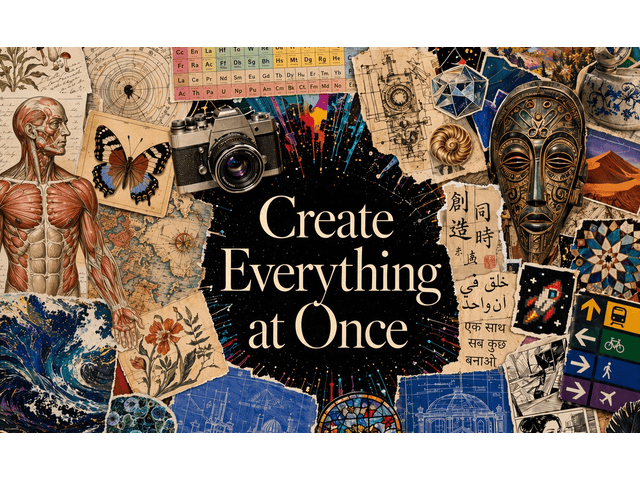
Multi-Language Text Integration
Create images with text in multiple languages seamlessly, from Chinese and Japanese to Hindi and Bengali. This capability enables designers and marketers to produce globally-ready visuals without worrying about character errors or formatting issues.
Consistent Multi-Image Generation
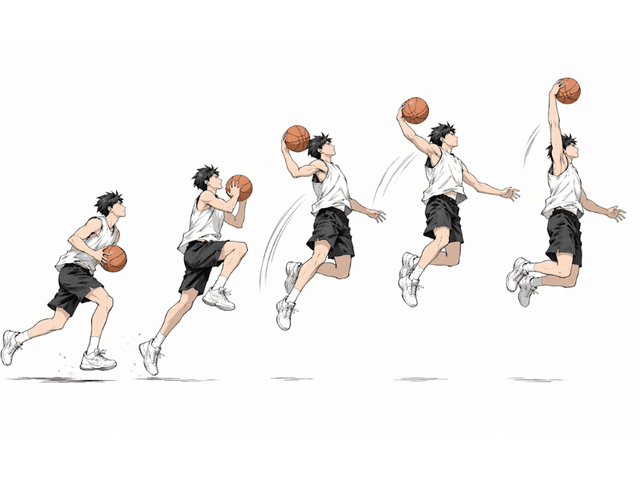
With a single prompt, you can generate several images that share the same style, characters, and layout, ideal for storyboards, comic panels, social media campaigns, or multi-format marketing assets. Consistency is maintained across all outputs.
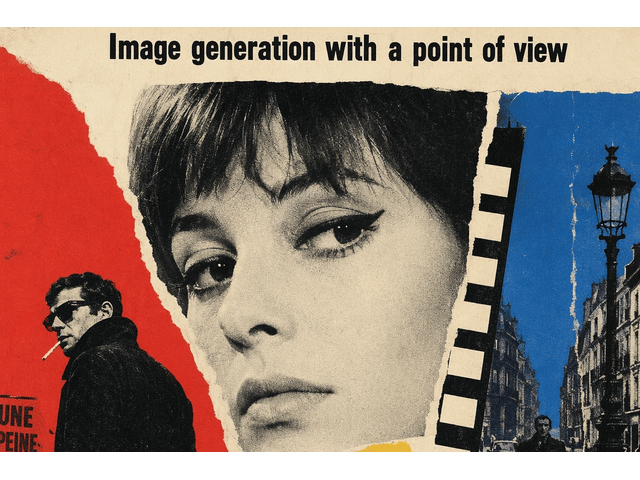
Flexible Formats and High-Resolution Output
ChatGPT Images 2.0 supports custom aspect ratios — from wide banners to tall mobile designs — and delivers images at up to 2K resolution. This ensures your visuals are ready for both digital and print use without additional resizing.
ChatGPT Images 2.0 Use Cases

Marketing Graphics & Campaign Assets
Create campaign visuals with precise typography, layout control, and multilingual versions for global roll‑outs.

Editorial & Infographic Generation
Produce structured infographics and editorial spreads where text placement, hierarchy, and clarity matter.

UI/UX Mockups & Product Screens
Design clickable‑ready UI screens with text labels and iconography that follow your layout rules.

Comic Panels & Storyboards
Generate consistent visual sequences with shared characters, environments, and lighting across frames.
How to Use ChatGPT Images 2.0 on PicLumen
Step 1 Select the ChatGPT Images 2.0 Model
1Choose the upgraded 2.0 engine from the PicLumen dashboard.
Step 2 Input Your Prompt or Upload a Reference Image
2Describe your scene, style, or layout in natural language, or upload an image for inspiration.
Step 3 Generate Your Image
3Click the Create icon and let the model produce your visuals. Download or share instantly.


Loved by Creators Worldwide
Real feedback from designers, marketers, and hobbyists sharing their PicLumen experience on Trustpilot.
Isuru NilankaIt's easy to use
It's easy to use, they have different AI models, good prices, and a nice community page.
 Ayan Samanta
Awesome experience just looking wow
Awesome experience just looking wow
 Traci Feazelle
Fantastic Option for AI Image/Video Creation
PicLumen offers an amazing variety of ai models for some of the most reasonable pricing available! The app layout also affords ease of use.
 Ms. Bliss
Just getting started
Just getting started, thus far it's really good. Going to continue to review and will update.
Brad the BibliothecaryGreat service with ease of use and…
Great service with ease of use and generous free offerings.
 Pino Calambrogio
Good over other applications
Good over other applications
Mike WilsonBanger ai has everything i needed and…
Banger ai has everything i needed and more
This is one of the best videos ai…
This is one of the best videos ai generator
Love!!
Love!!! Love!!! Love. It. I can get so creative. It pulls my image from my mind.
 Tyler
TylerIt’s a great ai app perfect for making…
It’s a great ai app perfect for making your imaginations come true
 Qadeer Khan
Piclumen is one of the best ai image…
Piclumen is one of the best ai image generator
 Jonathan Bernadino
A great company and an incredible…
A great company and an incredible experience being able to generate my images with the highest quality.
FAQs about ChatGPT Images 2.0
What is ChatGPT Images 2.0?
It’s the latest AI image generation model by OpenAI with advanced reasoning, multi-language text rendering, consistent multi-image output, and high-resolution flexible formats.
Can I use my own images as input?
Yes, you can upload reference images for style or composition guidance.
How many images can I generate at once?
Up to 8 images per prompt, all maintaining consistent style and elements.
Which languages are supported for text in images?
English, Chinese, Japanese, Korean, Hindi, Bengali, and more.
Explore More AI Tools
- FLUX AI Image Generator
- Midjourney AI Image Generator
- Nano Banana AI Image Generator
- Grok Imagine AI Video Generator
- Pony Diffusion V6
- Nano Banana 2 AI Image Generator
- Seedream 4.5
- Seedream 5.0 Lite
- Qwen AI Image Generator
- Grok Imagine Image Generation
- GPT 4o Image Generator
- Model Primo
- FLUX ControlNet Depth
- Seedream 4.0 AI Image Generator by ByteDance
- Happy Horse 1.0 AI Video Generator
- Gemini 3 Powered AI Image & Video Generator
- Nano Banana Pro AI Image Generator
- Qwen Image 2.0 AI Generator
- GPT Image 1.5 AI Image Generator
- Vidu Q3 Pro AI Video Generator
- AI Flux ControlNet Canny Model
- AI Video & Image Models