


Free AI Gif Generator: Create Animated GIFs Online
A simple GIF idea should not turn into a slow workflow, messy editing, or disappointing visual quality. With PicLumen’s AI Gif Generator, you can turn simple ideas into expressive, high-quality GIFs without dealing with a complicated creation process. Whether you want to create reaction content, meme loops, social visuals, or community-ready motion assets, you can get to a polished result faster.
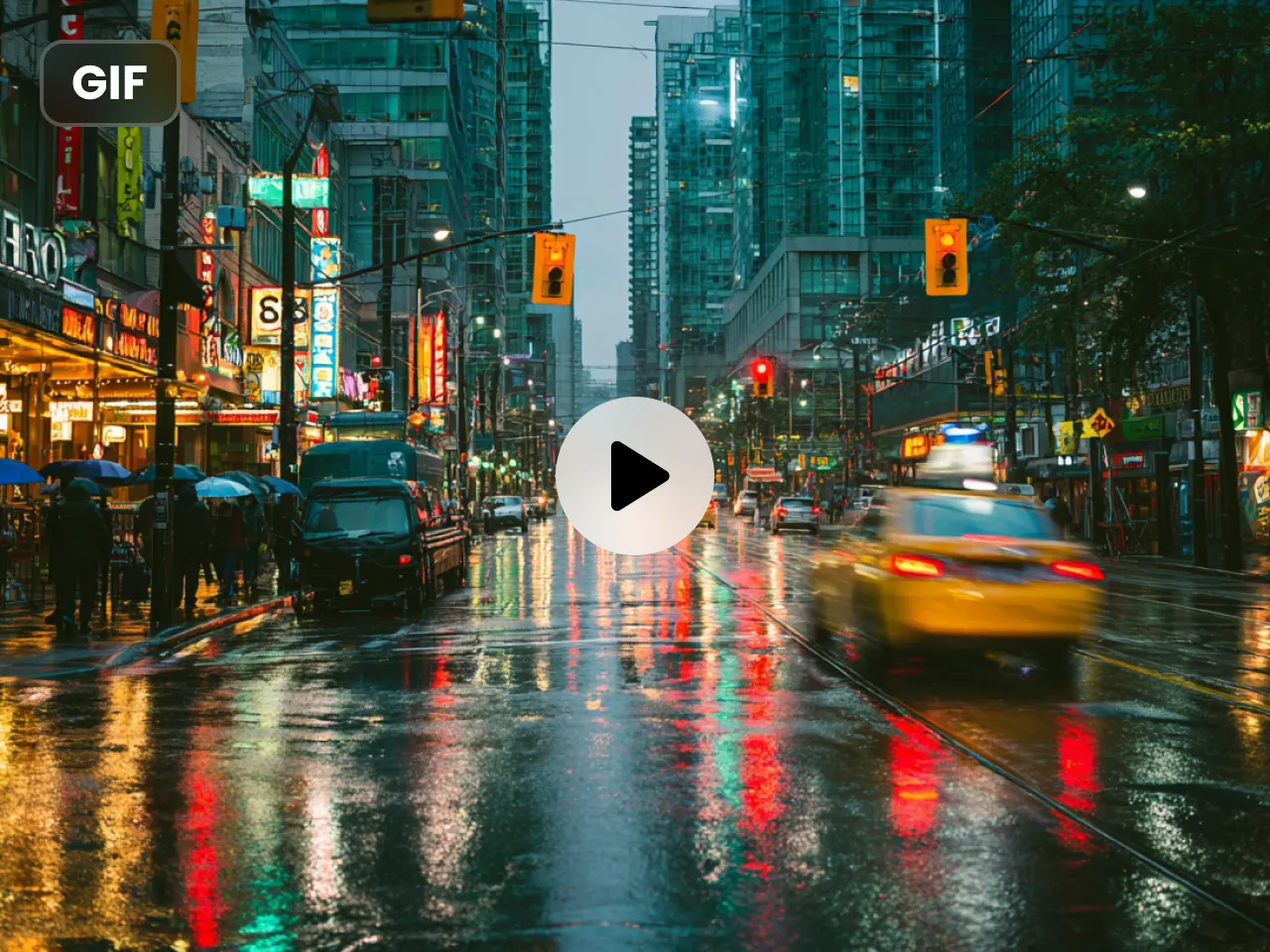
Create GIFs Faster Without Complex Editing Steps
A simple GIF idea should not turn into a slow, technical workflow. With PicLumen, you can turn a prompt or image into animated content without dealing with frame-by-frame editing, confusing tools, or unnecessary production steps. This best ai gif generator helps you create faster when you want a smoother way to make reaction GIFs, meme loops, or quick social content.
Start From Text or Images Based on Your Workflow
Not every project starts the same way. Sometimes you want to write an idea from scratch. Other times, you already have a visual reference you want to animate. PicLumen integrates a variety of popular AI video models, such as Veo 3.1, Kling 3.0, Seedance 2.0, etc., allowing you to choose your favorite model for creative inspiration. Whether you want to generate videos using text prompts or upload reference images, Piclumen's AI gif generator can simplify your workflow and help you quickly get the GIF results you want.
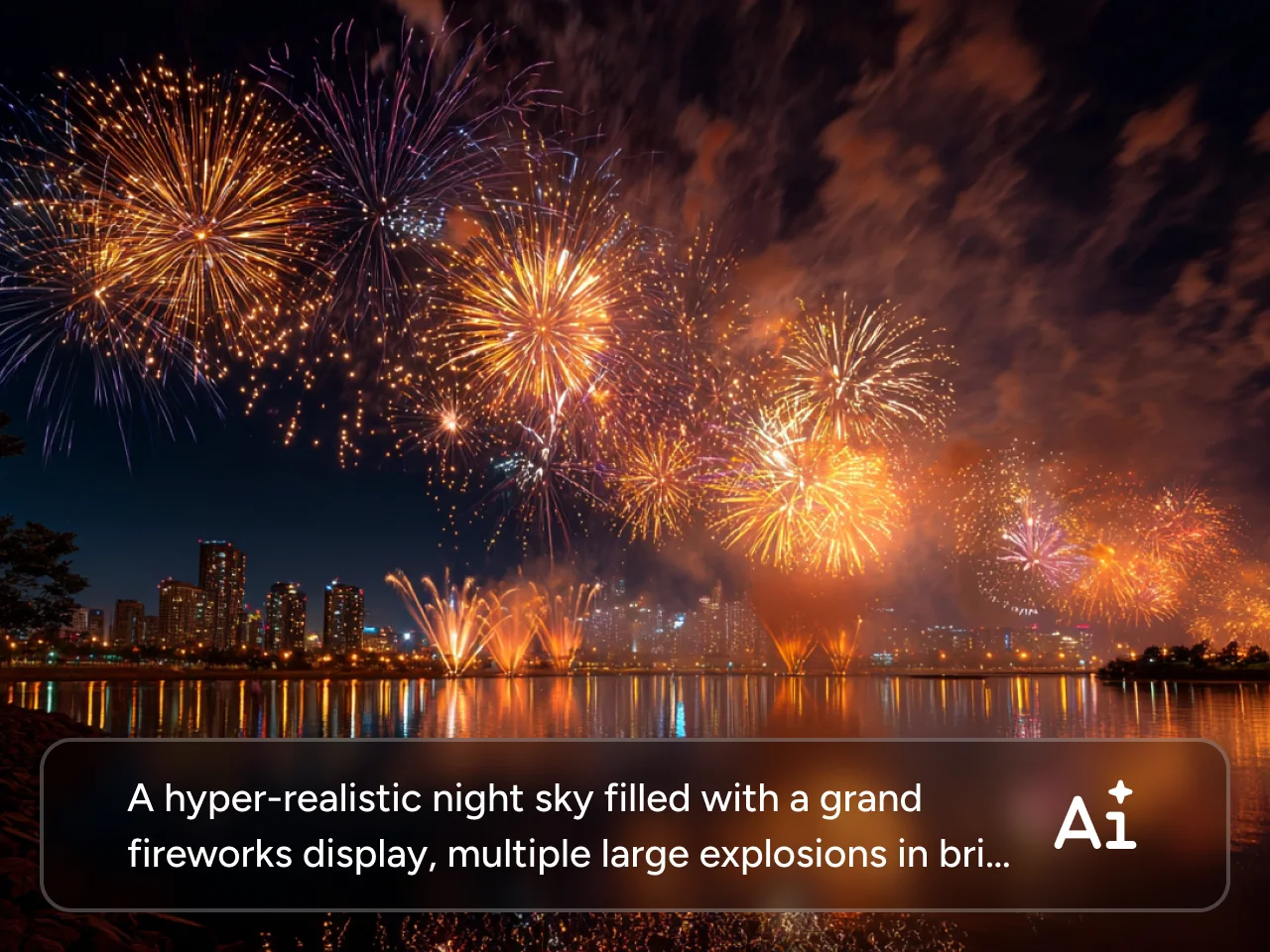
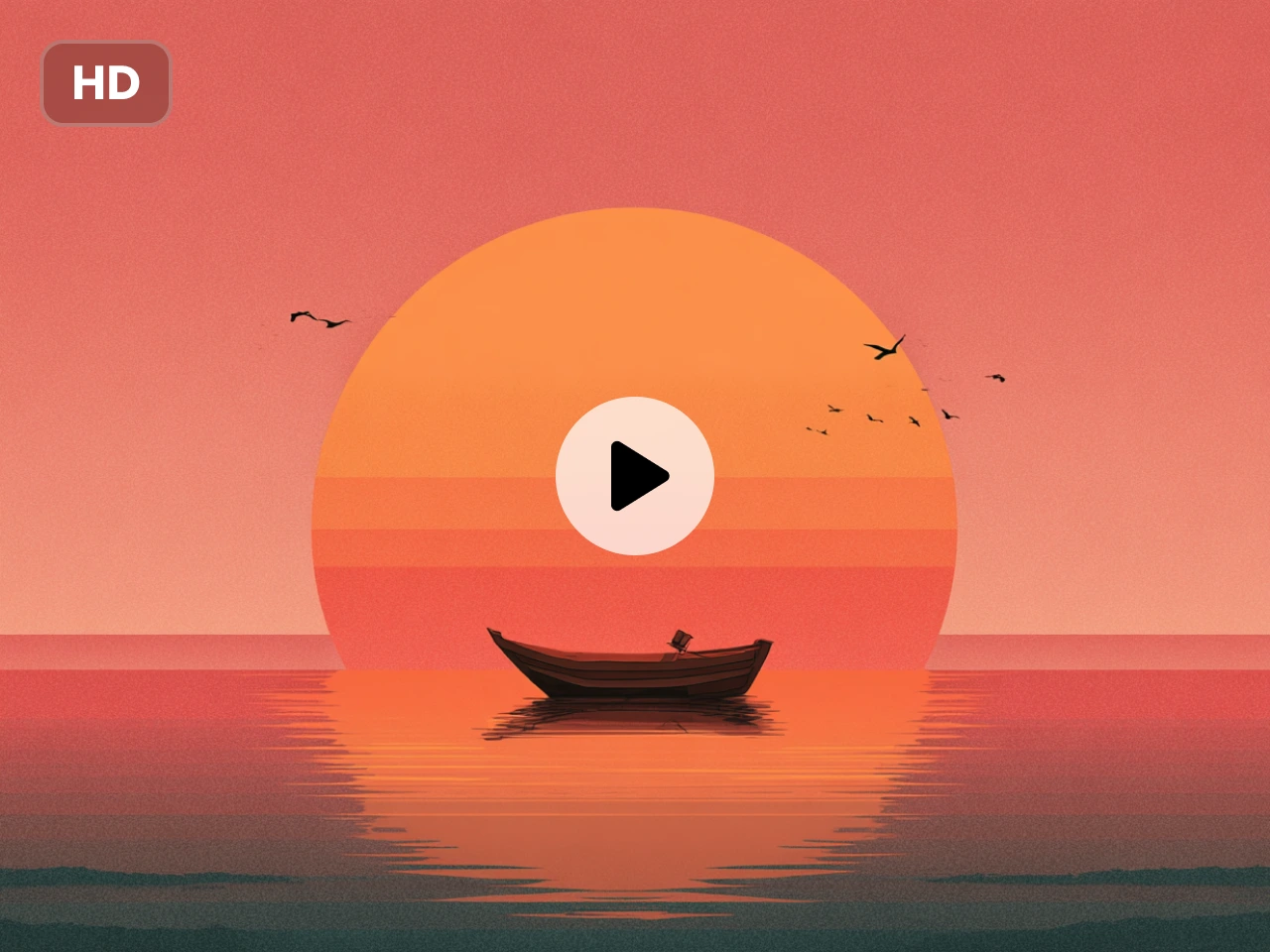
Generate Higher-Quality GIFs You Can Share Confidently
A GIF loses impact when it looks rough, messy, or too low-quality to post. PicLumen's AI Gif Generator is built to help you create cleaner, more polished motion content, so your results feel more expressive and more usable across chats, communities, social posts, and branded content. If you care about visual quality as much as speed, this makes a real difference.
Make GIFs for Social, Community, and Brand Use
A useful GIF tool should do more than generate motion. It should help you create content you can actually use in real publishing scenarios. From reaction GIFs and meme loops to product snippets and community content, this workflow is designed for everyday sharing. It is especially practical when you need a gif maker for discord or fast-turnaround visuals for online engagement.
AI Gif Generator Use Cases for Everyday Content Creation

Reaction GIFs for Replies
Create custom reaction GIFs for everyday conversations, comment sections, and quick online replies. Whether you want to express excitement, surprise, sarcasm, or support, GIFs make your response feel more expressive than plain text or static images.

Meme GIFs for Social Posts
Turn funny ideas, relatable moments, or trend-based jokes into short looping GIFs that are easy to share on social platforms. This is a practical use case when you want fast content that feels more engaging and easier to spread.

GIFs for Discord Servers
Make original GIFs for server reactions, community announcements, inside jokes, and group identity. For users looking for a gif maker for discord, this is one of the most useful real-world scenarios because it helps communities use content that feels more personal and less generic.

Product GIFs for Promotion
Create short product GIFs that highlight a feature, a detail, or a key visual moment in a more dynamic way. This works well for lightweight promotion on landing pages, online stores, social media, and product update posts.

GIFs for Social Engagement
Use GIFs to make everyday social content feel more active and more eye-catching. You can create short animated visuals for posts, replies, story-style content, or community interactions without needing to produce a full video.

Branded GIFs for Creators
Create reusable GIFs that reflect your personal style, creator branding, or community tone. These can be used across profile content, fan communities, creator pages, and branded online spaces where consistent visual identity matters.
How to Use AI Gif Generator on PicLumen
1 Choose the Right Video Model
1Start by choosing the video model that best matches the style, motion, and result you want. You can pick the one that fits your creative goal and helps you get a stronger final GIF.
2 Add a Prompt or Reference Image
2Enter a text prompt or upload a reference image to shape your GIF. The more clearly you describe the scene, action, or visual style, the easier it is to generate a result that feels closer to what you have in mind.
3 Set the Length and Format
3Choose the video duration and aspect ratio that fit your use case. Whether you want to create GIFs for social posts, chats, or community sharing, selecting the right format helps your final result look more polished and more ready to use.
4 Generate and Get Your GIF
4Once everything is set, click Generate and let PicLumen turn your idea into motion. In just a short time, you will get a GIF that is ready to preview, download, and share across your favorite platforms.
Frequently Asked Questions
What is an AI gif generator?
An AI gif generator helps you turn text prompts or images into animated GIFs without going through a complicated editing workflow. It gives you a faster and easier way to create GIFs for social posts, chats, communities, and everyday content.
What kinds of GIFs can I make with PicLumen's AI gif generator?
You can create reaction GIFs, meme loops, Discord content, social media visuals, product snippets, and branded GIFs. It is built for everyday content creation, whether you want something fun, expressive, or more promotion-ready.
Can I use an AI gif generator from image?
Yes. PicLumen supports image-guided creation, which makes it a practical AI gif generator from image or text for users who want more control over the final look. You can upload a reference image to guide the motion, style, or visual direction of your GIF.
How can I make higher-quality gifs more easily?
If you are wondering how to make high quality gifs, start with a clear prompt or a strong reference image, then choose a model and settings that match your goal. PicLumen makes this easier with a smoother workflow, flexible inputs, and more polished visual results.