Free Image to Image AI Generator Online
Transform Photos Using Text Prompts
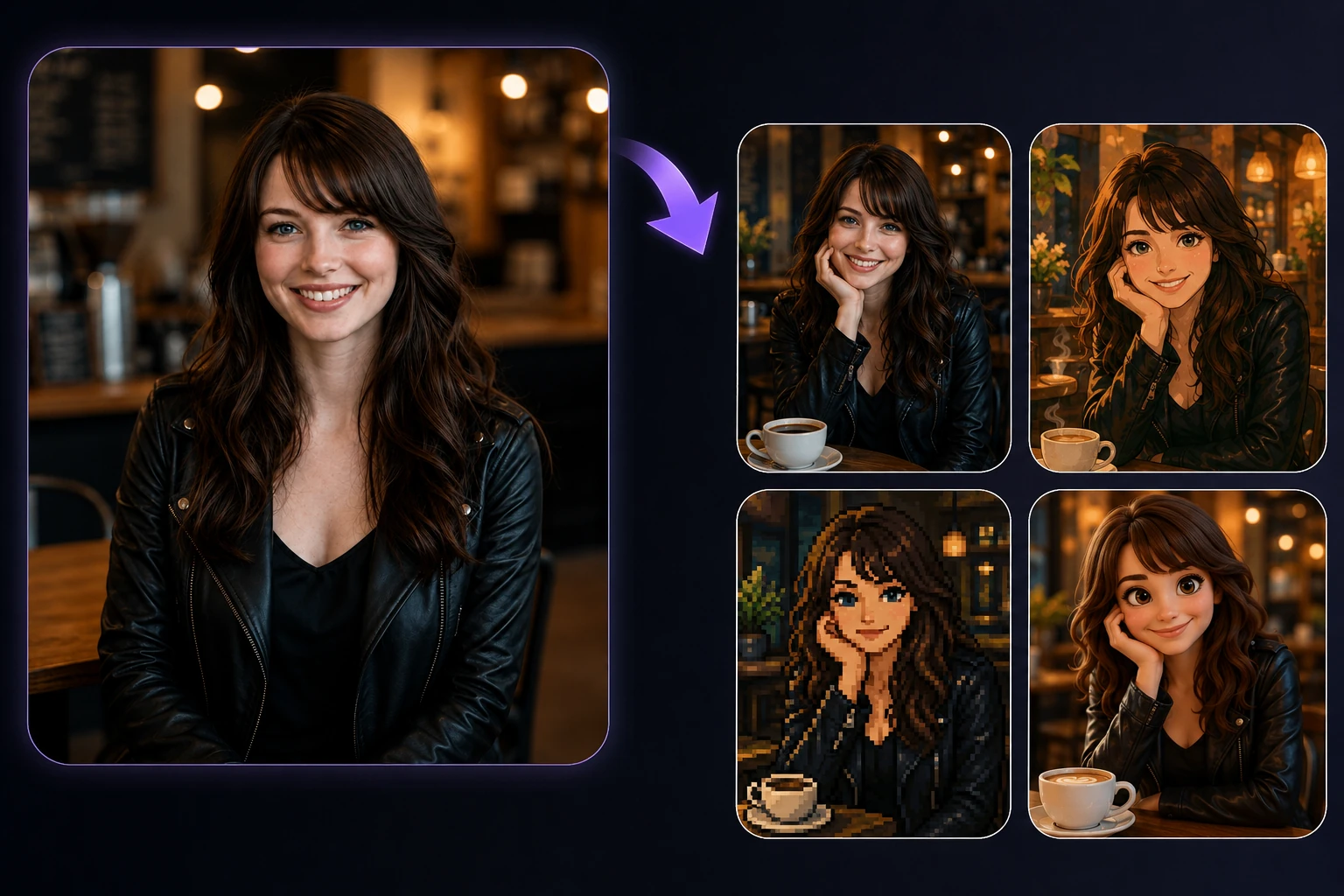
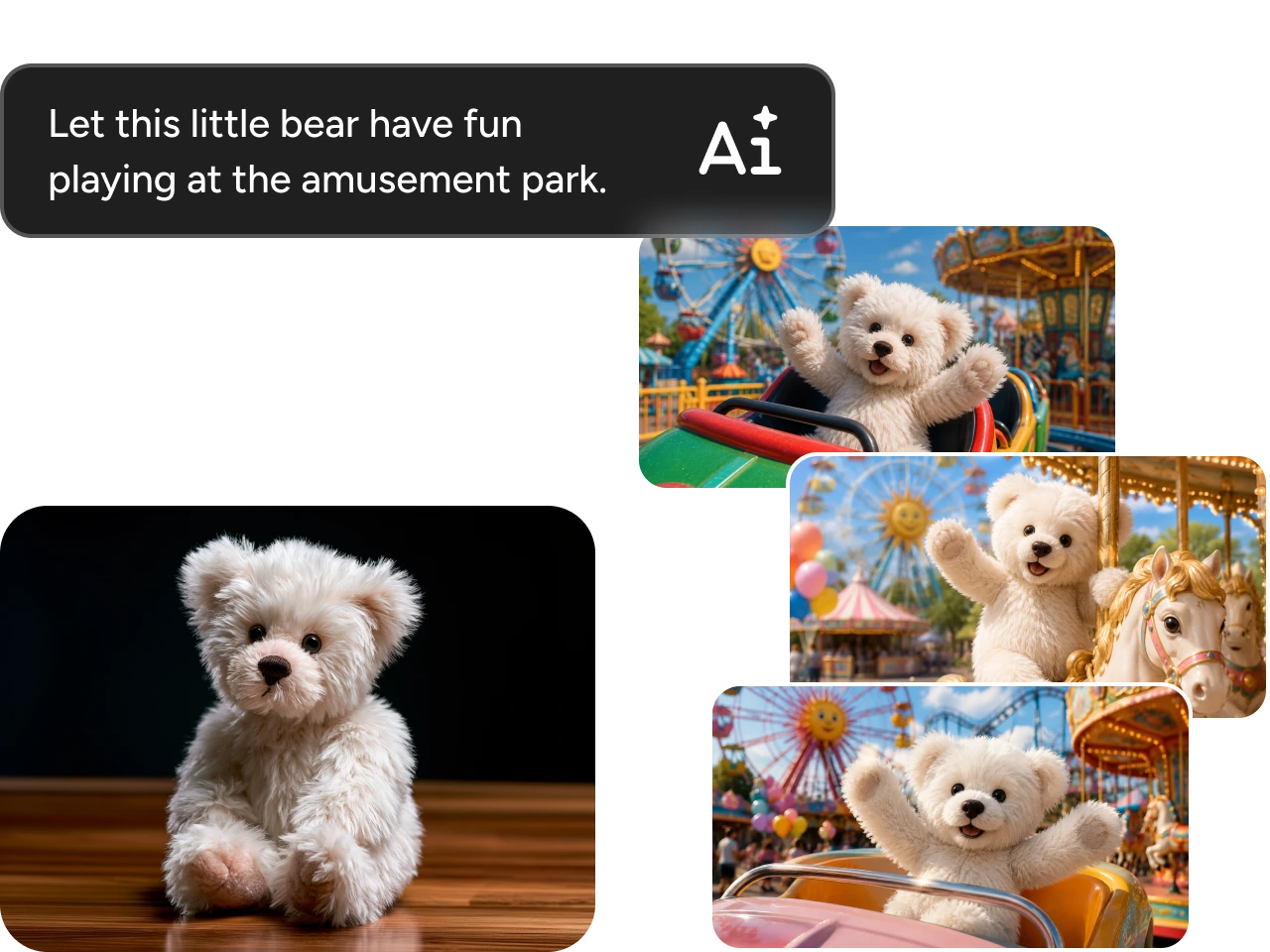
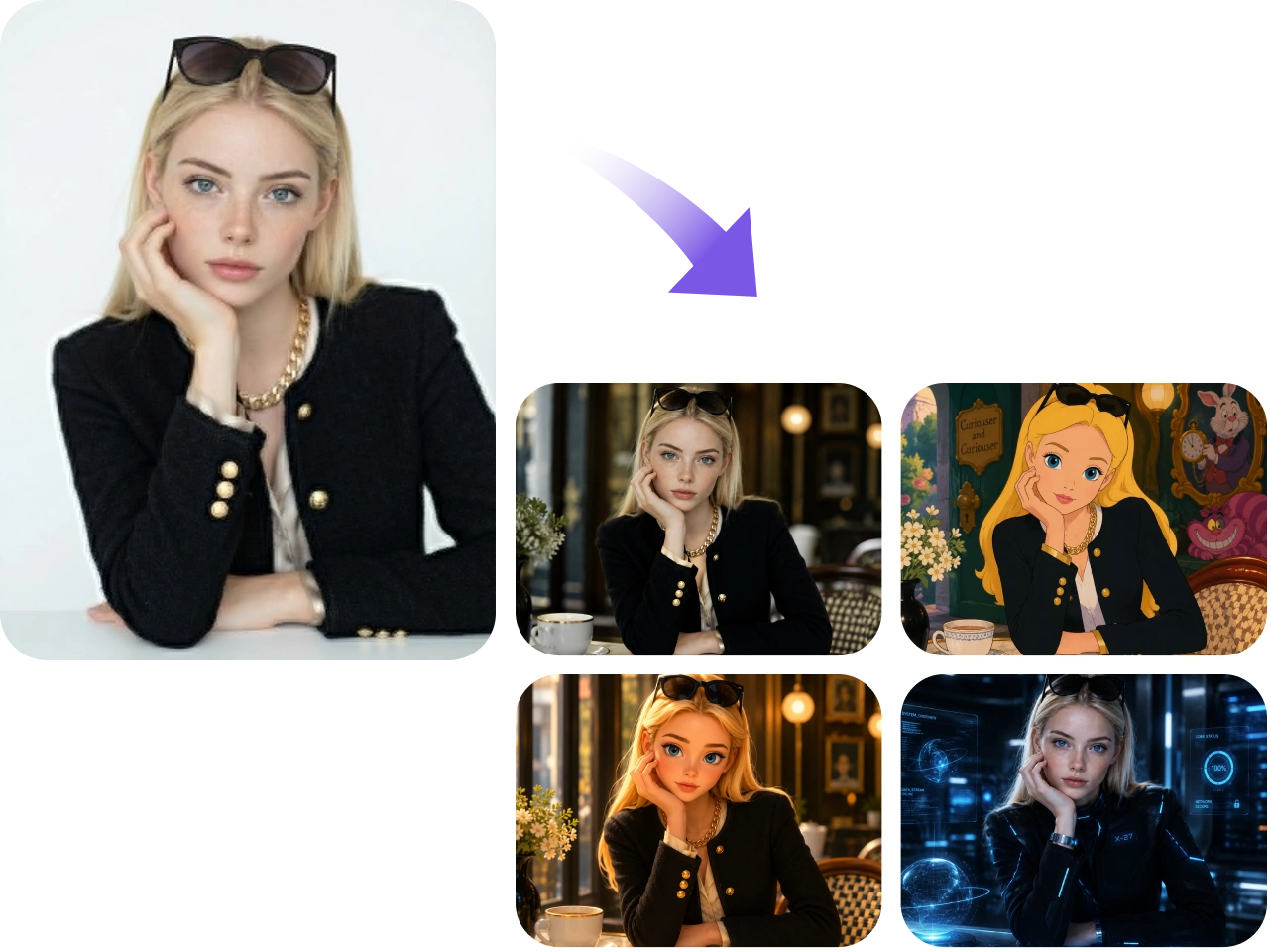
PicLumen's image to image converter lets you reshape any photo simply by describing the change in words. Upload your image, enter a text prompt, and the tool generates a new version that keeps your original composition while applying the edits you describe — new background, different style, added or removed elements, adjusted lighting, and more.
Turn Any Photo into Stunning Artwork
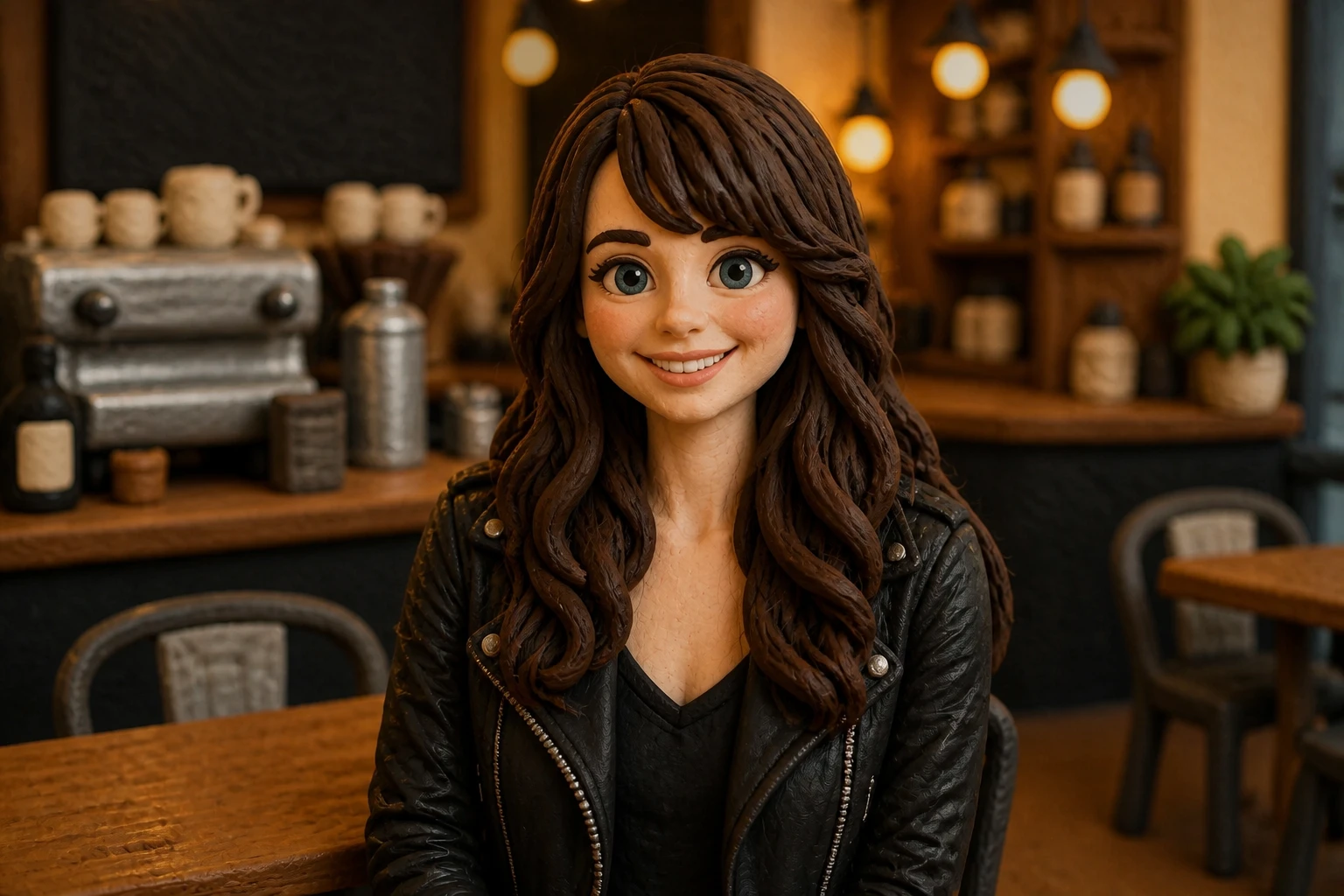
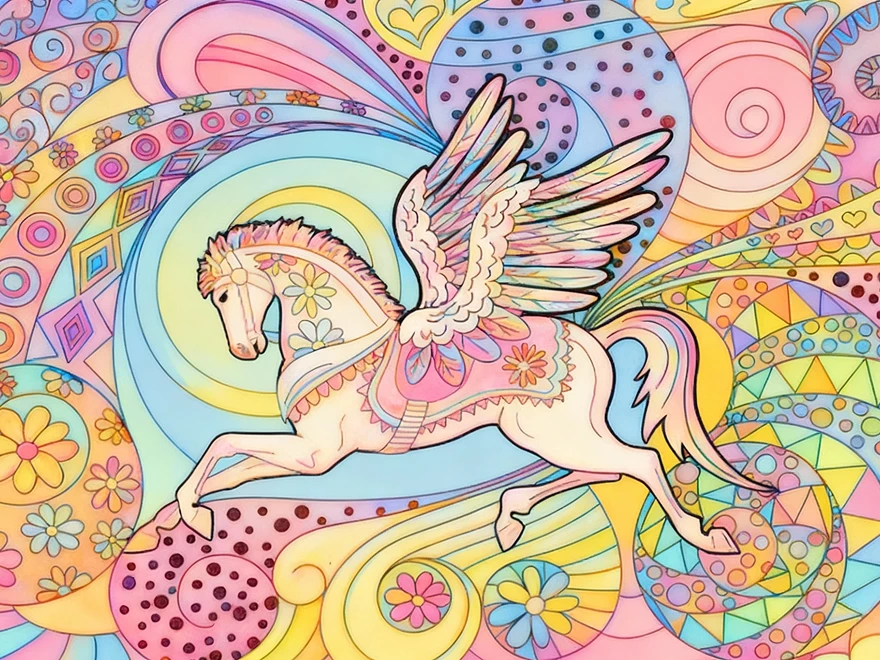
Transform your existing images with AI image to image technology. Easily change the style, mood, or visual details of your photos while keeping the original subject and composition intact. Turn your images into watercolor paintings, anime artwork, pop art, and more. Whether you’re creating content, designing artwork, or developing brand visuals, you can bring new creative ideas to life from a single image.
Generate Endless Product Image Variations
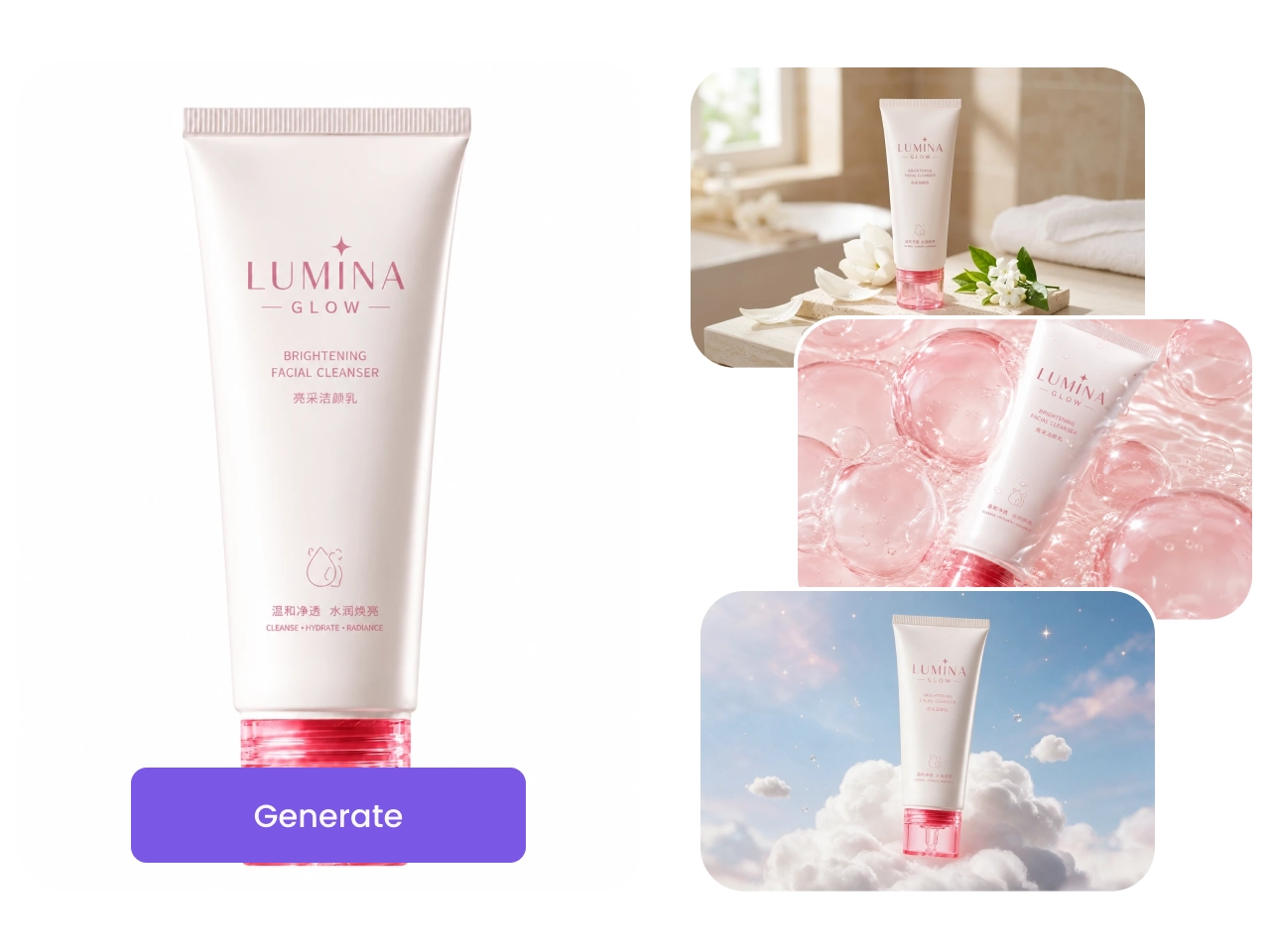
Create multiple versions of your product images with our AI image generator. Change backgrounds, colors, angles, or scenes to prepare visuals for Amazon, Shopify, Etsy, social media ads, email campaigns, and promotional banners. Test creative concepts, localize campaigns, and keep your catalog fresh with AI-generated variations.
Powerful AI Image Editing Tools
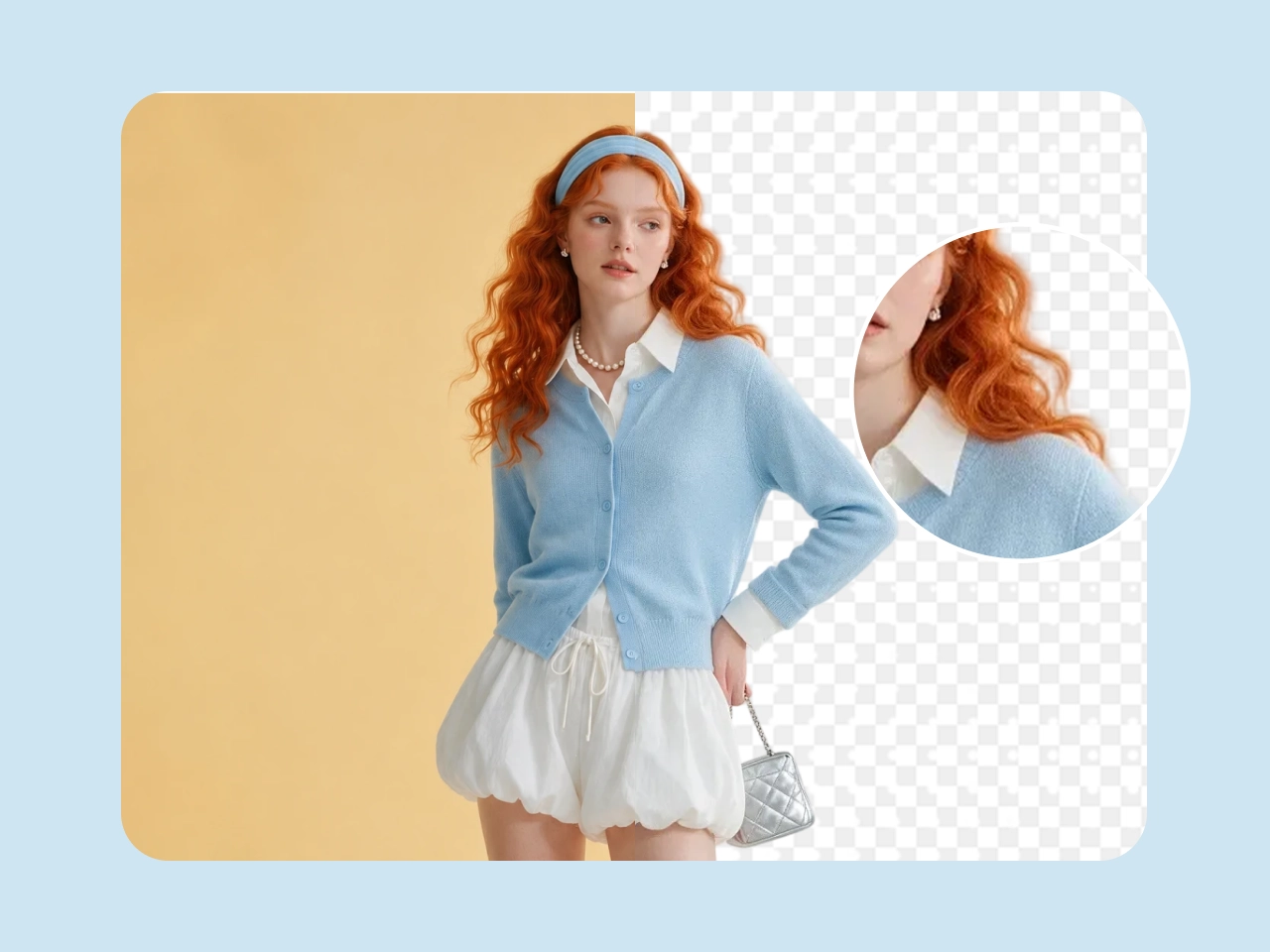
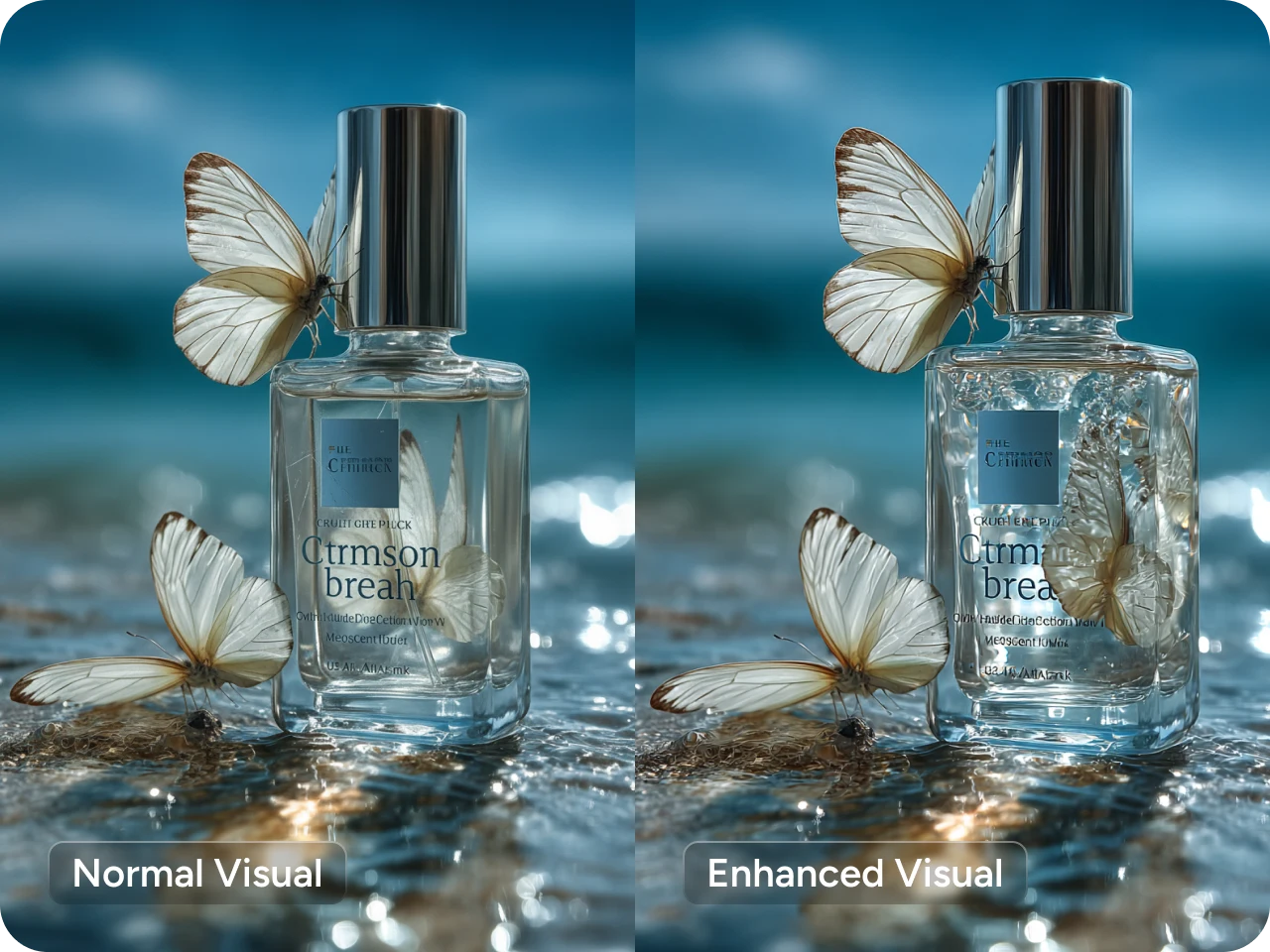
Our AI image generator and editing tools help you easily enhance and transform your images while keeping important details intact. Make quick edits like removing backgrounds, improving image quality, expanding images, or removing unwanted objects. Create polished visuals faster without the need for complex editing software.
Build Image-to-Image Workflows with PicLumen Infinite Canvas
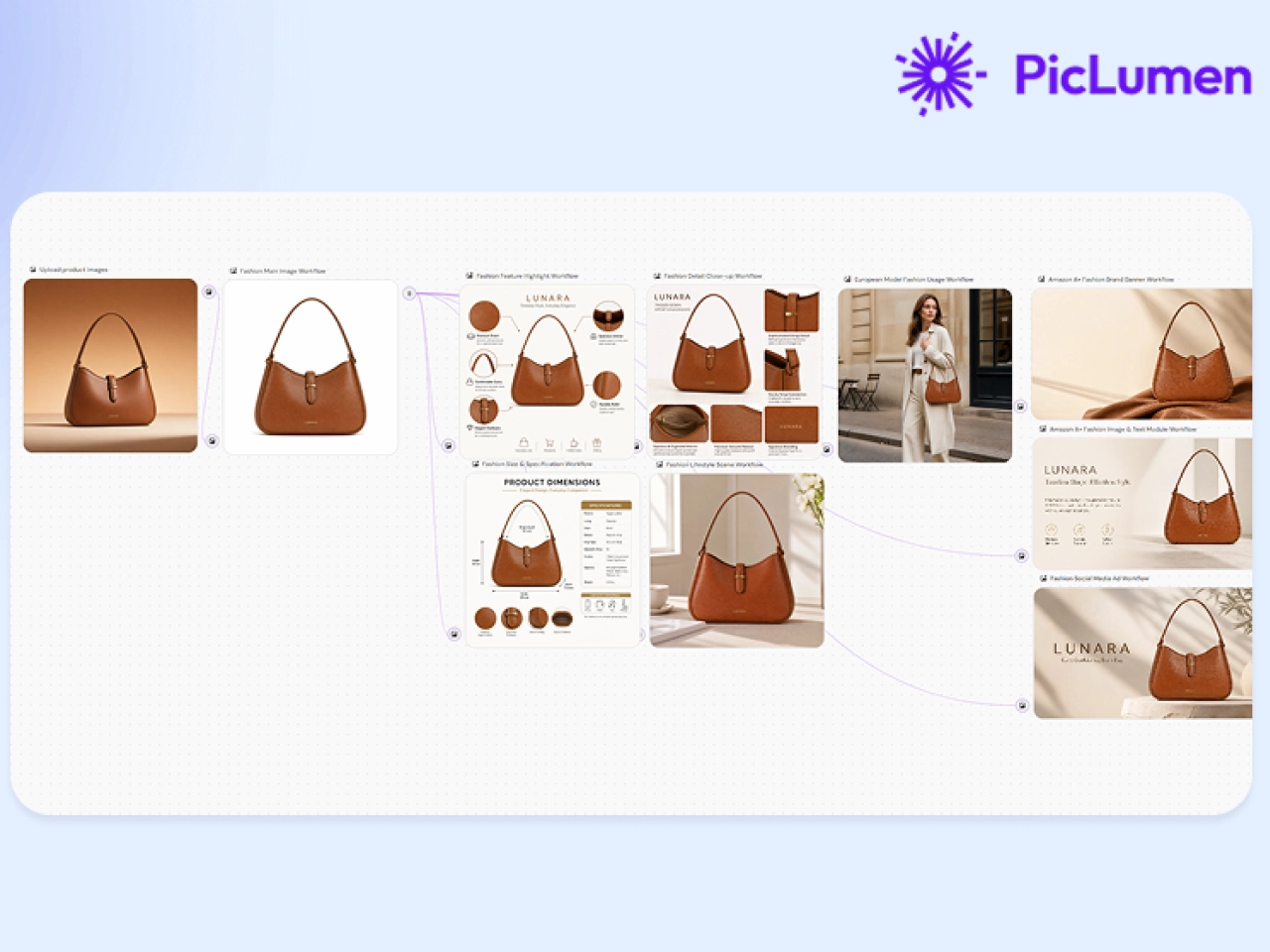
Create a smoother image to image workflow with PicLumen Infinite Canvas. Build custom workflows by connecting different nodes in one visual workspace. Reduce repetitive steps, organize creative ideas, and streamline image production with flexible workflows that help you create consistent visuals for e-commerce, marketing, branding, and design projects.
Why Choose PicLumen for Image to Image Creation

Multiple Leading AI Models
Choose from a growing collection of top AI models, including GPT Image, Seedream, Midjourney, Nano Banana, and more. Pick the best model for realistic edits, artistic transformations, product photography, or creative design.

Professional-Quality Results
Generate crisp, high-resolution images with rich textures and accurate details. Whether you're enhancing photos or creating new artwork, every image is optimized for professional and commercial use.

Lightning-Fast Generation
Transform photos into new visuals in seconds. Create multiple image variations quickly, speed up creative workflows, and produce content for marketing, social media, e-commerce, or design projects with minimal waiting.
Excellent Subject Consistency
Keep faces, products, and key visual elements consistent across multiple generations. Easily create image series, branded assets, marketing campaigns, or character variations.

Lower Creative Costs
Reduce the need for expensive photoshoots and manual editing. Generate high-quality visuals from a single image, helping creators and businesses produce more content while spending less.

Secure & Private
Your uploaded images are processed securely with privacy protection built in. Focus on creating without worrying about your image security or data privacy.
Unlock New Creative Possibilities with Image to Image AI
- Storytelling
- Gaming
- Branding & Marketing
- Social Media
- E-commerce
- Design & Concept art
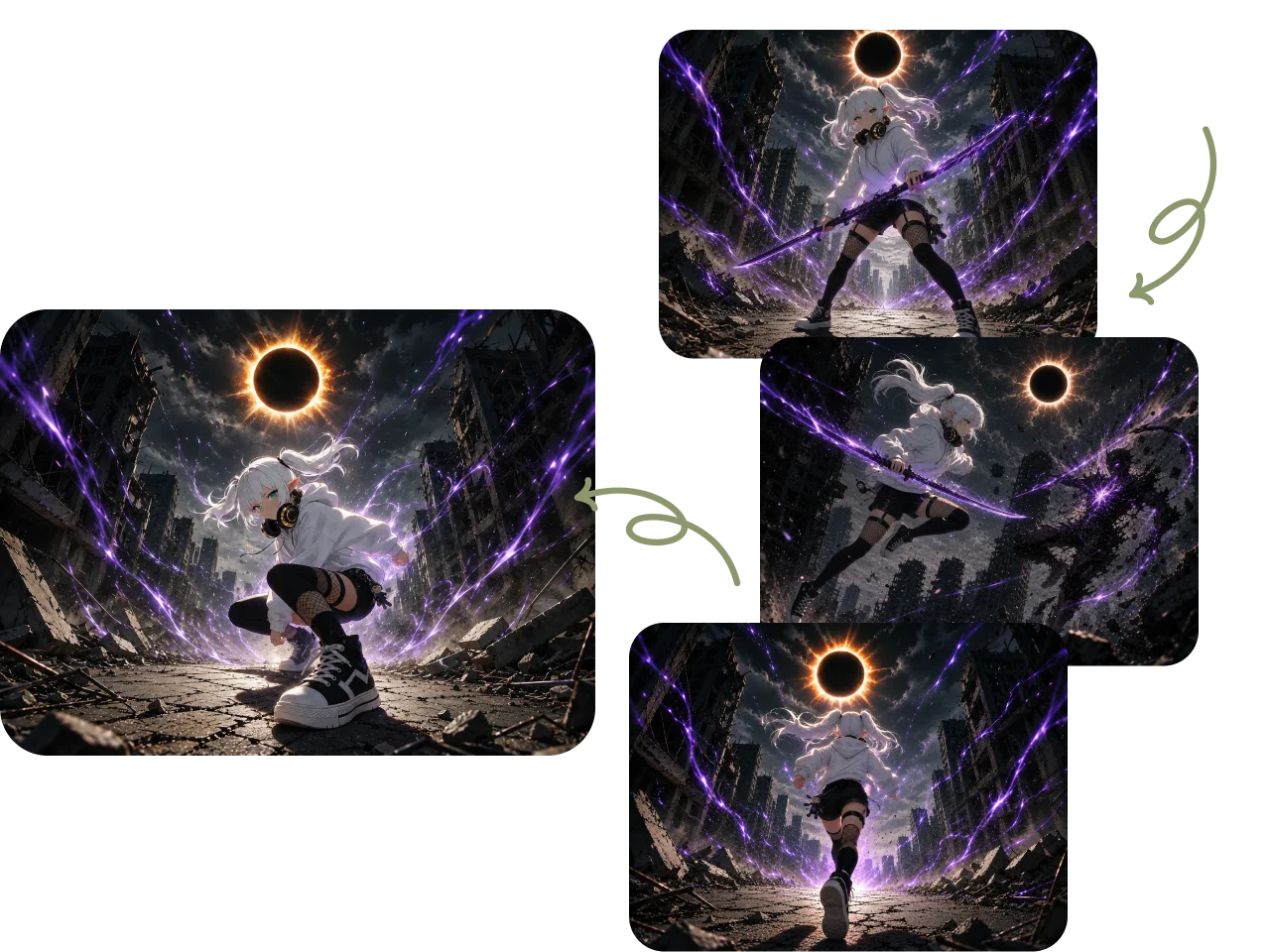
Create Visuals for Storytelling
Transform a single image into an entire visual narrative. Generate consistent characters, new scenes, and different emotions while preserving your original style. Perfect for comics, children's books, graphic novels, storyboards, and more.


How to Use PicLumen Image to Image AI Generator
1 Upload Your Image
1Upload a photo, artwork, product image, or sketch as your reference.
2 Add Your Prompt
2Describe the changes you want, including style, details, or visual effects.
3 Customize Settings
3Choose your AI model, adjust settings, and fine-tune your results.
4 Generate and Download
4Create your image, explore variations, and download your favorite result.
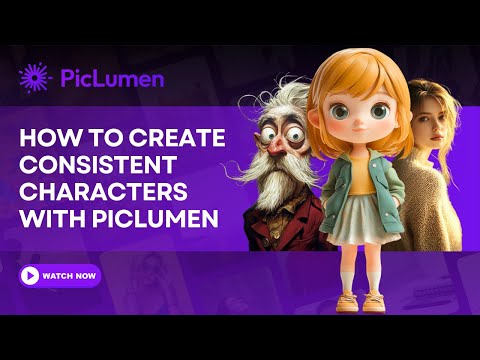
How to Create Consistent Characters with PicLumen?


Loved by Creators Worldwide
Real feedback from designers, marketers, and hobbyists sharing their PicLumen experience on Trustpilot.
amazing
amazing! this is just so good! WOWOW!!
Prabhat Ranjan Singh ChauhanVery smooth and very helpful for…
Very smooth and very helpful for everyonr who have creative mind. Thank you 👍
Love this app it helps my ideas come to…
Love this app it helps my ideas come to life
 Bohdan Lesyk
Great and fast
Great and fast, would be much better with some more free credits
It’s way easier to use then these other…
It’s way easier to use then these other apps
 Pino Calambrogio
Good over other applications
Good over other applications
Piye ChauhanNice app generate to google
Nice app generate to google
 Yll
YllIs very good program for ai
Is very good program for ai
 Darius Salahshori
Good
Very good and I work very hard.
 Shantell Jordan
LOVE THIS TOOL
Love this app. Its allowed my vision to come to life.
Its aarohiThis is a great app for creating images…
This is a great app for creating images and ai videos i just love this app
 Zain Ali
This is the best ai in the world
This is the best ai in the world
FAQs About PicLumen AI Image Generator from Image
What is an image to image AI generator?
An image to image AI generator transforms an existing image into a new version using AI. Simply upload a reference image and enter a text prompt to change the style, background, colors, objects, or other details.
How does image to image AI work?
The AI analyzes your uploaded image and combines it with your text prompt to generate a new image. Depending on your settings, it can preserve the original composition, artistic style, or character while creating fresh variations.
Is PicLumen's image to image AI generator easy for beginners?
Yes. PicLumen’s image to image AI generator is designed for users of all skill levels. Beginners can easily create and customize images with text prompts or simple tools, without needing advanced design or editing experience.
What types of images can I upload?
You can upload photos, illustrations, digital artwork, product images, portraits, sketches, logos, and more. Popular formats such as JPG, PNG, and WEBP are supported.
Can I turn a photo into different art styles?
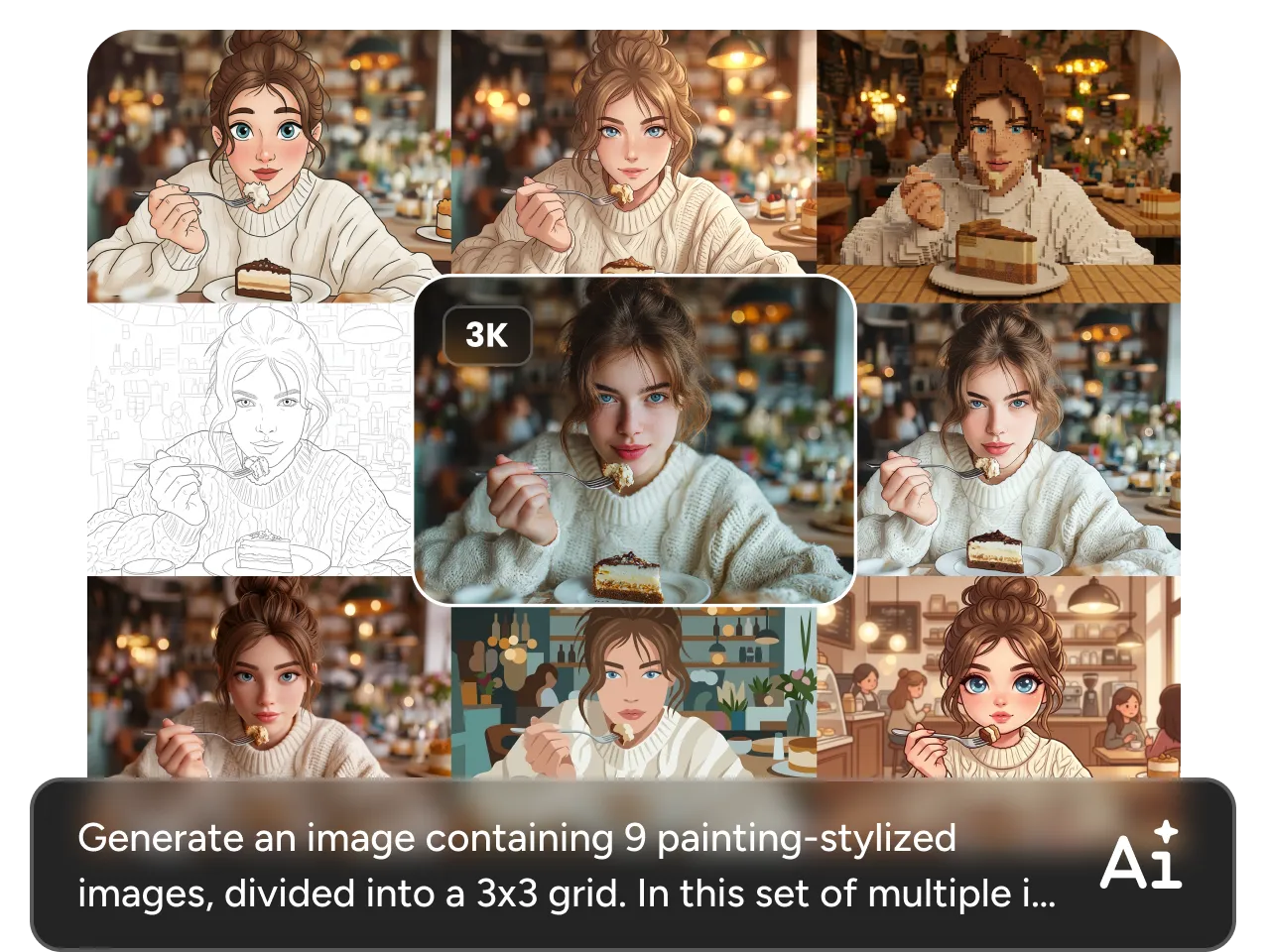
Yes. You can transform photos into anime, watercolor, oil painting, pixel art, 3D renders, cyberpunk, cartoon, fantasy, and many other artistic styles with just a prompt.
Can I edit only part of an image?
Yes. You can modify specific elements such as the background, clothing, objects, colors, or lighting while keeping the rest of the image unchanged.
Can I keep the same character or product in multiple images?
Yes. By using a character or content reference, PicLumen helps maintain consistent faces, products, and key visual elements across multiple generations.
Is the AI image to image generator free to use?
Yes. You can use PicLumen for free and receive 10 free Lumens every day. Use them to generate and edit images, then upgrade to a paid plan if you need more credits.
Can I use AI-generated images for commercial projects?
Yes. You can use generated images for commercial purposes, including e-commerce, advertising, and social media, subject to our Terms of Service.
Discover PicLumen Image Reference Options
Guide your AI generation with different types of image references. Whether you want to preserve the content, match a visual style, or keep a character consistent, simply upload a reference image to achieve more accurate and controllable results.
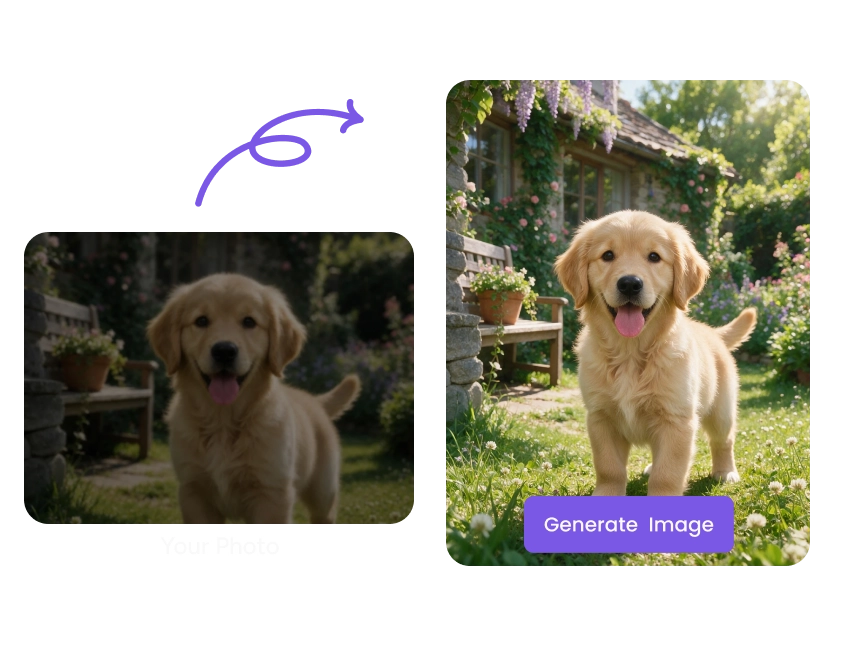
Content Reference
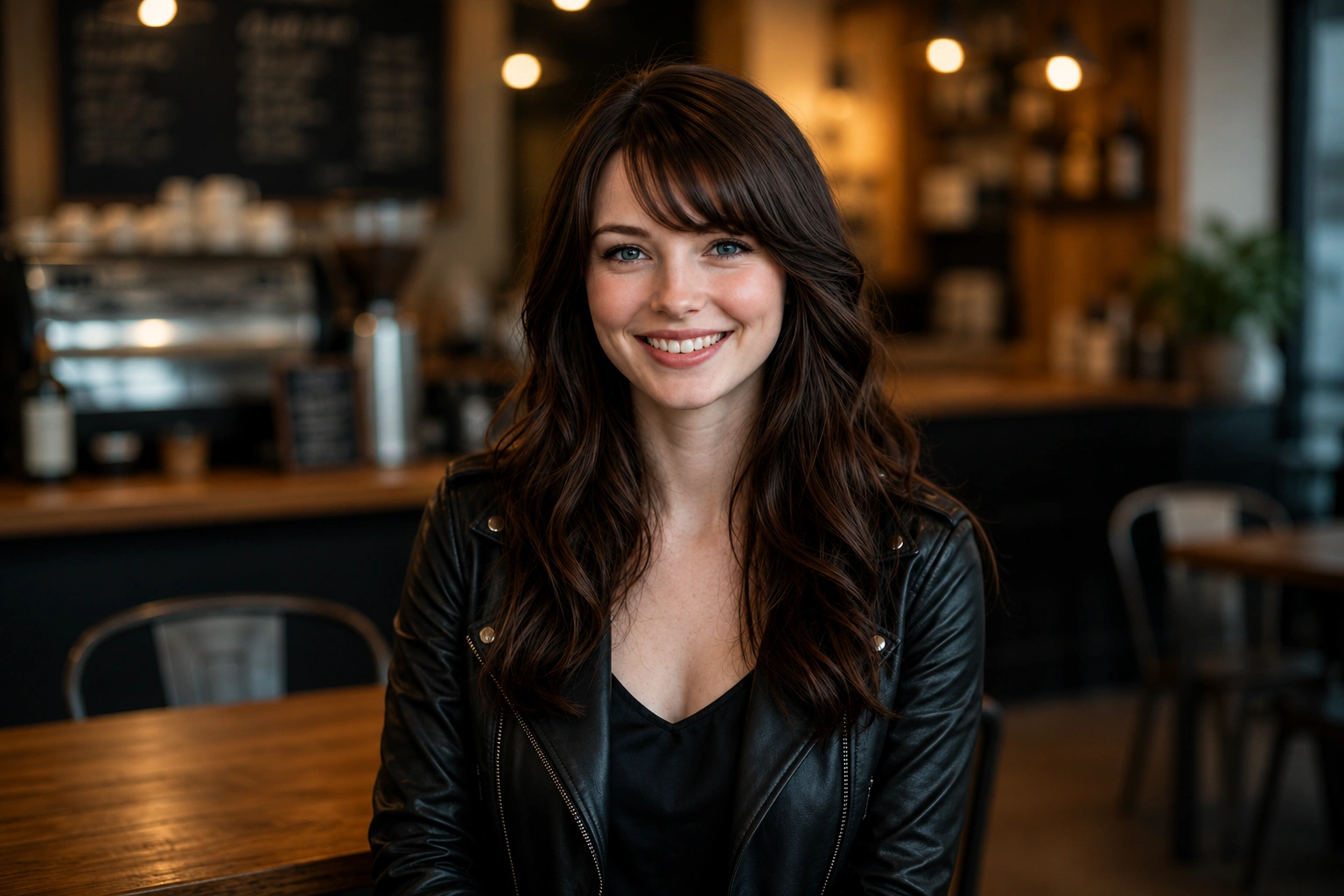
Use a reference image to preserve the overall composition, objects, layout, or scene while transforming the image into a new style or creating creative variations.
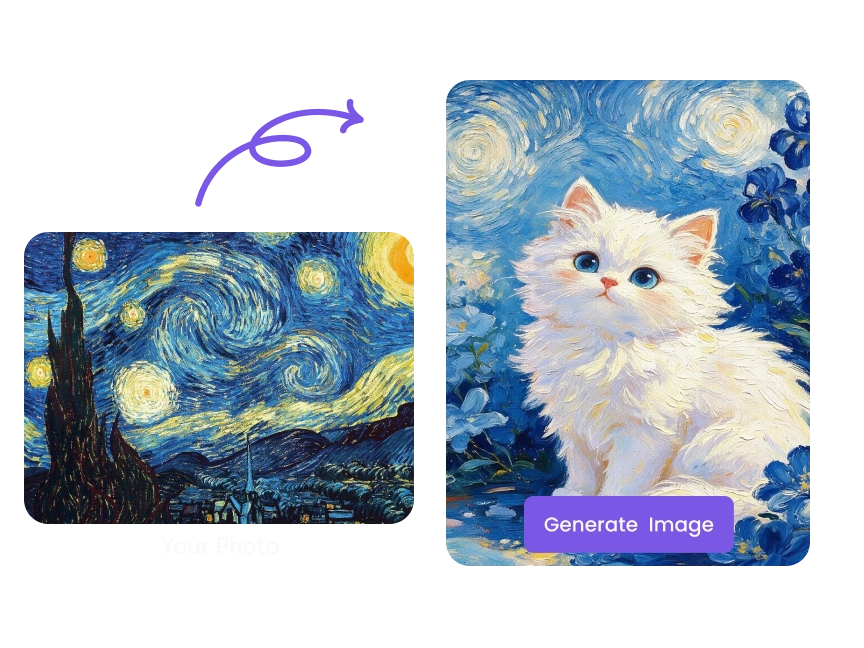
Style Reference
Apply the look and feel of any image to your creation. Match colors, lighting, textures, brushstrokes, or artistic aesthetics while generating completely new content.
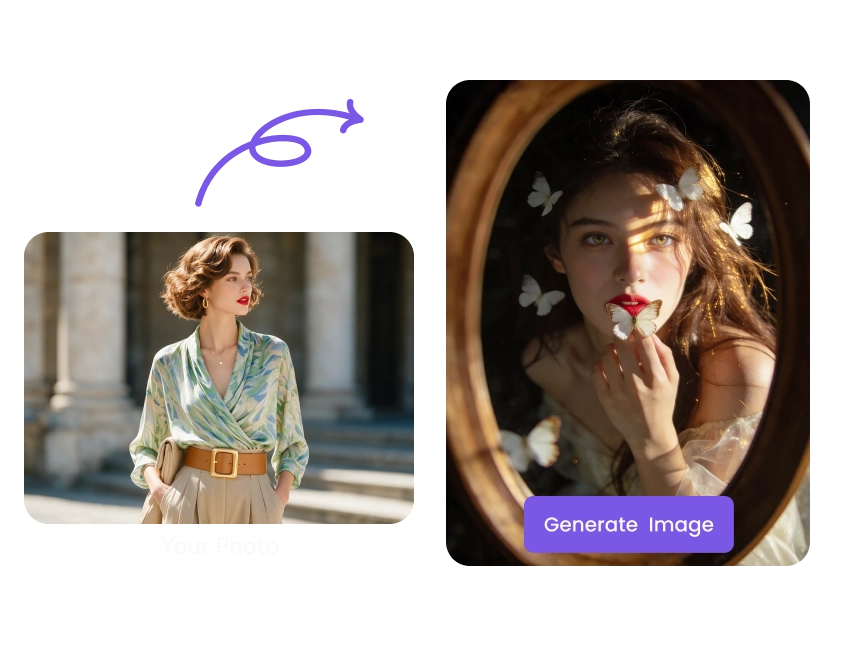
Character Reference
Maintain a consistent character, face, or subject across multiple generations. Change outfits, poses, expressions, backgrounds, or environments while keeping the character recognizable.
Latest Blog Posts
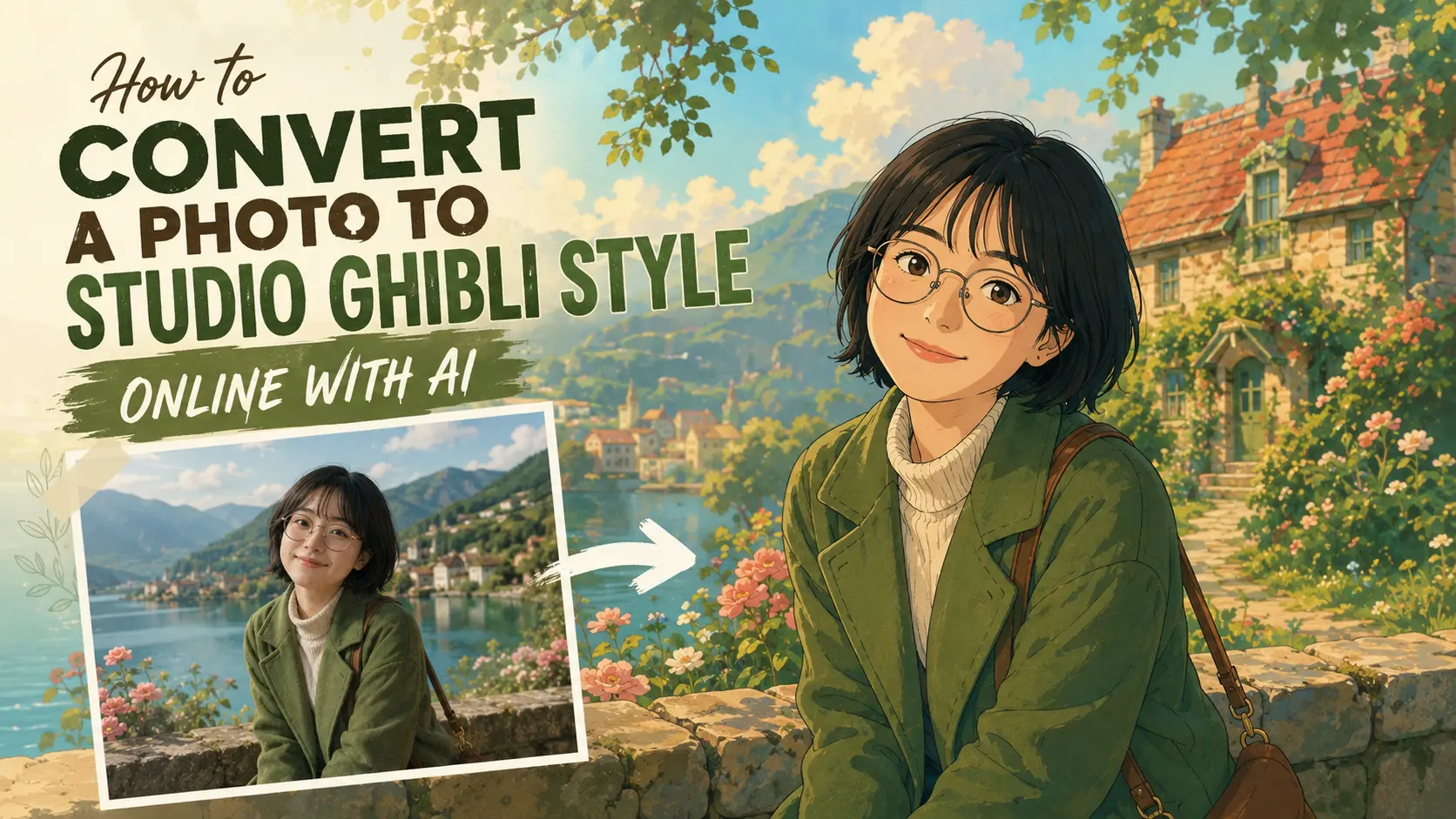
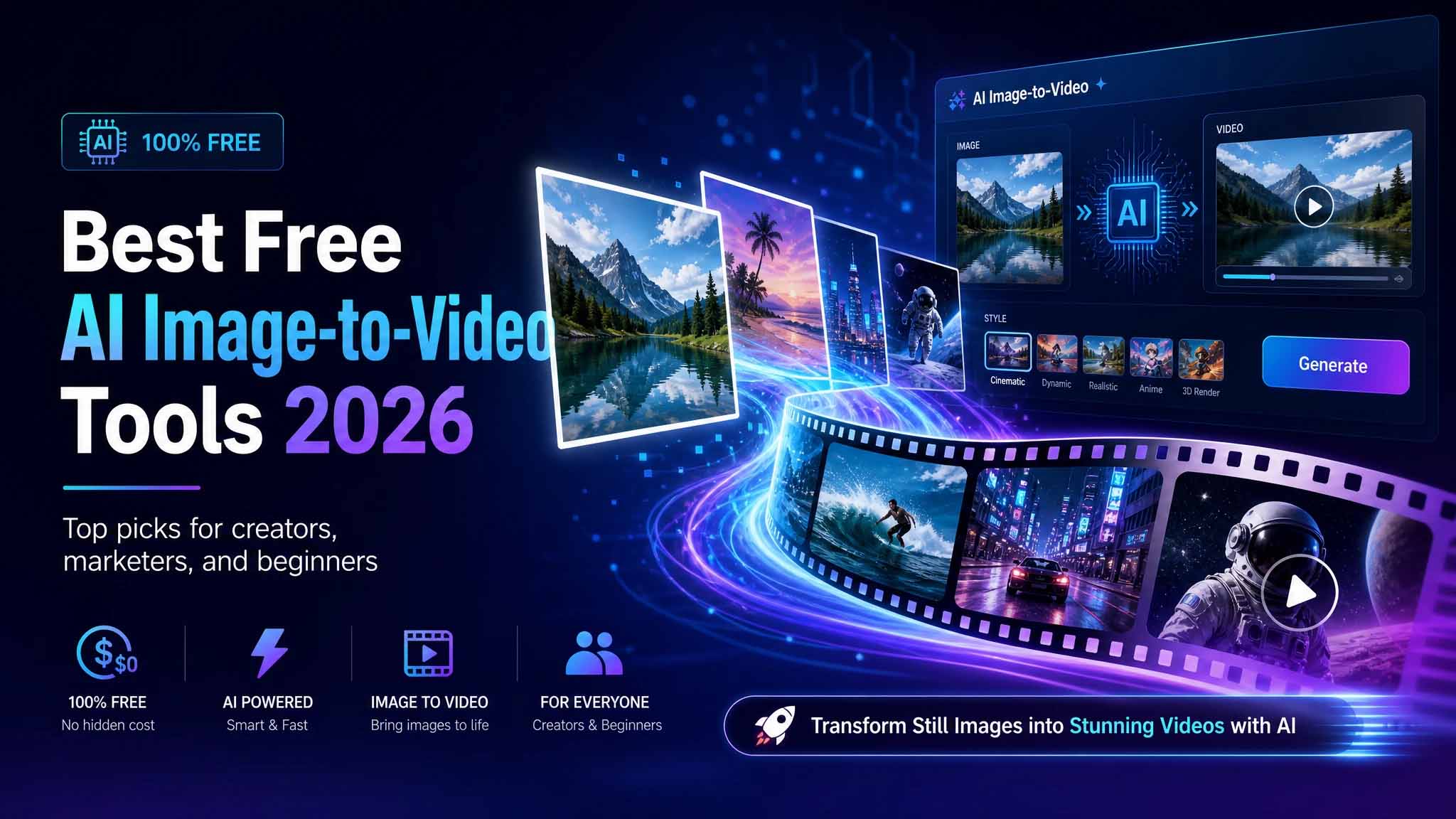
Discover More AI Image Generator Features
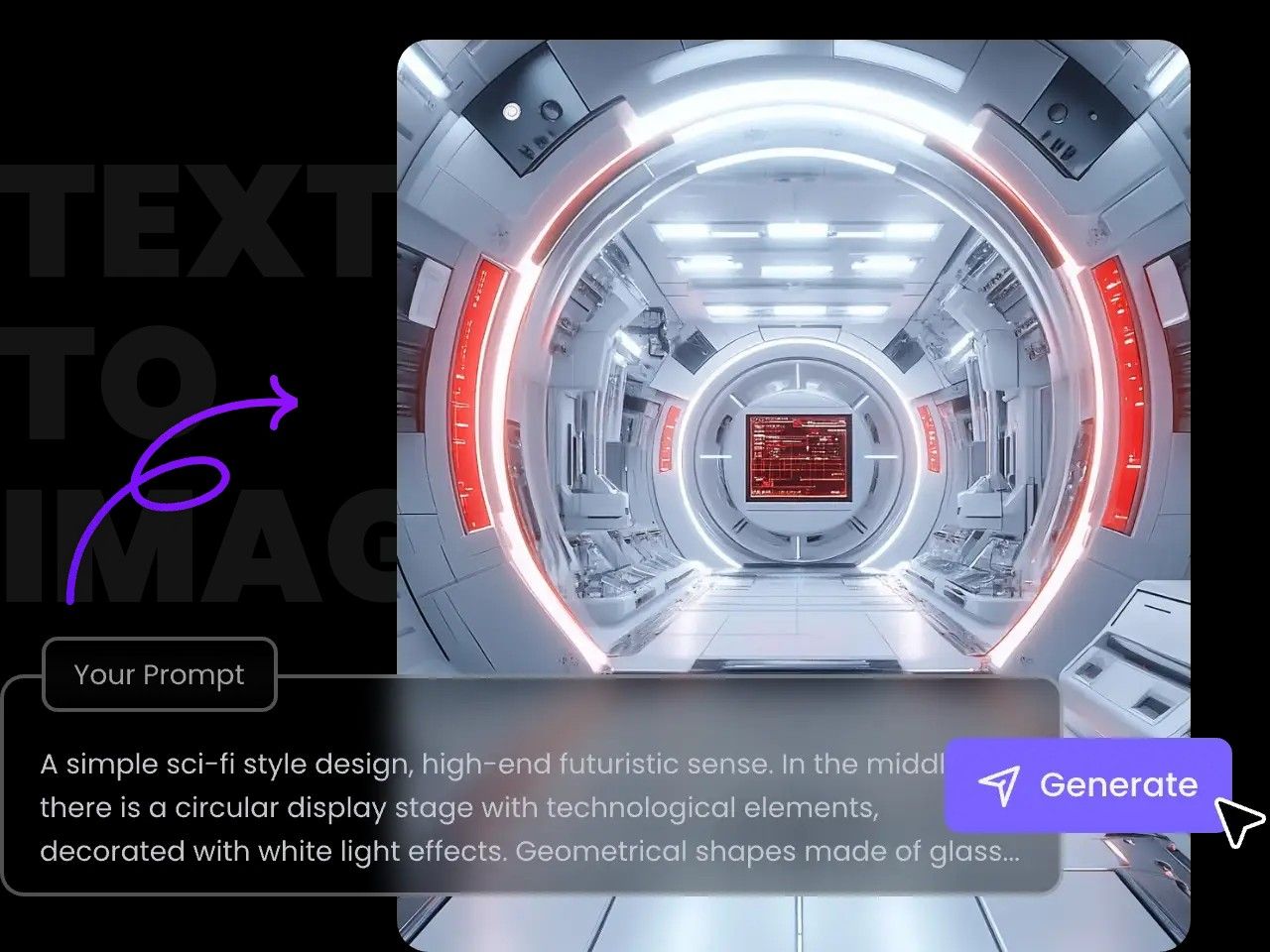
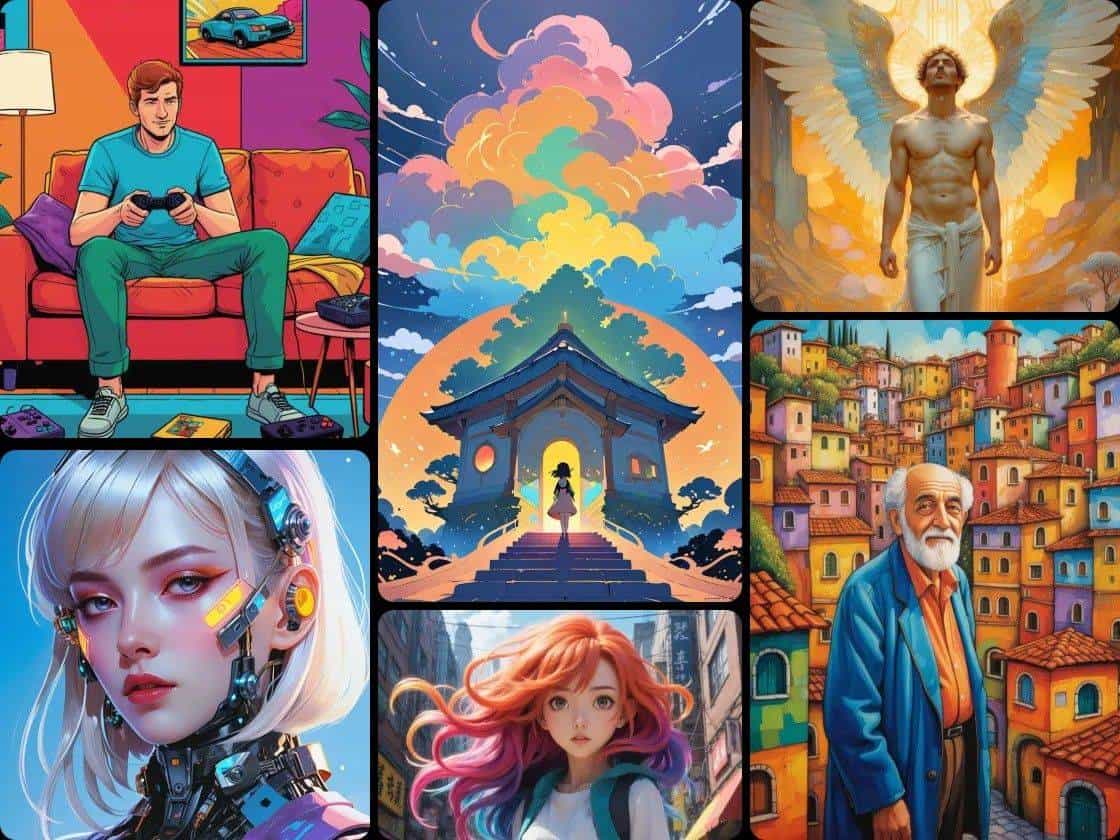
Create with Hot AI Image Models
Expore More AI Tools
- AI Image Generator
- Pixel Art Generator
- AI Picture Generator
- AI Anime Character Generator
- AI Book Cover Generator
- Album Cover Maker
- Random Image Generator
- AI Sticker Generator
- AI Clothing Generator
- AI Texture Generator
- AI Movie Poster Generator
- AI Landscape Generator
- Shirt Design Generator
- AI Manga Generator
- Photo to Pop Art
- AI Animal Generator
- Valentine's Day Generator
- AI Graffiti Generator for Tags & Street Art
- AI Poster Generator
- AI Social Media Post Generator
- AI Banner Generator
- Sketch Generator
- AI Embroidery Generator
- AI Product Staging
- AI Photo to Cartoon Converter
- Christmas AI Image Generator
- PicLumen Beginner's Guide
- Create Christmas Coloring Pages with AI