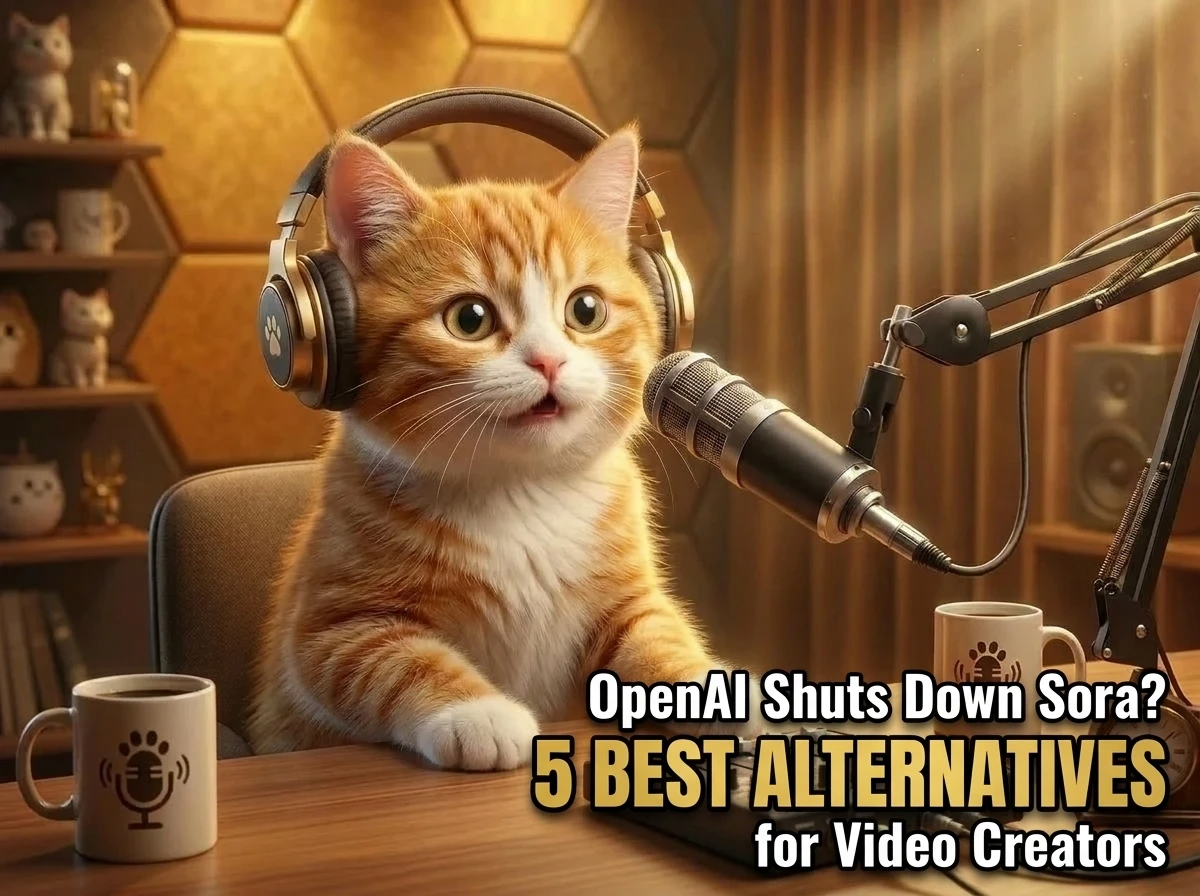
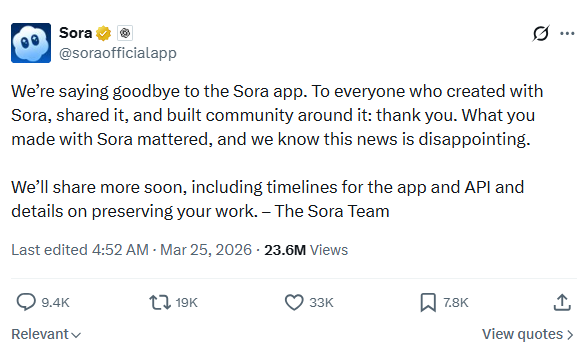
“We’re saying goodbye to Sora.” the Sora Team wrote in a post on X. And they will share app and API timelines, as well as details on how to preserve work soon.
AI video creation is growing very fast, and tools in this space are becoming more and more popular. Sora AI has been one of the well-known options. Many users create AI videos via Sora.
OpenAI is shutting down the Sora app and API, its users now need to look for other options. In this blog, we’ll introduce some Sora alternatives to help creators find a suitable AI video tool.
5 Best Sora Alternatives for Video Creators
Here are 5 strong Sora alternatives worth considering.
1. Google Veo
Google Veo (specifically the Veo 3.1) is one of the most advanced generation tool from Google DeepMind. It focuses on producing high-quality, longer-form videos with realistic physics and natural motion. Veo puts emphasis on real-world accuracy—lighting behavior, camera movement, and scene continuity all feel closer to live-action footage.
Veo also performs well when it comes to understanding cinematic language. It responds accurately to prompts involving shot types, camera angles, and pacing.
- Pros: Generating video with audio, understanding cinematic language, integrates with Google ecosystem.
- Cons: Short clip duration (8 seconds), character inconsistency across shots, and AI artifacts in complex movements.
- Best for: Marketing teams, filmmakers, and creative professionals.
2. PicLumen
PicLumen is a platform built for creators who want to turn ideas into high-quality visual content quickly and easily. It supports both image and video generation from text or images.
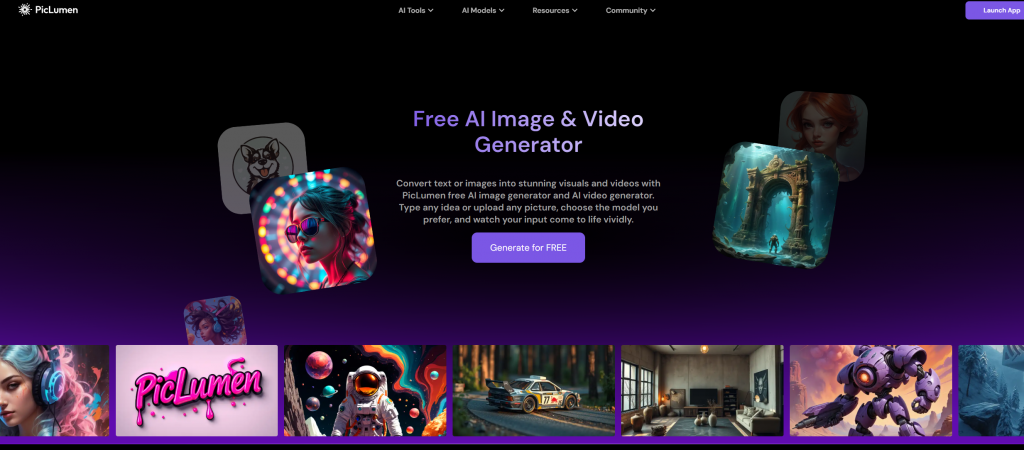
It is a flexible platform for a wide range of creative needs. Users can access advanced models like Seedance 2.0, Wan 2.6, and Veo 3.1 for video generation, as well as Nano Banana 2 and Seedream 5.0 for image creation. Besides, this platform also offers a collection of fun templates. Users to can create videos with just one click via these templates.
- Pros: Multiple hot video models, ready to use templates, user-friendly interface, strong community.
- Cons: Less effects templates.
- Best for: Professional creators and beginners.
3. Runway
Runway AI is one of the most mature and widely used video AI platforms available today. Its latest Gen-3 Alpha and Gen-4.5 model delivers strong consistency in motion, lighting, and subject coherence, making it a practical choice for both creators and teams.
Besides, Runway integrates editing tools like inpainting, motion brushes, and video extension, which makes it more than just a generation model—it’s closer to a lightweight AI video studio.
- Pros: User-friendly interface, built-in tools, strong community.
- Cons: No offline access, proprietary model.
- Best for: Filmmakers, creators, and artists.
4. Kling AI
Kuaishou’s Kling AI is one of the most visually striking video generation models, known for its cinematic quality and strong motion rendering. It stands out for producing visually rich scenes with smooth transitions, making outputs feel polished and professional.
Kling (specifically the Kling 3.0 Motion Control) truly excels in dynamic motion. It handles fast-paced actions—such as dancing, running, or dramatic camera movements—better than most competitors, often generating sequences that resemble music videos or action shots.
- Pros: High motion consistency, cinematic visual fidelity with vibrant colors, user-friendly interface.
- Cons: Higher cost, less mature API/tooling.
- Best for: Professional creators, marketers
5. Seedance
ByteDance’s Seedance (particularly versions 2.0) is a fast and cost-effective ai video generator.
Seedance stands out for its ability to generate fluid, rhythmic motion, especially in scenarios involving people, dancing, or lifestyle content.
Seedance tends to produce clips that are visually appealing right out of the box, with less need for heavy prompt engineering compared to more complex models.
- Pros: Fast rendering, high realism & physics, strong prompt adherence, multi-shot storytelling.
- Cons: Short clip length, no native audio.
- Best for: Professional creators, social media content creators.
How to Choose the Right Sora Alternative
Selecting the right Sora alternative requires a structured evaluation based on your specific workflow, output requirements, and technical constraints. Below are the key factors to consider:
1️⃣ Define Your Use Case
- Marketing videos
- Social media content
- Cinematic storytelling
- Product demos or tutorials
2️⃣Evaluate Video Quality and Realism
- Resolution ( 720p vs. 1080p vs. 4K)
- Motion consistency
- Scene coherence
- Visual artifacts
3️⃣Check Prompt Control and Customization
- Fine-grained prompt control
- Style consistency
- Camera movement instructions
- Editing flexibility
4️⃣Pricing and Scalability
- Free vs. paid tiers
- Credit-based vs. subscription models
- Cost per render
5️⃣Performance and Reliability
- Render speed
- Queue times
- Platform stability
Final Thoughts
It is pity that Sora AI will no longer be available in the future. You can explore other powerful video models or tools to continue creating videos.
Hopefully, you’ll find a Sora alternative that better fits your workflow.
If you’re looking for a platform that offers multiple popular models and includes a sharing community, PicLumen could be a great choice.