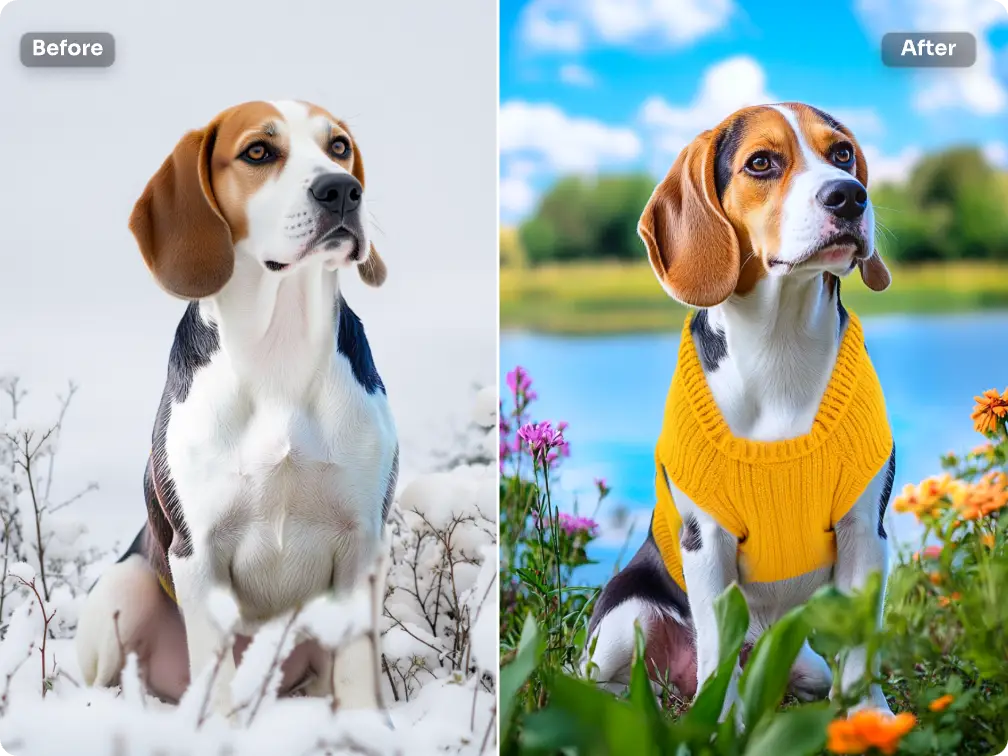
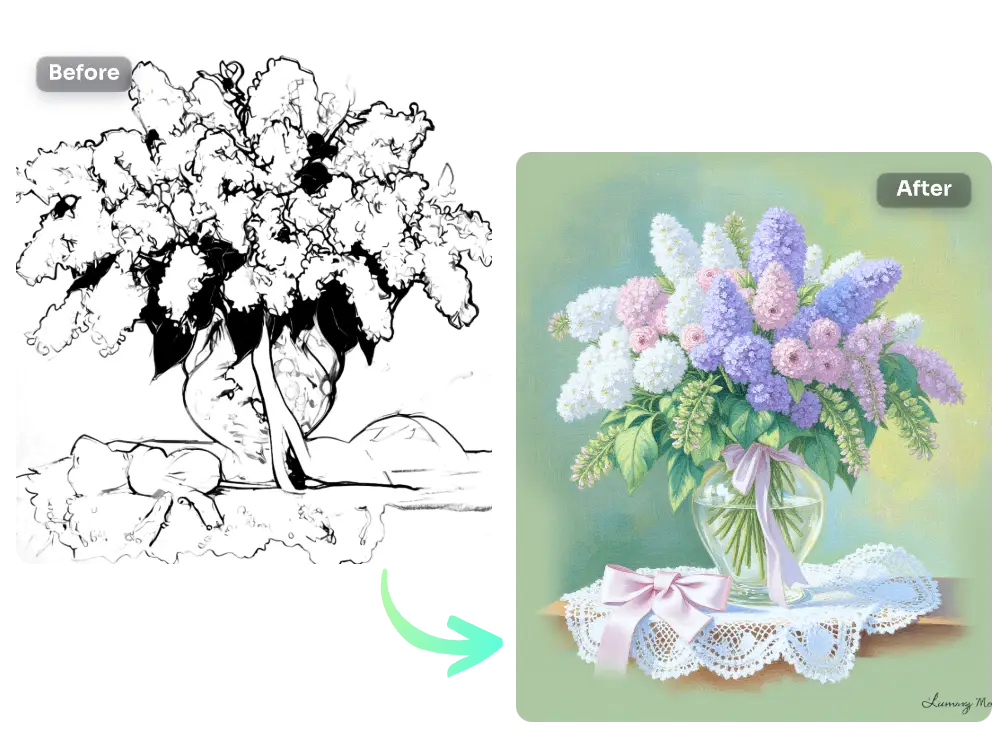
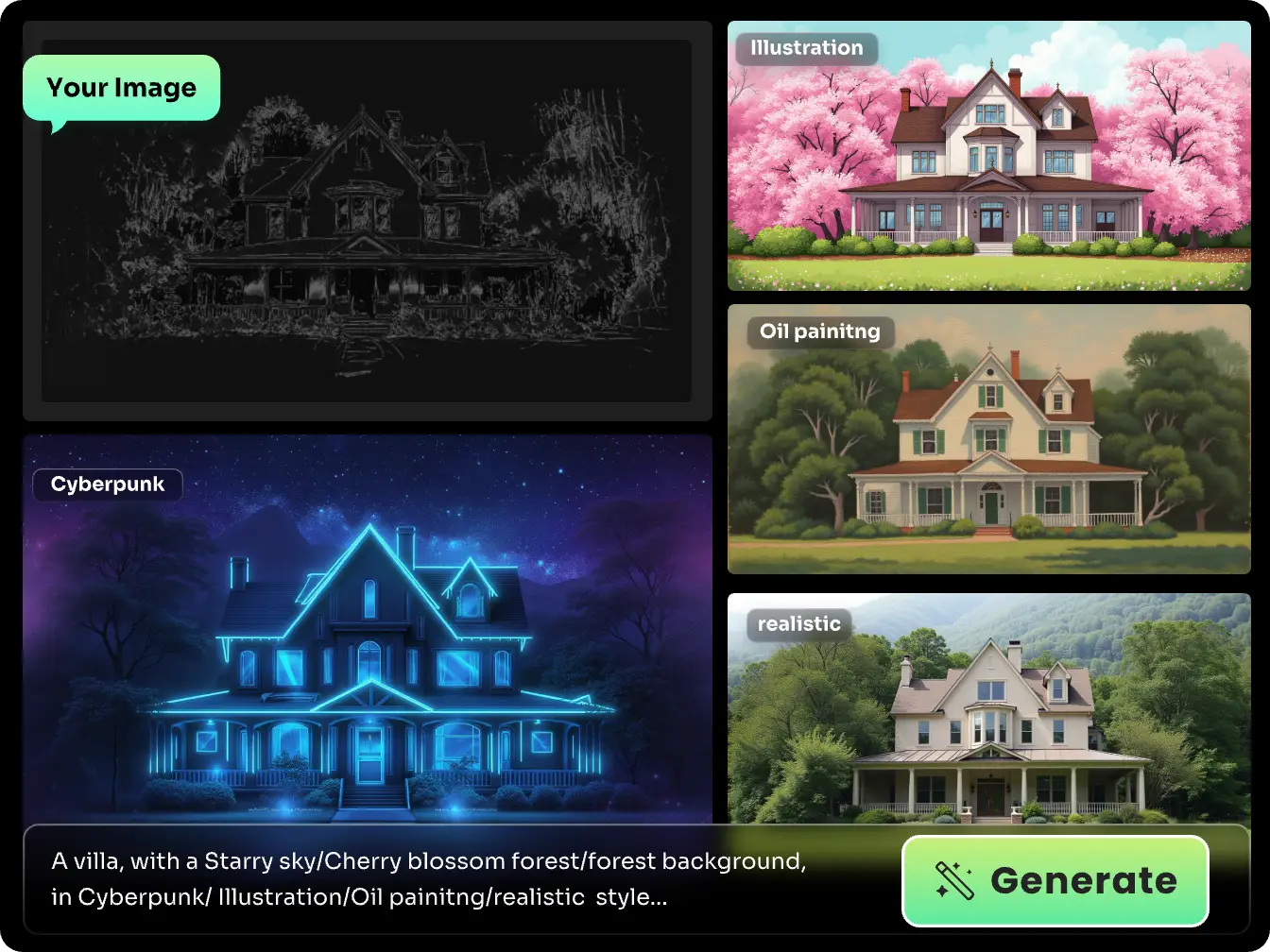
Have a brainstorm and doodle a cat on paper during break time? Don’t you want to paint it further until you get a stunning result? Here comes the good news! With PicLumen’s Flux ControlNet Canny model, you don’t need to colorize and refine details of the line drawing manually. Just upload a line sketch, telll us your desired style, and the AI model will follow the lines you provide, fill in the colors, and add details to the image. The best part? If you have prepared an image and want to keep its outlines while transferring its styles, you can directly upload the image and our tool will automatically detect the edges and outlines, and convert lines into well-designed artwork.
AI Flux ControlNet Canny
Convert simplified line drawings into well-structured images with rich details, colors, and a specific style in seconds. Input concise prompts to perfectly control the details of images for stunning results. Level up your edge images now!
Introducing PicLumen's Flux ControlNet Canny Model
Flux ControlNet Canny is an image generation control model based on Stable Diffusion technology. This powerful mode can extract the edges and outlines of the objects within your uploaded image, and generate a complete image with rich details and colors based on the specified style. You can refine the image details like the item’s material, the person’s expressions, and the background environment by entering text prompts. The Flux ControlNet Canny model from PicLumen now is available for FLUX1-dev image generation model only. Look no further; upload a minimalist line image and get a striking artistic work.
Visualize Hand-drawn Manuscripts Without Hassle
Gone are the days when you must take hours of finishing a hand-drawn manuscript, especially when you’re designing an interior space. PicLumen’s newly updated FLUX1-dev model has a built-in ControlNet Canny mode, which combines the simple lines and text prompts to generate a complete, colorful, textured, and stylized image. If you have a ready-made pencil sketch, simply upload it to PicLumen. Or you can just upload an image, and let us convert the intricate image into simplified black and white lines. The magic happens in ten seconds. Try it now!
Edge Images to Realistic Designs to Set Your Hands Free
The Flux ControlNet Canny model utlizes sophisicated image edge detection algorithms to turn lines into complete images. This makes it ideal for creative projects, from interior designs to cartoon illustration creation. Let AI’s imagination and style transfer ability help you make impressive artwork now!
Interior Design
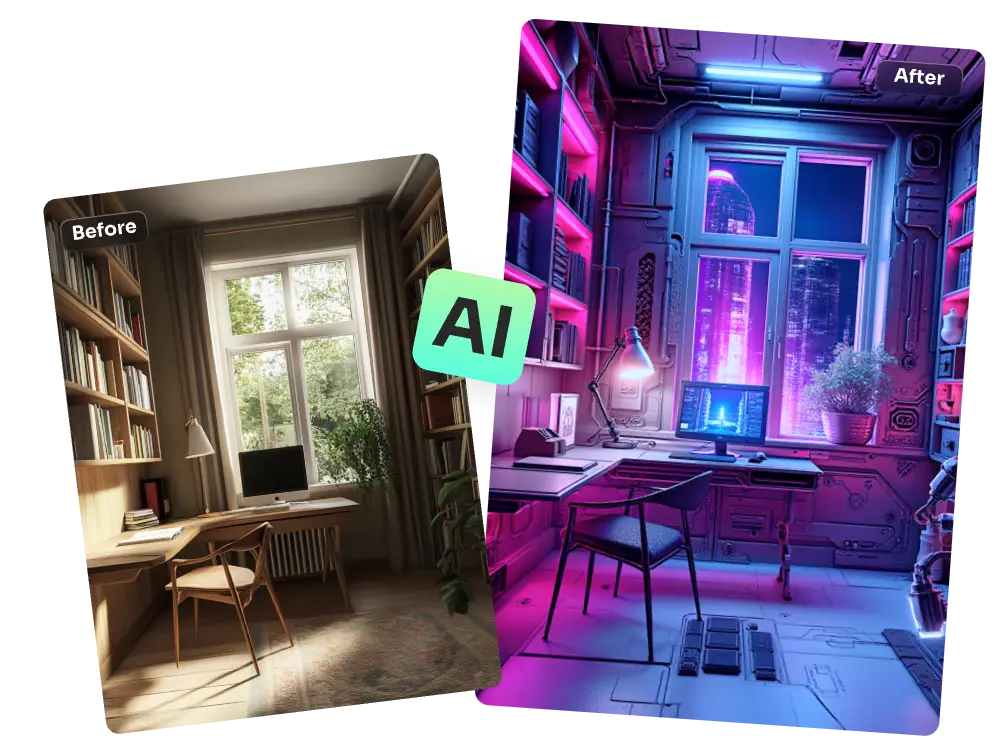
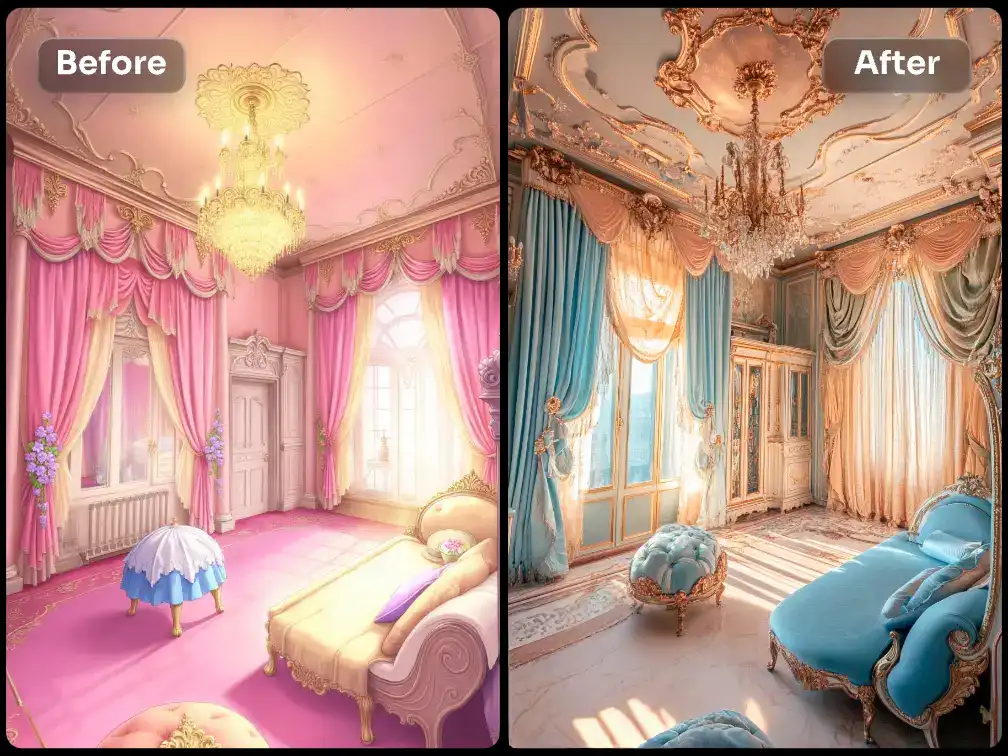
Upload a living room image and extract the edges and outlines of the layout and furnishings, and transform the design style to produce an image with transferred style but same structures. Do customers want to see interior design plans in multiple styles? No need to recreate a mockup, render, just enter prompts to create an array of images in diverse styles.
Fashion Design
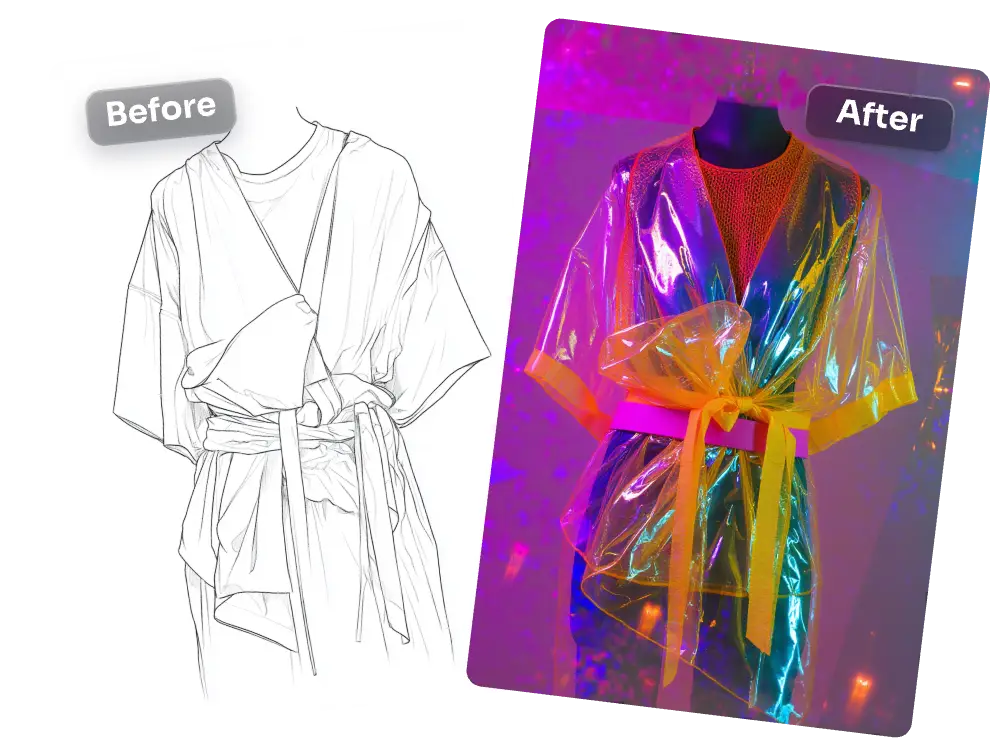
Have you drawn a manuscript of a dress and wondered what it would look like in different fabrics, patterns, and color matches? Skip the tedious process of 3D modeling or manual refines, instantly convert concept sketches into visual representations. Upload the drawing, and enrich the dress colors, materials, patterns, and other embellishments via text prompts, and you can get realistic fashion design work.
Human Portraits
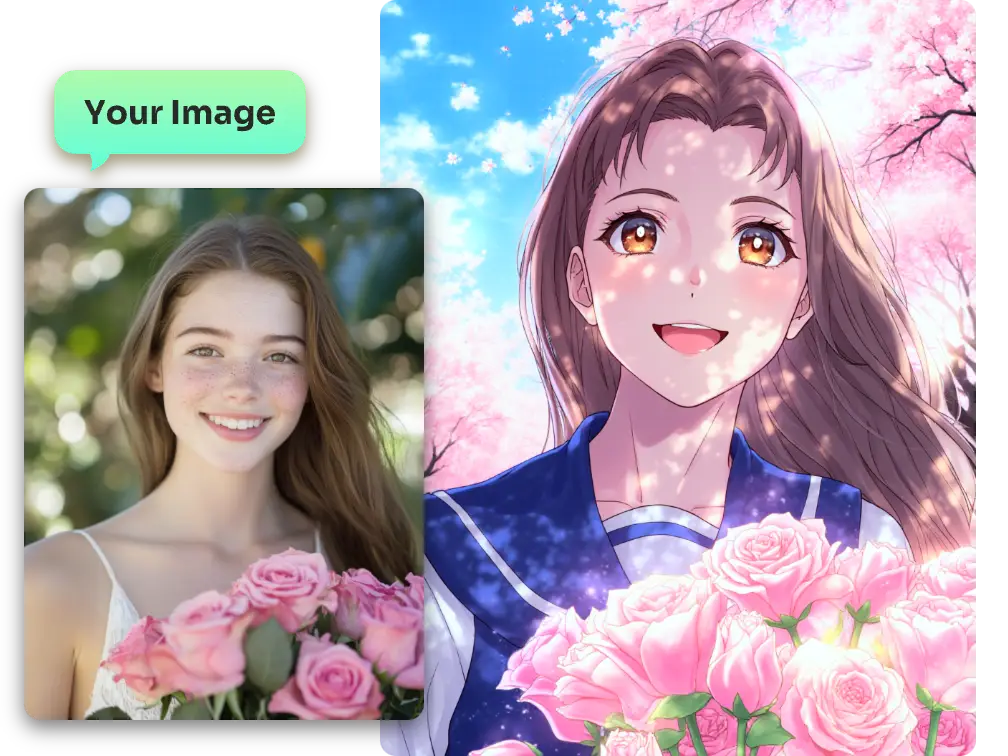
Convert a portrait pencil sketch into realistic portraits with expressive eyes, refined makeup, and dimensional contour of facial features. Tired of the routine hairstyle, haircolor, outfit, and makeup of yourself? Simply upload an everyday portrait, and let PicLumen’s Canny model extract the person’s outlines and specify the new hairstyle, outfit, face makeup, and new image style you want to experiment with. Give yourself a chance to try multiple makeovers to amaze people around you.
Cartoon Illustrations
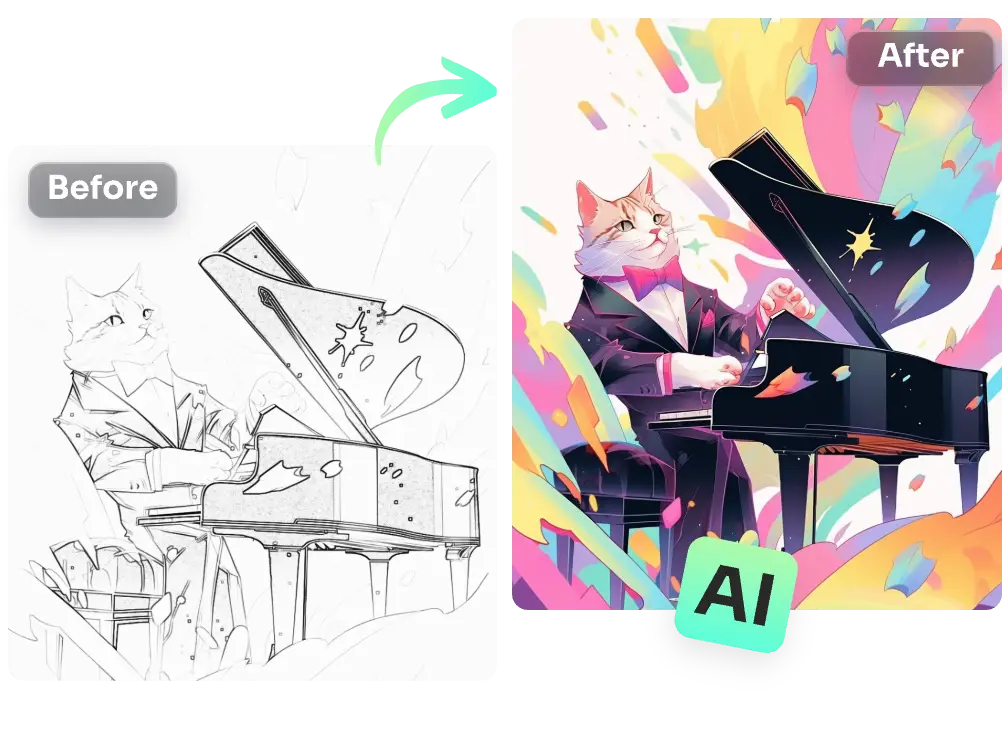
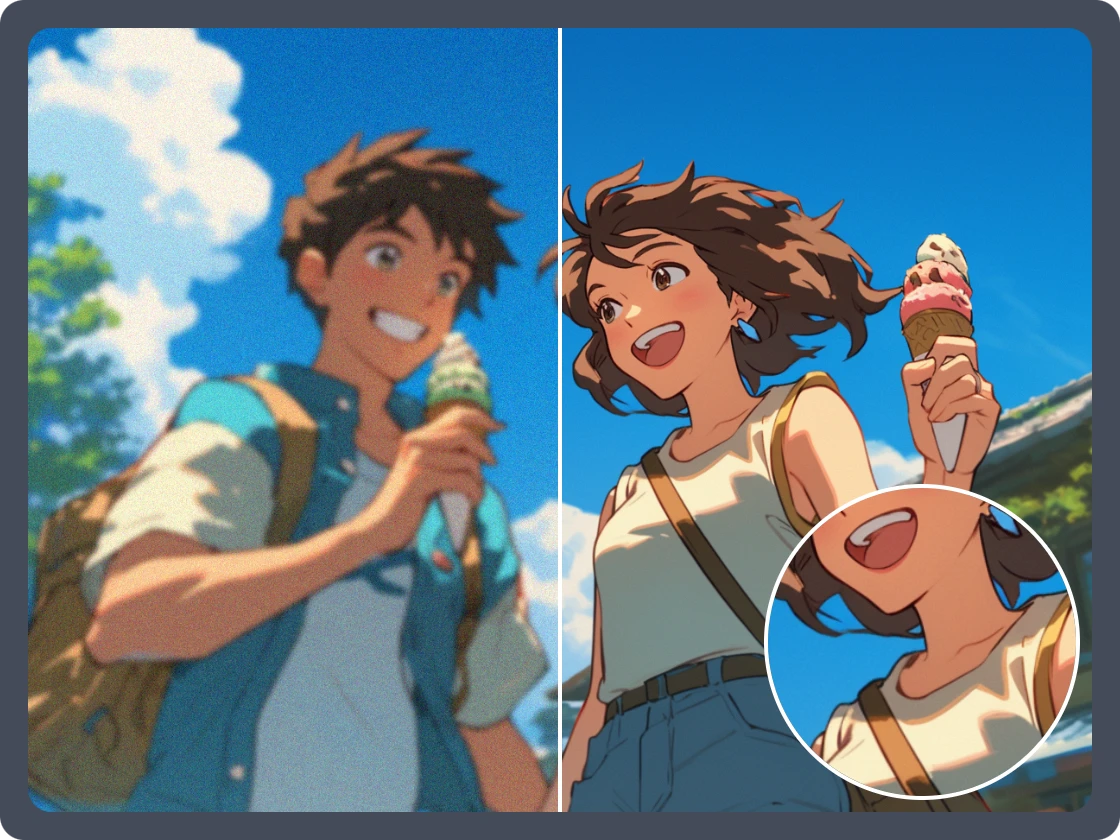
Have you drawn a character featuring a round face, two big eyes, rough lines of clothes and poses? Don’t worry, the Flux ControlNet Canny model can enrich the rest details and colors of the image. Tell us you want a cartoon style, and what detailed information should be included in the generated image. The model will generate a colorful, detailed cartoon illustration that follows your character’s pose and layout, based on the lines from your sketch.
How to Use the Flux ControlNet Canny Model?
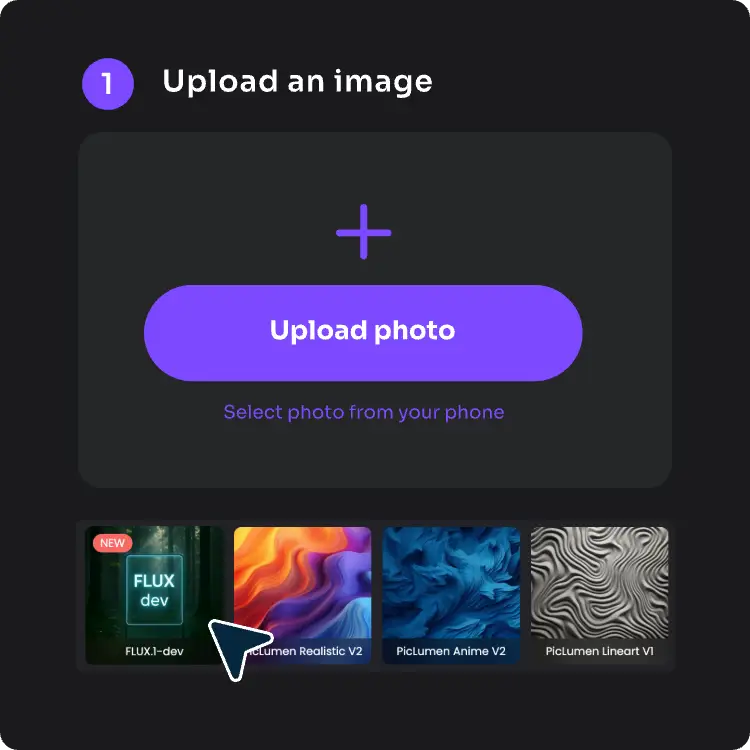
1. Upload an Image
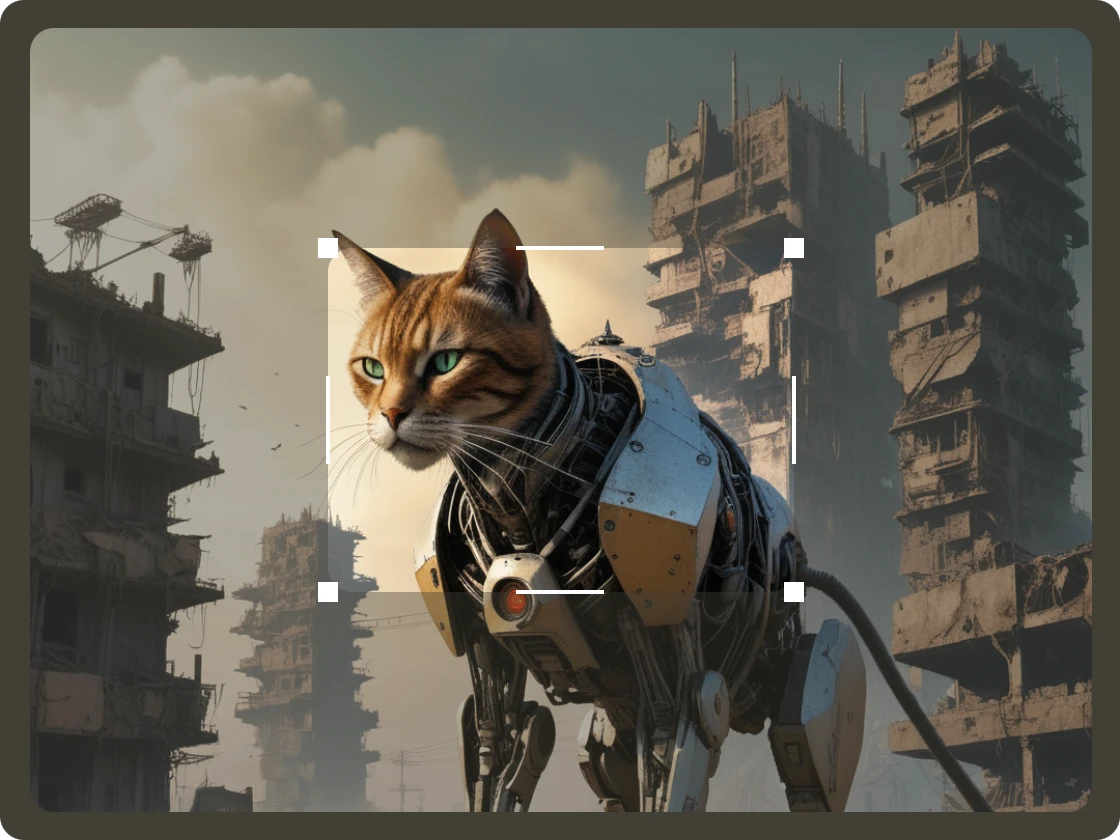
First, upload an image, select PicLumen’s FLUX1. dev model, and apply the ControlNet Canny model.
2. Type Text Prompts
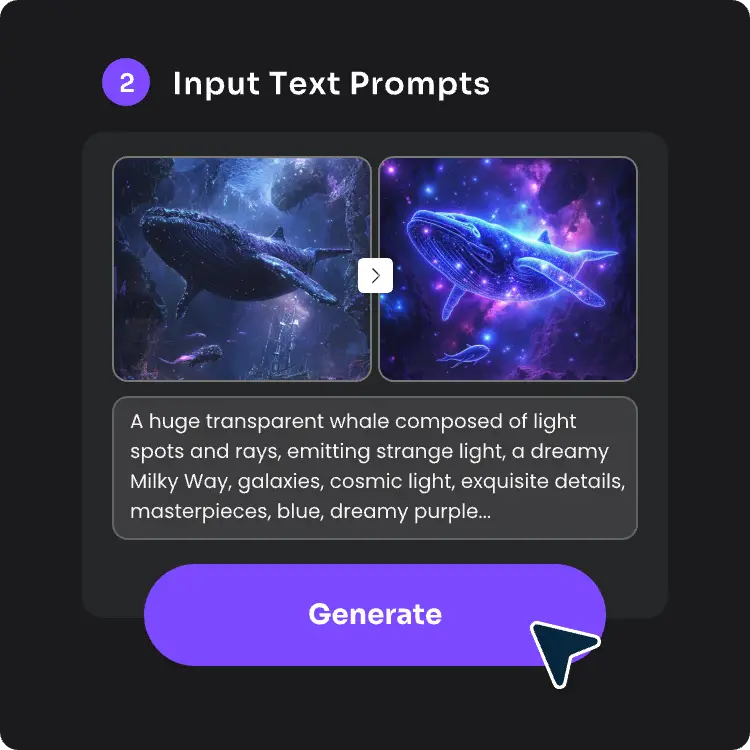
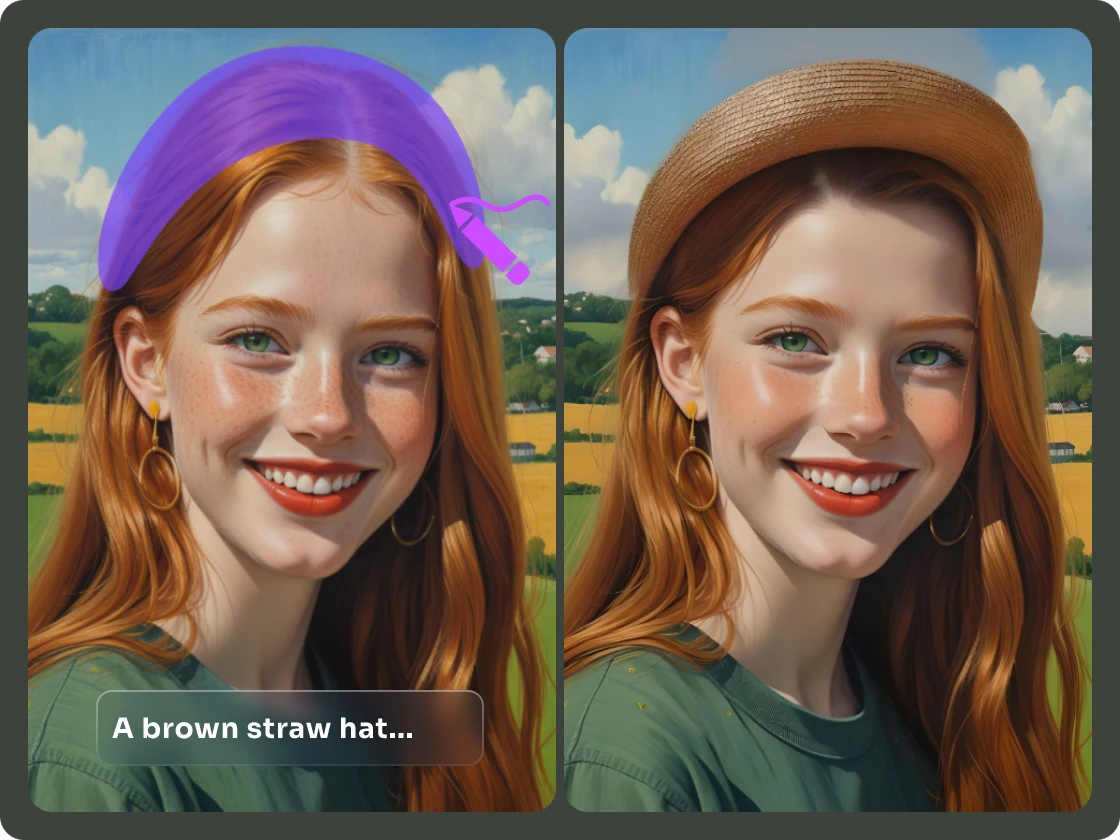
Then, the AI model will automatically extract the outlines and edges of your image, and you can refine details like image style, color, background, and other information by entering text in the prompt box.
3. Generate & Export
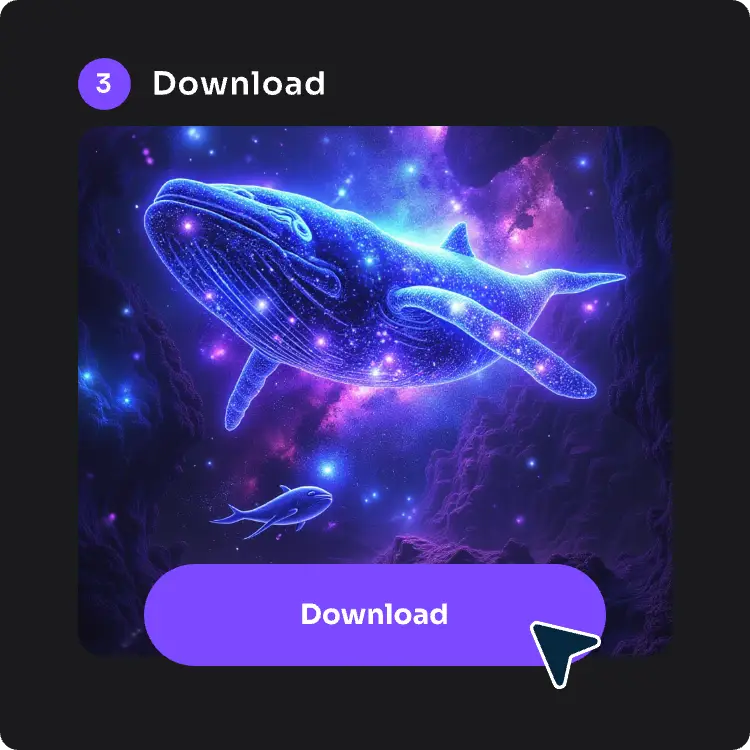
The well-designed complete image with rich colors and details will be ready within 10 seconds. View the result image and download it to your device for specific uses.