Hailuo 2.3 Generatore Video AI Gratuito
Hailuo 2.3 ti aiuta a trasformare una singola immagine in un video fluido e credibile. I movimenti sono naturali, i volti restano espressivi e le scene rimangono coerenti—niente movimenti strani o scie visive. È pensato per contenuti brevi, annunci e video di prodotto che devono sembrare reali, non generati.
Effetti video piccanti
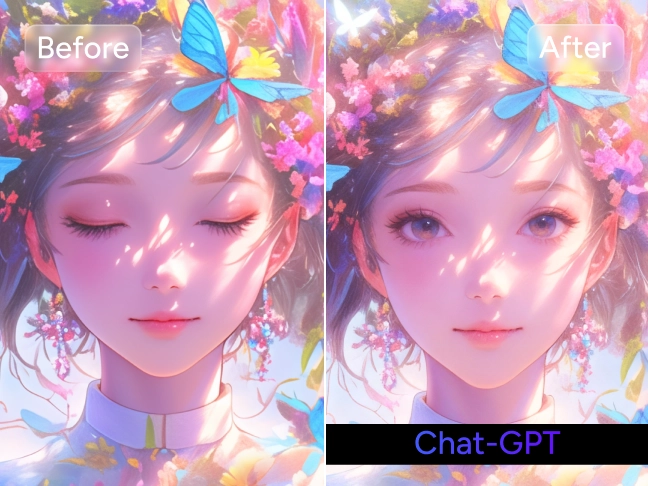
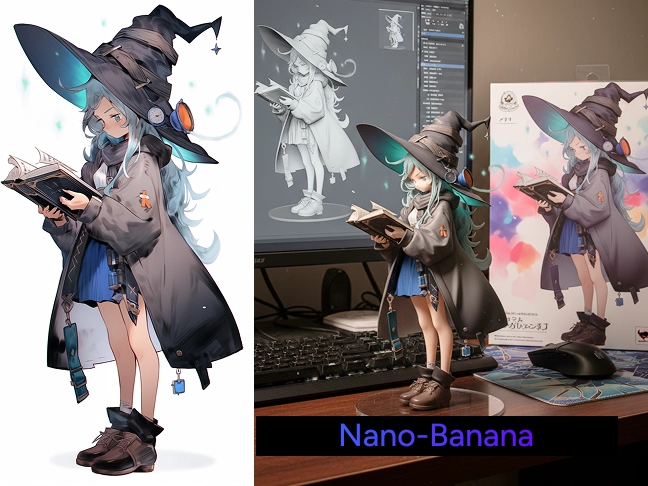
Trasforma le tue foto in divertenti clip di ballo, metamorfosi sorprendenti e momenti da condividere con gli effetti video AI di tendenza.
Crea Video con Movimento Umano Reale
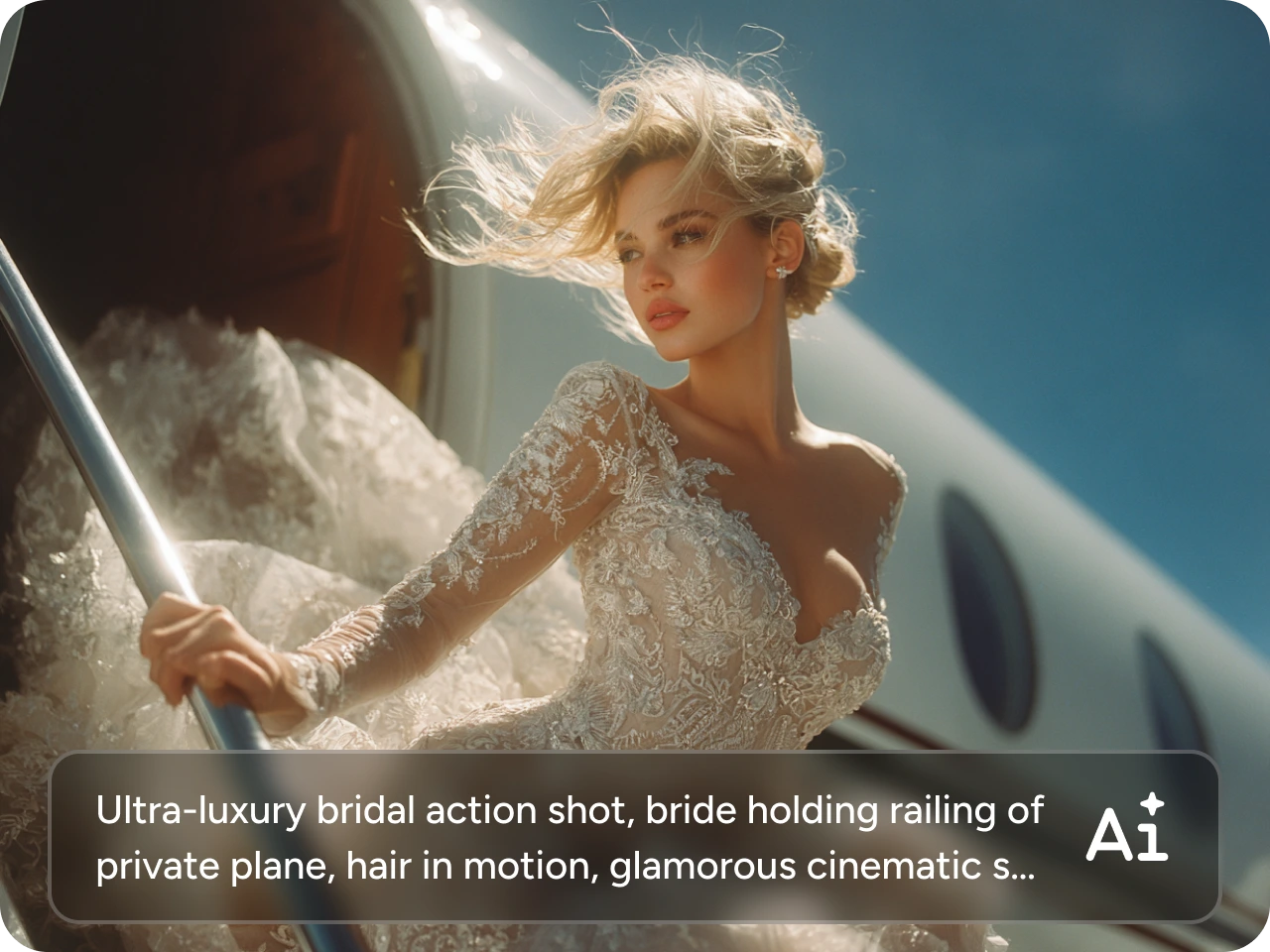
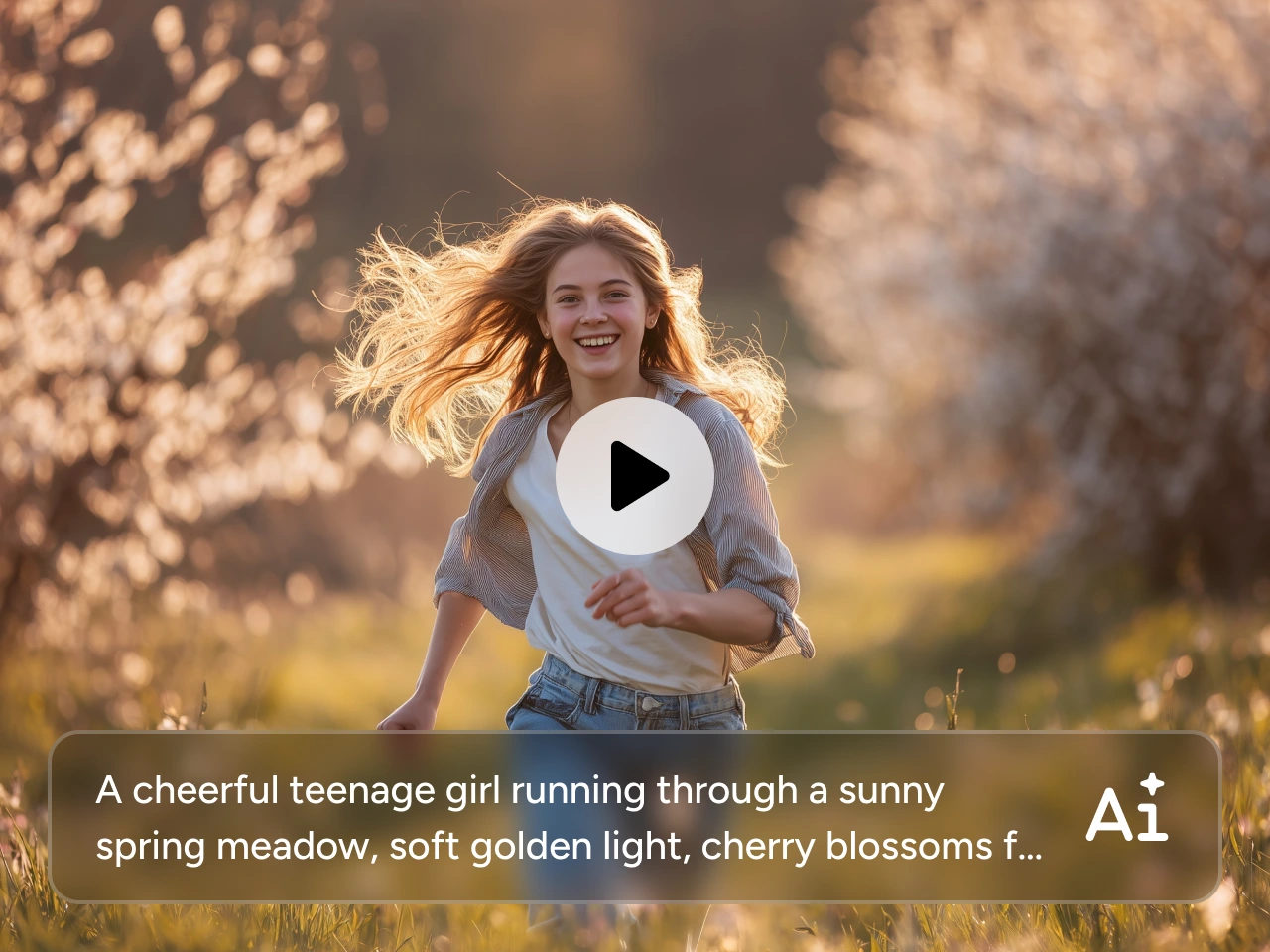
Genera facilmente video così convincenti da sembrare veri. Hailuo AI offre movimenti umani realistici con la nuova versione del modello 2.3. I volti reagiscono in modo naturale, i corpi si muovono con il giusto peso e nulla appare leggero o fuori posto. Niente pause imbarazzanti o gesti spezzati. Questo lo rende particolarmente adatto a primi piani, intro di personaggi, video parlati e video esplicativi di prodotto in cui la presenza umana è fondamentale. Ti basta caricare un ritratto e descrivere come la persona dovrebbe muoversi. Hailuo AI farà il resto. È perfetto per presentazioni di personaggi, annunci incentrati sulle persone e video che devono sembrare autentici.
Trasforma Immagini in Video Fluidi e Stabili
Con Hailuo 2.3 ti basta una sola immagine per iniziare. Carica una foto, aggiungi un breve prompt di movimento e guardala trasformarsi in un video pulito e stabile. Questo generatore video può mantenere intatta la composizione originale e il soggetto riconoscibile, rendendo il movimento intenzionale e non casuale. Questo fa di Hailuo AI una scelta affidabile quando lavori con immagini di prodotto, character design, concept art o key visual che devono restare coerenti da fotogramma a fotogramma.

Come Usare Hailuo 2.3 su PicLumen
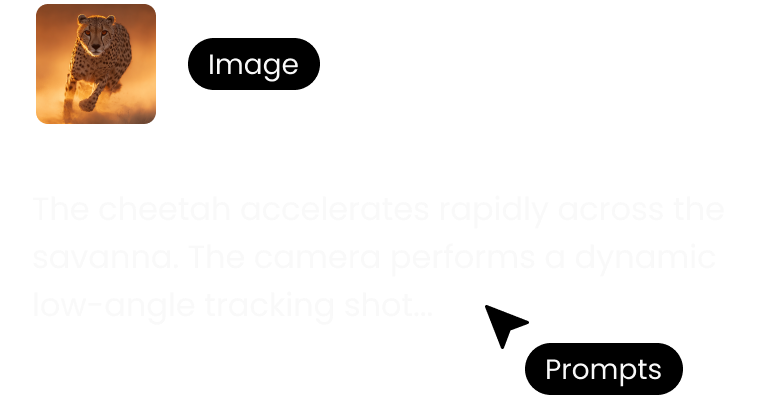
Passo 1: Carica la Tua Immagine
Carica semplicemente la tua immagine su PicLumen. Sono supportati PNG, JPG, JPEG e WebP.
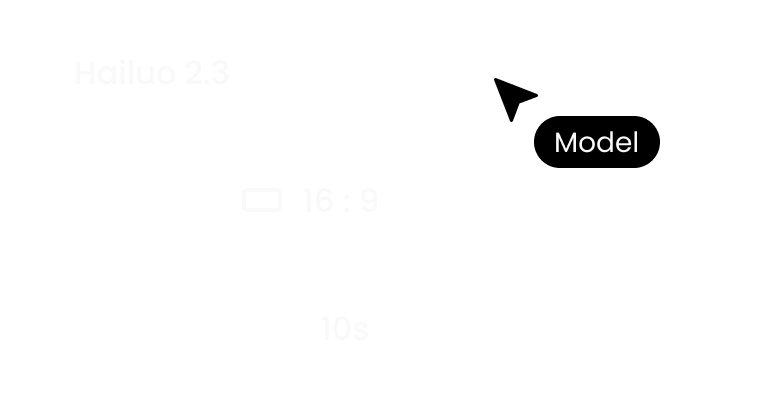
Passo 2: Personalizza le Impostazioni
Aggiungi un breve prompt che descriva come gli elementi devono muoversi. Poi seleziona risoluzione e formato in base al tuo progetto.
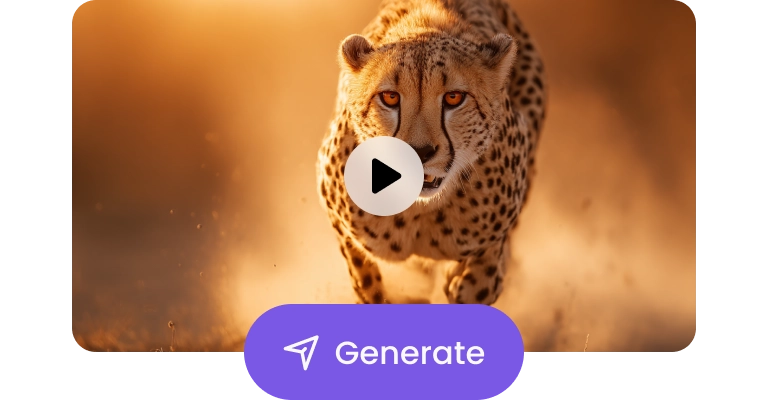
Passo 3: Genera e Scarica
Clicca su genera e lascia che Hailuo AI faccia il resto. Quando sei soddisfatto del risultato, scaricalo senza watermark.


Amato dai creator di tutto il mondo
Feedback reali di designer, marketer e appassionati che condividono la loro esperienza con PicLumen su Trustpilot.
Zaine JuttAmazing 😍😍😍😍😍😍 freee 😍😍
Amazing 😍😍😍😍😍😍 freee 😍😍
CrispeeEasy to use.
Easy to use. Great layout love it!
 Ms. Bliss
Just getting started
Just getting started, thus far it's really good. Going to continue to review and will update.
 Alexsander Luís
cool it's a good ai creator but create…
cool it's a good ai creator but create imagens for cinema
Nice creations and bright
Nice creations and bright
Great platform
Ease of use,and great models
Super shuper super ai
Super shuper super ai Thanks for wachong
Uday GoudVery good
Very good Website for create images
 Eli Kofsky
The images that come out are really…
The images that come out are really good.
 Shantell Jordan
LOVE THIS TOOL
Love this app. Its allowed my vision to come to life.
 Sheikh
very user friendly
very user friendly, easy to use.
Ts is so skibbidy dop dop yes yes
Ts is so skibbidy dop dop yes yes
FAQ su Hailuo 2.3
Che cos’è Hailuo 2.3?
Hailuo 2.3 è un modello video AI progettato per trasformare una singola immagine in un video fluido e realistico. Si concentra su movimento umano naturale, risultati stabili da immagine a video e output visivo pulito—così i tuoi video sembrano girati, non generati.
Quale generatore video AI dovrei scegliere?
Dipende dal tuo obiettivo.
- Hailuo 2.3: se vuoi movimento realistico e risultati stabili da immagine a video per annunci, prodotti o contenuti incentrati sulle persone.
- Seedance 2.0 per scene più lunghe, cinematografiche e guidate dalla storia.
- Kling 2.6 per scene più lunghe, cinematografiche e guidate dalla storia.
- Veo 3.1 per clip veloci, dinamiche, in stile creator.
Se cerchi video brevi affidabili e pronti all’uso, Hailuo 2.3 è un ottimo punto di partenza.