Get started with PicLumen in minutes

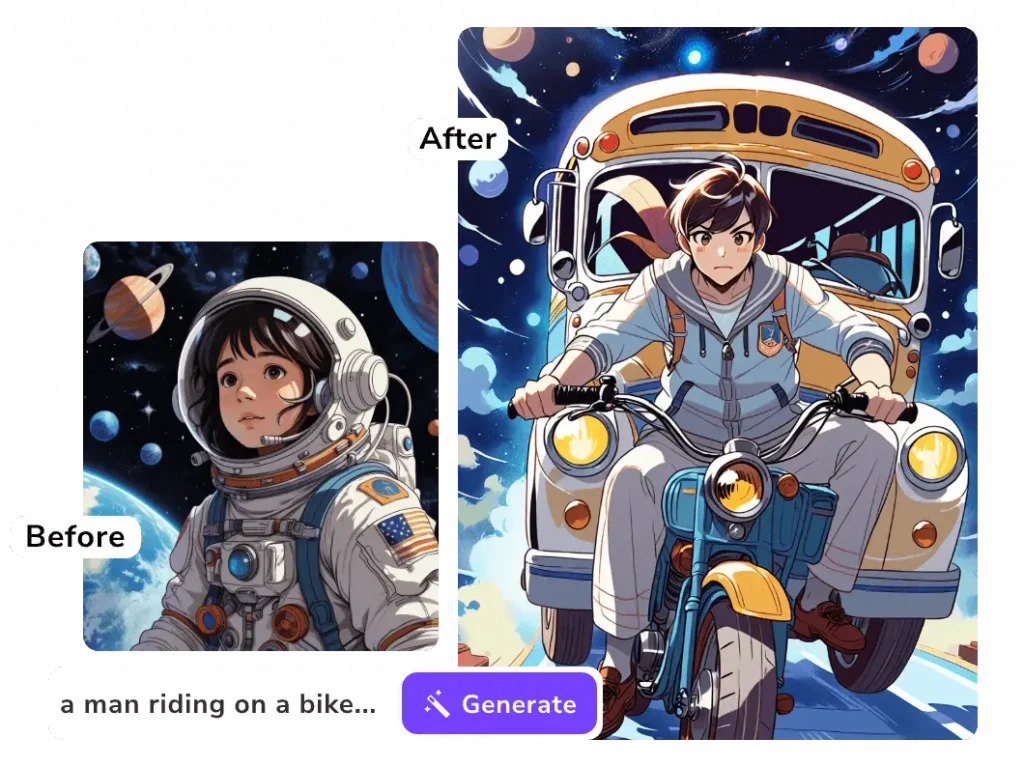
Generate images and videos, pick the best models, use AI editing tools, and copy proven prompts to get great results fast.

Sign up / Sign in (30 seconds)

To use PicLumen, you’ll need an account. Signing in helps you save generations, access history, and sync across devices.

How to sign in

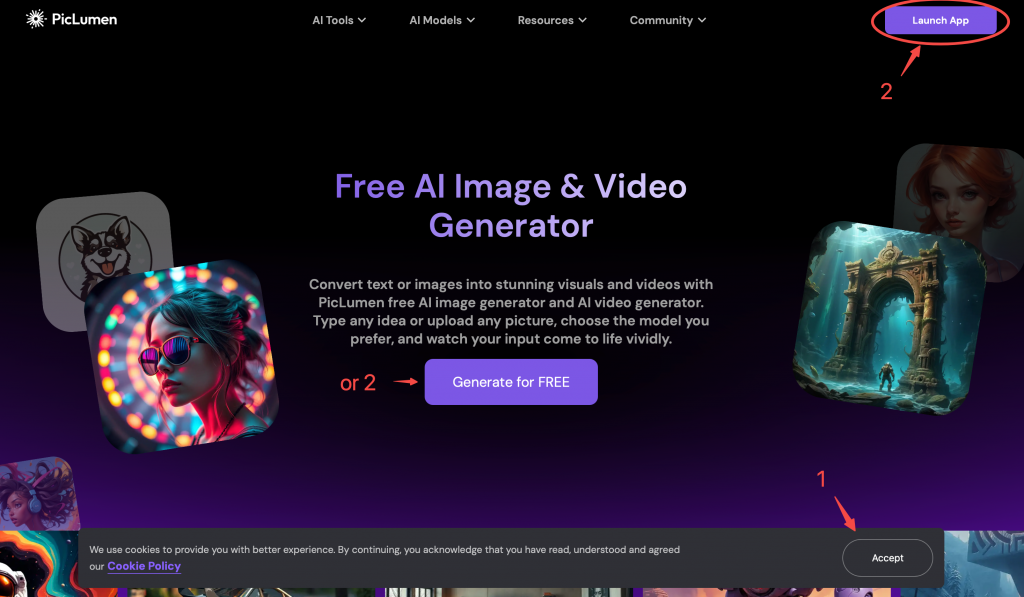
  1. Click Launch PicLumen
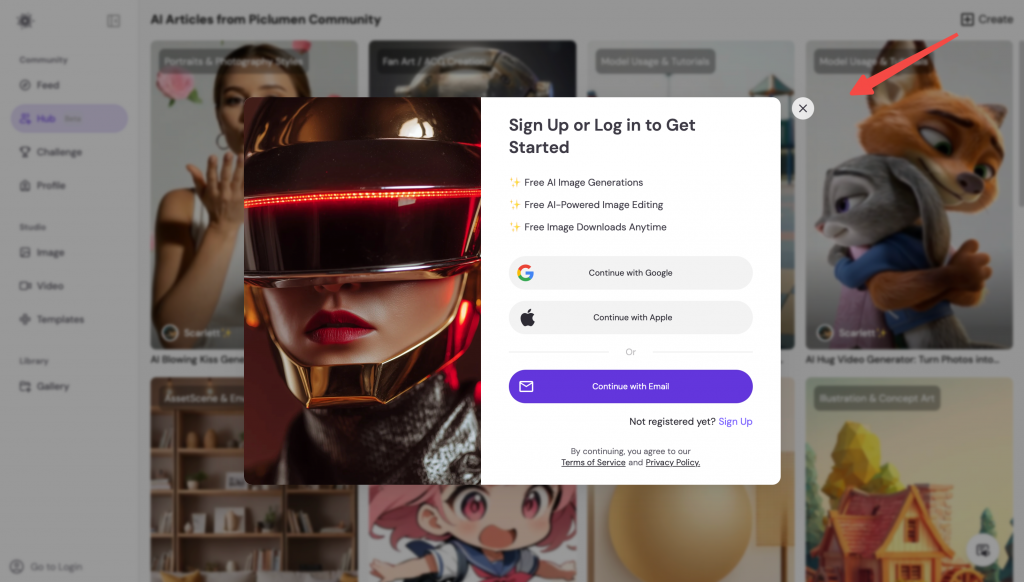
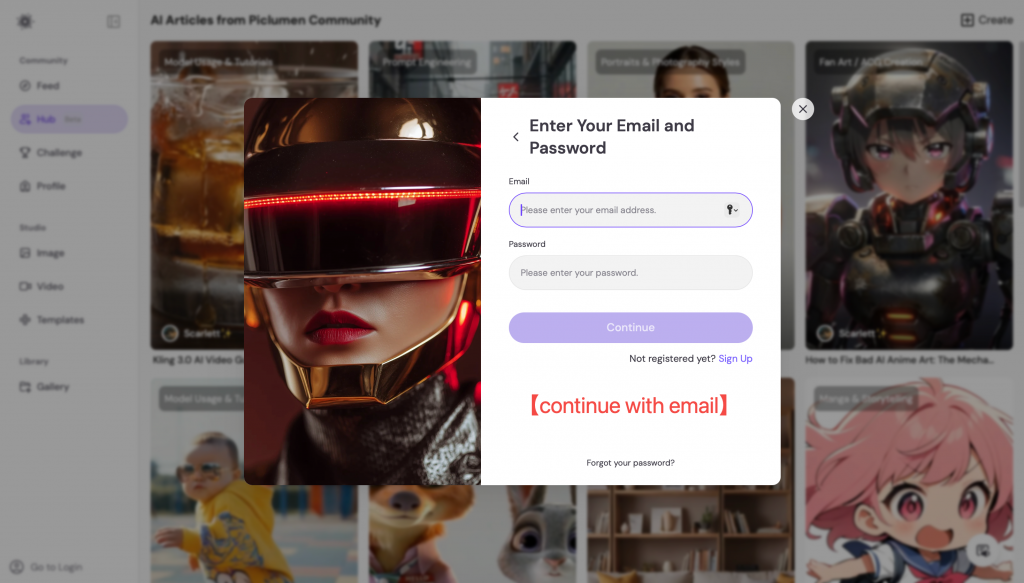
  2. Choose Sign in with Google (fastest) or email
  3. You’ll land on the Create page automatically

Understand PicLumen pages (so you don’t get lost)

PicLumen has a few key pages. Here’s what each one is for:

  • Home: overview of images, videos, models, and tools

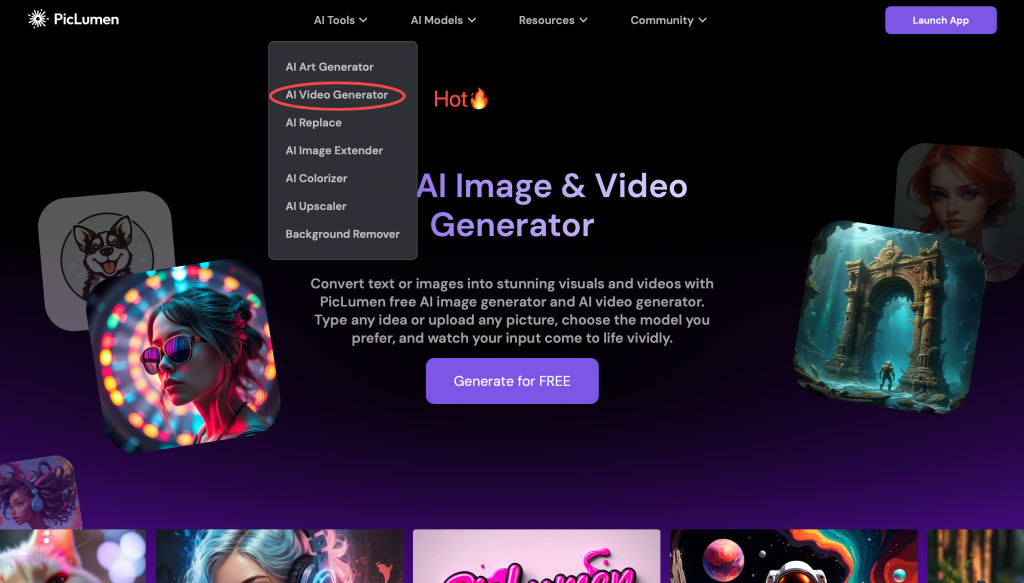
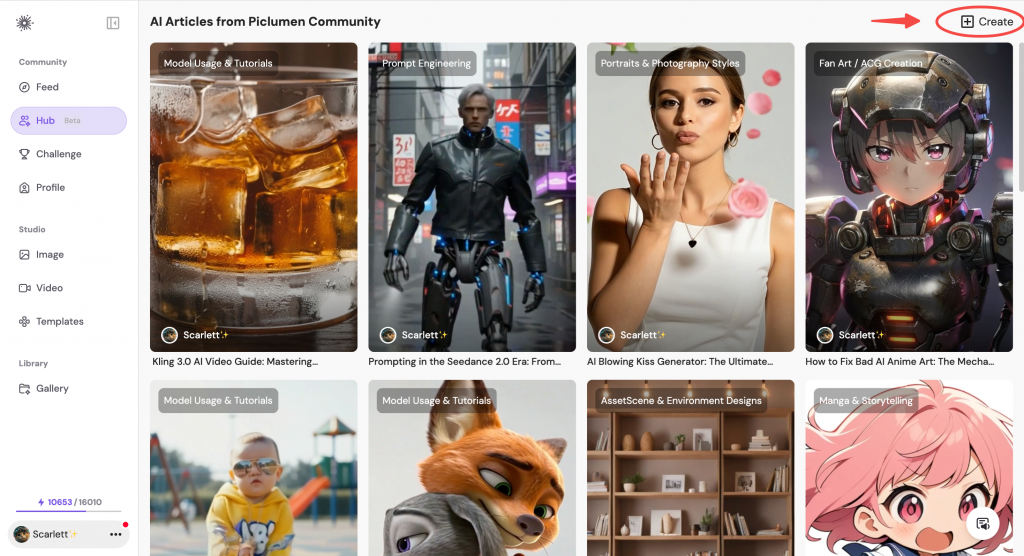
  • Hub🔥: step-by-step guides + copyable prompts

Core settings (models & parameters)

Start with defaults. If you want better results fast, adjust only one thing at a time.

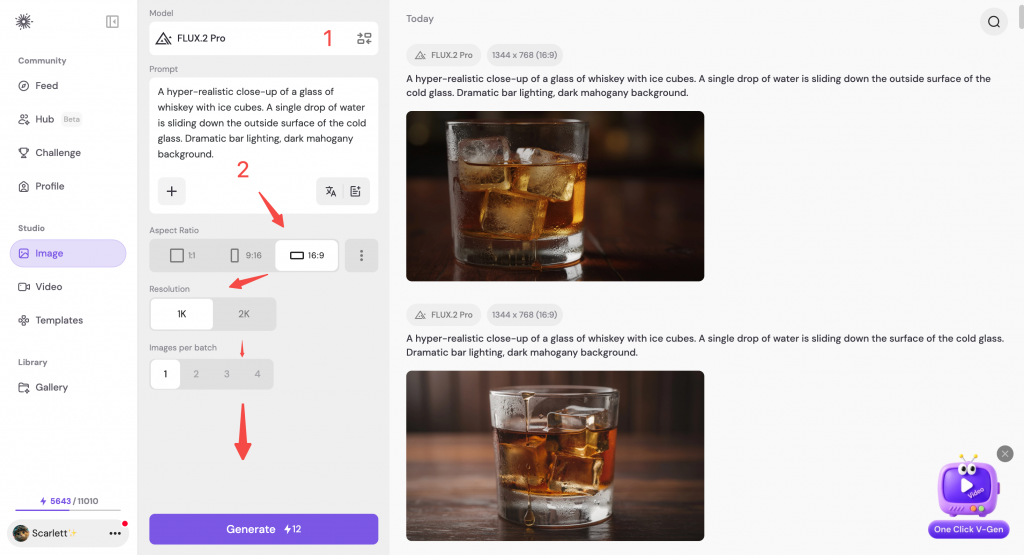
Model (how to choose)

Pick a model based on what you’re making:

  • Realistic → portraits, product photos, lifestyle scenes
  • Anime / ACG → characters, manga panels, clean lineart
  • Design / Illustration → posters, icons, concept art
  • Video models → motion-heavy clips or cinematic storytelling

Aspect ratio (quick picks)

Aspect ratio affects composition and where your content will be used.

  • 1:1 → social posts, product thumbnails
  • 2:3 → full-body characters, Pinterest visuals
  • 16:9 → YouTube thumbnails, banners, cinematic scenes
  • 9:16 → TikTok / Reels / Shorts

Number of outputs

Generate multiple images when exploring ideas. Generate fewer when you already have a clear target.

  • 4 outputs → best for exploration
  • 1 output → best for speed and iteration

Advanced settings (optional)

Advanced settings are optional. Keep defaults unless you know what you want.

  • Quality / Steps: higher = more detail (slower)
  • Guidance / Prompt strength: higher = follows prompt more strictly
  • Seed: reuse it to keep composition consistent
  • Reference strength (Image → Image): preserves more of the input image

Advanced Parameters

  • Negative Prompt: specify what you don’t want to show in the generated image.
  • Guidance Scale: Control how strongly your text prompt affects the generated image.
  • Steps: Determine the number of steps used to create an image; more steps can lead to more detailed results.
  • Seed: The random seed value controls the initial noise of the latent image and, hence, the composition of the final image. Using the same seed with the same parameters will produce the same image, allowing for reproducibility.

Notice:

  • Each of our models has well-tuned optimal original advanced parameters that normally do not need to be altered. If the generated results are not sufficiently as expected, the users can adjust advanced parameters to get better results.
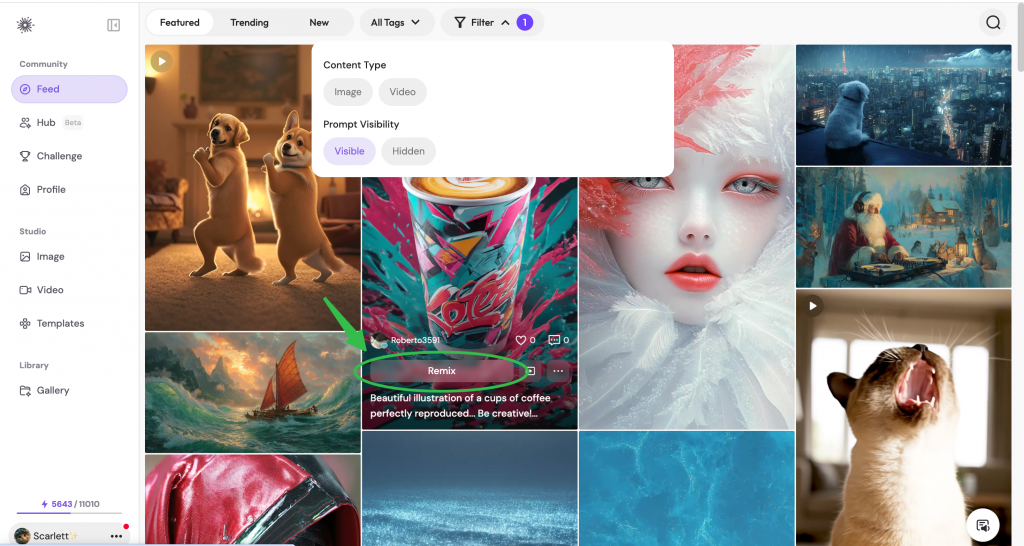
  • IMPORTANT! If users click remix, then all the generated images will keep the parameters the same as the ones you choose to click remix. If you need the advanced parameters back to the original parameters, click “reset”.

Generate images (2 main ways)


Text → Image

Use Text → Image when you want to create from scratch.

Best prompt structure
subject + style + lighting + camera + background

Image → Image (Reference)

Use Image(Add Photos) → Image when you want variations while keeping composition or style.

Best for

  • consistent characters
  • style variations
  • redesigning an image without losing structure

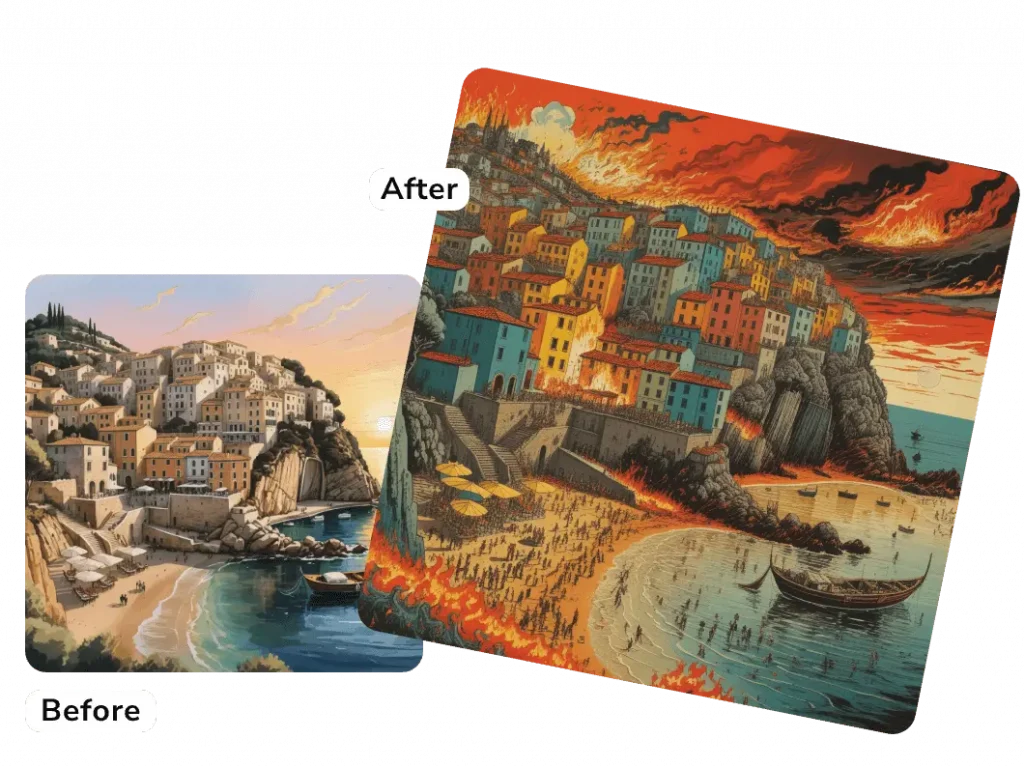
Content Reference:

It will keep the core content of the uploaded image intact, combining your text prompts to change colors, restyle the image, turn sketches into masterpieces, etc.

result of content reference function

For example, on the left is the uploaded image, and I choose “Content Ref,” then I enter the prompt “woodblock print, people standing on the beach, strong contrasting colors, a town on fire.” Then, I get the result on the right.

Style Reference:

PicLumen will mimic the style of the uploaded image, blending it with your text prompts to generate a new stunning AI art.

result of style reference function

Character Reference:

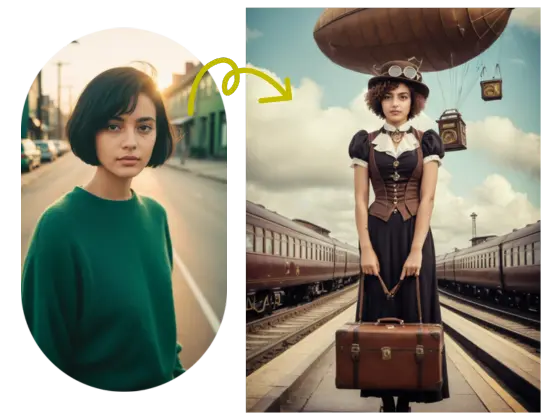
This will maintain consistent characters across your images with ease. Use our image to image ai generator to give images a new expression by combining text prompts without changing the characters.

Note: For character reference, users should upload an unobstructed picture of the face.

the result of using character reference to keep the womans face

Generate videos-Hot🔥 (2 main ways)

Text → Video

Describe a scene and generate a short video with motion and cinematic feel.

Image → Video

Bring a still image to life with subtle motion and camera movement.

AI editing tools (polish results in seconds)

Don’t regenerate from scratch. Use tools to fix and refine what you already like.

AI Replace

Replace an object or area with a text instruction.

Best for

  • removing unwanted elements
  • changing outfits / backgrounds
  • fixing small mistakes

Image Extender

CTA: Open Image Extender

Background Remover

Remove background in one click.

Image Upscaler

Increase resolution and sharpness for final export.

Image Colorizer

Restore color to old photos, sketches, and line art.

Remix (iterate faster)

Remix lets you reuse a result as a starting point—so you can iterate faster without rewriting everything.

Best for

  • turning a good image into 10 better ones
  • exploring styles quickly
  • keeping the same idea with different looks

Prompt Enhancement (optional)

Prompt Enhancement rewrites your prompt to make it more detailed and model-friendly.

Use it when

  • you’re new to prompting
  • your result looks too simple
  • you want richer lighting and details

Turn it off when

  • you need strict control
  • you’re matching an existing character/style

Upload your image

Upload an image to:

  • generate variations (Image → Image)
  • animate it (Image → Video)
  • edit it (Replace / Extend / Remove BG)

Prompt library (copy & paste)

Copy a proven prompt below, generate a result, then tweak one keyword at a time.

Prompt 1 — Product Shot (E-commerce)

Prompt

Minimalist product photo of a premium sneaker on a white seamless background, soft studio lighting, crisp shadow, ultra sharp, commercial photography

Recommended: Realistic / product-friendly image model


Prompt 2 — Cute 3D Character (Full body)

Prompt

A cute 3D cartoon girl standing full body, soft pastel outfit, gentle smile, clean background with subtle bokeh, studio lighting, high quality

Recommended: 3D / stylized model


Prompt 3 — Cinematic Scene

Prompt

A lone traveler walking through a neon rainy street at night, cinematic lighting, volumetric fog, 35mm film look, dramatic composition, ultra-detailed

Recommended: cinematic-friendly model


Prompt 4 — Poster / Graphic Design

Prompt

A modern event poster design, bold typography, clean grid layout, high contrast, minimal graphic shapes, professional print-ready style

Recommended: illustration/design model


Prompt 5 — Text → Video (Food / Lifestyle)

Prompt

A hyper-realistic close-up of a glass of whiskey with ice cubes. A single drop of water is sliding down the side of the cold glass. Dramatic bar lighting, dark mahogany background.

Recommended: FLUX.2 Pro


Prompt 6 — Image → Video (Animate a still)

Prompt

The camera slowly pans around the glass in a circular motion. A hand reaches in and drops a fresh ice cube into the liquid, causing a realistic splash and ripples. 4k, cinematic slow motion.

Recommended: Kling 3.0 


FAQ & quick fixes

My image looks “plastic”. What should I do?

Use more natural keywords like:
soft natural light, realistic texture, subtle skin details
Avoid stacking too many “beauty” words.

The model ignores my prompt.

Keep your prompt short. Put the most important info first.

How do I remove unwanted text or logos?

Add negatives like:
no text, no watermark, no logo

How do I keep the same character?

Use Image → Image reference, keep prompt structure consistent, and reuse seed if available.

My video motion looks weird.

Try subtle motion first. Avoid too many actions in one sentence.

The image is blurry.

Use Upscaler, and add:
ultra sharp, high detail, crisp edges
Footer links (recommended)

Contact Support

Templates

Tutorials

FAQ

Massages

All articles
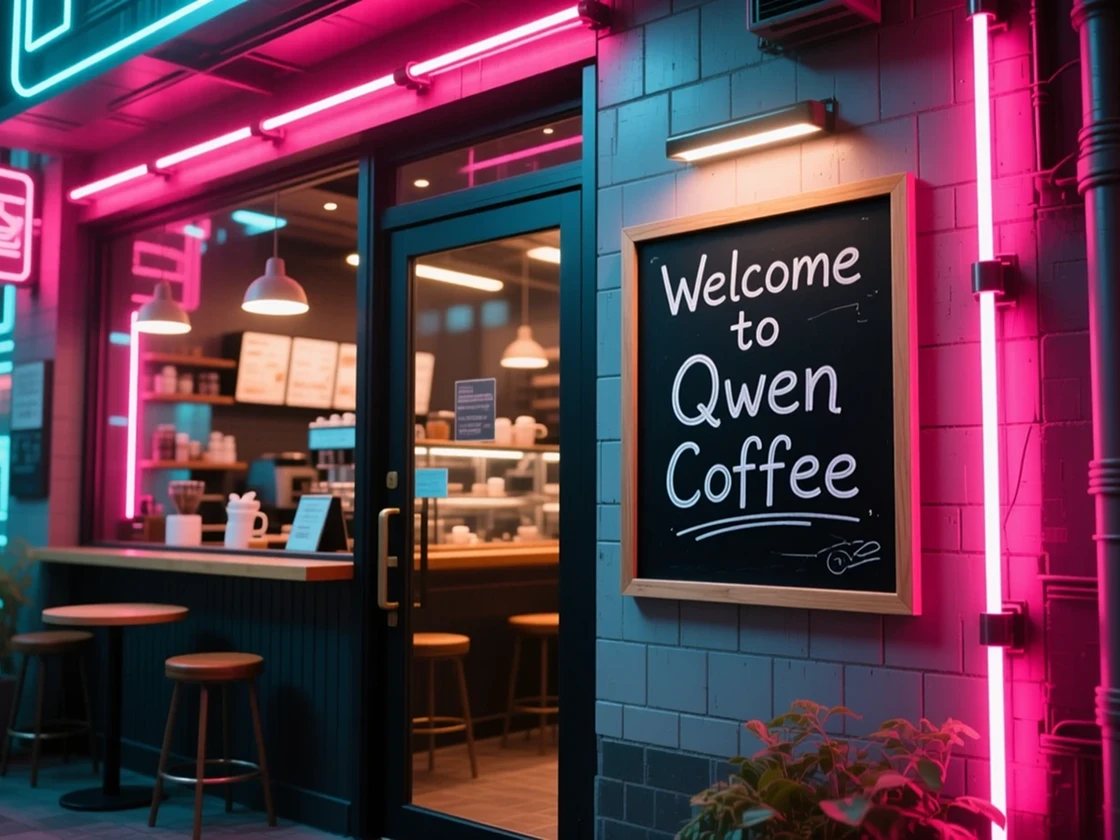
Qwen-Image model card

Qwen-Image Handbook

Qwen-Image: Crafted for Beauty, Built for Control Qwen-Image is a 20-billion-parameter foundation model built on the MMDiT architecture, designed for high-fidelity image generation and fine-grained visual editing. It stands out for its ability to render complex text directly within images, perform precise image editing, and maintain remarkable consistency across subjects, layouts, and styles. Unlike most image generation models, Qwen-Image can seamlessly integrate visual design and typography — creating a new paradigm for content creators, designers, and artists who value...
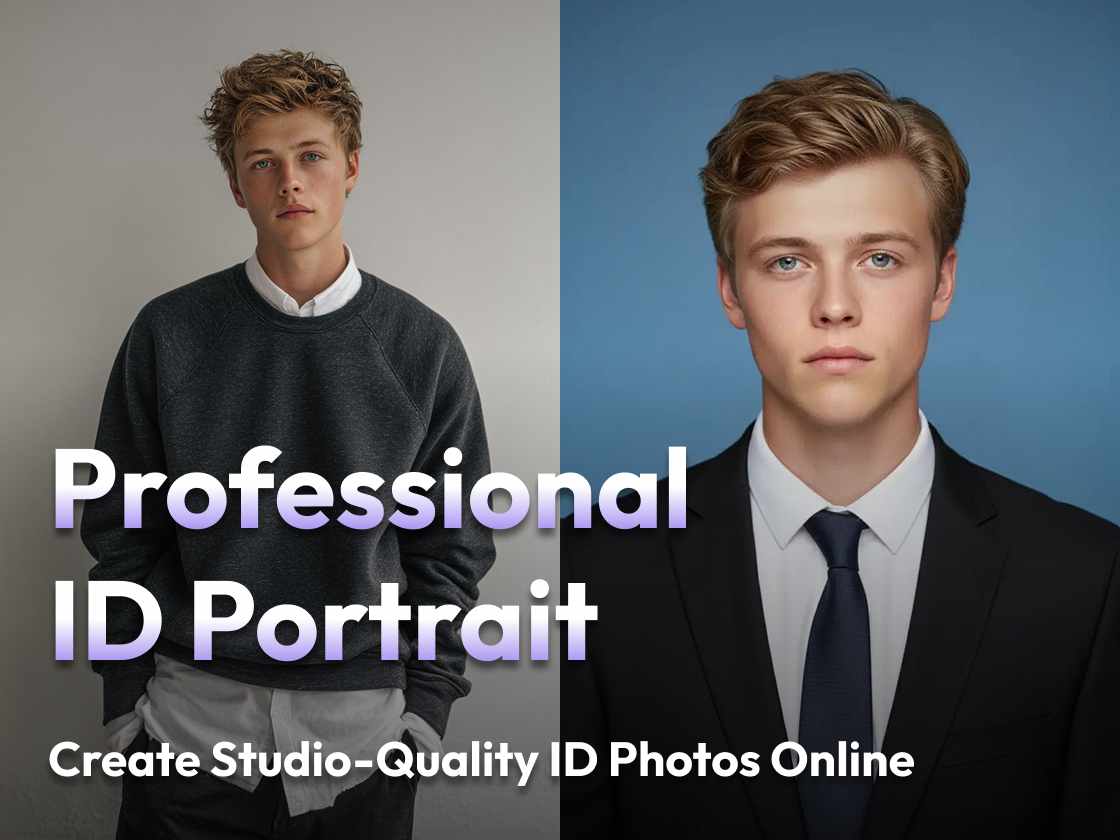
Create Studio-Quality ID Photos Online

Professional ID Portrait – Create Studio-Quality ID Photos Online

In professional and official contexts, a polished ID photo is more than just a requirement—it is a reflection of credibility, trustworthiness, and attention to detail. However, not everyone has access to a studio or the time for repeated retakes. With PicLumen's Professional ID Portrait tool, you can generate clean, high-quality ID-style photos instantly. The result mirrors studio standards: formal attire, clean backgrounds, and a professional aesthetic suitable for resumes, job applications,...
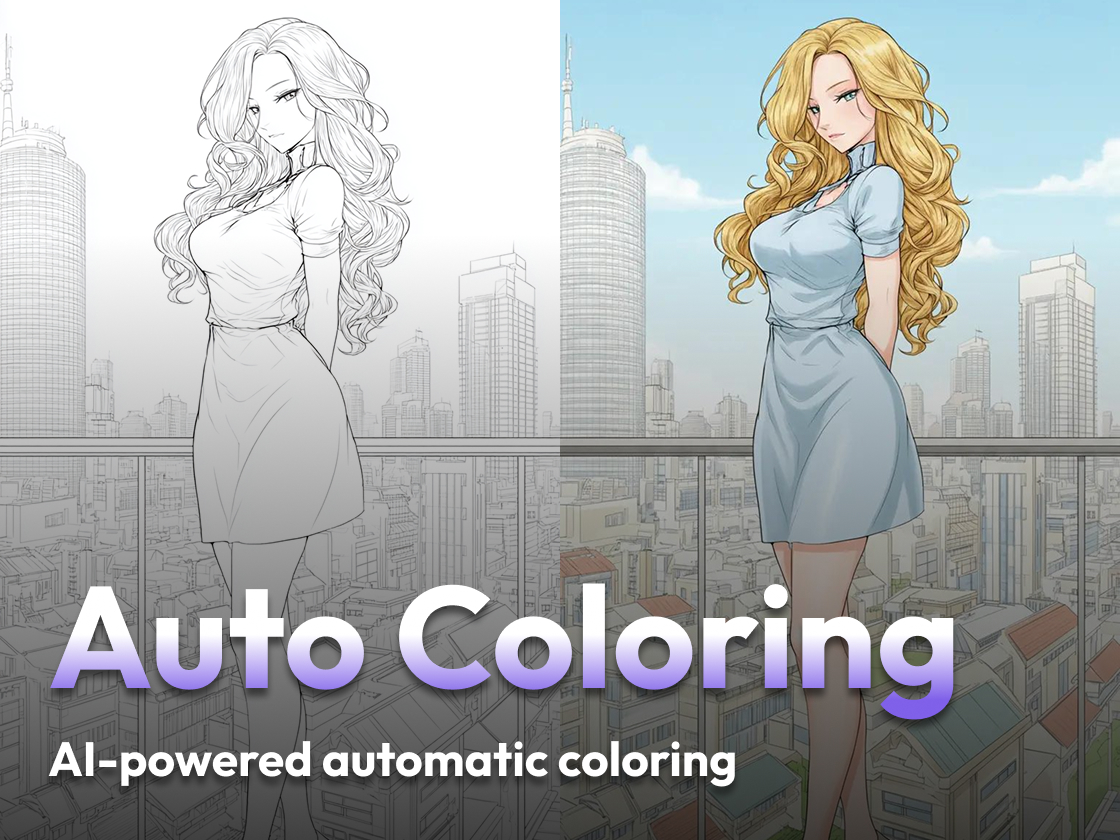
using Auto Coloring to Bring Your Line Art to Life

Auto Coloring – Bring Your Line Art to Life Instantly

Color is what gives art its vibrancy and emotional impact. But manually coloring line art can be time-consuming, especially for comics, illustrations, or quick design iterations. With PicLumen’s Auto Coloring tool, you can instantly breathe life into sketches or line art with AI-powered automatic coloring. Save hours of manual work while keeping your creative flow uninterrupted. Why Auto Coloring Matters Coloring is a crucial step in every artist’s workflow: Speeds up production...
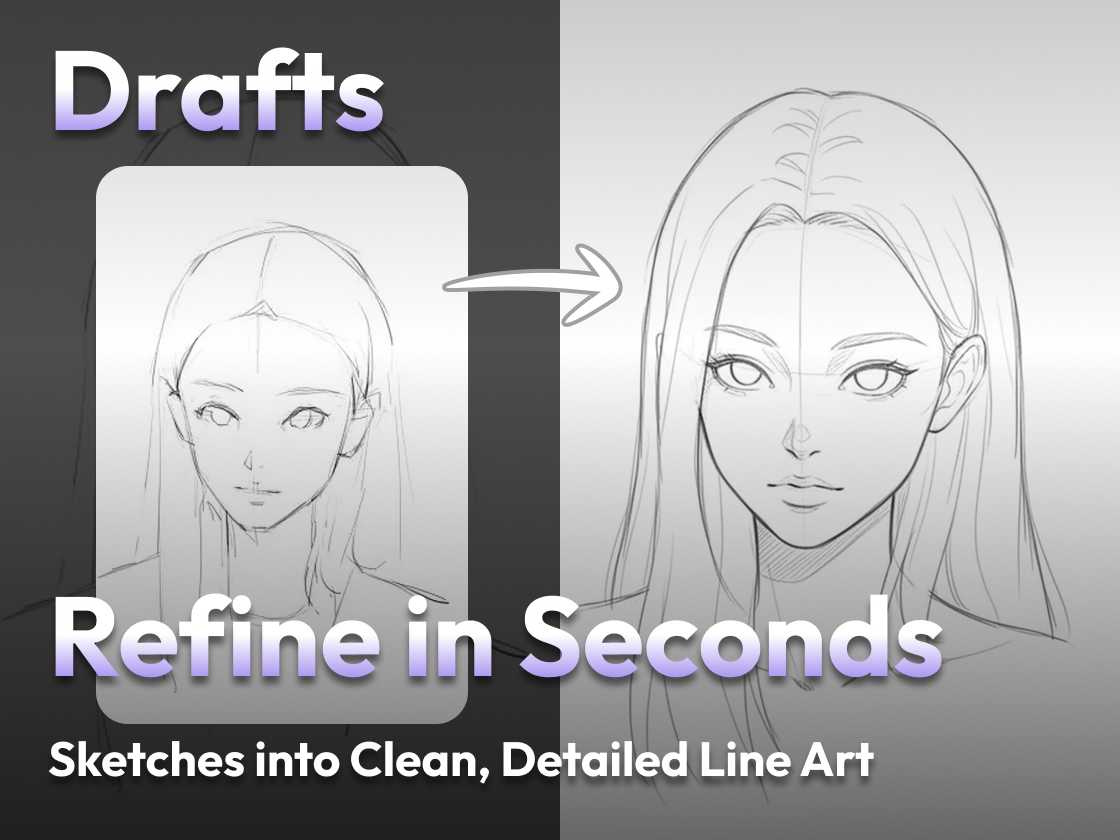
Refine Your Drafts into Clean, Detailed Line Art

Refine Your Drafts into Clean, Detailed Line Art

When working on illustrations, comics, or concept art, artists often begin with rough drafts or sketches. While these drafts capture the essence of an idea, they can lack clarity and polish. With PicLumen’s Refine tool, you can instantly transform sketchy line drafts into clean, detailed line art — smooth outlines, enhanced details, and professional-quality results ready for coloring or publication. Why Line Art Refinement Matters Line art is the foundation of digital illustration....
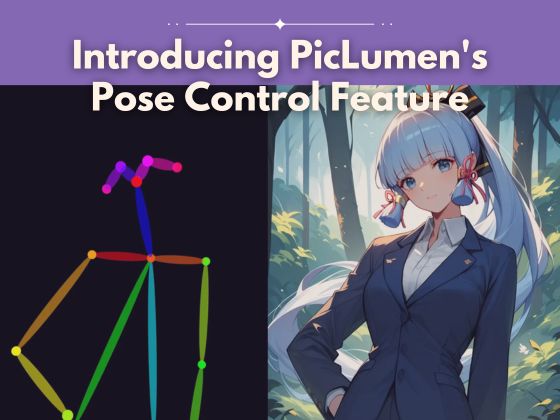
Introducing PicLumen's Pose Control Feature

Introducing PicLumen's Pose Control Feature

What Is Pose Control? Pose Control is a new feature in PicLumen that lets you customize a person’s pose for your AI-generated images. Sometimes you have a very specific pose in mind—this feature makes sure your generated character follows that pose accurately, so you can achieve exactly the look you want. *In this image, we used Pony Diffusion V6 to demonstrate pose control. Why Use Pose Control? Fine-tuned Results: Get precisely the...
a fantasy character with pink hair

How to Sell AI Art Online: Simple Steps to Monetize Your AI Creations

AI-generated art has opened up exciting opportunities for artists, creators, and even beginners to monetize their creativity. Whether you’re a digital artist or just exploring AI tools, selling AI art can be a rewarding way to share your creations and earn income. This guide will walk you through the process of creating, optimizing, and selling your AI-generated art online, with no cost and no website required. What is AI Art,...

Best AI Art Generators to Create Images from Text Prompts

As AI art generators continue to evolve and new products enter the space, finding a quality tool is becoming more complicated, and in just two to three years, text-to-image AI art generators have become a common phenomenon. Established AI art tools are gaining traction, and new apps loaded with advanced features are entering the market. Choosing a high-quality tool is becoming increasingly challenging - almost like finding a needle in...
20 Best DnD Prompts banner

20 Best DnD Prompts to Create Stunning DnD AI Art

Dungeons & Dragons (DnD) is a realm of infinite creativity, where players breathe life into heroes, villains, and worlds through their imaginations. What if you could visually bring those ideas to life? With the rise of DnD AI image creater, making stunning DnD characters, breathtaking landscapes, and epic battle scenes has never been easier. Whether you're exploring DnD character prompts or DnD drawing prompts, PicLumen's DnD AI art generator makes...