AI Talking Avatar Video Generator: Create Realistic Talking Photos Online
Create lifelike talking avatar videos from photos, audio, or text in minutes. Generate realistic lip-sync, customize backgrounds, adjust emotions, and produce professional AI avatar videos for marketing, education, social media, and faceless channels.
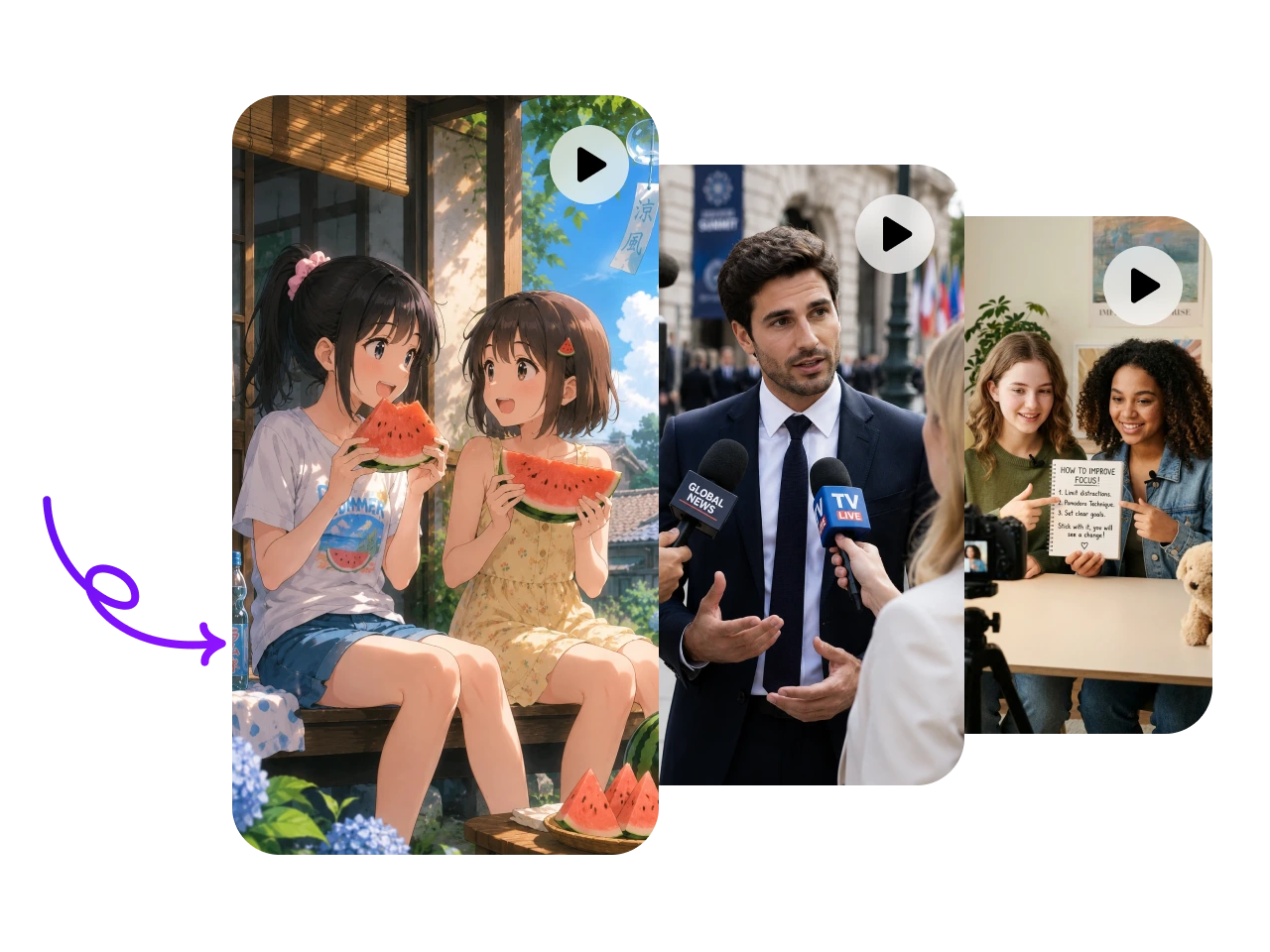
Hot Video Effects
View AllWhy Choose PicLumen AI Talking Avatar Video Generator?
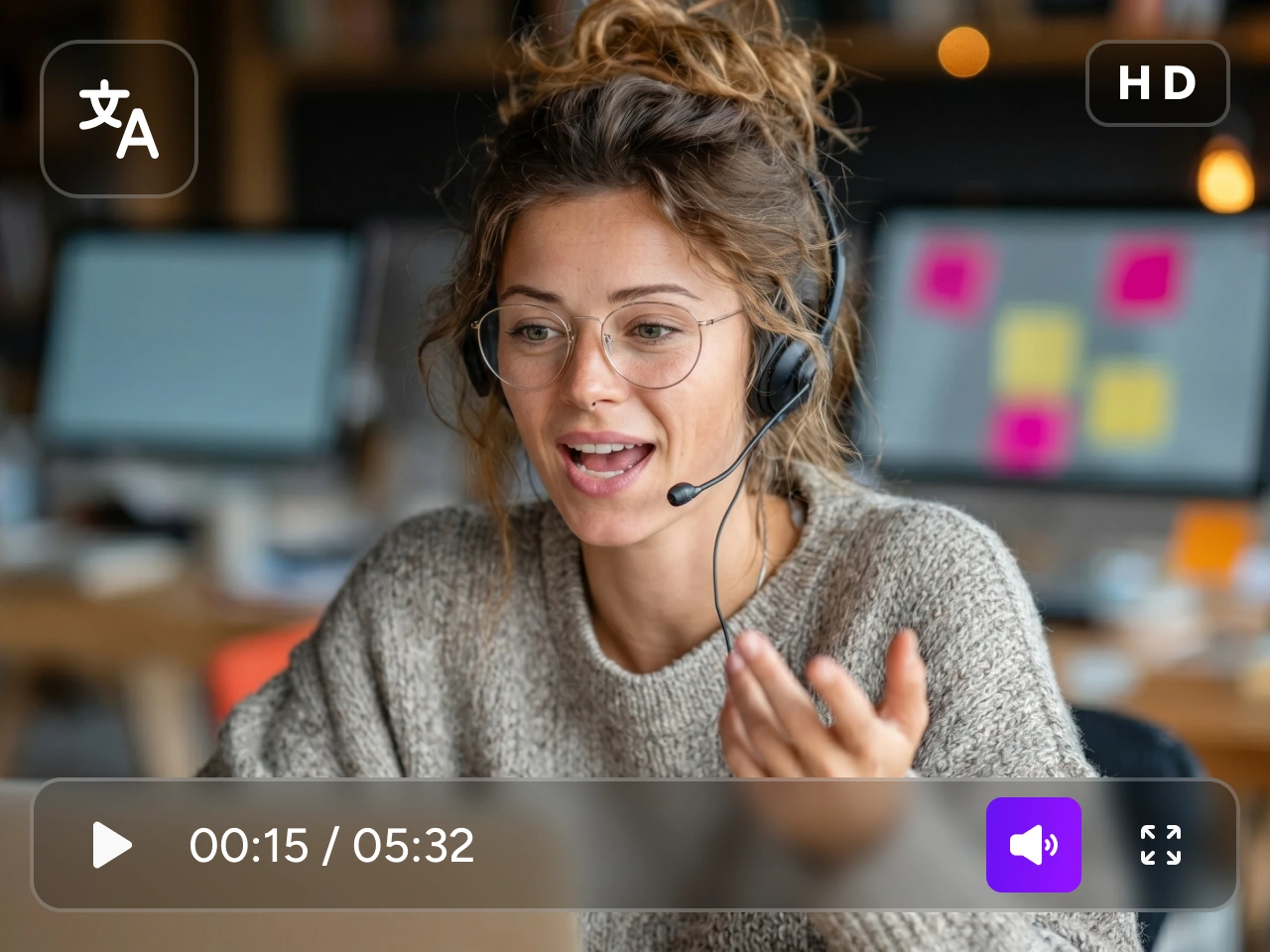
Multi-Language AI Videos
Create videos in multiple languages and deliver personalized messages to audiences worldwide without hiring multilingual presenters or voice actors.

Skip Expensive Studio Production
Eliminate the costs of filming, equipment, and editing. Produce high-quality AI avatar videos with PicLumen AI talking avatar generator.

Scale Content Faster
Generate large volumes of video content for different audiences, platforms, and campaigns while maintaining consistent quality and brand messaging.
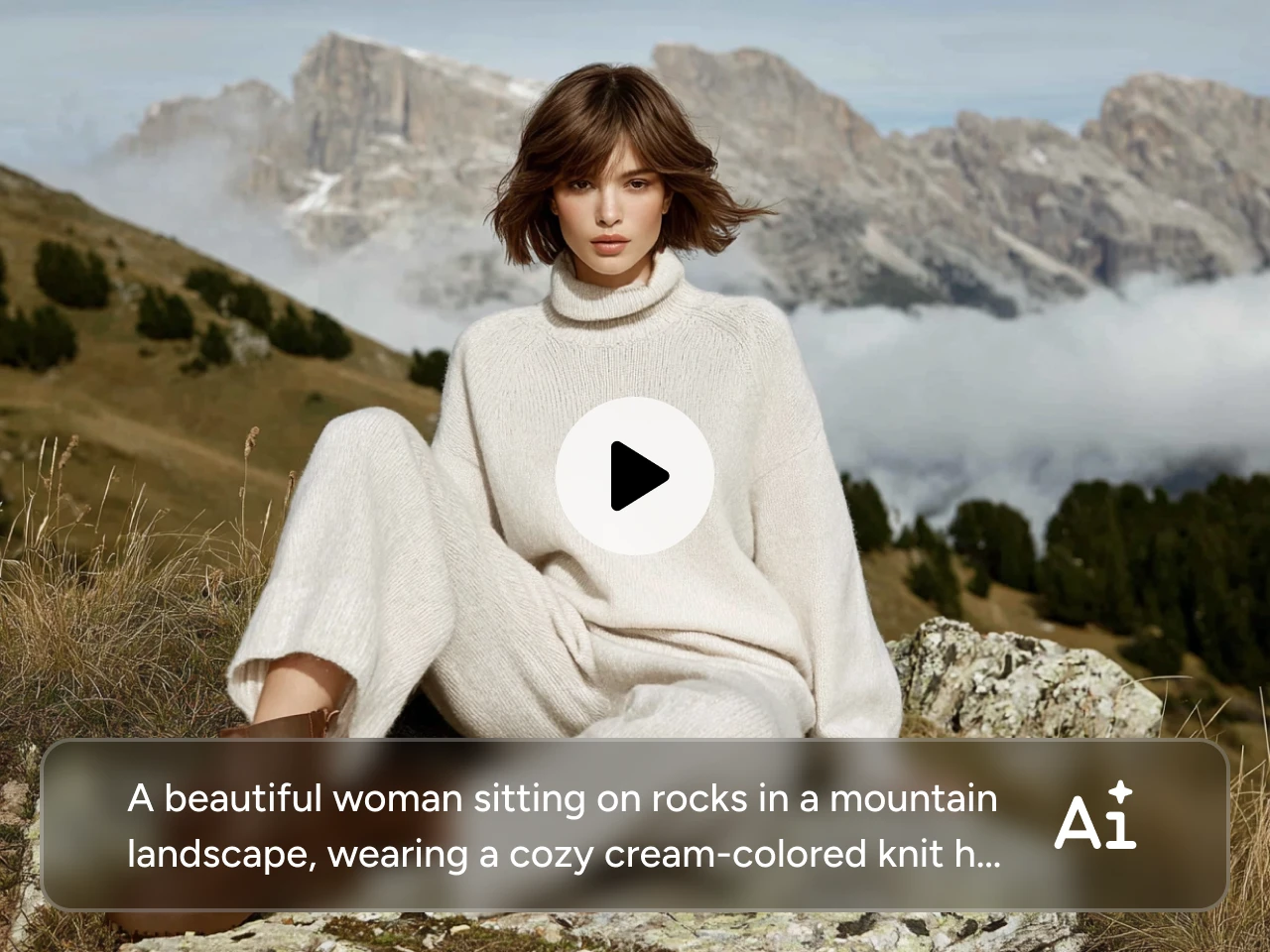
Animate Any Photo into a Talking Avatar
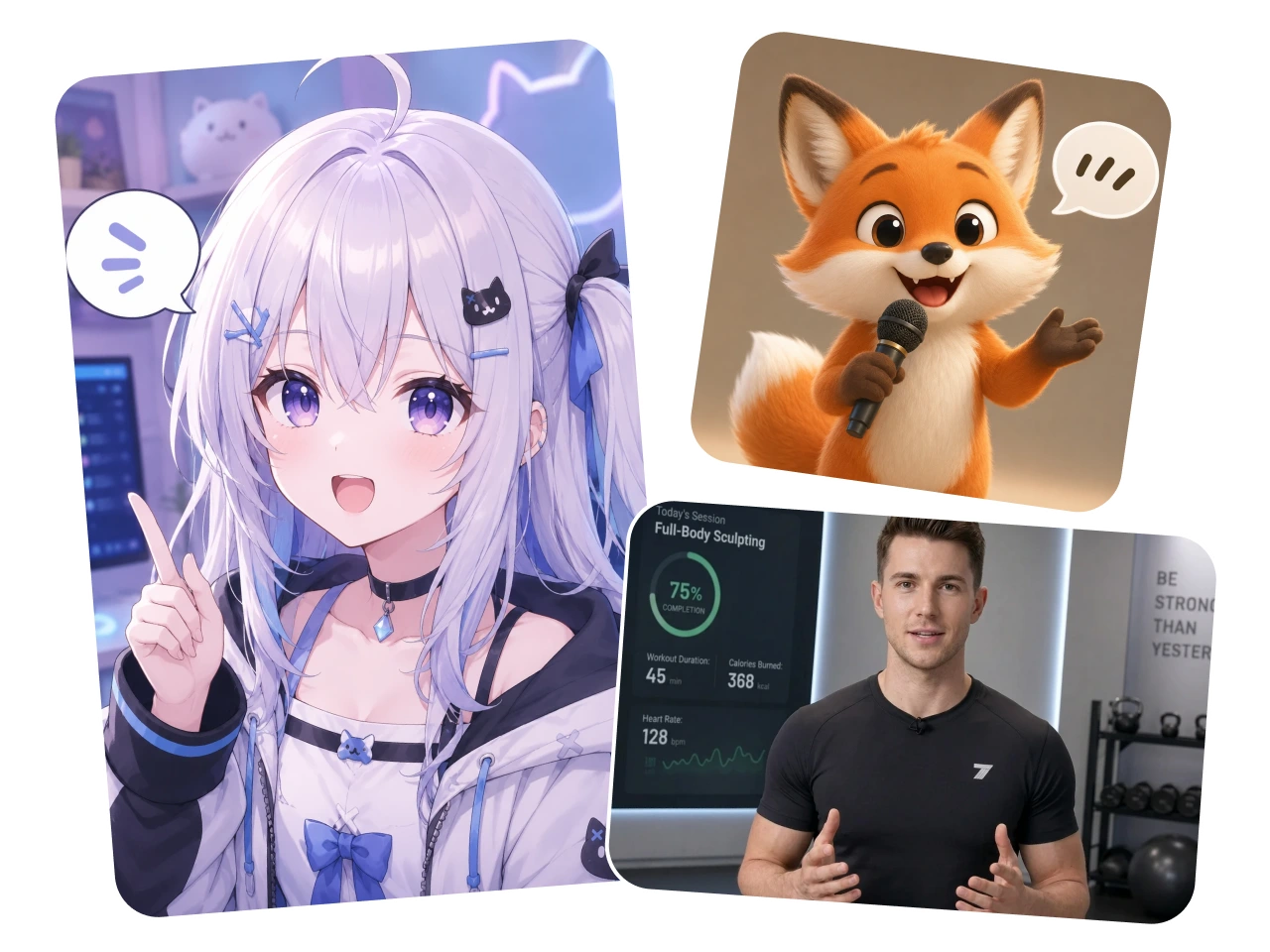
Transform portraits, character images, or AI-generated faces into lifelike talking avatars. Simply upload a photo and add your script to create engaging video content that captures attention instantly.
Customize Backgrounds and Avatar Appearance
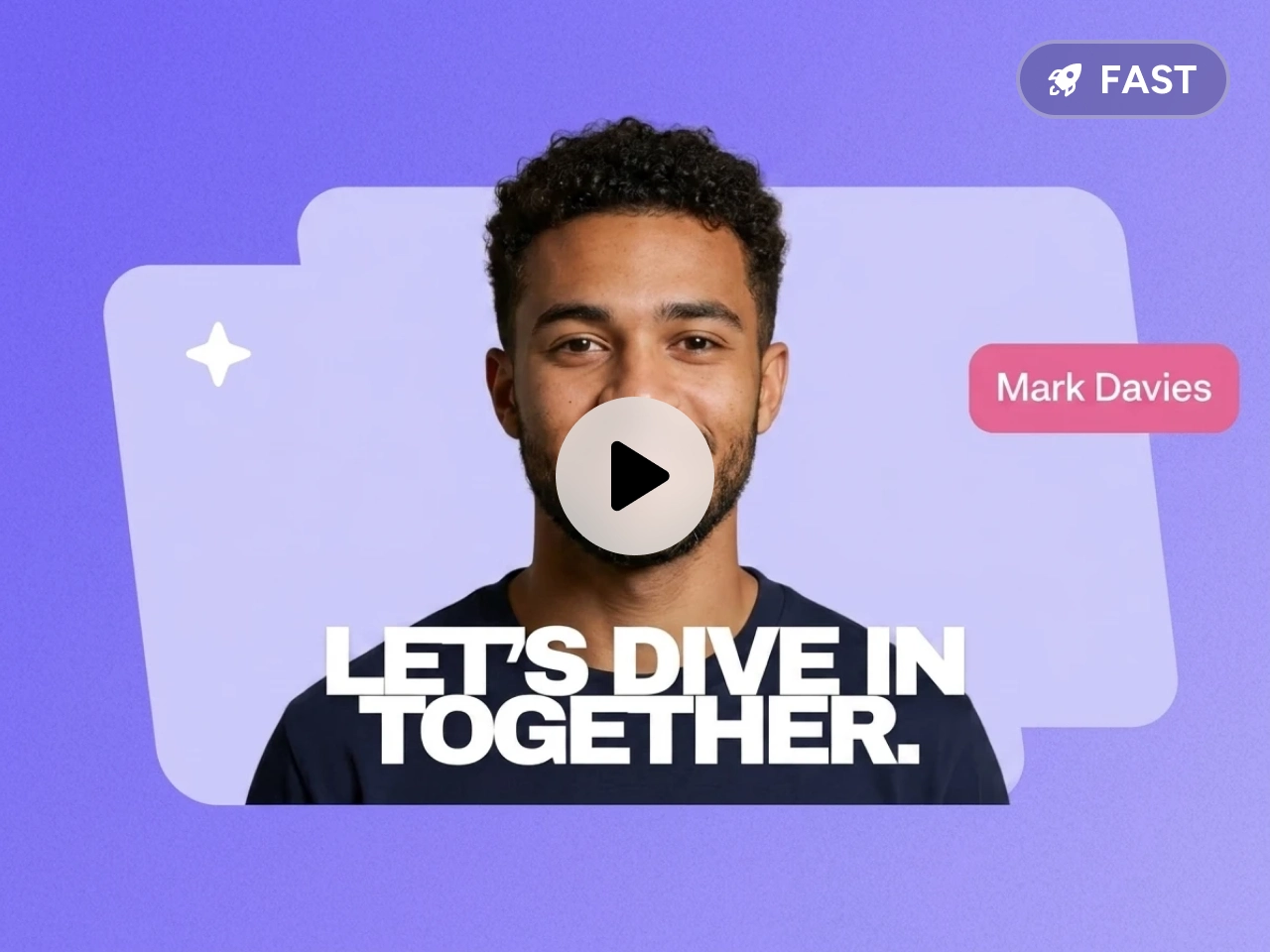
Match every video to your brand, audience, or campaign. Easily adjust backgrounds, visual styles, clothing, and avatar appearance to create consistent, professional-looking content.
Automated Lip-Sync Technology
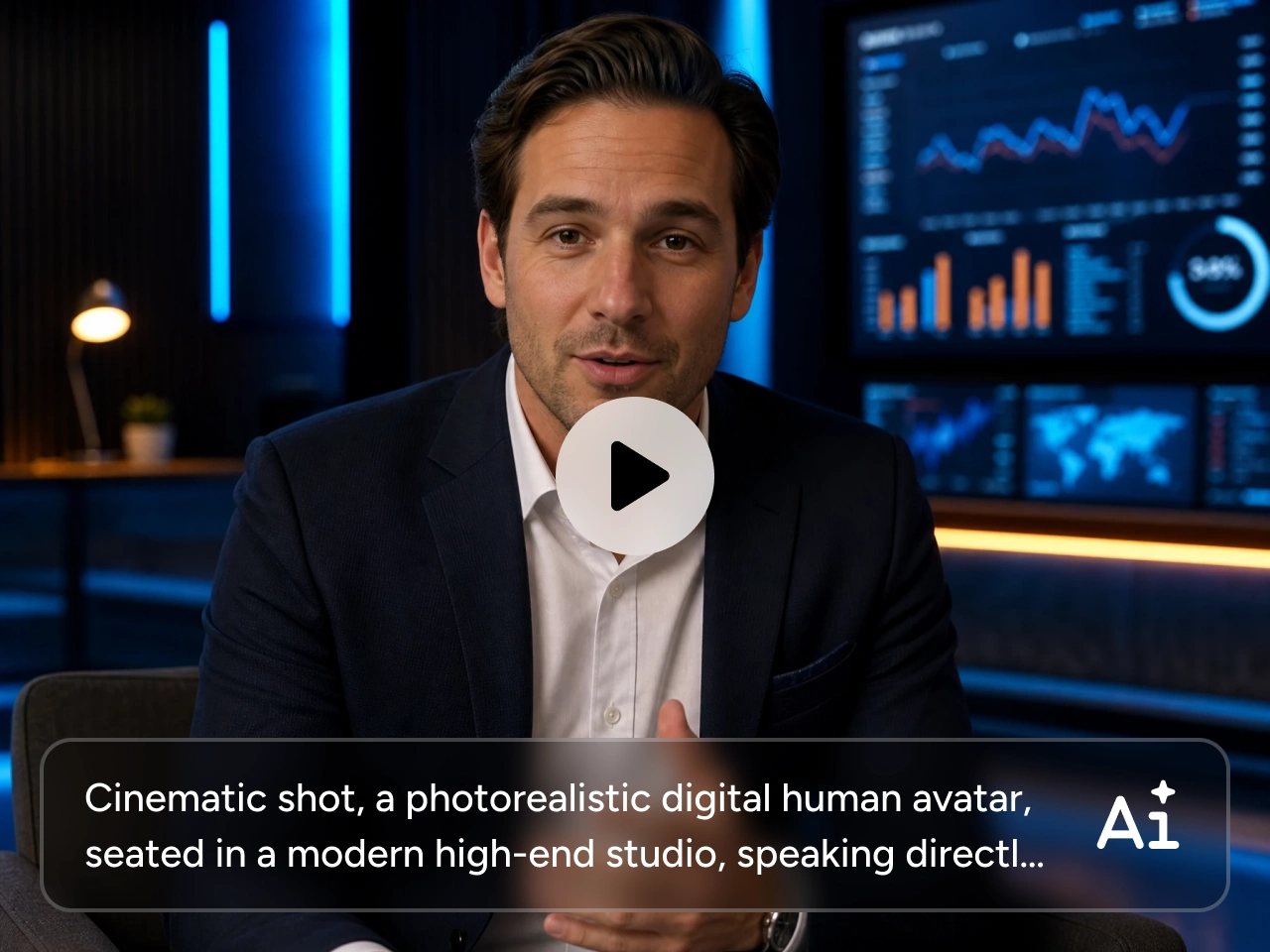
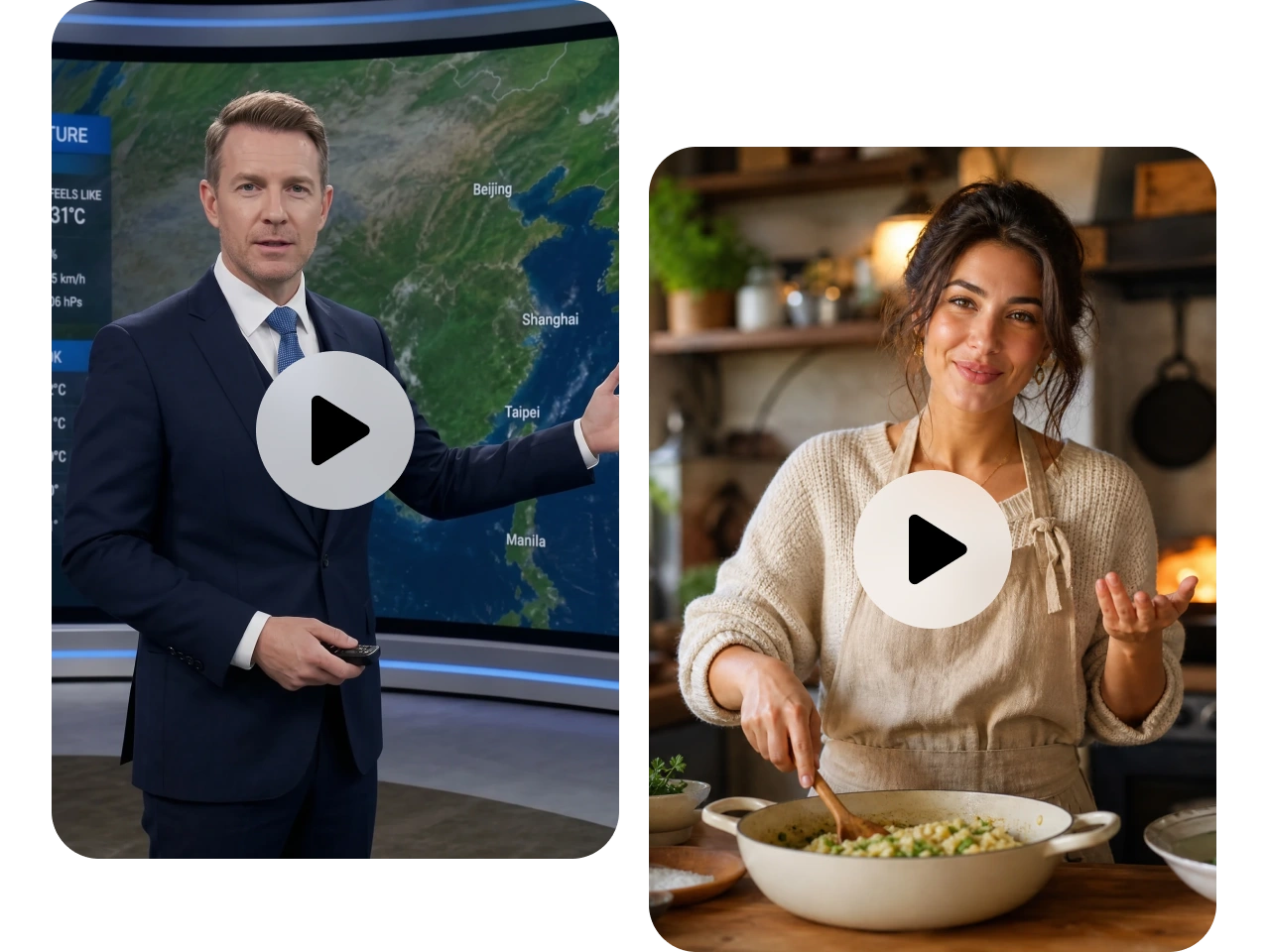
Generate natural mouth movements that accurately match spoken audio. Our advanced AI ensures smooth, realistic lip-sync for a more authentic viewing experience.
Match Emotion, Pace & Voice Tone
Control how your avatar delivers every message. Adjust emotions, speaking style, and tone to create videos that feel more persuasive, educational, conversational, or professional.
Built for Every Content Creation Workflow

Marketing and Paid Advertising
Create video ads, product promotions, lead generation campaigns, and personalized marketing content that drives engagement and conversions.

Education and E-Learning
Produce training videos, online courses, tutorials, and instructional content with clear, engaging AI presenters.

Faceless YouTube Channels
Build scalable video workflows without appearing on camera. Create narration-driven content quickly while maintaining a professional on-screen presence.

Social Media Content Creation
Generate attention-grabbing videos for TikTok, Instagram, YouTube Shorts, Facebook, LinkedIn, and other social platforms in minutes.
How to Create a Talking Avatar Video on PicLumen
1 Upload Your Photo and Audio
1Upload a portrait photo and an audio file. Our AI automatically prepares your media for video generation.
2 Enter Your Script
2Type or paste your script to control the AI generated video. You can customize the voice, language, emotion, and speaking style to match your message.
3 Generate and Download
3Click generate and let the tool create a realistic talking avatar video with accurate lip-sync and natural facial movements. Preview your video, make adjustments if needed, and download it.


Loved by Creators Worldwide
Real feedback from designers, marketers, and hobbyists sharing their PicLumen experience on Trustpilot.
My experience
Itis a really good website n really ideal to use theres only one con and that the AIS sometimes create wrong images but that doesnt happen frequently
Sara FrandsenExcellent customer service
Excellent customer service! The support team was incredibly fast, polite, and helpful. They handled my request quickly and professionally without any hassle. It is rare to see such great and honest support these days. Highly recommended!
 KIDSCARTOON
This ap great and amazing generate pic
This ap great and amazing generate pic
 Prabhat Ranjan Singh Chauhan
Very smooth and very helpful for…
Very smooth and very helpful for everyonr who have creative mind. Thank you 👍
 Ifeanyichukwu C Chukwuemeka
Very good
Very good and good AI app easy to use without stress
 rockstar gaming
Value For Money
its value for money i fully recommend you to try this one time you will like it...
Great AI program
Great AI program, easy to work with.
Mani Sravani BandaruVery great pictures with high quality
Very great pictures with high quality
 Alexander Sorto
It's highly recommended for creating…
It's highly recommended for creating fantastic, high-quality images. I'm very happy to have PicLumen in my life.
 Harris Styles
Amazing quality!!
Amazing quality!!! We at Nufangled studios love how this product elevated our brand quickly. This is the most user friendly software out their and well worth the money!!!! I love the ecosystem you they have created as well. Wonderful business model we will take note.
Jonathan BernadinoA great company and an incredible…
A great company and an incredible experience being able to generate my images with the highest quality.
 madhu choudhary
best for AI 3d
best platform for making ai generation and easy to use
Frequently Asked Questions
What is an AI Talking Avatar Video Generator?
An AI Talking Avatar Video Generator is a tool that transforms photos into realistic speaking avatars. It uses artificial intelligence to animate facial movements, synchronize lip movements with speech, and create engaging videos without traditional filming.
Can I turn any photo into a talking avatar?
Yes. You can upload most portrait photos and convert them into lifelike talking avatars. For the best results, use a clear, front-facing image with good lighting.
Can I use my own voice in the video?
Yes. You can upload your own audio recording or generate speech using AI voices, depending on your content creation needs.
Can I customize the avatar's appearance and background?
Absolutely. You can modify backgrounds, visual styles, and avatar settings to create videos that match your brand, campaign, or personal preferences.
What types of videos can I create?
You can create marketing videos, social media content, educational lessons, product demos, training materials, explainer videos, and content for faceless YouTube channels.
Can I create videos in multiple languages?
Yes. AI avatar videos can be generated in multiple languages, making it easy to reach international audiences and localize content for different markets.