AI Meme Video Generator for Funny Ideas

Create Meme Videos Directly from Prompts, Not Templates
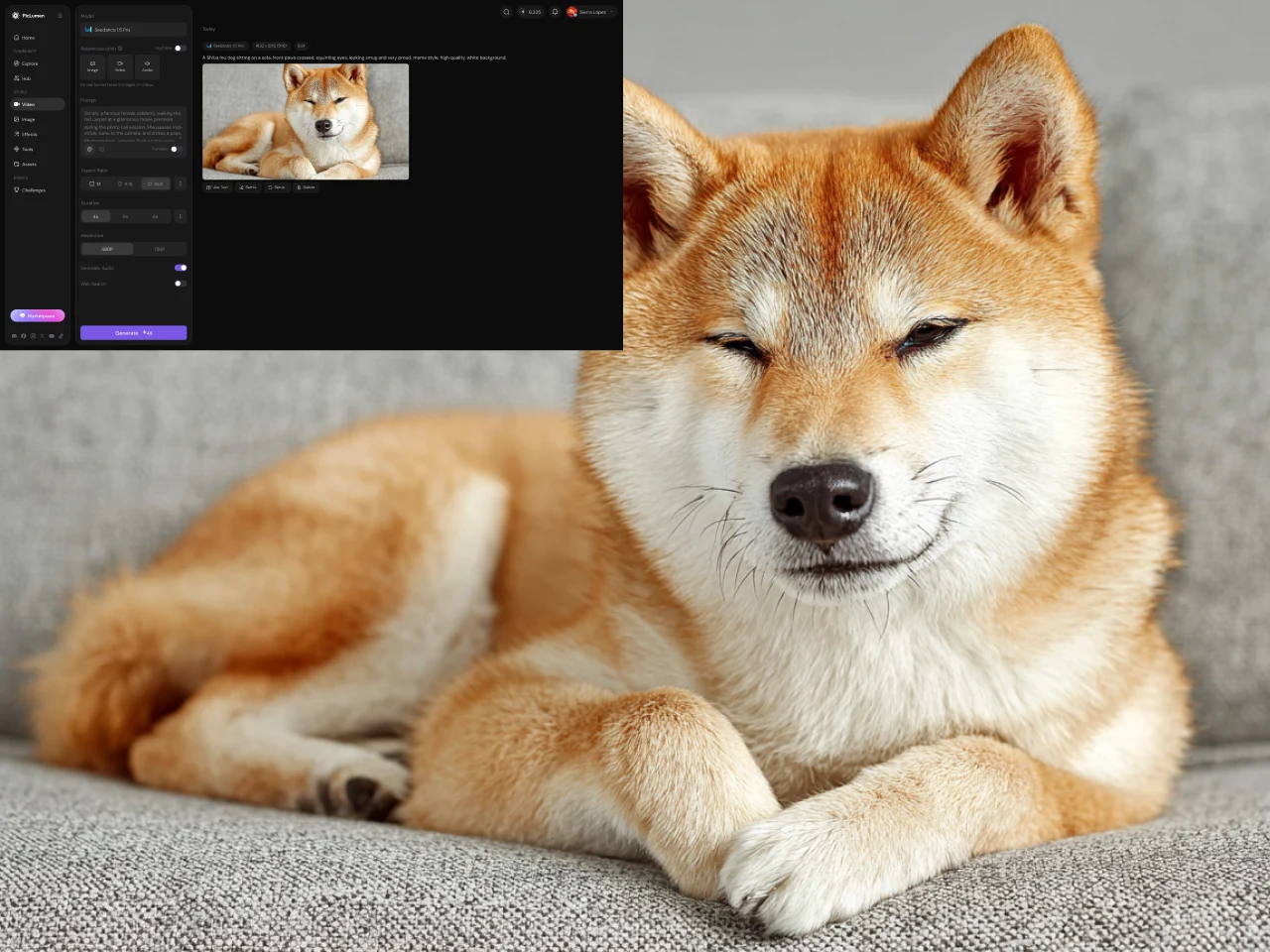
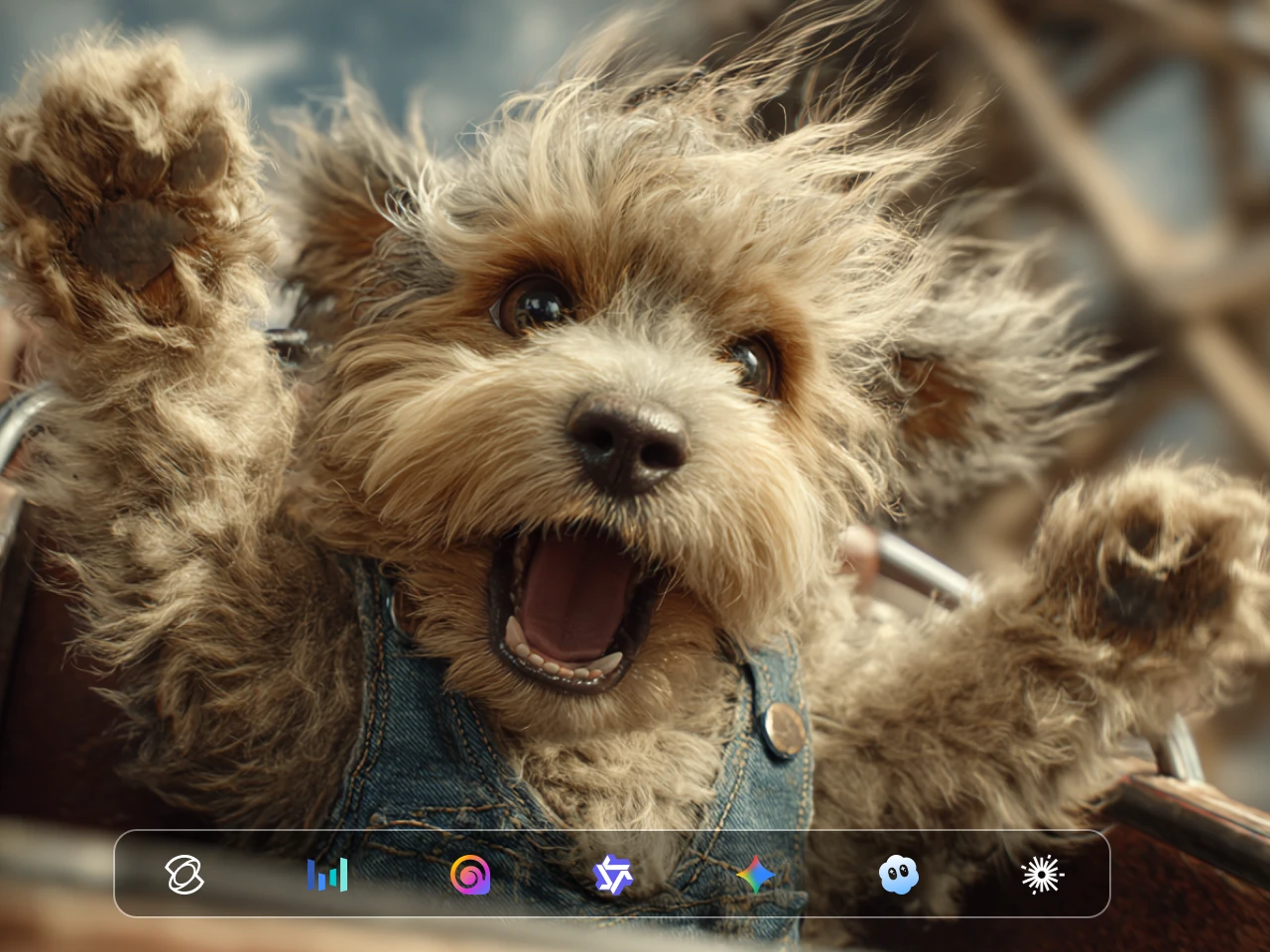
Choose from popular video models available in PicLumen, including Veo 3.1, Kling 3.0, and Seedance 2.5. Each model can handle video generation differently, so the right choice depends on the type of meme you are creating. Some are better suited to detailed visual scenes and character movement, while others offer different generation speeds or sound capabilities. Having multiple models available lets you test the same meme concept with different generation styles instead of relying on a single model for every idea.
Flexible Video Format and Duration
Set the aspect ratio and video duration before you generate your meme. Choose a vertical format when the video is intended for TikTok, Instagram Reels, or YouTube Shorts, or use another supported ratio when the meme works better in a wider frame. You can also control the length of the generated video so a simple reaction does not need unnecessary scenes. Setting these options before generation helps you create a video closer to the format you actually need.
Sound for More Complete Meme Videos
Audio can be an important part of a video meme, especially when the joke depends on a reaction, conversation, sound effect, or a change in mood. PicLumen supports sound-enabled video generation with compatible models and workflows. Seedance 2.0, for example, can generate audio and visuals together, allowing the sound to be part of the generated scene rather than something you always have to add separately afterward. Sound availability and behavior can vary by model.
Create and Refine Meme Variations
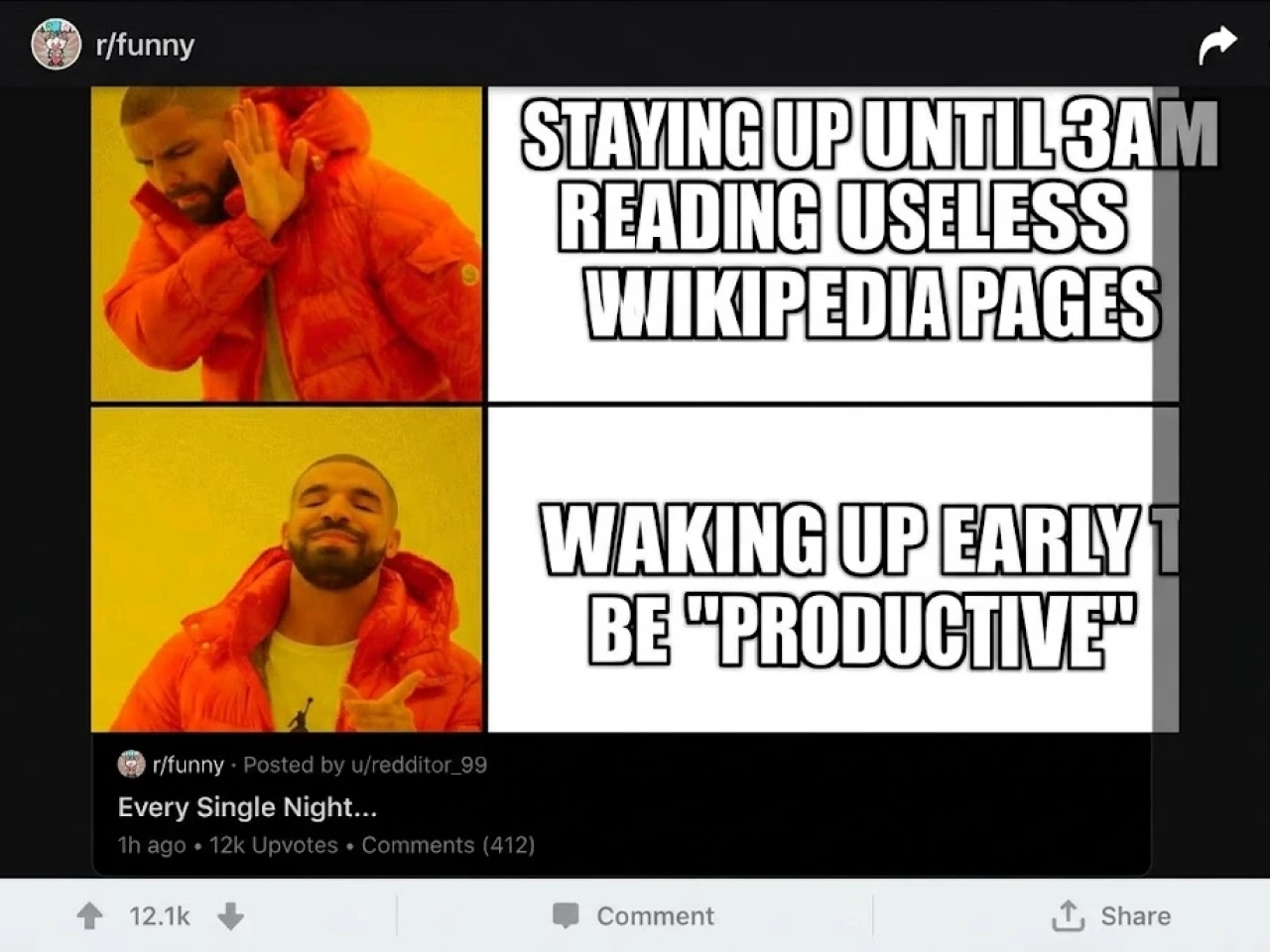
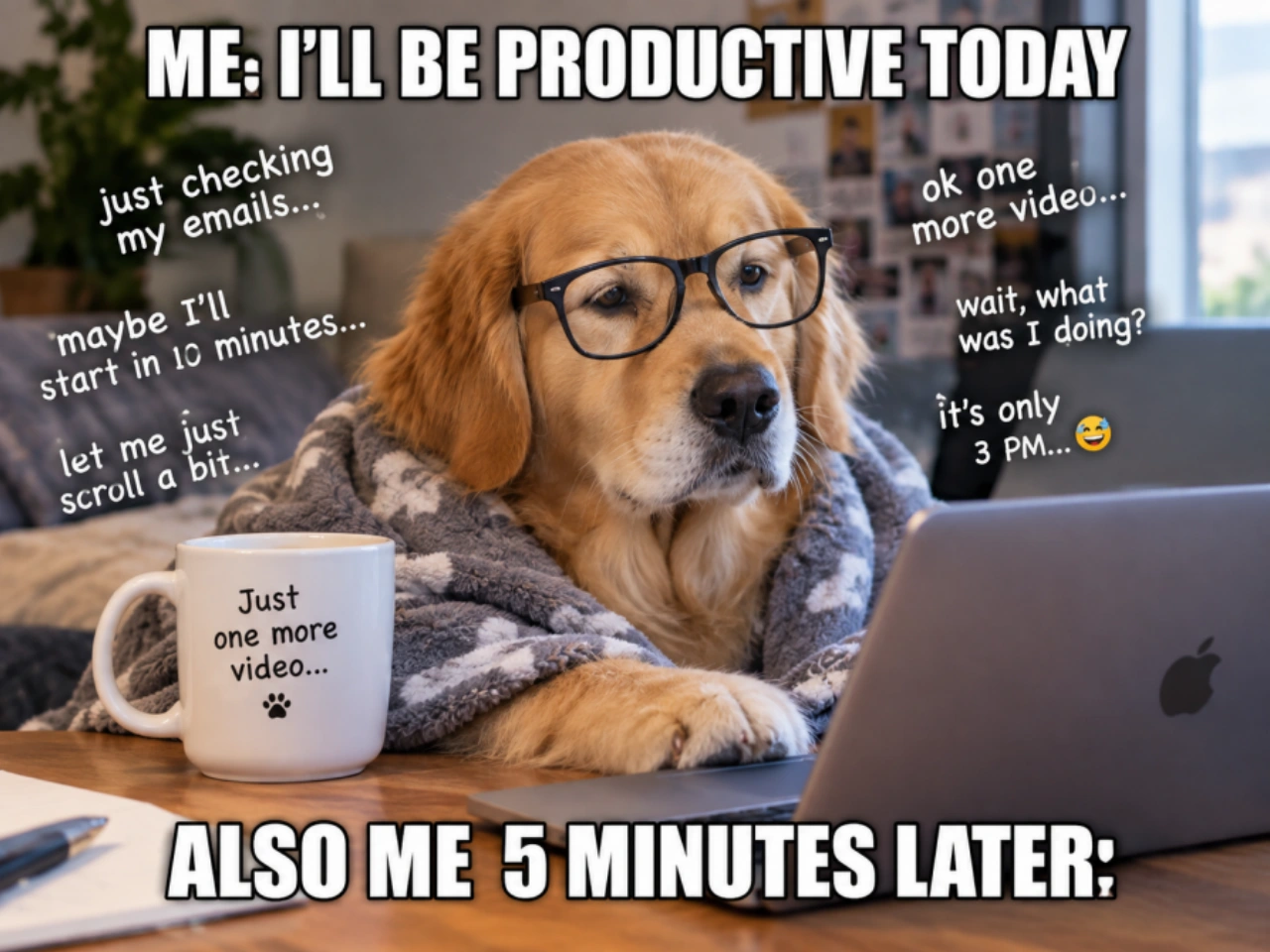
A meme idea does not always work perfectly on the first generation. PicLumen lets you change the prompt, switch the available video model, or adjust the video settings and generate another version. You can make the reaction more exaggerated, change what happens in the scene, try a different visual approach, or adjust the timing of the idea. This makes the Meme Video Generator useful for testing several versions of a joke until the generated video better matches the concept you started with.
What Can You Create With a Meme Video Generator?
Reaction Meme Videos
Create exaggerated reactions such as shock, confusion, excitement, frustration, or disbelief. Describe the situation and the reaction you want to build the joke around.
Relatable Meme Videos
Turn familiar situations into video memes, such as checking your bank account after shopping, joining a meeting that should have been an email, or staying up late when you promised yourself an early night.
Absurd and Surreal Memes
Create intentionally ridiculous situations that would be difficult to film in real life. Put unexpected characters together, change the setting, or take an ordinary situation in a completely unexpected direction.
Character and Pet Memes
Build short meme scenes around people, fictional characters, cats, dogs, and other subjects. A strange situation or exaggerated reaction can provide everything you need for a simple video meme.
How to Create a Meme Video With PicLumen
Describe Your Meme Idea
1Write a clear description of the meme you want to create. Include the main subject, setting, action, and reaction that make the joke work. If the meme depends on a specific sequence, describe what happens first and what happens next so the video model has a clear direction.
Choose Your Settings and Generate
2Select an available video model, then set the aspect ratio and video duration for your meme. Use a vertical format for TikTok, Instagram Reels, or YouTube Shorts, or choose another supported ratio for a different type of content. When your settings are ready, generate the video from your prompt.
Review, Refine, and Create Again
3Watch the generated meme video and check the movement, reaction, scene, and overall timing. If the result does not quite match the joke, adjust your prompt or settings and generate another version. Small changes to the description can produce a noticeably different result.


Loved by Creators Worldwide
Real feedback from designers, marketers, and hobbyists sharing their PicLumen experience on Trustpilot.
Jon JonVery good website
Very good website. Different models, good job
 J. Blaine
Regular PicLumen user experience
I've been using PicLumen since late summer 2024 and I've generated several thousand images, mostly image-to-image. There were 2 minor technical glitches in that period of time. In the first one, my library didn't load but after logging out and logging in again later that day I found my library back. The second glitch- the remixing and outpainting stopped working. I contacted the support team and the issue was fixed the next day. I also requested PicLumen to provide a PayPal payment method when they switched to subscription - and they listened and responded to my request. I appreciate their responsiveness and customer service. In my communication with their support team, I found them professional and polite. My general impression is that this is a dynamic and collaborative team that is worth supporting!
 by Neefa
i love it and easy to use
i love it and easy to use
Ibrahim OnuhSo very powerful and interesting
So very powerful and interesting
 Kura Aditya
The best experience ever w
The best experience ever w
It’s been great so far
It’s been great so far, I think the limitations are me not the app.
 Piye Chauhan
Nice app generate to google
Nice app generate to google
 Eman Rizwan
Great job u should try it in order to…
Great job u should try it in order to Create images
Time Saver for Artist
The refine sketch is the real reason I joined PicLumen. I have shaky hands, and so my sketches are rough, and refining them takes a lot of time and hand cramping.
 Yfad
YfadBest AI generator of all times
Best AI generator of all times
Very cool and love the events
Very cool and love the events
Piotrek Kthe best app I've ever used
the best app I've ever used
Frequently Asked Questions About Meme Video Generators
What is a Meme Video Generator?
A Meme Video Generator is an AI tool that creates short video memes from a written idea, prompt, or scene description. Instead of finding a clip and editing it manually, you describe the characters, situation, action, and reaction you want to see. An AI Meme Video Generator then uses a video generation model to create the scene as a video. With PicLumen, you can choose a video model, set the aspect ratio and duration, and generate different versions of the same meme concept.
How do I create a meme video with an AI Meme Video Generator?
Start by describing the joke rather than trying to describe every visual detail at once. Include the main subject, setting, action, and reaction, then add details that affect the humor or timing. In PicLumen, choose an available video model, set your preferred format and duration, and generate the video. If the first result does not match the idea, you can revise the prompt or settings and create another version.
What should I write in a meme video prompt?
A useful meme video prompt should explain four basic things: who or what is in the scene, where it takes place, what happens, and how the subject reacts. For example, instead of writing "make a funny cat video," describe the cat sitting at a kitchen table, noticing something unexpected, and reacting with exaggerated confusion. If the joke depends on a specific sequence, describe the action in order so the video model has clearer instructions for the scene.
What types of videos can I make with a Meme Video Generator?
A video meme generator can be used for many short-form meme formats, including reaction memes, relatable everyday jokes, absurd or surreal situations, character memes, and pet memes. You can build a meme around a facial reaction, an unexpected event, an exaggerated character, or a situation that people recognize from everyday life. PicLumen is designed for creating short video concepts that can be adapted for social platforms rather than being limited to one predefined meme format.
Can an AI Meme Video Generator create videos with sound?
Yes, when the selected video model and workflow support audio generation. Sound can be useful when a meme depends on dialogue, reactions, atmosphere, or audio timing rather than visuals alone. In PicLumen, Seedance 2.0 supports generating audio and visuals together. Sound behavior can differ between models, so check the capabilities of the model you select when audio is an important part of the meme.
Can I use a Meme Video Generator for TikTok, Instagram Reels, and YouTube Shorts?
Yes. PicLumen supports multiple aspect ratios, including formats suitable for vertical short-form video on TikTok, Instagram Reels, and YouTube Shorts. You can choose the video format before generation instead of creating the video first and changing its dimensions later. This makes the same Meme Video Generator useful for creating content for different social platforms while keeping the intended framing in mind from the start.
Do I need video editing experience to use an AI Meme Video Maker?
No. You can use PicLumen as an AI meme video maker without starting with an existing video clip or manually assembling a timeline. The basic workflow is to describe the idea, choose a video model, set the format and duration, and generate the result. Editing knowledge can still be useful when you want to make additional changes after generation, but it is not required to create the initial meme video.
Create Your Next Meme Video
Have a joke in mind? Describe it, choose your settings, and create a meme video with PicLumen.
- AI Video Generator
- AI Ad Video Generator
- AI Animation Generator
- AI ASMR Generator
- AI Cartoon Video Generator
- AI Cat Dance Video Generator
- celebrity-style talking videos
- AI Explainer Video Generator
- AI Faceless Video Generator
- AI Horror Story Video Generator
- AI Kissing Video Generator
- AI Movie Trailer Generator
- AI Talking Avatar Video Generator
- AI YouTube Video Maker