
Free AI Animation Generator for High Quality Videos
Create high-quality animations effortlessly with PicLumen's AI animation generator. This tool transforms your text, images and ideas into engaging visuals in minutes.
Hot Video Effects
Turn your photos into fun dance clips, surprising transformations, and shareable moments with trending AI video effects.
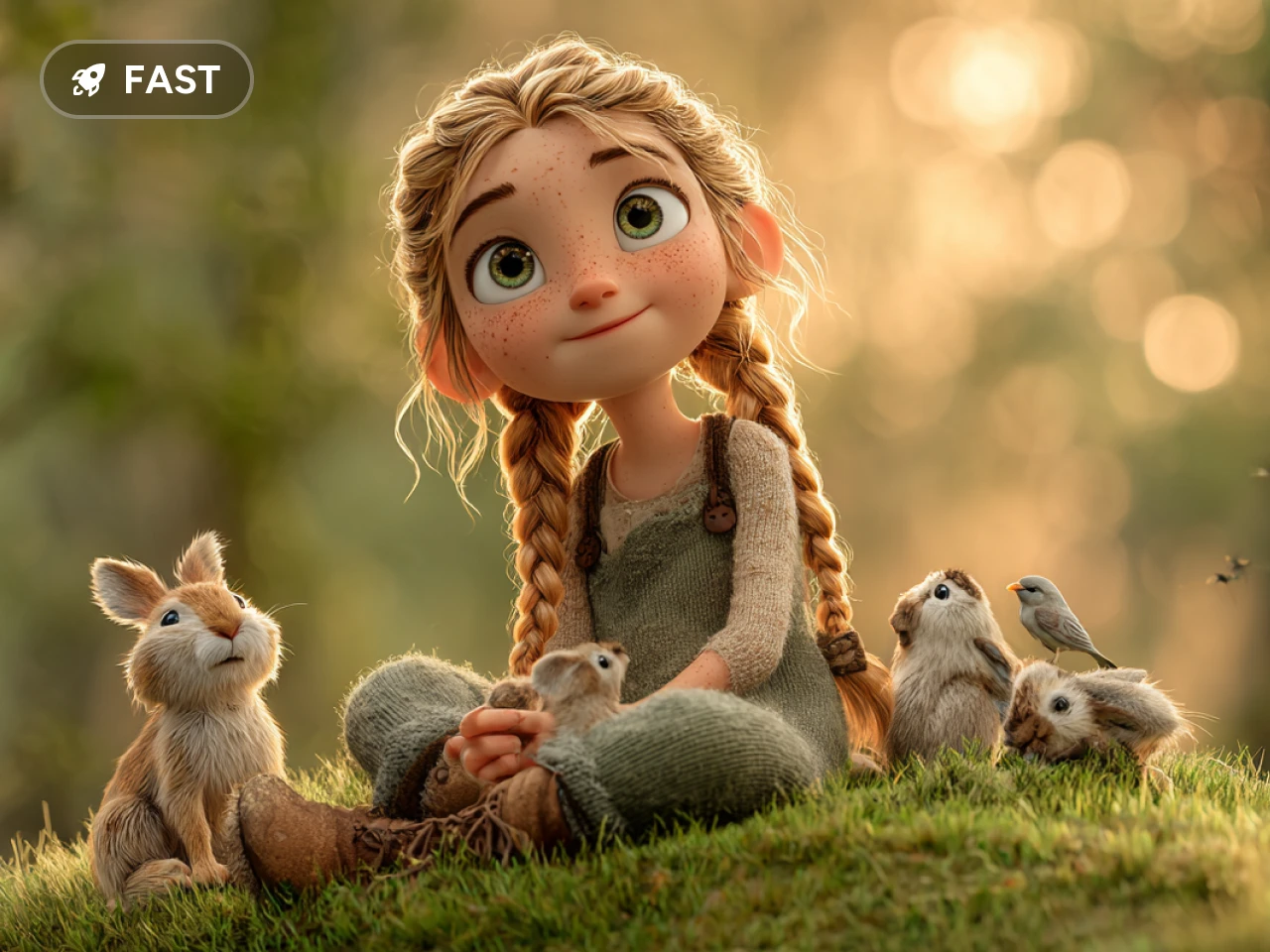
Create Animation videos in Minutes
Generate animations in just a few minutes using an advanced animation ai video generator. Instead of spending hours on editing and rendering, simply enter your idea and let the tool handle the process. This feature is perfect for creators who need quick results while maintaining quality, making it ideal for fast-paced content creation.
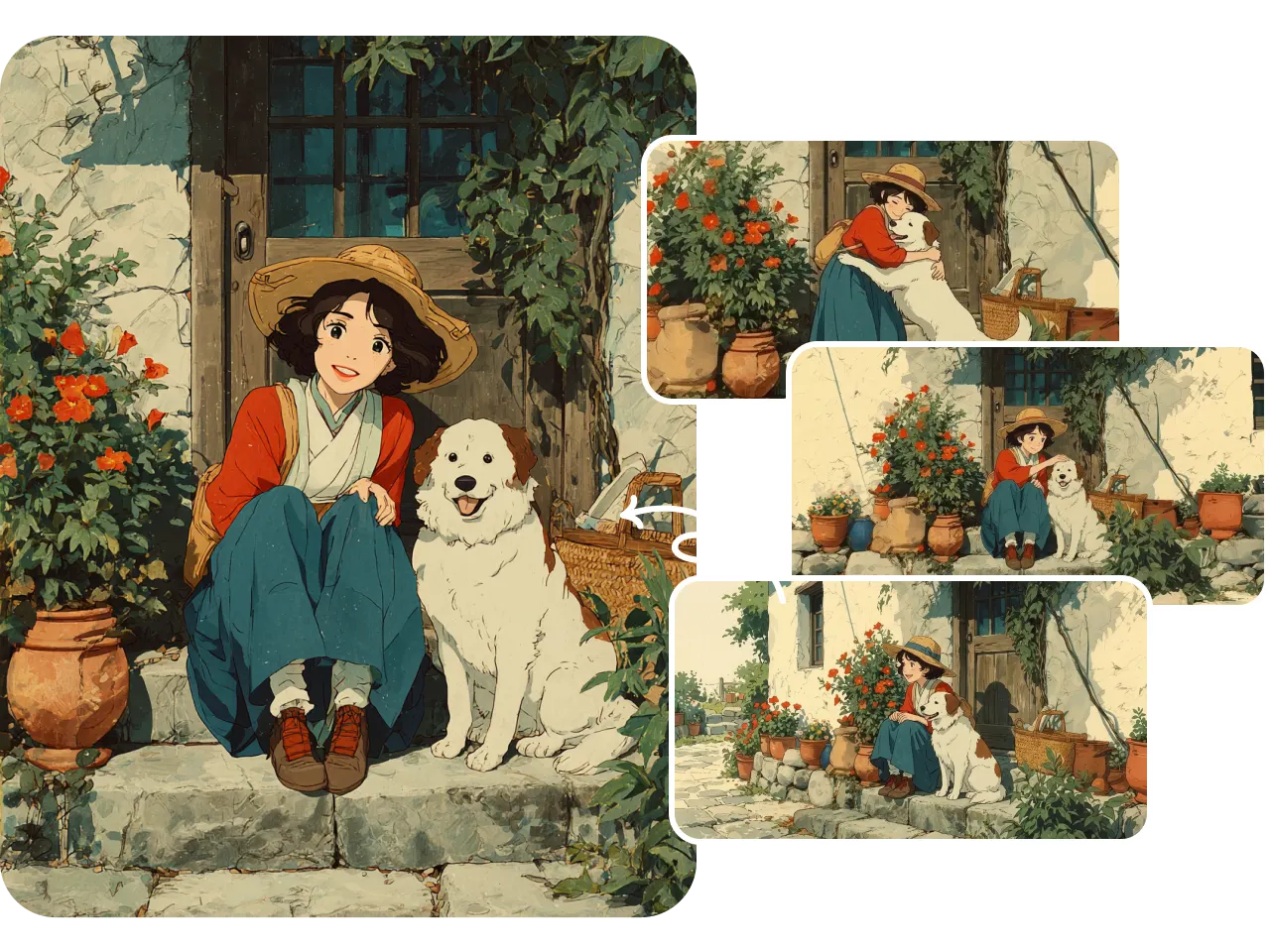
Character and Scene Consistency
Ensure your characters and scenes remain consistent across every frame with models like Seedance 2.0 and Kling 3.0. This improves visual continuity and storytelling quality in your ai video generator animation projects. Whether you’re creating a series or a single clip, your animations will look smooth, professional, and cohesive.
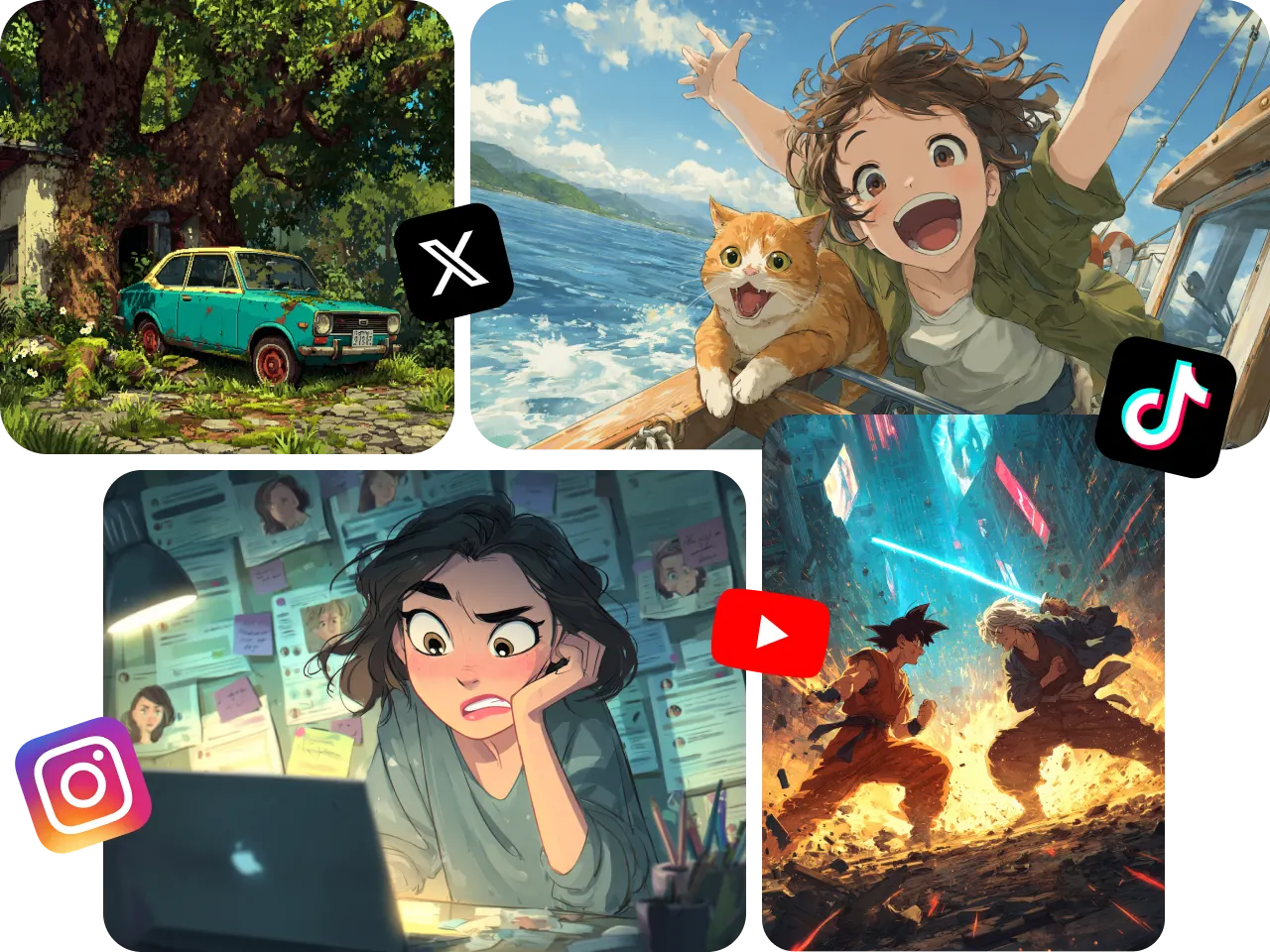
Multiple Aspect Ratios for All Platforms
Adapt your animations to any platform with flexible aspect ratio options. Whether you need vertical videos for TikTok, square formats for Instagram, or widescreen for YouTube, PicLumen's ai video generator has you covered. This flexibility ensures your content looks optimized and professional wherever it’s shared.
Fast Rendering with High-Quality Output
Experience rapid rendering combined with high-definition output using our advanced ai animation generator. This tool produces sharp visuals, smooth motion, and detailed scenes without long wait times. This allows you to create cinematic-quality animations efficiently, making it suitable for both personal projects and professional use.
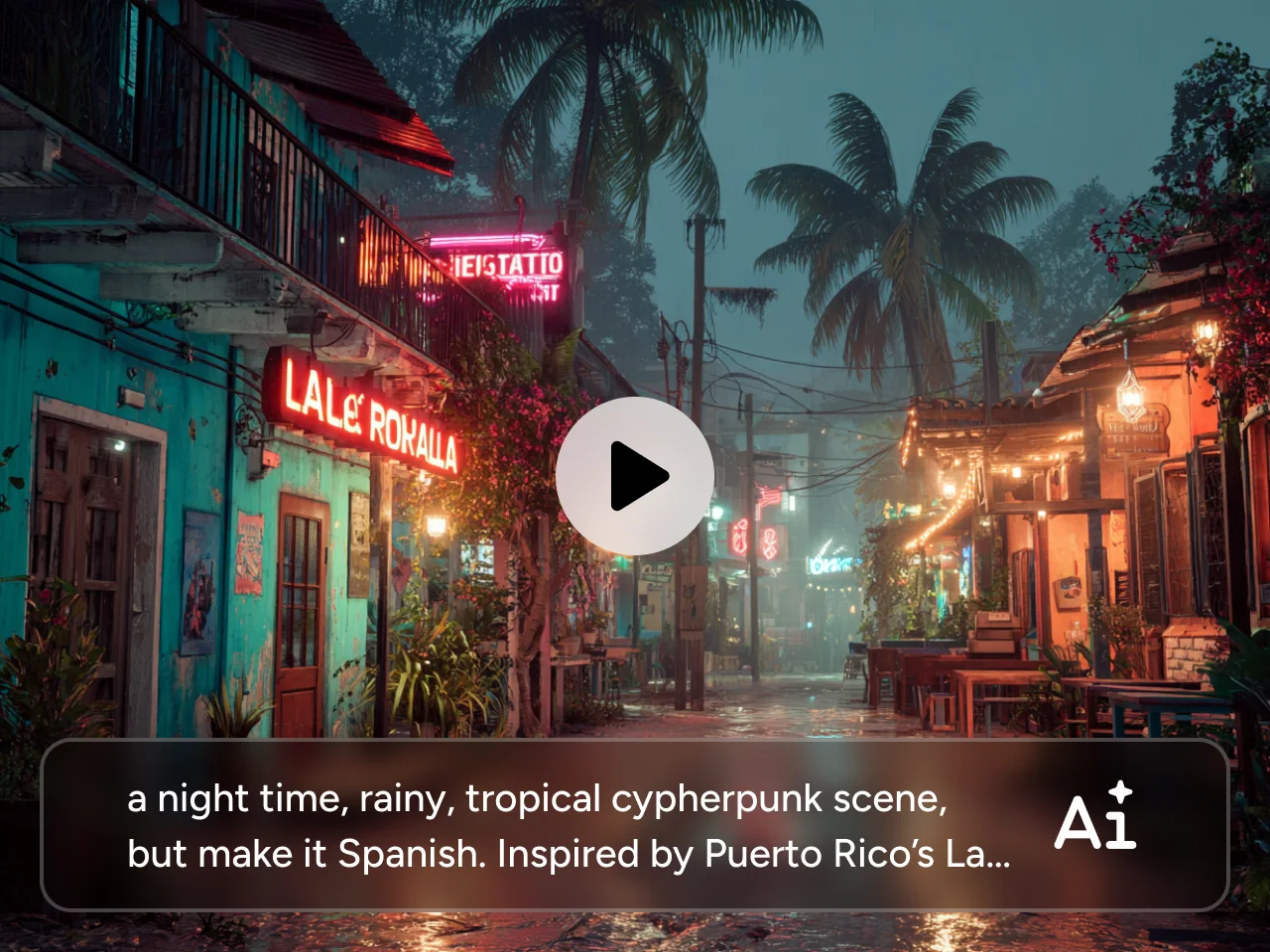
PicLumen AI Animation Generator Use Cases

Social Media & Entertainment
Create engaging and scroll-stopping content. From short clips to viral-style videos, you can quickly produce content tailored for platforms like TikTok, Instagram, and YouTube. This helps boost engagement and keeps your audience entertained with minimal effort.

Marketing & Promotion
Turn ideas into compelling promotional content. Businesses can quickly create ads, product showcases, and brand storytelling videos without relying on large production teams. This makes marketing more efficient, cost-effective, and scalable for businesses of any size.

Storytelling & Creative Content
Bring your stories to life with visually rich animations using an ai image to animation generator. Whether you are creating short films, concept videos, or artistic content, AI helps transform static ideas into dynamic scenes. This allows creators to focus more on storytelling while the tool handles the animation process.

Education & Training
Simplify complex topics with animated visuals. Educators and trainers can produce engaging lessons, tutorials, and explainer videos that are easier to understand. This improves learning experiences and helps audiences retain information more effectively through visual storytelling.
How To Make an Animation Video
1 Enter Your Text Prompt or Script
1Start by entering a simple idea or a detailed script. The AI analyzes your input and prepares it for animation. You can describe scenes, characters, or actions, making it easy to turn your imagination into a structured visual concept.
2 Customize Settings
2Adjust settings such as model, duration, and aspect ratio to match your needs. These customization options help ensure your animation aligns perfectly with your creative vision or branding.
3 Generate and Download
3Click generate and let the AI video animation generator create your animation within minutes. Then you can download your animation video. This way saves time and allows you to focus on refining your ideas instead.


Loved by Creators Worldwide
Real feedback from designers, marketers, and hobbyists sharing their PicLumen experience on Trustpilot.
Alfred Rangel RA wonderful range of options to create…
A wonderful range of options to create truly dreamlike visual effects with all those colors; only imagination is the limit.
 J. Blaine
Regular PicLumen user experience
I've been using PicLumen since late summer 2024 and I've generated several thousand images, mostly image-to-image. There were 2 minor technical glitches in that period of time. In the first one, my library didn't load but after logging out and logging in again later that day I found my library back. The second glitch- the remixing and outpainting stopped working. I contacted the support team and the issue was fixed the next day. I also requested PicLumen to provide a PayPal payment method when they switched to subscription - and they listened and responded to my request. I appreciate their responsiveness and customer service. In my communication with their support team, I found them professional and polite. My general impression is that this is a dynamic and collaborative team that is worth supporting!
amazing
amazing! this is just so good! WOWOW!!
ClashOf ClansExcellent platform to fantasy
Excellent platform to fantasy
 Kura Aditya
The best experience ever w
The best experience ever w
 Zara
Piclumen still remains the best…
Piclumen still remains the best with image references. I don't have any complains using Piclumen. It makes my work easier
 Etna
Very satisfied with the best…
Very satisfied with the best performance for me at the moment.
 Eddie Brown
Good render and community is 🔥
Good render and community is 🔥
 Francess Greene
I love the app and it work well
I love the app and it work well
 Hesham Zohny
it is super easy and UI/UXis perfect
it is super easy and UI/UXis perfect
 Eri Sudirjo
First
First, I thought Piclumen not too populer because people never talk about it. But now more more I love it. Like canva, Piclumen also all in one (sora, banana, and midjourney inside). Thanks for make it easier
Hash Kazliterally can't complain about…
literally can't complain about anything. Honest to God - amazing
Frequently Asked Questions
What is an AI animation generator?
An AI animation generator is a tool that uses AI to create animations from text, images, or prompts. It automates complex animation processes, allowing users to generate professional-quality videos quickly and easily without needing traditional animation expertise or software.
What types of animations can I create?
You can create a wide variety of animation types, including explainer animations, 2D and 3D animations, anime-style animations, character-driven scenes, motion graphics, and cinematic storytelling videos.
Do AI generated videos have watermarks?
Animations generated with PicLumen can be downloaded without watermarks. Once your animation is created, you can export and use it freely for personal or commercial projects.