


AI YouTube Video Maker for Fast, High-Quality Video Creation
Create YouTube-ready videos from text prompts or images in just a few steps. With PicLumen’s AI YouTube Video Maker, you can make eye-catching videos for tutorials, product content, storytelling, and Shorts without dealing with a complicated editing workflow.
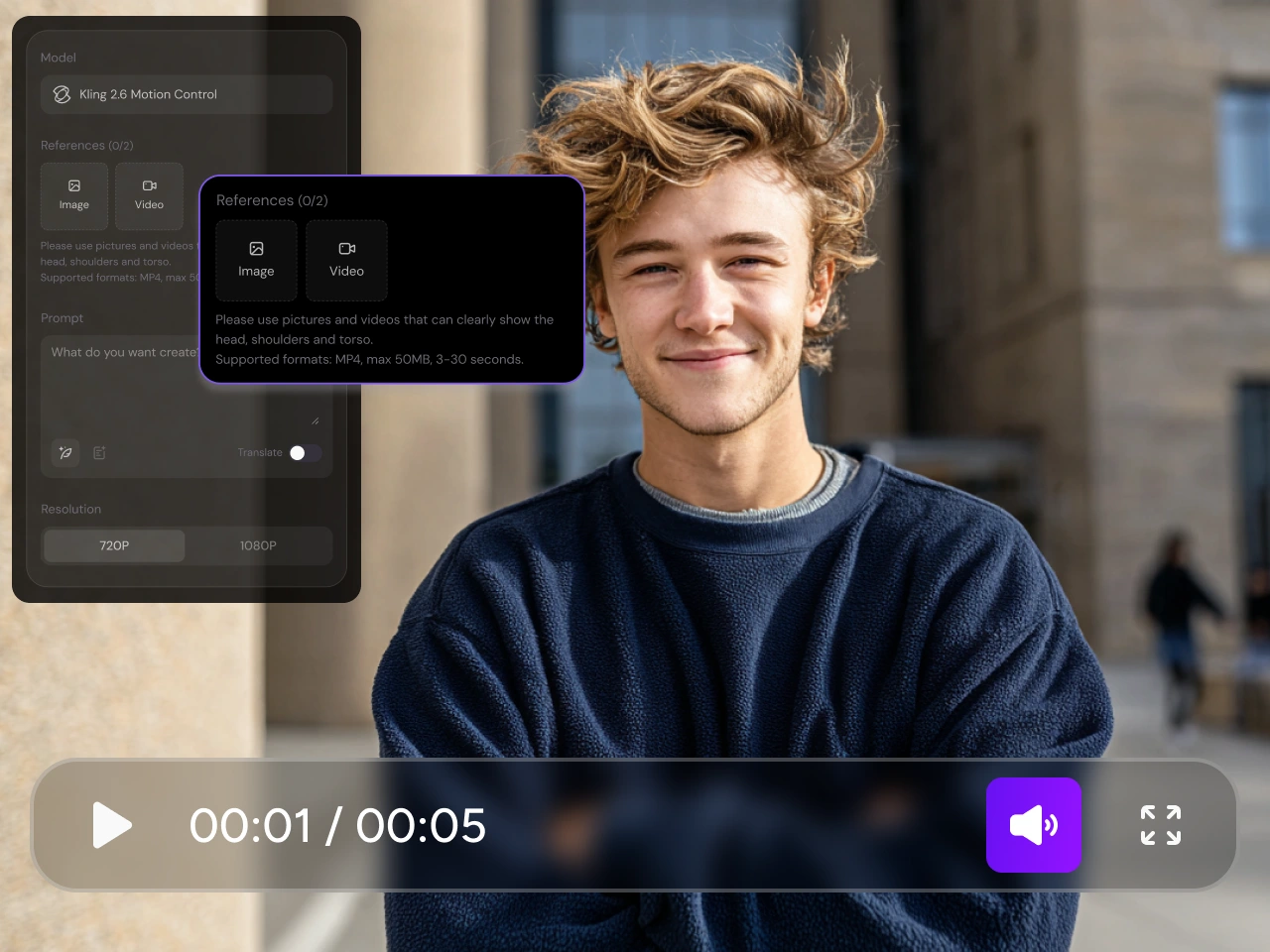
Turn Text or Images into YouTube Videos
Want to become a top-notch YouTuber or add more high-quality content to your channel? Here, you can simply enter a text prompt or upload a reference image to generate YouTube-ready videos in just a few minutes. PicLumen makes it easier to turn early ideas or existing visuals into videos for tutorials, product content, storytelling, and channel-ready clips. This gives you a more flexible way to create YouTube videos without starting from scratch.
Create AI Videos in Multiple Styles for Different YouTube Ideas
To support creative flexibility, PicLumen's AI YouTube video maker offers YouTubers a variety of popular AI video models, including Veo 3.1, Kling 3.0, Seedance 2.0, and more. This means you can explore different visual directions, dynamic styles, and creative effects within a single workflow, without having to switch back and forth between different tools. Whether you're creating YouTube tutorials, story videos, product content, or short videos, PicLumen helps you produce videos that better align with your creative vision and channel style.
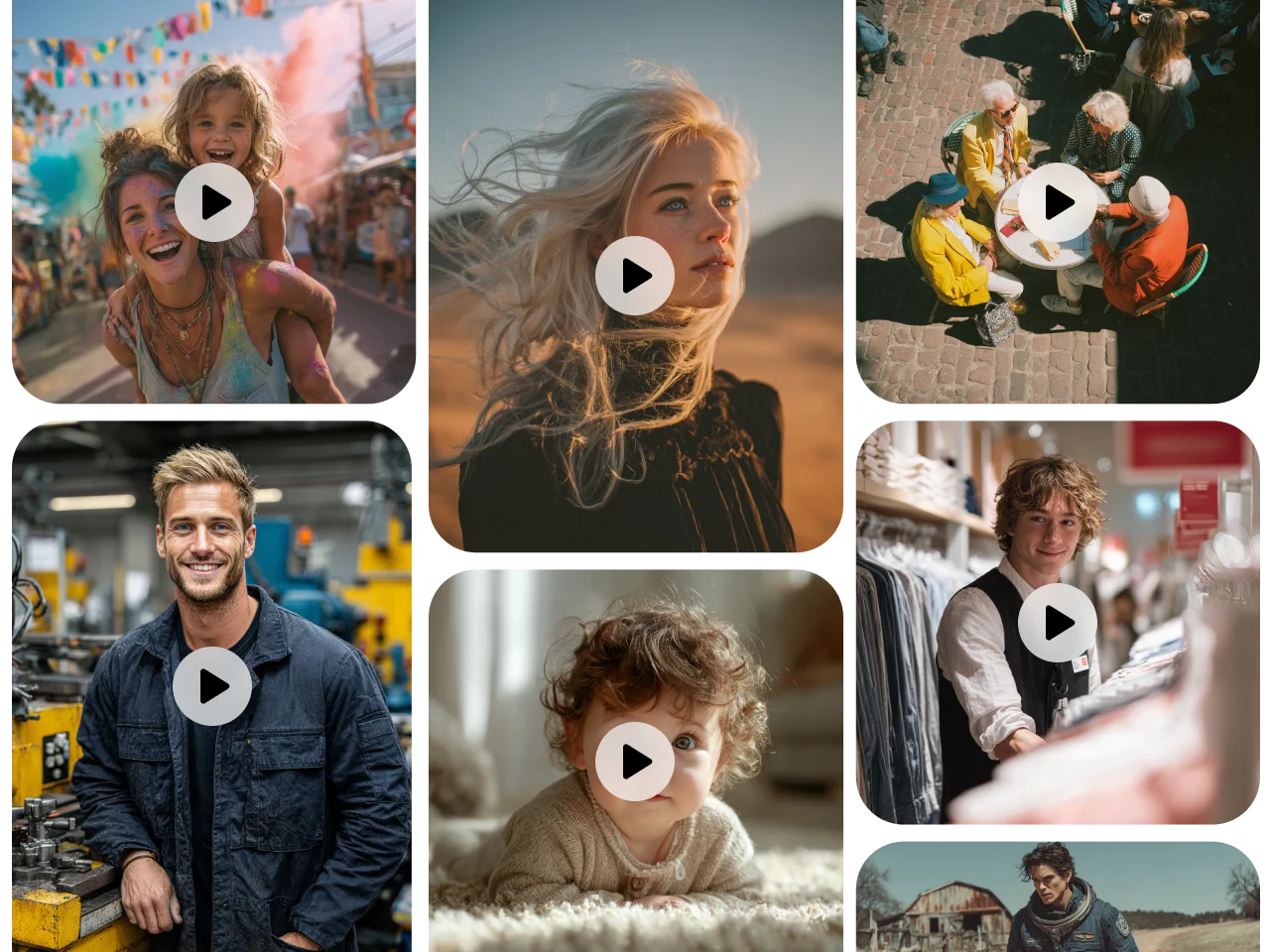
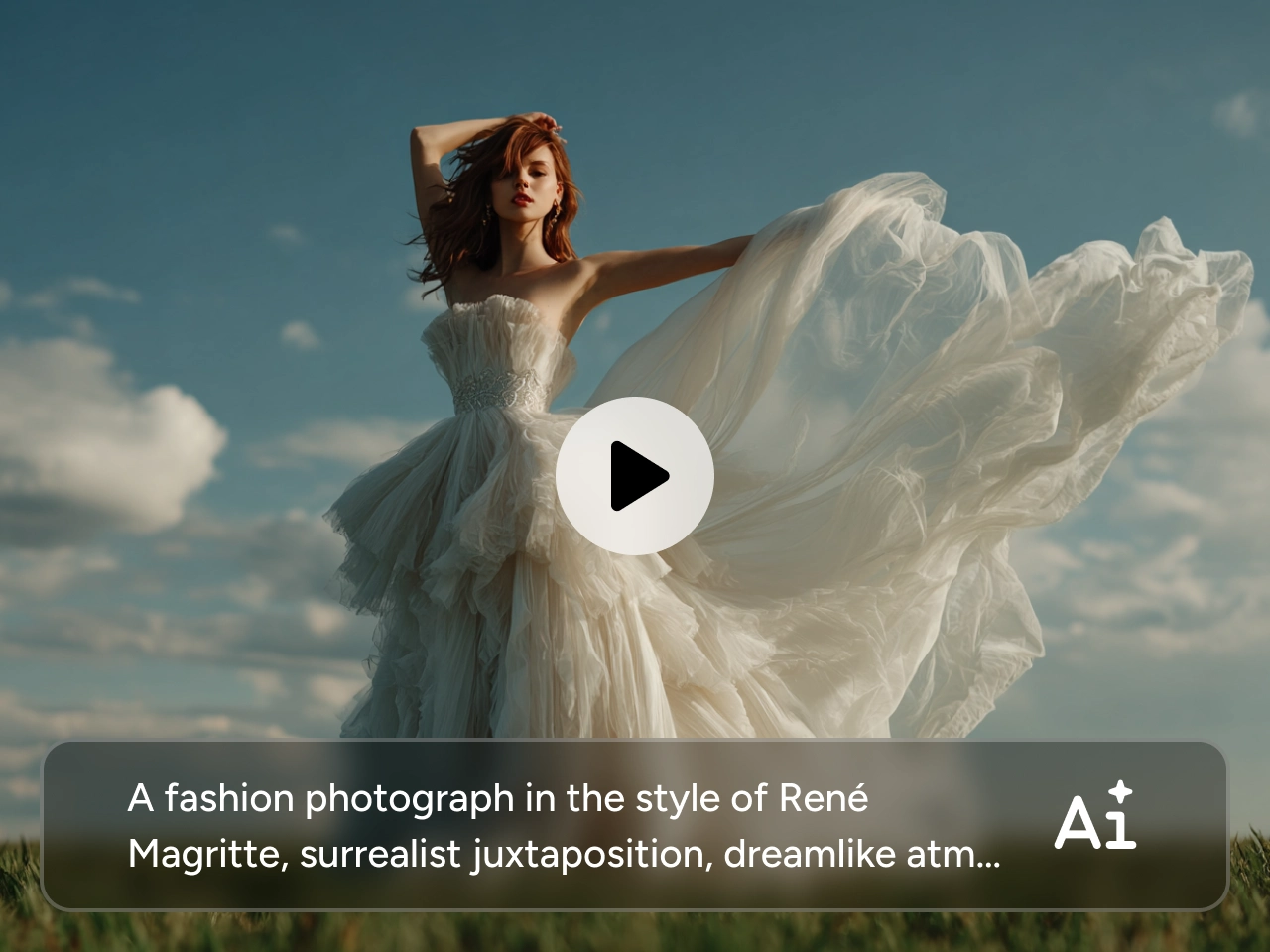
Generate High-Quality YouTube Videos That Feel Ready to Watch
When it comes to YouTube content, quality isn’t just about dynamic effects—it’s about whether the final video is clear, engaging, and worth watching from the very first few seconds. PicLumen’s AI YouTube video maker helps you create high-quality, visually appealing videos that attract more viewers to your YouTube channel. If you want to produce more polished videos without complicating the process, PicLumen offers the perfect balance between output quality and ease of use.
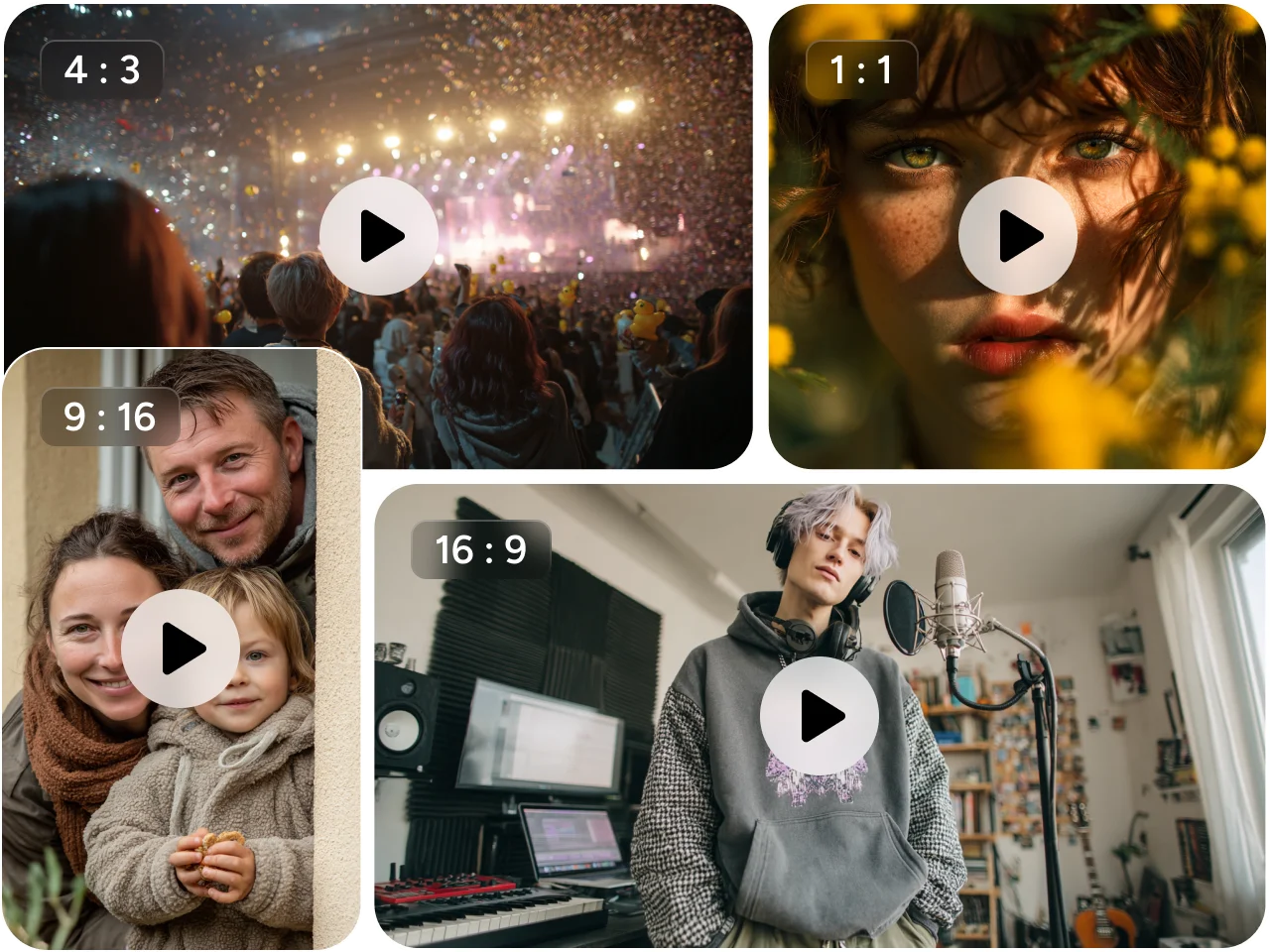
Choose the Right Aspect Ratio for YouTube and Shorts
As is well known, YouTube videos and Shorts each have their own specific, corresponding dimensions. PicLumen's AI YouTube video maker supports a wide range of aspect ratios — including 16:9, 9:16, 4:3, 3:4, and others—allowing you to effortlessly create standard YouTube videos, vertical-format Shorts, and other video formats tailored for various platforms, all without expending excessive extra effort. This provides you with greater flexibility when publishing long-form content on YouTube, transforming your creative ideas into Shorts, or adapting a single concept into different versions to suit diverse viewing experiences.
AI YouTube Video Maker Use Cases

Personal Creativity
Turn your ideas, hobbies, and visual inspiration into YouTube videos more easily. With PicLumen, you can create personal content, lifestyle videos, and creative visual projects from text prompts or images without a complicated workflow.

Brand Promotion
Create promotional videos, product highlights, and campaign content for YouTube with less production effort. PicLumen helps you turn marketing ideas into polished video assets faster.

Educational Content
Make lessons, tutorials, training videos, and explainers more engaging with AI-generated visuals. PicLumen helps you present information more clearly and create content that is easier to watch and understand.

Gaming Videos
Create gaming-inspired videos with stronger atmosphere, motion, and visual style. PicLumen is useful for game concepts, character videos, worldbuilding content, and creative channel visuals.

Storytelling Videos
Bring story-driven ideas to life with videos that feel more expressive and visually engaging. You can use PicLumen to create mood-based scenes, narrative clips, and creative storytelling content for YouTube.

Film Ideas
Visualize short film concepts, scene ideas, and cinematic sequences before full production. PicLumen gives you a faster way to explore style, pacing, and visual direction for film-inspired content.
How to Create Youtube AI Videos on PicLumen
1 Input Your Script
1Start by adding your text script. This is the foundation of your video, so clarity matters. Clear descriptions help the AI understand tone, pacing, and visuals.
2 Choose the Right AI Model
2Different models deliver different strengths. Some focus on realism, others on speed or stylistic control. Select a model that aligns with your use case.
3 Generate Your Video
3Once everything is set, generate your video with a single click. The AI will convert your script into visuals.
Frequently Asked Questions
What is the best AI YouTube video maker?
The best tool depends on the type of content you want to create. If you want a flexible workflow that supports text-to-video, image-to-video, multiple aspect ratios, and access to popular AI video models, PicLumen is a strong option for YouTube creation.
Which AI video maker is best for YouTube Shorts?
A good tool for Shorts should support vertical output, fast generation, and strong visual quality. PicLumen is a practical choice because it supports 9:16 video creation and helps you turn prompts or images into short-form video content faster.
Can I use PicLumen for both YouTube videos and YouTube Shorts?
Yes. PicLumen supports multiple aspect ratios including 16:9 for standard YouTube videos and 9:16 for YouTube Shorts, so you can create content for both formats more easily.