


Free Grok Imagine Image Generation Online
Use Grok Imagine image generation by xAI on PicLumen to turn ideas, prompts, and reference images into high-quality visuals. From realistic portraits to bold creative scenes, you can explore multiple image directions in one place.
Why Use Grok Imagine Image Generation on PicLumen
A Flexible Grok AI Image Generator for Creative Work
With PicLumen, using grok imagine image generation feels more straightforward. You can turn a prompt or reference image into multiple visual options at once, which makes it easier to test ideas and choose the result that works best. For users exploring a grok imagine AI image generator, PicLumen offers a smoother way to create realistic visuals without overcomplicating the process. You can move from concept to polished image more naturally, whether you are making portraits, posters, or scene-based visuals.
Create from Text or Reference Images
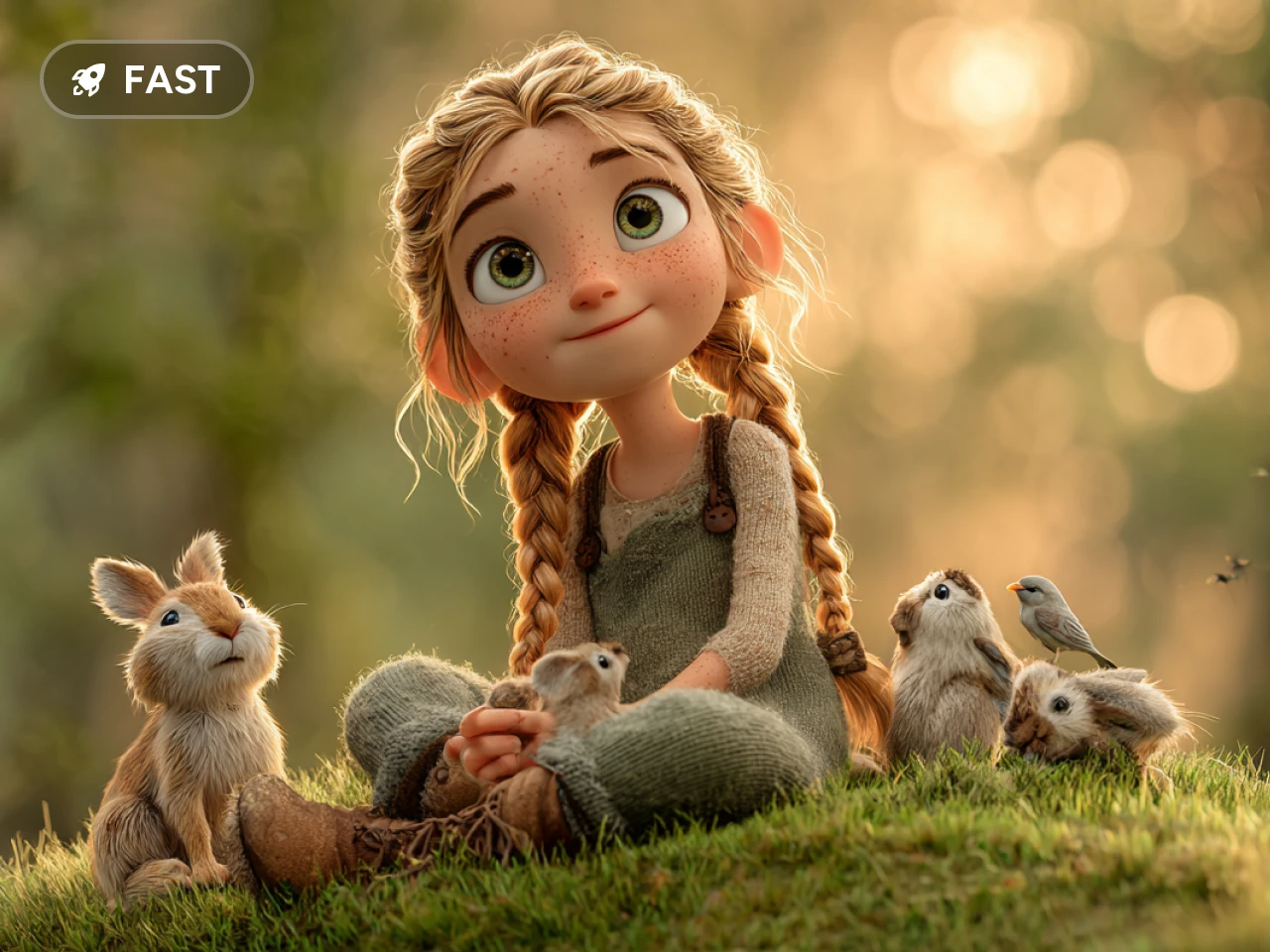
With grok imagine image generation, you can start with a prompt or build from an existing image. Text-to-image is useful when you want to visualize a fresh concept from scratch, while image-to-image helps you reshape a reference into a new visual direction. This gives you a more flexible way to move from idea to final image in PicLumen.
Realistic Visual Style for Modern Creative Work
Grok Image works especially well for portraits, scenes, and poster-style compositions with a more grounded look. If you want visuals that feel sharper, more detailed, and easier to use, grok imagine image generation gives you a strong option for creative work across personal, editorial, and promotional projects on PicLumen.
Six Images Returned in One Generation
Each generation returns six images by default, giving you more room to explore without slowing down your workflow. Instead of testing one idea at a time, you can compare composition, lighting, mood, and styling in one round. That makes grok imagine AI video generator easier to work with when you want faster choices and a clearer direction in PicLumen.
Flexible Aspect Ratios for Different Formats
Grok Image in PicLumen supports 2:3, 3:2, 1:1, 16:9, and 9:16 aspect ratios, with 1:1 as the default. Whether you are creating square social visuals, wide poster graphics, or vertical content, you can choose a format that fits the way you want to use the image. It also makes this model a useful option for users comparing tools beyond a standard AI art generator workflow.
Use Cases for Grok Imagine Image Generation

Social Post Visuals for Content Creators
If you post on X, Instagram, or your blog, Grok Image gives you a quick way to create polished visuals for cover images, post graphics, and themed content. You can start from a simple prompt or use a reference image to shape a look that fits your content style.

Poster Design for Marketing and Promotions
For product promos, event announcements, or limited-time campaigns, this workflow helps you create bold poster-style visuals with less back and forth. If you are trying a grok AI image generator for marketing content, this is one of the most practical ways to build eye-catching creative directions faster.

Portrait Creation for Personal or Brand Projects
If you need realistic portraits for profile images, personal branding, or character-based visuals, Grok Image works well for people-focused creation. It is a strong option for users exploring a grok imagine AI image generator that can produce more polished and natural-looking results.

Reference-Based Image Restyling for Designers
When you already have an image but want to change its mood, style, or presentation, image-to-image creation gives you a more flexible starting point. You can upload a reference and use grok imagine image generation to rework it into a new visual direction for design drafts, campaign concepts, or creative exploration in PicLumen.
Frequently Asked Questions
What is Grok Imagine by xAI?
Grok Imagine is xAI's model for both image and video creation. On PicLumen, you can use it to create high-quality images from prompts or reference images, while also using the same model in a grok video generator workflow to make AI videos. That gives you a more flexible way to create across different visual formats in one place.
How to use Grok Imagine image generation on PicLumen?
To get started, choose Grok Image on PicLumen, enter a prompt or upload a reference image, select the aspect ratio that fits your project, and generate your results. You will get six images by default, which makes it easier to compare directions and pick the one that works best.
What can you create with Grok Image?
You can create portraits, promotional posters, social graphics, and scene-based visuals from either text or an existing image. It is also a practical option for users trying a grok AI image generator for content creation, design drafts, or branding work.