• Home
  • AI Video
    • AI Video Generator
      Excepteur sint occaecat cupidatat non proident, sunt in culpa qui officia.
    • Supported Video Models
      • Veo 3.1
      • Gemini 3
      • Kling 2.6
      • Kling 3.0
      • Hailuo 2.3
      • Seedance 1.0
      • Seedance 1.5
      • Seedance 2.0
      • Wan 2.6
      • Sora 2
  • AI Image
    • Text to Image
      Excepteur sint occaecat cupidatat non proident, sunt in culpa qui officia.
    • Image to Image
      Nemo enim ipsam voluptatem quia voluptas sit aspernatur aut odit aut fugit.
    • Supported Image Models
      • Nano Banana
      • Nano Banana 2
      • Nano Banana Pro
      • Seedream 4.0
      • Seedream 4.5
      • Midjourney
      • Qwen AI
      • GPT-4o
      • Gemini 3
  • Video Effects
  • AI Tools
    • AI Video Tools
    • AI Baby Dance Video Generator
    • AI Image Tools
    • AI Art Generator
    • AI Replace
    • AI Image Extender
    • AI Colorizer
    • AI Upscaler
    • Background Remover
    • AI Character Generator
Home
AI Video
    AI Video Generator
    Excepteur sint occaecat cupidatat non proident, sunt in culpa qui officia.
  • Supported Video Models
    • Veo 3.1
    • Gemini 3
    • Kling 2.6
    • Kling 3.0
    • Hailuo 2.3
    • Seedance 1.0
    • Seedance 1.5
    • Seedance 2.0
    • Wan 2.6
    • Sora 2
AI Image
    Text to Image
    Excepteur sint occaecat cupidatat non proident, sunt in culpa qui officia.
    Image to Image
    Nemo enim ipsam voluptatem quia voluptas sit aspernatur aut odit aut fugit.
  • Supported Image Models
    • Nano Banana
    • Nano Banana 2
    • Nano Banana Pro
    • Seedream 4.0
    • Seedream 4.5
    • Midjourney
    • Qwen AI
    • GPT-4o
    • Gemini 3
Video Effects
AI Tools
    AI Video Tools
    • AI Baby Dance Video Generator
    AI Image Tools
    • AI Art Generator
    • AI Replace
    • AI Image Extender
    • AI Colorizer
    • AI Upscaler
    • Background Remover
    • AI Character Generator

Free Pixel Art Generator Online

Convert your image or text into captivating pixel art with our AI pixel art maker. Tell us what you want, and take the rest to PicLumen to turn your prompts into one-of-a-kind 8, 16, and 32-bit AI art.

Create Pixel Art Now
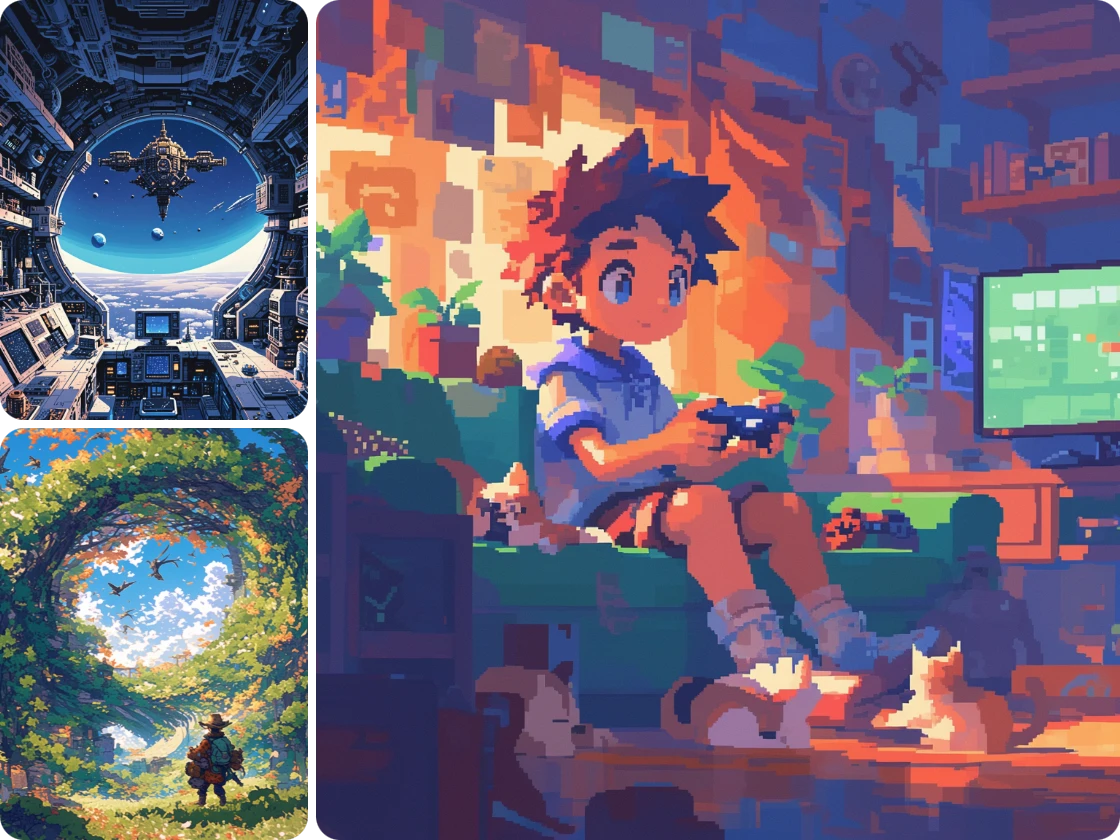
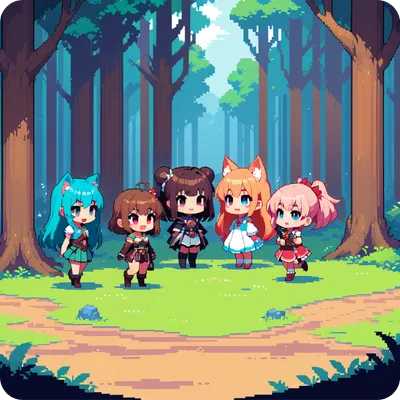
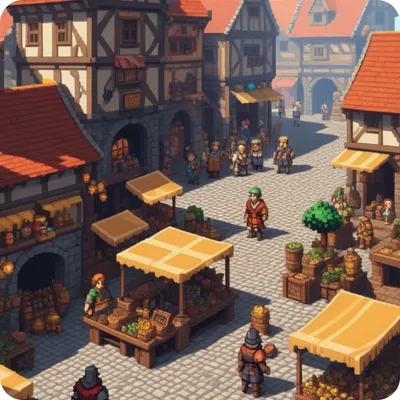
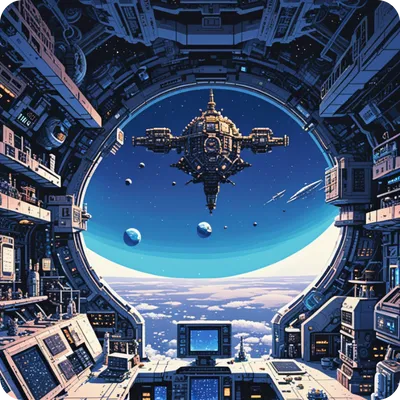
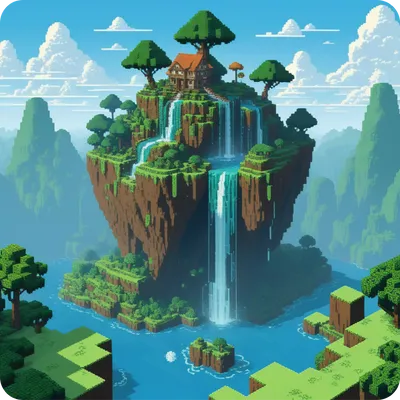
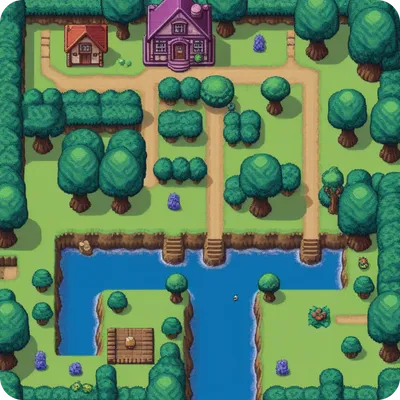
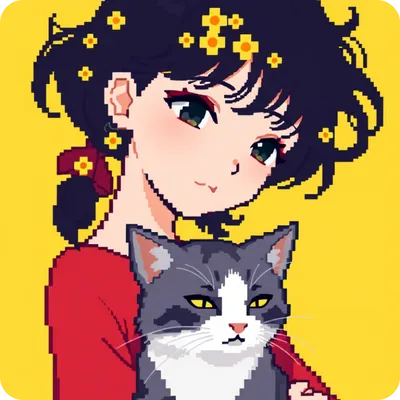
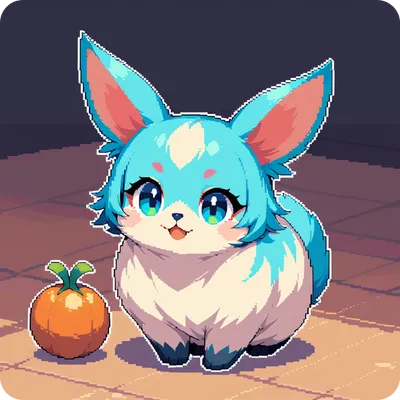
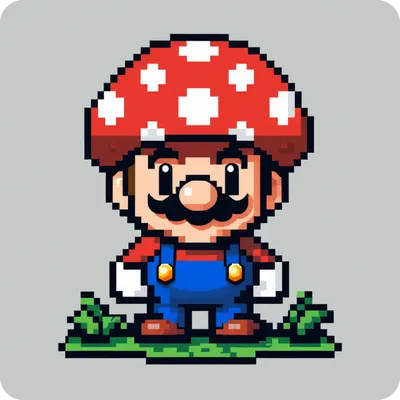
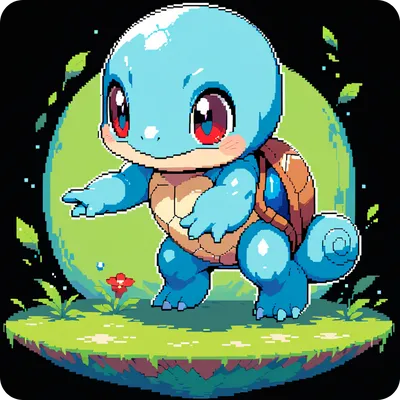
3 ai generated pixel art style images

Why Choose PicLumen Pixel Art Generator

free-icon-1

Free

Create AI pixel art without costing money.

text-to-image-icon-1

Generate Pixel Art From text

Visualize your pixel art ideas from text

hd-icon-1

High-Quality Outputs

Download high-resolution, print-ready images.

Stunning Pixel Artworks Generated by PicLumen

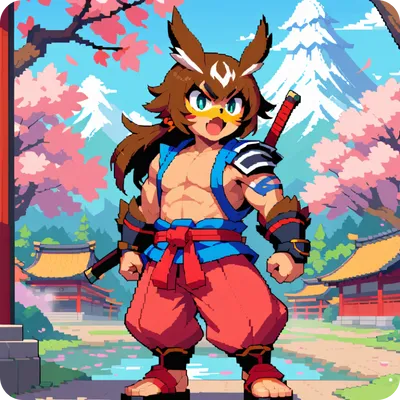
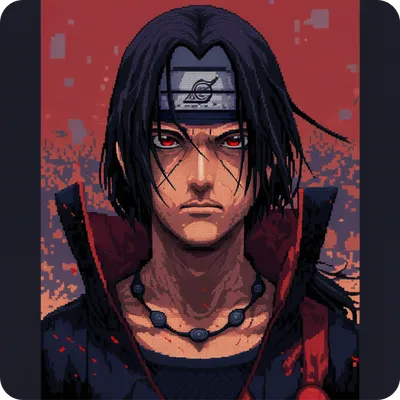
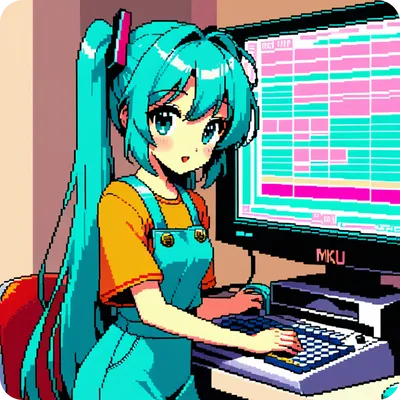
Anime Pixel Art

Game Pixel Art

Cute Pixel Art

Visualize Your Pixel Art Ideas from Text

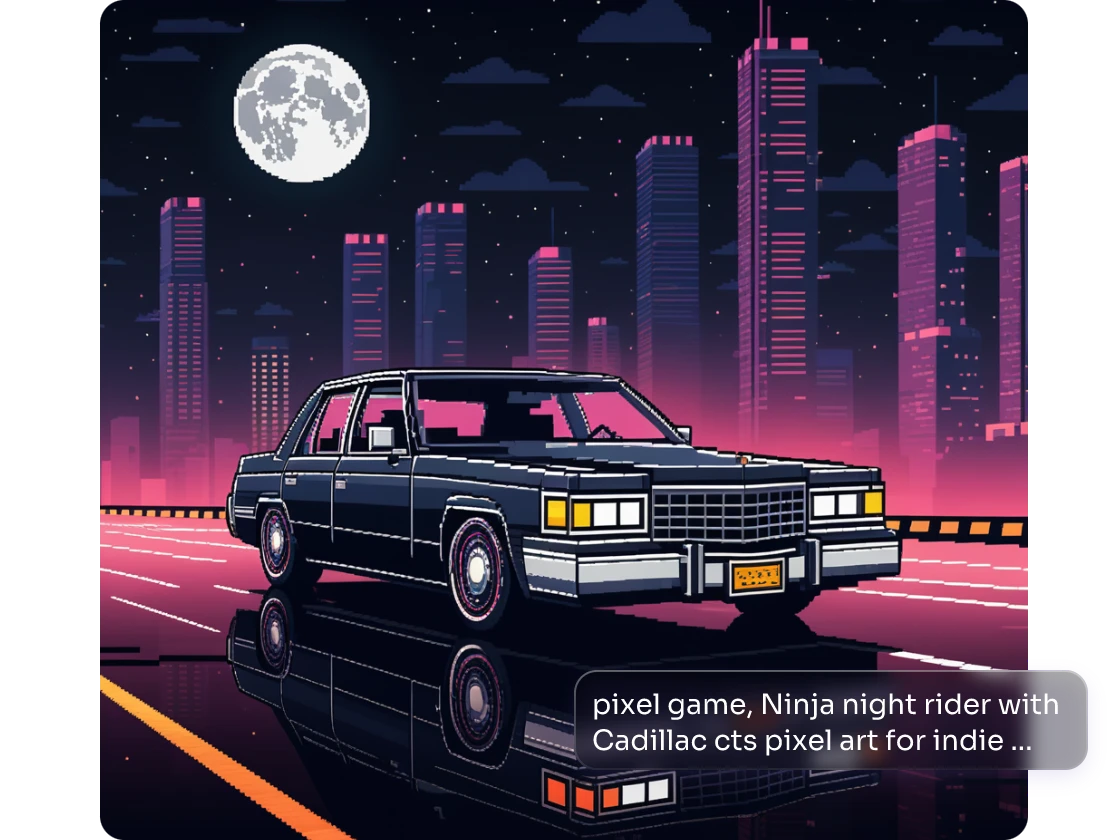
Have you got an idea and are ready to draw it down on canvas? Leave it to us. With our AI pixel art generator, you won’t spend hours drawing paintings with your hands. Describe what you envision, and PicLumen can smartly grasp your text information and convert it into stunning art within seconds. Specify the subject, style, and other details of the image you want to create, select the well-made Anime model, and let PicLumen work its magic.

Create Pixel Art Now
from text generated black car pixel image

Make 8-Bit AI Art from Photo

Ever wondered what you’d look like in pixel art? Want to cosplay as the classic Princess Peach from Super Mario but in a digital version? Our image to image tool can realize your ideas. Just upload your portrait and add some descriptive words. PicLumen will create a pixel-style picture that keeps your facial features. If you have a specific pixel game style in mind, simply upload an image of that style, and our tool will apply it to your generated picture.

Create Pixel Art Now
from photo created 8-bit AI art
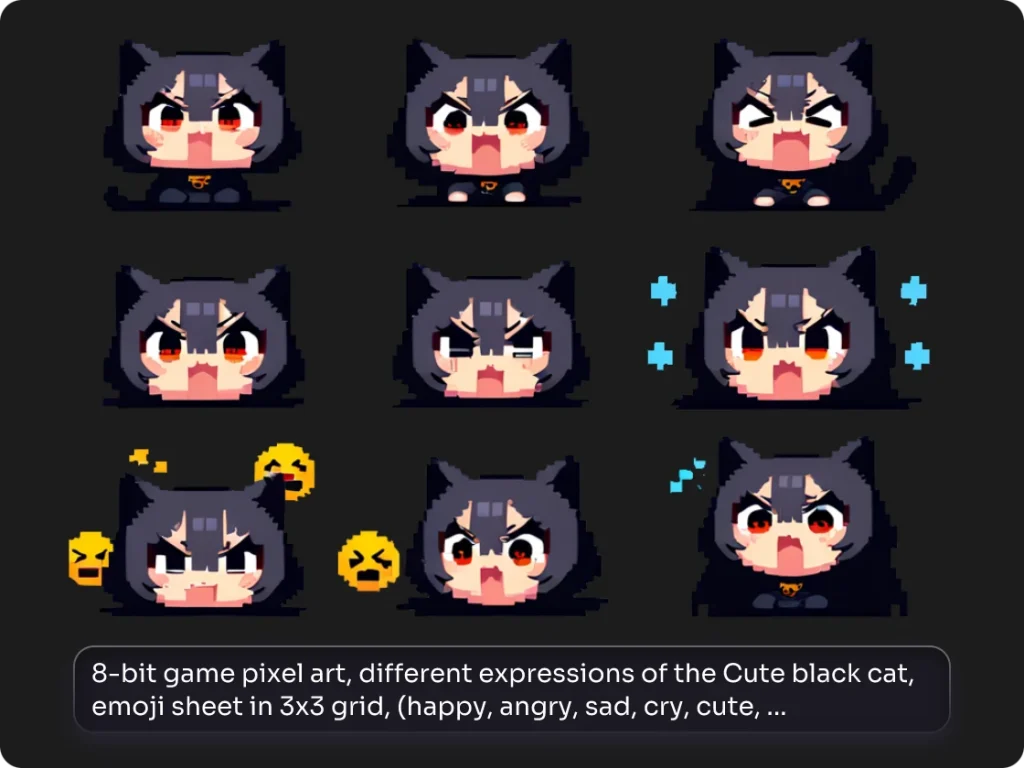
9 pixel art generator created black cat emojis

Craft Your Own Pixel Emojis

Tired of using the same old social media emojis and never finding the right one? With PicLumen’s pixel art maker, you can create custom pixel emojis that truly represent your style and personality. Whether for social media, messaging apps, or gaming profiles, upgrade your emoji game and stand out from the crowd with unique, personalized creations.

Create Pixel Art Now
more editing tools in piclumen

Fine-Tuned Editing Tools for Better Results

◊ The more specific your prompts are, the more stunning the result will be. Worry too short text cannot generate good results? PicLumen can help you enhance text prompts with one click.

♦ The AI generated images are not always perfect. If you find some deficiencies in the image, effortlessly use our AI inpainter to replace any imperfect parts.

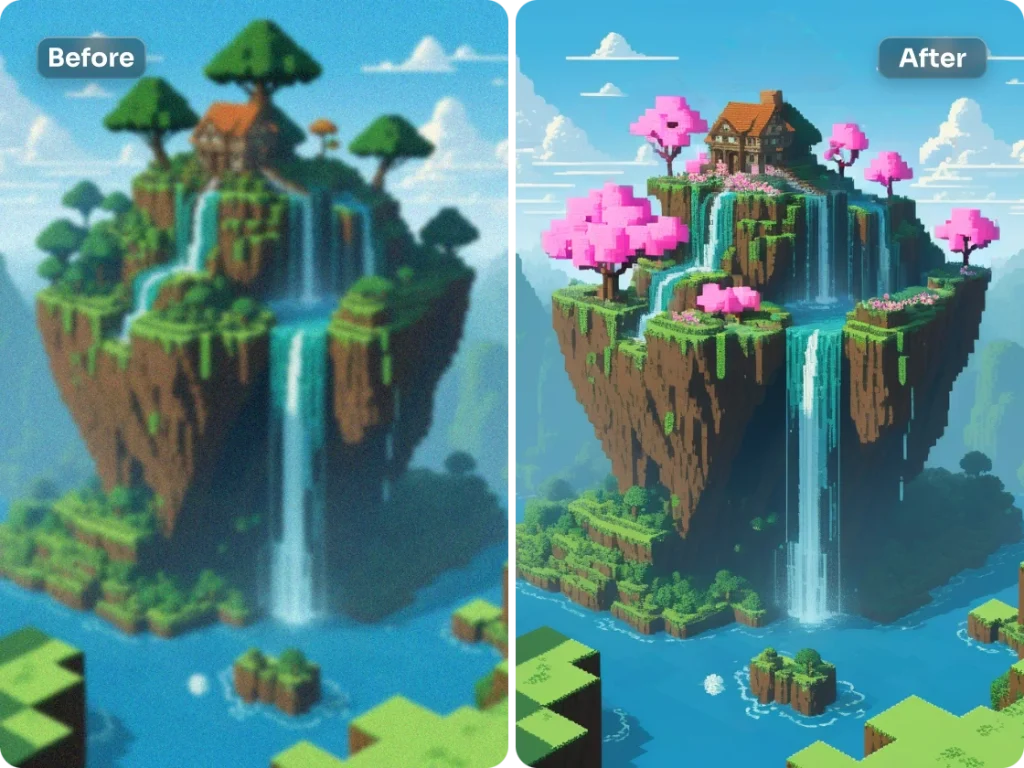
◊ Find something missing in the original image? Use our AI image extender to enhance its visual appeal. Let your creativity run wild for breathtaking artwork.

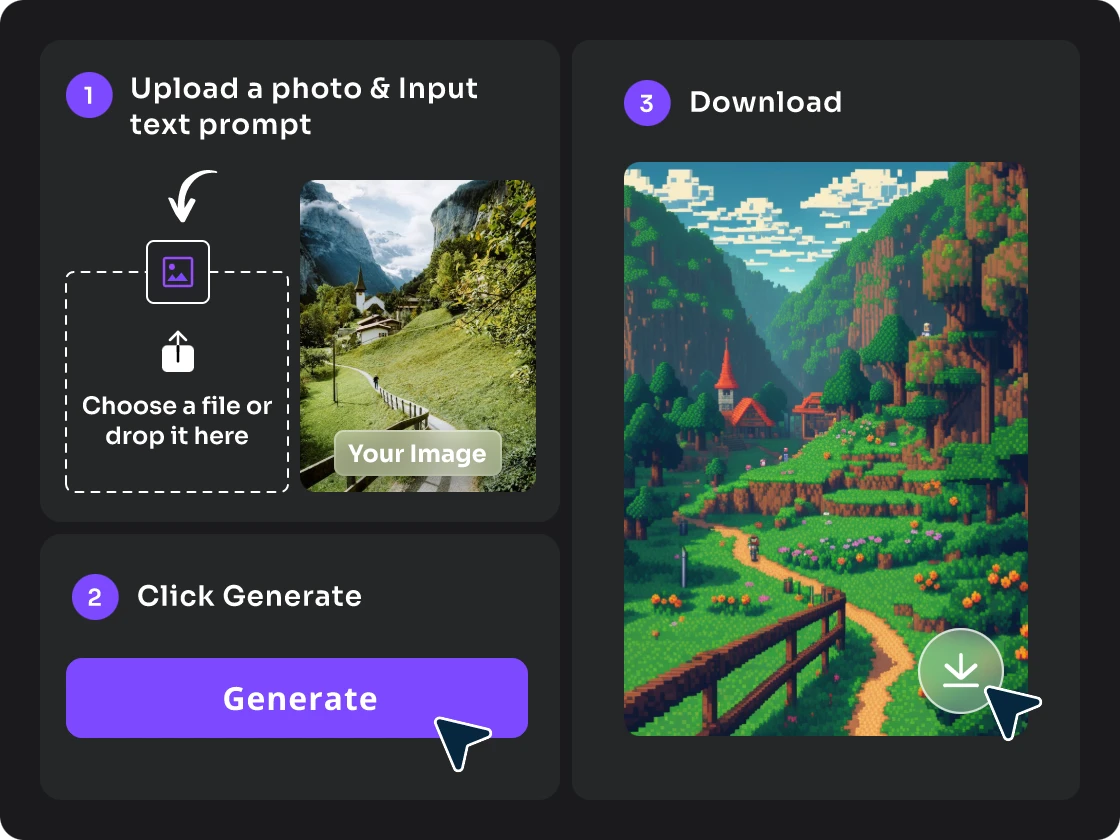
How to Make a Photo to Pixel Art?​

How to Create Pixel Art from Image?

1. Upload Your Photo & Input Prompts

Click the “Prompt Helper” option to upload one image as reference. Then type in words to specify the result you want the converted pixel image to display.

2. Adjust Settings and Generate

Choose from three image reference models to keep your wanted element. Then click the “prompt Magic” to apply a new style for the image.

3. Download Your Pixel Art

Preview the generated pixel art image and select one you like most to download it to your device.

FAQs about Pixel Art Generator

How do I draw pixels in AI with text?

With PicLumen’s pixel art generator, creating easy pixel art is just a few clicks away. Describe what you want to see, and tell us which style of pixel art you need, such as 8-bit, Minecraft or others. Then click “Generate”, then your ideas will transform into vibrant pixel images.

What is the emoji maker?

PicLumen’s pixel art generator allows you to customize your emojis, which means you could create emojis that completely belong to you.

Can I choose different pixel art styles?

PicLumen now provides the Prompt Magic feature for users to select a preferred style, which includes pixel art. But if you want to create a certain style, like 8-bit or Y2K, you can control it by using text prompts like “Minecraft,” “Mario,” “Y2K,” etc.

Can I recolor my pixel images?

Yes. If you want to modify the color of some of the details, our AI Inpainting feature can accomplish your task.

How can I turn an image into pixel art?

To turn your image into pixel art, simply upload your photo or design to our platform. Our AI-powered pixel art maker analyzes the image and converts it into a pixelated version while preserving key elements of the original, allowing you to customize the pixel size and style for the perfect result. For more details, check out our step-by-step tutorial.

Explore More Features of PicLumen

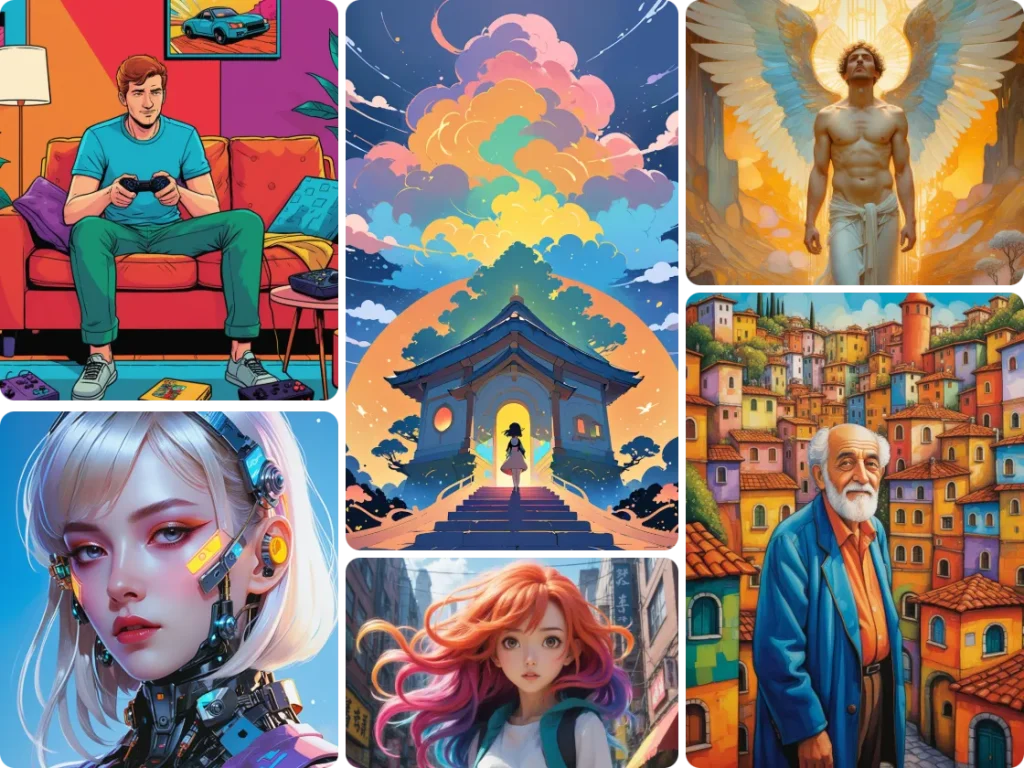
6 ai illustrations generated by PicLumen free ai image creator
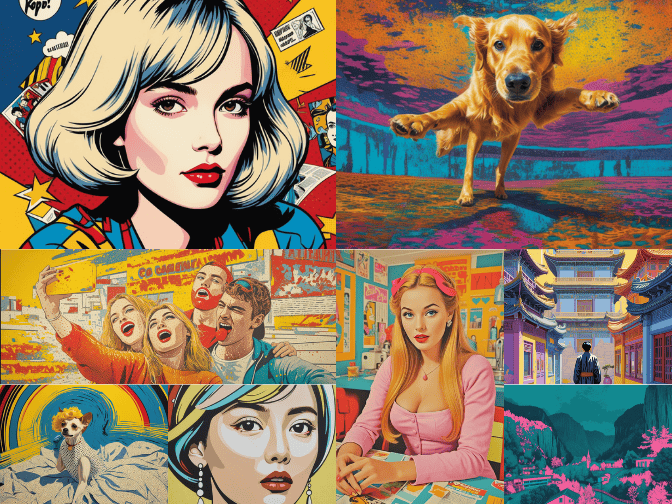
8 pop art images generated by piclumen photo to pop art ai
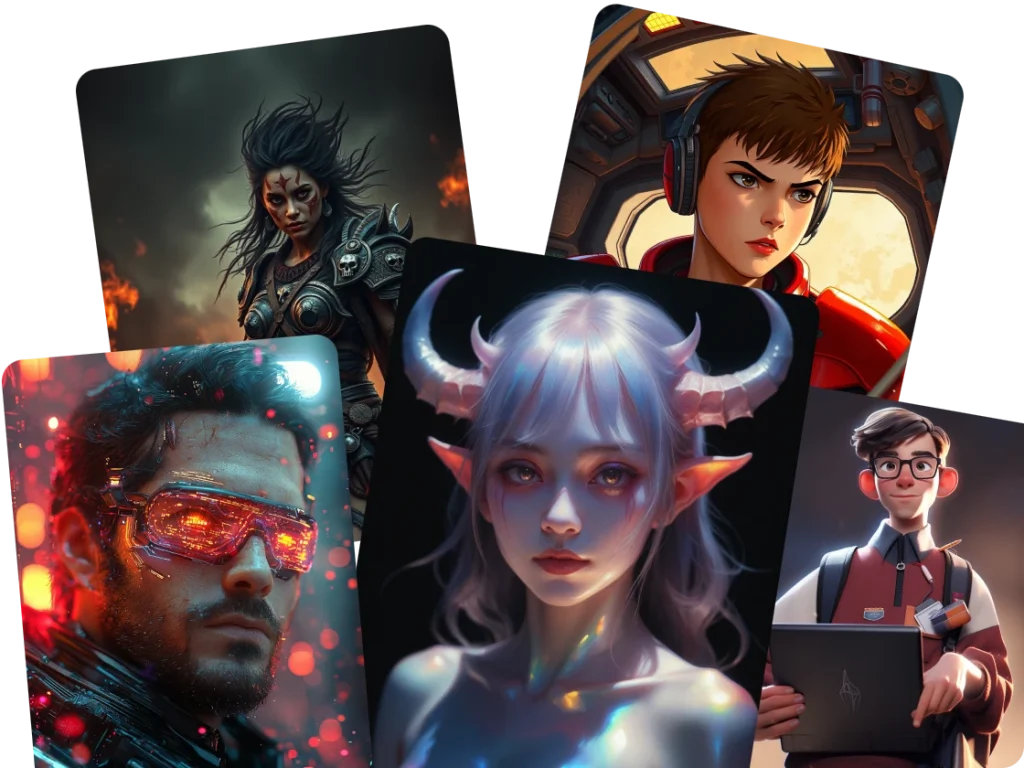
ai character generator created 5 ai characters
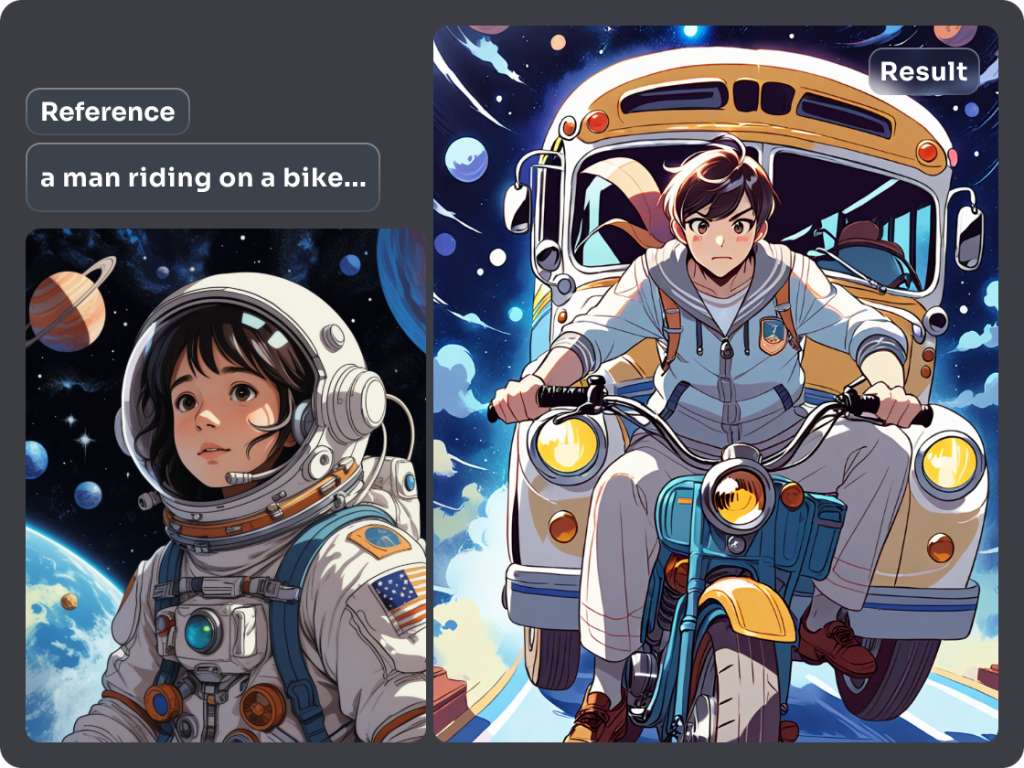
using reference style of a ghibli-style girl generated image of a boy riding a bike
6 ai character creator generated 3d characters

AI Illustration Generator

Photo to Pop Art

AI Character Generator

Image to Image AI

3D Character Creator

PicLumen app store downloadPicLumen googlePlay download
Video Tools
AI Video GeneratorText to VideoScript to Video AIAI Gif GeneratorAI Baby Dance Video GeneratorAI Birthday Video MakerAI YouTube Video MakerAI Animation Generator
AI Video Models
Veo 3.1Gemini 3Kling 2.6Kling 3.0Kling 3.0 Motion ControlHailuo 2.3Seedance 1.0Seedance 1.5Seedance 2.0Wan 2.6Sora 2Happy Horse 1.0
Image Tools
Text to ImageImage to ImageAI Art GeneratorAI ReplaceAI Image ExtenderAI UpscalerAI ColorizerBackground RemoverAI Character Generator
AI Image Models
Nano BananaNano Banana ProNano Banana 2Seedream 4.0Seedream 4.5Seedream 5.0 LiteMidjourneyQwenGPT-4o
Company
Contact UsFAQStudioNewsTutorialsBlogTerms of UsePrivacy PolicyDMCACopyright PolicySecurity PolicyCookie Policy
© 2024-2026 Grand Vision Tech Software Limited. All Rights Reserved.
Deutsch