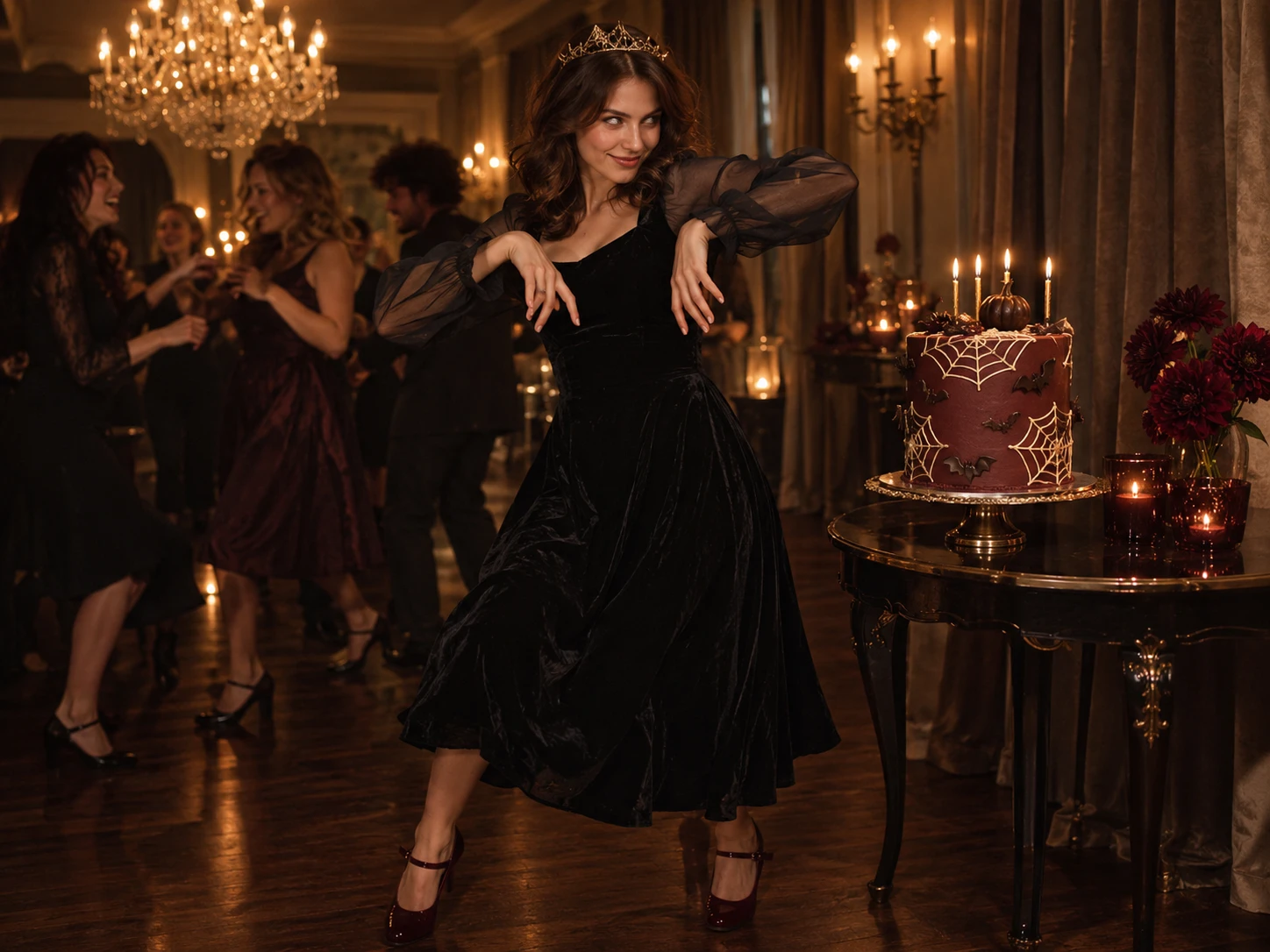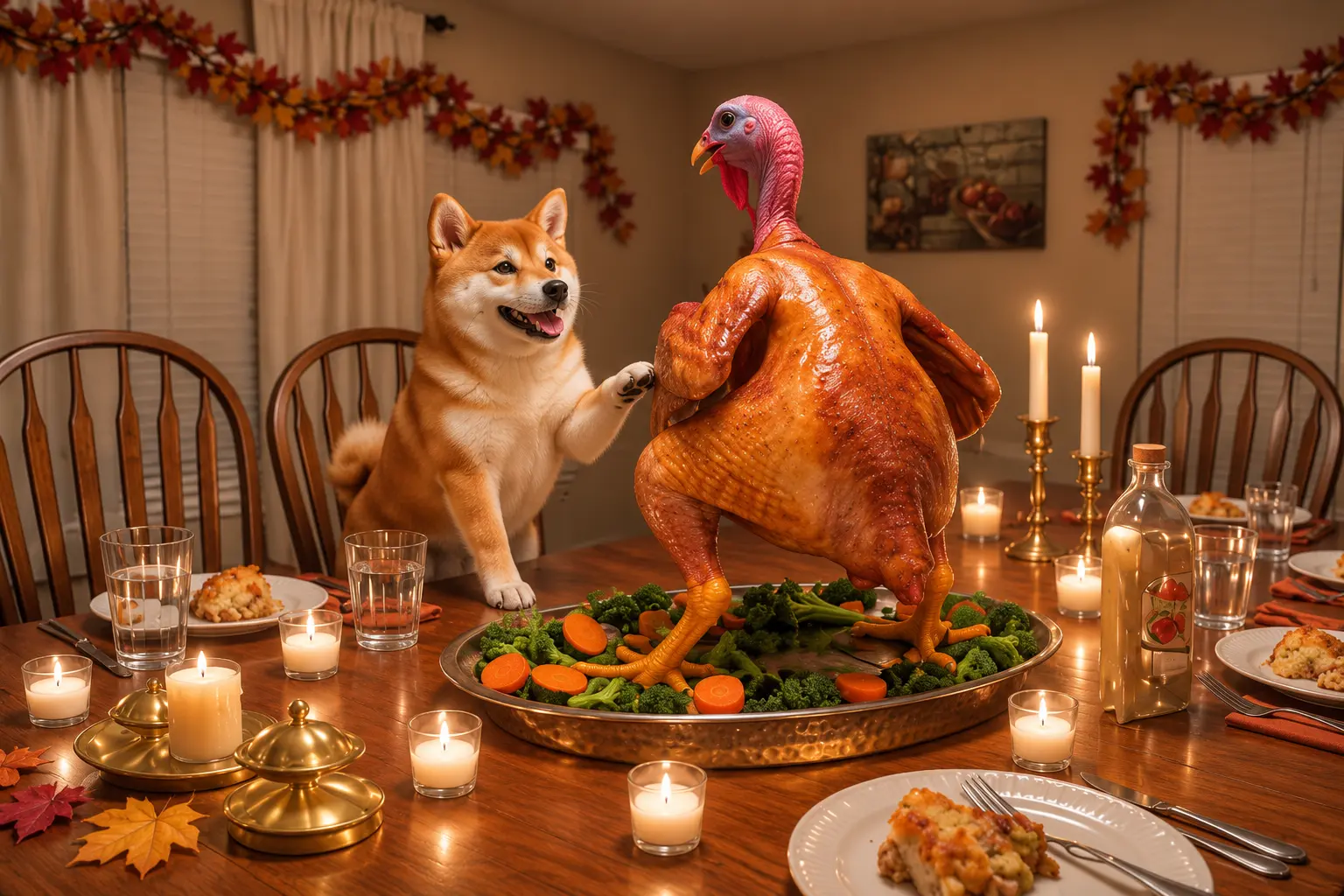
AI Kung Fu Turkey:Dog
AI Kung Fu Turkey:Dog
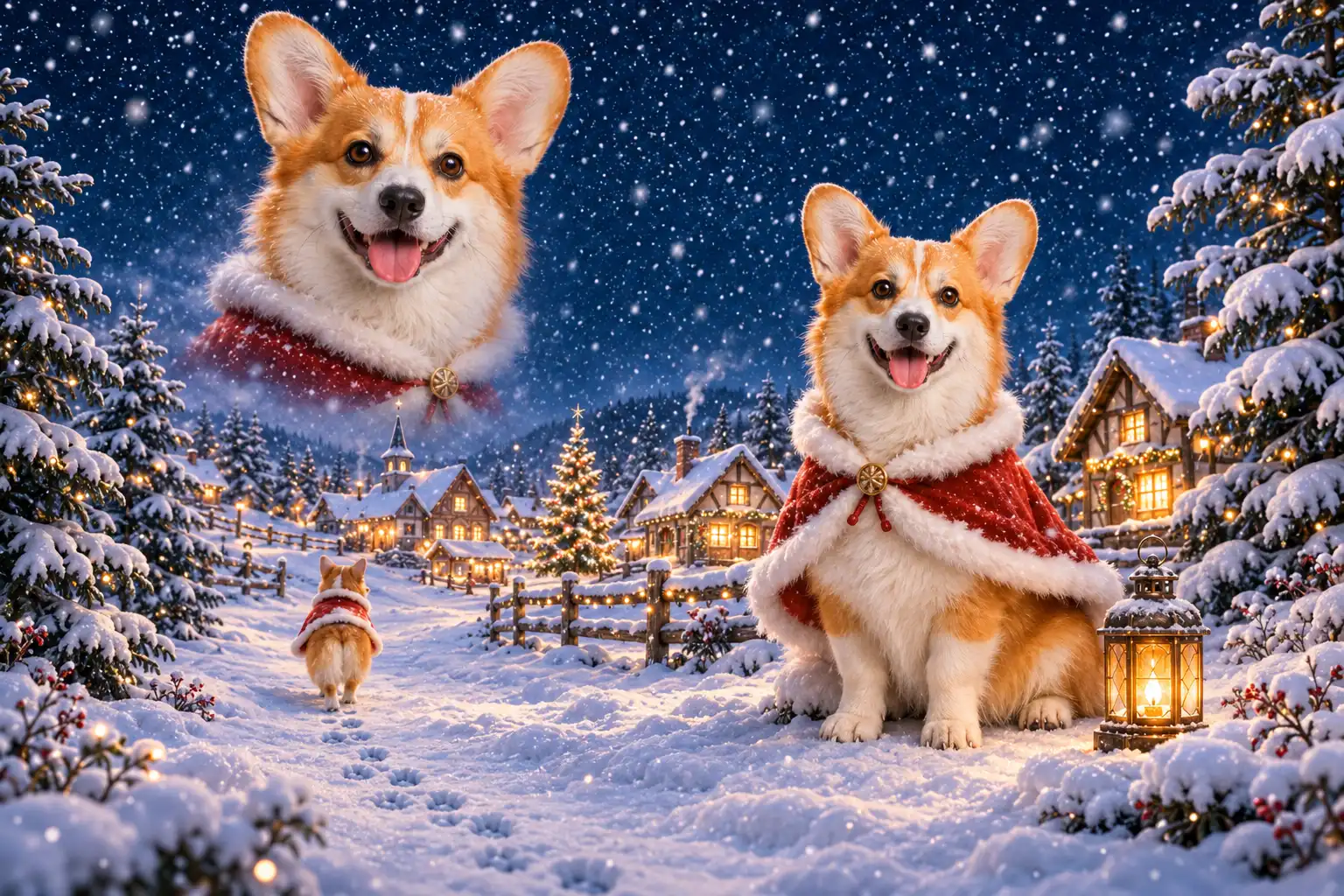
Christmas Ice Queen: Pet Dog Edition
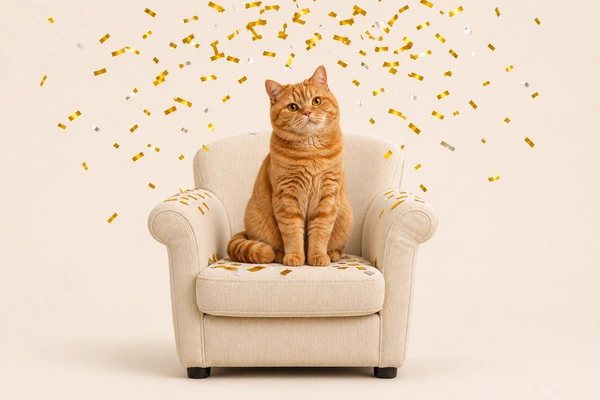
Boom Clap Confetti Paws
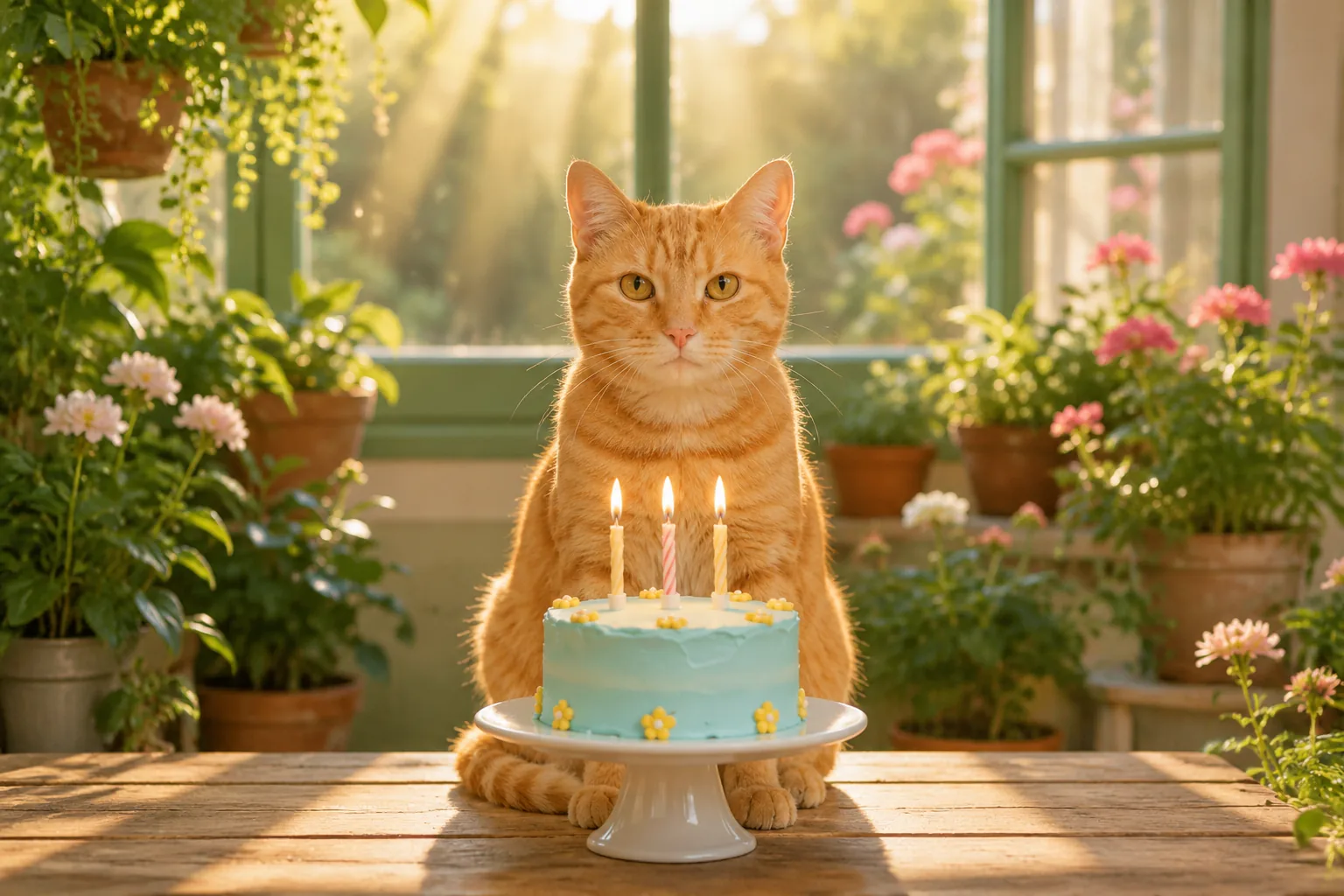
Singing Birthday Cat
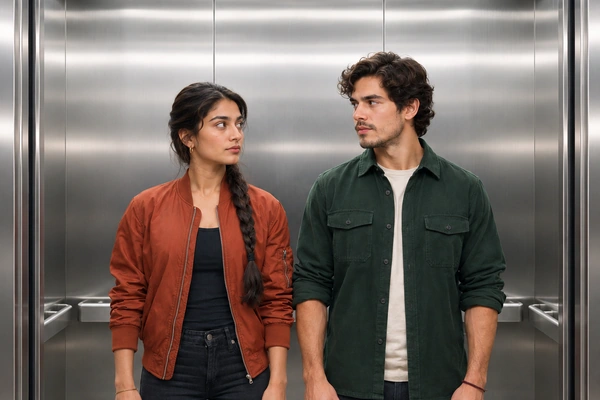
365 Elevator Walk In
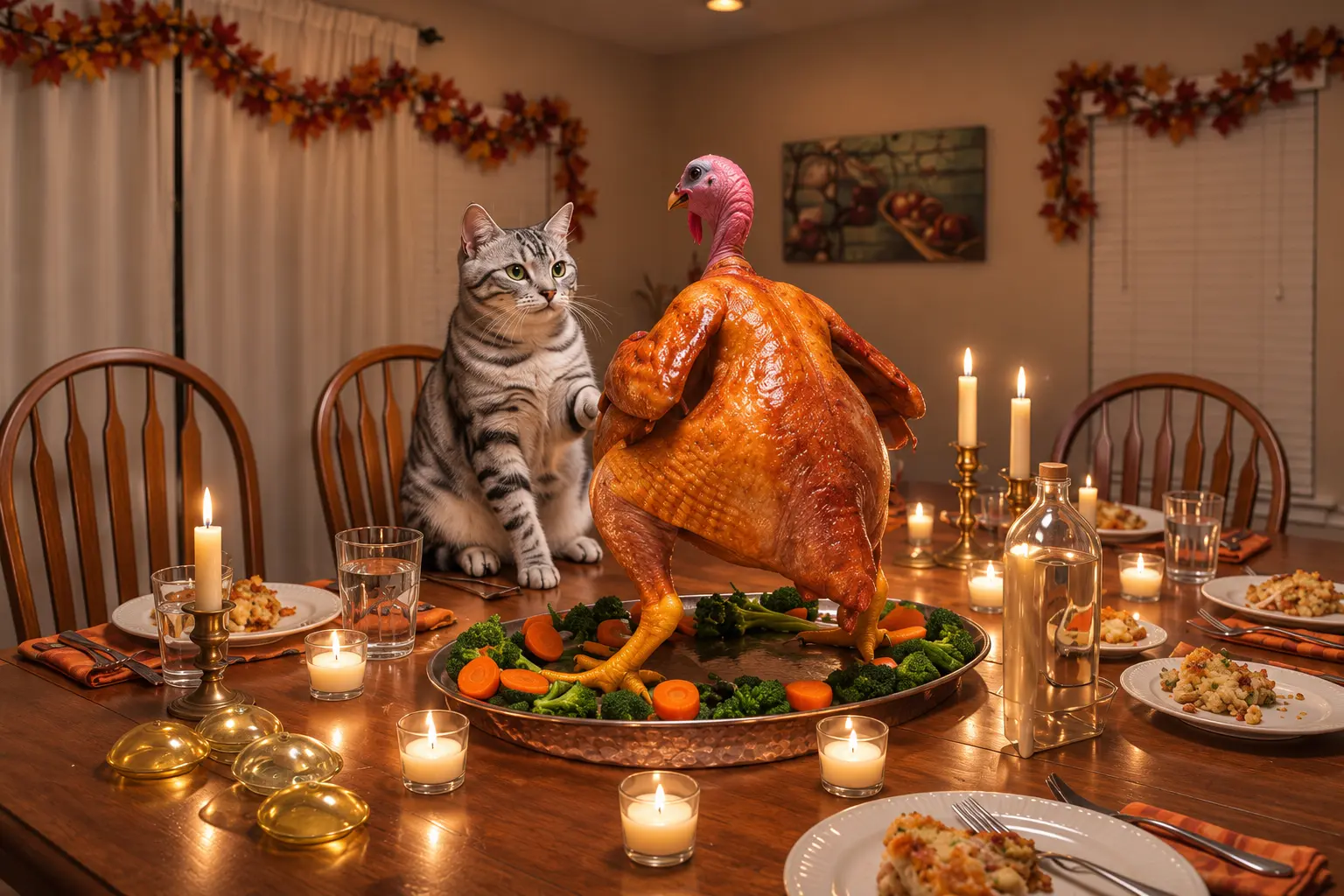
AI Kung Fu Turkey:Cat

Christmas Ice Queen: Animated Version

Boom Clap Confetti High Five

Banana Leaf River Glide
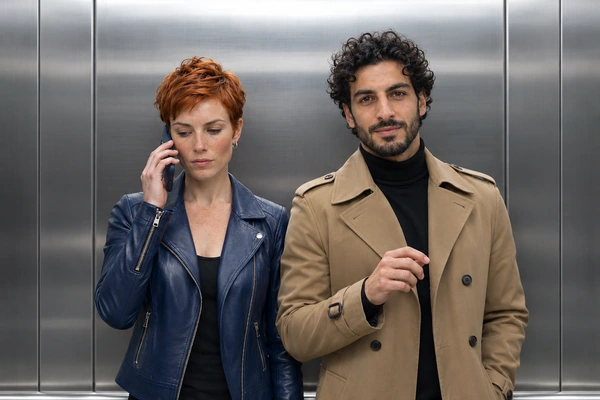
365 Elevator Phone Call
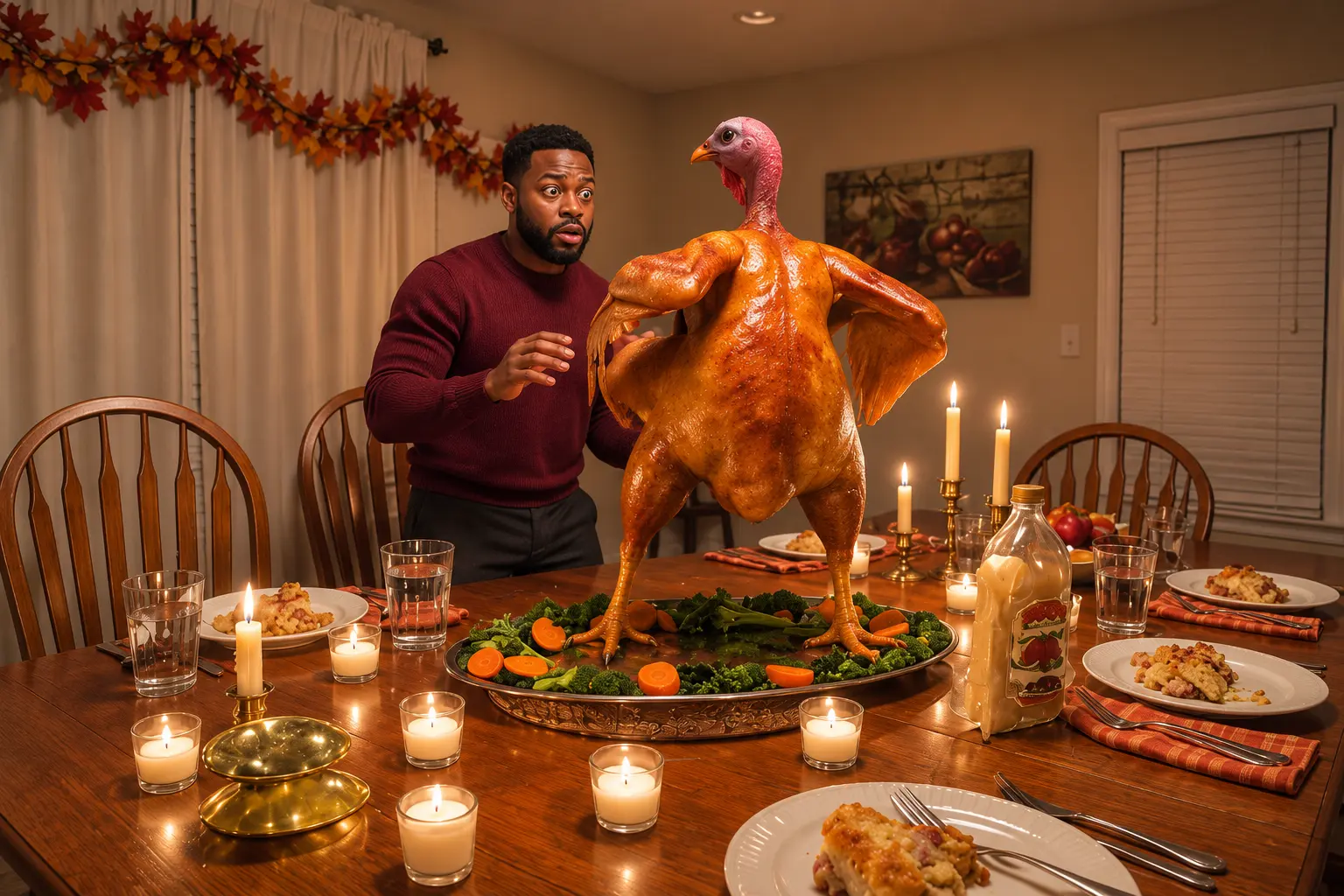
AI Kung Fu Turkey
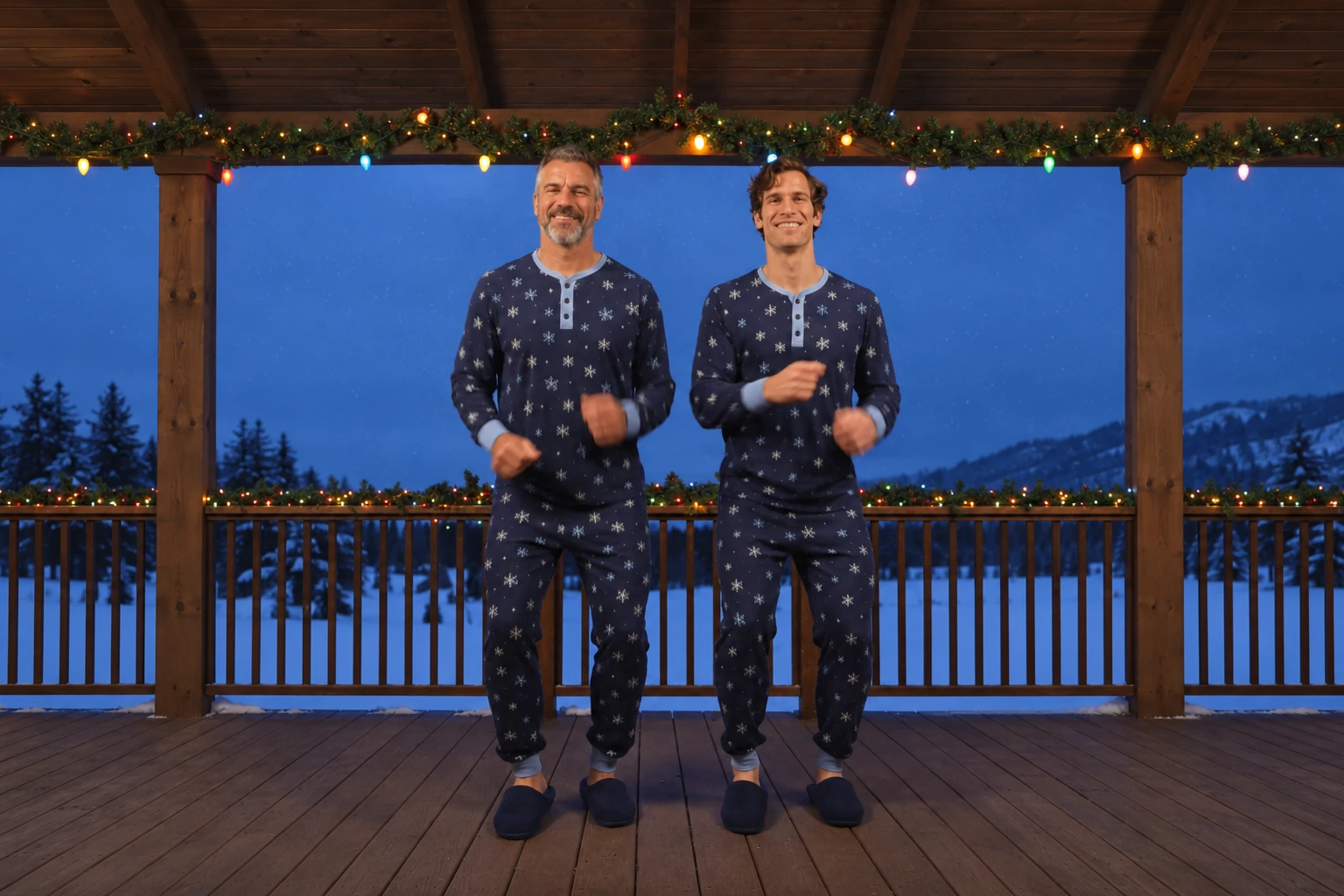
Matching Xmas PJs – Snowflake

Boom Clap Solo Spotlight

Banana Leaf Crocodile Escape
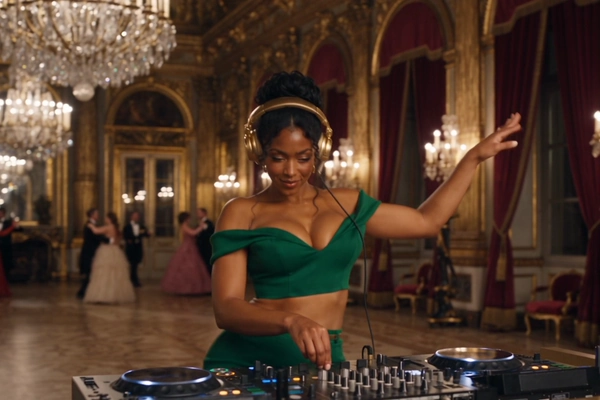
Emerald Ballroom Groove
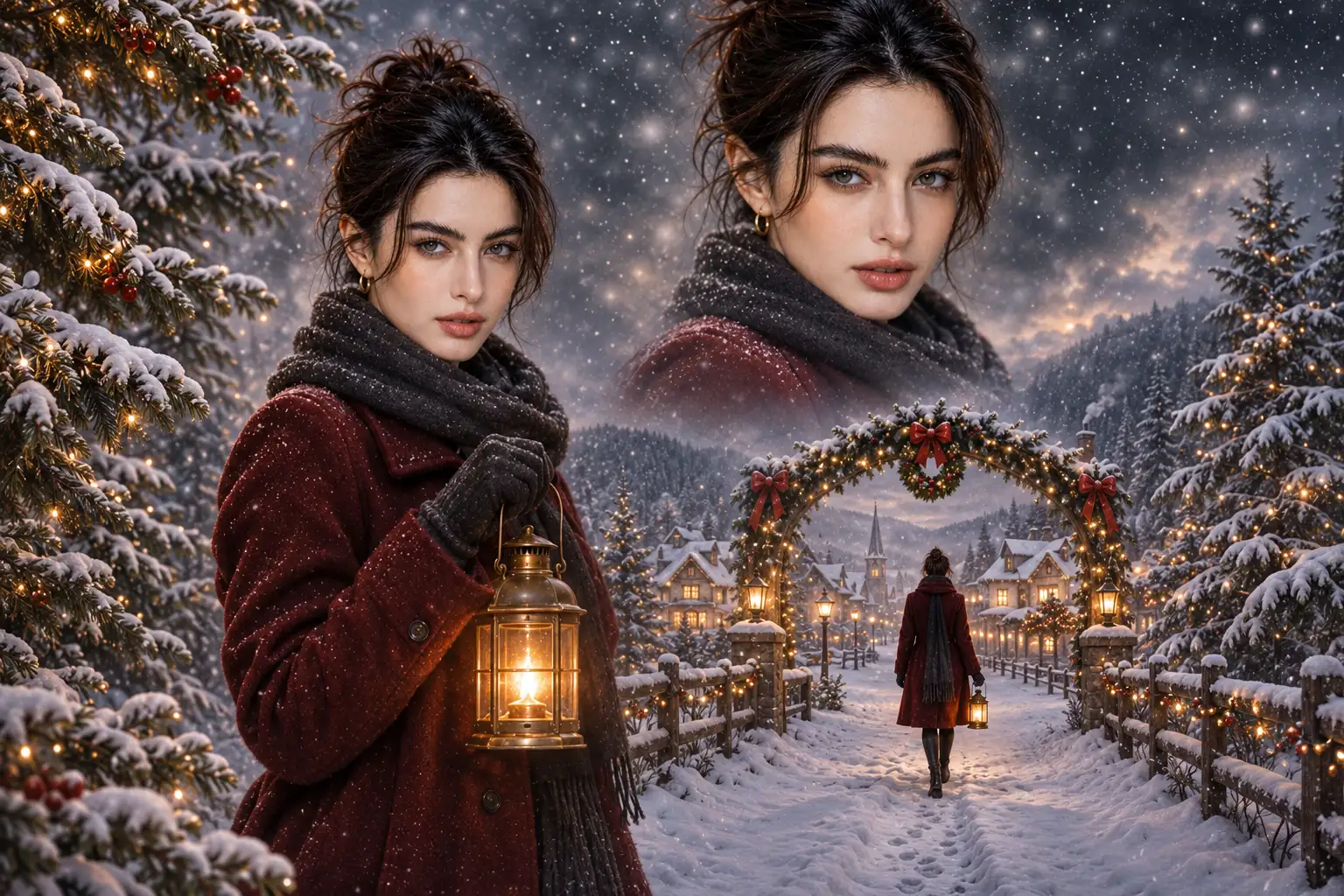
Christmas Ice Queen
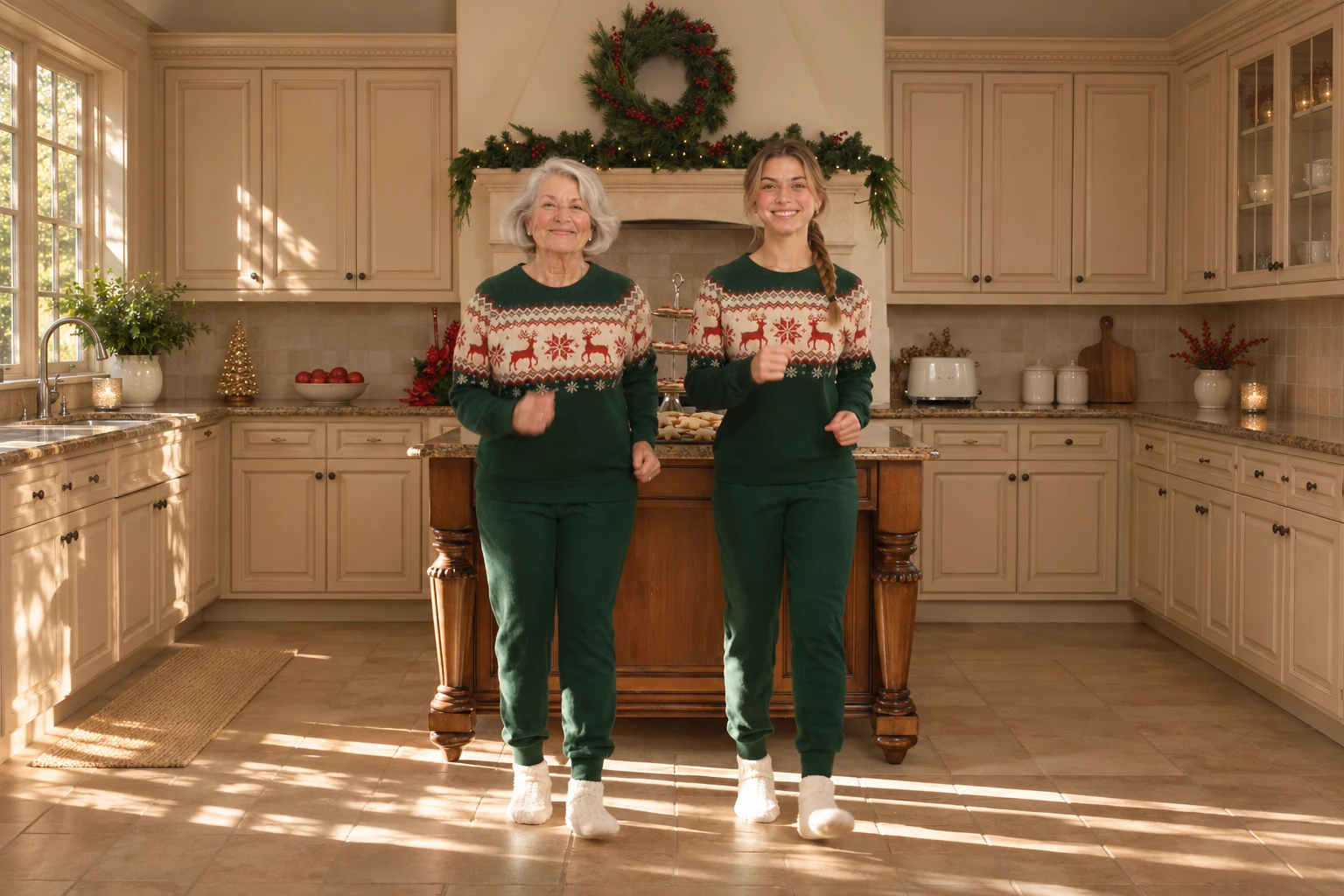
Matching Xmas PJs – Reindeer
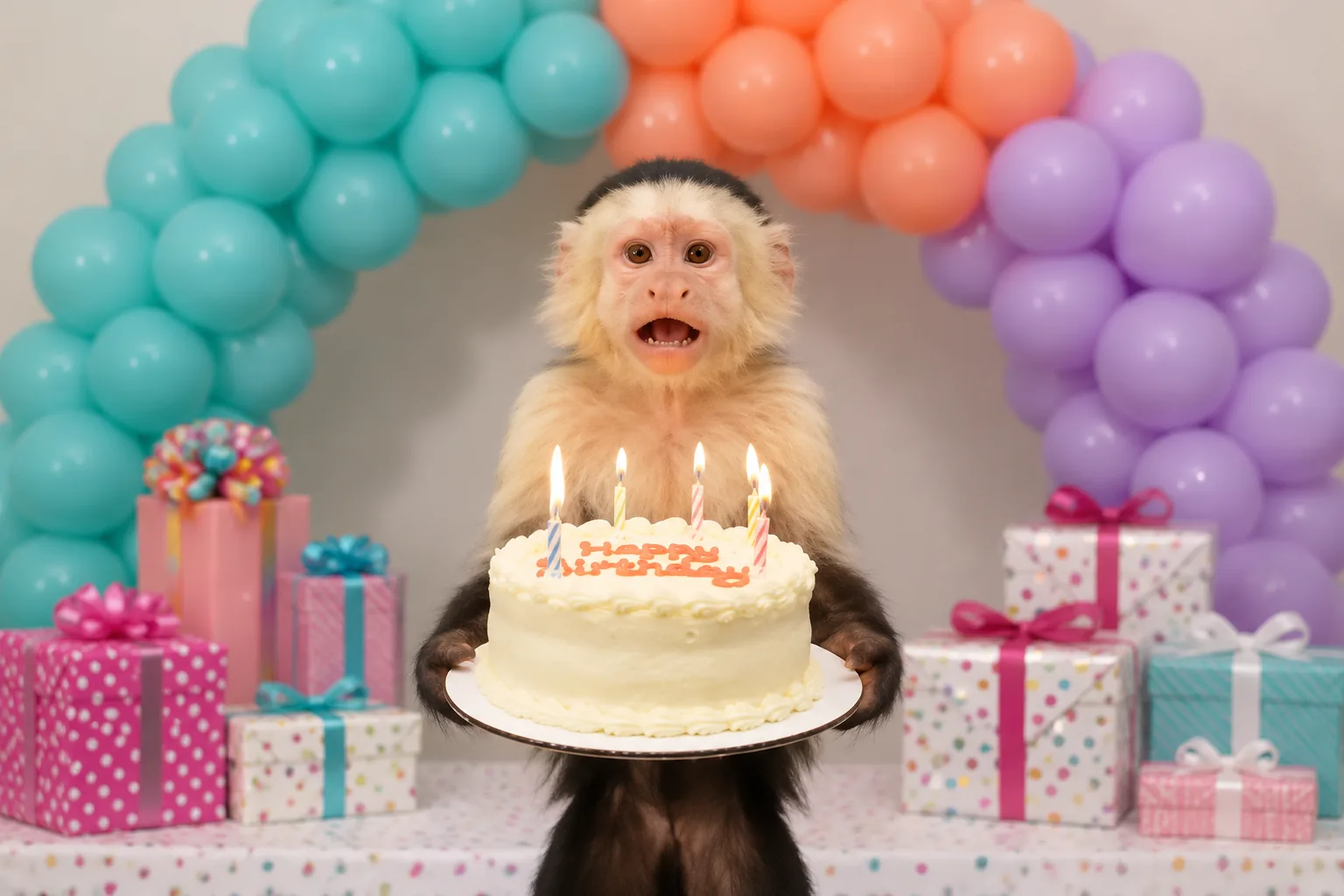
Singing Birthday Monkey

Banana Leaf Palm Landing
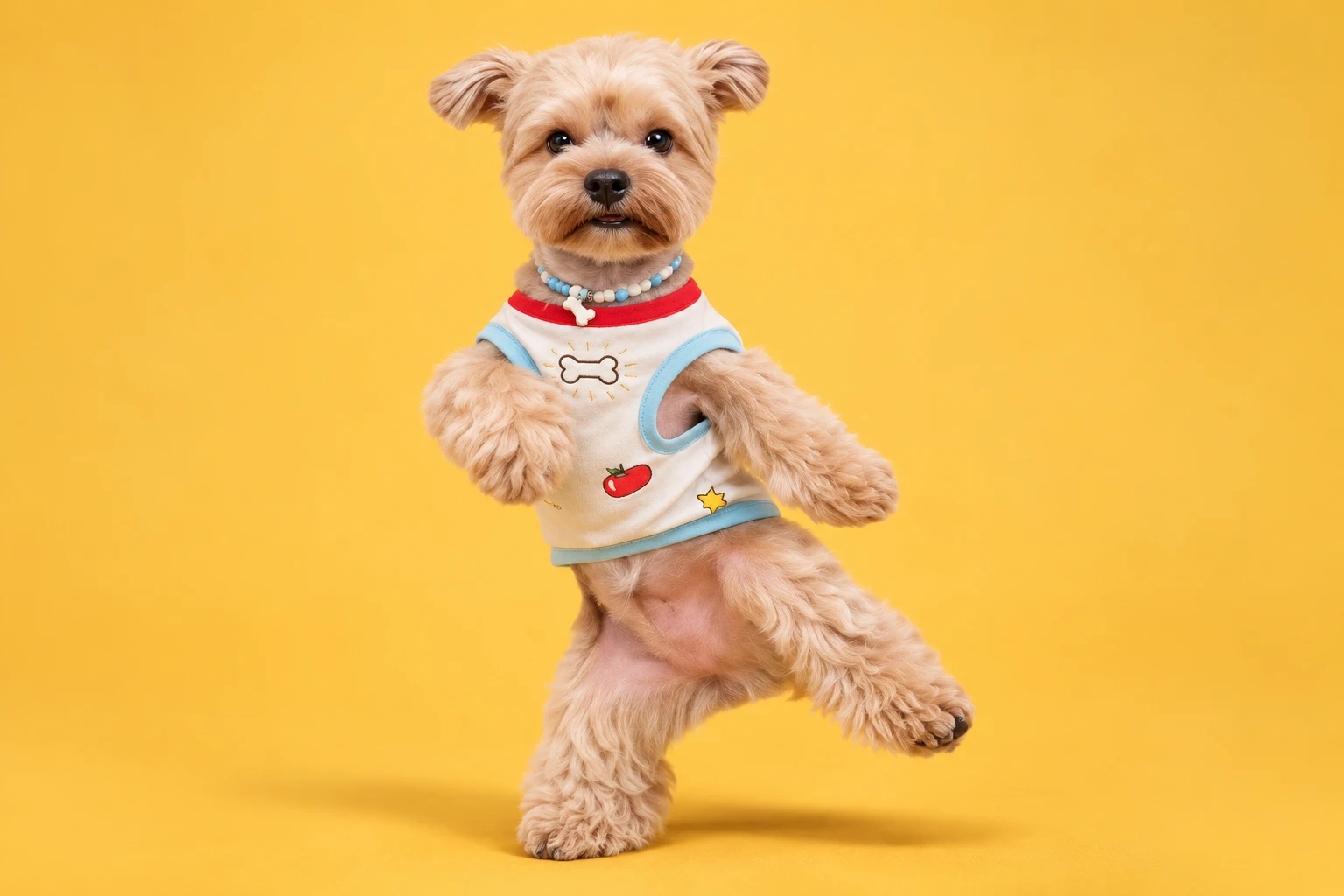
Tsundere Hmph Pet Dance
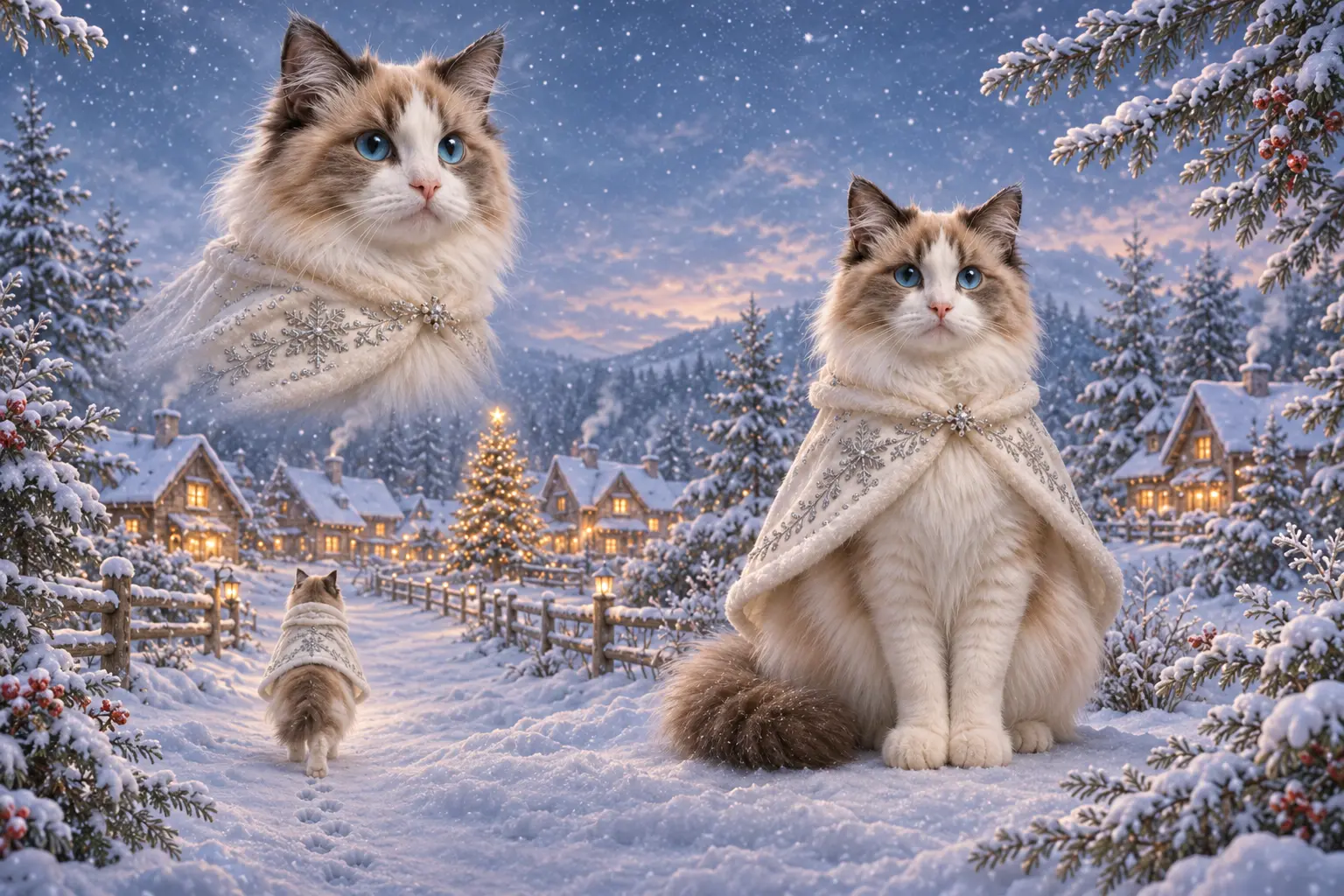
Christmas Ice Queen: Pet Cat Edition
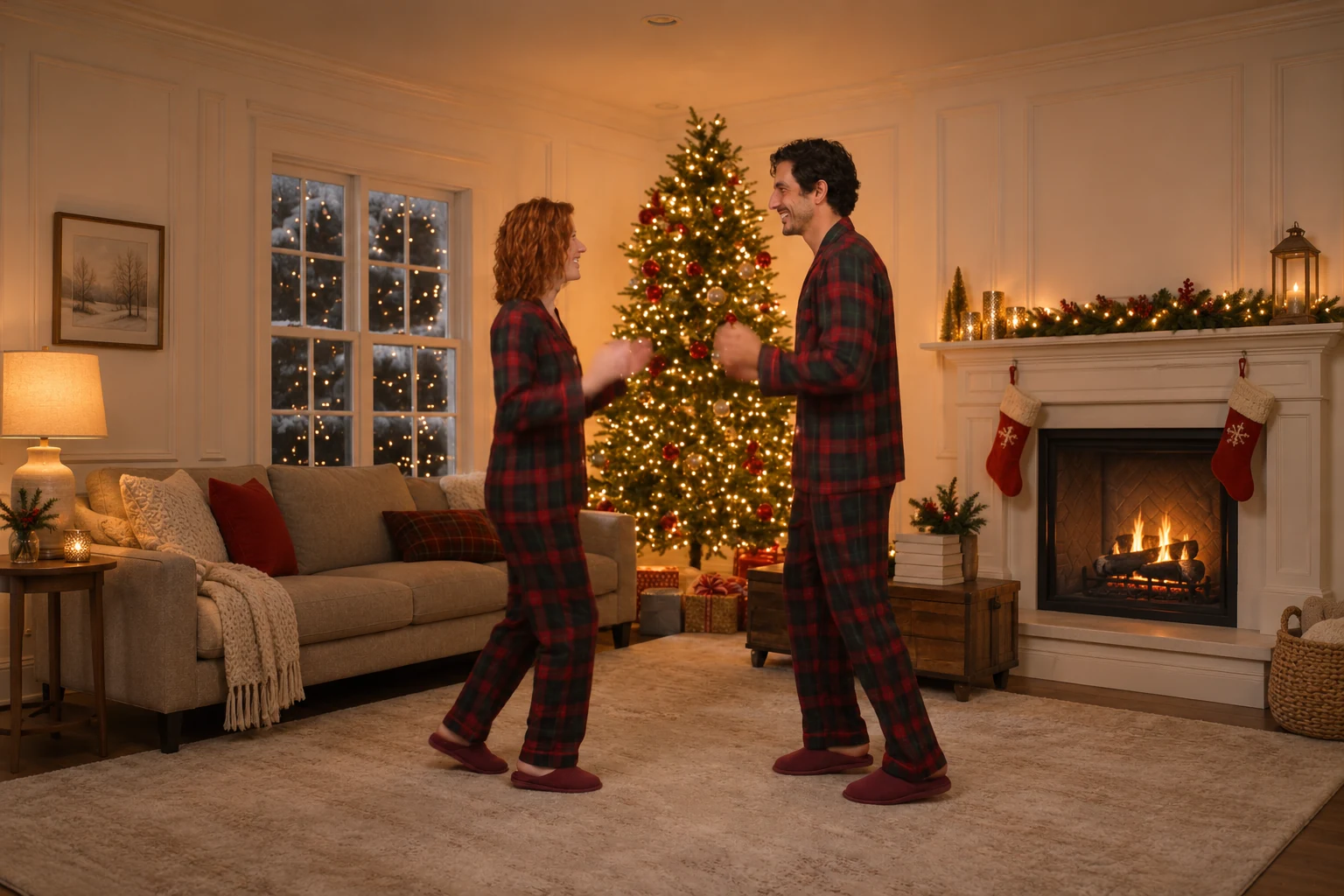
Matching Christmas Pajamas
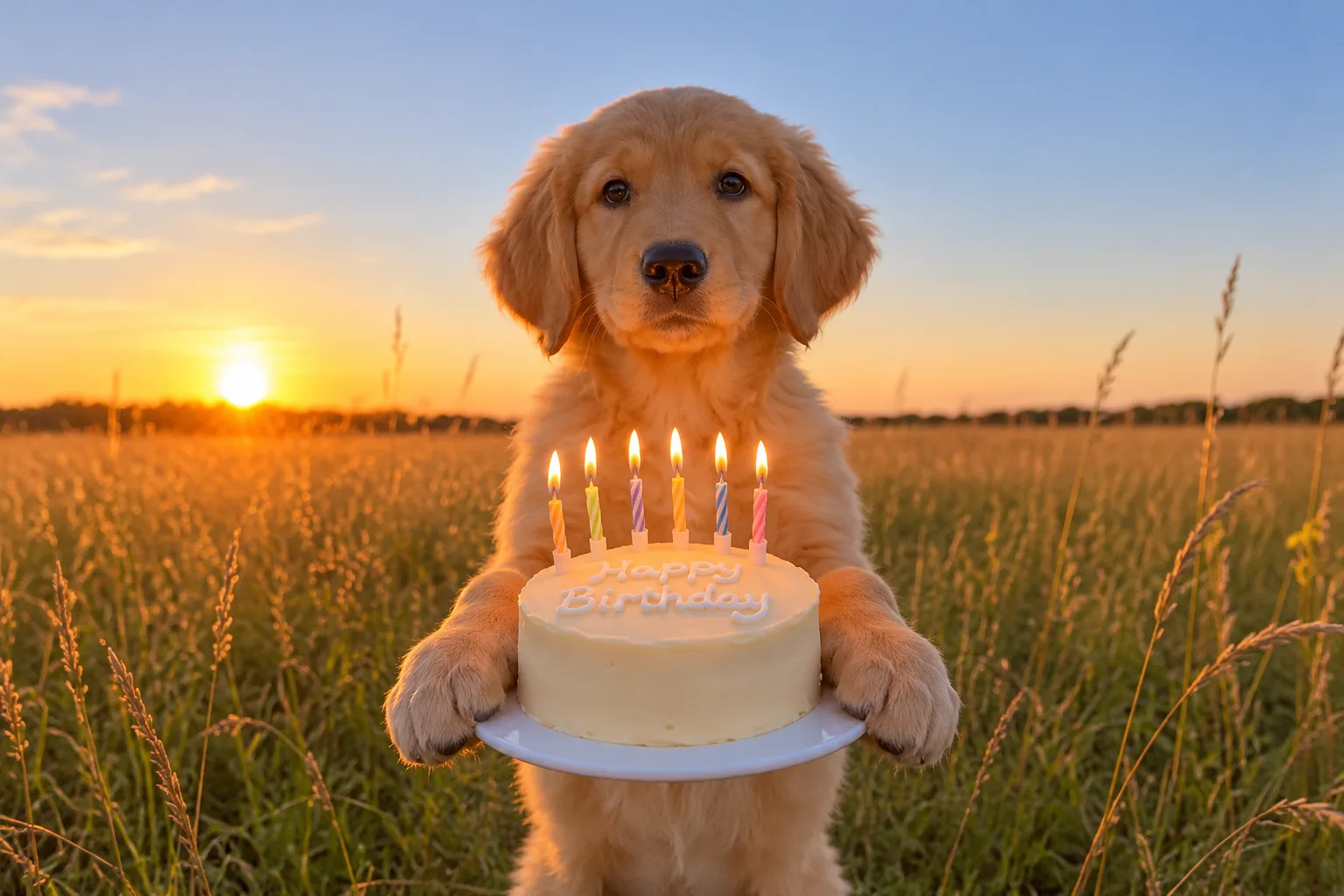
Singing Birthday Dog
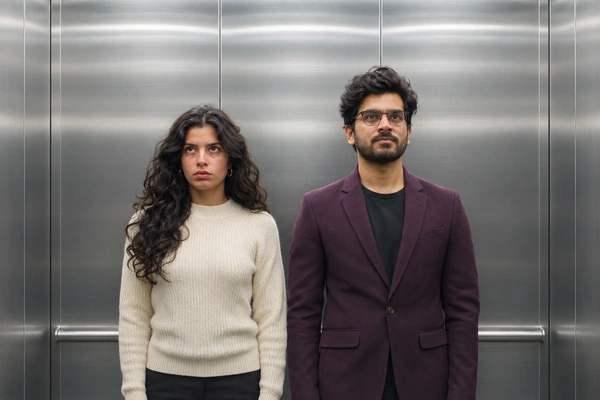
365 Elevator Silent Stare
用熱門 AI 影片特效,把照片變成有趣的舞蹈短片、驚喜變身和可分享的精彩瞬間。
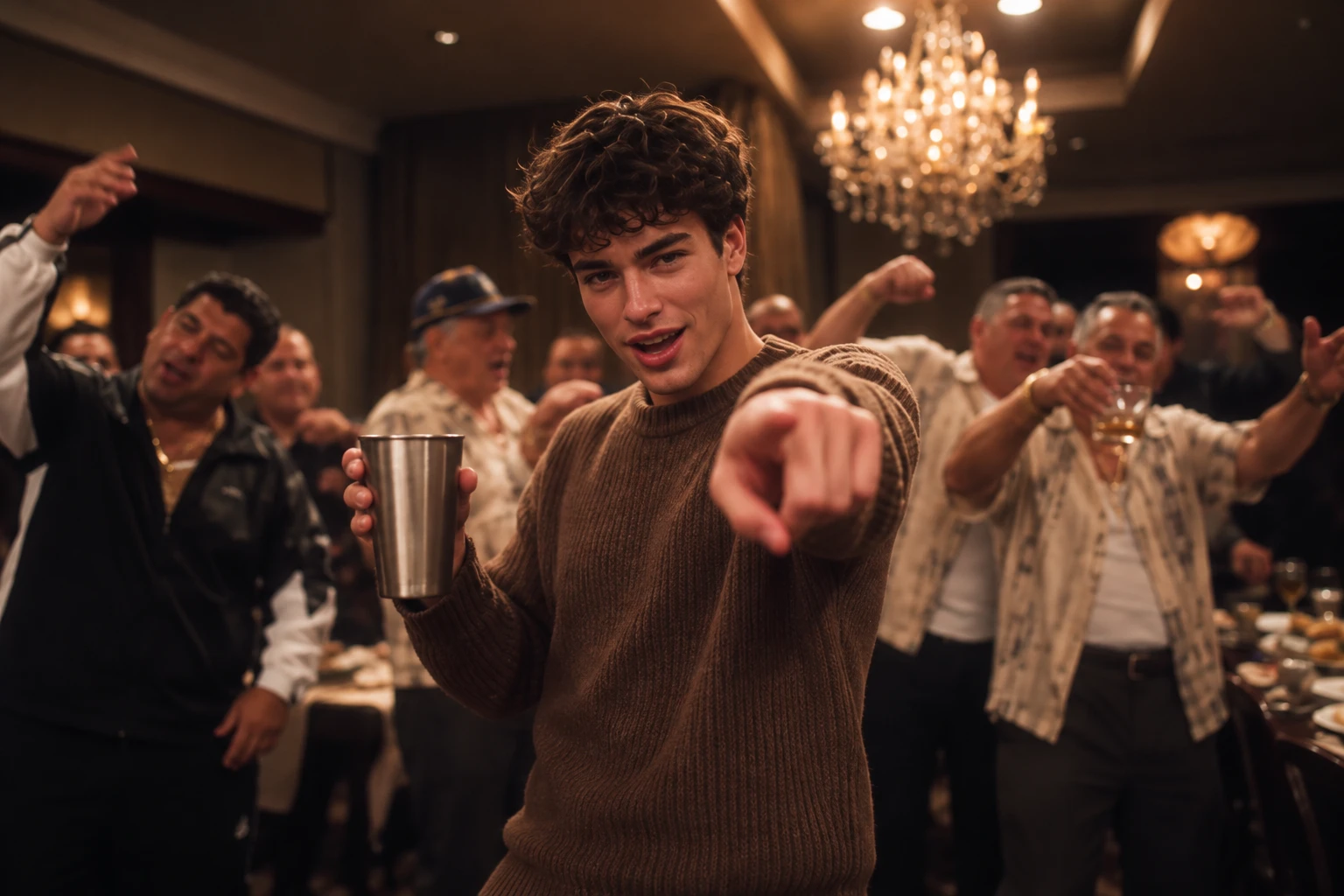
瀏覽 Burning Bridges AI 影片範本,挑選最符合這股爆紅熱潮的場景。從水晶吊燈照亮的派對、暖金色燈光、熱鬧賓客,到經典派對氛圍,都能一次到位。使用現成範本,無須從零搭建場景,就能重現熟悉的畫面與感覺。
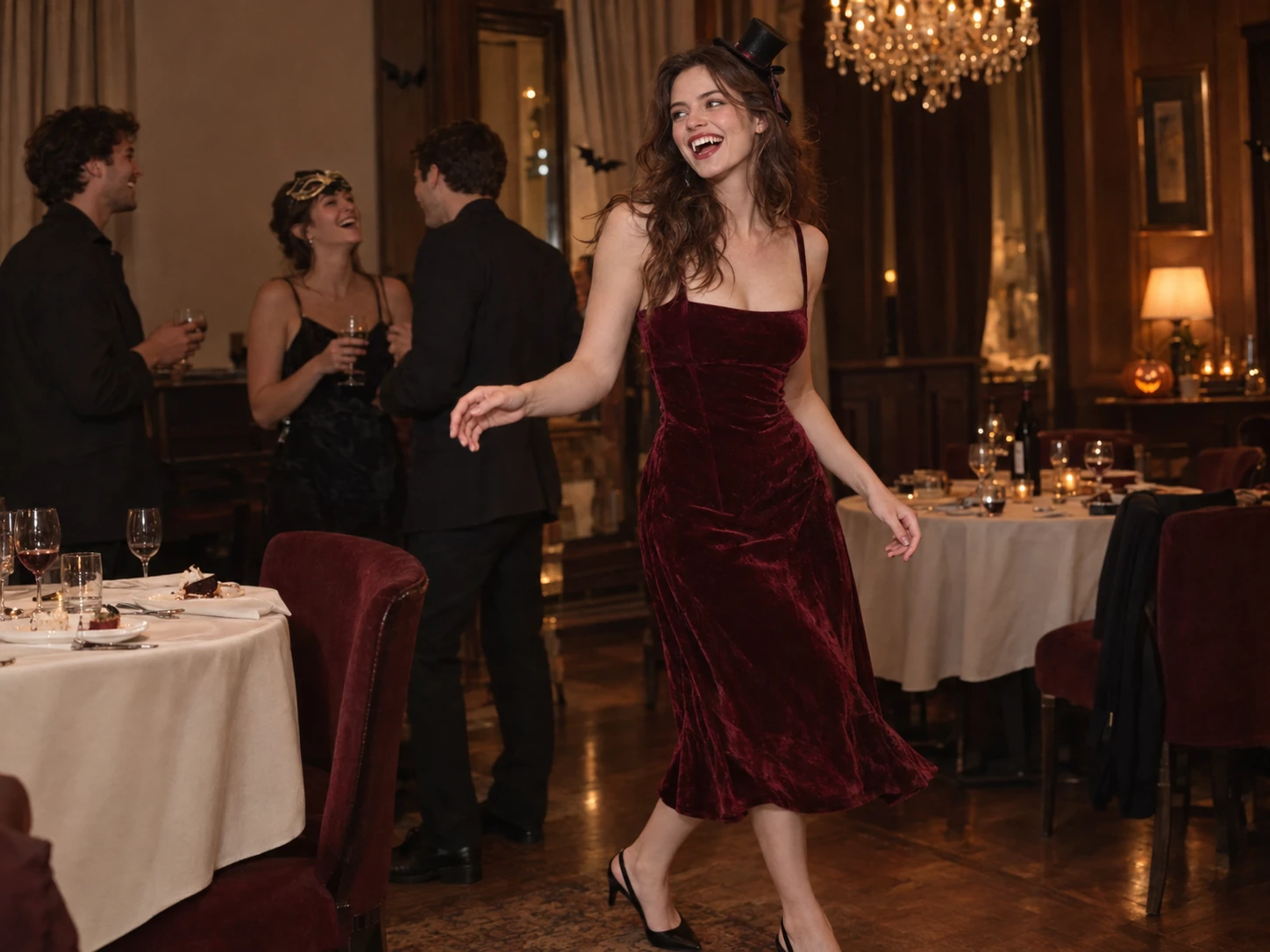
出門狂歡前,先把 Burning Bridges AI 短片丟進群組,讓自己化身早已在派對上混得風生水起的朋友。用 AI 跳舞影片生成器做一支,讓大家盡情吐槽你的戲劇化登場,尤其是你突然湊近鏡頭的那一刻。
出門狂歡前,先把 Burning Bridges AI 短片丟進群組,讓自己化身早已在派對上混得風生水起的朋友。讓大家盡情吐槽你的戲劇化登場,尤其是你突然湊近鏡頭的那一刻。
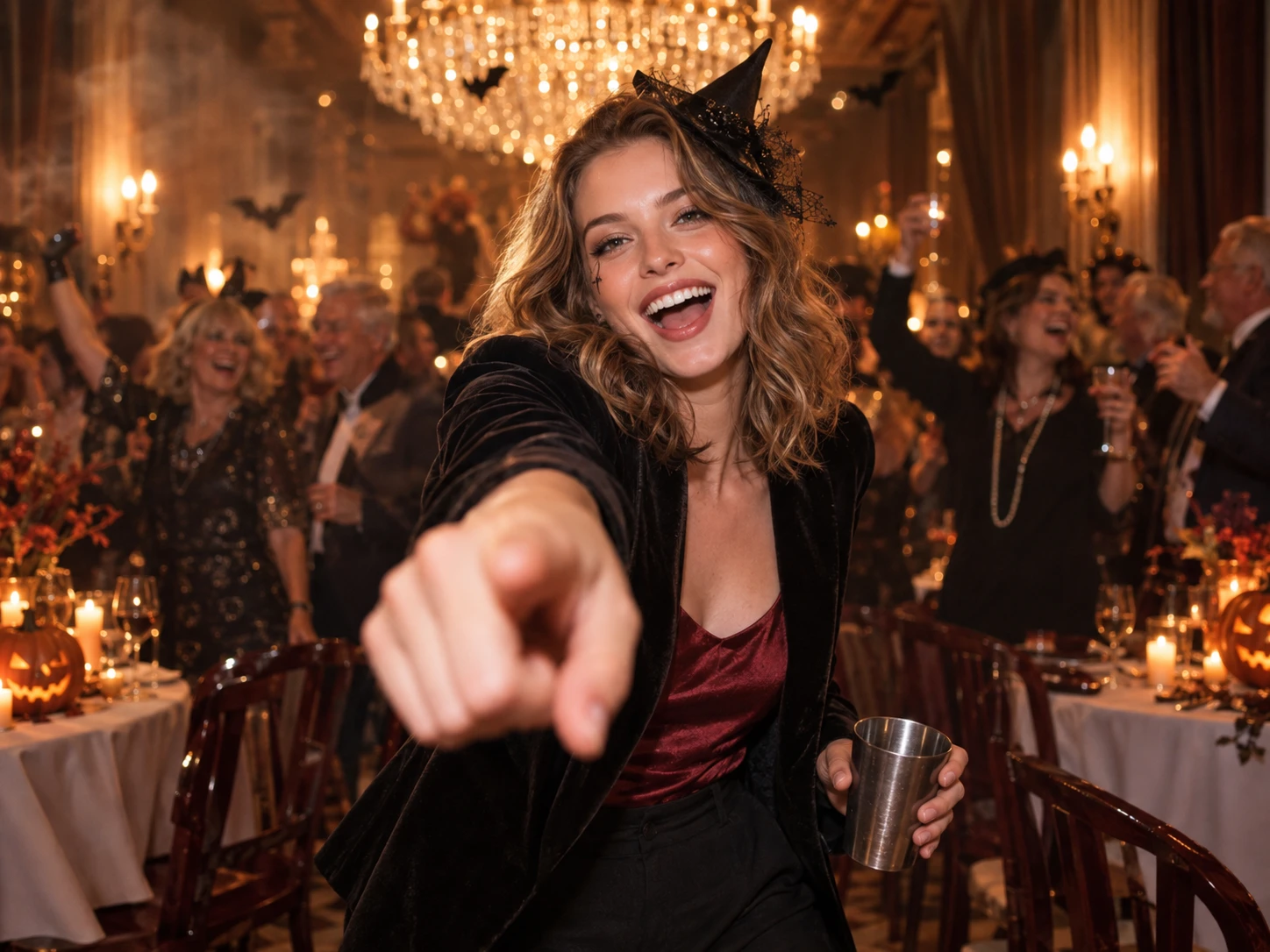
在 TikTok 或 Reels 上,你用 AI 跳舞影片生成器 製作的 Burning Bridges AI 表演,會讓粉絲一眼認出你,忍不住按讚、轉發,還說「這根本就是你」。
送壽星朋友一支以他為主角的短片,讓他在水晶吊燈照耀的派對場景中自信直視鏡頭,逗得整個群組哈哈大笑。
為 Burning Bridges AI 短片配上「我在找剛剛是誰點了薯條」,再邀請粉絲替四處張望的動作想出自己的搞笑字幕。
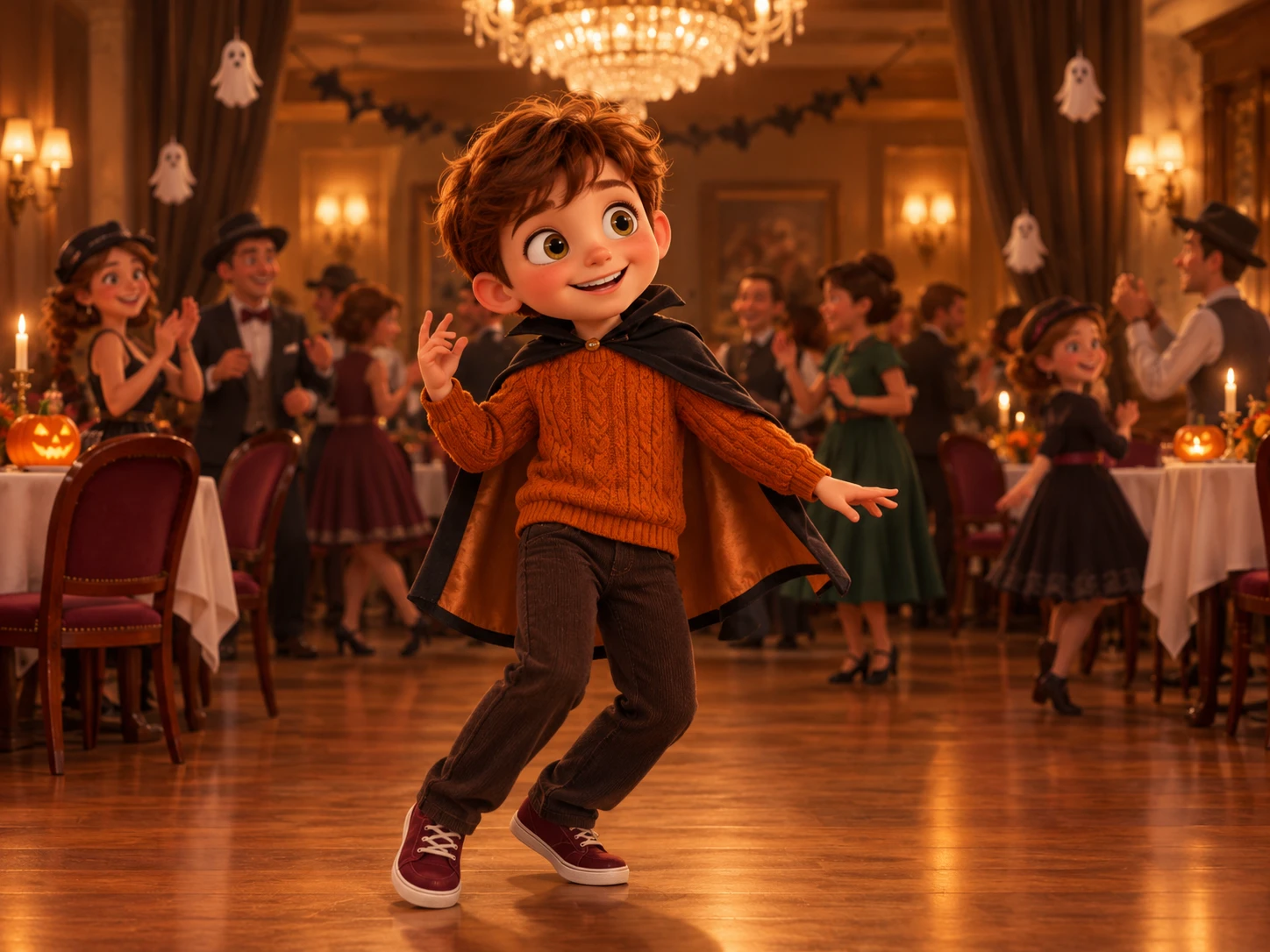
PicLumen 的 Burning Bridges AI 生成器把熟悉的派對場景與招牌動作整合進同一個範本,讓你照片中的主角擔綱演出。
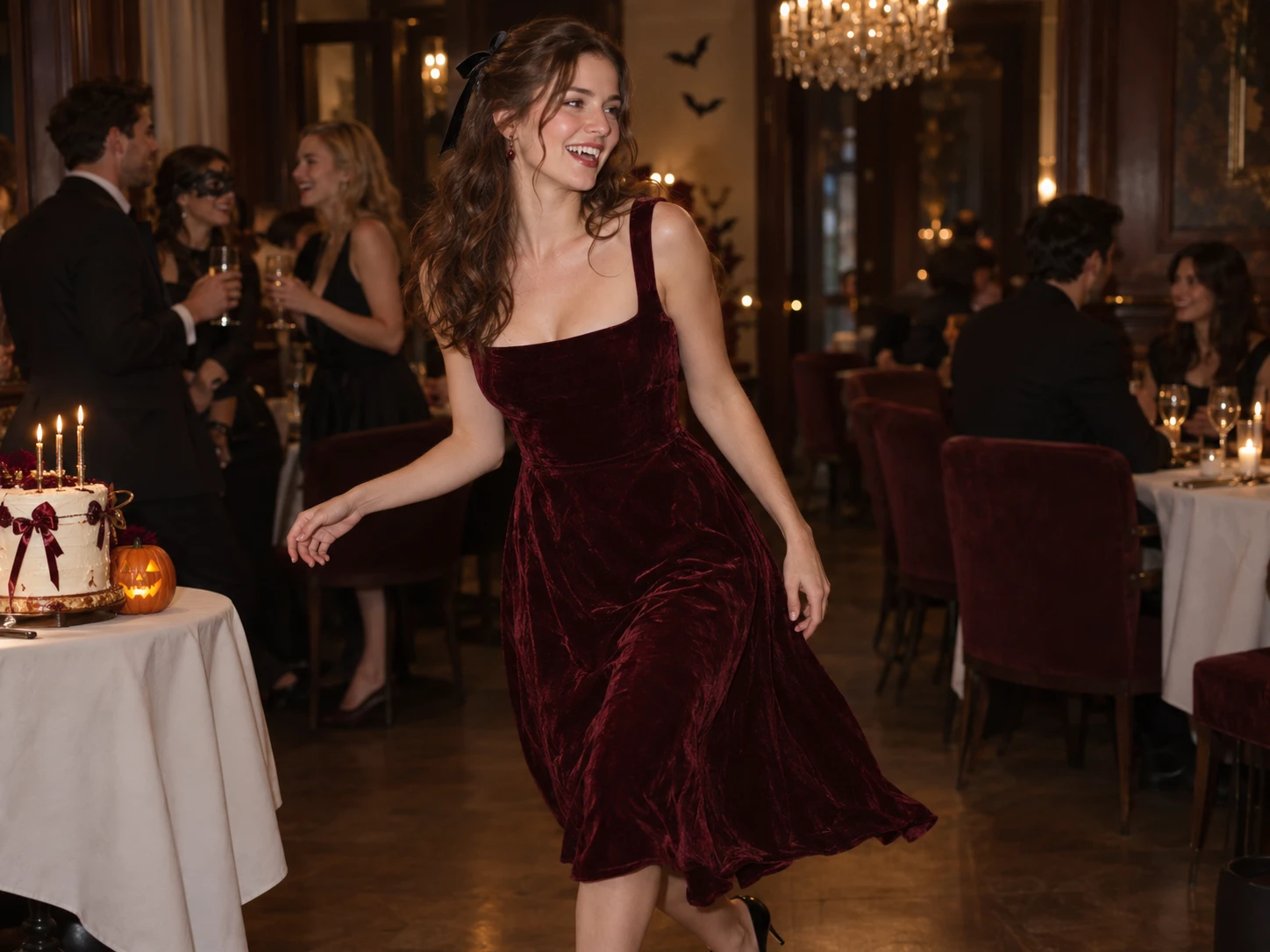
只要一張照片,就能開始製作完整影片;不用架設攝影機、拍攝素材,也無須手動剪輯。
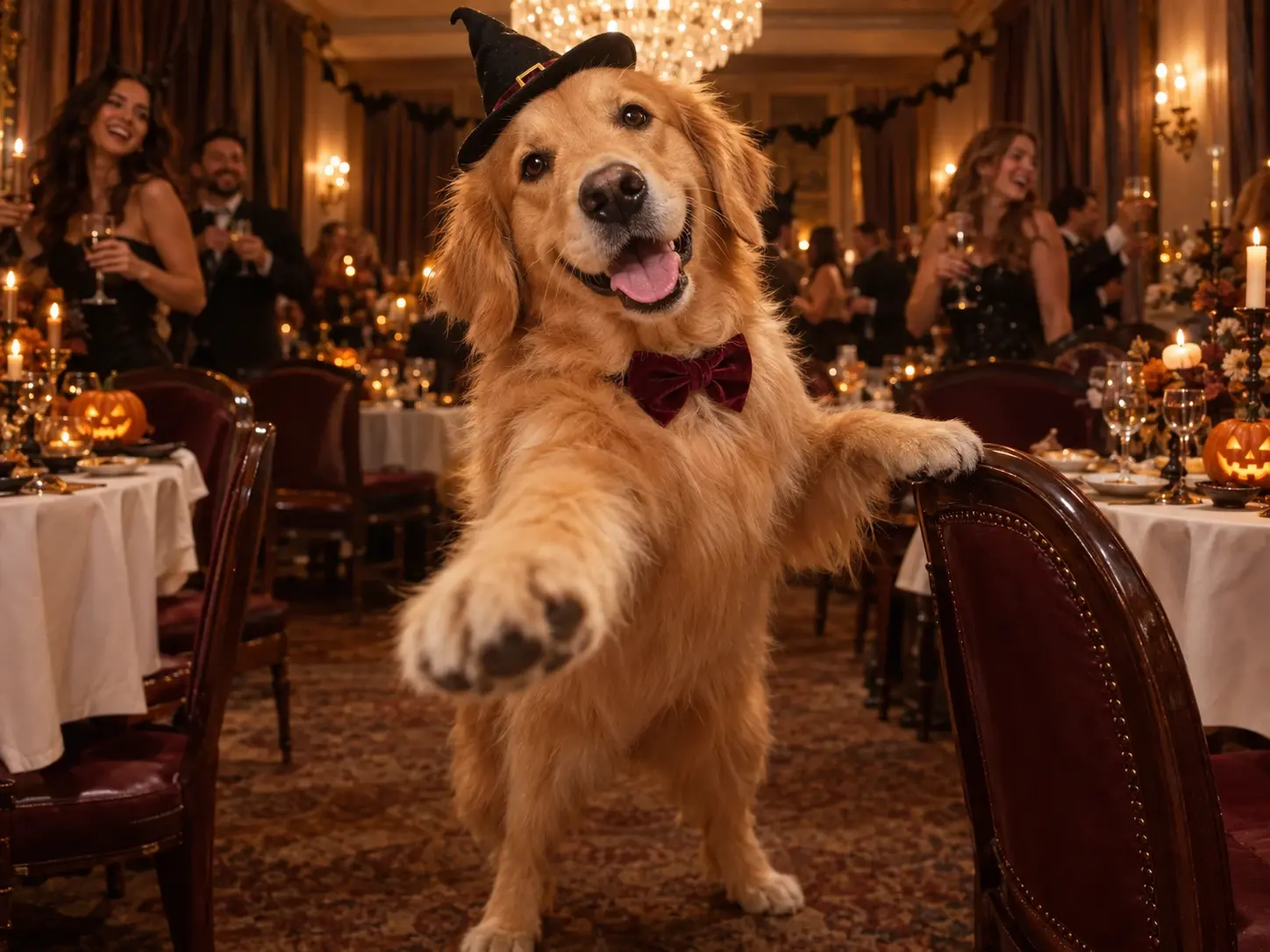
從湊近鏡頭到張開雙臂,範本以流暢動作為設計核心,同時保留清晰可辨的臉部特徵與一致的派對背景。
 Isuru Nilanka
It's easy to use
It's easy to use, they have different AI models, good prices, and a nice community page.
 chelsienner
This is my favorite AI Image generator
This is my favorite AI Image generator
I recently had some technical issues…
I recently had some technical issues that I was trying to work through, so I reached out to the team at PicLumen for support. They were incredibly open, responsive, and willing to discuss the challenges I was experiencing. I even sent them a video demonstrating some of the issues I came across, and they took the time to review everything carefully and work toward finding solutions. What really stood out to me was how friendly, approachable, and collaborative they were throughout the process. I never felt like I was just submitting a problem ticket — it felt like they genuinely cared about improving the experience and helping users succeed. I truly enjoy using the platform and appreciate the level of support and dedication behind it. I would absolutely recommend PicLumen to anyone interested in this type of creative work.
 next frame
best ai web creation site
best ai web creation site
 Zara
Piclumen still remains the best…
Piclumen still remains the best with image references. I don't have any complains using Piclumen. It makes my work easier
Great platform
Ease of use,and great models
 Elisa Lika
perfect
i think they are very cool and do a great worl with AI
 Jonathan Kauan da Silva
good i like create images
good i like create images
Great tool
Great tool, I made fantastic results with it.
Have a good experience and so smooth.
Have a good experience and so smooth.
 Lalith Perera
I loved it thank you so much for the…
I loved it thank you so much for the images
 Tim Olukayode Ajayi
Amazing Platform
Honestly, I was wowed the moment I land on PicLumen and tested their platform. I wanted to pay for the popular one before but had to stop and I am loving it all the way. I totally recommend PicLumen guys!
Burning Bridges AI 影片生成器讓你用自己的照片,重現爆紅的奢華派對影片熱潮。透過現成的 AI 影片範本,讓你自己、朋友或寵物成為水晶吊燈派對場景的主角。
在 PicLumen 選擇 Burning Bridges 範本、上傳清晰照片,再點擊「生成」。影片完成後即可預覽、儲存最喜歡的版本,並分享到社群媒體。
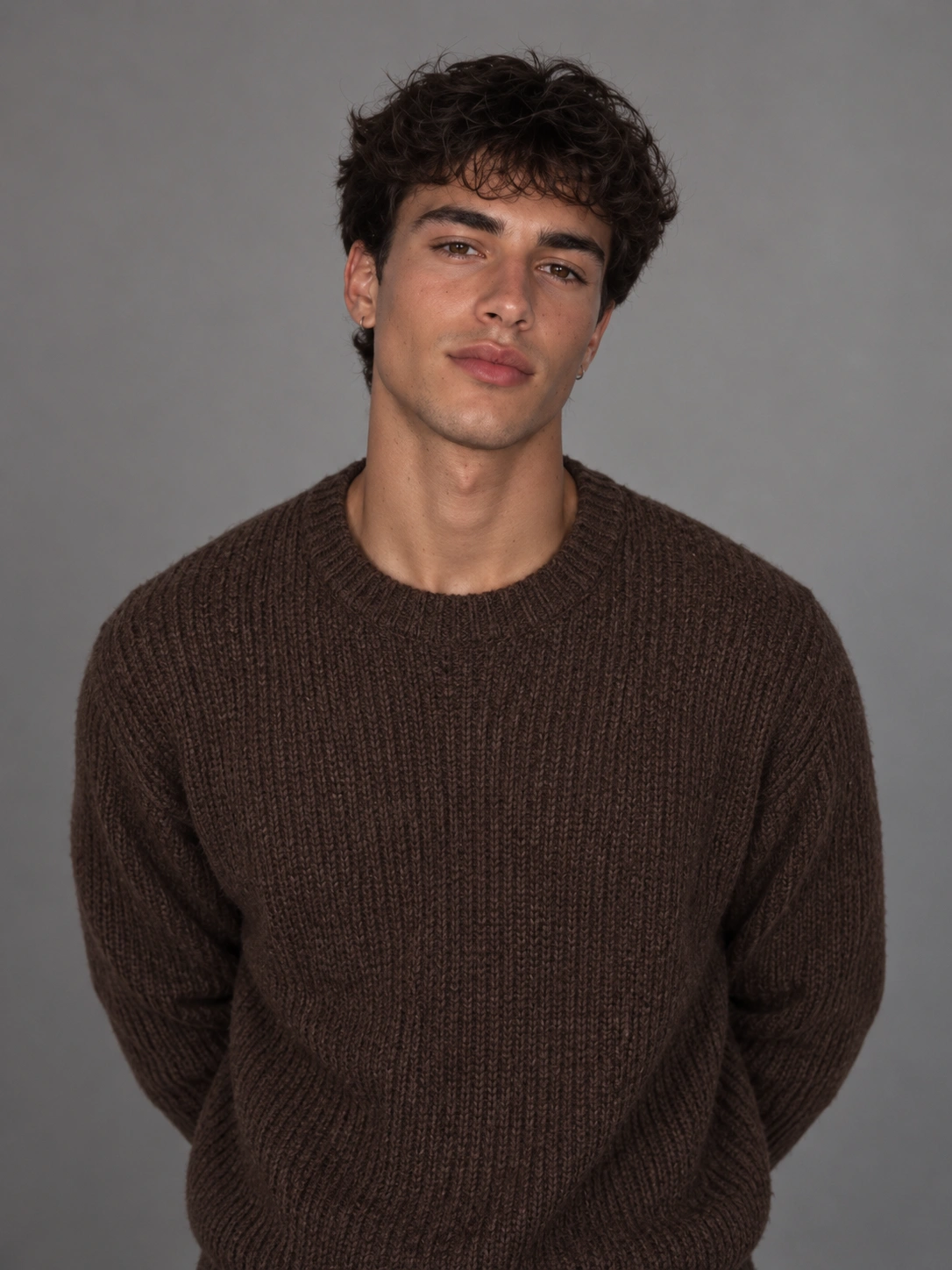
為獲得最佳效果,請上傳主體完整清楚、光線充足的照片。避免使用模糊、陰影過重或臉部受遮擋的圖片。主體越容易辨識,AI 越能生成連貫、好看的影片。
當然可以!上傳狗狗、貓咪或其他寵物的清晰照片,讓毛孩成為 Burning Bridges 風格派對的主角。還可以試試墨鏡、金項鍊和暖色水晶吊燈光影,打造俏皮又華麗的效果。
不需要。使用 PicLumen 現成的 Burning Bridges 範本,只要一張照片就能開始,無須另外上傳動作參考影片。選擇範本、上傳圖片,就能生成影片。
可用的生成功能與使用次數,可能取決於 PicLumen 目前的方案及點數要求。製作 Burning Bridges AI 影片前,請至生成器頁面查看最新資訊。
生成時間取決於所選的 AI 模型、影片設定及目前的處理需求。只要選擇 Burning Bridges 範本、上傳照片並點擊「生成」。影片完成後,即可預覽並儲存最喜歡的版本。